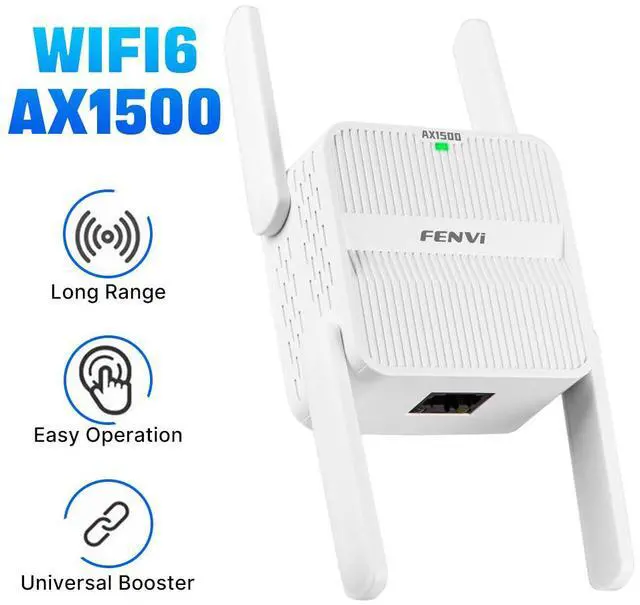
5Ghz Wireless WiFi Repeater 1500Mbps Router Wifi Booster 2.4G Wifi Long Range Extender 5G Wi-Fi Signal Amplifier Repeater Wifi
WiFi Extenders Signal Booster For Home:
Specifications
:
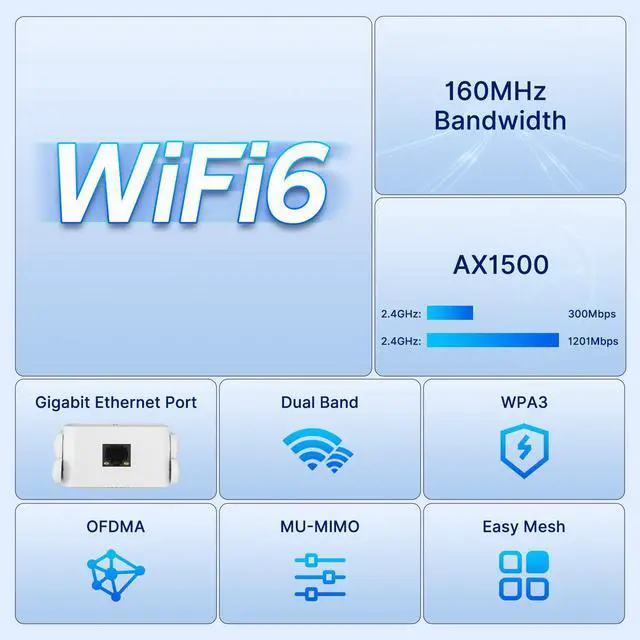
Transmission speed: 1500Mbps
Dual band: 2.4GH z and 5GHz
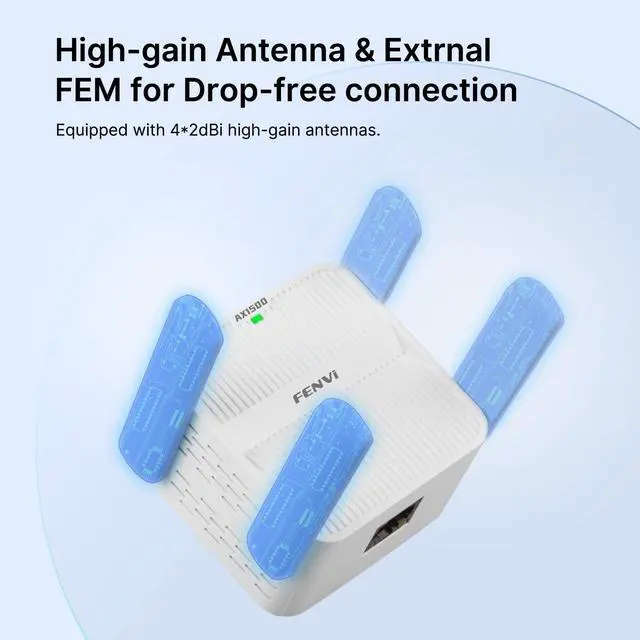
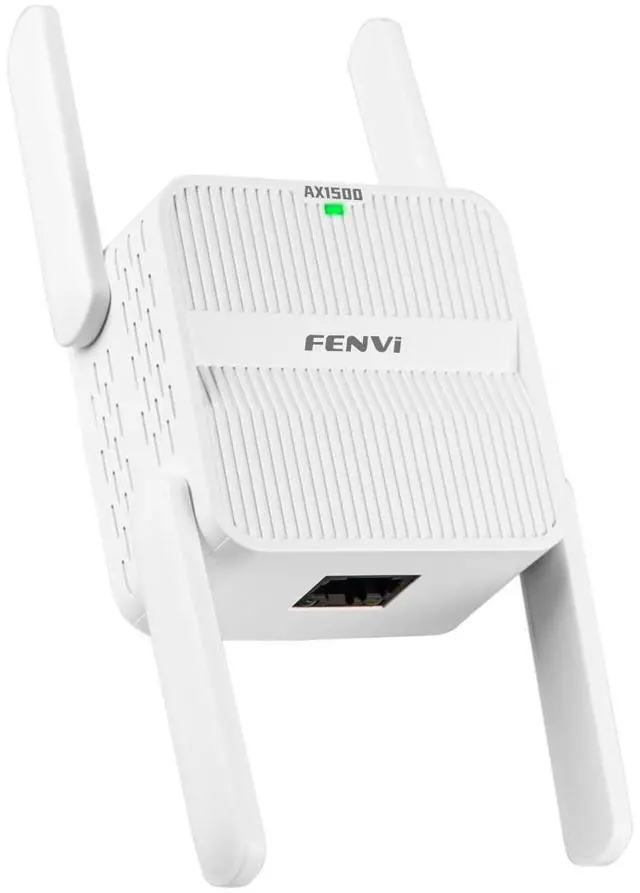
Antenna: 4 * external antenna (adjustable)
Working mode: repeater and AP/wireless and wired Mode;
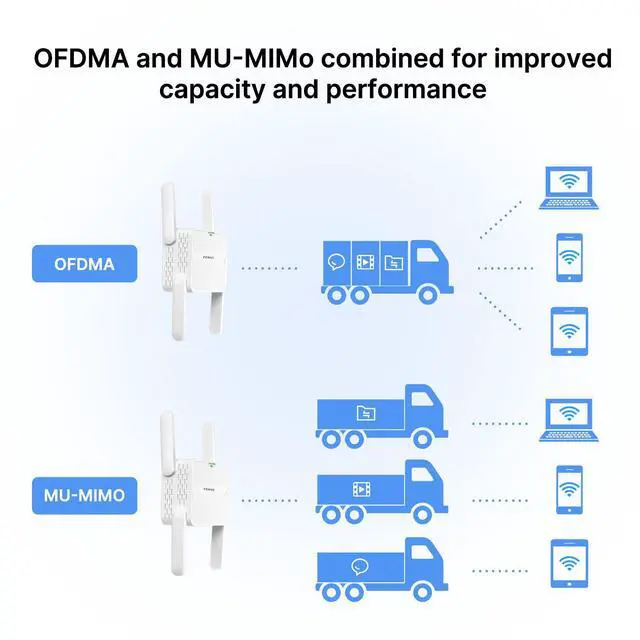
Compatible Standard: 802.11 ax/ ac / a / b / g / n
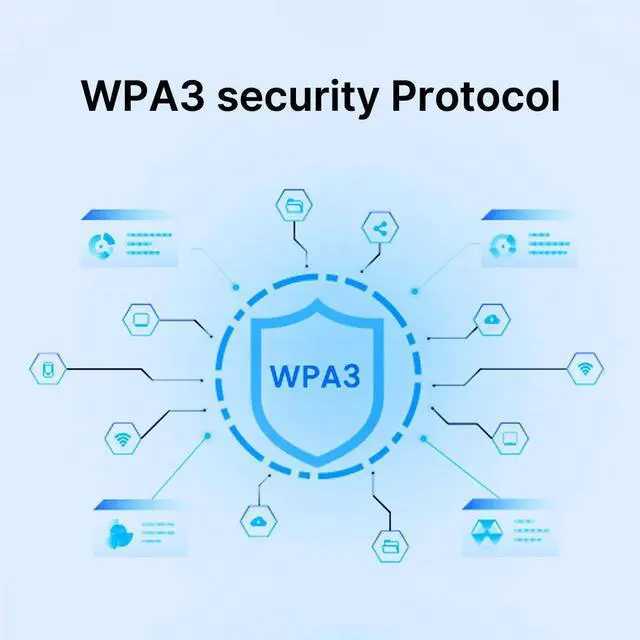
Wireless Security: WPA-PSK, WPA2-PSK, WPA, WPA2, WPA3
Port: 1 x 100M Ethernet Lan Port
Features:
1. 1500Mbps
Dual Bands WiFi extender: Supports 2.4G & 5G wireless network connection, transmission speeds is up to 1500Mbps.
2.
Four high-gain antennas: Provide a wider coverage and more stable wireless signals.
3.
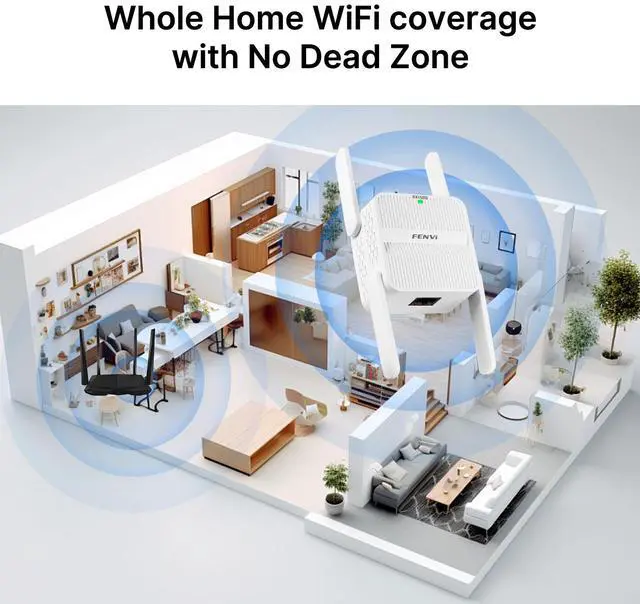
Smart LED signal indicator: Place the WiFi extender in an ideal location according to the smart "Extender" light, get 360° WiFi coverage throughout the house.
4.
One-time memory setup: Once successfully setting the WiFi booster, you don't need to set again after moving the position.
5. Easily extend your WiFi coverage at a push of the WPS button.
6. The Gigabit Ethernet port (WAN / LAN) allow the WiFi booster to function as a wireless adapter to connect wired devices.
Connect Method of the WiFi signal booster:
WPS One-Key Setup: This WiFi booster extender can work with any standard router or gateway. Press the WPS button of the repeater and the router for 5 seconds, you can get your WiFi signal expanded! Super easy and quick!
If your router has the WPS function:
Press and hold the WPS button of the router and the WiFi repeater at the same time for 5 seconds. The connection is successful when the "Extender" light is on. No need to follow the steps in the manual.
If your router does not have the WPS function:
1. Plug in your WiFi booster extender, wait for 30 seconds UNTIL the 3 lights (5G, 2.4G, Power) of the extender are on.
2. Connect the extender's SSID "wifi- 2.4 g-xxxx". (If this wifi name does not appear, please contact me to upgrade. )
3. Log in to the management page " 192.168. 188.1". (If you cant open the page, please clear the cookie and reload. )
4. Enter the default password "admin".
5. Choose your home router's SSID.
6. Enter the password of your HOME ROUTER.
7. Set a new WiFi name / password for the extender.
8. Click "Start Connect" and wait 30-60s until the first light "Extender" of the extender lights up.
9. Reconnect your extender's SSID (set in step 7) and surf the internet.
Reminders
(1) The passwords of your repeater are as same as your router's.
(2) Poor signal connection may cause slow speeds or dropped connection.
(3) If do not see desired wireless network, you can move the range extender closer to the router and scan again as it may be o