



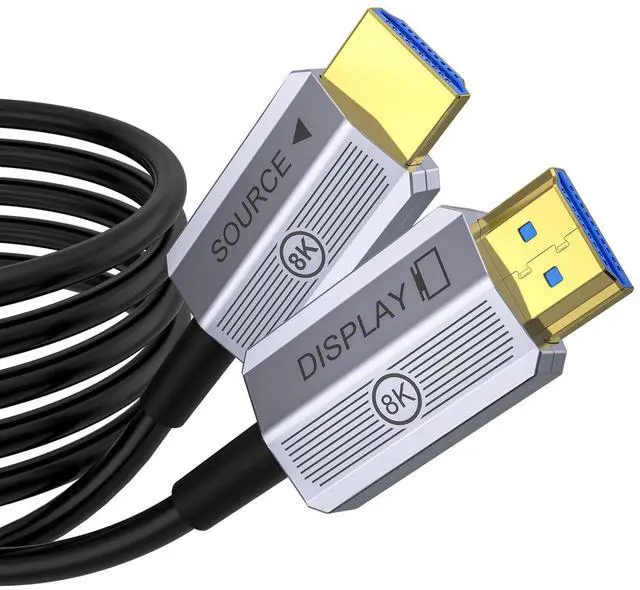



Note: 60ft+ Fiber Optic HDMI cables don't support ARC/eARC due to length limits


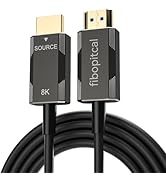
8K Fiber Optic HDMI Cable Specification
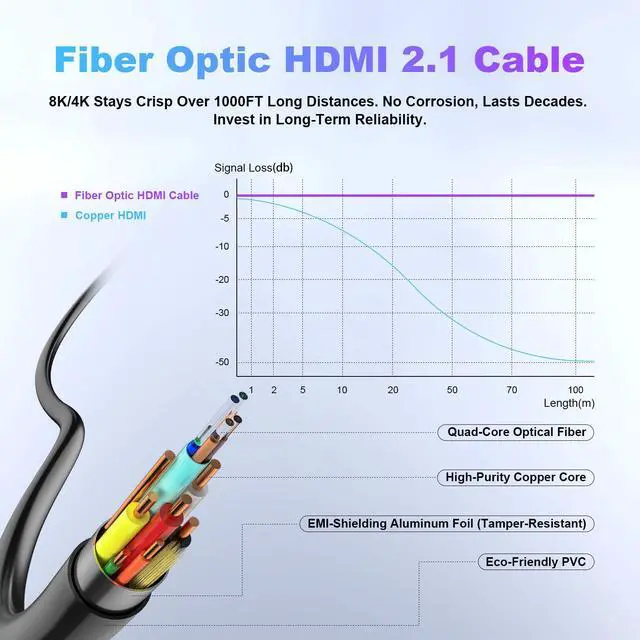
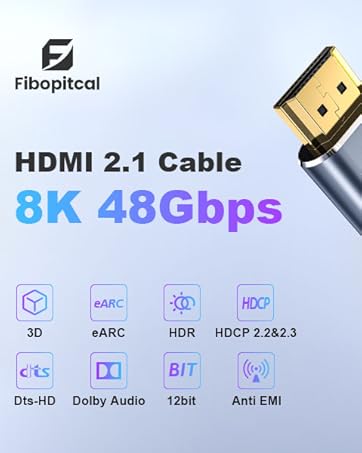
Version: 2.1 Version. Backwards compatible with 2.0b/2.0a/2.0/1.4/1.3/1.2/1.1
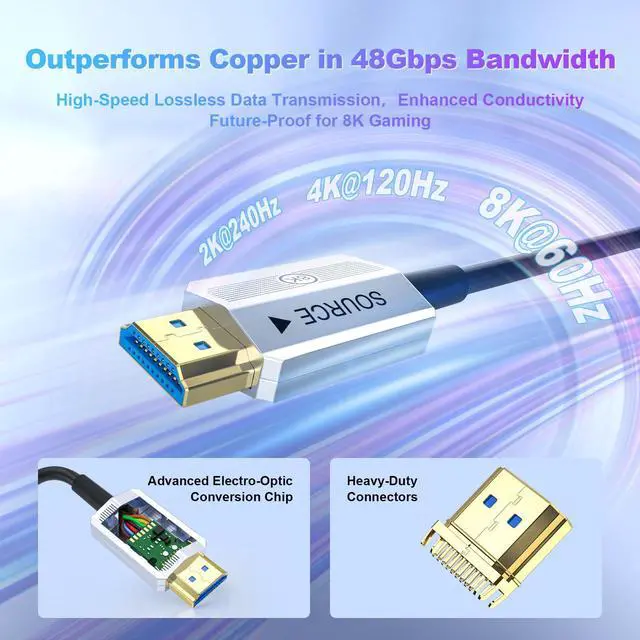
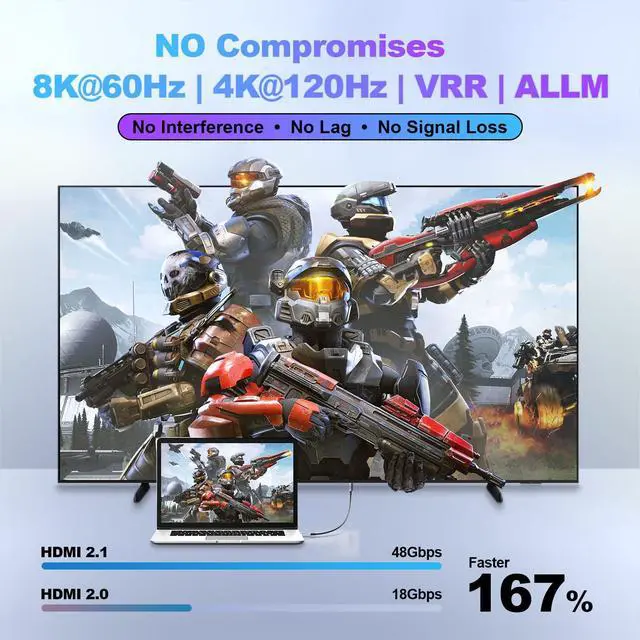
Resolution: 10k@30Hz, 8K@60Hz, 4K@144Hz 120Hz, 2k@240Hz 144Hz, 1080p;
Data Transfer Rate: 48 Gigabits Per Second;Connector Type: Standard HDMI;
Compatibility: Fits most standard HDMI devices; e.g. Television/Gaming Console/Monitor/Speaker/Laptop/Personal Computer/Projector/Amplifier/Entertainment/Sound/Video Conference System/TV/PS5 4 3/Xbox Series X/Blu-ray players and more;
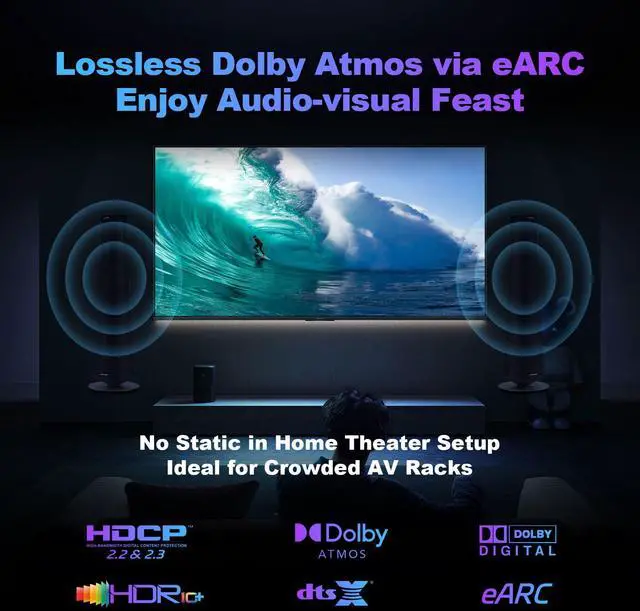
eARC: Support Enhanced Audio Return Channel. Note: 60ft+(65ft 75ft 100ft 150ft) Fiber Optic HDMI cables do not support ARC/eARC due to length limits. (For ARC/eARC, use shorter cables.);
Support Variable Refresh Rate(VRR); Support Quick Media Switching(QMS); Support Quick Frame Transport(QFT);
Support Auto Low Latency Mode (ALLM); Support Dynamic HDR & Static HDR (HDR);
Support Display Stream Compression(DSC); Support HDCP2.2&2.3 (supports all versions) (HDCP);
Support 3D Audio-Visual (3D); Support DTS:X & Dolby Audio (DTS:X/ Dolby Audio)
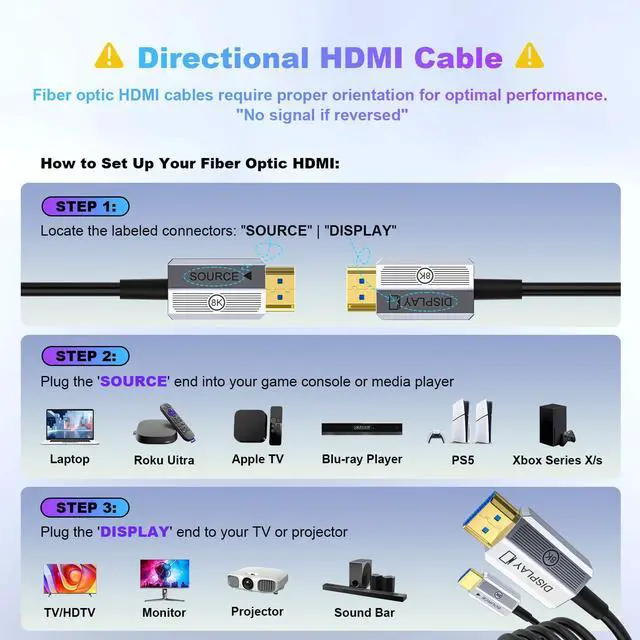
Troubleshooting Steps: 1. Fiber cables are directional - make sure they're plugged in the right way. 2. Test the cable with other equipment to see if it works normally. 3. Rule out any compatibility issues between devices.
Cables from Fibopitcal
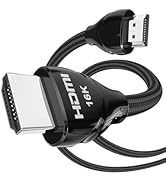
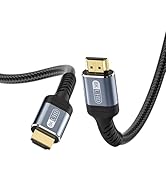
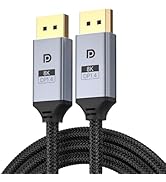
 96Gbps HDMI 2.2 Cable |  HDMI 2.1 Cable |  Fiber Optic HDMI Cable2.1 |  80Gbps DisplayPort Cable |  DisplayPort Cable |  Fiber DisplayPort Cable | |
|---|---|---|---|---|---|---|
Version | HDMI Cable 2.2 | HDMI Cable 2.1 | HDMI Cable 2.1 | DisplayPort Cable 2.1 | DisplayPort Cable 1.4 | DisplayPort Cable 2.1 |
Bandwidth | 96Gbps | 48 Gbps | 48 Gbps | 80Gbps | 32.4Gbps | 54Gbps |
Resolution | Up to 16K @ 60Hz 8K @ 240Hz | Up to 8K@60Hz 4K@120Hz | Up to 8K@60Hz 4K@120Hz | Up to 16K@60Hz 8K@165Hz | Up to 8K@60Hz 4K@144Hz | Up to 16K @ 60Hz 8K @ 240Hz |
HDR | ? | ? | ? | ? | ? | ? |
eARC/ARC | Support eARC/ARC | Support eARC/ARC | Based on HDMI cable length | Not Supported | Not Supported | Not Supported |

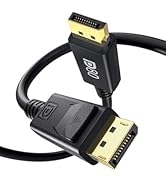
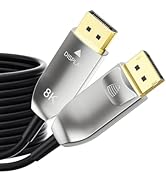
Note: 60ft+ Fiber Optic HDMI cables don't support ARC/eARC due to length limits


8K Fiber Optic HDMI Cable Specification
Version: 2.1 Version. Backwards compatible with 2.0b/2.0a/2.0/1.4/1.3/1.2/1.1
Resolution: 10k@30Hz, 8K@60Hz, 4K@144Hz 120Hz, 2k@240Hz 144Hz, 1080p;
Data Transfer Rate: 48 Gigabits Per Second;Connector Type: Standard HDMI;
Compatibility: Fits most standard HDMI devices; e.g. Television/Gaming Console/Monitor/Speaker/Laptop/Personal Computer/Projector/Amplifier/Entertainment/Sound/Video Conference System/TV/PS5 4 3/Xbox Series X/Blu-ray players and more;
eARC: Support Enhanced Audio Return Channel. Note: 60ft+(65ft 75ft 100ft 150ft) Fiber Optic HDMI cables do not support ARC/eARC due to length limits. (For ARC/eARC, use shorter cables.);
Support Variable Refresh Rate(VRR); Support Quick Media Switching(QMS); Support Quick Frame Transport(QFT);
Support Auto Low Latency Mode (ALLM); Support Dynamic HDR & Static HDR (HDR);
Support Display Stream Compression(DSC); Support HDCP2.2&2.3 (supports all versions) (HDCP);
Support 3D Audio-Visual (3D); Support DTS:X & Dolby Audio (DTS:X/ Dolby Audio)
Troubleshooting Steps: 1. Fiber cables are directional - make sure they're plugged in the right way. 2. Test the cable with other equipment to see if it works normally. 3. Rule out any compatibility issues between devices.
Cables from Fibopitcal
96Gbps HDMI 2.2 Cable | HDMI 2.1 Cable | Fiber Optic HDMI Cable2.1 | 80Gbps DisplayPort Cable | DisplayPort Cable | Fiber DisplayPort Cable |
|---|---|---|---|---|---|
| Version | |||||
| HDMI Cable 2.2 | HDMI Cable 2.1 | HDMI Cable 2.1 | DisplayPort Cable 2.1 | DisplayPort Cable 1.4 | DisplayPort Cable 2.1 |
| Bandwidth | |||||
| 96Gbps | 48 Gbps | 48 Gbps | 80Gbps | 32.4Gbps | 54Gbps |
| Resolution | |||||
| Up to 16K @ 60Hz 8K @ 240Hz | Up to 8K@60Hz 4K@120Hz | Up to 8K@60Hz 4K@120Hz | Up to 16K@60Hz 8K@165Hz | Up to 8K@60Hz 4K@144Hz | Up to 16K @ 60Hz 8K @ 240Hz |
| HDR | |||||
| ? | ? | ? | ? | ? | ? |
| eARC/ARC | |||||
| Support eARC/ARC | Support eARC/ARC | Based on HDMI cable length | Not Supported | Not Supported | Not Supported |
HDMI Cable from Fibopitcal
Displayport Cable