










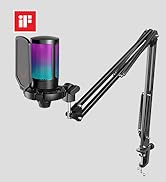
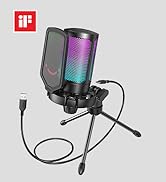
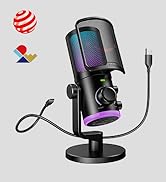
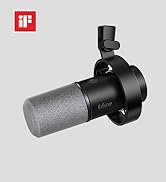


Condenser Cardioid Microphone
Condenser gaming microphone does not muddy the sound, but improve sound sensitivity and smoothness. Open and smooth voice brings frequent communication and interactive live streaming. Cardioid pattern minimizes ambient background noise to accurately highlights the details of your voice.

Gaming Partner
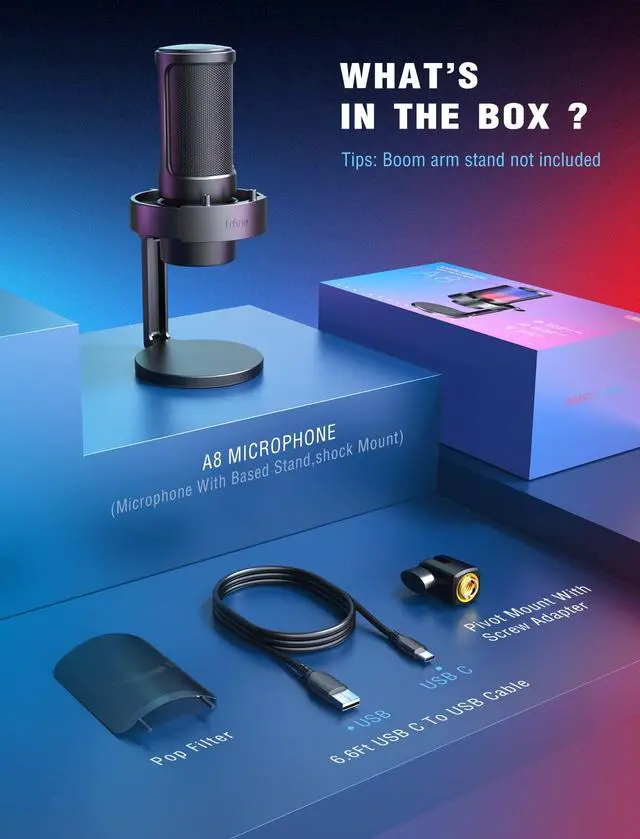
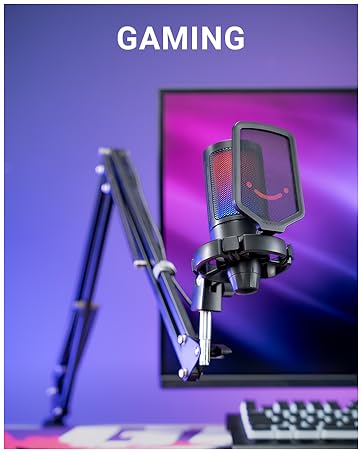
The pop filter made of metal prevents gusty letters like "bpfs" in the air from being captured. The compact rubber bands on shock mount enhance ability of vibration isolation to reduce the tinny noise. Dual accessories work together to ensure pops and distorted sound away from your recording.


Multipurpose Gaming Mic
USB Condenser Mic | Mic Capsule | USB Condenser Mic |
Cardioid | Polar Pattern | Cardioid |
RGB | ||
On/Off/Change Color | RGB Button | On/Off/Change Color |
Headphones Jack | ||
Tap-to-Mute | ||
Gain Knob |
USB Condenser Mic | Mic Capsule | USB Condenser Mic |
Cardioid | Polar Pattern | Four Pickup Pattern |
RGB | ||
On/Off/Change Color | RGB Button | On/Off/Change Color |
Headphones Jack | ||
Tap-to-Mute | ||
Gain Knob |
USB Condenser Mic | Mic Capsule | USB Condenser Mic |
Cardioid | Polar Pattern | Cardioid |
RGB | ||
On/Off/Change Color | RGB Button | / |
Headphones Jack | ||
Tap-to-Mute | ||
Gain Knob |
USB Condenser Mic | Mic Capsule | USB Condenser Mic |
Cardioid | Polar Pattern | Cardioid |
RGB | ||
On/Off/Change Color | RGB Button | On/Off/Change Color |
Headphones Jack | ||
Tap-to-Mute | ||
Gain Knob |


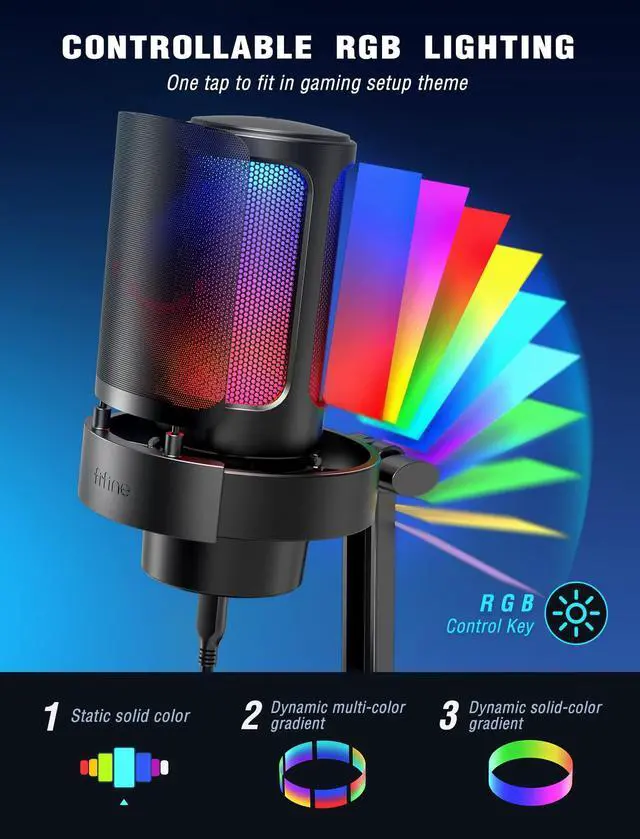
Is it possible to choose the RGB light color?
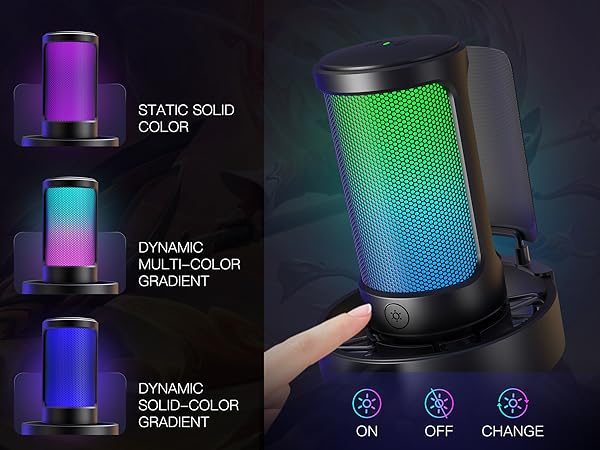
You can tap the RGB button to change the RGB light color, and you can long press the RGB button for 3 seconds to turn on/off the RGB light.
How can I pick up the sound loudly and clearly?
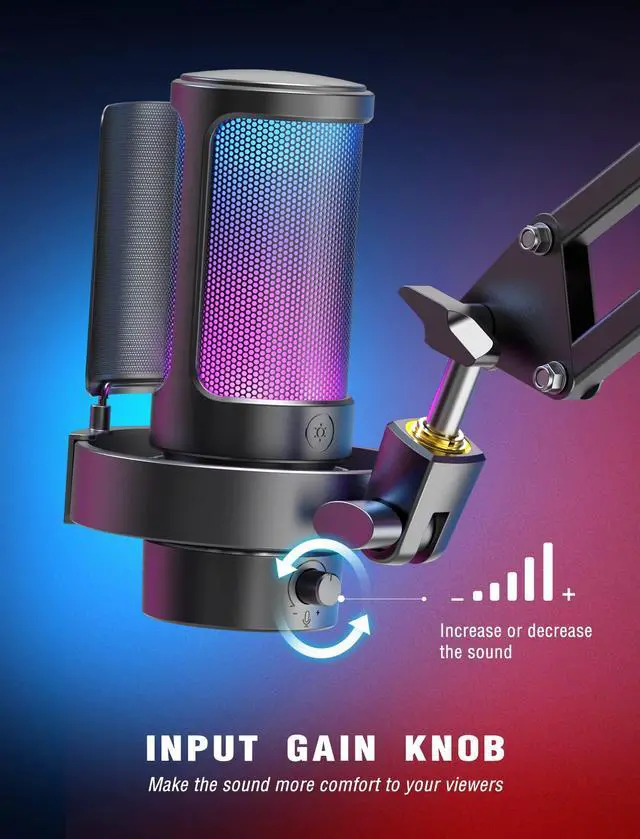
Adjust the gain to a proper level as you need by mic gain knob or sound settings. Suggseted speak in the front of the USB gaming microphone within 6-12 inches. If possible, please use the mic in a quiet room or space.
Is A8 mic compatible with Xbox and PS5?
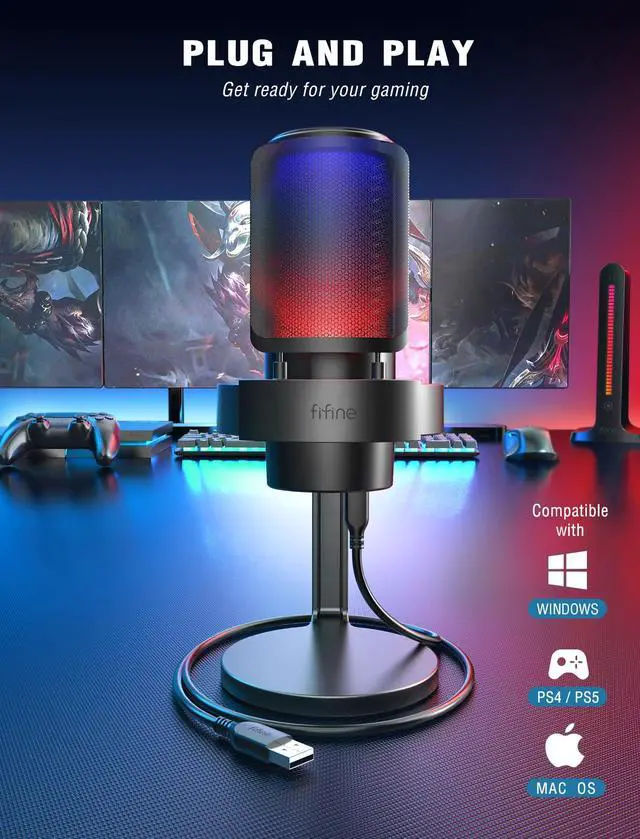
This USB gaming microphone is NOT compatible with Xbox, but it works well with PS4/PS5, PC, laptop.
Can A8 mic work with Macbook?
This USB gaming microphone can work with Macbook, you can plug the mic in Macbook and go to "system preference"-"Sound"-click "Input" and set "Fifine Microphone" as default input device.
How can I monitor my voice?
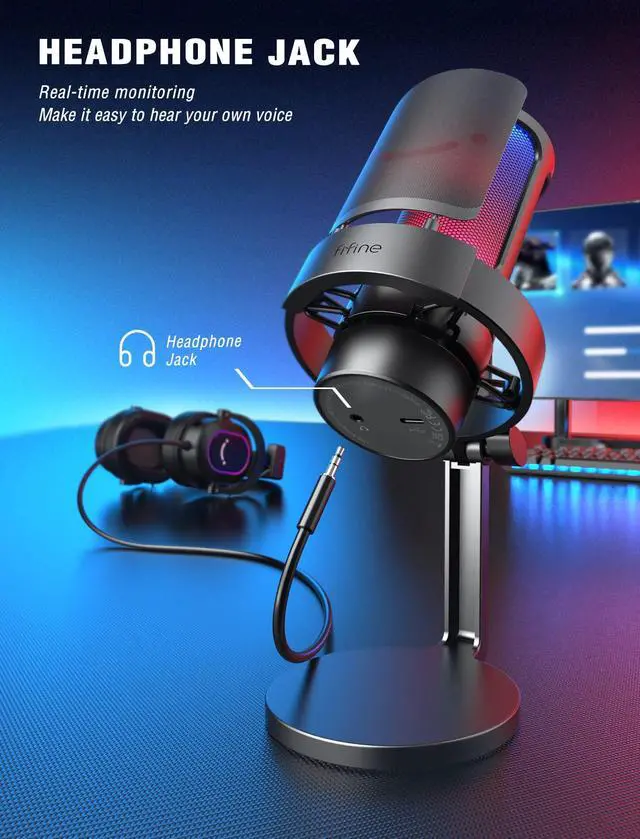
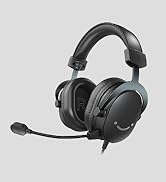
Plug the headphones into the 3.5mm headphone jack on the gaming microphone. Set the mic as default input and output device to monitor your voice in real time. You can refer to Fifine H8 headphones (ASIN: B0B6BPVS3Z), fit for real-time monitoring.
Gaming Streaming USB Microphone
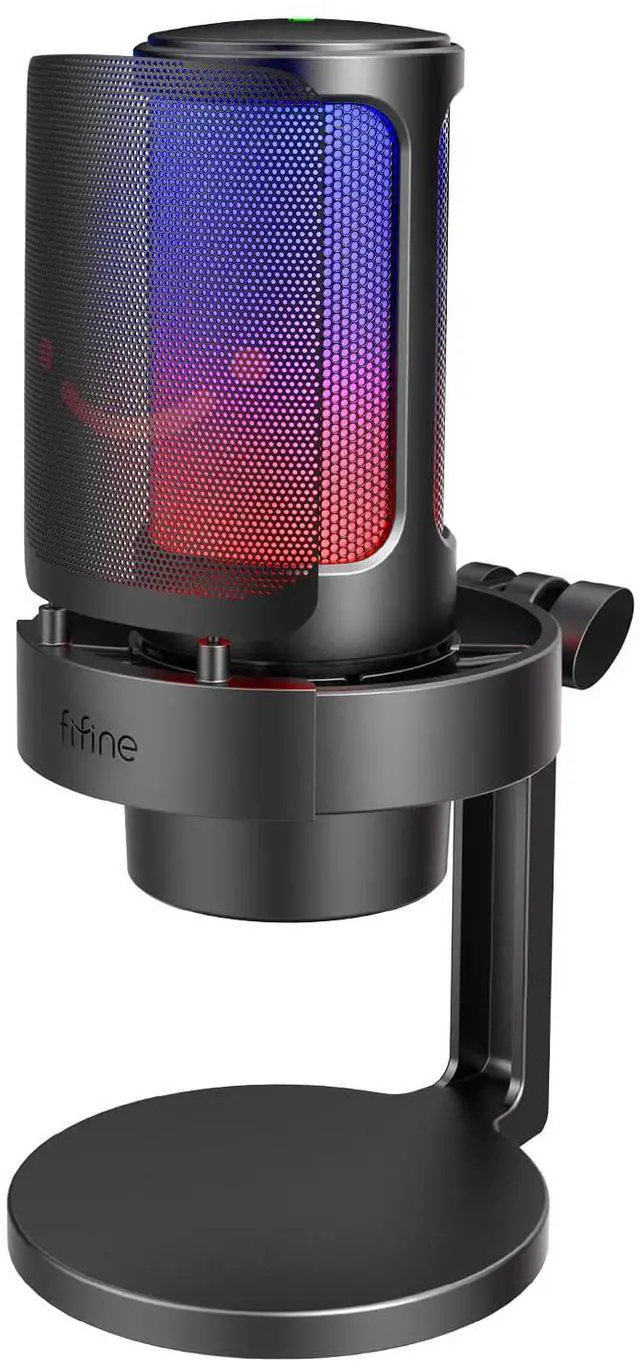
FIFINE AmpliGame A8-PC Gaming Desktop Microphone
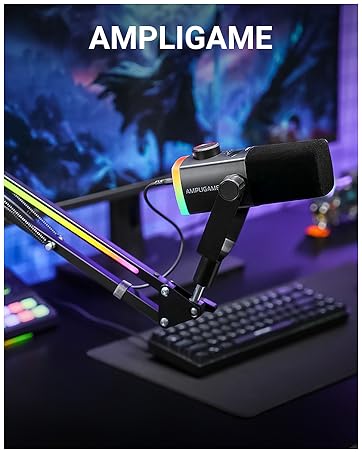
A8 is born for gaming streaming. Three kinds of optional RGB modes on the PC microphone is a boon for the gamer. Tap-to-mute, gain knob and monitoring headphones jack are integrated in the computer gaming microphone instead of quitting out full-screen games. Condenser microphone delivers rich and authentic voice for warmer game voice or interactive streaming. Pop filter and shock mount work together to reduce mechanical noise. Compatible with computers and PS4/PS5, meets more needs for players.
A8 RGB Light Display
Gamer Streamer Mic with Controllable RGB
A8 gaming microphone featured three RGB modes, including two dynamic modes and static color option. RGB control key provides on/off/selection, and gives you more freedom to choose. Get a color coordinate with your game space to present visual pleasure to your audience. Set it as a Cyberpunk or FPS theme color for a pop aesthetic feeling. RGB memory function saves the your time to select the color theme again next time, and you can get the active light immediately.
RGB Control for On/Off/Selection
Multiple RGB Lighting
Pick the RGB up to Your Preference


Several colors can be choose from.
Each color really brings the mic alive.
Matches the colors of your PC for amazing synergy.
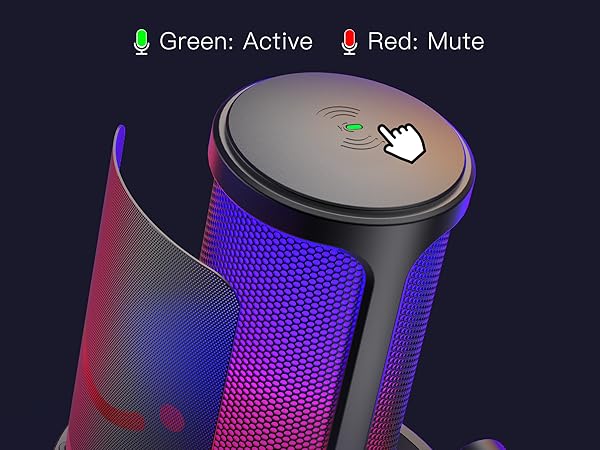
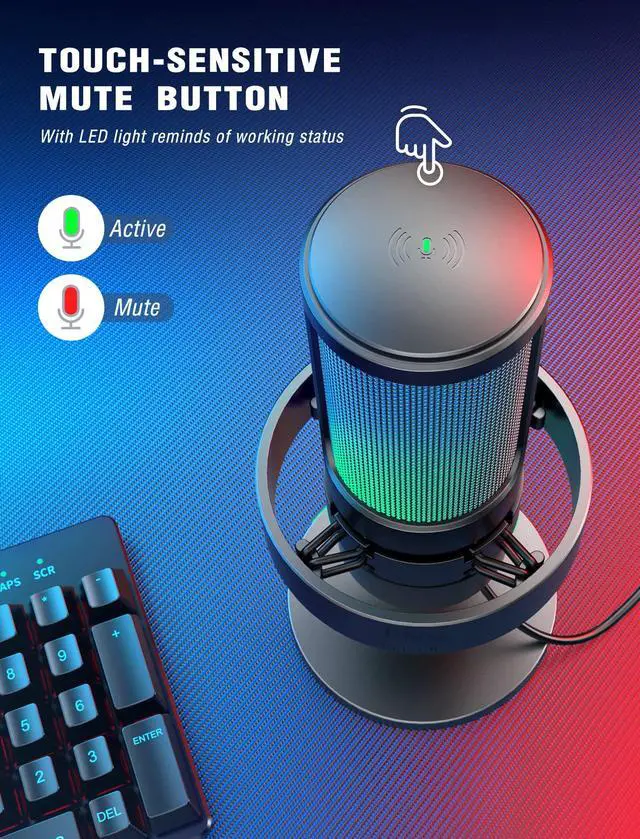
Tap-to-Mute
Indicator light reminds microphone status.
RGB Control Key
Turn on, turn off or select the RGB you want.
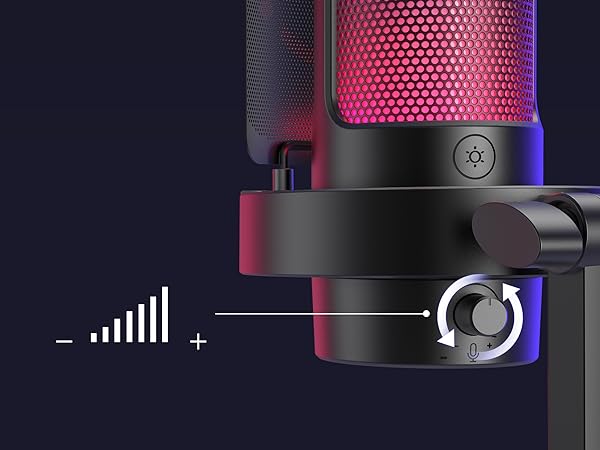
Gain Knob
Adjust but no need hot key when streaming.
Headphones Jack
Get real-time monitoring for voice feedback.
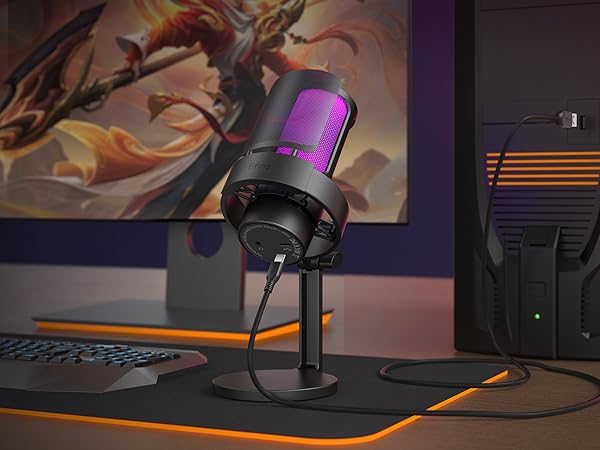
USB Connection
Plug and play for PC/PS4/PS5
Condenser Cardioid Microphone
Condenser gaming microphone does not muddy the sound, but improve sound sensitivity and smoothness. Open and smooth voice brings frequent communication and interactive live streaming. Cardioid pattern minimizes ambient background noise to accurately highlights the details of your voice.

Gaming Partner
The pop filter made of metal prevents gusty letters like "bpfs" in the air from being captured. The compact rubber bands on shock mount enhance ability of vibration isolation to reduce the tinny noise. Dual accessories work together to ensure pops and distorted sound away from your recording.
Boost interaction with audience in your streaming.
Less keyboard noise could be hear in game voice.
Sounds like just right next to your teammates.
Adds super cool visual element to your desk.


Multipurpose Gaming Mic
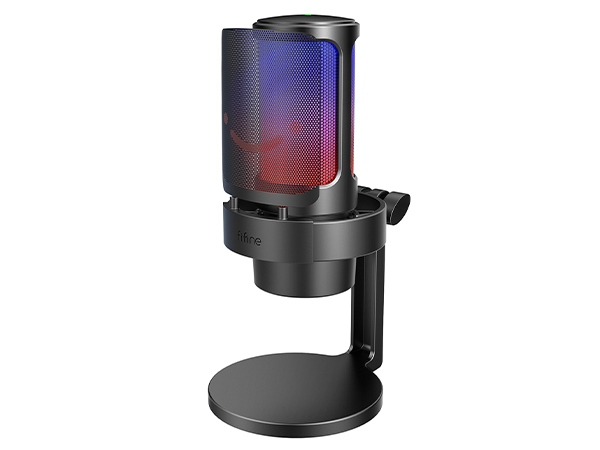
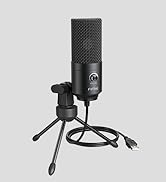
Steamer PC Mic-A8
Mic Capsule
USB Condenser Mic
Polar Pattern
Cardioid
RGB
RGB Button
On/Off/Change Color
Headphones Jack
Tap-to-Mute
Gain Knob
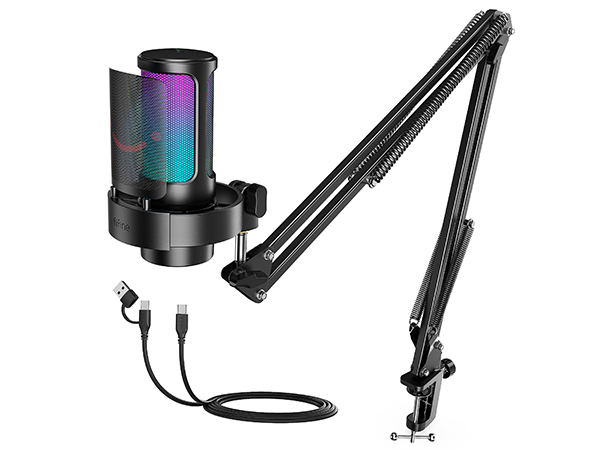
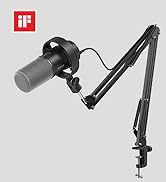
Steamer PC Mic Kit-A8T
Mic Capsule
USB Condenser Mic
Polar Pattern
Cardioid
RGB
RGB Button
On/Off/Change Color
Headphones Jack
Tap-to-Mute
Gain Knob
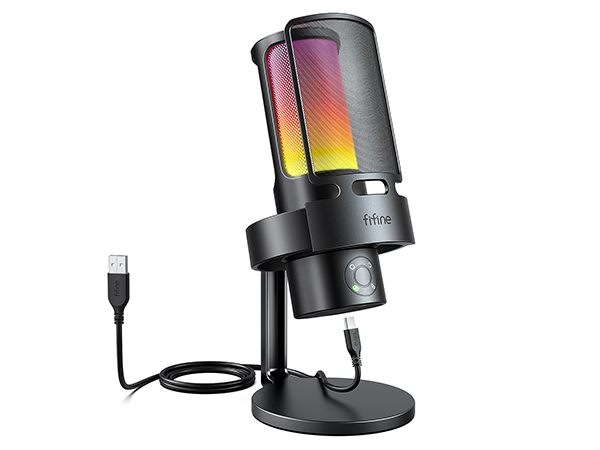
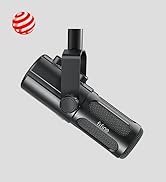
Gamer USB Mic-A8PLUS
Mic Capsule
USB Condenser Mic
Polar Pattern
Four Pickup Pattern
RGB
RGB Button
On/Off/Change Color
Headphones Jack
Tap-to-Mute
Gain Knob
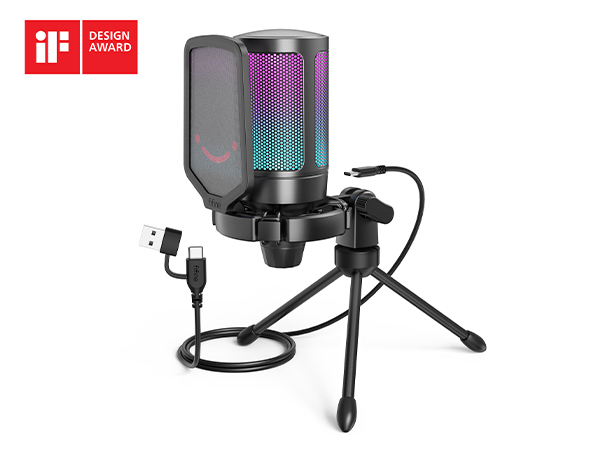
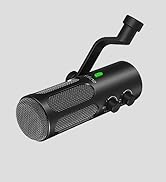
Gaming Desktop Mic-A6V
Mic Capsule
USB Condenser Mic
Polar Pattern
Cardioid
RGB
RGB Button
/
Headphones Jack
Tap-to-Mute
Gain Knob
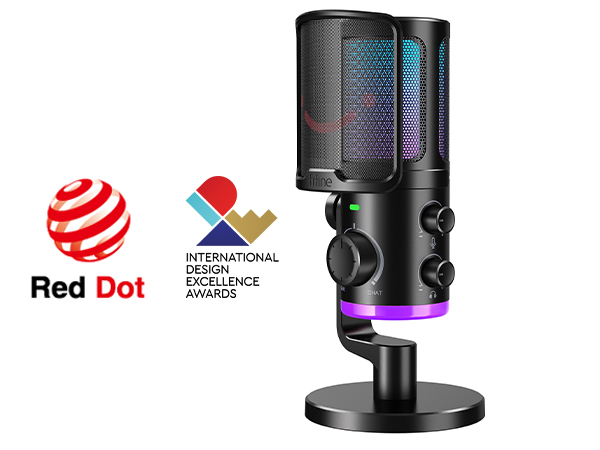
Game/Chat Mic-AM6
Mic Capsule
USB Condenser Mic
Polar Pattern
Cardioid
RGB
RGB Button
On/Off/Change Color
Headphones Jack
Tap-to-Mute
Gain Knob
Is it possible to choose the RGB light color?
You can tap the RGB button to change the RGB light color, and you can long press the RGB button for 3 seconds to turn on/off the RGB light.
How can I pick up the sound loudly and clearly?
Adjust the gain to a proper level as you need by mic gain knob or sound settings. Suggseted speak in the front of the USB gaming microphone within 6-12 inches. If possible, please use the mic in a quiet room or space.
Is A8 mic compatible with Xbox and PS5?
This USB gaming microphone is NOT compatible with Xbox, but it works well with PS4/PS5, PC, laptop.
Can A8 mic work with Macbook?
This USB gaming microphone can work with Macbook, you can plug the mic in Macbook and go to "system preference"-"Sound"-click "Input" and set "Fifine Microphone" as default input device.
How can I monitor my voice?
Plug the headphones into the 3.5mm headphone jack on the gaming microphone. Set the mic as default input and output device to monitor your voice in real time. You can refer to Fifine H8 headphones (ASIN: B0B6BPVS3Z), fit for real-time monitoring.
FIFINE AmpliGame Series
Keep Leveling Up for Your Game Victory
FIFINE Gaming Products
FIFINE Streaming Microphone
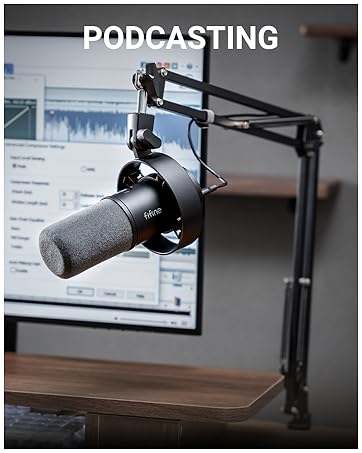
FIFINE Podcasting Microphone
More from AmpliGame Series