









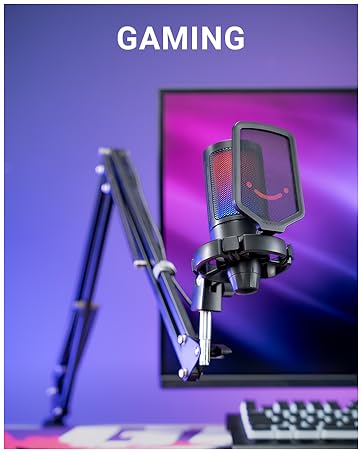
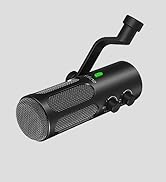
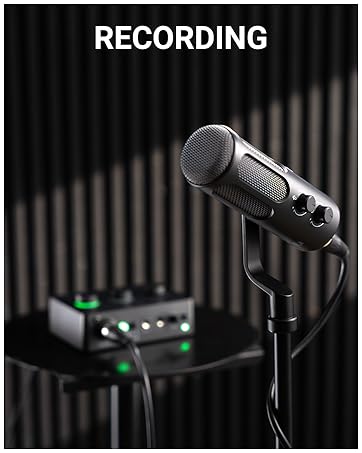
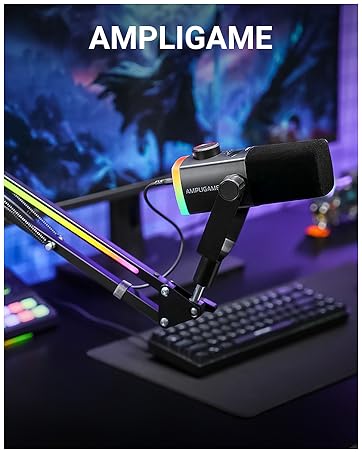
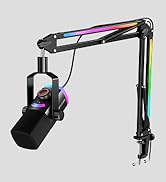
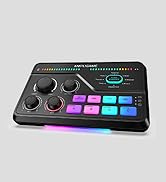
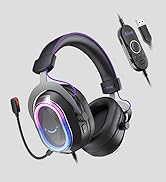
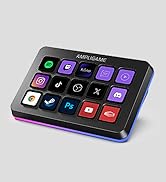





FIFINE AmpliGame AM8-XLR/USB Gaming Dynamic Mic
Merchant Video


Gaming Streaming Mic
XLR or USB | Connector | XLR or USB |
Dynamic | Acoustic Principle | Dynamic |
On/Off/Color Choice | RGB Control | On/Off/Color Choice |
Mute Button | ||
Gain Knob | ||
Headphones Jack | ||
Vol. Monitor Control |
XLR or USB | Connector | XLR or USB |
Dynamic | Acoustic Principle | Dynamic |
On/Off/Color Choice | RGB Control | On/Off/Color Choice |
Mute Button | ||
Gain Knob | ||
Headphones Jack | ||
Vol. Monitor Control |
XLR or USB | Connector | XLR or USB |
Dynamic | Acoustic Principle | Dynamic |
On/Off/Color Choice | RGB Control | / |
Mute Button | ||
Gain Knob | ||
Headphones Jack | ||
Vol. Monitor Control |
XLR or USB | Connector | USB |
Dynamic | Acoustic Principle | Condenser |
On/Off/Color Choice | RGB Control | On/Off/Color Choice |
Mute Button | ||
Gain Knob | ||
Headphones Jack | ||
Vol. Monitor Control |


Can the rgb lighting of this mic be controlled or turned off?
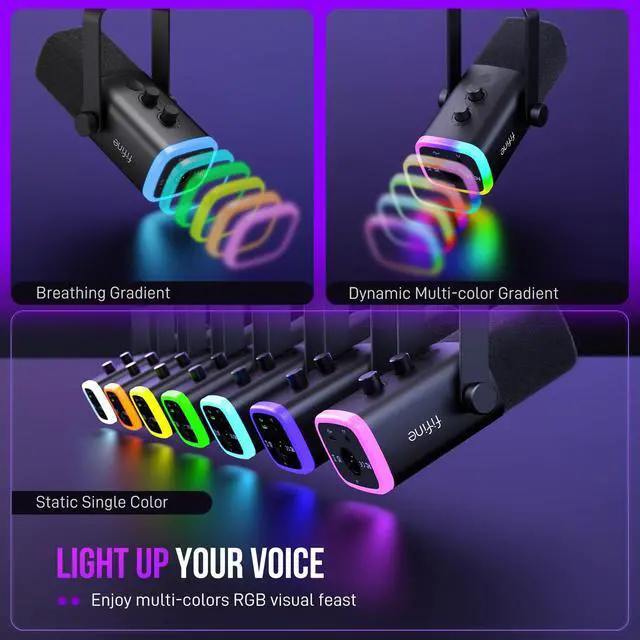
Yes, you can set the RGB light to either mode (static color, breathing multicolor, alternating multicolor) to match your neon / RGB aesthetic, or turn it off easily with a tap. This functionality is available only when connected via USB.
What devices can the AM8 mic use with via USB connection?
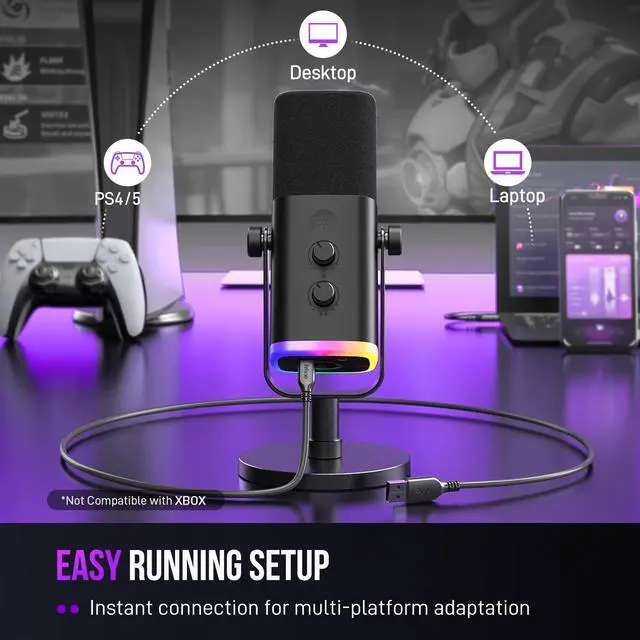
This mic works well with PC, laptop, Mac, PS5, but NOT compatible with Xbox. Tips: For Macbook that has only USB C port, a USB-C to USB-C cable (not included) is needed. For PS5, it's suggested to connect the mic to the USB-A port at the back.
What function keys does the AM8 mic have?
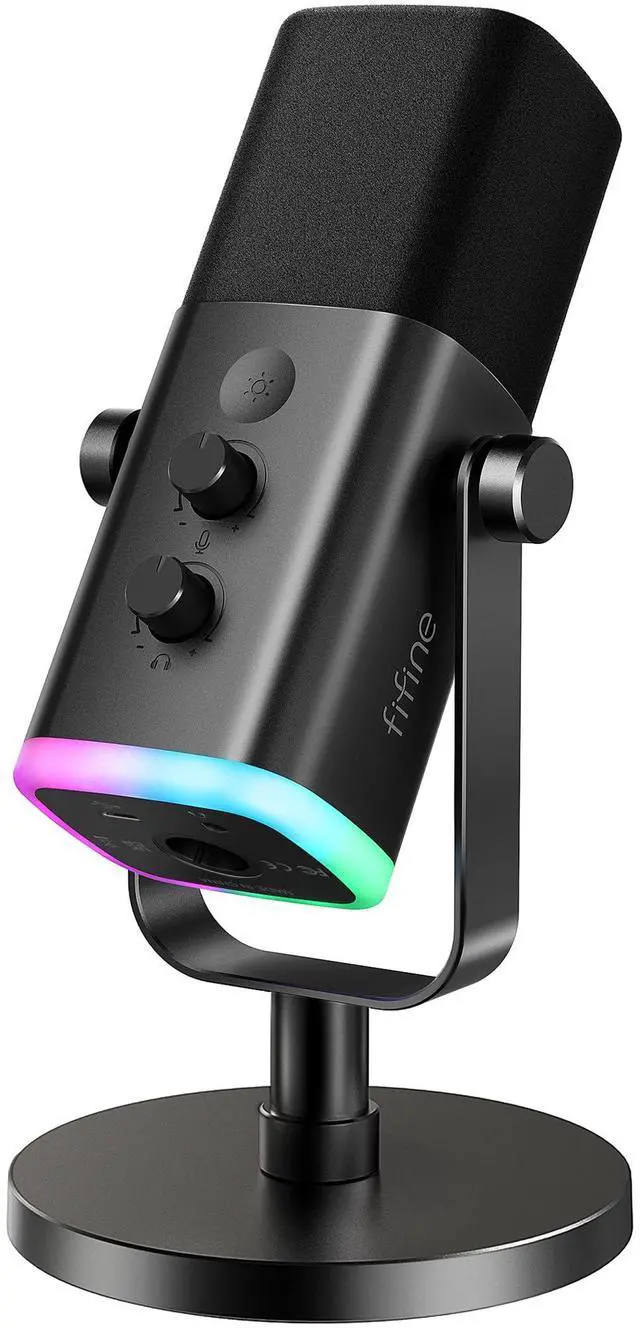
This mic comes with RGB button, mute button, mic gain, headphones jack and monitoring volume control. These functions only work when connected via usb, but not work via XLR. You can control the mic on mixer or audio interface when connected via XLR.
How can I get loud and clear sound quality while recording?
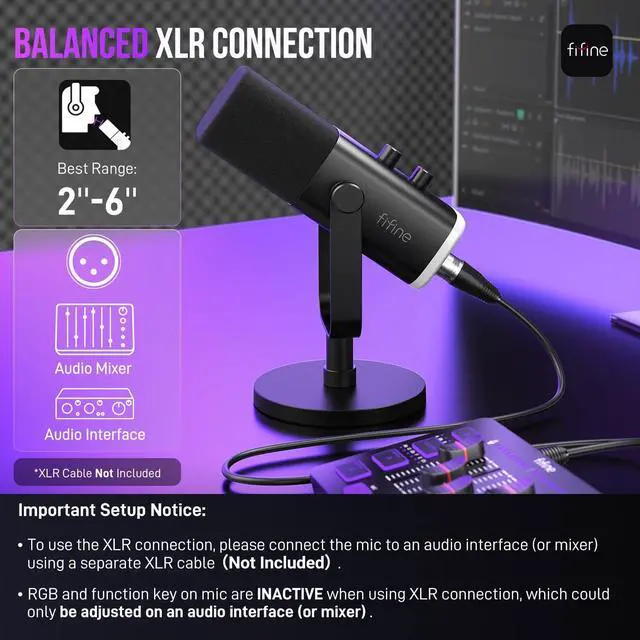
To get the best from the dynamic mic, we suggest speaking into the top of mic within 2''-6''. You can adjust the mic angle with the included desktop stand or choose the boom arm version of this mic, the AM8T(B0C74GYW3J) for optimal positioning.
How do I setup the XLR connection?
For the XLR connection to work, you need a separate XLR cable to connect the mic to an audio interface (or mixer) . You should control the functions (like volume, mute or monitoring) on the audio interface (or mixer).





FIFINE AmpliGame AM8-XLR/USB Gaming Dynamic Mic
Merchant Video


Gaming Streaming Mic
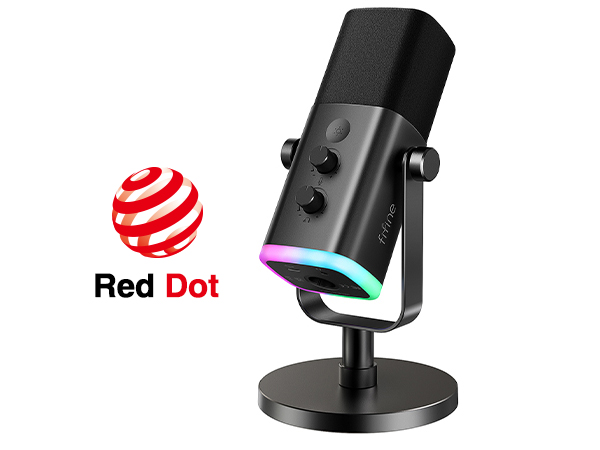
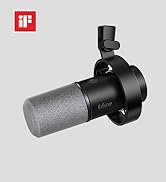
XLR/USB Streaming Mic-AM8
Connector
XLR or USB
Acoustic Principle
Dynamic
RGB Control
On/Off/Color Choice
Mute Button
Gain Knob
Headphones Jack
Vol. Monitor Control
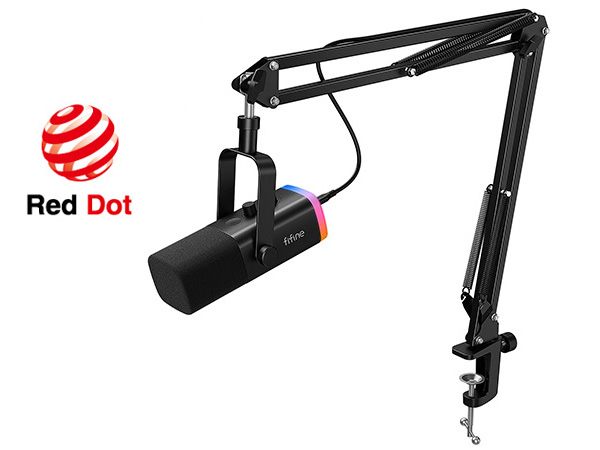
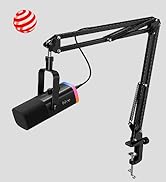
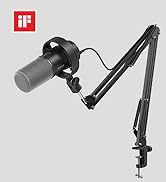
XLR/USB Mic Kit-AM8T
Connector
XLR or USB
Acoustic Principle
Dynamic
RGB Control
On/Off/Color Choice
Mute Button
Gain Knob
Headphones Jack
Vol. Monitor Control
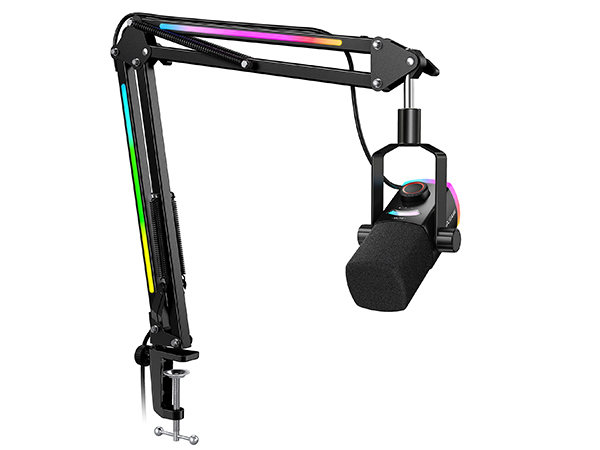
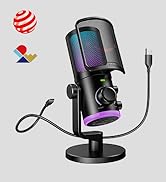
RGB Gamer Mic Kit-AM8PROT
Connector
XLR or USB
Acoustic Principle
Dynamic
RGB Control
On/Off/Color Choice
Mute Button
Gain Knob
Headphones Jack
Vol. Monitor Control
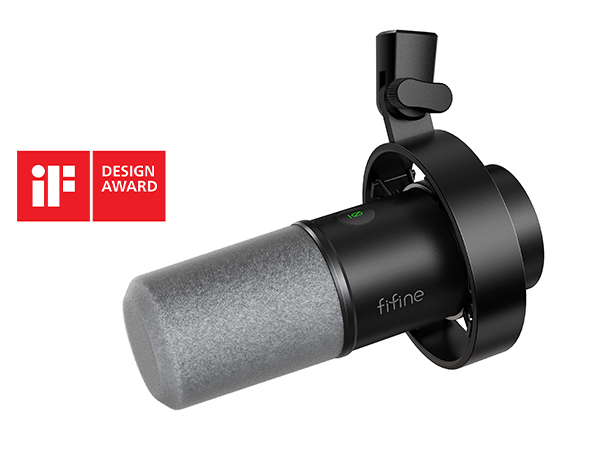
XLR/USB Studio Mic-K688
Connector
XLR or USB
Acoustic Principle
Dynamic
RGB Control
/
Mute Button
Gain Knob
Headphones Jack
Vol. Monitor Control
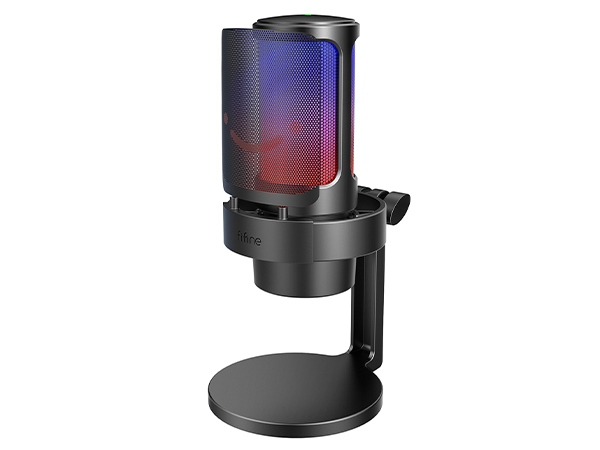
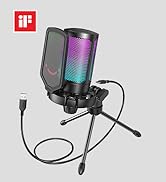
Steamer PC Mic-A8
Connector
USB
Acoustic Principle
Condenser
RGB Control
On/Off/Color Choice
Mute Button
Gain Knob
Headphones Jack
Vol. Monitor Control
Can the rgb lighting of this mic be controlled or turned off?
Yes, you can set the RGB light to either mode (static color, breathing multicolor, alternating multicolor) to match your neon / RGB aesthetic, or turn it off easily with a tap. This functionality is available only when connected via USB.
What devices can the AM8 mic use with via USB connection?
This mic works well with PC, laptop, Mac, PS5, but NOT compatible with Xbox. Tips: For Macbook that has only USB C port, a USB-C to USB-C cable (not included) is needed. For PS5, it's suggested to connect the mic to the USB-A port at the back.
What function keys does the AM8 mic have?
This mic comes with RGB button, mute button, mic gain, headphones jack and monitoring volume control. These functions only work when connected via usb, but not work via XLR. You can control the mic on mixer or audio interface when connected via XLR.
How can I get loud and clear sound quality while recording?
To get the best from the dynamic mic, we suggest speaking into the top of mic within 2''-6''. You can adjust the mic angle with the included desktop stand or choose the boom arm version of this mic, the AM8T(B0C74GYW3J) for optimal positioning.
How do I setup the XLR connection?
For the XLR connection to work, you need a separate XLR cable to connect the mic to an audio interface (or mixer) . You should control the functions (like volume, mute or monitoring) on the audio interface (or mixer).
FIFINE AmpliGame Series
Keep Leveling Up for Your Game Victory
FIFINE Gaming Products
FIFINE Streaming Microphone
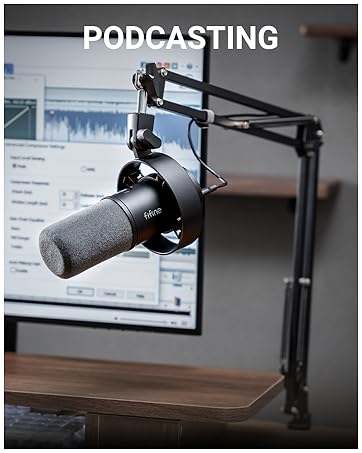
FIFINE Podcasting Microphone
More from AmpliGame Series