



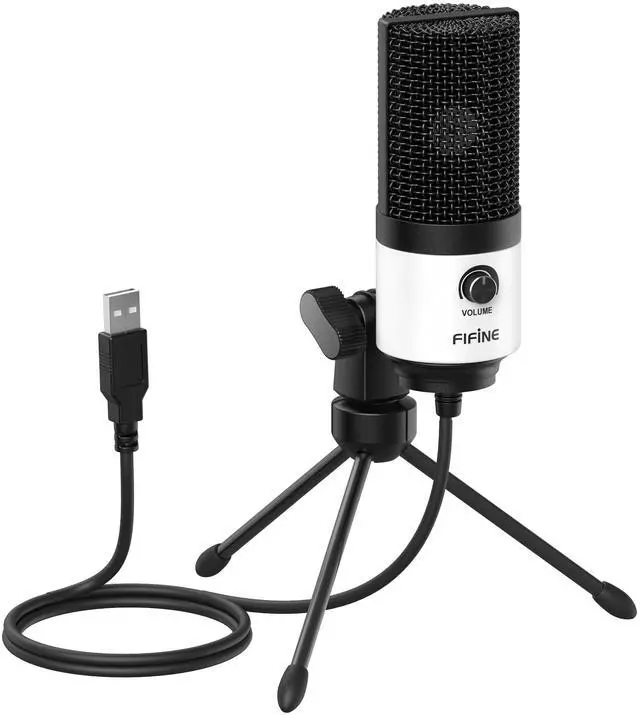






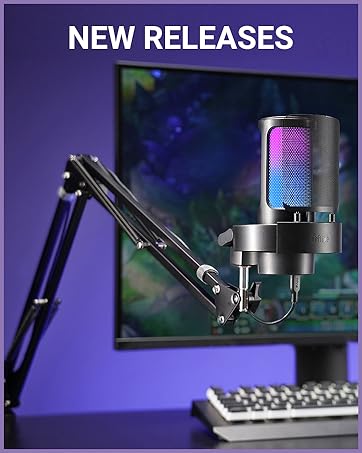
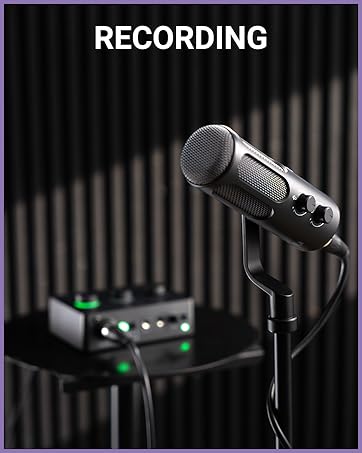
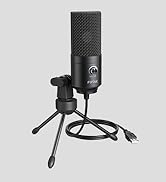
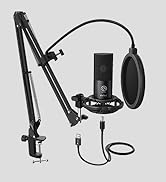
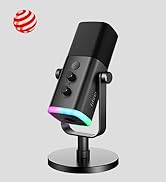
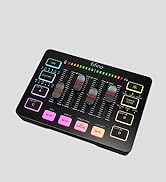
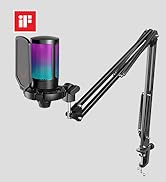
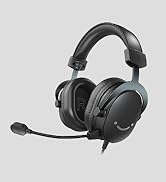
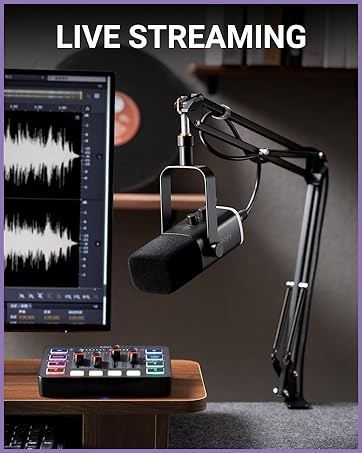
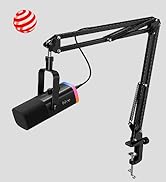
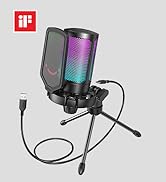
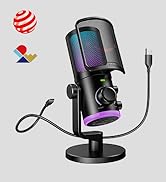
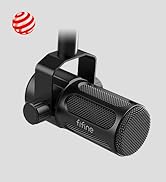


FIFINE recording microphone for PC
Merchant Video


Multipurpose Microphone
USB | Connection Type | USB |
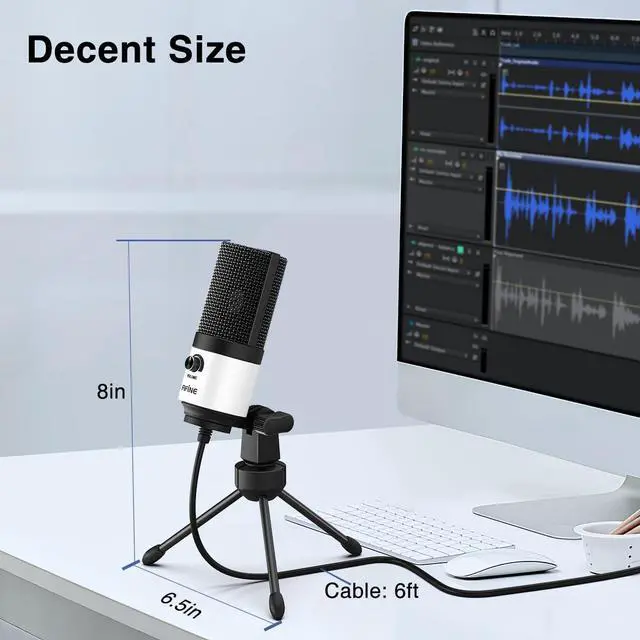
5.9ft/1.8m | USB Cable Length | 6.5ft/2m |
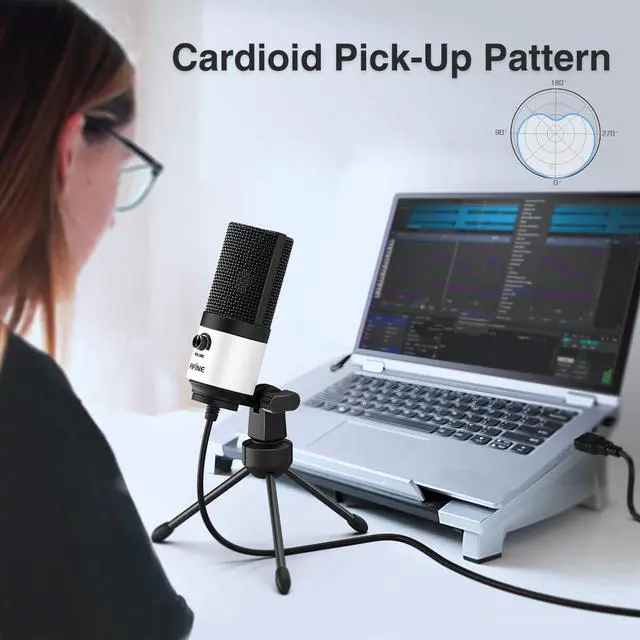
Cardioid | Polar Pattern | Cardioid |
Metal | Material | Metal |
Volume Control | ||
Mute Button | ||
Headphones Jack |
USB | Connection Type | XLR |
5.9ft/1.8m | USB Cable Length | / |
Cardioid | Polar Pattern | Cardioid |
Metal | Material | Metal |
Volume Control | ||
Mute Button | ||
Headphones Jack |
USB | Connection Type | USB |
5.9ft/1.8m | USB Cable Length | 6.6ft/2m |
Cardioid | Polar Pattern | Cardioid |
Metal | Material | Metal |
Volume Control | ||
Mute Button | ||
Headphones Jack |
USB | Connection Type | USB |
5.9ft/1.8m | USB Cable Length | 6.6ft/2m |
Cardioid | Polar Pattern | Four Pickup Pattern |
Metal | Material | Metal |
Volume Control | ||
Mute Button | ||
Headphones Jack |


Can K669B mic work with Macbook?
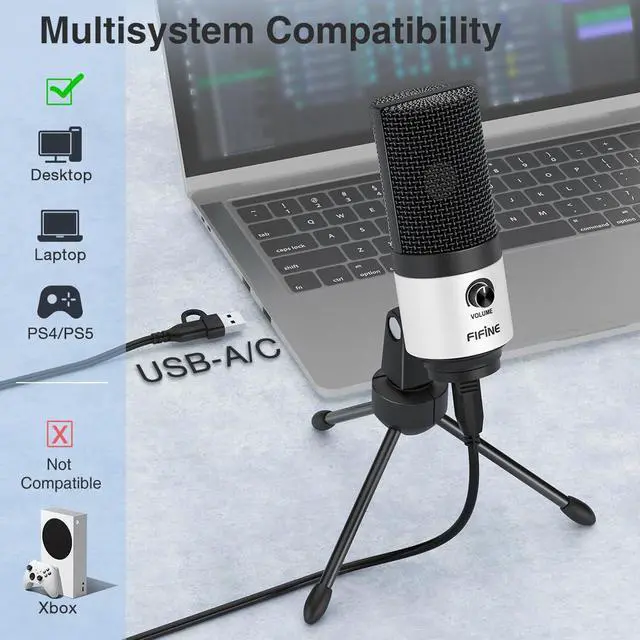
This USB computer microphone comes with USB-A to USB-A/C cable, which can work with Macbook with type-A or type-C port. Just make sure to set the "USB PnP Audio Device" as default input device of Macbook.
How can I pick up the sound loudly and clearly?
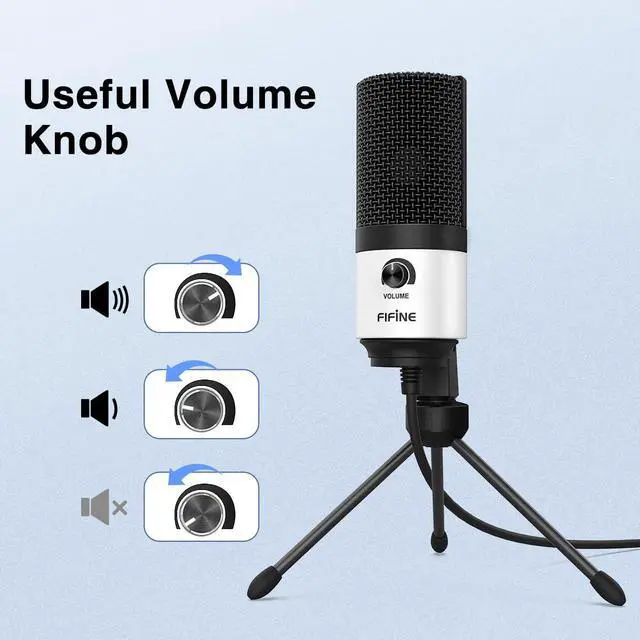
Adjust the gain to a proper level as you need by the gain knob and sound settings, and speak to the front of the microphone within 6-12 inches to pick up the sound loudly and clearly. If possible, please use the mic in a quiet room or space.
Is K669B mic compatible with Xbox?
No. This USB computer microphone is NOT compatible with Xbox, but it works well with PS4/PS5.
Can I use K669B mic with smartphones or audio mixer?
It is NOT compatible with mixer or audio interface.Do not recommend using with phone due to insufficient power supply and sound quality may be affected. Use a genuine USB cable or adapter for connection if try.
How to install K669B mic on the desk mount and the stand?
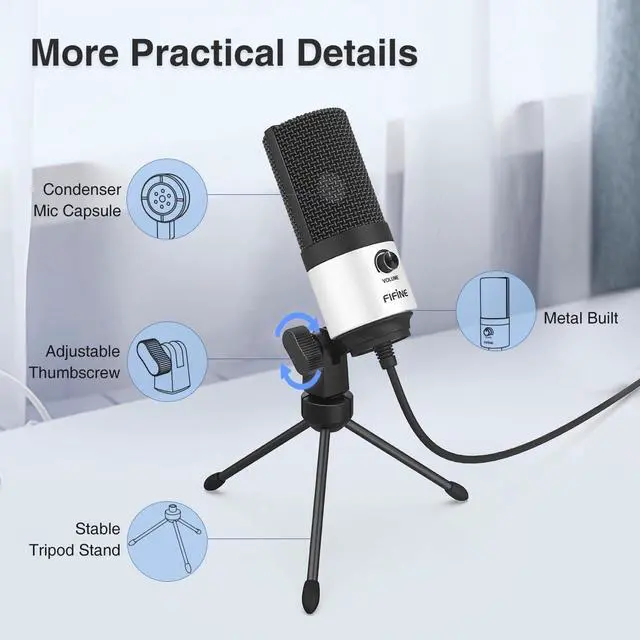
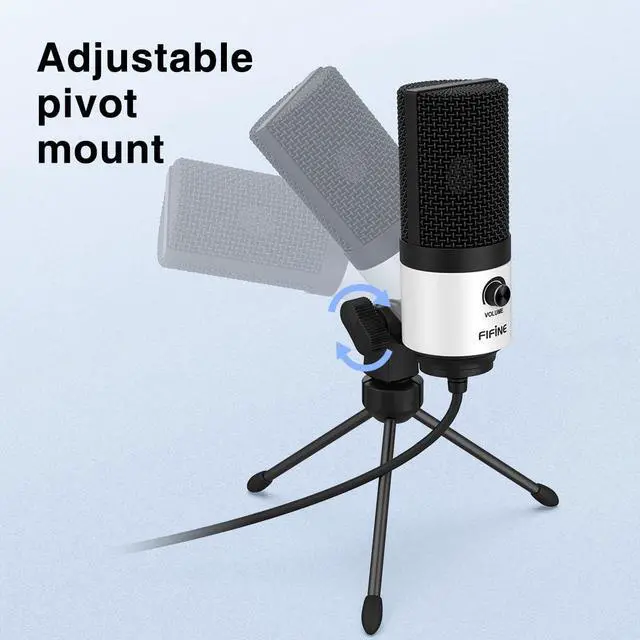
You can position this USB computer microphone on the desk mount, keep the small end of the metal ring upside and screw it up to the bottom of the mic. The sequence from up to down is the mic, the mount and the metal ring.


FIFINE recording microphone for PC
Merchant Video


Multipurpose Microphone
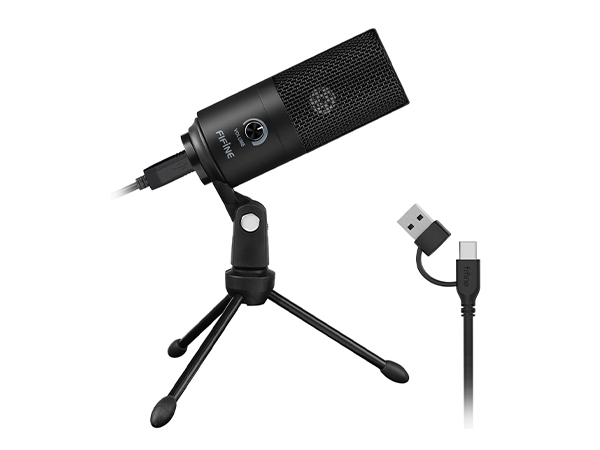
Multi-Use USB Mic-K669B
Connection Type
USB
USB Cable Length
5.9ft/1.8m
Polar Pattern
Cardioid
Material
Metal
Volume Control
Mute Button
Headphones Jack
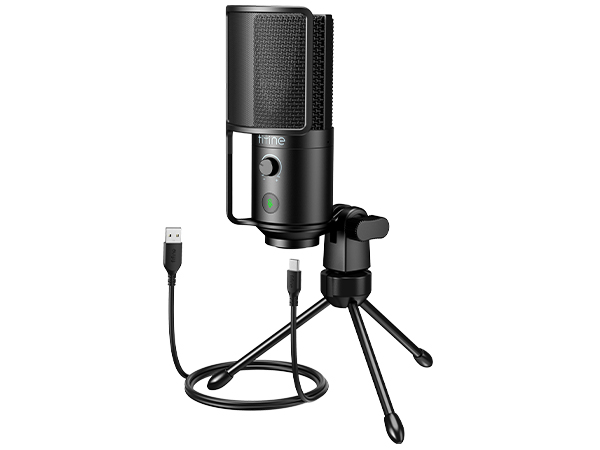
USB Podcast Mic-K669PRO1
Connection Type
USB
USB Cable Length
6.5ft/2m
Polar Pattern
Cardioid
Material
Metal
Volume Control
Mute Button
Headphones Jack
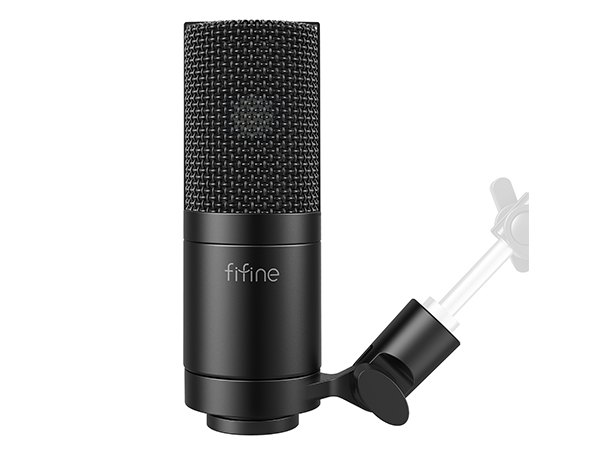
XLR Podcast Mic-K669C
Connection Type
XLR
USB Cable Length
/
Polar Pattern
Cardioid
Material
Metal
Volume Control
Mute Button
Headphones Jack
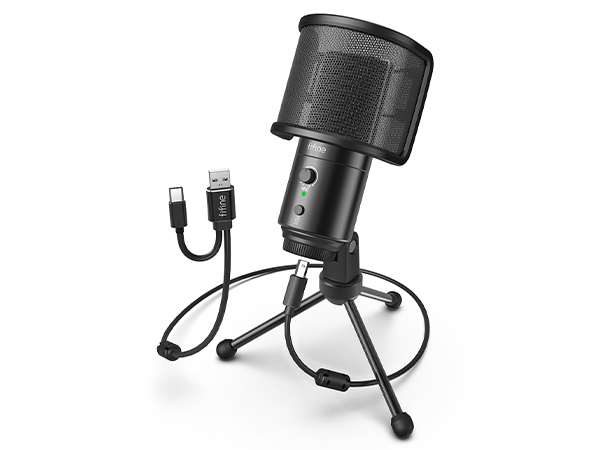
USB Desktop Mic-K683A
Connection Type
USB
USB Cable Length
6.6ft/2m
Polar Pattern
Cardioid
Material
Metal
Volume Control
Mute Button
Headphones Jack
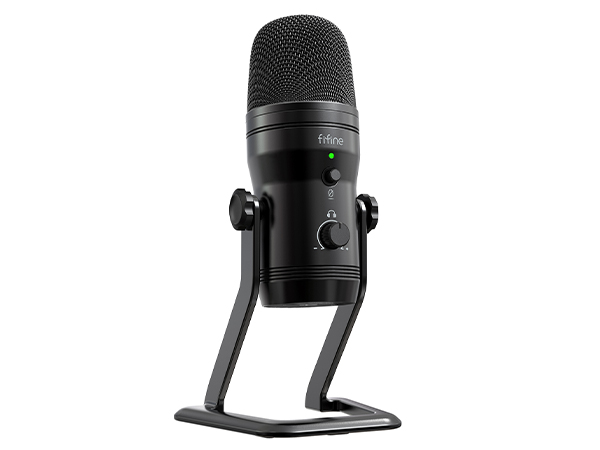
Studio Recording Mic-K690
Connection Type
USB
USB Cable Length
6.6ft/2m
Polar Pattern
Four Pickup Pattern
Material
Metal
Volume Control
Mute Button
Headphones Jack
Can K669B mic work with Macbook?
This USB computer microphone comes with USB-A to USB-A/C cable, which can work with Macbook with type-A or type-C port. Just make sure to set the "USB PnP Audio Device" as default input device of Macbook.
How can I pick up the sound loudly and clearly?
Adjust the gain to a proper level as you need by the gain knob and sound settings, and speak to the front of the microphone within 6-12 inches to pick up the sound loudly and clearly. If possible, please use the mic in a quiet room or space.
Is K669B mic compatible with Xbox?
No. This USB computer microphone is NOT compatible with Xbox, but it works well with PS4/PS5.
Can I use K669B mic with smartphones or audio mixer?
It is NOT compatible with mixer or audio interface.Do not recommend using with phone due to insufficient power supply and sound quality may be affected. Use a genuine USB cable or adapter for connection if try.
How to install K669B mic on the desk mount and the stand?
You can position this USB computer microphone on the desk mount, keep the small end of the metal ring upside and screw it up to the bottom of the mic. The sequence from up to down is the mic, the mount and the metal ring.
FIFINE Recording Series
Keep Leveling Up for Your Studio Clarity
FIFINE Recording Microphone
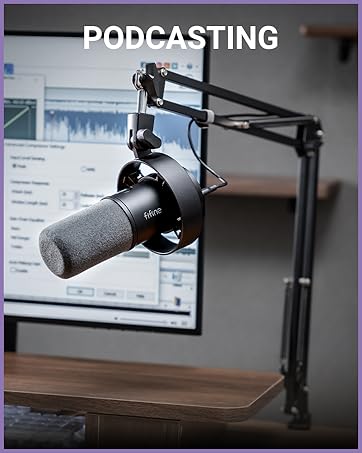
FIFINE Product for Podcasting
FIFINE Gaming Products
FIFINE Streaming Microphone
More from FIFINE