



FileCenter Receipts: Easy Receipt Management and Expense Tracking
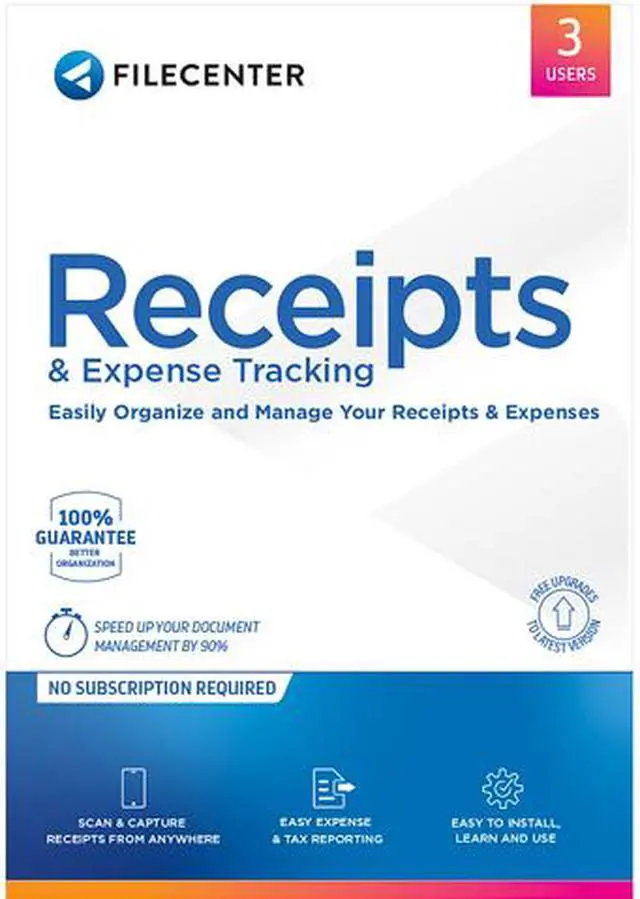
Say goodbye to shoeboxes. There's a better way to organize your receipts and track your expenses digitally: FileCenter Receipts. Easily scan and file those tiny bits of paper then pull the data into useful reports. Whether you're a home user or a business user, FileCenter Receipts has you covered.
Other receipt tracking software traps you in the Cloud or piles on layer after layer of baffling complexity. A receipt organizer only needs to do one thing: track your receipts. Period. And do it better than a shoe box. If that's your idea of good receipt scanning software, welcome to FileCenter Receipts.
- Simple, clean user interface
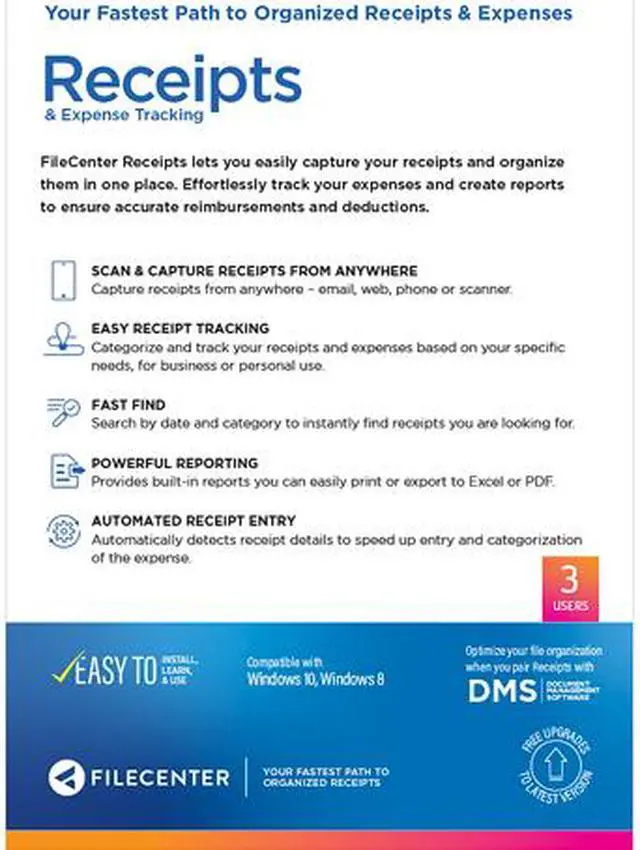
- Capture receipts from anywhere—phone, web, scanner
- Manage receipts and transactions on one screen
- Automated receipt processing
- Unlimited receipt analysis
- Submit expense reports with receipts attached
- Maintain multiple receipt boxes
- PC-based—no subscription fees
- A better alternative to Neat and Receipt Bank
- Integrates with QuickBooks and other bookkeeping software
Pull in Expense Receipts from Anywhere
The receipt organizer that makes it a pleasure to digitize your expense receipts is the organizer that's going to get used. FileCenter Receipts recognizes that receipts can come from just about anywhere—an email attachment, a picture on your phone, or a scrap of paper. Capture all of them in one place.

Scan Your Receipts
FileCenter Receipts is built on the same scanning technology that made the world fall in love with FileCenter. It works with most desktop scanners. A preview window lets you confirm the scan's quality as you fill in the receipt info. It doesn't get much easier than that. You won't find a simpler expense tracking system anywhere.

Mobile Receipts
If you use QuickBooks, you've got a convenient option for snapping receipts on the go. Use our QuickBooks app with your phone to quickly capture receipts as you get them. Then when you're back at your desk, sit down with your keyboard and mouse and easily pull them into FileCenter Receipts to get them finalized.

Import Your Receipts
Many files on your computer can come into FileCenter Receipts—those images sitting on your Desktop, a digital receipt from a web order, even an attachment that came in with an email. Pull them all into our receipts and expense tracking software for easy organization.

Automated Receipt Entry
Capturing receipts from anywhere is nice, but let's face it, entering receipt information and categorizing your expenses can be painful and tedious. Wouldn't it be nice to automate this process? We thought so too! So we added some intelligence to FileCenter Receipts that automatically detects receipt details like vendor, amount, category and so on. This dramatically speeds up receipt entry and categorization of the expense.
Categorize and Track Your Expenses
Most of us want a receipt organizer for one reason: tracking. We want to track our reimbursable expenses, our tax deductions, our medical costs—the needs go on and on. FileCenter Receipts allows you to enter unlimited line items on every receipt and categorize each line item independently. There is no receipt too complicated for our expense tracking software to track.

Multiple Receipt Boxes
Personal receipts. Business receipts. Receipts for your side project. If you need to track many kinds of receipts, Receipt Boxes may be the answer you're looking for. FileCenter Receipts provides you with the ability to manage as many separate receipt boxes as you'd like. Because some receipts simply don't belong together.

Expense Reimbursements
Quickly mark any line item as a reimbursable expense. You might even go a step further and categorize the expense. Why? So you can distinguish between work reimbursements and those reimbursements for that community center where you volunteer. FileCenter Receipts makes it simple to track both without mixing them up.

Expense Deductions
Nothing tests the limits of a receipt tracker like tax deductions. Luckily, FileCenter Receipts provides a broad list of deduction categories. Customize the categories to your liking: remove the useless ones, add new ones, or come up with your own personalized list of categories. FileCenter Receipts wants to work with you, not make you work with it.
Organize Your Expenses
It does little good to put receipts into any expense tracker app if you can't come back later and find the info you need. FileCenter Receipts doesn't want you throwing your needles into haystacks. It wants to keep everything at your fingertips.

View By Date
You can easily go back through your prior receipts by date. What was that work expense right after Thanksgiving? Did I fill a prescription around my birthday? Find out with just a couple of mouse clicks.

Live View
FileCenter Receipts offers a live preview window so you can look back at the original image of the receipt, not just the numbers. Pull up any receipt, any time, and verify that all of the info is correct. Should you ever be audited, you will have no problem proving the authenticity of each and every number you reported. We call that assurance.
Use Your Data for Expense Reporting
The power of a receipt organizer lies in its ability to give us back meaningful numbers later on. At the end of a trip, we want a quick rundown of our business expenses. At the end of the year, we want to know how much of our hard-earned money we can keep away from the IRS. And on any given day, we may want to send that information to dedicated accounting software.

Produce Expense Reports in PDF or Excel
FileCenter Receipts provides built-in reports for things like business expenses and tax deductions. Print the expense reports, get them as PDFs for electronic submission, or pull them into Excel to use in your own reports.

Send to QuickBooks
Do you have an accountant who manages this data for you? Are you your own accountant? Then you will appreciate how easily you can submit receipts to QuickBooks or any number of other accounting packages. To make receipt entry quicker and more consistent, you can even synchronize FileCenter Receipts with your established tax categories and vendor lists.
Seamless integration with FileCenter
While FileCenter Receipts works just fine on its own, it's even better with FileCenter. If you're a FileCenter user, the marriage of FileCenter with FileCenter Receipts is a dream come true. Seamless doesn't even begin to describe it.

Everything in One Place
FileCenter Receipts will show up as another tab in FileCenter. Quickly switch back and forth from your cabinets to your receipt list without ever leaving the software. The flow is so natural, you will never know they're separate products.

Add Any File to Receipts
Without ever leaving your cabinet, select any file and add it to your receipts. And when we say "any" file, we mean any. Make a Word document a receipt, or a spreadsheet, or even a video clip. The original file will remain unaffected while you get useful, trackable information from it.