
Your Browsing History



Any questions? Our AI beta will help you find out quickly.
| Brand | FileMaker |
|---|---|
| Model | TT771LL/A |
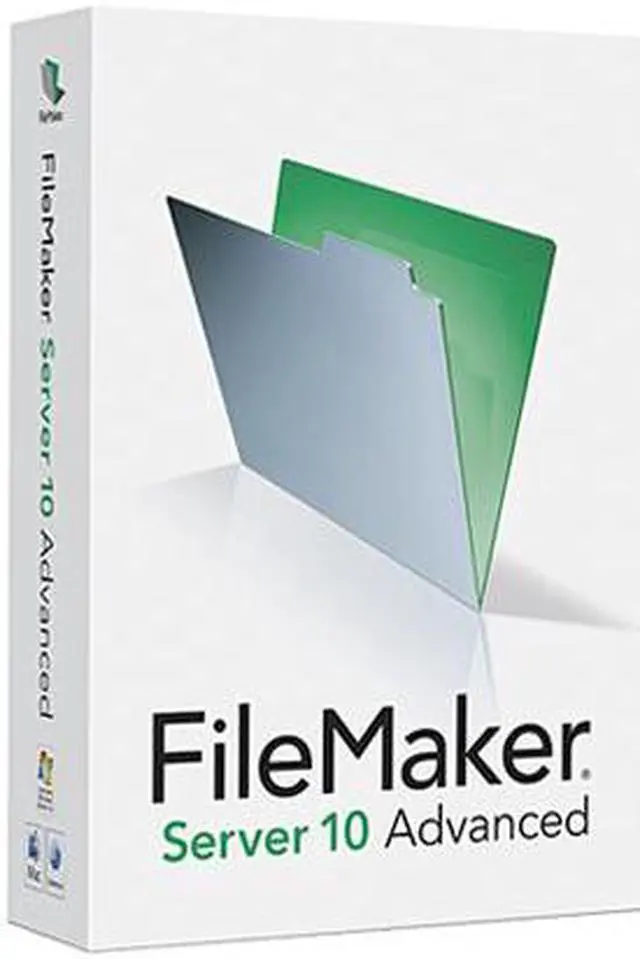
| Name | Server 10 Advanced English |
|---|---|
| Type | Utilities |
| Version | Advanced |
| Operating Systems Supported | Windows & Mac OS |
| System Requirements | Minimum Windows Server 2003 Standard Edition SP2 Windows Server 2008 Standard Edition SP1 Windows Vista Business SP1 CPU: Pentium 3.4 GHz RAM: 1 GB Hard drive: 80+ GB Mac OS X and Mac OS X Server version 10.5.4(Intel-based Mac) CPU: 1.67GHz Intel Core Duo RAM: 1 GB Hard drive: 80+ GB Mac OS X and Mac OS X Server version 10.5.4 (PowerPC-based Mac) CPU: 2GHz PowerPC G5 RAM: 1 GB Hard drive: 80+ GB Mac OS X and Mac OS X Server version 10.4.11 (Intel-based Mac) CPU: 1.67GHz Intel Core Duo RAM: 1 GB Hard drive: 80+ GB Mac OS X and Mac OS X Server version 10.4.11 (PowerPC-based Mac) CPU: 2GHz PowerPC G5 RAM: 1 GB Hard drive: 80+ GB Recommended: Windows Server 2003 Standard Edition SP2 Windows Server 2008 Standard Edition SP1 Windows Vista Business SP1 CPU: Dual CPU/Core Duo RAM: 2 GB Hard drive: 80+ GB Mac OS X and Mac OS X Server version 10.5.4(Intel-based Mac) CPU: Dual core RAM: 2 GB Hard drive: 80+ GB Mac OS X and Mac OS X Server version 10.5.4 (PowerPC-based Mac) CPU: Dual G5 RAM: 2 GB Hard drive: 80+ GB Mac OS X and Mac OS X Server version 10.4.11 (Intel-based Mac) CPU: Dual core RAM: 2 GB Hard drive: 80+ GB Mac OS X and Mac OS X Server version 10.4.11 (PowerPC-based Mac) CPU: Dual G5 RAM: 2 GB Hard drive: 80+ GB |
| Packaging | Retail |
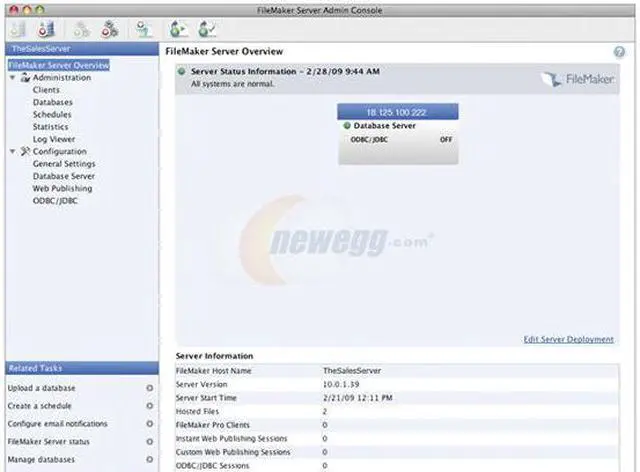
| Feature | Setup & Administration Install and configure in just 20 minutes or less. Manage databases remotely and automate administrative tasks from any computer on the network. Performance & Availability FileMaker Pro databases run faster with FileMaker Server and are accessible 24x7. Schedule automated live backups to ensure data integrity. Security Use SSL encryption for secure data transfer. Manage user access through external authentication via Active Directory/Open Directory. Web Publishing Publish data to the web using PHP or XSLT. Use the PHP Site Assistant for step-by-step guidance in publishing your databases to the web. Import/Export Schedule import and export scripts for automated reporting. Send Mail via SMTP Send Mail via SMTP directly from FileMaker Server 10 for faster distribution; no email client needed. Database Verification Schedule automatic database verification tests to check for consistency and errors. Log Viewer Get a snapshot of your database logs to quickly pinpoint trouble spots. PHP Themes Get 10 new PHP Site Assistant themes to create visually stunning websites in minutes. PHP Preview Use the built-in PHP Preview to look at your websites before publishing them live. Connection Limits Connect up to 999 FileMaker Pro users at the same time – 4x more users than in FileMaker Server 10. Instant Web Publishing Use Instant Web Publishing to easily publish and share databases over the web with 100 simultaneous users – 20x more users than in FileMaker Pro. ODBC/JDBC Connectivity Share data with other applications via server-based ODBC/JDBC support. ODBC/JDBC clients can submit SQL queries to FileMaker databases. |
|---|
| First Listed on Newegg | February 04, 2009 |
|---|