






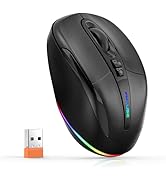
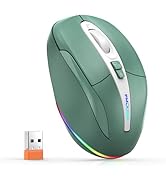
Adjustable DPI Mouse
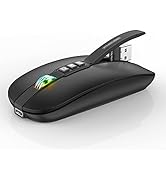
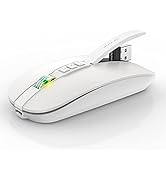
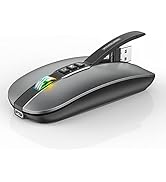
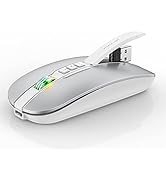
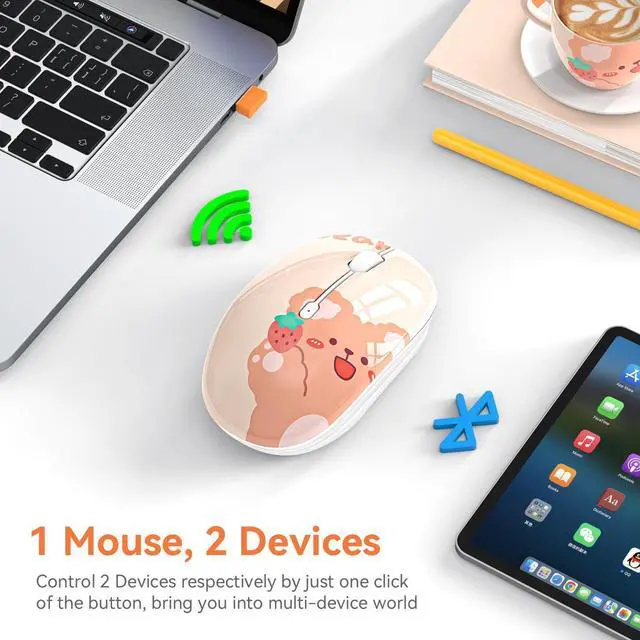
Dual Mode Mouse

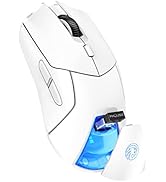
7 Buttons Mouse

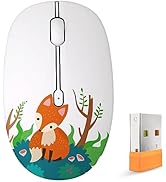

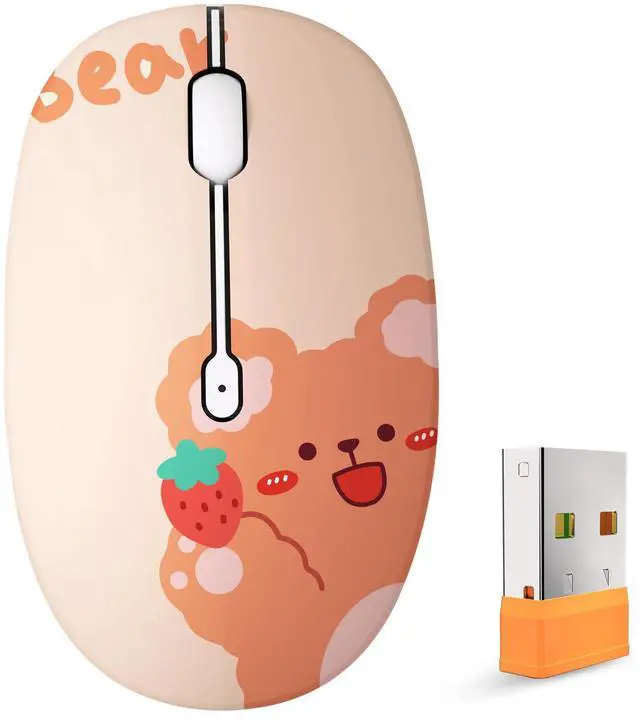
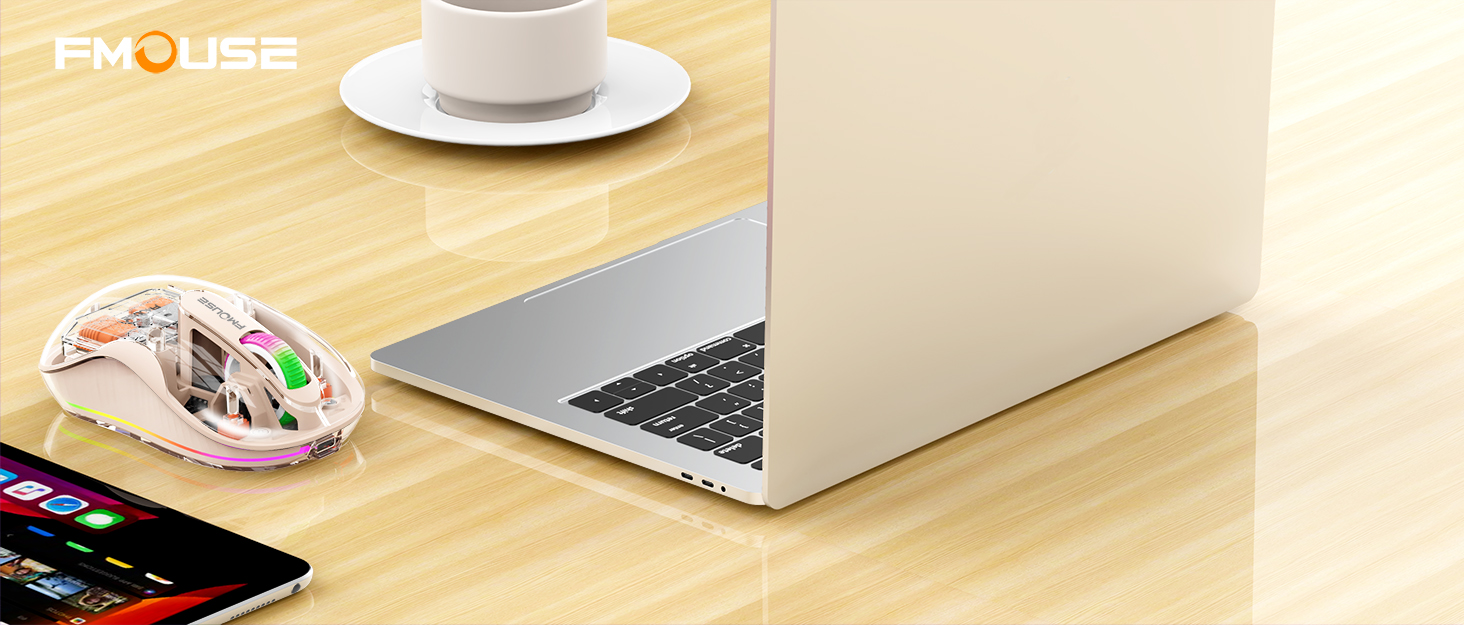
Cute Wireless Mouse
BRAND STORY
FMOUSE always believes that technology improves life. Our passion is driven by the desire to simplify life.
PERSEVERE
Everyone has the need and right to express themselves, FMOUSE team works hard to design diverse and cool products for everyone. We hope to pass this on and bring positive influence to users, and inspire everyone to be passionate about things they do.
EXTRAORDINARY
FMOUSE has always insist on independent research and development, and strictly control the quality of our products. Making life easier, simpler, convenient and more enjoyable is mission and original intention

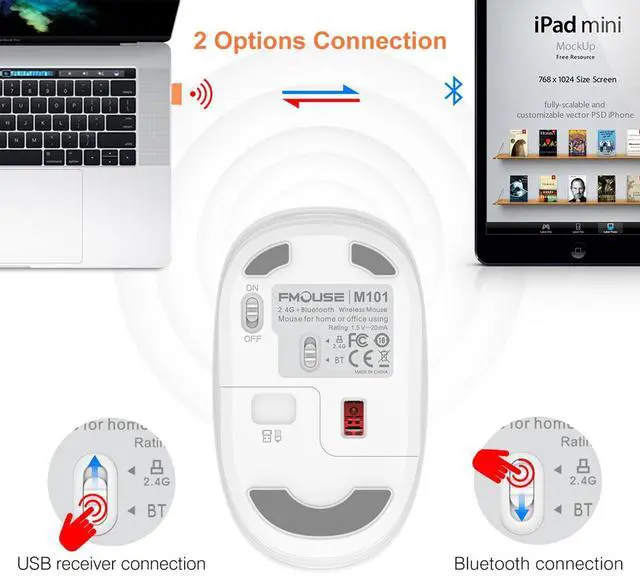
USB connection
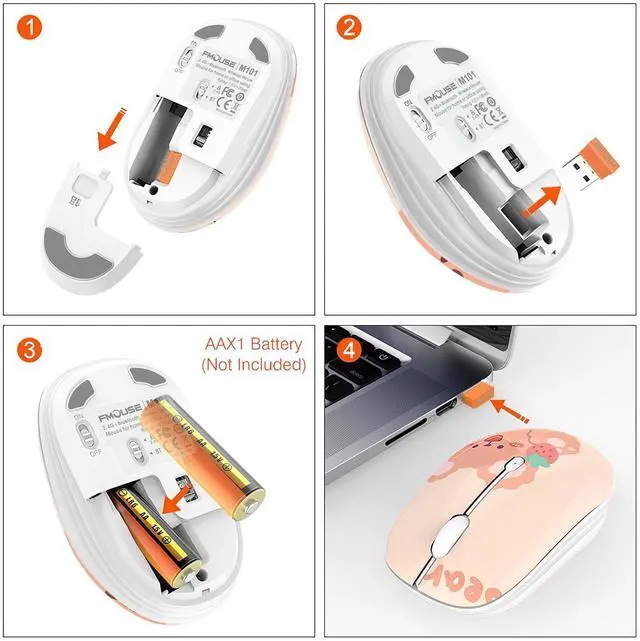
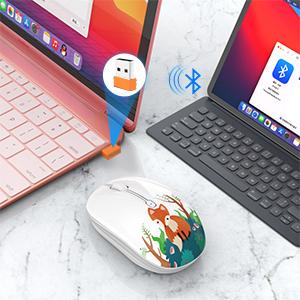
Step 1: Insert the receiver into the computer USB port
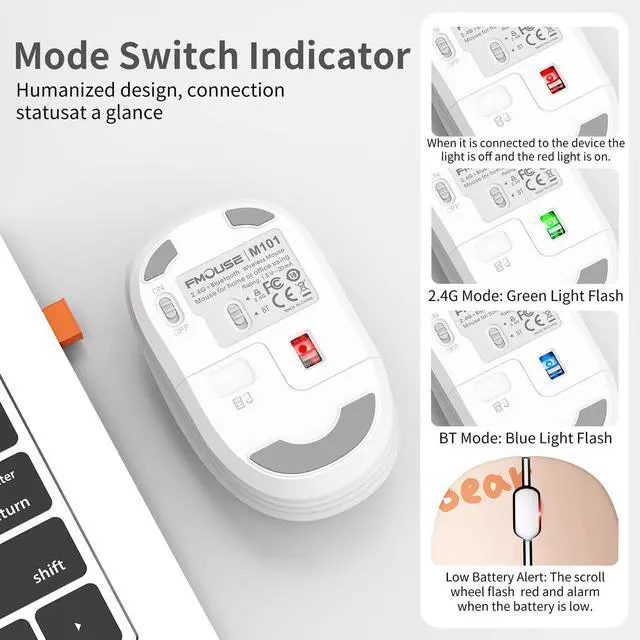
Step 2: Push the power switch on the bottom of the mouse to 2.4G mode, the indicator light will flash green light
Step 3: Move the mouse or tap the left/right button to use it
Bluetooth connection
Step 1: Push the power switch on the bottom of the mouse to Bluetooth mode, the indicator light will flash blue light
Step 2: Turn on the tablet/laptop, click the "Bluetooth" interface in the setting menu to connect the mouse
Step 3: Move the mouse or tap the left/right button to use it
The Package Include:
- 1 x M101 Mouse
- 1 x USB Receiver
- 1 x User Manual

1600 DPI
This wireless mouse with a default DPI of 1600, precise control to ensure high working efficiency, can meet your daily need.

Ergonomic Design
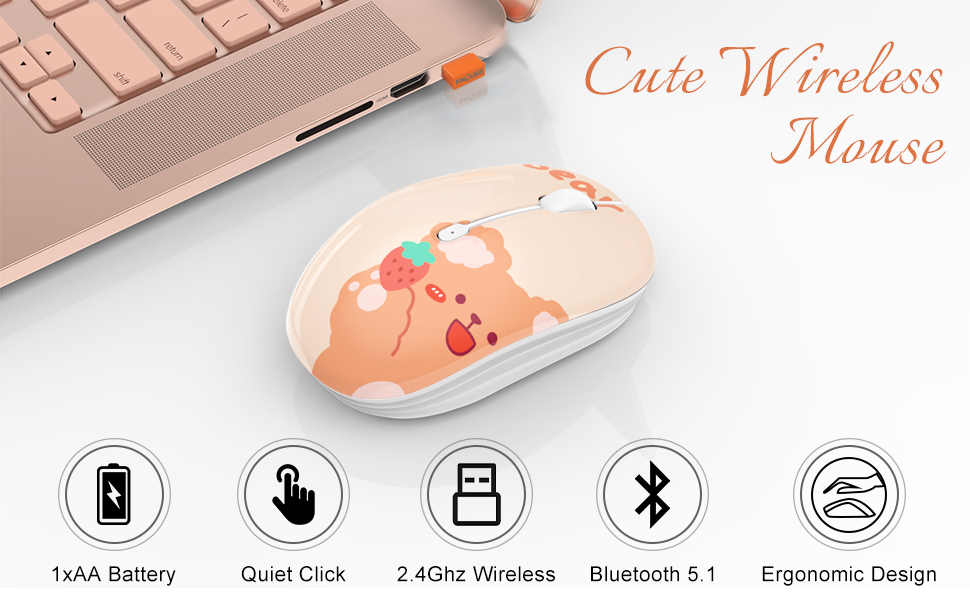
The ergonomic mouse fits perfectly in the palm of the hand, designed for everyday comfort and precision, and smooth tracking on most surfaces.

Power Saving
The durable mouse will automatically be in sleeping mode after 10 minutes inactivity, you can activate it by clicking on any button.
USB connection
Step 1: Insert the receiver into the computer USB port
Step 2: Push the power switch on the bottom of the mouse to 2.4G mode, the indicator light will flash green light
Step 3: Move the mouse or tap the left/right button to use it
Bluetooth connection
Step 1: Push the power switch on the bottom of the mouse to Bluetooth mode, the indicator light will flash blue light
Step 2: Turn on the tablet/laptop, click the "Bluetooth" interface in the setting menu to connect the mouse
Step 3: Move the mouse or tap the left/right button to use it
The Package Include:
- 1 x M101 Mouse
- 1 x USB Receiver
- 1 x User Manual
1600 DPI
This wireless mouse with a default DPI of 1600, precise control to ensure high working efficiency, can meet your daily need.
Ergonomic Design
The ergonomic mouse fits perfectly in the palm of the hand, designed for everyday comfort and precision, and smooth tracking on most surfaces.
Power Saving
The durable mouse will automatically be in sleeping mode after 10 minutes inactivity, you can activate it by clicking on any button.
Adjustable DPI Mouse
Dual Mode Mouse
7 Buttons Mouse
Cute Wireless Mouse
BRAND STORY
FMOUSE always believes that technology improves life. Our passion is driven by the desire to simplify life.
PERSEVERE
Everyone has the need and right to express themselves, FMOUSE team works hard to design diverse and cool products for everyone. We hope to pass this on and bring positive influence to users, and inspire everyone to be passionate about things they do.
EXTRAORDINARY
FMOUSE has always insist on independent research and development, and strictly control the quality of our products. Making life easier, simpler, convenient and more enjoyable is mission and original intention