




 here!
here!
I’m your shopping assistant for PC builds, upgrades, and everything tech.
Got questions? Ask away!
Start a conversation
here!
I’m your shopping assistant for PC builds, upgrades, and everything tech.
Got questions? Ask away!
Start a conversation




Any questions? Ask CelesteSM will help you find out quickly.
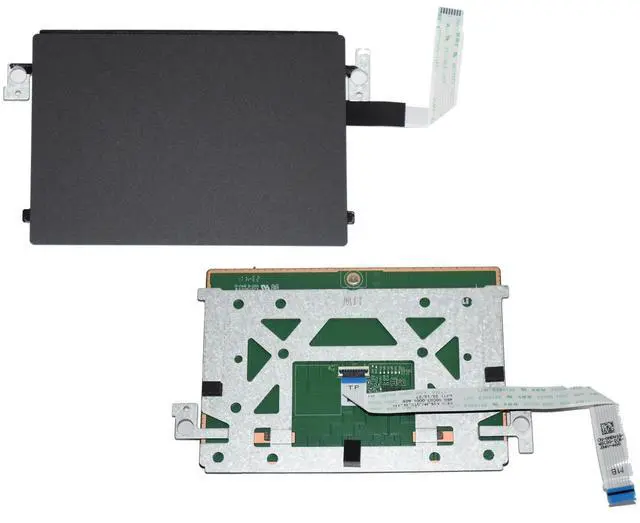
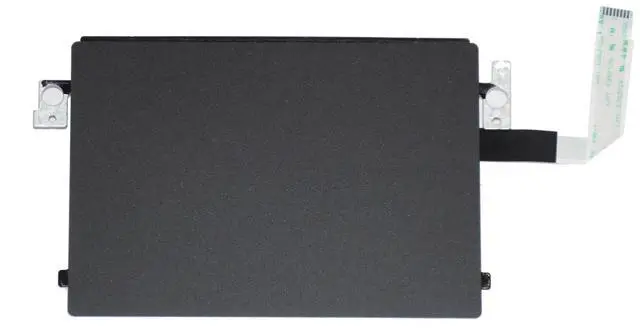
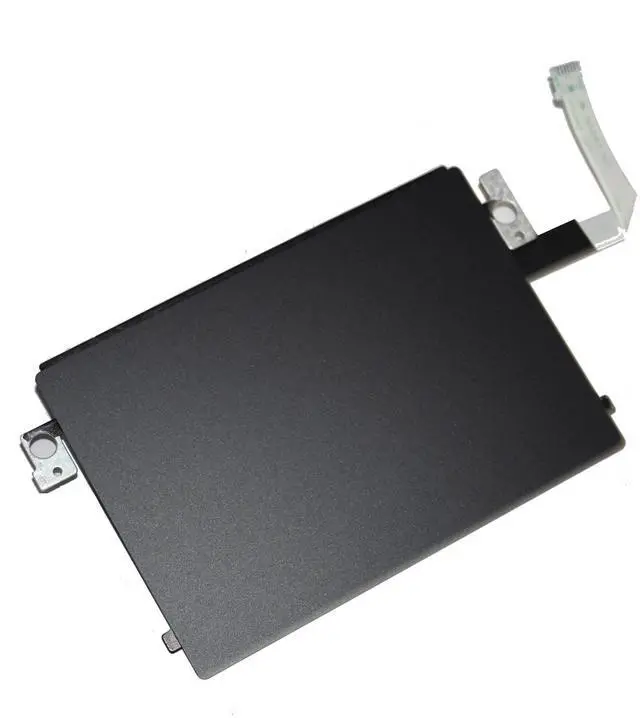
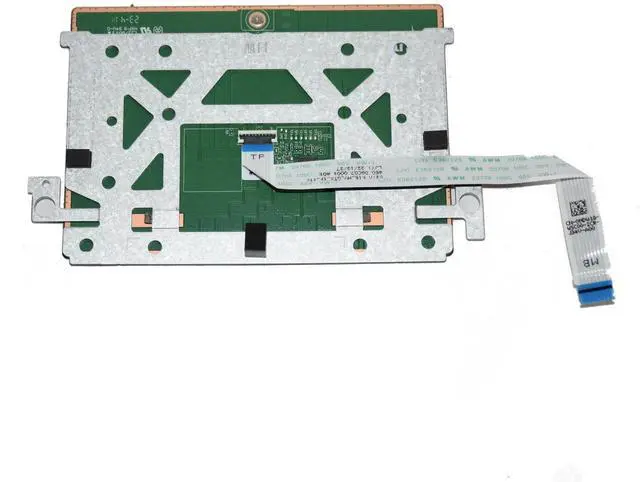
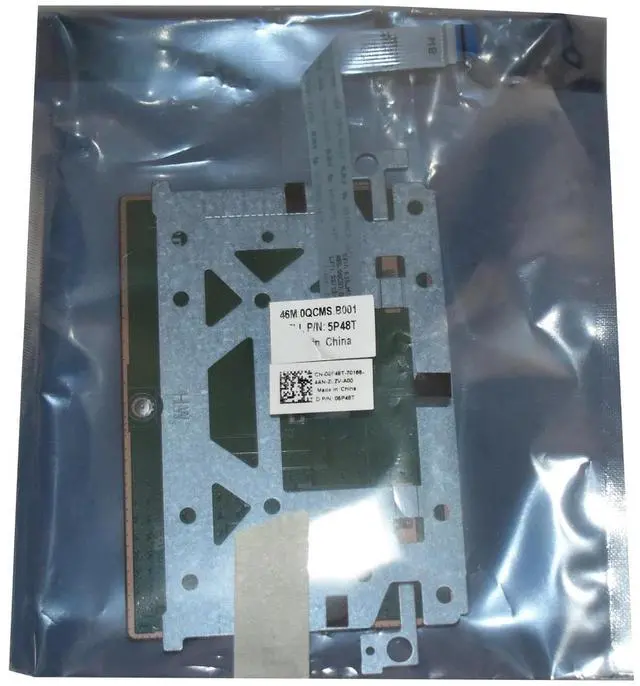
Restore full pointing functionality to your Dell Inspiron 14 5420 laptop with this genuine OEM Touchpad Assembly, a precision-engineered replacement part designed to meet Dell's exacting quality standards. Whether your original touchpad has become unresponsive, physically damaged, or simply worn out from years of daily use, this authentic replacement component provides a seamless, drop-in solution that restores your laptop's built-in pointing capabilities to like-new condition. This assembly is fully compatible with multiple Dell part numbers, including 17NNP, 0PCW7, PK2RR, and 5P48T, ensuring broad compatibility across the Inspiron 14 5420 product line.
The touchpad assembly features a generously sized 115 mm (4.53 in.) horizontal by 80 mm (3.15 in.) vertical tracking surface, providing ample room for fluid cursor movements and multi-finger gestures. With a tracking resolution exceeding 300 dpi in both horizontal and vertical axes, this touchpad delivers precise, responsive cursor control that keeps pace with your workflowwhether you are navigating spreadsheets, editing documents, or browsing the web. The high-resolution sensor ensures that even fine movements are accurately translated on-screen, reducing the need for external mice in most everyday computing scenarios.
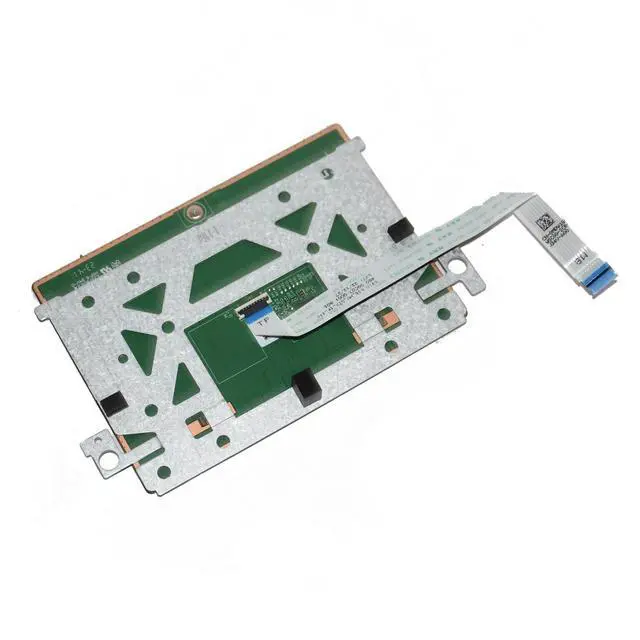
Installation is straightforward for users with basic technical proficiency. The touchpad assembly is secured to the palm-rest and keyboard assembly with three M1.6x2 screws, while a dedicated touchpad bracket provides additional structural support. A flexible ribbon cable connects the touchpad to the system board via a simple latch mechanism. For detailed step-by-step guidance, Dell's official service manual provides comprehensive removal and installation procedures. The touchpad is designed to be easily accessible once the bottom cover is removed, making this a practical DIY repair for IT professionals and experienced hobbyists alike.
This OEM touchpad assembly is built to the same rigorous specifications as the original component that came with your Inspiron 14 5420, ensuring perfect fitment, reliable electrical connectivity, and consistent performance. Unlike generic third-party replacements that may suffer from poor tracking, mismatched dimensions, or unreliable ribbon cables, this genuine Dell part guarantees compatibility and longevity. The assembly includes the touchpad sensor module, the touchpad bracket, and the connecting cableeverything you need for a complete replacement.
Whether you are a professional repair technician, an IT department managing a fleet of Dell laptops, or a user looking to breathe new life into a beloved Inspiron 14 5420, this touchpad assembly offers the quality, reliability, and peace of mind that only an authentic OEM component can provide. Restore your laptop's full functionality and enjoy precise, gesture-enabled cursor control once again with this genuine Dell replacement touchpad.


