Meet Your Seller
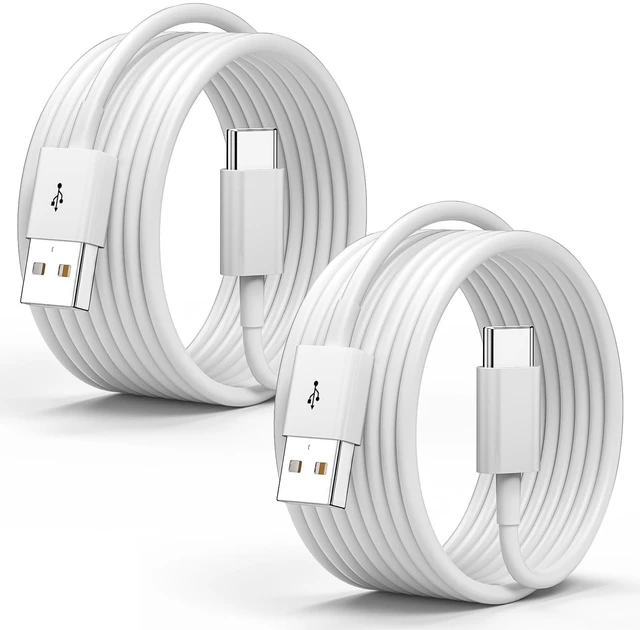
USB to USB C Cable for iPhone 17/16/15 USB C Charger Cord,Car CarPlay Cable | 2Pack USB to USB C Cable for for iPhone Duo iPad 10th Gen Pro Air 5th 4th Mini 6th Gen,3A Fast Charging&480Mbps Data Sync
- [Whats included]2-Pack 10FT USB A to USB C Cable with one year warranty, to satisfy your charging needs at home, office, car and travel. Affordable multi-line set lets you keep spare cords everywhere without constant swapping.
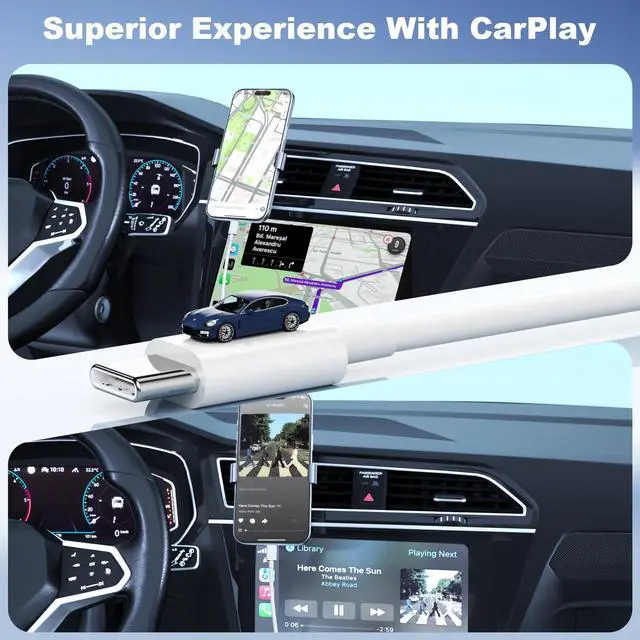
- [Fully Supports Stable CarPlay]This USB-C cable enables lag-free CarPlay connection for iPhone 15/16/17 series, offering steady data transmission for navigation, hands-free calls and music playback during driving without sudden disconnections.
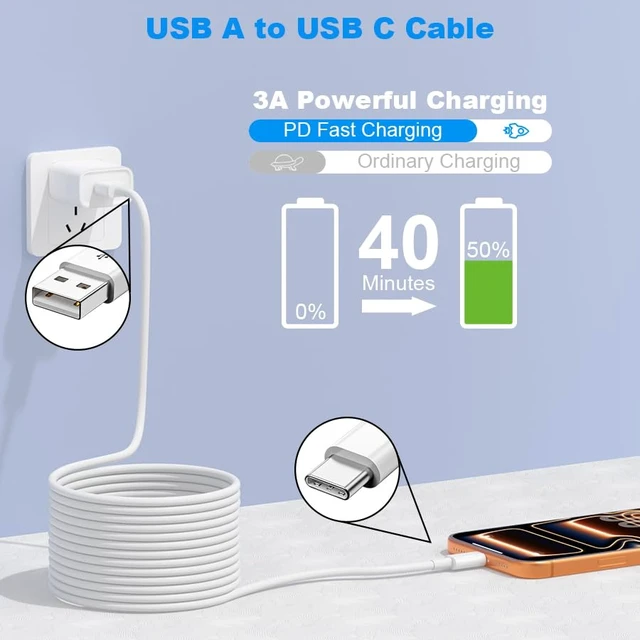
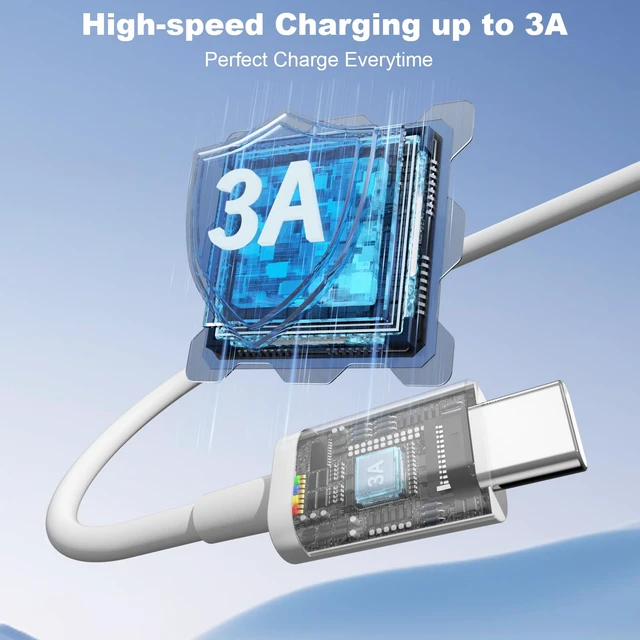
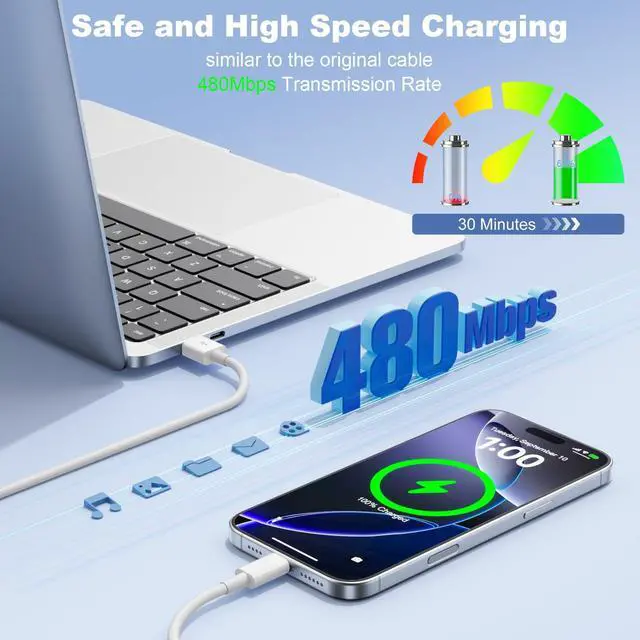
- [3A Fast Charging & 480Mbps Data Sync]This USB A to USB C cord supports up to 3A fast charging and 480Mbps high-speed data transfer. It can power up your devices rapidly while syncing photos, videos and files simultaneously, saving your valuable time.·
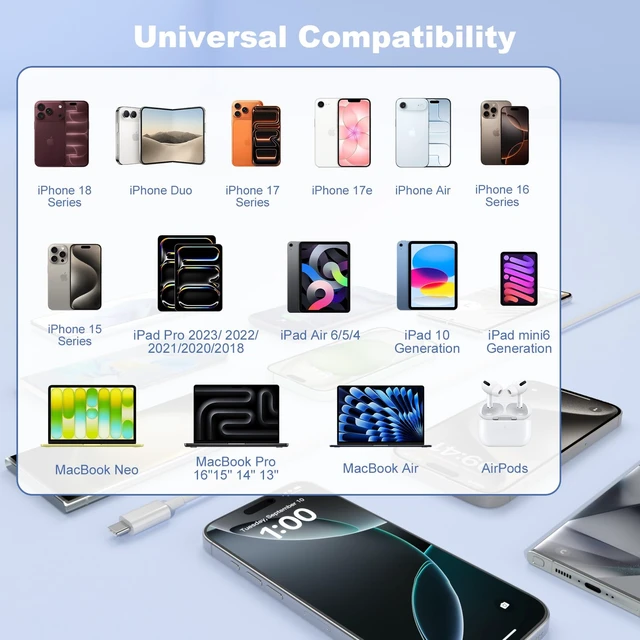
- [Wide Universal Compatibility]Fully compatible with iPhone 18/17/16/15 all series,iPhone Duo, iPad Pro 12.9'/ 11' ,New Mini6th/Air 4th ,AirPods and more Type-C electronics.
- [Smart Multi-Protection Chip]Built-in intelligent safety chip offers over-current, over-voltage and short-circuit protection. It prevents overheating and effectively protects your phone battery from damage during long-hour charging.
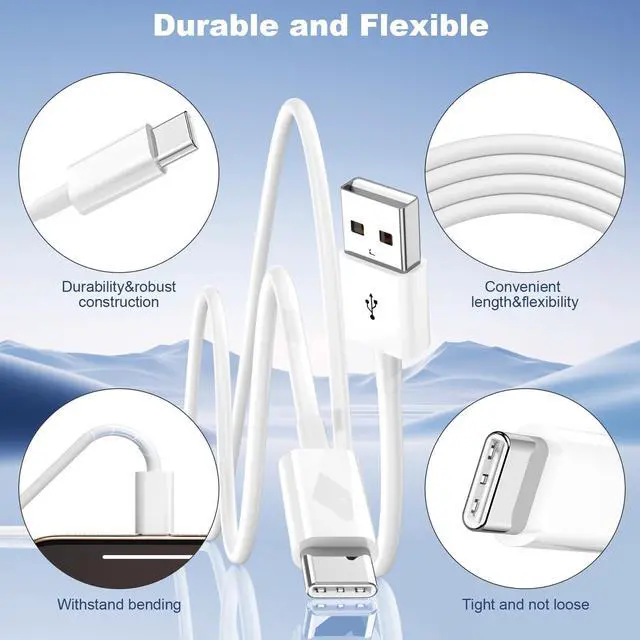
- [Durable Reinforced Construction]Thickened inner copper wires and reinforced strain relief design withstand over 40,000bends without cracking or breaking. Premium flexible PVC outer jacket resistsdaily wear, tear and tangles.
Any questions? Ask CelesteSM will help you find out quickly.
Product Information
Model: USB-A to USB-C CABLE
Interface type: USB-A (computer/charger end) USB-C (device end)
Features supported:
- Charging (supports up to 20W fast charging, requires a compatible charger)
- Data transfer (USB 2.0/3.0, speed of 480 Mbps)
- Compatible devices:iPhone 16/15 series and more usb-c devices.
Usage Instructions
1. Connect the device:
- Insert the USB-C end into your iPhone or another usb-c device.
- Insert the USB-A end into the charging port or the USB port of your computer.
2. Charging Indicator:
-When you first connect the charger to your computer or car, you might be prompted to add it to your list of trusted devices.
- After successful connection, the charging icon should be displayed on the device screen.
-If it isn't charging, try using a different charging head or USB port.
3.Tips for charging:
-Avoid charging at high temperatures (>35°C) or low temperatures (<0°C) to protect battery
-Battery performance settings, you can turn off clean energy charging or adjust the charging limit.
4. Data Transmission:
- After connecting the computer, select "Allow Access" on the device to transfer files.
Compatible Models:
iPhone18 Pro/18 Pro Max,iPhone Duo,
iPhone 17/17 Pro/17 Pro Max,
iPhone 16/16 Pro/16 Pro Max/16 Plus,
iPhone 15/15 Pro/15 Pro Max/15 Plus,
iPad Pro 7/6/5/4/3, iPad 10th Generation, iPad Air 6/5/4, iPad Mini 6,
Apple TV Remote (3rd Generation)
Warranty & Returns
Warranty, Returns, And Additional Information
Warranty
- Please contact the Seller directly for warranty information. Warranty information may also be found on the Manufacturer's website.
- CONTACT
Return Policies
- Return for refund within: 30 days
- Return for replacement within: 30 days
- This item is covered by Artbloont Return Policy
Manufacturer Contact Info
- For a directory of all our manufacturers, please click below.
- Manufacturers Directory