here!
here!
I’m your shopping assistant for PC builds, upgrades, and everything tech.
Got questions? Ask away!
Start a conversation
here!
I’m your shopping assistant for PC builds, upgrades, and everything tech.
Got questions? Ask away!
Start a conversation





Any questions? Ask CelesteSM will help you find out quickly.
Is this wireless keyboard and mouse combo Bluetooth or 2.4GHz?
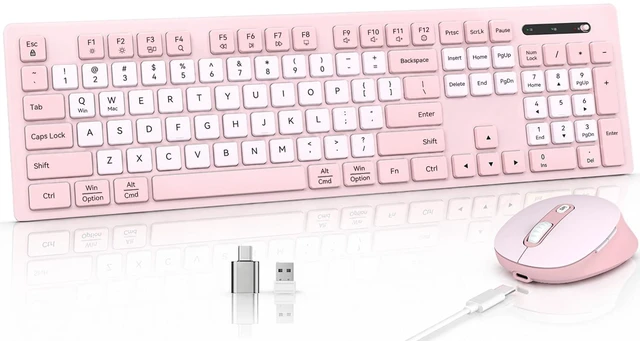
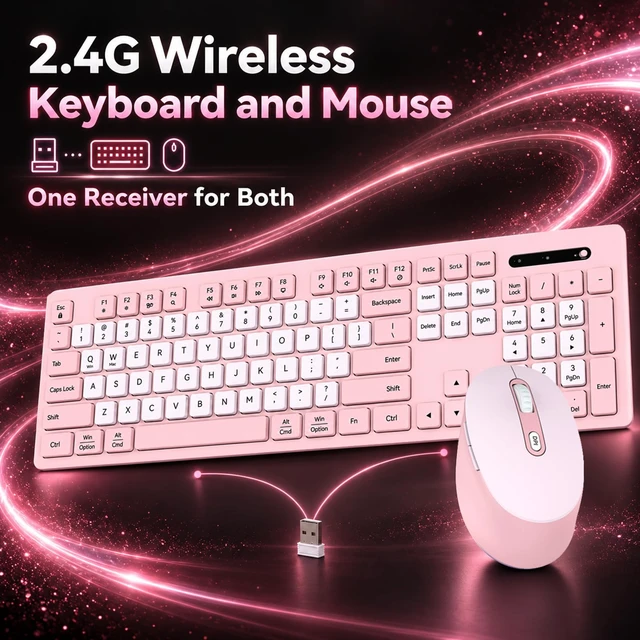
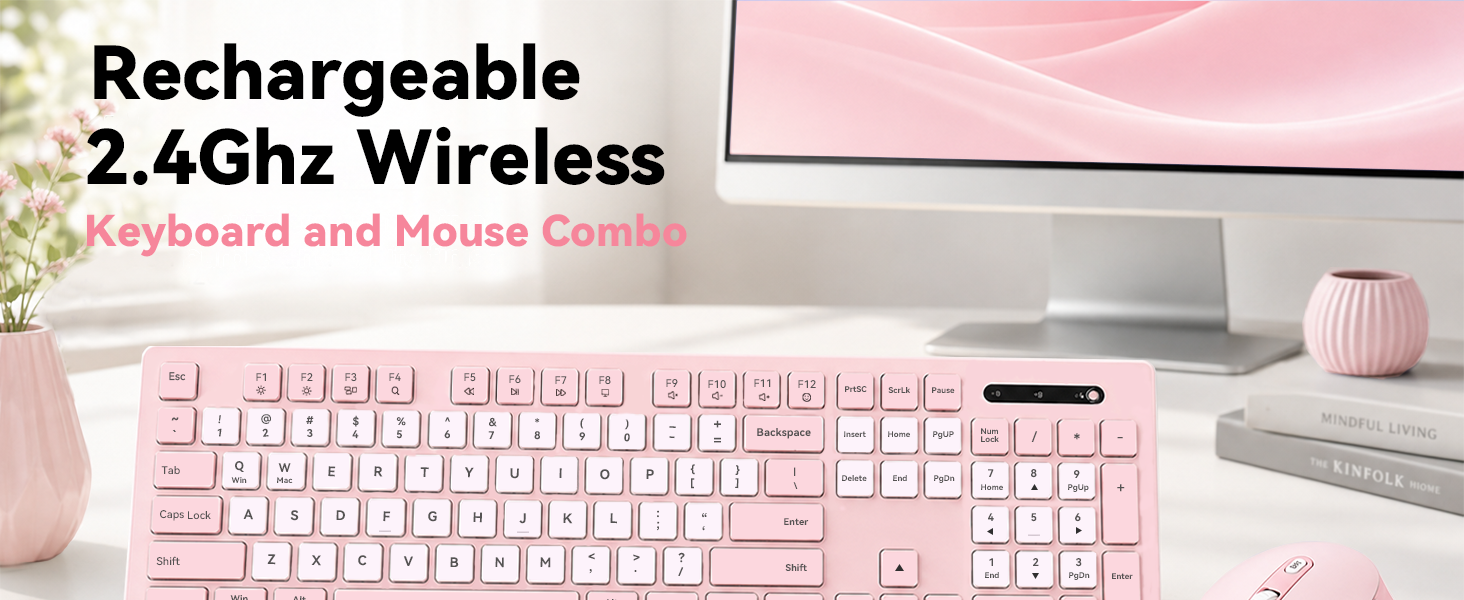
It is a 2.4GHz wireless keyboard and mouse combo, without Bluetooth mode. Both keyboard and mouse connect via the included shared USB-A.
How do I set up the wireless keyboard and mouse?
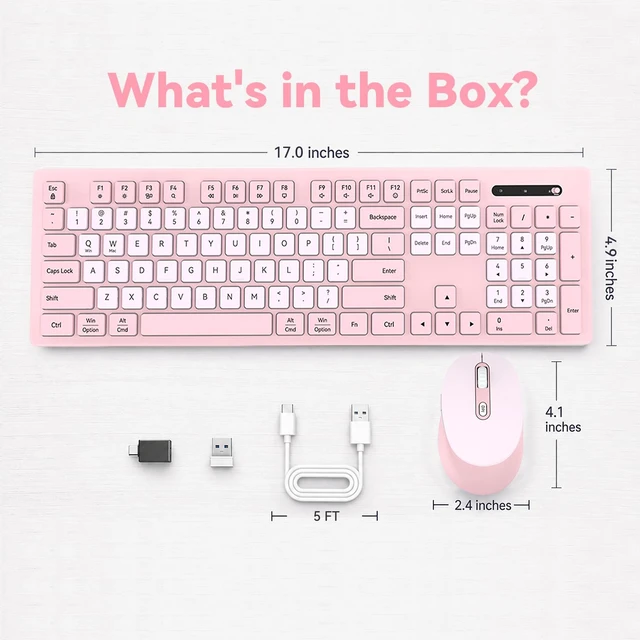
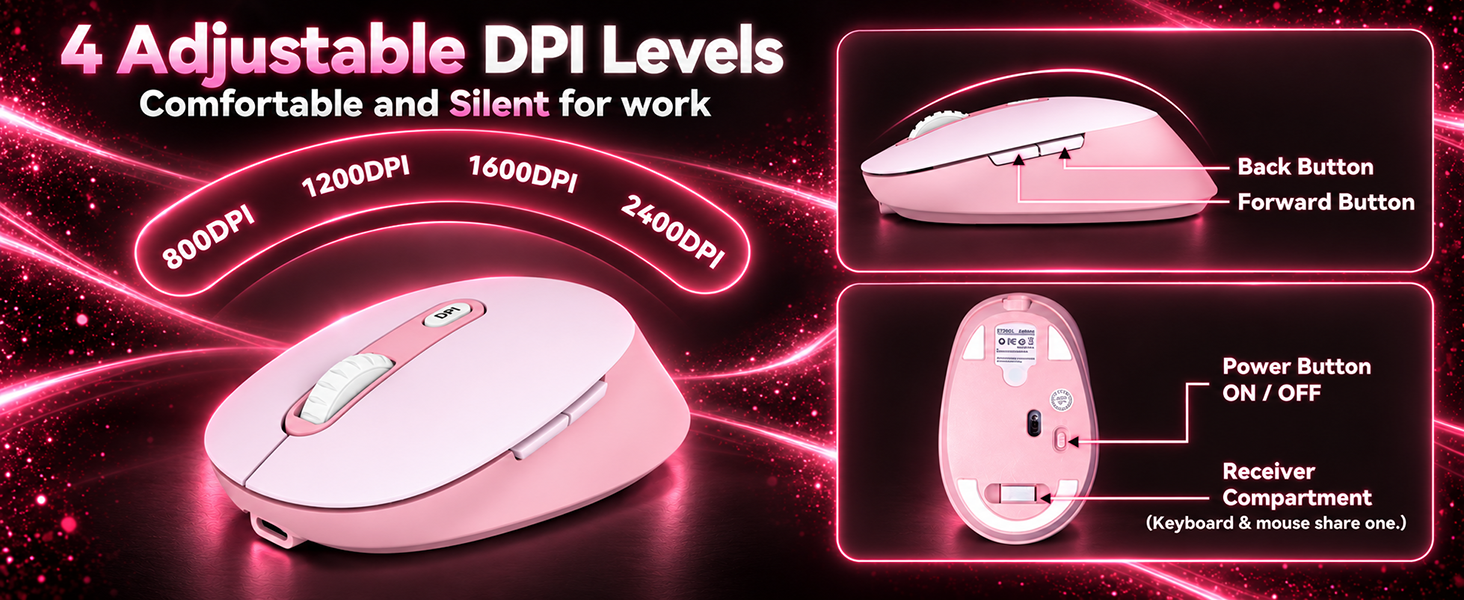
Remove the shared USB-A receiver from the storage compartment under the mouse, plug it into your computer, and turn on the keyboard and mouse. No Bluetooth pairing, driver, or software installation is required.
Are both the keyboard and mouse rechargeable, and how long does the battery last?
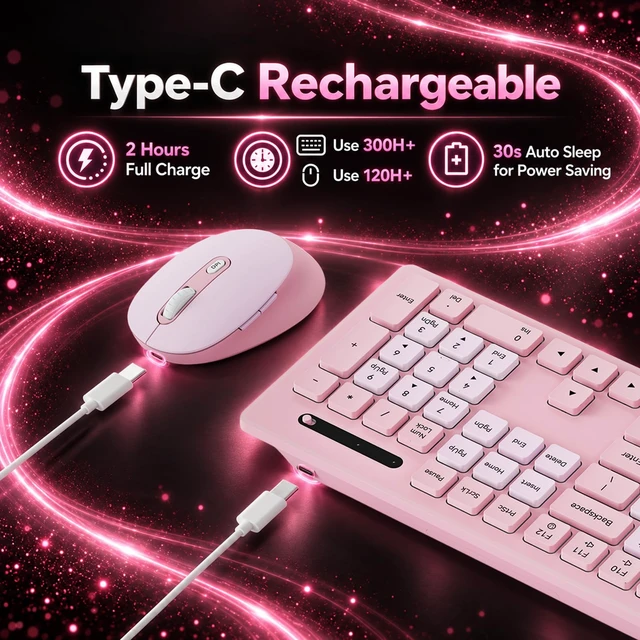
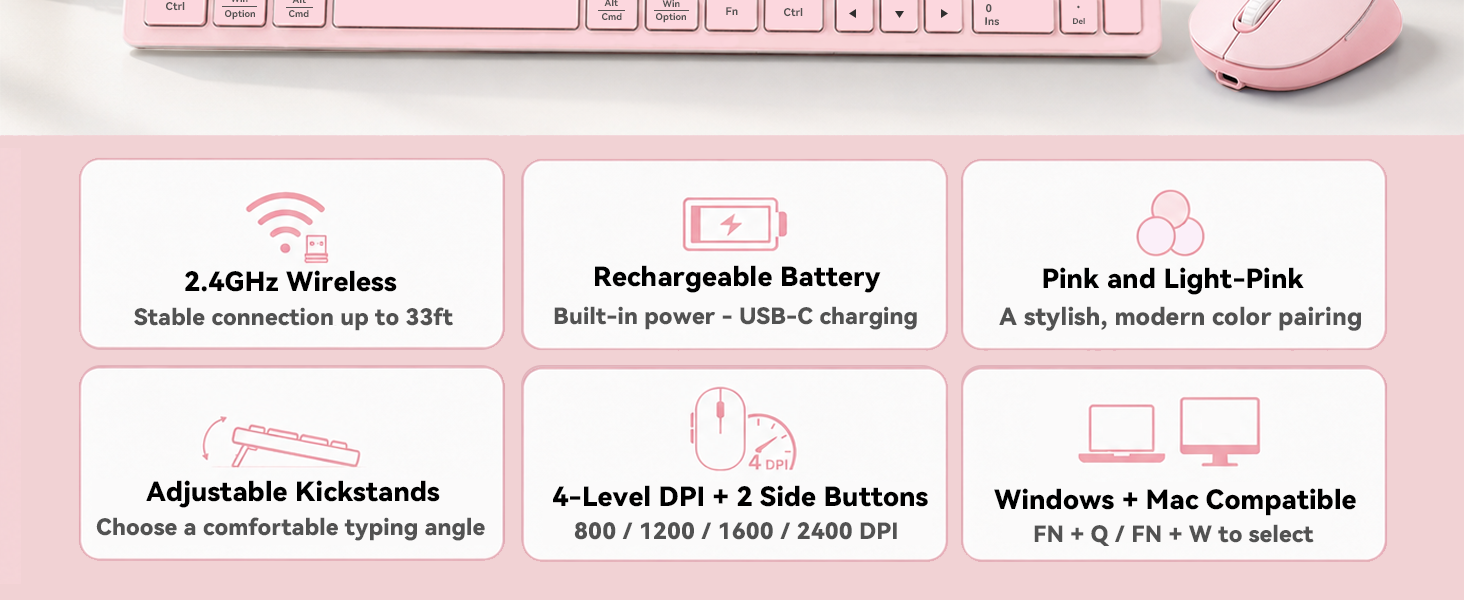
Yes. The keyboard and mouse each have a built-in 500mAh rechargeable battery. After a 2-hour full charge, the keyboard lasts over 300 hours and the mouse over 100 hours – no disposable batteries needed.
Why is there only one USB-A receiver in the box? Do the keyboard and mouse share it?
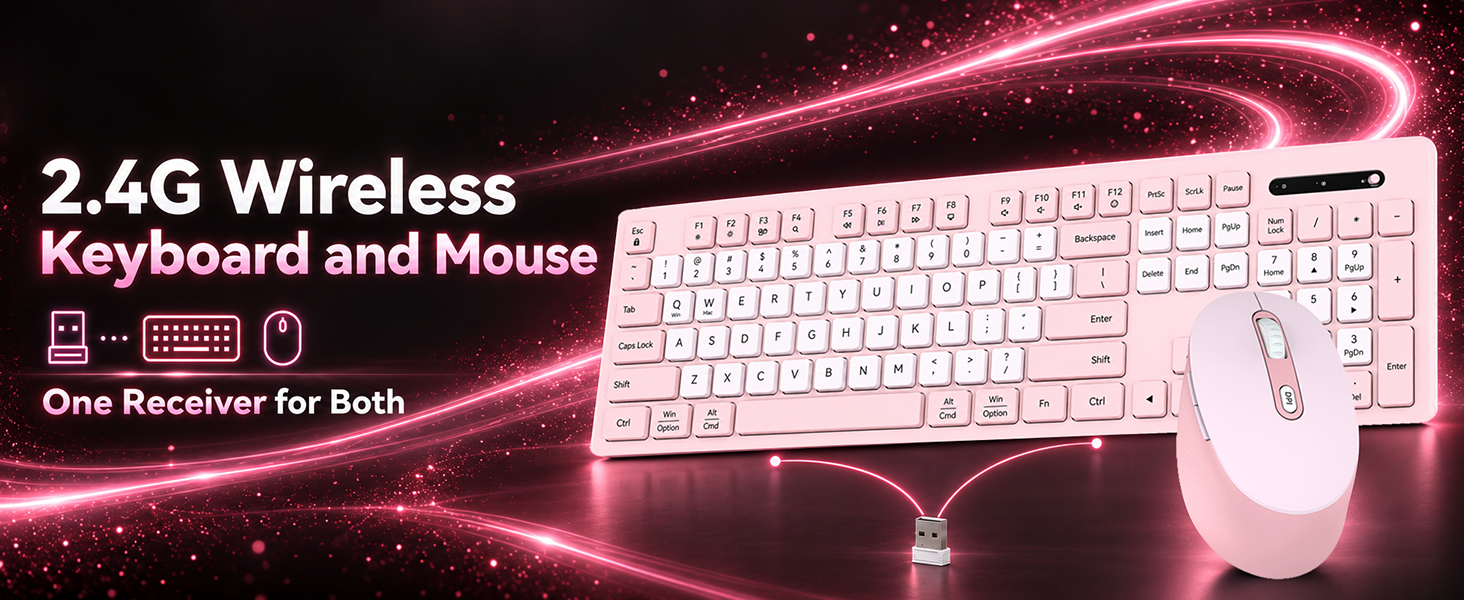
Yes. They use one shared USB-A receiver to simplify plug-and-play setup and save a USB port on your computer. The keyboard and mouse can also be used independently with the same receiver—simply turn off the device you do not need.
Will this wireless keyboard and mouse work with a USB-C laptop or desktop?
Yes. A USB-C adapter is included for compatible USB-C computers. Please note the adapter is not a receiver and must be used with the included USB-A receiver.
Is this keyboard and mouse combo compatible with Windows and Mac?
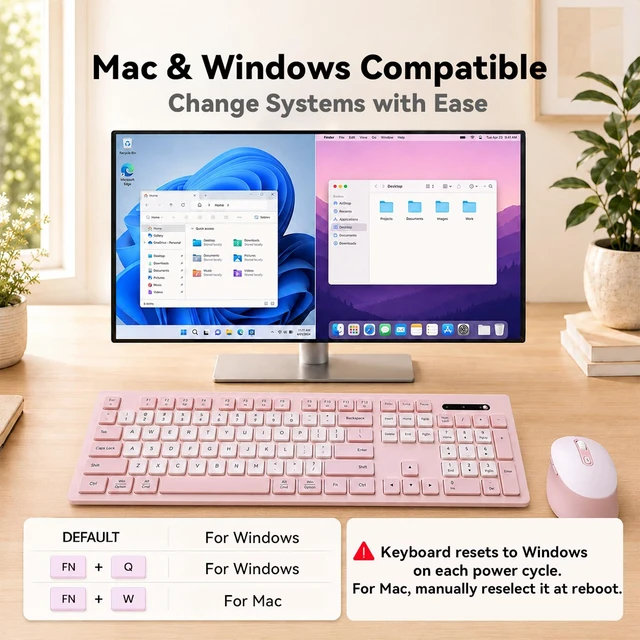
Yes. It supports Windows and macOS with no driver required. Press Fn+Q for Windows mode or Fn+W for Mac mode; Windows is the default, and Mac mode must be selected again after a restart.
Is this wireless keyboard and mouse quiet? How loud is the typing sound?
The mouse has quiet-click buttons, while the keyboard produces a normal typing sound. It is noticeably quieter than a mechanical keyboard, making the combo suitable for offices, libraries, shared workspaces, and late-night use.
Is this wireless keyboard mouse comfortable for long hours of typing?
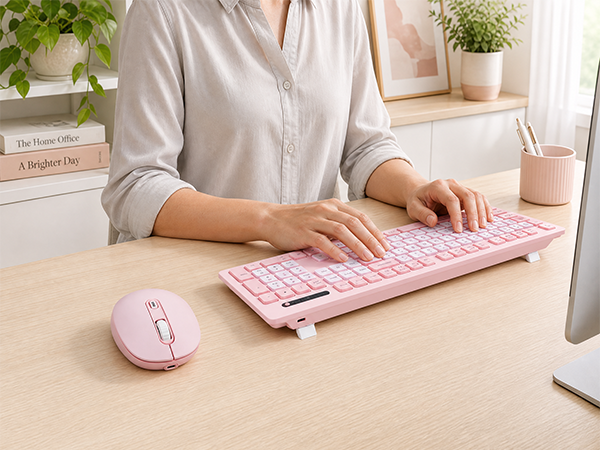
Yes. The contoured mouse has integrated palm support, while the keyboard offers two adjustable rear stands for a comfortable typing angle and anti-slip pads for desk stability.
Can I adjust the wireless mouse tracking speed and cursor sensitivity?
Yes. The mouse offers four selectable DPI levels, allowing you to adjust tracking speed and cursor sensitivity for your preferred control.
Does the 2.4G keyboard and mouse combo have an auto-sleep mode?
Yes. Smart auto-sleep activates after 30 seconds of inactivity to conserve battery. Click the mouse or press any keyboard key to wake them.



Is this wireless keyboard and mouse combo Bluetooth or 2.4GHz?
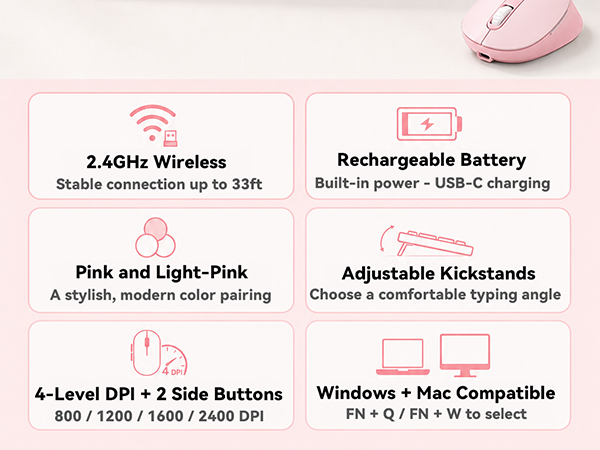
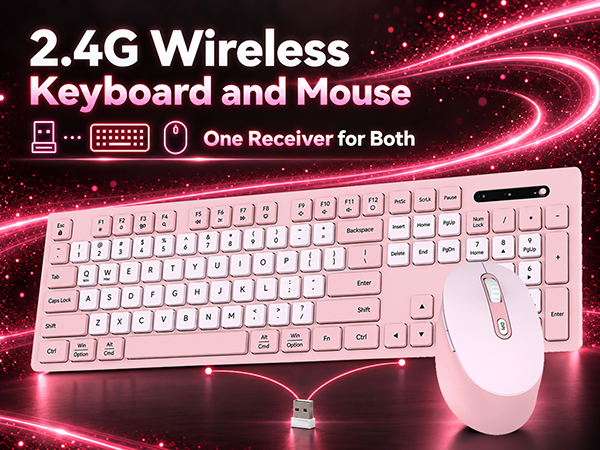
It is a 2.4GHz wireless keyboard and mouse combo, without Bluetooth mode. Both keyboard and mouse connect via the included shared USB-A.
How do I set up the wireless keyboard and mouse?
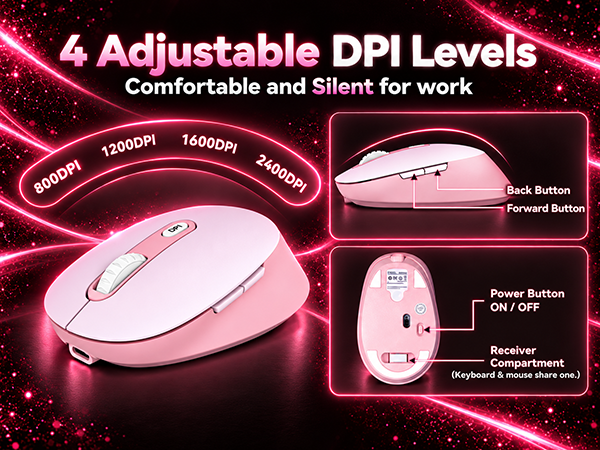
Remove the shared USB-A receiver from the storage compartment under the mouse, plug it into your computer, and turn on the keyboard and mouse. No Bluetooth pairing, driver, or software installation is required.
Are both the keyboard and mouse rechargeable, and how long does the battery last?
Yes. The keyboard and mouse each have a built-in 500mAh rechargeable battery. After a 2-hour full charge, the keyboard lasts over 300 hours and the mouse over 100 hours – no disposable batteries needed.
Why is there only one USB-A receiver in the box? Do the keyboard and mouse share it?
Yes. They use one shared USB-A receiver to simplify plug-and-play setup and save a USB port on your computer. The keyboard and mouse can also be used independently with the same receiver—simply turn off the device you do not need.
Will this wireless keyboard and mouse work with a USB-C laptop or desktop?
Yes. A USB-C adapter is included for compatible USB-C computers. Please note the adapter is not a receiver and must be used with the included USB-A receiver.
Is this keyboard and mouse combo compatible with Windows and Mac?
Yes. It supports Windows and macOS with no driver required. Press Fn+Q for Windows mode or Fn+W for Mac mode; Windows is the default, and Mac mode must be selected again after a restart.
Is this wireless keyboard and mouse quiet? How loud is the typing sound?
The mouse has quiet-click buttons, while the keyboard produces a normal typing sound. It is noticeably quieter than a mechanical keyboard, making the combo suitable for offices, libraries, shared workspaces, and late-night use.
Is this wireless keyboard mouse comfortable for long hours of typing?
Yes. The contoured mouse has integrated palm support, while the keyboard offers two adjustable rear stands for a comfortable typing angle and anti-slip pads for desk stability.
Can I adjust the wireless mouse tracking speed and cursor sensitivity?
Yes. The mouse offers four selectable DPI levels, allowing you to adjust tracking speed and cursor sensitivity for your preferred control.
Does the 2.4G keyboard and mouse combo have an auto-sleep mode?
Yes. Smart auto-sleep activates after 30 seconds of inactivity to conserve battery. Click the mouse or press any keyboard key to wake them.