




 here!
I’m your shopping assistant for PC builds, upgrades, and everything tech.
Got questions? Ask away!
Start a conversation
here!
I’m your shopping assistant for PC builds, upgrades, and everything tech.
Got questions? Ask away!
Start a conversation
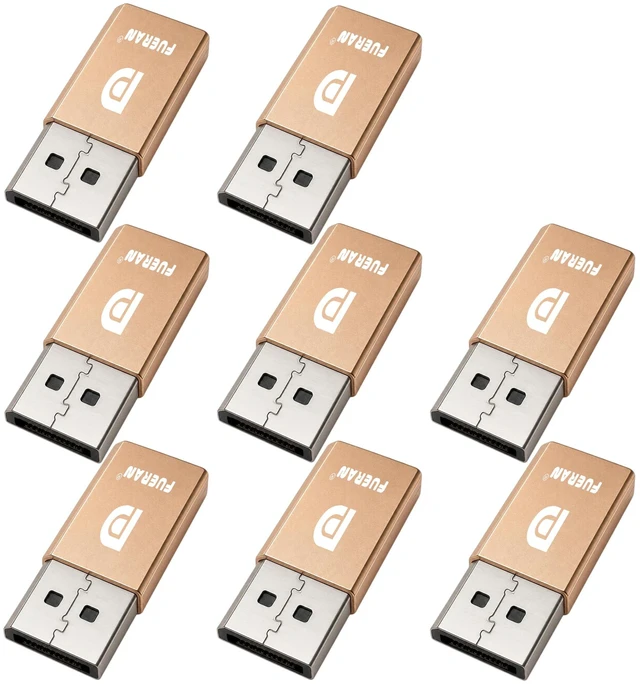



Any questions? Ask CelesteSM will help you find out quickly.
Key Features of the DP Dummy Plug:
Display Emulator :
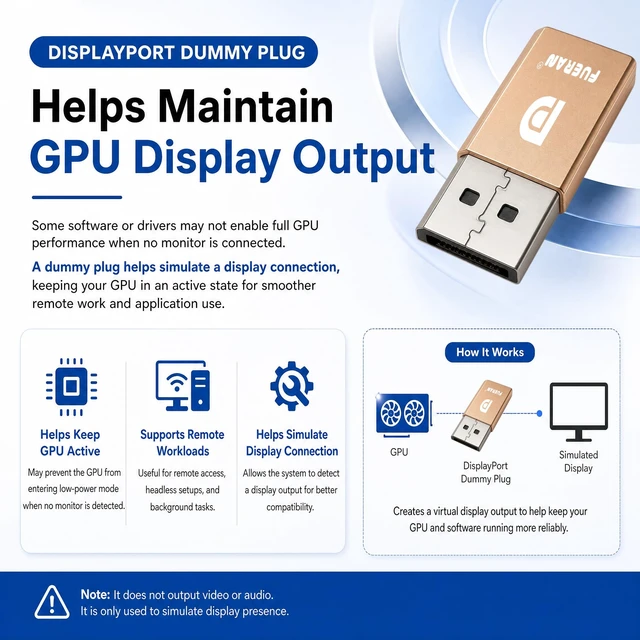
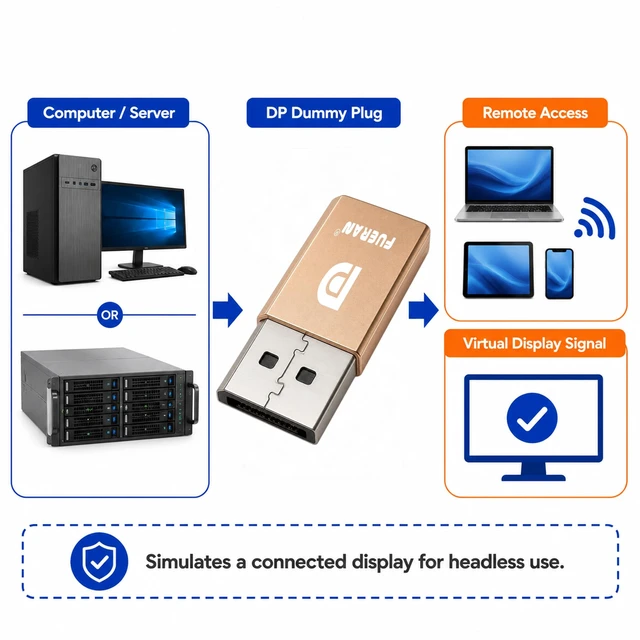
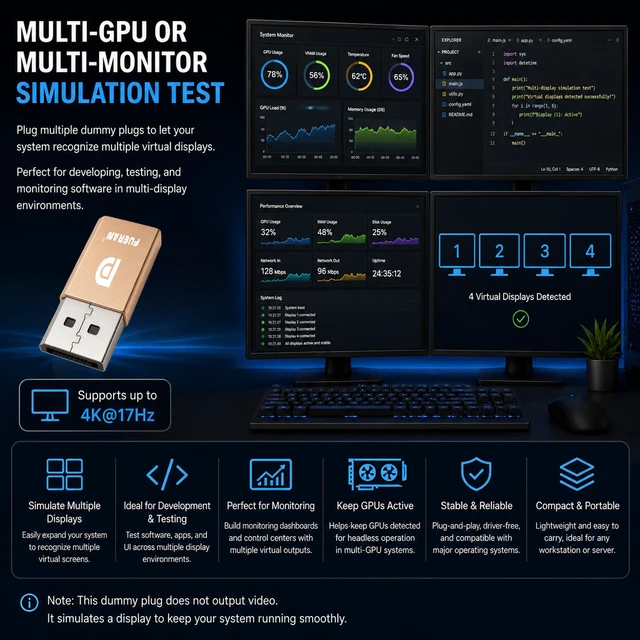
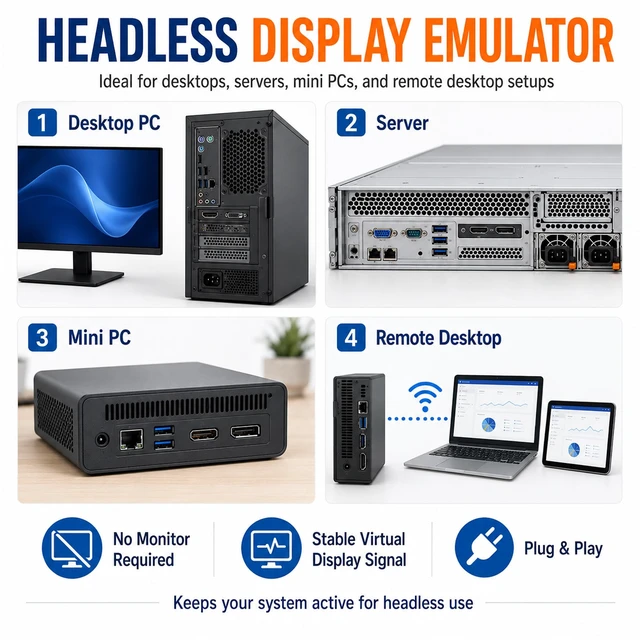
The device acts as a "virtual display." When connected to a computer, it makes the system think that an actual monitor is connected. This is useful for systems without a physical display or in headless setups (systems that are operating without a direct monitor).
GPU Activation :
The device allows the operating system to detect a virtual display, thus enabling the GPU (Graphics Processing Unit). This prevents the GPU from being idle or disabled, which can happen in the absence of a connected monitor, and ensures the GPU operates optimally.
Improved Remote Desktop & Performance :
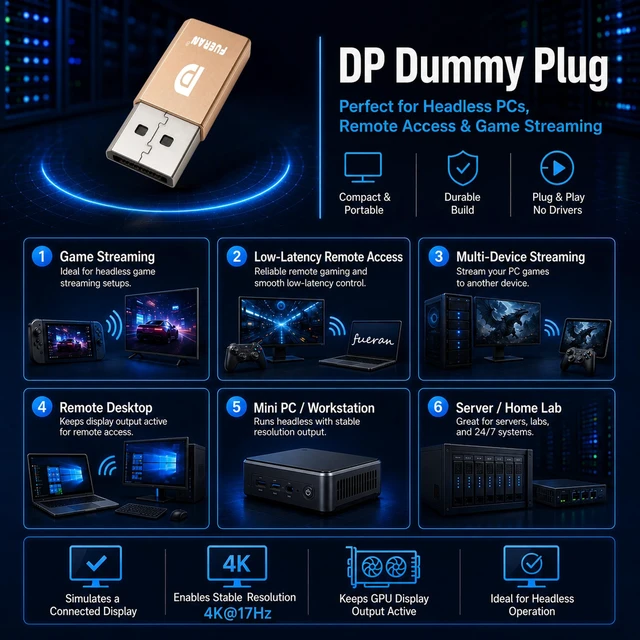
In remote desktop scenarios, using the dummy plug can solve issues like low resolution, black or white screens, and ensure the GPU is being fully utilized for tasks like cryptocurrency mining, GPGPU operations, or other high-performance computing needs.
Resolution and Refresh Rate Support :
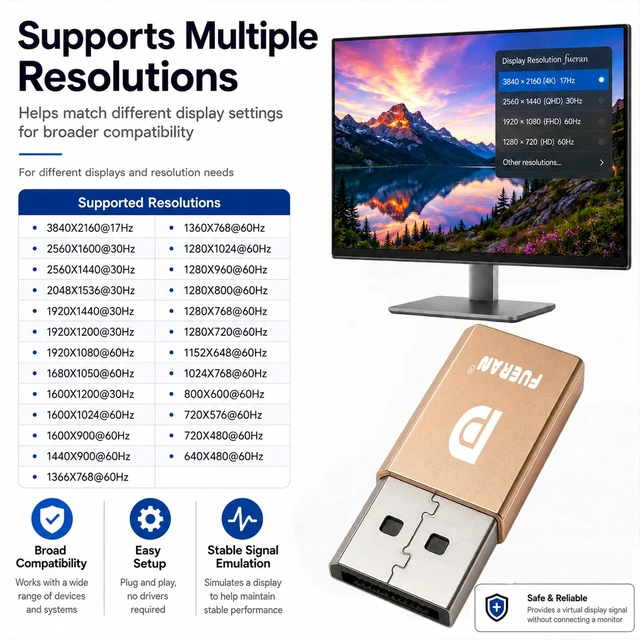
The device supports various resolutions, from 800x600 up to 3840x2160 at 17Hz, allowing flexibility depending on your use case (e.g., for remote desktop, VR, or mining).
How it Helps Users :
1. Fixes Remote Desktop Issues :
Without a physical monitor, remote desktop sessions can have issues with low resolution or no display at all. The dummy plug ensures that a virtual display is detected, solving these problems.
2. Prevents GPU Idle During Mining :
Cryptocurrency miners often face problems where the GPU is underutilized or turned off if no display is connected. This device keeps the GPU activated, ensuring efficient mining performance.
3. Solves Low Resolution Issues in Remote Access :
When using remote access, the device ensures that the system is using a proper resolution, which is important for a smooth experience, particularly when using remote desktop software or virtual machines.
4. Remote Operation of a Computer with No Monitor :
It allows you to turn off the physical display and still remotely control the computer. This can be useful in server rooms, media centers, or any headless configuration where you don't need the actual monitor but want the system to behave as if one is connected.
5. VR Compatibility :
This device allows you to use a VR headset with a PC without the need for a traditional monitor, which is helpful for VR applications that require the system to think a monitor is connected.
6. Plug and Play :
No drivers, software, or additional configuration is needed. Just plug the device in, and it works immediately.
7. Wide System Compatibility :
It works across multiple operating systems including Windows (all versions from XP to 11), Mac OS, and Linux, making it versatile and suitable for various setups.
8. Multiple Resolution Support :
The device supports many common resolutions, ensuring compatibility with a wide range of devices and applications. It can be adjusted based on specific needs, ranging from low to high resolution .
3840*2160@17Hz,
2560*1600@30Hz,
2560*1400@30Hz,
1920*1200@60Hz,
1920*1080@60Hz,
1680*1050 @60Hz
1600* 900 @60Hz,
1440 *900@60Hz ,
1366*768 @60Hz ,
1360*768 @60Hz ,
1280*1024 @60Hz ,
1280*800 @60Hz ,
1280*720 @60Hz ,
1024*768 @60 ,
800*600 @60Hz ,
640*480 @60Hz.
9. Low Power Consumption :
The device


