Your Browsing History
Meet Your Seller
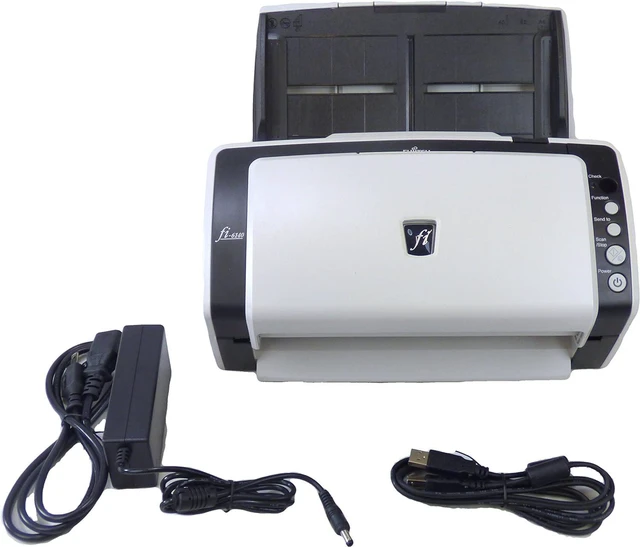
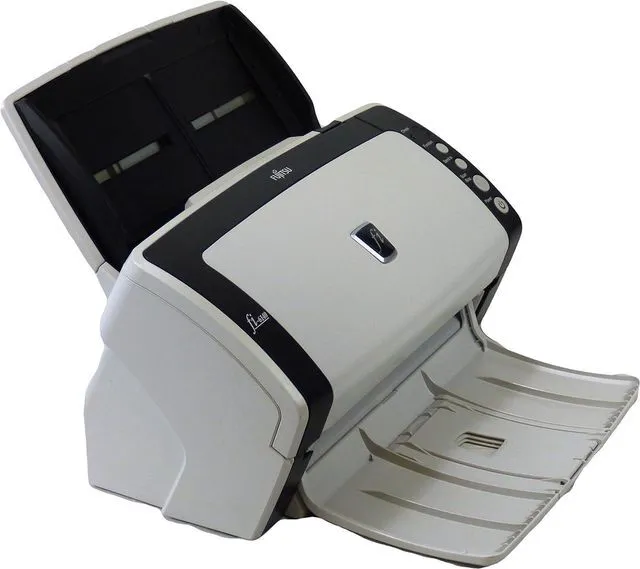
FI-6140 Color Duplex Document Scanner (FI-6140 PA03540-B005)
- Media Type: USB
- Scanner Type: Document
- Brand: Fujitsu
- Model Name: FI-6140
- Connectivity Technology: USB
- Resolution: 600
- Product Dimensions: 6.3 x 11.85 x 6.22 inches
- Item Weight: 8.7 Pounds
- Wattage: 42 watts
- Minimum System Requirements: Windows 7
+
+
Overview
Specs
Reviews
Any questions? Our AI mode will help you find out quickly.
Try me now
FI-6140 Color Duplex Document Scanner (FI-6140 PA03540-B005)
The fastest and most advanced scanners in their class.
Scan like there's no tomorrow with Fujitsu's FI-6140 document scanner. This high speed unit can handle 60ppm/120ipm in monochrome and grayscale modes. It barely slows down for color zipping through 40ppm/80ipm. It is a good thing that there is an automatic document feeder or even the fastest hands in the west wouldn't be able to keep up.
The scanner has multiple technologies to ensure consistent, quality scans. Paper Protection detects when a jam is about to happen and stops scanning so documents don't get torn. The Intelligent MultiFeed function ignores photos or sticky notes so there aren't "false positives" about multiple sheets.
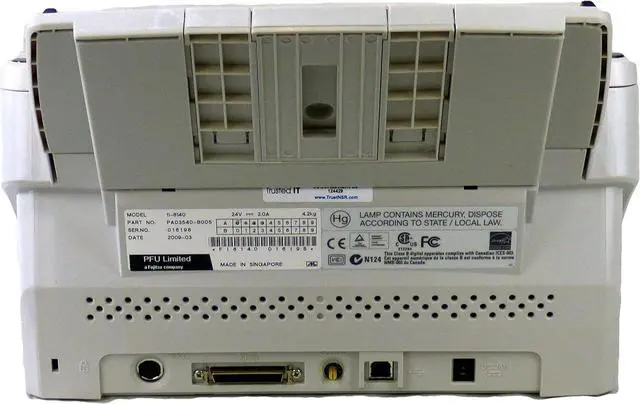
You can connect the scanner to your system with either an Ultra SCSI or USB 2.0 cable. Once there you can use the full versions of Kofax VRS Professional or Adobe Acrobat Standard to manipulate and save the document.

The fastest and most advanced scanners in their class.
Scan like there's no tomorrow with Fujitsu's FI-6140 document scanner. This high speed unit can handle 60ppm/120ipm in monochrome and grayscale modes. It barely slows down for color zipping through 40ppm/80ipm. It is a good thing that there is an automatic document feeder or even the fastest hands in the west wouldn't be able to keep up.
The scanner has multiple technologies to ensure consistent, quality scans. Paper Protection detects when a jam is about to happen and stops scanning so documents don't get torn. The Intelligent MultiFeed function ignores photos or sticky notes so there aren't "false positives" about multiple sheets.
You can connect the scanner to your system with either an Ultra SCSI or USB 2.0 cable. Once there you can use the full versions of Kofax VRS Professional or Adobe Acrobat Standard to manipulate and save the document.
Warranty & Returns
Warranty, Returns, And Additional Information
Warranty
- Please contact the Seller directly for warranty information. Warranty information may also be found on the Manufacturer's website.
- CONTACT
Return Policies
- Return for refund within: 30 days
- Return for replacement within: 30 days
- This item is covered by Hive Goods Ltd Return Policy
Manufacturer Contact Info
- For a directory of all our manufacturers, please click below.
- Manufacturers Directory
LOADING...