


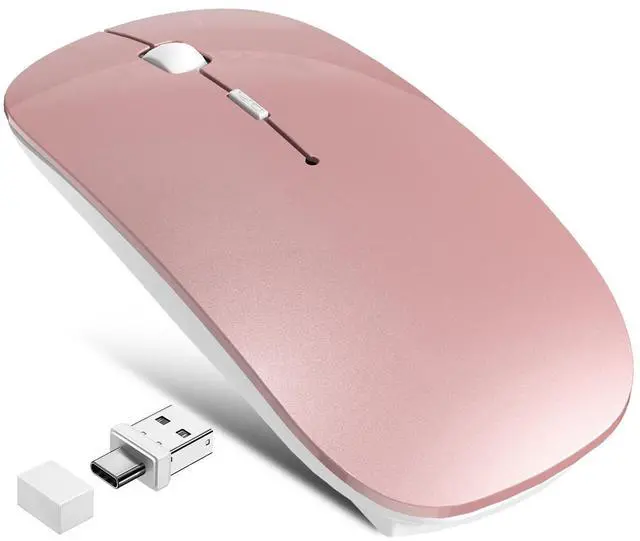



FYBC is a brand that focuses on Wireless mouse research and development and is committed to designing and manufacturing high-quality products for customers.
We believe that excellent design and high-quality products can bring convenience to our customers.
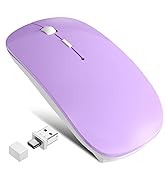
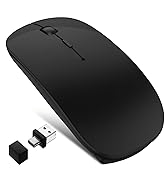
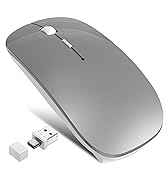
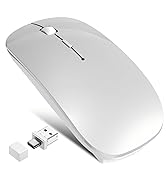
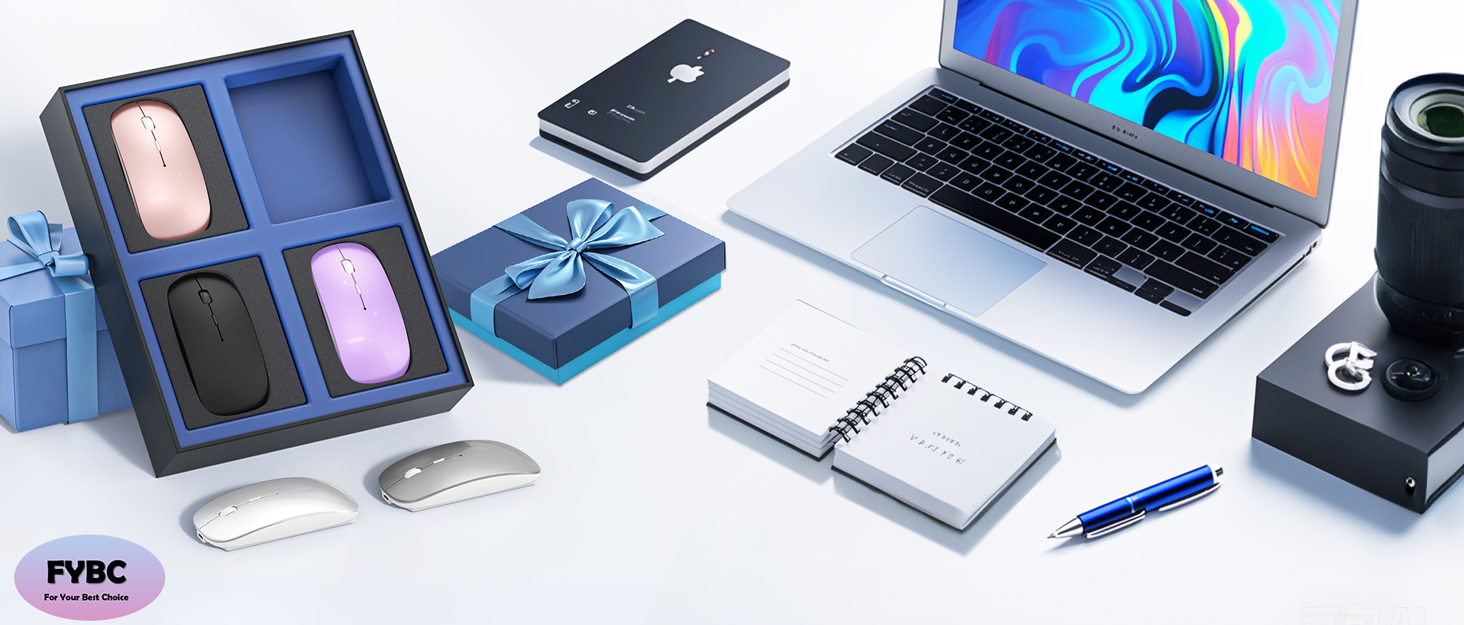
Choose what you need
Noiseless Click
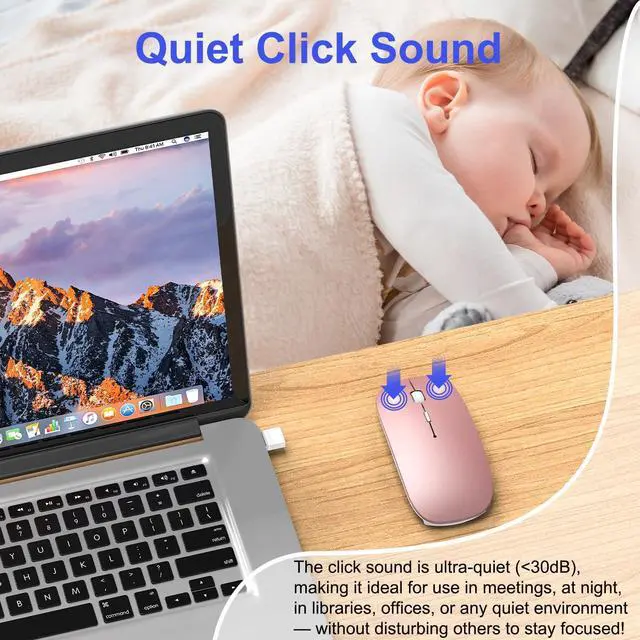
FYBC truly understand your demands for a quiet mouse, so we have reduced the clicking and scrolling noise up to 90% while you enjoy the same click feel. You will never hear any click or scroll noise whether you are in the office, library, or at home.
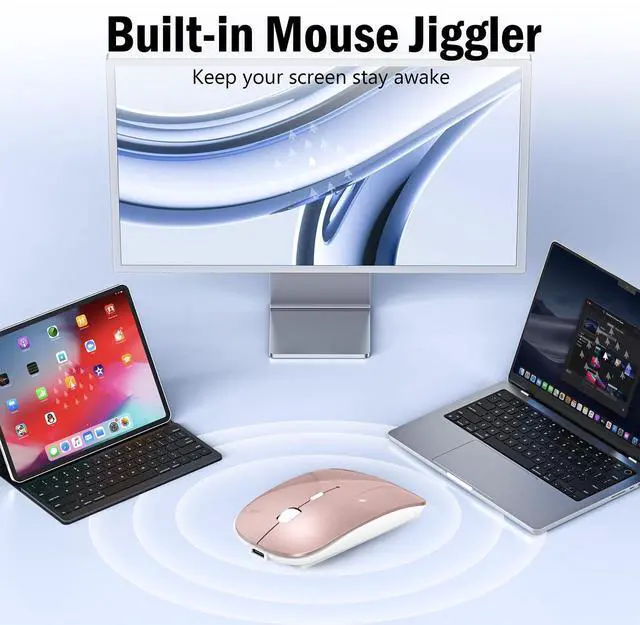
Jiggler Mode & Adjustable DPI
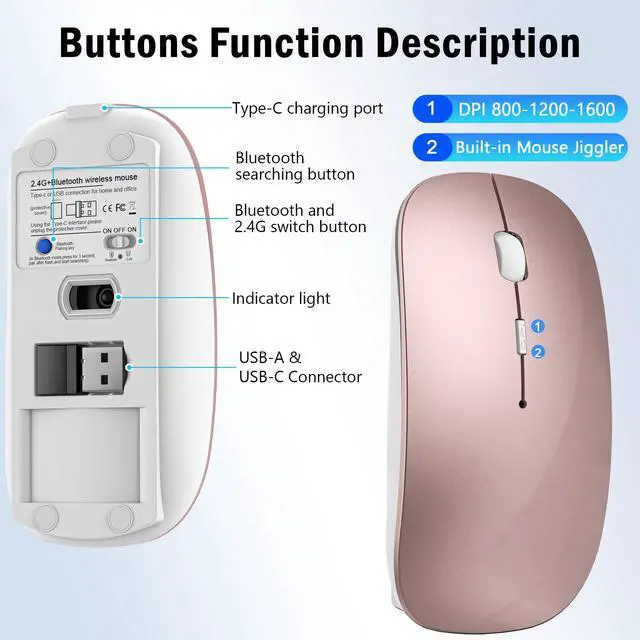
Short press 1s to switch between 3 DIP levels, long press 3-10 seconds to activate mouse jitter mode
Rechargeable & Fast Charging
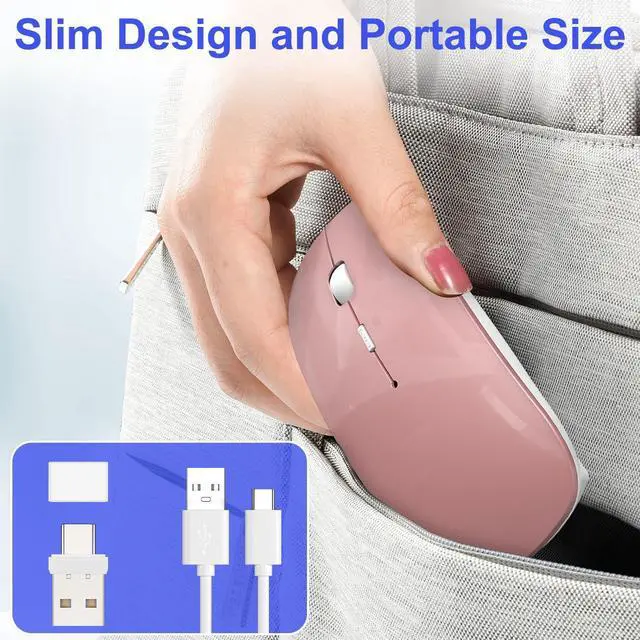
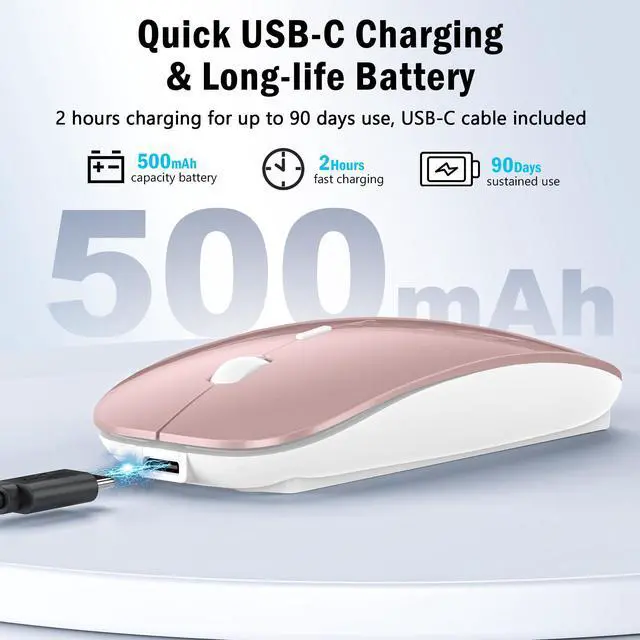
FYBC Rechargeable wireless mouse can be easily fast and stable charged using the USB C cable without replacing the battery.
Versatile Wireless Mouse for All Your Devices
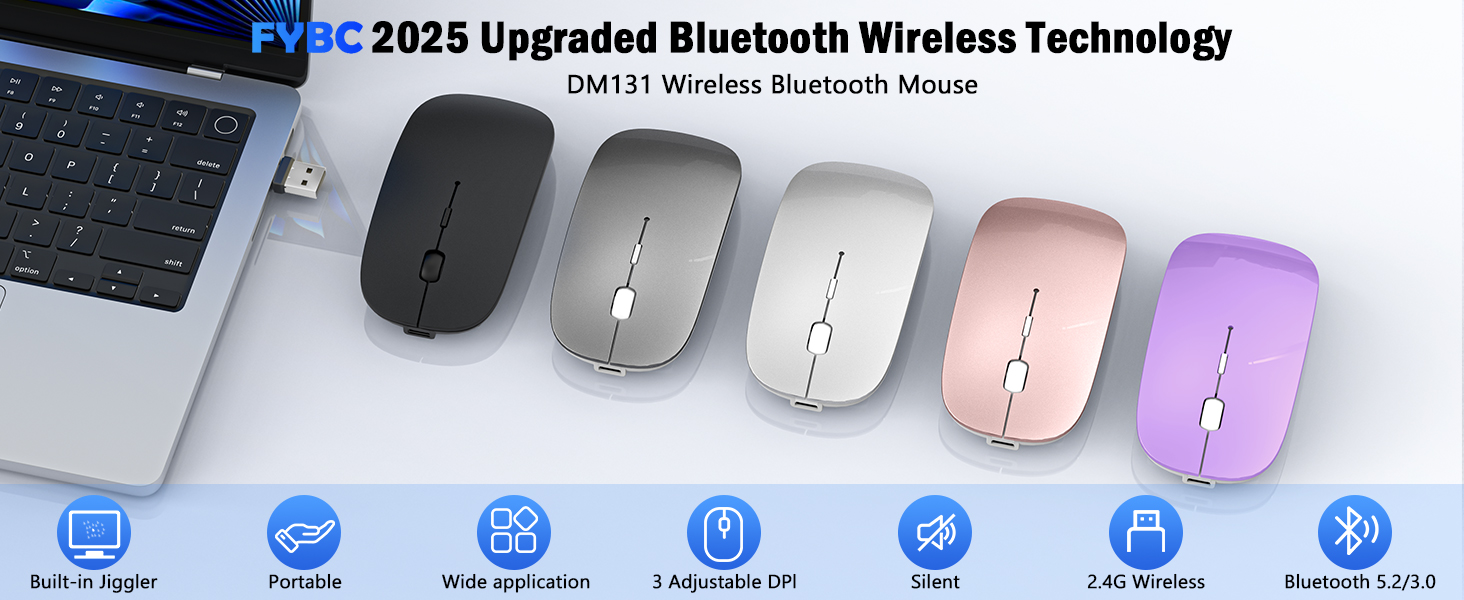
Experience seamless connectivity and exceptional performance
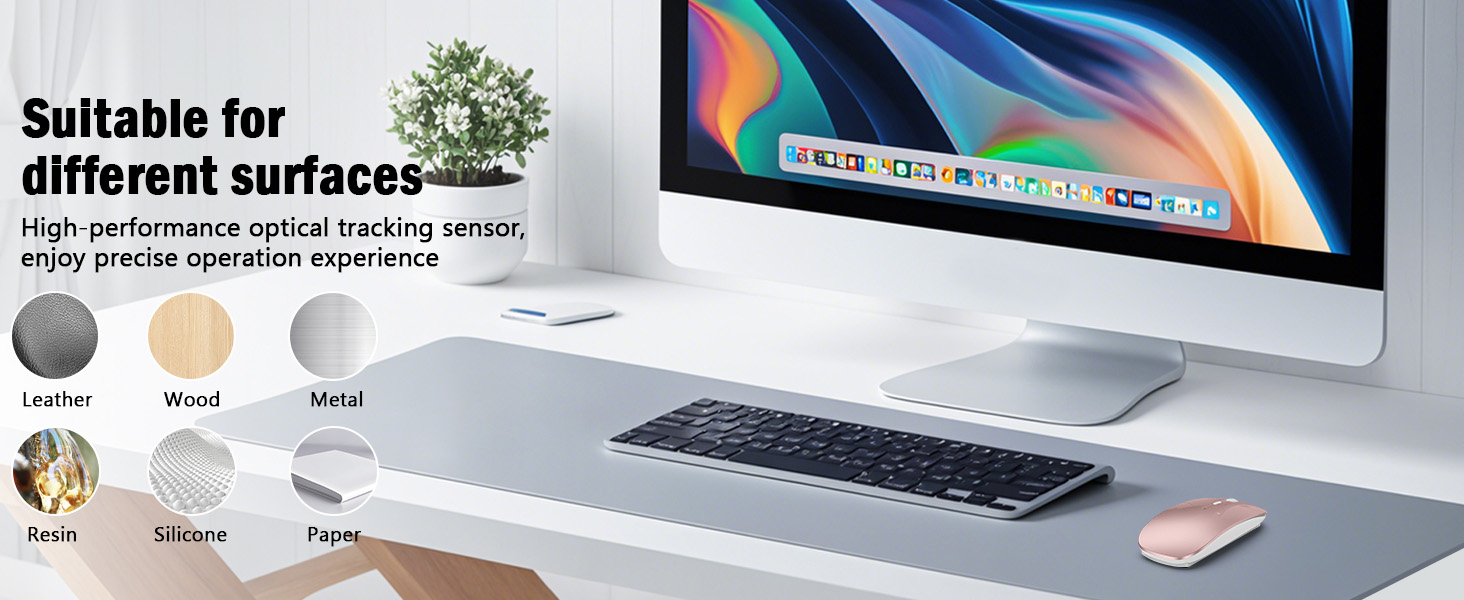
Enjoy adjustable DPI, silent clicks, and long battery life for ultimate convenience

Noiseless Click
Silent Wireless Mouse
FYBC quiet mouse reduces clicking and scrolling noise by 90%, so you won't hear any clicking or scrolling noise whether you're in the office, library or at home
FYBC Upgraded cordless mouse combines mouse and jiggler in one
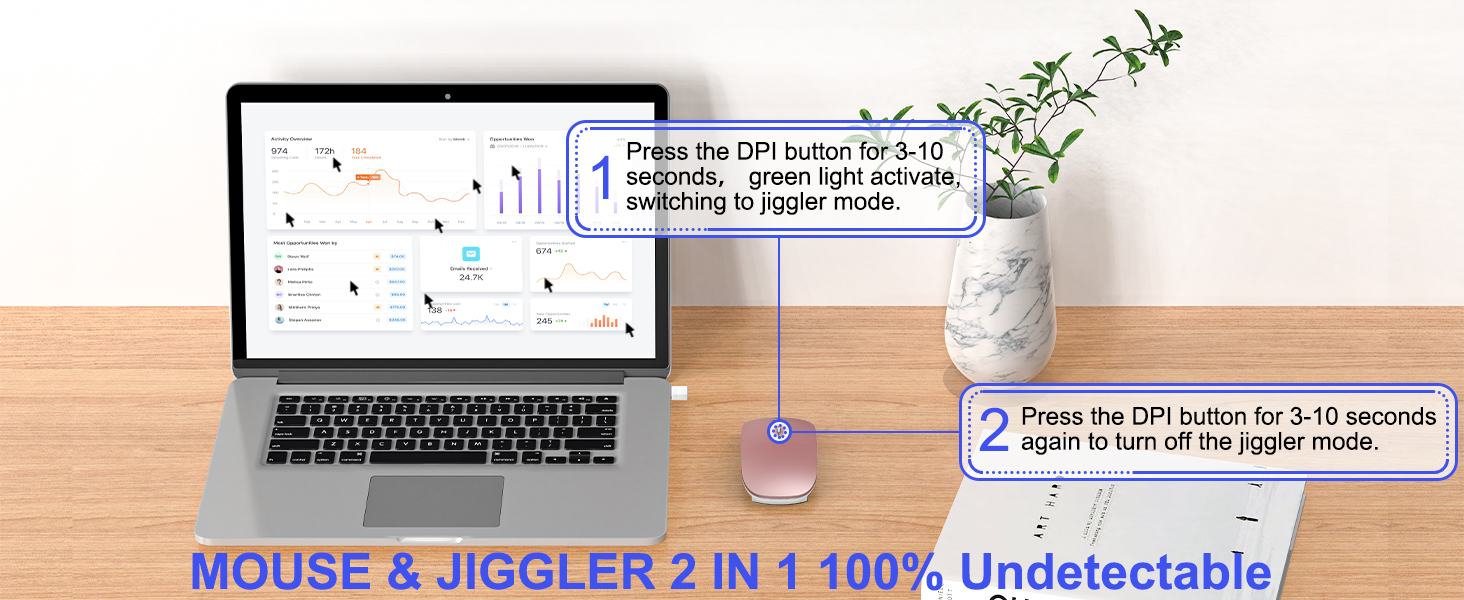
Prevent computer from locking while you’re away, ensuring maximum productivity without interruptions
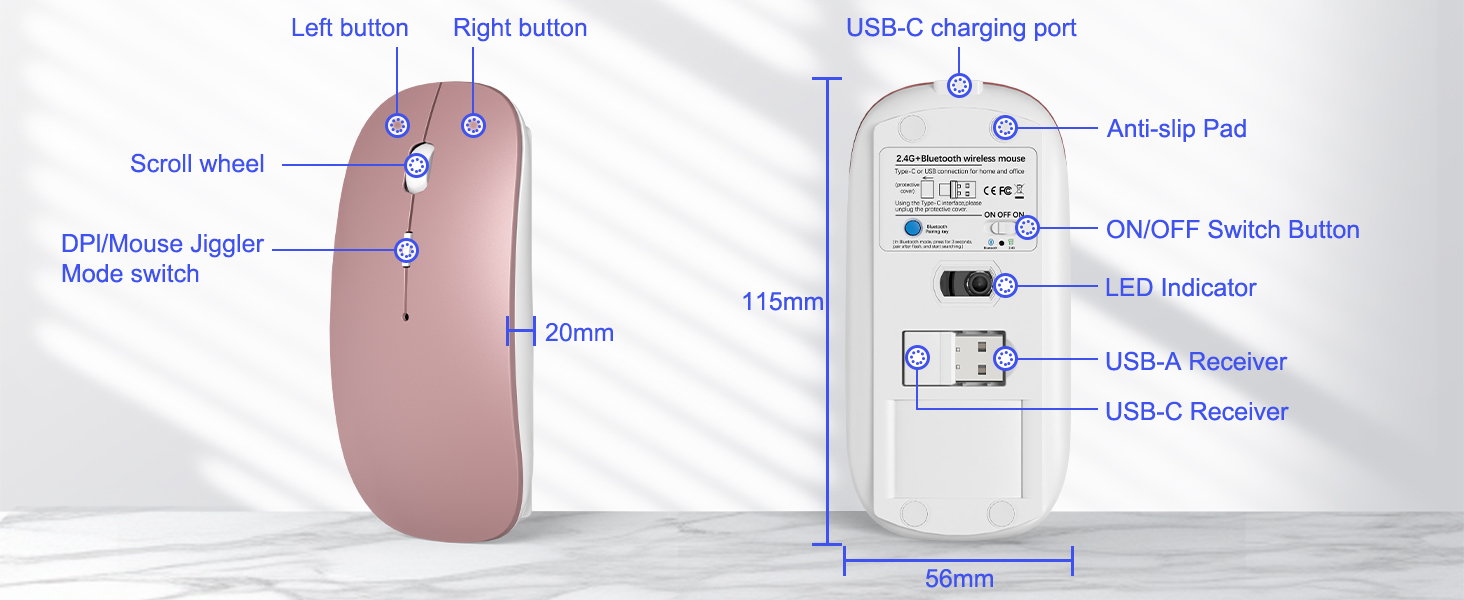
Compact and lightweight design for easy portability

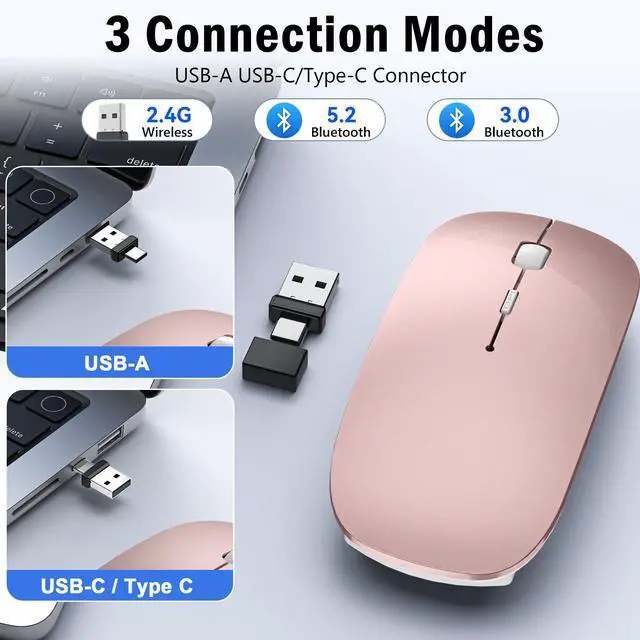
FYBC 4 Mode Wireless Mouse. Its advanced Bluetooth technology and dual-port receiver ensure reliable connections across MacBook, Laptop, iPad, PC, Apple, and more
What devices does this mouse support? Does it require drivers?
Dual receivers (USB-A/Type-C) plug-and-play for MacBook, iPad, Windows, PC, Android tablets—no drivers needed.
Does it work with my Macbook Air/Pro?
Yes, it works with iOS, Mac OS, iPad OS, Windows, Linux, Android, etc. (Requires a Bluetooth-enabled Mac OS 10.11 or later, iOS/ iPadOS 13 or later)
How does the mouse connect to your MacBook Air/Pro iPad, etc. via Bluetooth pairing?
1. On your MacBook, choose Apple menu > System Settings (or System Preferences) > Bluetooth.
2. When your BT5.2/3.0mouse appears in the device list, click Connect. Once connected, the LED will stop blinking and the mouse is ready to use wirelessly.
How to use the Jiggler Mode?
Please press the DPI button for 3-5 seconds to turn on/off the Jiggler mode.
Versatile Wireless Mouse for All Your Devices
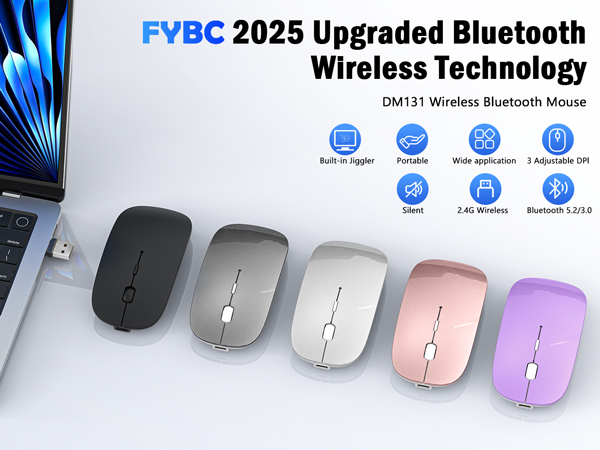
Experience seamless connectivity and exceptional performance
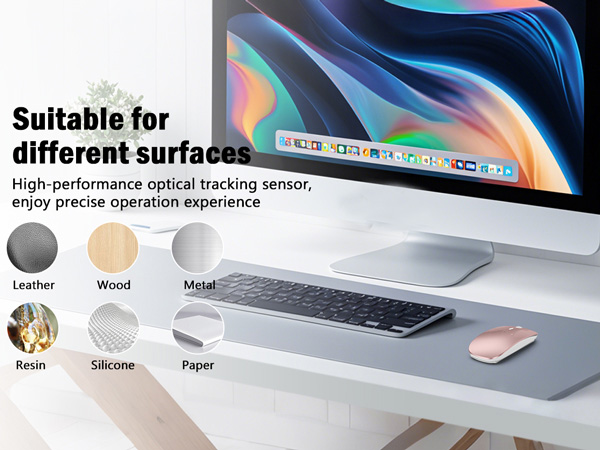
Enjoy adjustable DPI, silent clicks, and long battery life for ultimate convenience
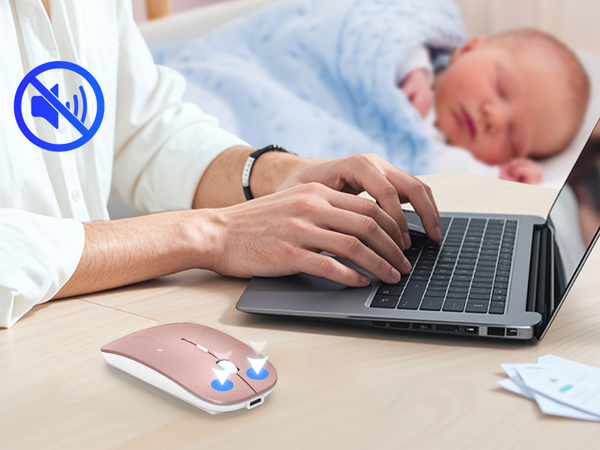
Silent Wireless Mouse
FYBC quiet mouse reduces clicking and scrolling noise by 90%, so you won't hear any clicking or scrolling noise whether you're in the office, library or at home
FYBC Upgraded cordless mouse combines mouse and jiggler in one
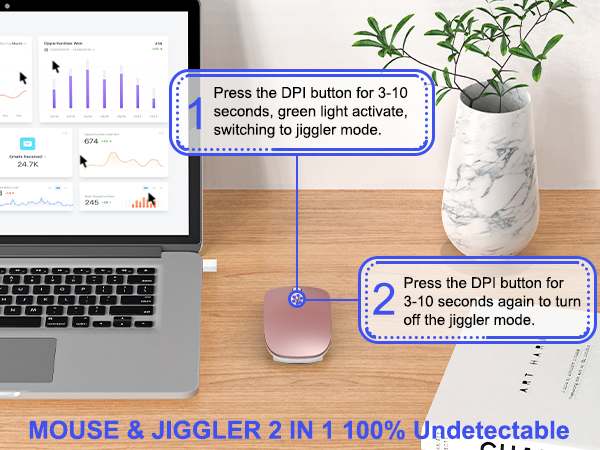
Prevent computer from locking while you’re away, ensuring maximum productivity without interruptions
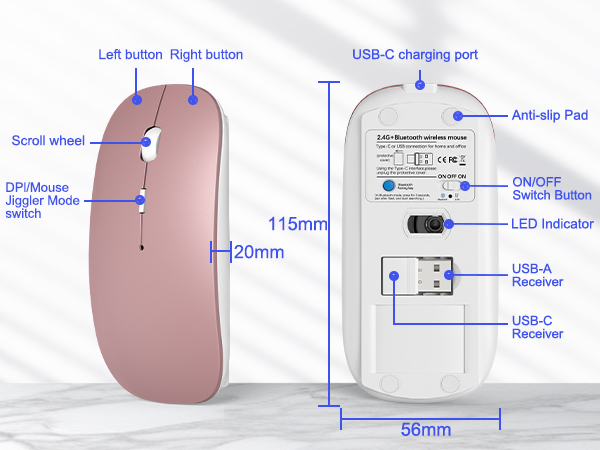
Compact and lightweight design for easy portability

FYBC 4 Mode Wireless Mouse. Its advanced Bluetooth technology and dual-port receiver ensure reliable connections across MacBook, Laptop, iPad, PC, Apple, and more
What devices does this mouse support? Does it require drivers?
Dual receivers (USB-A/Type-C) plug-and-play for MacBook, iPad, Windows, PC, Android tablets—no drivers needed.
Does it work with my Macbook Air/Pro?
Yes, it works with iOS, Mac OS, iPad OS, Windows, Linux, Android, etc. (Requires a Bluetooth-enabled Mac OS 10.11 or later, iOS/ iPadOS 13 or later)
How does the mouse connect to your MacBook Air/Pro iPad, etc. via Bluetooth pairing?
1. On your MacBook, choose Apple menu > System Settings (or System Preferences) > Bluetooth.
2. When your BT5.2/3.0mouse appears in the device list, click Connect. Once connected, the LED will stop blinking and the mouse is ready to use wirelessly.
How to use the Jiggler Mode?
Please press the DPI button for 3-5 seconds to turn on/off the Jiggler mode.
FYBC is a brand that focuses on Wireless mouse research and development and is committed to designing and manufacturing high-quality products for customers.
We believe that excellent design and high-quality products can bring convenience to our customers.
Choose what you need
Noiseless Click
FYBC truly understand your demands for a quiet mouse, so we have reduced the clicking and scrolling noise up to 90% while you enjoy the same click feel. You will never hear any click or scroll noise whether you are in the office, library, or at home.
Jiggler Mode & Adjustable DPI
Short press 1s to switch between 3 DIP levels, long press 3-10 seconds to activate mouse jitter mode
Rechargeable & Fast Charging
FYBC Rechargeable wireless mouse can be easily fast and stable charged using the USB C cable without replacing the battery.