


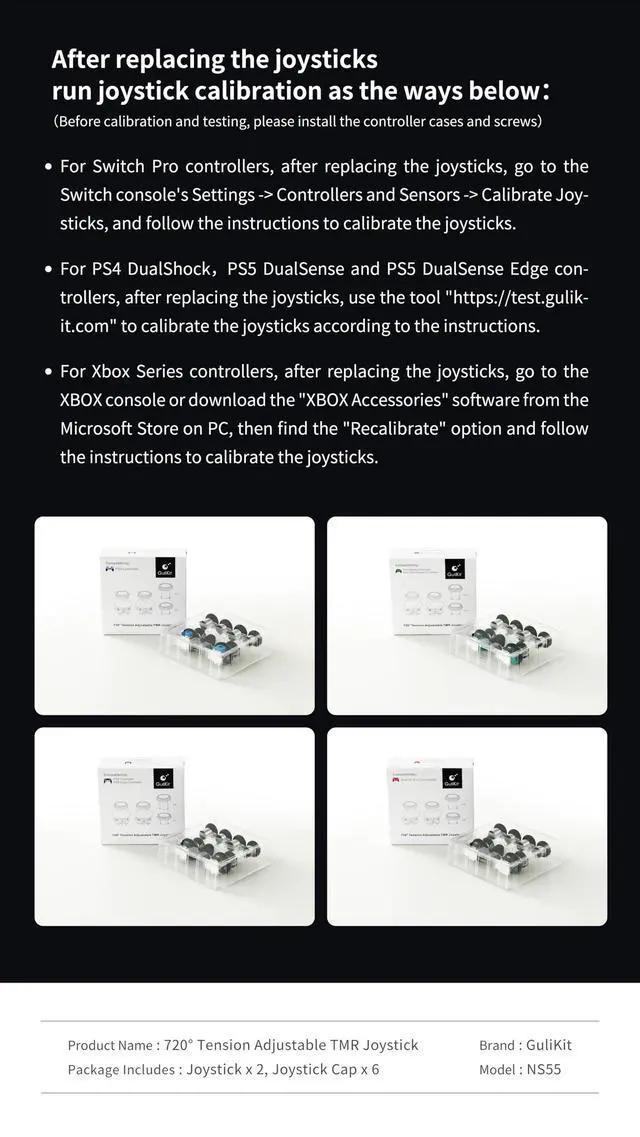


After replacing the joysticks run joystick calibration as the ways below:
(Before calibration and testing, please install the controller cases and screws)
1.For Switch Pro controllers, after replacing the joysticks, go to the Switch console's Settings -> Controllers and Sensors -> Calibrate Joysticks, and follow the instructions to calibrate the joysticks.
2.For PS4 DualShock, PS5 DualSense and PS5 DualSense Edge controllers, after replacing the joysticks, use the tool on our website to calibrate the joysticks according to the instructions.
3.For Xbox Series controllers, after replacing the joysticks, go to the XBOX console or download the "XBOX Accessories" software from the Microsoft Store on PC, then find the "Recalibrate" option and follow the instructions to calibrate the joysticks.

After replacing the joysticks run joystick calibration as the ways below:
(Before calibration and testing, please install the controller cases and screws)
1.For Switch Pro controllers, after replacing the joysticks, go to the Switch console's Settings -> Controllers and Sensors -> Calibrate Joysticks, and follow the instructions to calibrate the joysticks.
2.For PS4 DualShock, PS5 DualSense and PS5 DualSense Edge controllers, after replacing the joysticks, use the tool on our website to calibrate the joysticks according to the instructions.
3.For Xbox Series controllers, after replacing the joysticks, go to the XBOX console or download the "XBOX Accessories" software from the Microsoft Store on PC, then find the "Recalibrate" option and follow the instructions to calibrate the joysticks.