Everything Gaming. One Hub.
The Newegg Gaming Hub is every gaming destination on Newegg in one place — build your dream PC with AI, shop games and gear, and design your game room.
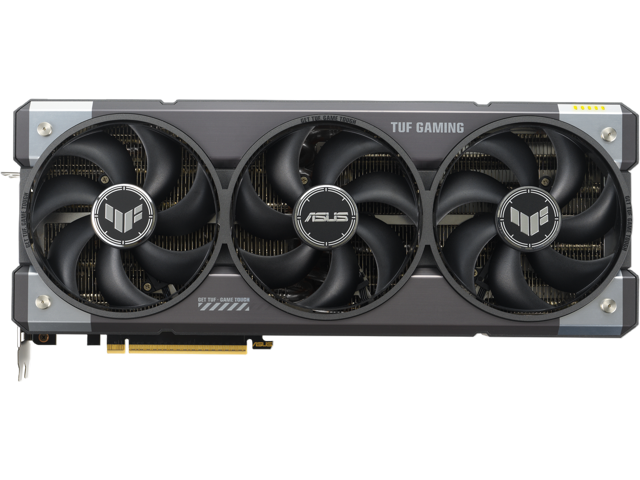
RTX 5090
Shop RTX 5090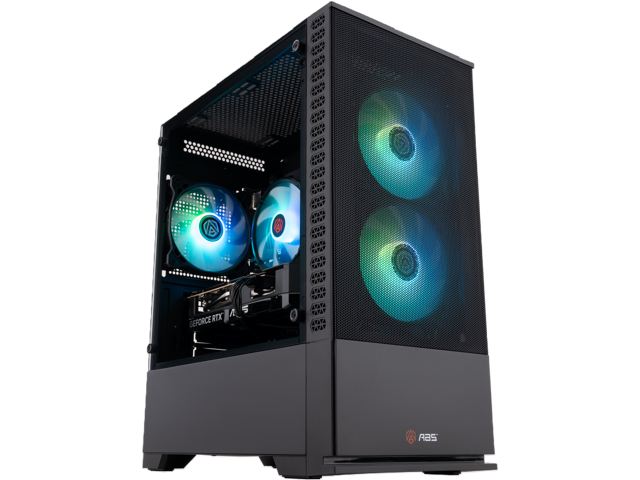
Gaming PC
Shop gaming PCs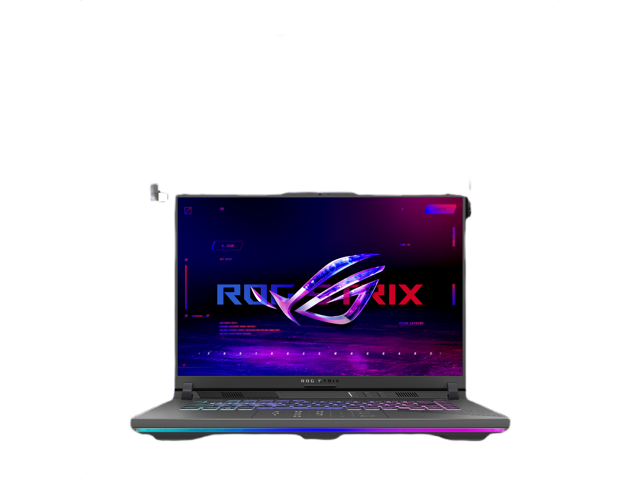
Gaming Laptop
Shop laptops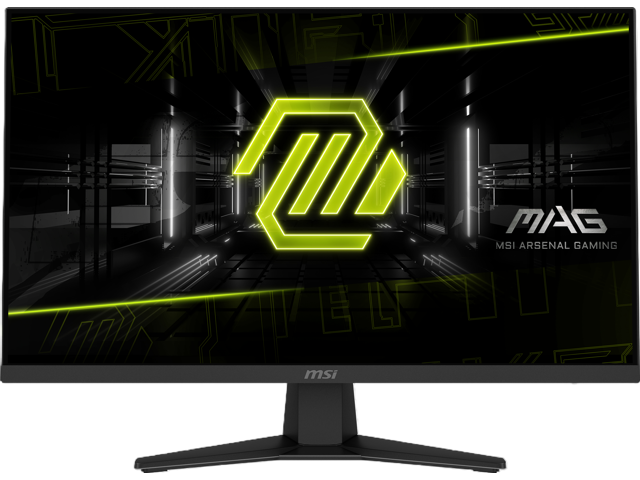
Monitor
Shop monitors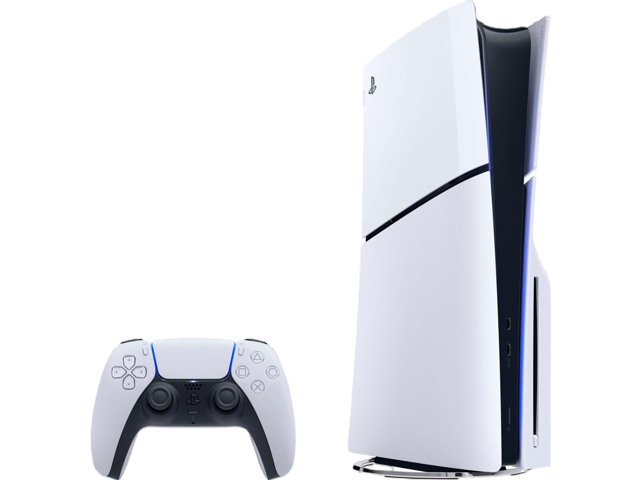
PlayStation 5
Shop PS5Build, Find or Upgrade Your PC
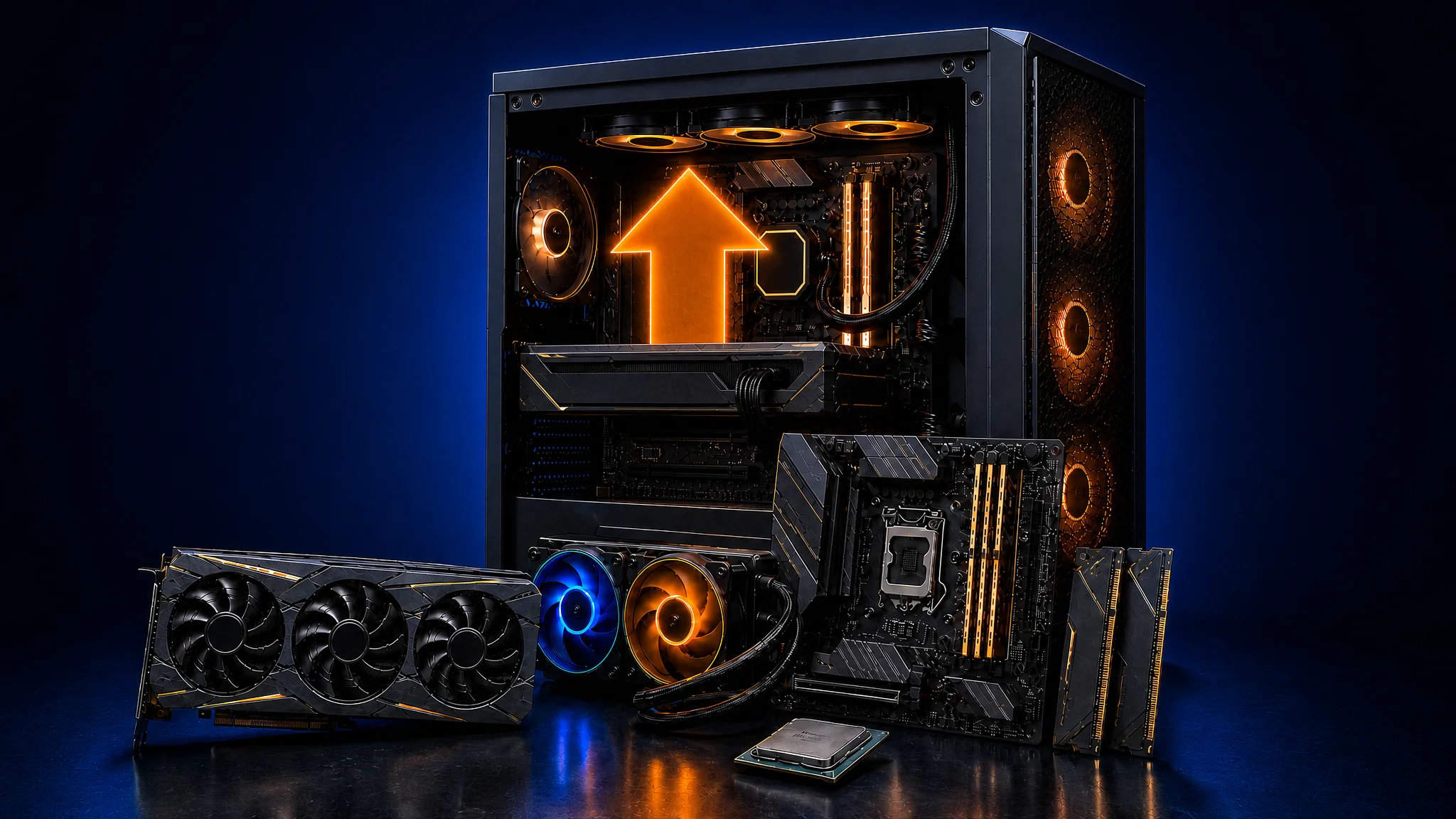
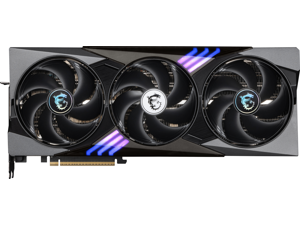
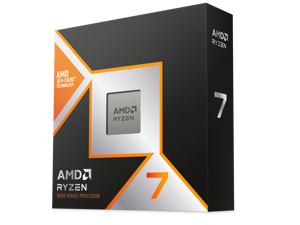
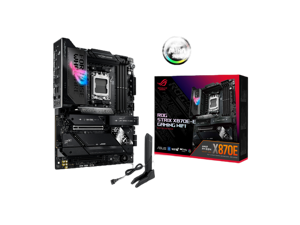
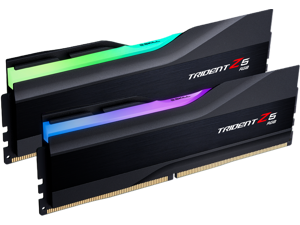
Newegg's PC Builder gives you full control over every part, Gaming PC Finder skips the research with an AI-matched prebuilt, and PC Upgrader targets only what your current rig needs. Whichever route you take, all three Gaming Hub tools run on Newegg's full component catalog with real-time compatibility checks.
Start building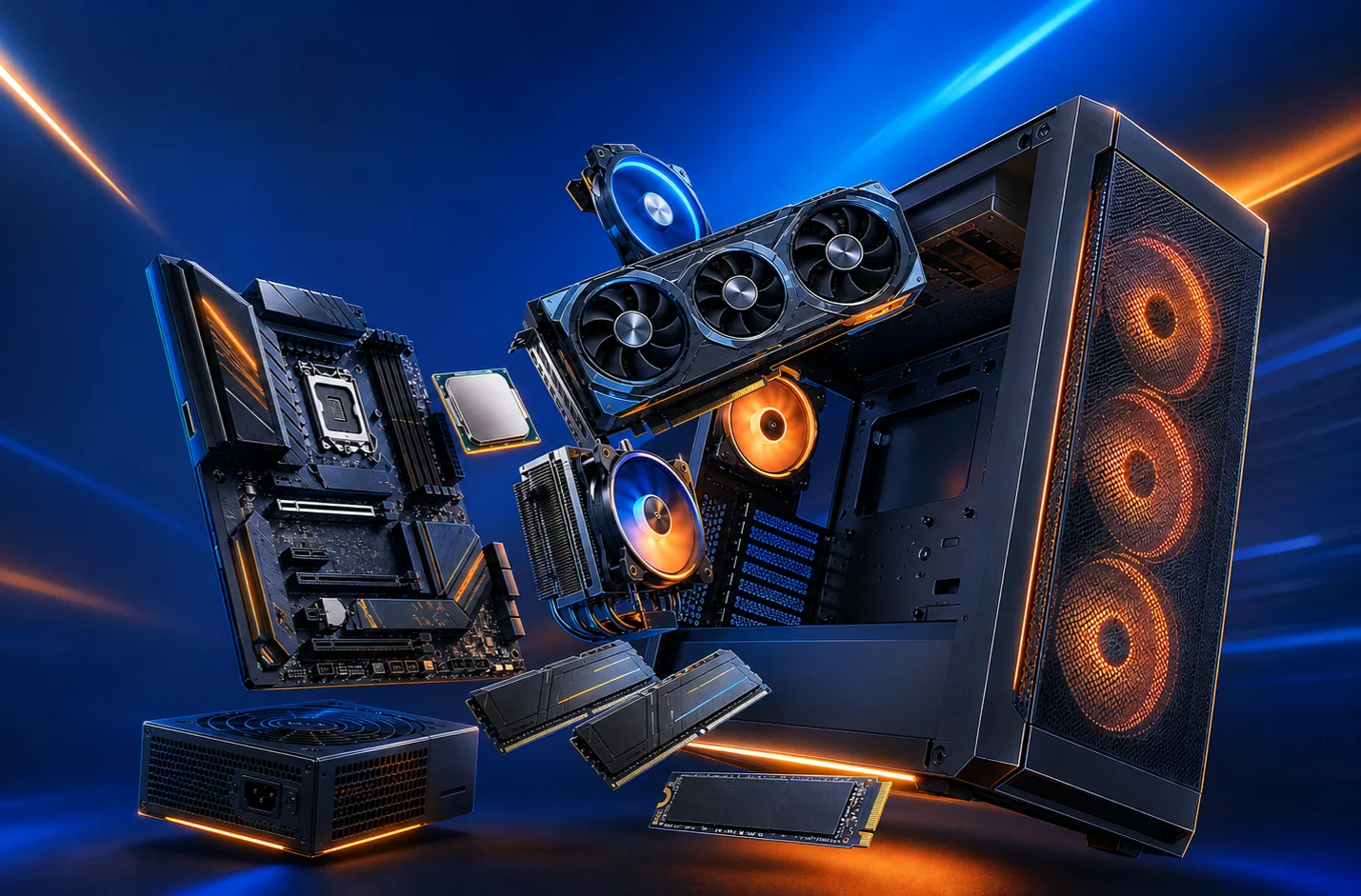

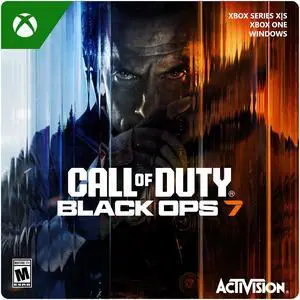




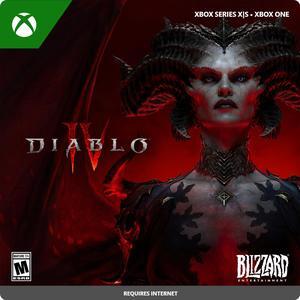
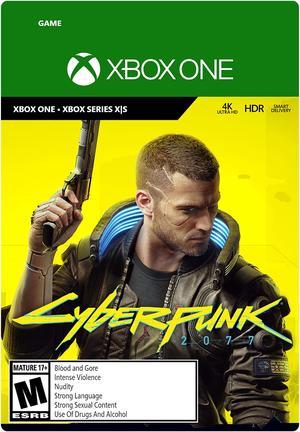




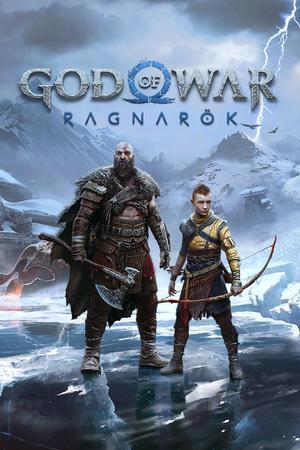
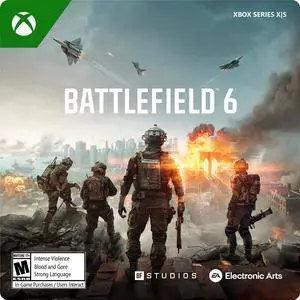

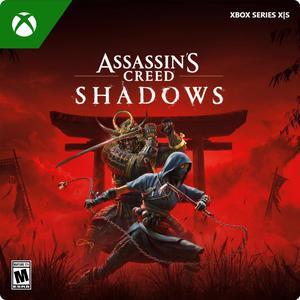






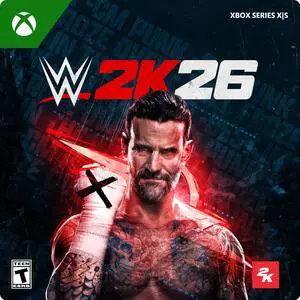

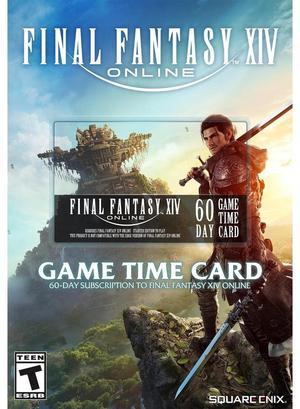

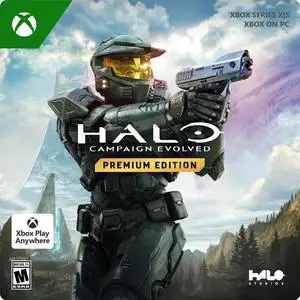
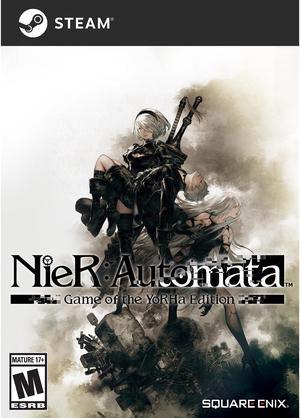
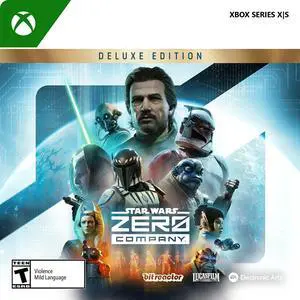
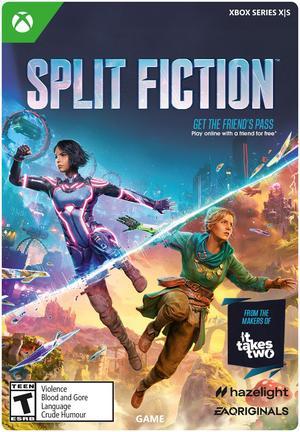




 Red Dead Redemption 2
 DOOM: The Dark Ages
 Indiana Jones: The Great Circle
 Expedition 33
 Avowed
 Borderlands 4
 TEKKEN 8
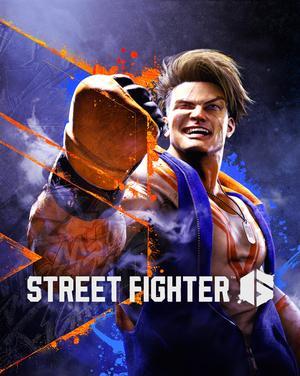 Street Fighter 6
 Metaphor: ReFantazio
 Persona 5 Royal
 Yakuza Kiwami
 Ready or Not
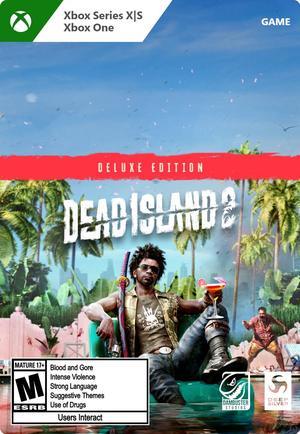 Dead Island 2
 Ghostrunner
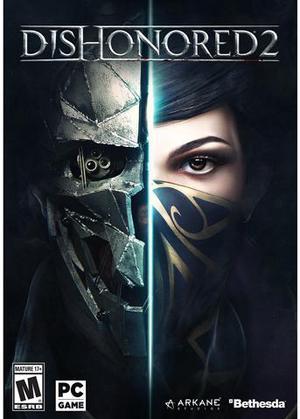 Dishonored 2
 V Rising
 Sonic X Shadow Generations
 ARC Raiders
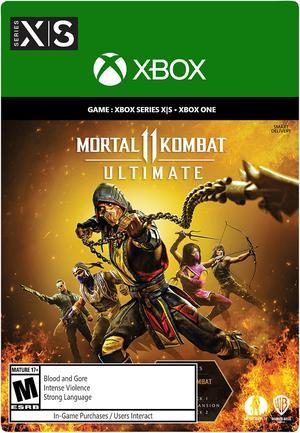 Mortal Kombat 11 Ultimate
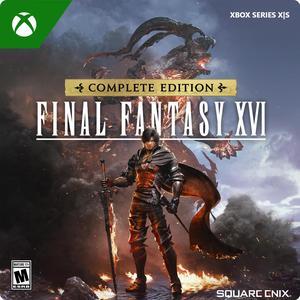 Final Fantasy XVI
See all games
Final Fantasy XVI
See all games
Shop & Play
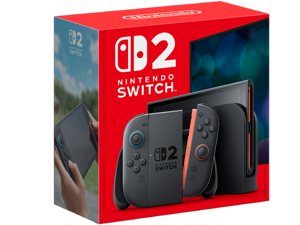
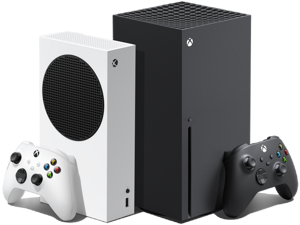
Inside the Gaming Hub, browse digital game codes for PC, PlayStation, Xbox and Nintendo Switch 2, or gear up with VR headsets, gaming mice, keyboards and controllers. New releases, pre-orders and flash deals keep the Newegg games catalog moving daily.
Browse all digital games Browse all games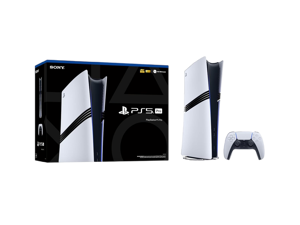
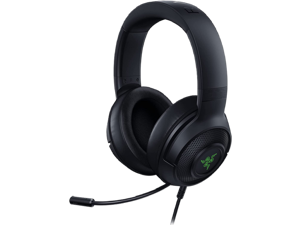
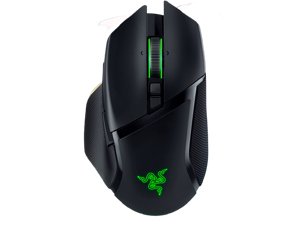
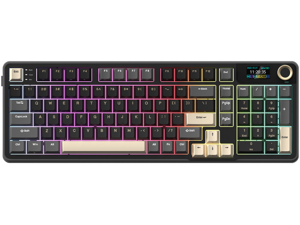
Design Your Setup
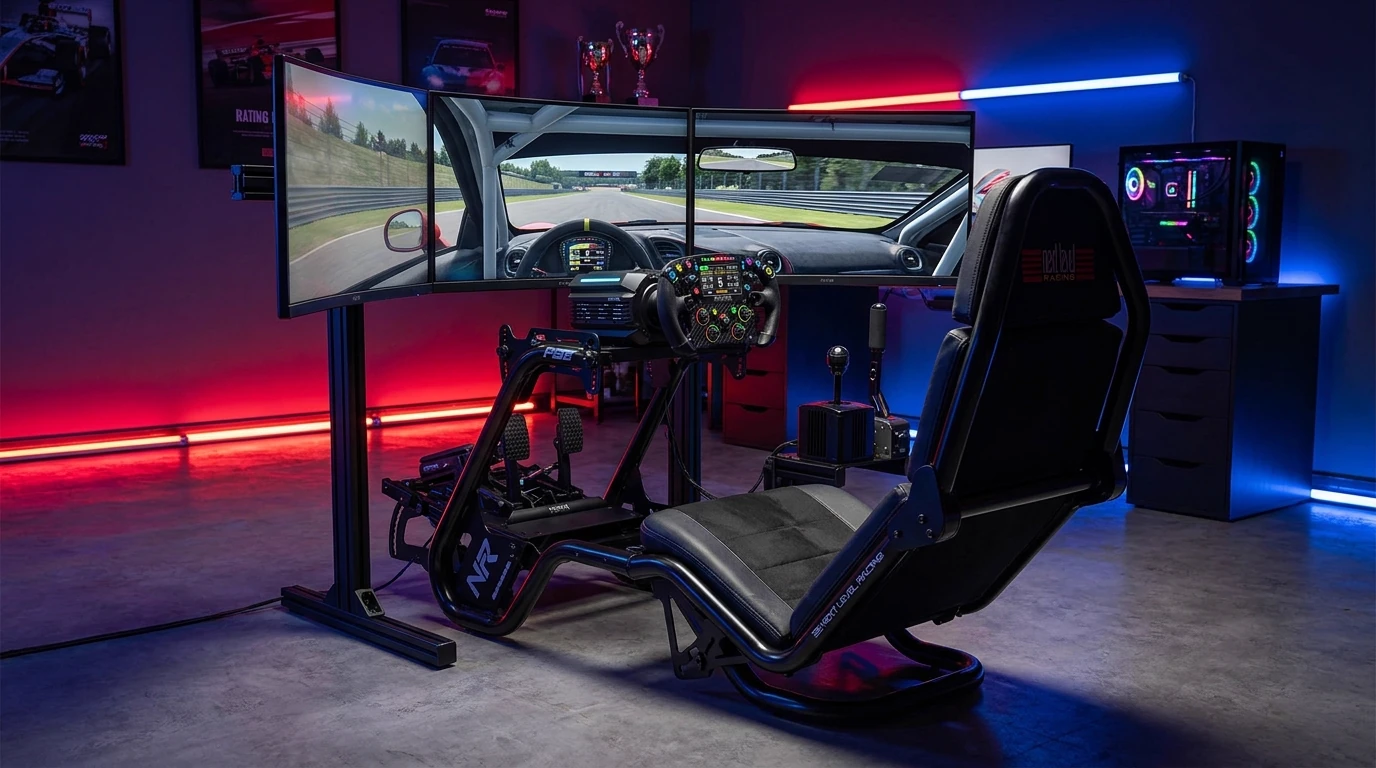
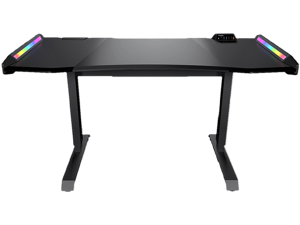
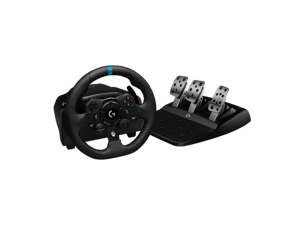
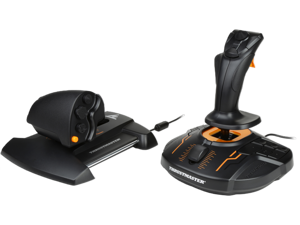
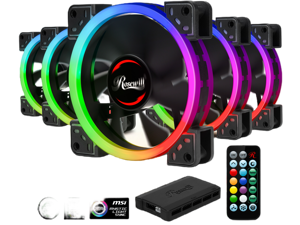
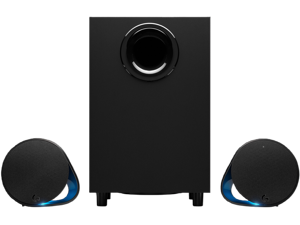
Newegg's Game Room Builder and Simulator Builder cover the desk, chair, monitors, speakers, lighting and racing or flight rig that complete the space, while PC Build Showcase collects real builds from other gamers. Like the rest of the Gaming Hub, every piece comes straight from Newegg's own catalog.
Design my setup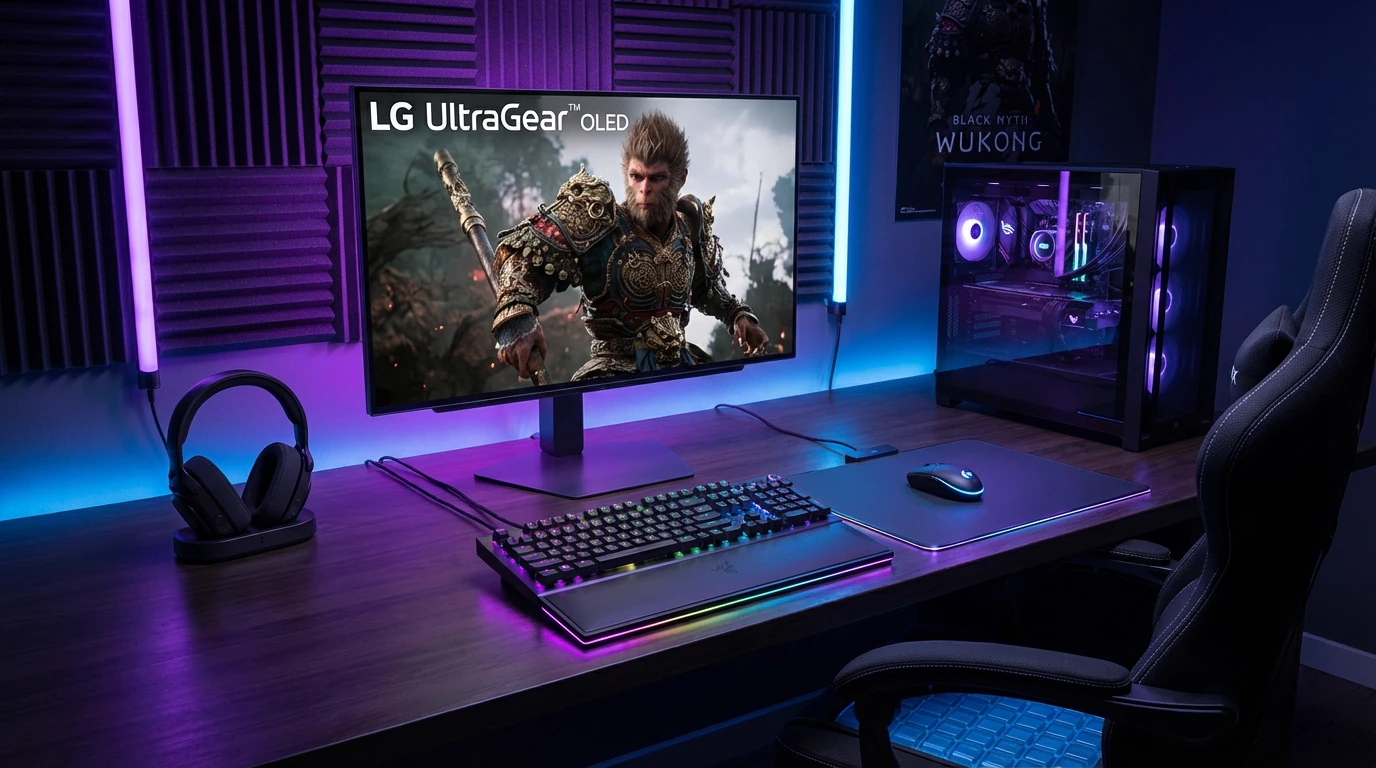 Gaming Keyboard
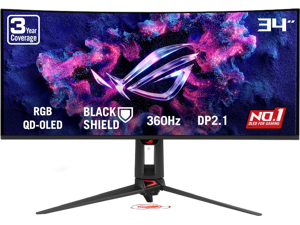
Gaming Monitor
RGB Lighting
Room
Game Room Builder
Gaming Keyboard
Gaming Monitor
RGB Lighting
Room
Game Room Builder
- Desk, chair & lighting
- Curated room inspiration
 Community
PC Build Showcase
Community
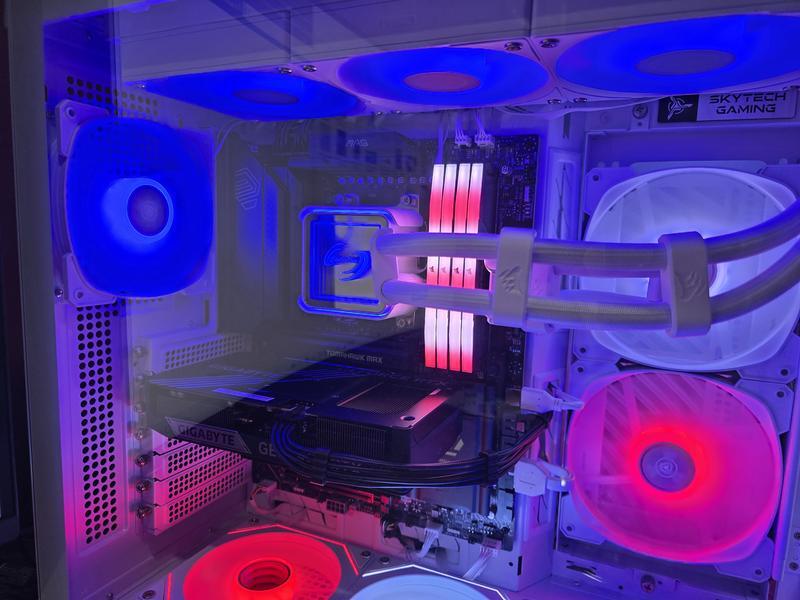
PC Build Showcase
- Real builds from real gamers
- Get inspired, share your own


Gaming Hub FAQ
What is the Newegg Gaming Hub?
The Newegg Gaming Hub is a single entry point that brings Newegg's gaming tools, game catalog and setup gear together in one place: PC Builder, Gaming PC Finder and PC Upgrader for hardware, digital game codes for PC and console, and Game Room Builder and Simulator Builder for the space around the rig.
PC Builder, Gaming PC Finder or PC Upgrader — which should I use?
Use PC Builder when you want to choose every component yourself. Use Gaming PC Finder when you would rather describe your playstyle and budget and be matched to a prebuilt. Use PC Upgrader when you already own a PC and only need to know which parts are worth replacing. All three work from the same Newegg component catalog and check compatibility as you go.
Building a PC vs buying a prebuilt — what is the difference?
Building with PC Builder means picking every part yourself, so you decide which processor, graphics card and case go in. A prebuilt matched by Gaming PC Finder ships already assembled. Compared with a prebuilt, building takes longer but leaves every choice open; compared with building, a prebuilt is quicker to get running but fixes the parts list for you.
What are the pros and cons of upgrading instead of replacing a gaming PC?
Pros: upgrading keeps the case, storage and power supply you already own, and PC Upgrader targets only the parts holding performance back. Cons: an older motherboard limits which processors fit, and once several parts need replacing at the same time, a full build or a prebuilt is worth comparing.
How do I build a gaming PC on Newegg?
Start in PC Builder with a processor and motherboard so the socket is settled, then add memory, a graphics card, storage, a power supply, a case and a cooler. Incompatible combinations are flagged while you work, and the finished build can be added to your cart together rather than part by part.
What do I need for a racing or flight simulator setup?
A simulator setup starts with the controls — a wheel and pedal set for racing, or a stick and throttle for flight — then the seat or cockpit frame that holds them rigid, one or more monitors, and a desk or stand sized for the whole thing. Simulator Builder configures those parts as one piece instead of leaving you to match them yourself.
Example setups: what does a typical Newegg gaming build include?
A common setup pairs a gaming PC with a monitor, a mechanical keyboard, a gaming mouse and a headset. For a racing or flight example, Simulator Builder adds a wheel or flight stick, pedals and a cockpit frame; for a game room example, Game Room Builder covers the desk, chair, speakers and RGB lighting around the rig.
Can I buy digital game codes for PS5, Xbox and Nintendo Switch 2?
Yes. Newegg carries digital game codes for PC as well as PlayStation, Xbox and Nintendo Switch 2, covering new releases, pre-orders and back catalogue titles. Console hardware, controllers and headsets are listed alongside the games.
Do the PC tools check part compatibility?
Yes. PC Builder and PC Upgrader both check parts against each other as you add them, so a processor that does not match the selected motherboard socket, or a graphics card that will not fit the chosen case, is flagged before you order rather than after it arrives.
By · Published · Last updated · latest game releases and current-gen gaming hardware