

• $68.89
  • Price alert
    Shop it at NeweggBusiness.

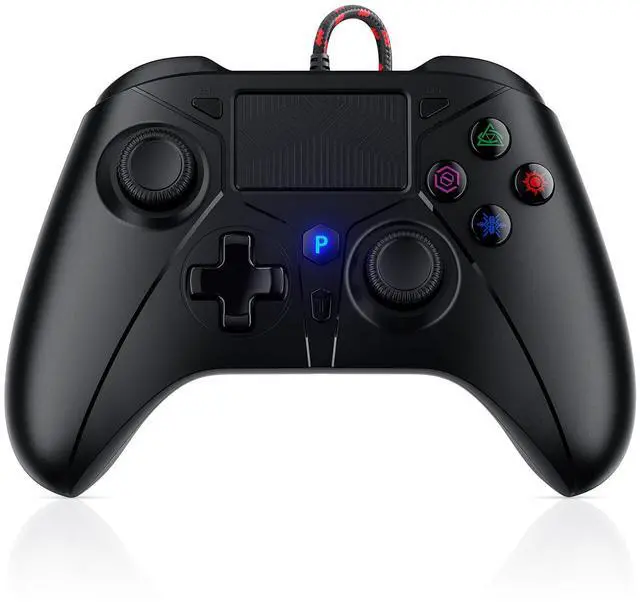
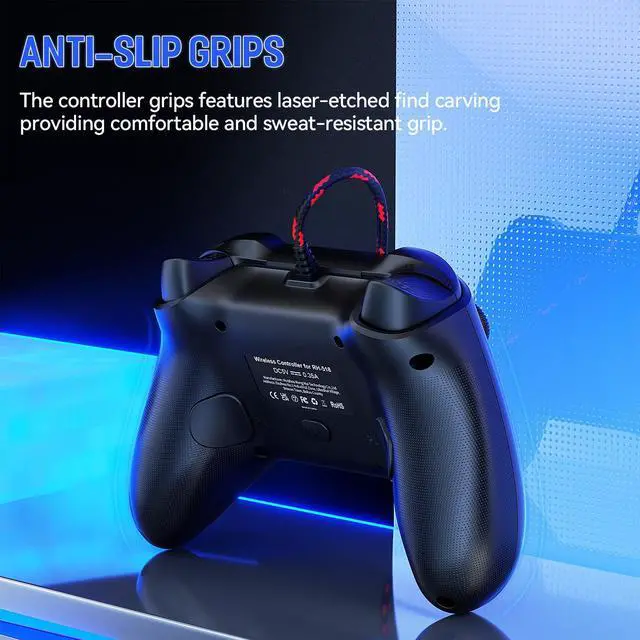
    Wired PS5 Controller, Compatible with PlayStation 5/PS-4, PC/Steam, Support Turbo, Macro, Dual Vibration, Multi-Touch Pad & 3.5mm Audio Jack

    • How to connect to a PS5? ::: Enter the PS5 system settings > Accessories > Controller (General) > Communication Metho > Use USB Cable >After the setup is complete, insert our PS5 wired controller on the PS5 console>Pairing and connection
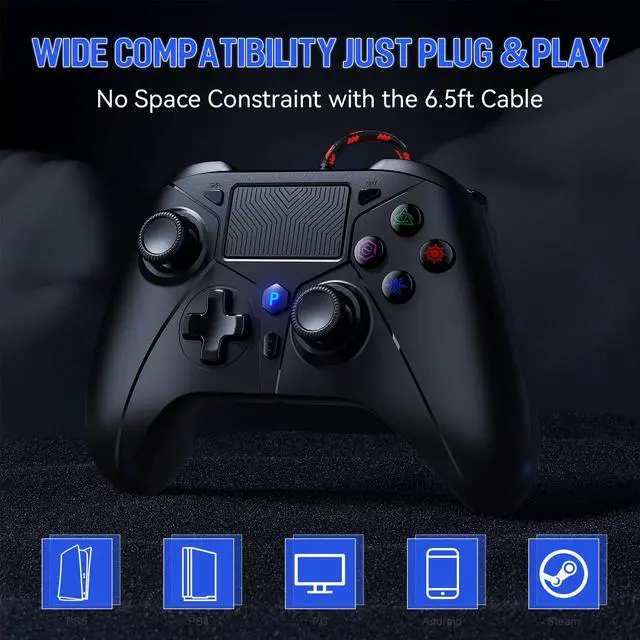
    • Broad Compatibility: Compatible with PlayStation 5, PS5 Pro, PS5 Slim, PS4, and PC/Steam platforms, ensuring seamless performance across systems.
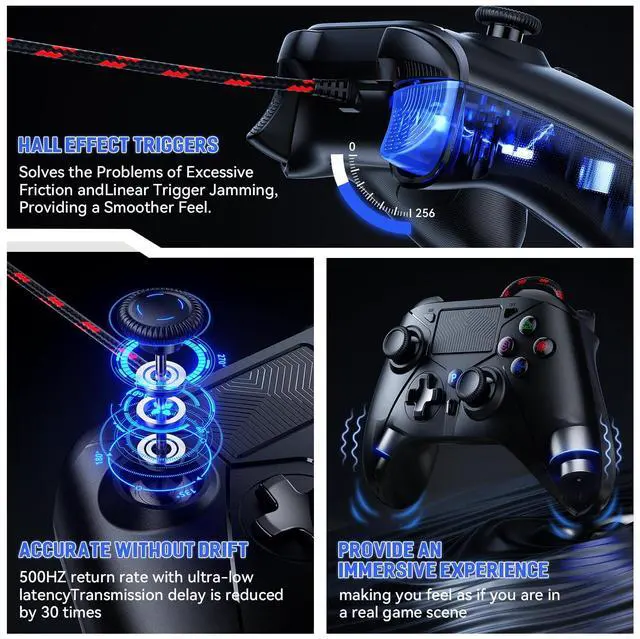
    • Enhanced Gaming Features: Lightweight and customizable controls allow players to perform better and win. Dual analog joysticks and trigger buttons feel and are sensitive using a special lightweight vibration system designed to provide a better sense of control and realism.
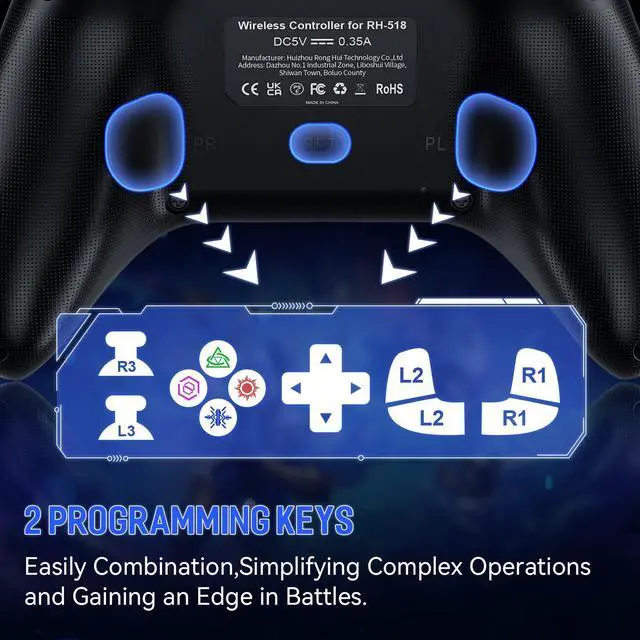
    • Best Game Experience: The "TURBO" button toggles between different combos for a better gaming experience, and the PL/PR mappable advanced game button allows you to quickly program your game to help you take it to the next level.
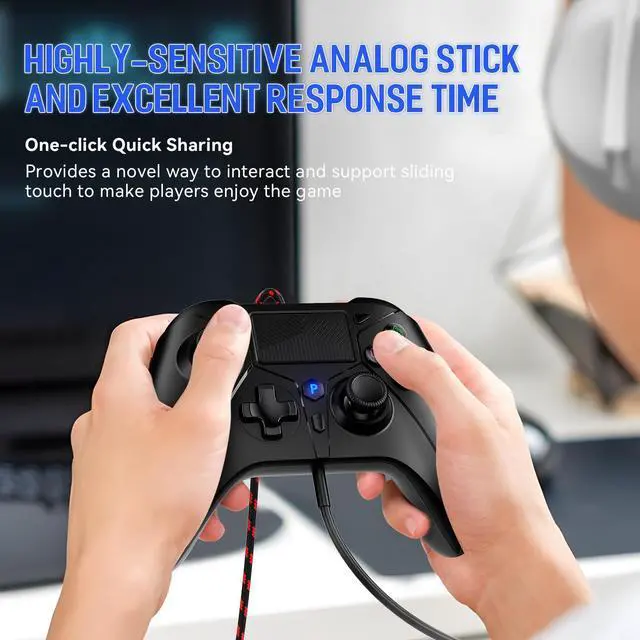
    • High sensitivity joystick: Our PC controller rejects button delay, the new chip increases sensitivity by 90%, and the joystick does not drift or delay, allowing players to enjoy a new experience while controlling the game more precisely.
    • Durable Wired Connection: Includes a 10ft USB cable for reliable, delay-free performance; ideal for competitive gamers using the PS5 controller setup.
    +
    +
    Overview
    Specs
    Reviews
    avatar

    Any questions? Our AI beta will help you find out quickly.

    • You need to enter the for PS5 system settings: Settings > Accessories > Controller (General) > Communication Method > Use USB Cable

    • After the system setup is complete, if there is still a connection problem, please unplug the USB cable and then plug it back into the console.

    • To ensure that there is no connection problem, please disconnect other controllers and prioritize connecting our controller to the PS5 console.

    1
    2
    4
    5
    3
    6
    • You need to enter the for PS5 system settings: Settings > Accessories > Controller (General) > Communication Method > Use USB Cable

    • After the system setup is complete, if there is still a connection problem, please unplug the USB cable and then plug it back into the console.

    • To ensure that there is no connection problem, please disconnect other controllers and prioritize connecting our controller to the PS5 console.

    1
    2
    4
    5
    3
    6
    Wired PS5 Controller, Compatible with PlayStation 5/PS-4, PC/Steam, Support Turbo, Macro, Dual Vibration, Multi-Touch Pad & 3.5 mm Audio Jack

    Warranty & Returns

    Warranty, Returns, And Additional Information

    Warranty

    • Please contact the Seller directly for warranty information. Warranty information may also be found on the Manufacturer's website.
    • CONTACT

    Return Policies

    Manufacturer Contact Info

    LOADING...