




 here!
I’m your shopping assistant for PC builds, upgrades, and everything tech.
Got questions? Ask away!
Start a conversation
here!
I’m your shopping assistant for PC builds, upgrades, and everything tech.
Got questions? Ask away!
Start a conversation



Any questions? Ask CelesteSM will help you find out quickly.
How should the controller be connected to the PS5 console for the first time? (Step 1)
Connect the PS5 console and the controller with a USB-C data cable that comes with the package(OR PS5 original data cable ). Please note that there must be a USB-A interface at the rear of the general PS5 console.
How should the controller be connected to the PS5 console for the first time? (Step 2)
Once connected, press the Home button on your game controller. If you see the indicator light flashing slowly, pairing is successful, and you can then wirelessly connect to your PS5 console.
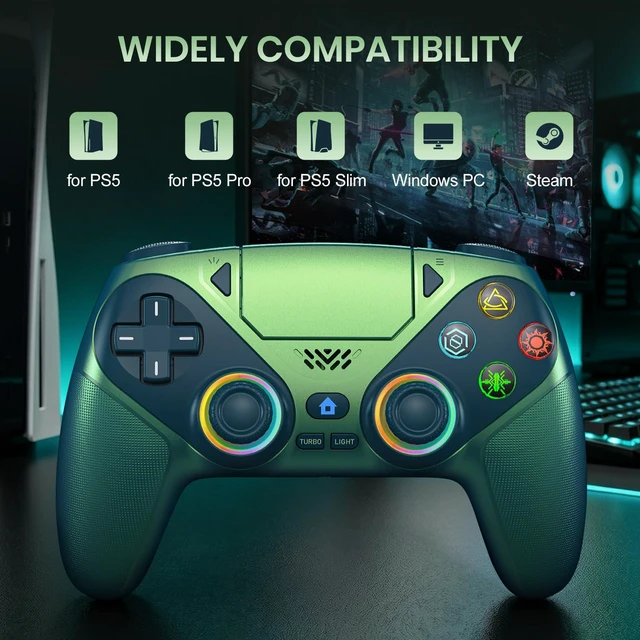
What consoles can the controller be compatible with?
It can compatible with PS5/PS5 Pro/PS5 Slim/Steam and Windows PC, NOT For Mac, PS4 and Phone.
Cannot charge at charging stations:
The controller does not work with the charging station and only supports USB-C charging
Fixing joystick drift and trigger issues:
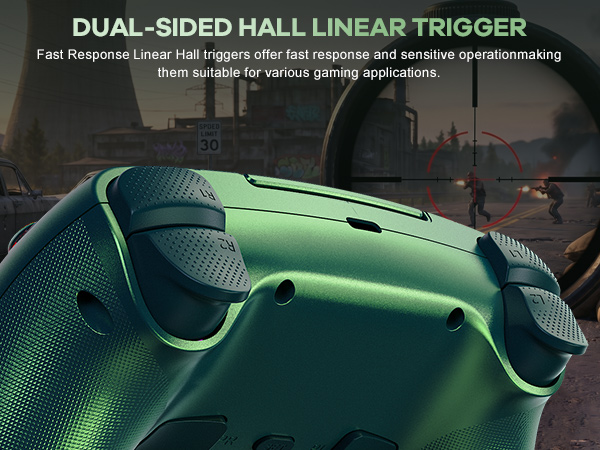
1. Enter Calibration Mode: Power off the controller(after connecting to PS5), hold Share + Menu, press Home. Wait for rapid Home button flashing.
2. Calibrate: Press triggers 3-5 times, rotate joysticks 3-5 circles, confirm with X. Done.
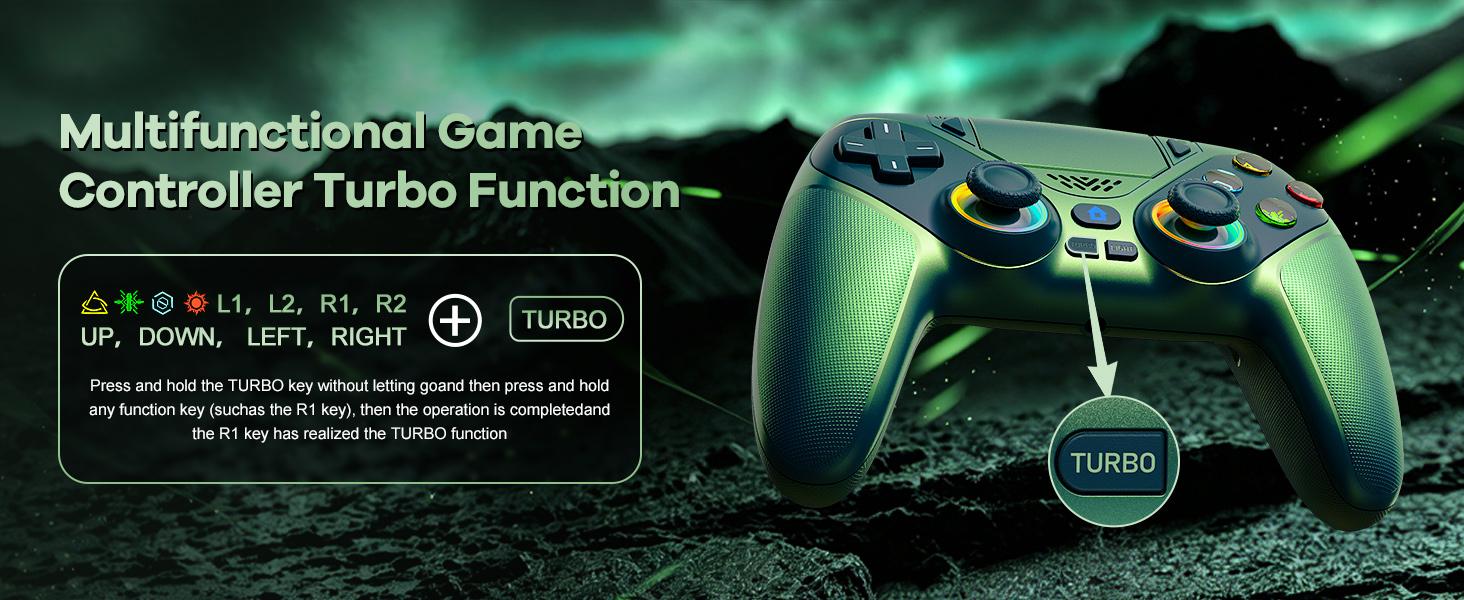
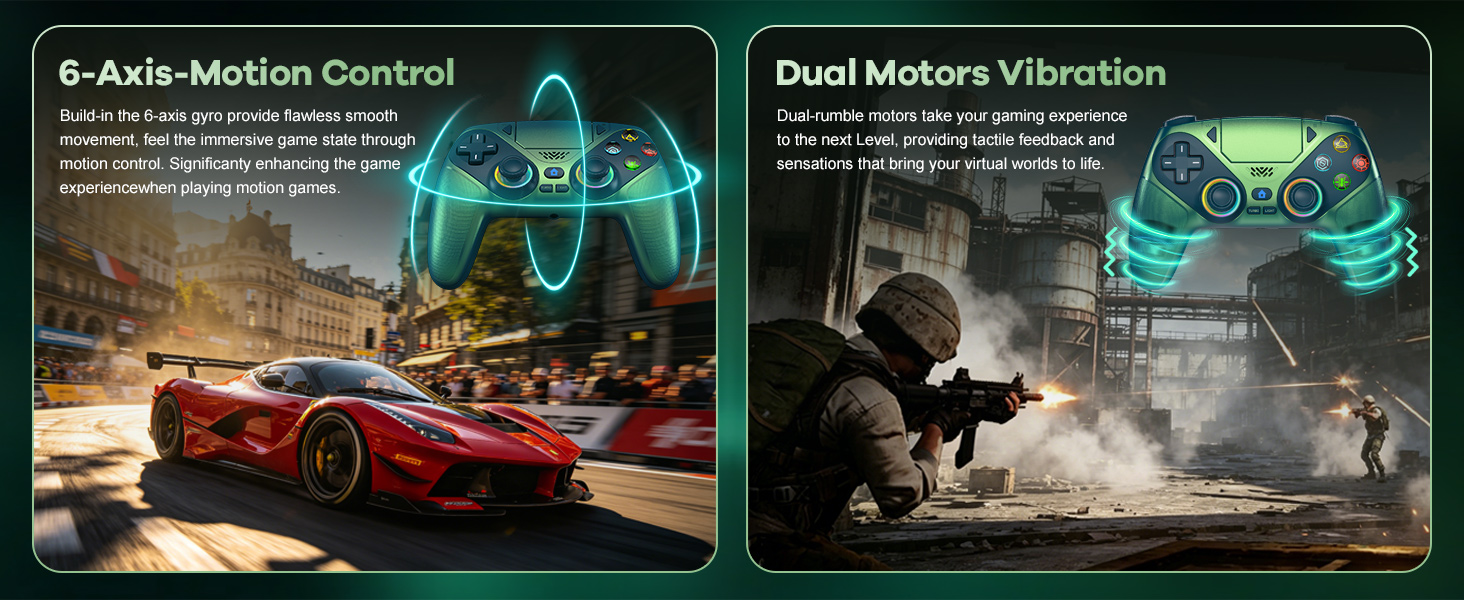
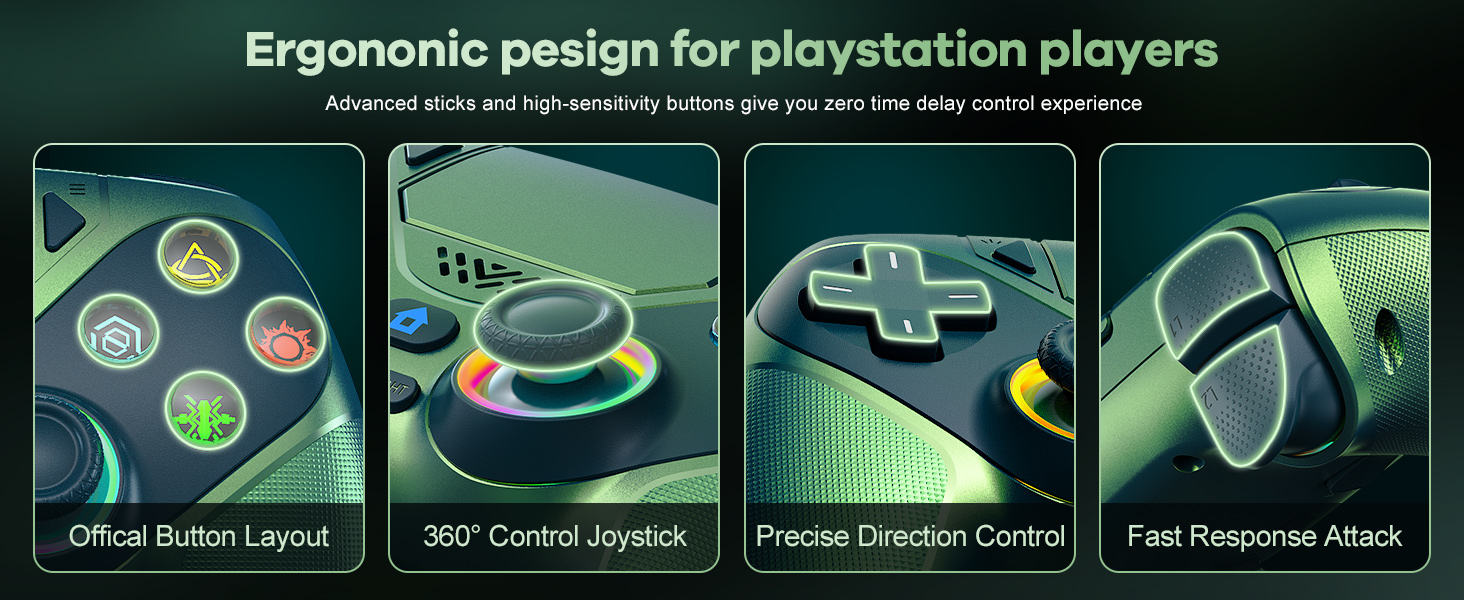
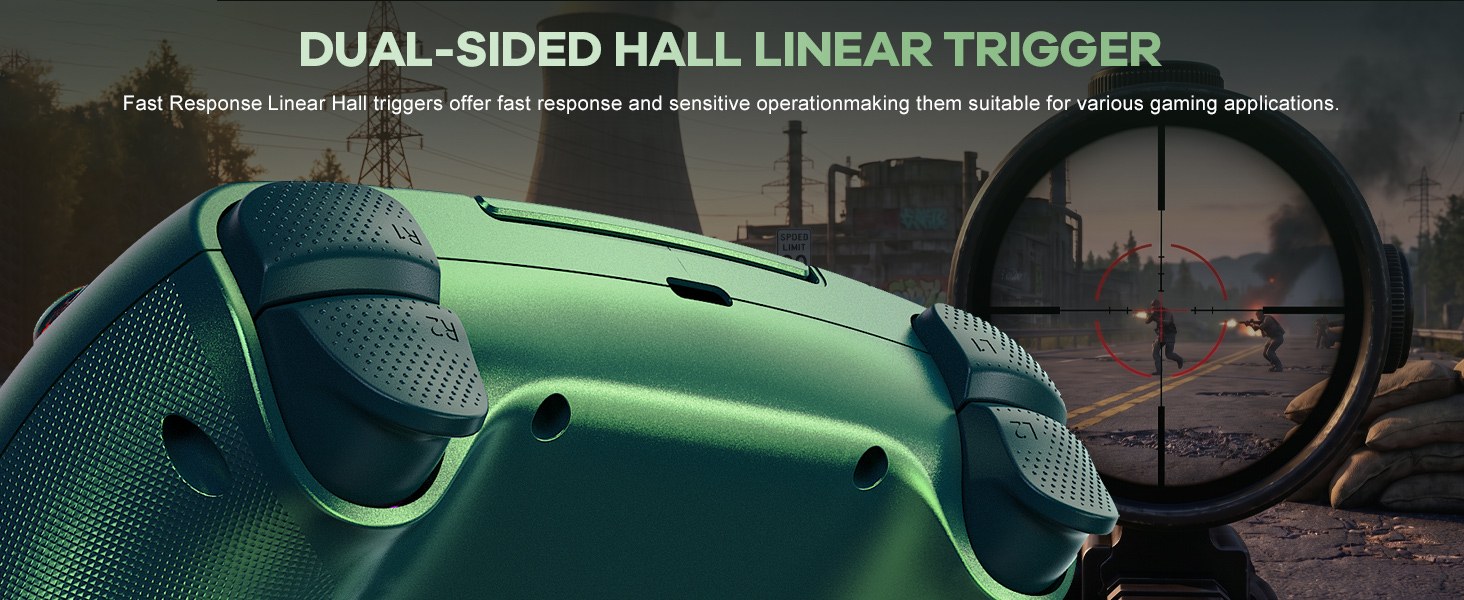
How should the controller be connected to the PS5 console for the first time? (Step 1)
Connect the PS5 console and the controller with a USB-C data cable that comes with the package(OR PS5 original data cable ). Please note that there must be a USB-A interface at the rear of the general PS5 console.
How should the controller be connected to the PS5 console for the first time? (Step 2)
Once connected, press the Home button on your game controller. If you see the indicator light flashing slowly, pairing is successful, and you can then wirelessly connect to your PS5 console.
What consoles can the controller be compatible with?
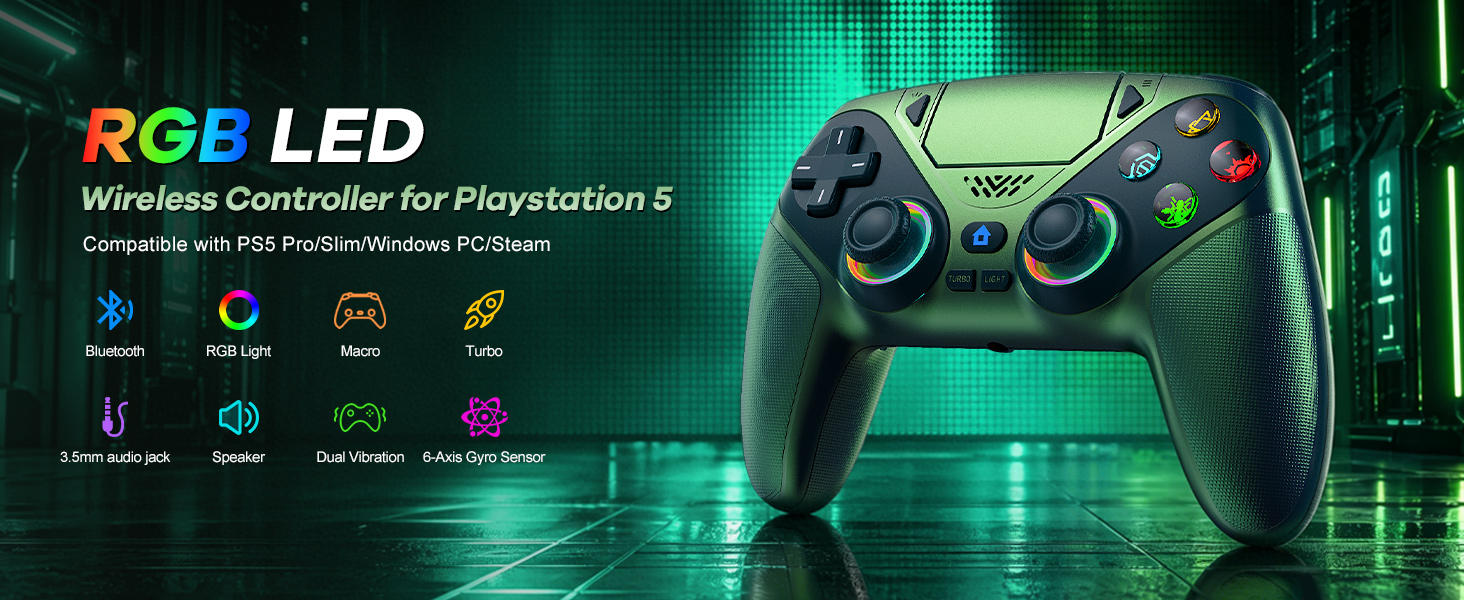
It can compatible with PS5/PS5 Pro/PS5 Slim/Steam and Windows PC, NOT For Mac, PS4 and Phone.
Cannot charge at charging stations:
The controller does not work with the charging station and only supports USB-C charging
Fixing joystick drift and trigger issues:
1. Enter Calibration Mode: Power off the controller(after connecting to PS5), hold Share + Menu, press Home. Wait for rapid Home button flashing.
2. Calibrate: Press triggers 3-5 times, rotate joysticks 3-5 circles, confirm with X. Done.
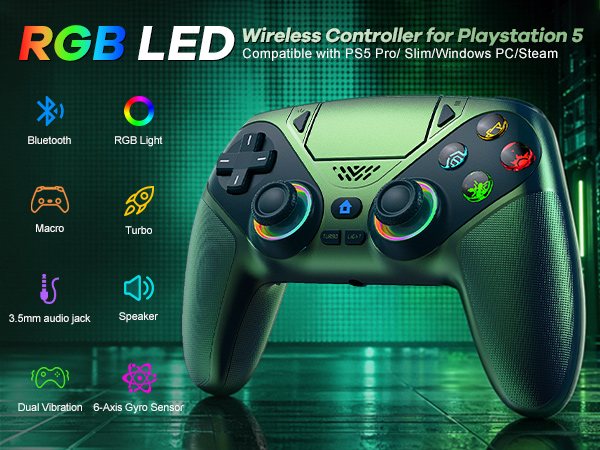
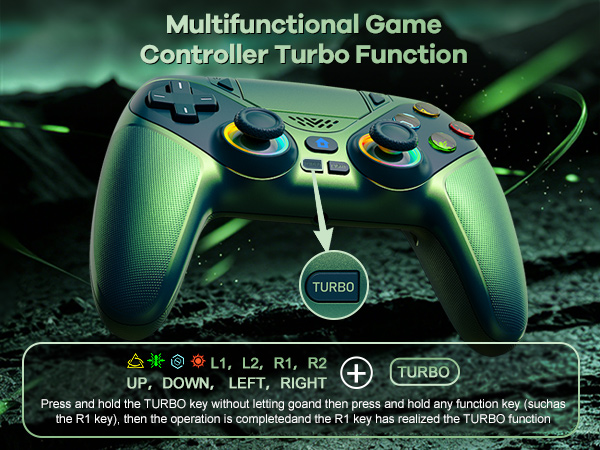
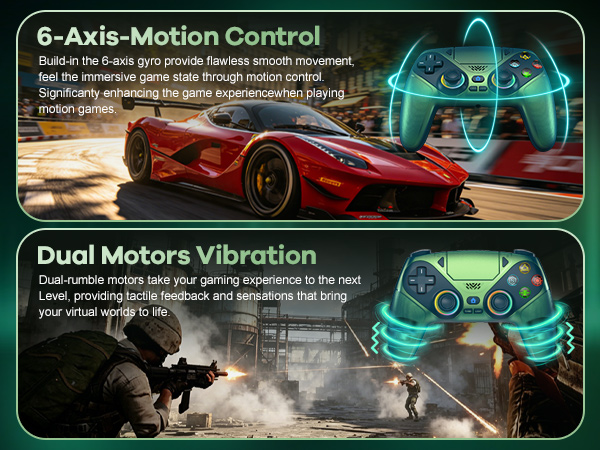
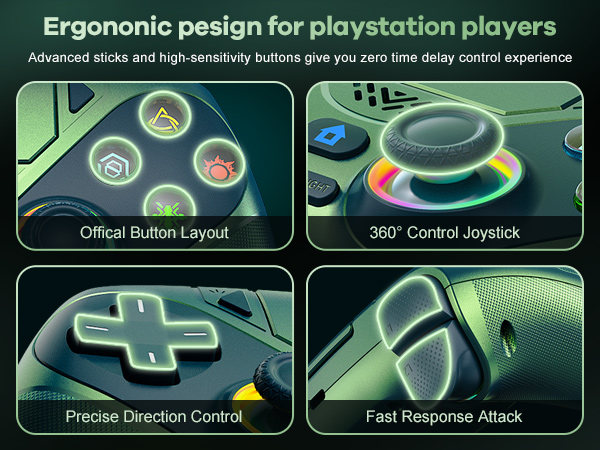
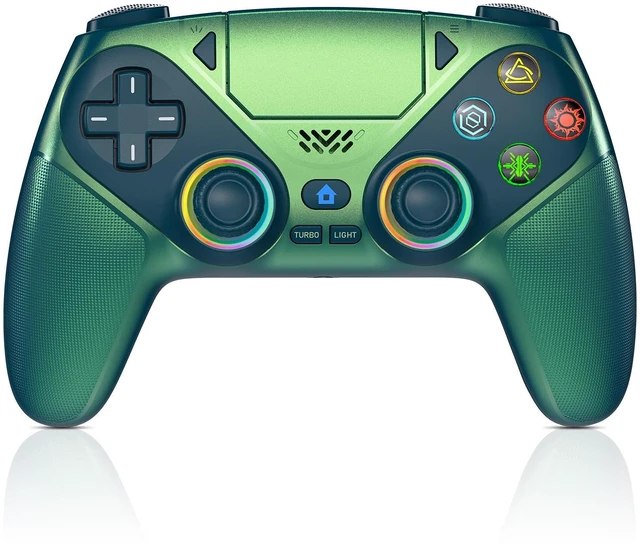
Gaming Controller for PlayStation 5


