




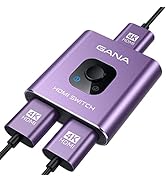
HDMI Switch 3 in 1 out
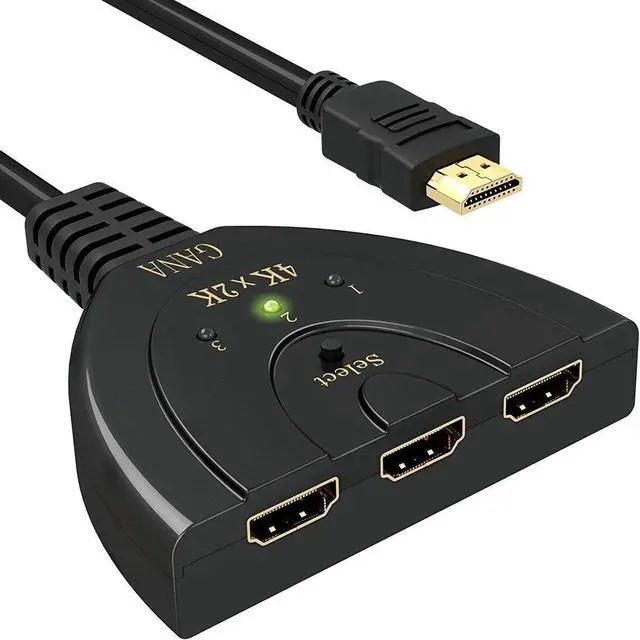
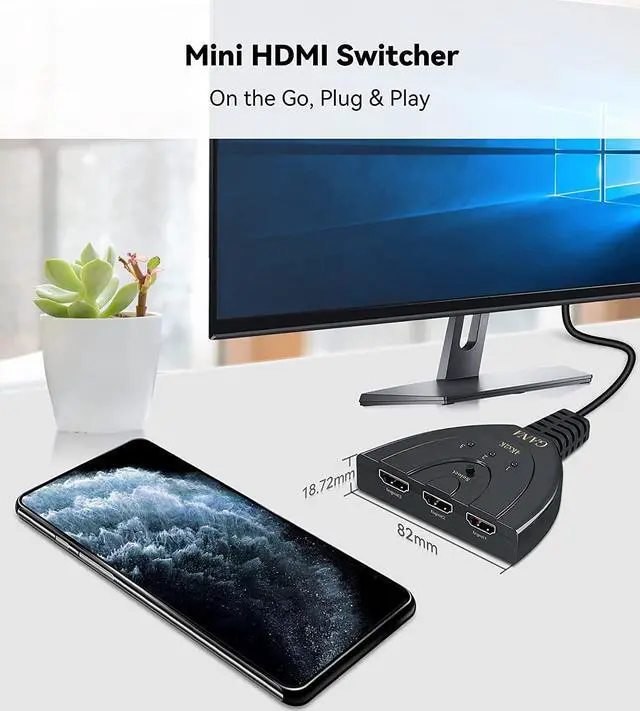
- Are you looking for an item which can connect your HDMI devices to a TV with very limited HDMI port? This hdmi hub is a very simple solution for Multiple HDMI Devices Connection.
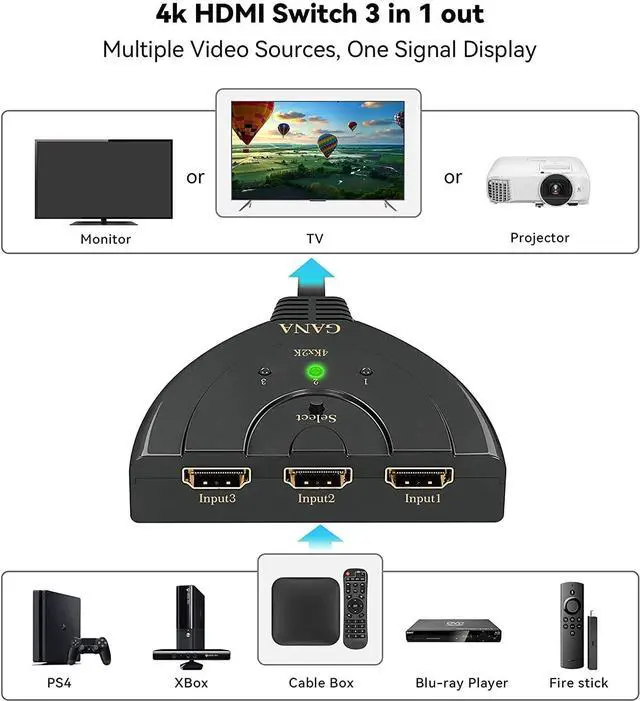
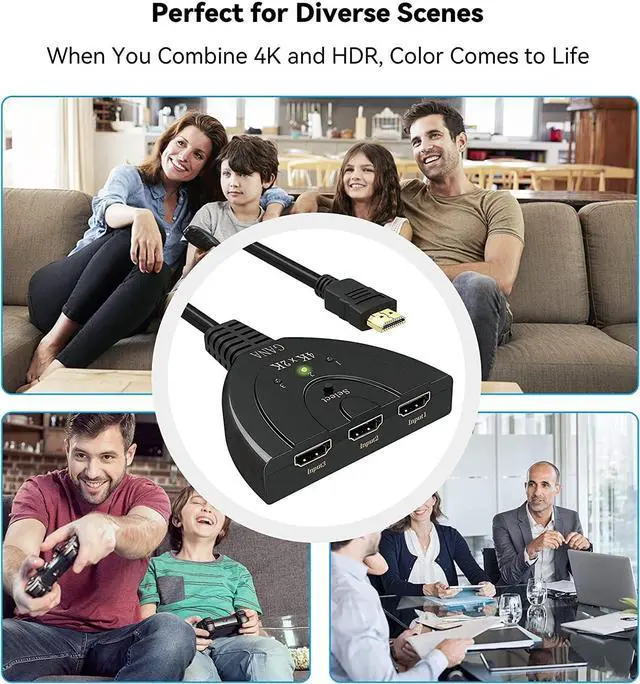
- This HDMI switcher can connect 3 source devices to 1 display which can avoid frequent disconnection and connection. So you can freely switch to what you want to view on a modern TV with HDMI ports. Save your time and money.
Now, Build your own home theater with this 4K HDMI SWITCH !!!

HDMI Multi Port Switch

Redefine Your Device Connection
What makes our product unique:
- After 5 years of development, our GANA devices have accompanied and served 1,000,000+ customers globally, helping them to easily connect the devices with a newly mode, everything we have done is worth it!
- And you, will it be that person?
Upgrade 4K HDMI Switch Box
Specifications:
* 3 HDMI inputs / 1 HDMI output
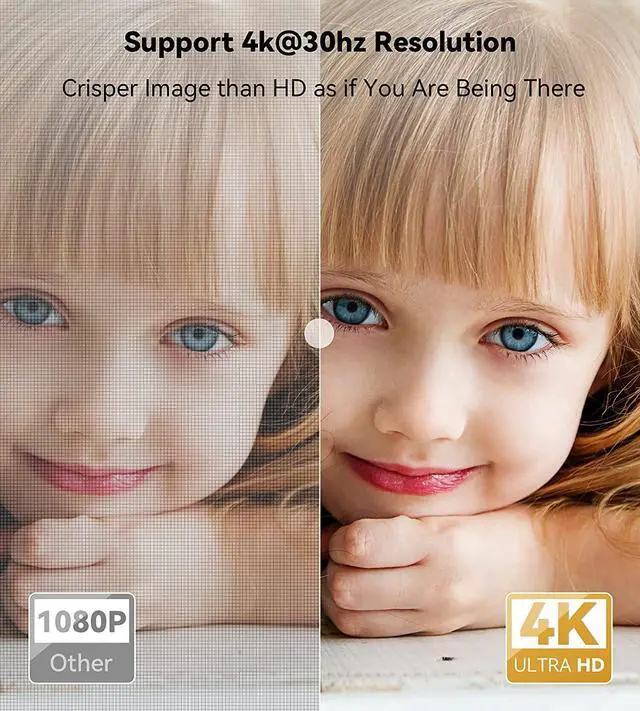
* Supports up to 4K@30HZ resolution with backward compatible with lower resolution.
* Support 12-bit Deep color per channel
* Support 3D devices
* Supports 3Gbps/30Hz per channel
* Supports compressed audio such as DTS Digital, Dolby Digital.
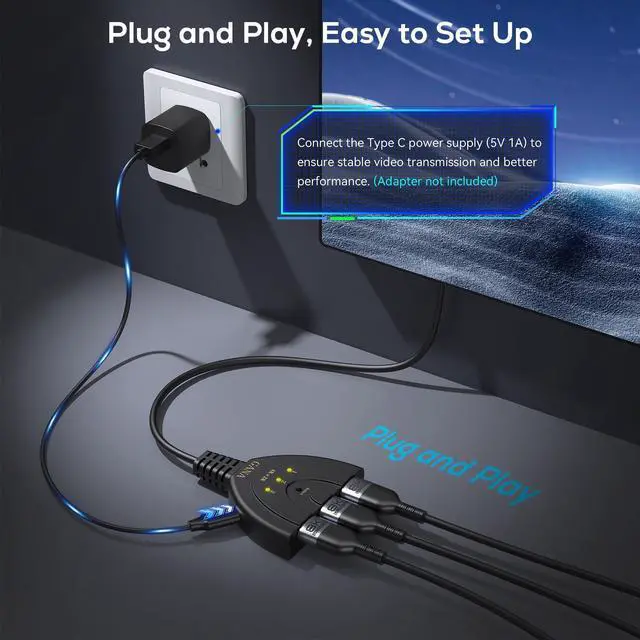
* Plug and Play, No External Power Needed
- Make sure the connected devices supply enough power to the switch.
- May be incompatible with devices requiring HDCP (such as the Fire Stick)

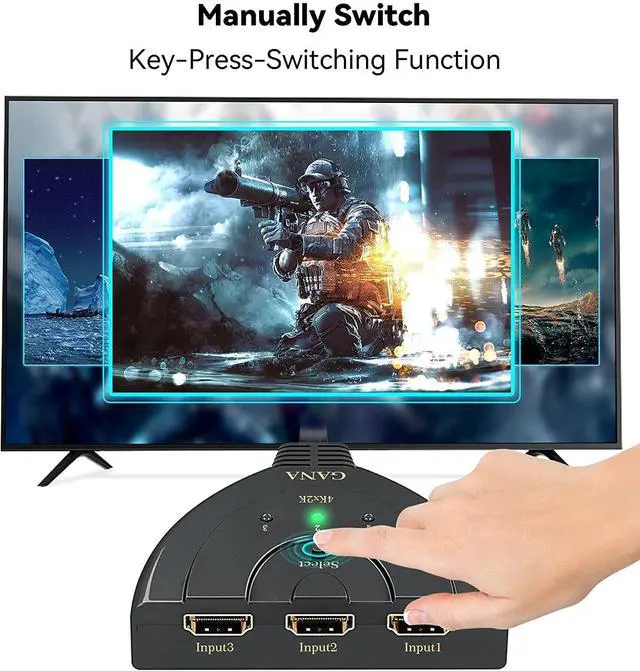
Manually Switching:
Freely switch between your favorite devices without plugging and unplugging. Avoid damage to your display interfaces.

Wide Compatibility:
Supports laptop computer, Xbox 360, Xbox One, PS3 / PS4, Blu-Ray DVD player, Roku, Fire Stick, and a lot more.

LED Indicators:
The Green indicator shows which HDMI source is in use at present, transmit video and audio simultaneously
Operation Guide:
1. Connect the signal hosts(for example: DVD, PS3,TV box,etc ) to the 3 input ports (HDMI cables are not included).
2. Connect the hdmi switch to a display (TV or Monitor), please remember to set the signal source to HDMI.
3. Press the “select” button to select the signal host manually.
Package Contains:
1* HDMI Switch
1* User Manual
Use Tips:
1. THIS SWITCHER is for 3 signal hosts to be displayed on 1 Monitor ONLY.
2. This HDMI Switch 4K can't switch automatically, ONLY by MANUALLY pressing the SELECT button.
3. For some devices, the HDMI Switch may not work when only one input device is power on due to insufficient power.
In this case, please turn on two or all the three input source devices to try.
4 If your input device (such as PS4 Pro) run 4K, please LOWER the resolution from 2160P-RGB to 2160P-YUV420, or to1080P.
For xbox one x series, please lower to 3840x2160@25hz.
5. If you run PS5, it will not work properly since the PS5 requires an HDMI 2.1 output while this is an HDMI 1.4b, so you may need to set the resolution from 2160P-RGB to 2160P-YUV420
6. It is recommended that the total length of HDMI cable is =3M if you need to get 4K@30hzvideo connections.
 HDMI Switch 4k |  2 in 1 Switch / 1 in 2 out Switch |  3 in 1 Switch | |
|---|---|---|---|
| Customer Reviews | — | — | — |
| Price | — | — | — no data |
| Indicator light | ? | ? | ? |
| Material | ABS | Aluminum | ABS |
| Support Resolution | 4K@30HZ | 4K@60HZ | 4K@30HZ |
| Select Way | Button | Button | Button & Remote |
| Power Adapter | × | × | × |
| Cable included | × | × | USB Power Cable & IR Receiver |
| Used For | HDMI Switch 3 in 1 out | hdmi switch 2 in 1 out | hdmi switch with remote |

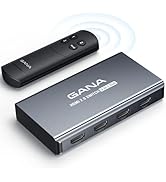

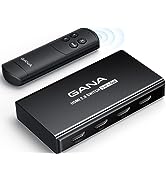

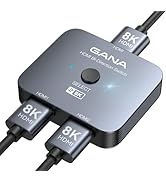
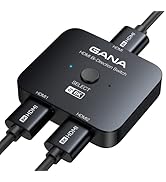




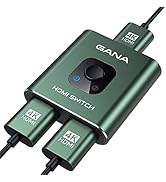
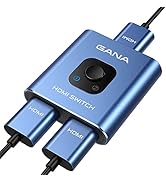
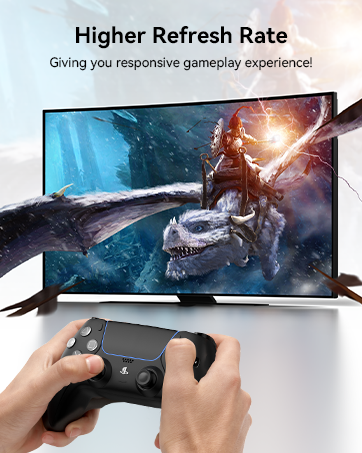
HDMI Switch 3 in 1 out
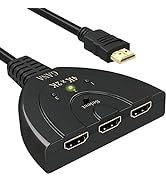
- Are you looking for an item which can connect your HDMI devices to a TV with very limited HDMI port? This hdmi hub is a very simple solution for Multiple HDMI Devices Connection.
- This HDMI switcher can connect 3 source devices to 1 display which can avoid frequent disconnection and connection. So you can freely switch to what you want to view on a modern TV with HDMI ports. Save your time and money.
Now, Build your own home theater with this 4K HDMI SWITCH !!!
Upgrade 4K HDMI Switch Box
Redefine Your Device Connection
What makes our product unique:
- After 5 years of development, our GANA devices have accompanied and served 1,000,000+ customers globally, helping them to easily connect the devices with a newly mode, everything we have done is worth it!
- And you, will it be that person?

HDMI Multi Port Switch
Specifications:
* 3 HDMI inputs / 1 HDMI output
* Supports up to 4K@30HZ resolution with backward compatible with lower resolution.
* Support 12-bit Deep color per channel
* Support 3D devices
* Supports 3Gbps/30Hz per channel
* Supports compressed audio such as DTS Digital, Dolby Digital.
* Plug and Play, No External Power Needed
- Make sure the connected devices supply enough power to the switch.
- May be incompatible with devices requiring HDCP (such as the Fire Stick)
Manually Switching:
Freely switch between your favorite devices without plugging and unplugging. Avoid damage to your display interfaces.
Wide Compatibility:
Supports laptop computer, Xbox 360, Xbox One, PS3 / PS4, Blu-Ray DVD player, Roku, Fire Stick, and a lot more.
LED Indicators:
The Green indicator shows which HDMI source is in use at present, transmit video and audio simultaneously
Operation Guide:
1. Connect the signal hosts(for example: DVD, PS3,TV box,etc ) to the 3 input ports (HDMI cables are not included).
2. Connect the hdmi switch to a display (TV or Monitor), please remember to set the signal source to HDMI.
3. Press the “select” button to select the signal host manually.
Package Contains:
1* HDMI Switch
1* User Manual
Use Tips:
1. THIS SWITCHER is for 3 signal hosts to be displayed on 1 Monitor ONLY.
2. This HDMI Switch 4K can't switch automatically, ONLY by MANUALLY pressing the SELECT button.
3. For some devices, the HDMI Switch may not work when only one input device is power on due to insufficient power.
In this case, please turn on two or all the three input source devices to try.
4 If your input device (such as PS4 Pro) run 4K, please LOWER the resolution from 2160P-RGB to 2160P-YUV420, or to1080P.
For xbox one x series, please lower to 3840x2160@25hz.
5. If you run PS5, it will not work properly since the PS5 requires an HDMI 2.1 output while this is an HDMI 1.4b, so you may need to set the resolution from 2160P-RGB to 2160P-YUV420
6. It is recommended that the total length of HDMI cable is =3M if you need to get 4K@30hzvideo connections.
HDMI Switch 4k | 2 in 1 Switch / 1 in 2 out Switch | 3 in 1 Switch | |
|---|---|---|---|
| Customer Reviews | — | — | — |
| Price | — | — | — no data |
| Indicator light | ? | ? | ? |
| Material | ABS | Aluminum | ABS |
| Support Resolution | 4K@30HZ | 4K@60HZ | 4K@30HZ |
| Select Way | Button | Button | Button & Remote |
| Power Adapter | × | × | × |
| Cable included | × | × | USB Power Cable & IR Receiver |
| Used For | HDMI Switch 3 in 1 out | hdmi switch 2 in 1 out | hdmi switch with remote |
The Best HDMI Switch!
No more plugging and unplugging cables anymore!
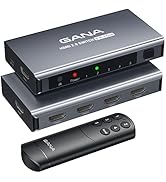
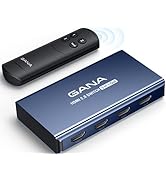
HDMI Switch With Remote
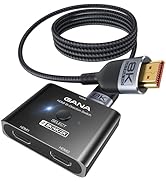
Bidirectional HDMI Switch 8K
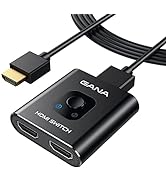
The Best HDMI Switch
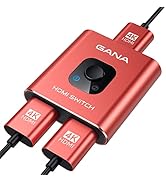
Colourful Your Life
