





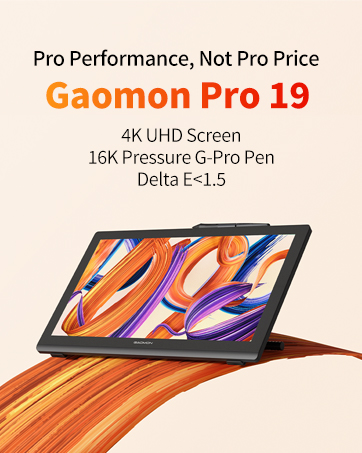
GAOMON is a high-tech enterprise founded in 2011. Dedicated to independent research and development of digital tablets, digital screens, animation copy stations, etc.
Its products comply with EU RoHs standards and have passed certifications such as CE, FCC and CCC.
With the value-for-money products and the growing reputation among consumers, Gaomon develop rapidly and gradually become known to consumers around the world.
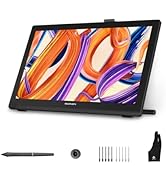
Drawing Tablet with Screen
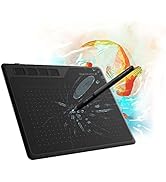
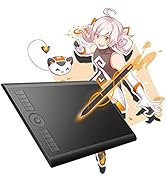
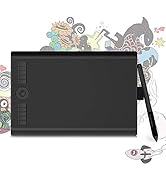
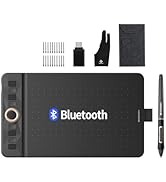
Graphics Tablet
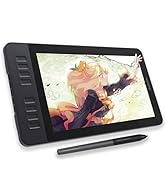
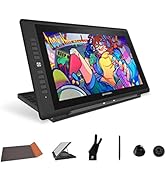
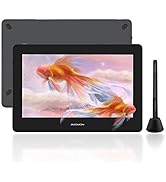
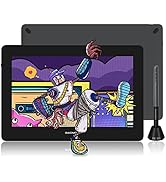
Drawing Tablet
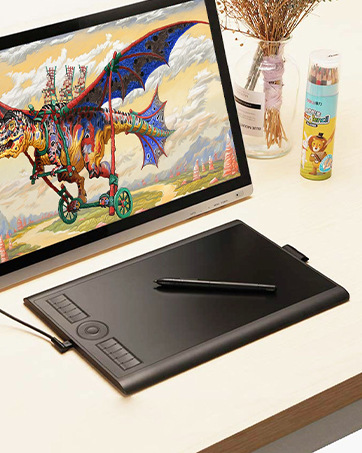
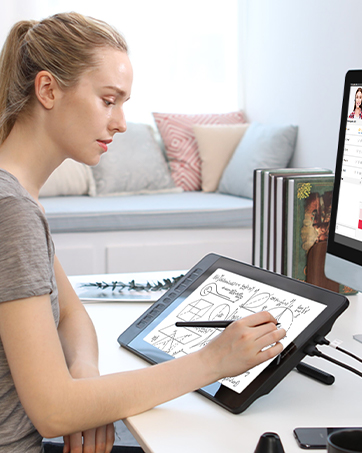
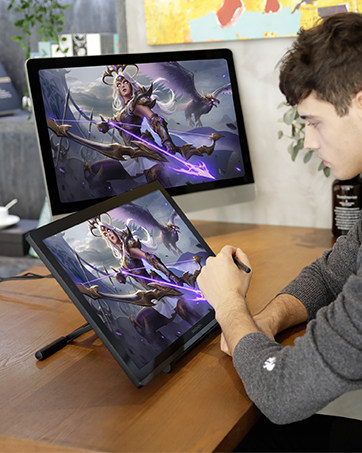
How did we get our start?
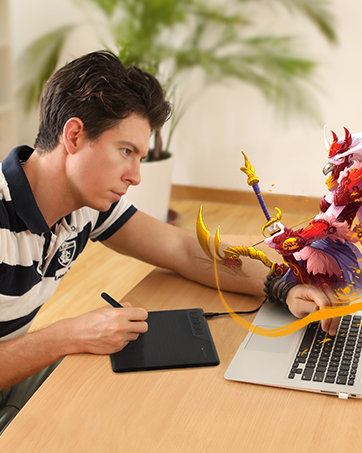
GAOMON believes that digital creation should not be limited in specific areas or groups. GAOMON is committed to producing quality and affordable products.
Why do we love what we do?
GAOMON encourages confident and free creation. We always support to enlarge digital creative community and to take digital art to every corner of the world.
How to get help from GAOMON?
If you have any questions about the product before or after purchasing , please send a message to us via Message.

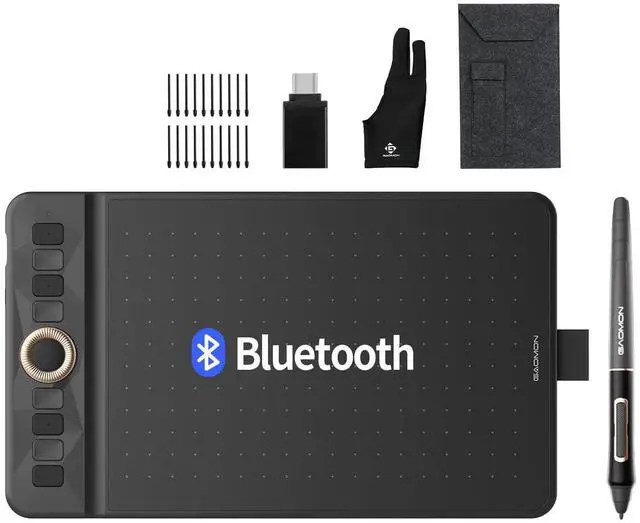
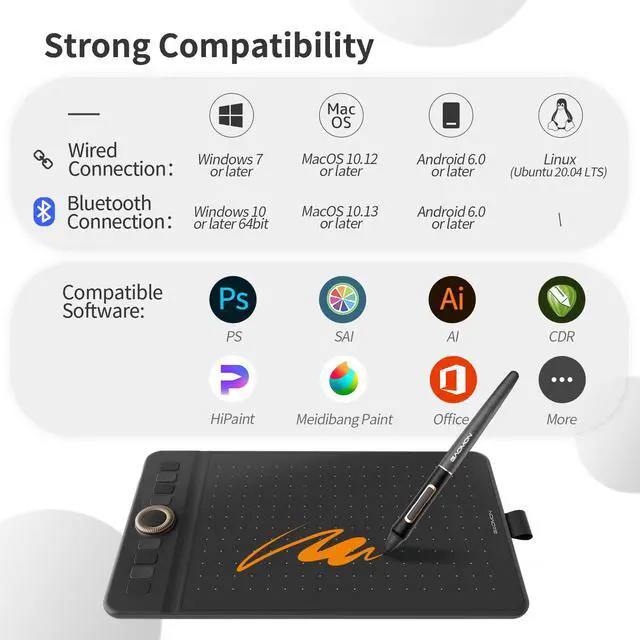
WH851 works with Windows 7 or later(Wired); Windows 10 or later 64bit(Wired&Bluetooth); macOS 10.12 (Wired); macOS 10.13 or later(Wired&Bluetooth); ChromeOS 88 or later(Wired&Bluetooth);Android 6.0 or later(Wired&Bluetooth);HarmonyOS 2.0 or later (Wired&Bluetooth);Linux(Ubuntu 20.04 LTS)(Wired).


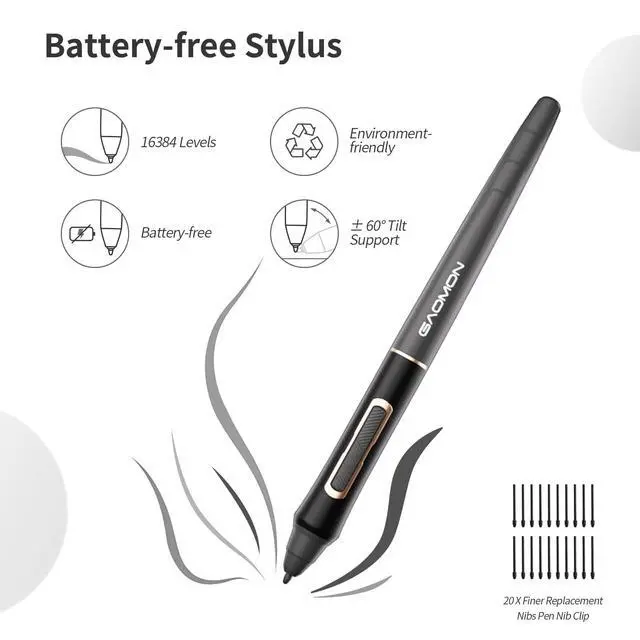
Tip Tilt Support
Just tilt the battery-free stylus, and the lines will automatically become thicker or thinner depending on the angle and weight you place down

Side Pen Sleeve
Designed with a pen loop on the side is able to hold your pen in place. Make the stylus more portable no need to worry about losing any more.

USB Type-C Port
With efficient data transmission capabilities and stronger power supply capabilities, It's convenient and efficient to plug in your way

Pen Groove
The classic pen groove storage is a solid placement to prevent slipping, allowing to focus more on your creation.


Compare Similar Drawing Tablets
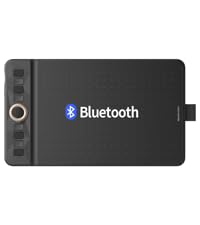 GAOMON WH851 |  GAOMON Pro 19 | 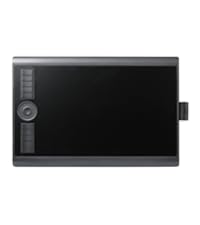 GAOMON M10K PRO |  GAOMON PD156Pro | 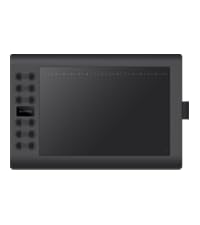 GAOMON M106K PRO | 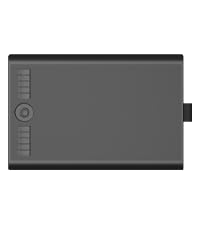 GAOMON M10K2018 | 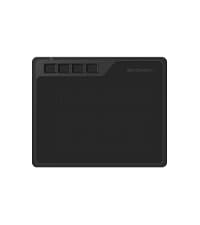 GAOMON S620 | |
|---|---|---|---|---|---|---|---|
Customer Reviews | — | — | — | — | — | — | — |
Price | — | — | — | — | — | — | — |
Working Area | 8 x 5 inches | - | 10 x 6.25 inch | - | 10 x 6.25 inch | 10 x 6.25 inch | 6.5 x 4 inch |
Digital Pen | Battery-free AP519 | Battery-free G-Pro Pen | Battery-free AP32 | Battery-free Pen AP50 | Battery-free AP32 | Battery-Free AP31 | Battery-free AP32 |
Tilt Support | ? | ? | ? | ? | ? | ? | ? |
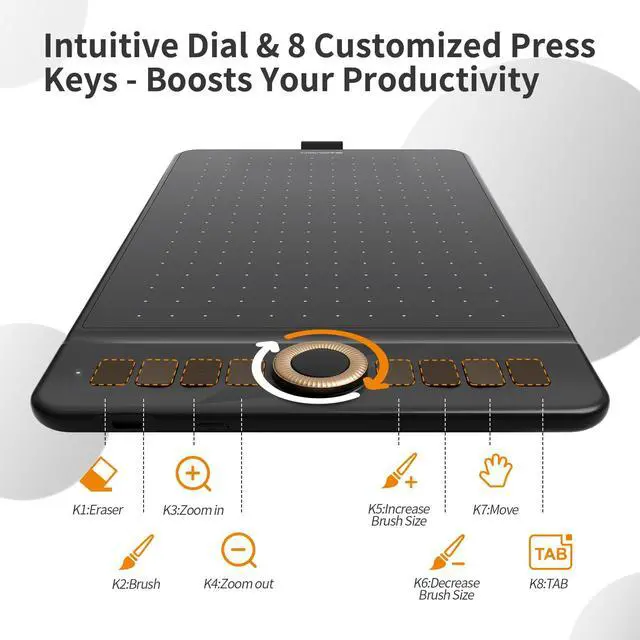
Programmable Express Keys | 8 Press Buttons +1 Dial | - | 10 Press Buttons+1 Touch Dial | 9 Express Keys+1 dial | 12 Press Buttons+16 Soft Keys | 10 Press Buttons+1 Touch Dial | 4 Press Buttons |
Connectivity | USB-C & Bluetooth 5.0 | HDMI, USB-C | Micro USB | Type-C | Mini USB | Micro USB | Micro USB |
Windows OS Support | Windows 7 or later | Windows 7 or later | Windows 7 or later | Windows 7 or later | Windows 7 or later | Windows 7 or later | Windows 7 or later |
mac OS Support | macOS 10.12 or later | Mac OS 10.13 or later | macOS 10.12 or later | macOS 10.12 or later | macOS 10.12 or later | macOS 10.12 or later | macOS 10.12 or later |
Android OS Support | Android 6.0 or later | Android (USB3.1 and DP1.2) | Android 6.0 or later | - | Android 6.0 or later | Android 11-14 | Android 6.0 or later |
Linux OS Support | Ubuntu 20.04 LTS (wired) | Ubuntu 20.04 LTS | - | - | - | - | - |
Is the GAOMON WH851 Compatible with IPhone or IPad?
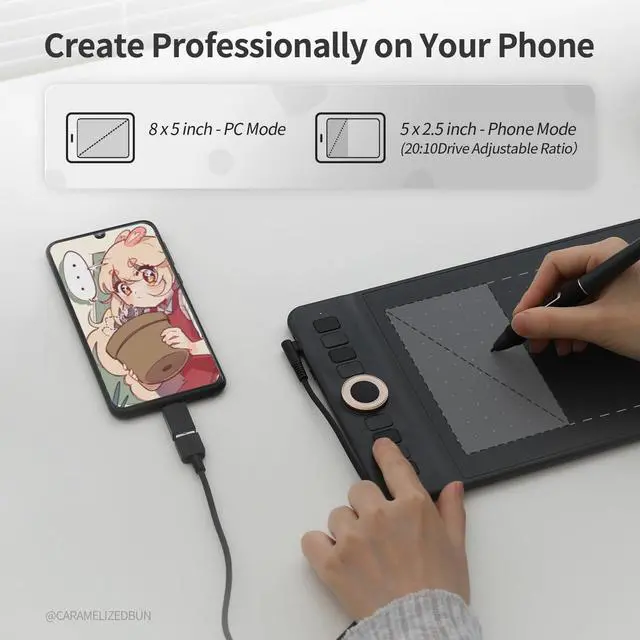
No. The GAOMON WH851 is currently only compatible with Android or HarmonyOS phones and tablets. Ensure that the operating system of your phone/tablet is Android OS 6.0 and above or HarmonyOS, and OTG function is supported.
How do I connect the GAOMON WH851 to my device?
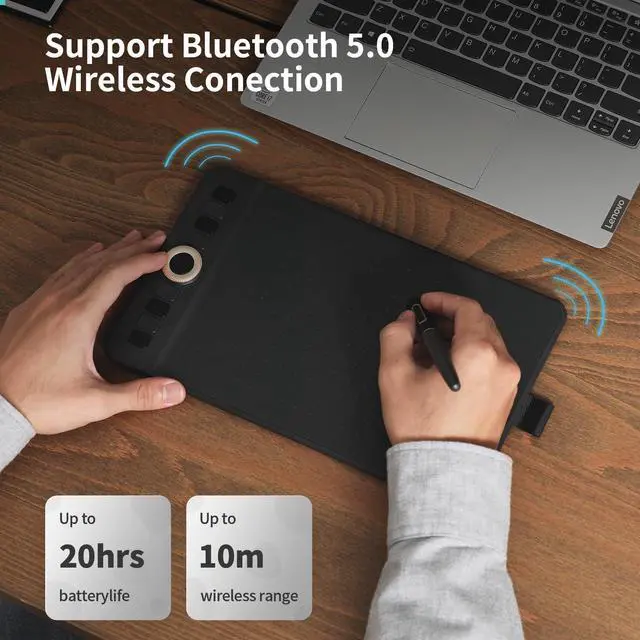
Option 1: Connect the tablet by using the USB-C cable. Option 2: Turn on tablet - blue light flashes>Enable Bluetooth on your device and select "WH851">Follow on-system prompts to pair>Blue light changes to steady white light = connected
How to adjust aspect ratio of the working area of the GAOMON WH851 after bluetooth connection?
After via bluetooth connection,the working area of WH851 is set to full area by default. To customize the aspect ratio:Press and hold K7 button (default aspect ratio: 20:10) for 3 seconds to force the switch.
How to adjust aspect ratio of the working area of the GAOMON WH851 after using USB connection?
Default aspect ratio: 20:10.To customize aspect ratio:Connect the tablet to a computer.>Open the driver: Settings ? Device ? Mobile Ratio Settings.Select your preferred ratio.>Reconnect to mobile device-the active area will use your selected ratio.

WH851 works with Windows 7 or later(Wired); Windows 10 or later 64bit(Wired&Bluetooth); macOS 10.12 (Wired); macOS 10.13 or later(Wired&Bluetooth); ChromeOS 88 or later(Wired&Bluetooth);Android 6.0 or later(Wired&Bluetooth);HarmonyOS 2.0 or later (Wired&Bluetooth);Linux(Ubuntu 20.04 LTS)(Wired).


Tip Tilt Support
Just tilt the battery-free stylus, and the lines will automatically become thicker or thinner depending on the angle and weight you place down
Side Pen Sleeve
Designed with a pen loop on the side is able to hold your pen in place. Make the stylus more portable no need to worry about losing any more.
USB Type-C Port
With efficient data transmission capabilities and stronger power supply capabilities, It's convenient and efficient to plug in your way
Pen Groove
The classic pen groove storage is a solid placement to prevent slipping, allowing to focus more on your creation.


Compare Similar Drawing Tablets
GAOMON WH851 | GAOMON Pro 19 | GAOMON M10K PRO | GAOMON PD156Pro | GAOMON M106K PRO | GAOMON M10K2018 | GAOMON S620 |
|---|---|---|---|---|---|---|
| Customer Reviews | ||||||
| — | — | — | — | — | — | — |
| Price | ||||||
| — | — | — | — | — | — | — |
| Working Area | ||||||
| 8 x 5 inches | - | 10 x 6.25 inch | - | 10 x 6.25 inch | 10 x 6.25 inch | 6.5 x 4 inch |
| Digital Pen | ||||||
| Battery-free AP519 | Battery-free G-Pro Pen | Battery-free AP32 | Battery-free Pen AP50 | Battery-free AP32 | Battery-Free AP31 | Battery-free AP32 |
| Tilt Support | ||||||
| ? | ? | ? | ? | ? | ? | ? |
| Programmable Express Keys | ||||||
| 8 Press Buttons +1 Dial | - | 10 Press Buttons+1 Touch Dial | 9 Express Keys+1 dial | 12 Press Buttons+16 Soft Keys | 10 Press Buttons+1 Touch Dial | 4 Press Buttons |
| Connectivity | ||||||
| USB-C & Bluetooth 5.0 | HDMI, USB-C | Micro USB | Type-C | Mini USB | Micro USB | Micro USB |
| Windows OS Support | ||||||
| Windows 7 or later | Windows 7 or later | Windows 7 or later | Windows 7 or later | Windows 7 or later | Windows 7 or later | Windows 7 or later |
| mac OS Support | ||||||
| macOS 10.12 or later | Mac OS 10.13 or later | macOS 10.12 or later | macOS 10.12 or later | macOS 10.12 or later | macOS 10.12 or later | macOS 10.12 or later |
| Android OS Support | ||||||
| Android 6.0 or later | Android (USB3.1 and DP1.2) | Android 6.0 or later | - | Android 6.0 or later | Android 11-14 | Android 6.0 or later |
| Linux OS Support | ||||||
| Ubuntu 20.04 LTS (wired) | Ubuntu 20.04 LTS | - | - | - | - | - |
Is the GAOMON WH851 Compatible with IPhone or IPad?
No. The GAOMON WH851 is currently only compatible with Android or HarmonyOS phones and tablets. Ensure that the operating system of your phone/tablet is Android OS 6.0 and above or HarmonyOS, and OTG function is supported.
How do I connect the GAOMON WH851 to my device?
Option 1: Connect the tablet by using the USB-C cable. Option 2: Turn on tablet - blue light flashes>Enable Bluetooth on your device and select "WH851">Follow on-system prompts to pair>Blue light changes to steady white light = connected
How to adjust aspect ratio of the working area of the GAOMON WH851 after bluetooth connection?
After via bluetooth connection,the working area of WH851 is set to full area by default. To customize the aspect ratio:Press and hold K7 button (default aspect ratio: 20:10) for 3 seconds to force the switch.
How to adjust aspect ratio of the working area of the GAOMON WH851 after using USB connection?
Default aspect ratio: 20:10.To customize aspect ratio:Connect the tablet to a computer.>Open the driver: Settings ? Device ? Mobile Ratio Settings.Select your preferred ratio.>Reconnect to mobile device-the active area will use your selected ratio.
GAOMON is a high-tech enterprise founded in 2011. Dedicated to independent research and development of digital tablets, digital screens, animation copy stations, etc.
Its products comply with EU RoHs standards and have passed certifications such as CE, FCC and CCC.
With the value-for-money products and the growing reputation among consumers, Gaomon develop rapidly and gradually become known to consumers around the world.
Drawing Tablet with Screen
Graphics Tablet
Drawing Tablet
How did we get our start?
GAOMON believes that digital creation should not be limited in specific areas or groups. GAOMON is committed to producing quality and affordable products.
Why do we love what we do?
GAOMON encourages confident and free creation. We always support to enlarge digital creative community and to take digital art to every corner of the world.
How to get help from GAOMON?
If you have any questions about the product before or after purchasing , please send a message to us via Message.