




 here!
here!
I’m your shopping assistant for PC builds, upgrades, and everything tech.
Got questions? Ask away!
Start a conversation
here!
I’m your shopping assistant for PC builds, upgrades, and everything tech.
Got questions? Ask away!
Start a conversation



Any questions? Ask CelesteSM will help you find out quickly.
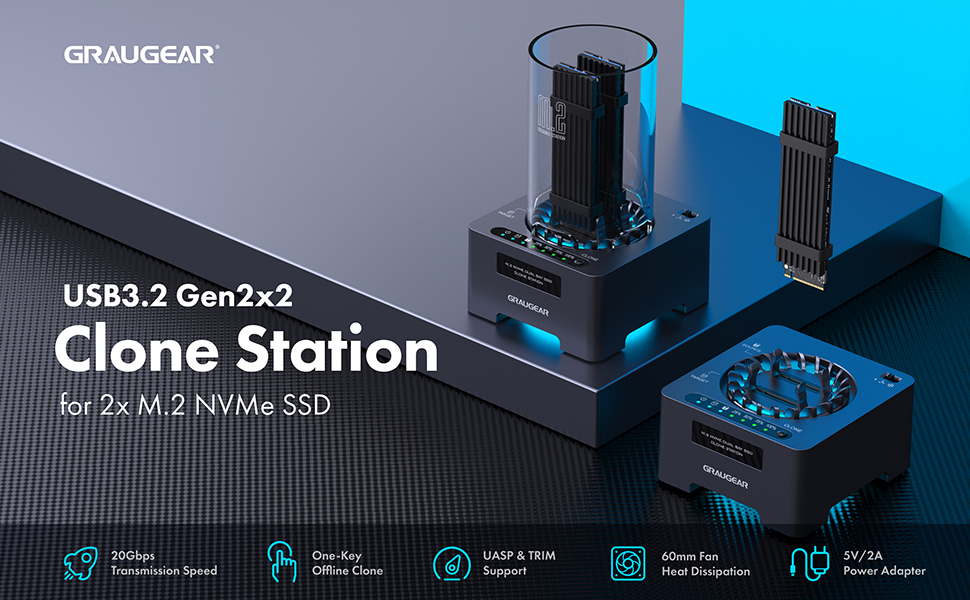
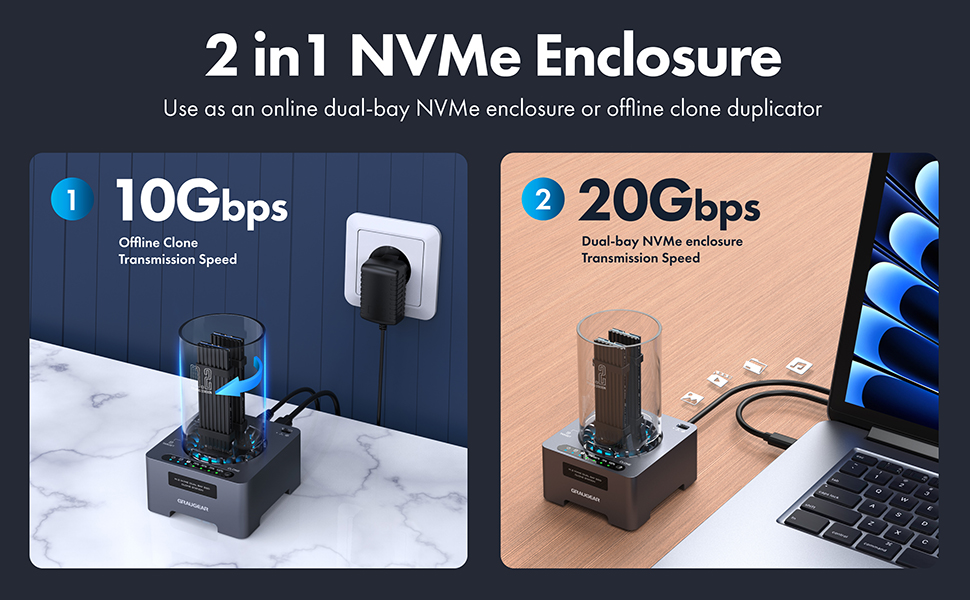
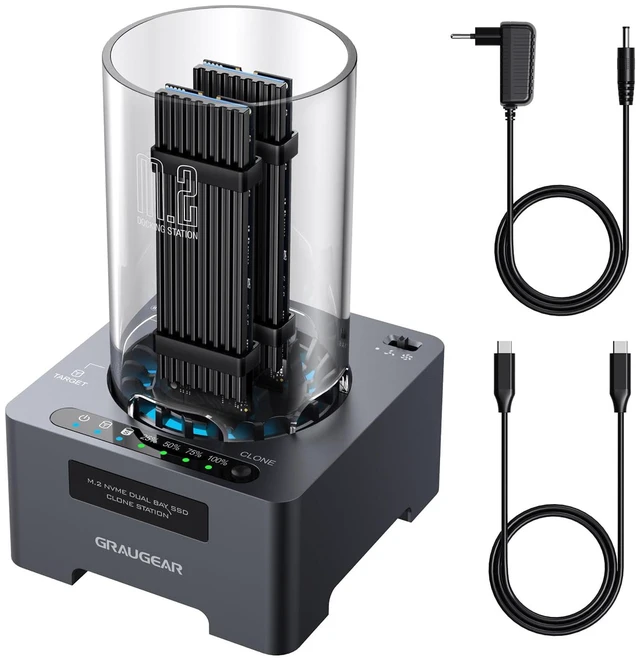
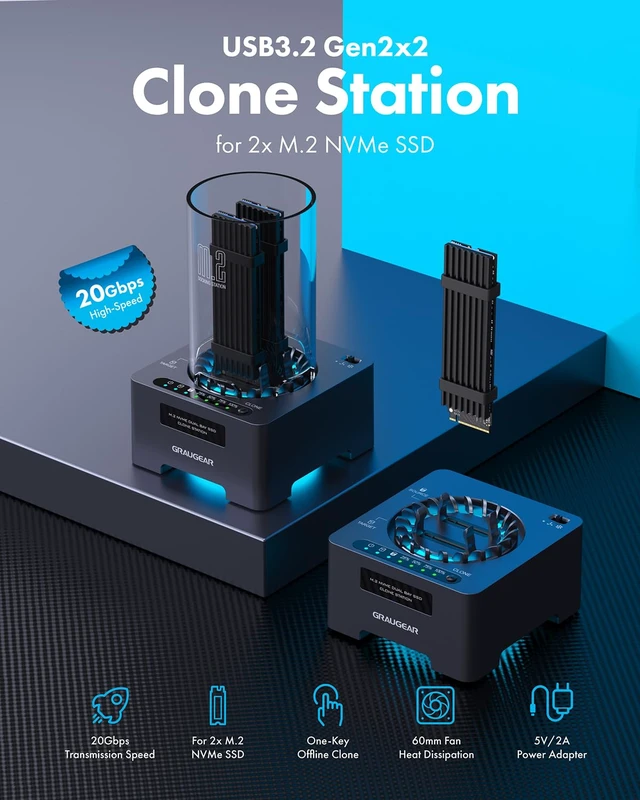
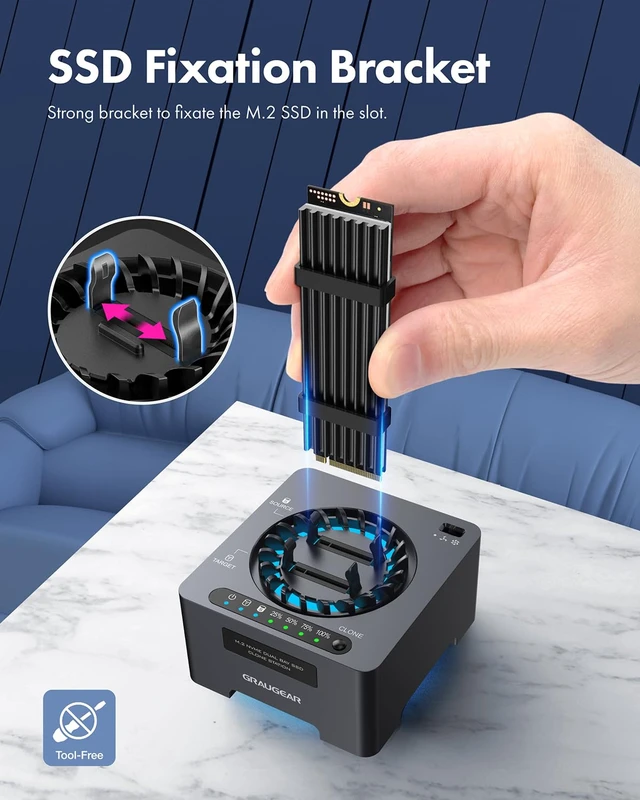
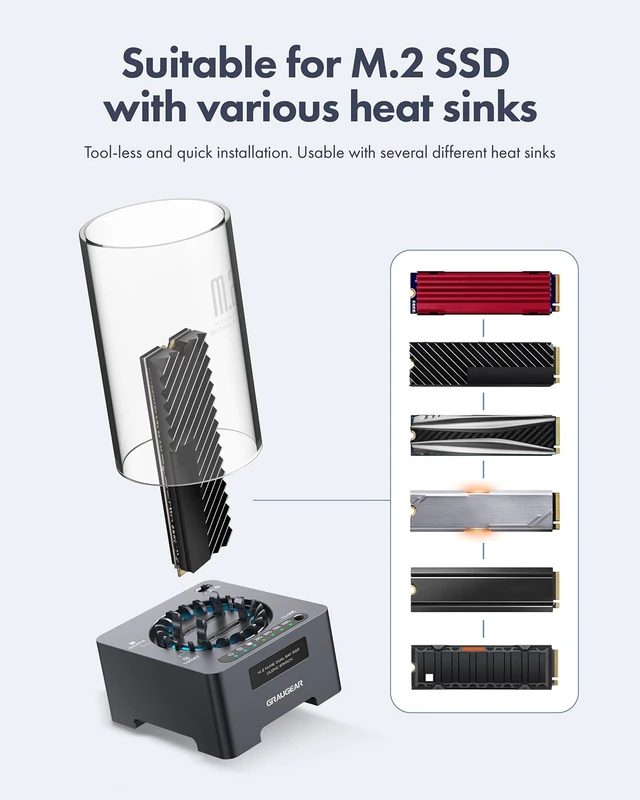
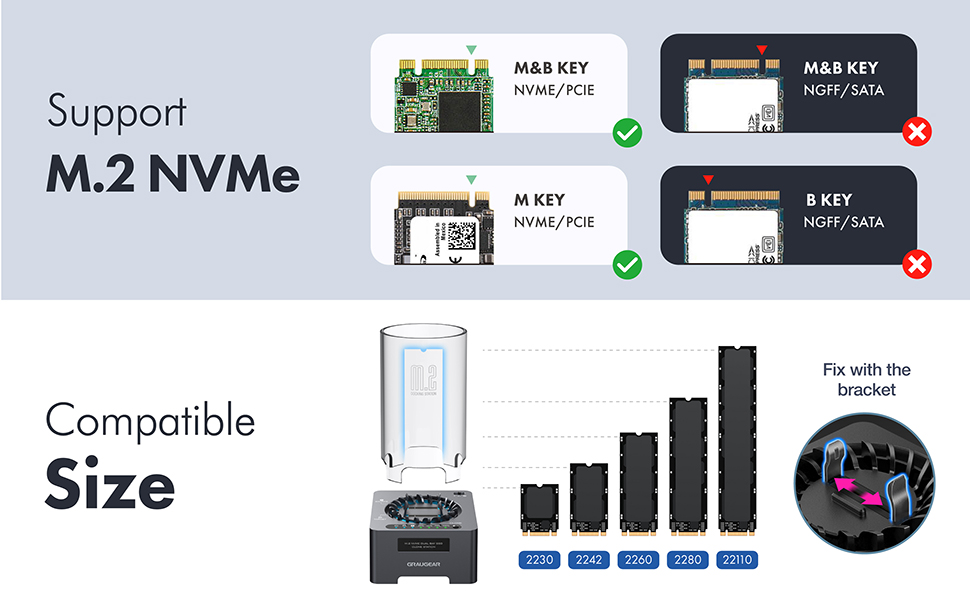
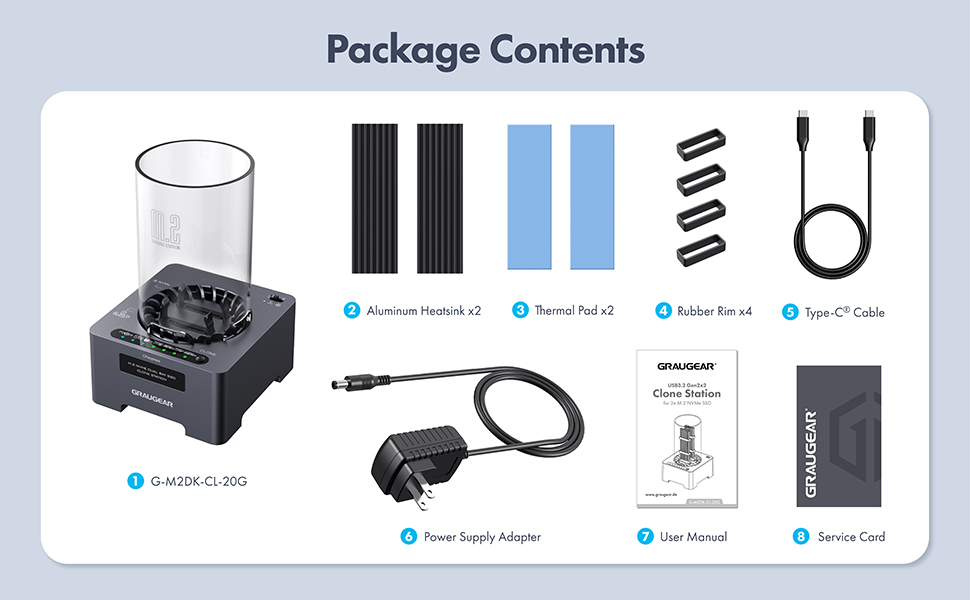
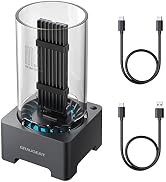
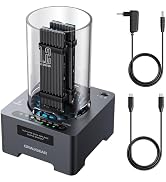
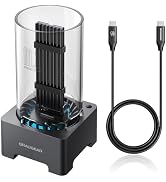
GRAUGEAR NVMe SSD clone base is designed to provide an easy way to upgrade your device’s storage capacity. It can support two M.2 NVMe SSD of both M-Key and B+M Key in size 2230/2242/2260/2280/22110, and it is also very easy-to-use. Just need to insert the SSDs into the fixing bracket and then you can start to use it.
Portable and lightweight design that makes it easy to take the data with you everywhere. Especially Ideal for cloning and replacing m.2 SSD, transferring files, backing up data, reusing old M.2 SSD and expanding storage space.
20Gbps USB SuperSpeed & UASP-Supported Clone Station
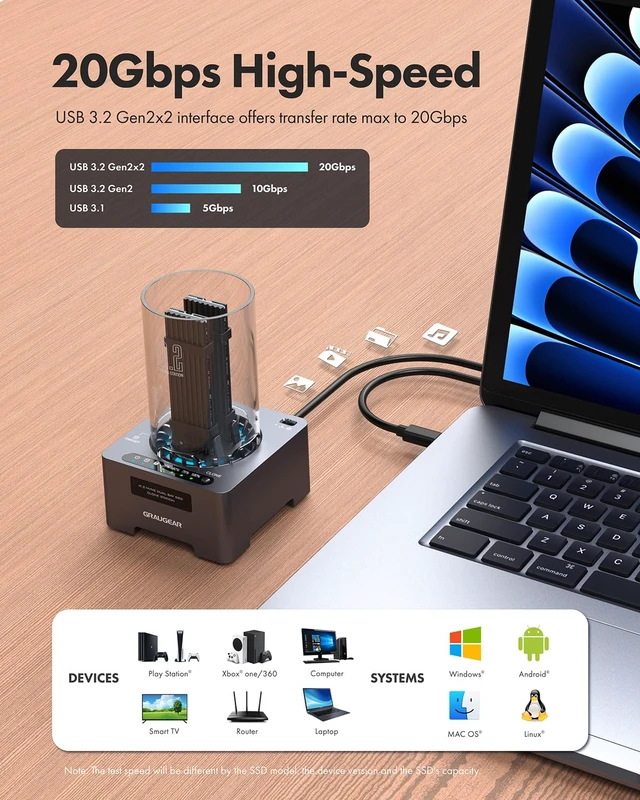
The M.2 SSD clone base features the latest USB 3.2 Gen 2x2 and PCIe 4.0, which supports an extremely fast data transmission rate up to 20Gbps. It is faster enough to transfer of files within a short time.
USB 3.2 interface incorporates with UASP & TRIM that enables it to perform a 70% faster read speed and 40% faster write speed than conventional USB 3.1 interface.
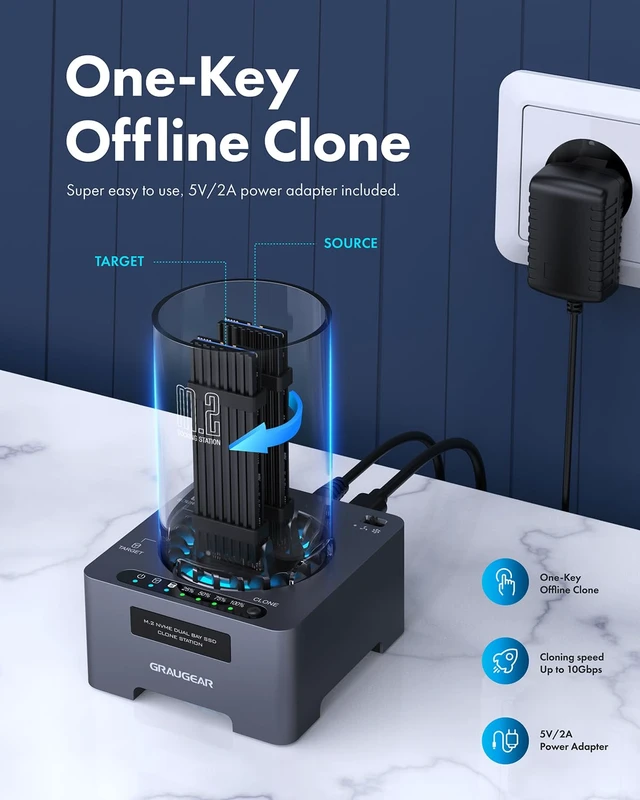
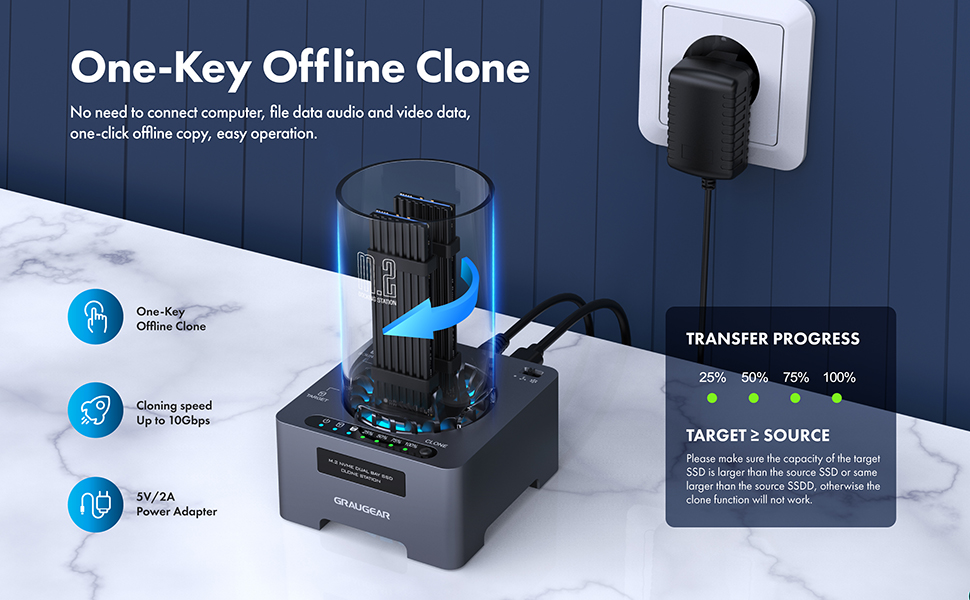
One-Key Offline Clone
Note:

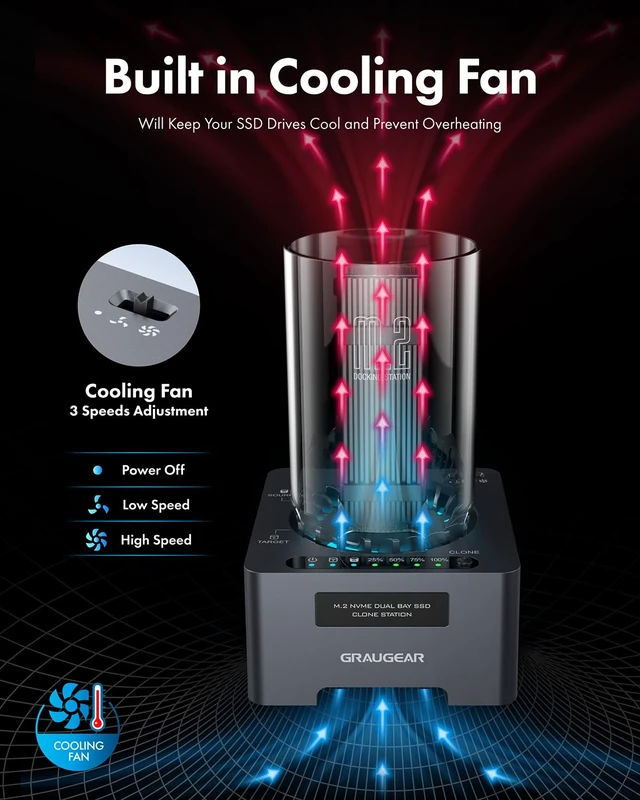
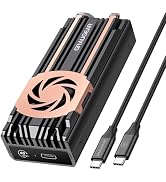
This NVMe SSD clone station is made of aluminum with excellent heat dissipation performance, and combined with a cooling fan, it reduces the burden on the SSD during work.
Equipped with an automatic sleep function, it will switch to sleep mode if it is not used for more than about 10 minutes.

Easily adjust the fan speed to your preference with intuitive settings using the control switch. Even the low level can help cool your ssd down. Choose between low and high speeds for tailored cooling effect and quiet space.
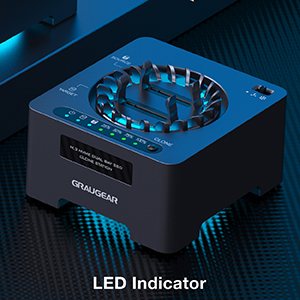
With LED indicator, you can easily know the working status of cloning, and flashing means processing data transmission. Press the offline clone button for 3-5 seconds and indicator lights would start to flash, then press clone button again to start the clone process.
 G-M2DK-CL-20G |  G-M2DK-AC-10G |  G-M202-AC-10G |  G-M2U4-40G-F |  G-M901-AC-10G | 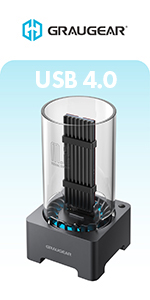 G-M2DK-U4-40G | |
|---|---|---|---|---|---|---|
| Customer Reviews | — | — | — | — | — | — |
| Price | — | — | — no data | — | — no data | — |
| SSD Compatibility | 2x NVMe SSD | NVMe/SATA SSD | NVMe/SATA SSD | NVMe SSD | NVMe SSD | NVMe SSD |
| Data Transfer Speed | 20Gbps | 10Gbps | 10Gbps | 40Gbps | 10Gbps | 40Gbps |
| Interface Compatibility | USB 3.2 Gen2x2 Type-C | USB 3.2 Gen 2 Type-C | USB 3.2 Gen 2 Type-C | USB 4.0 Type-C / Thunderbolt 4 / Thunderbolt 3 | USB 3.2 Gen 2 Type-C | USB 4.0 Type-C / Thunderbolt 4 / Thunderbolt 3 |
| Capacity Support | Up to 8TB | Up to 8TB | Up to 8TB | Up to 8TB | Up to 8TB | Up to 8TB |
| Chipset | JMS586U | RTL9210B | RTL9210B | ASM2464PD | RTL9210 | ASM2464PD |
| Material | Aluminum, Plastic | Plastic | Aluminum, Plastic | Aluminum, Copper(Heatpipes) | Aluminum, Plastic | Plastic |
| Included Cables | USB-C to USB-C | USB-C to USB-C + USB to USB-C | USB-C to USB-C + USB to USB-C | USB-C to USB-C | USB-C to USB-C + USB to USB-C | USB-C to USB-C |
| Tool-Free | ? | ? | ? | no data | ? | ? |
| Cooling Fan | ? | ? | no data | ? | no data | ? |
| Copper Heatpipe | no data | no data | no data | ? | no data | no data |

We delivers reliable, high-performance solutions for PC users worldwide — from memory upgrades to essential accessories and needs.
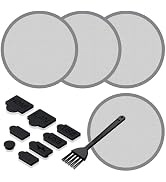
![[10Gbps] GRAUGEAR USB-C to USB-A Adapter, Support Double Sided 10Gbps Data Transfer, 3A Fast Char...](http://c1.neweggimages.com/sellingpilot/modules/product/a-plus/d67d44ce4915449c96ce0c57b08bee9377c0f6f061c77558c92faa8359687247.jpg)

We strive to build trust through innovation, creating technology that not only empowers users today but also contributes to a more sustainable tomorrow.
By connecting people, technology, and ideas, we design solutions that make PCs more powerful, flexible, and future-ready — helping everyone move forward with confidence.
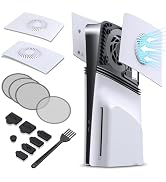
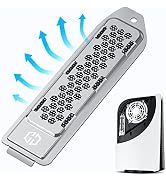
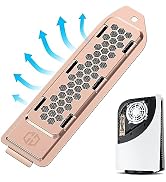
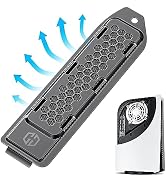
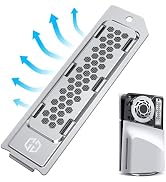
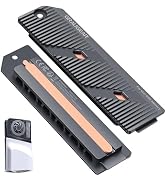
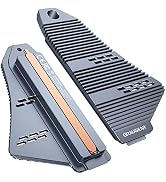
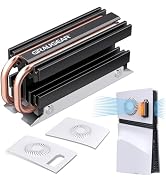
The PS5 SSD can reach temperatures of up to 71 degrees Celsius. Excessively high temperatures may affect the life of the SSD, so it's best to have a heat sink on hand.
This is not common with consumer SSDs, but monitoring the temperature of your SSD can help prolong its life.
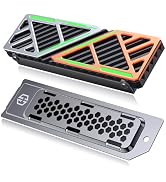
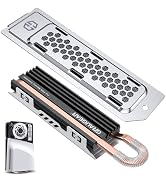
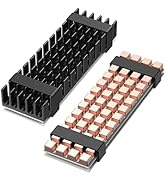
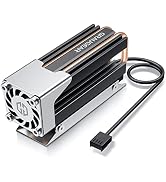
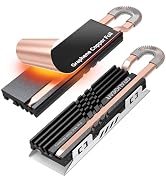
Sony recommends installing a heatsink to the internal PS5 SSD in order to maintain performance. A heatsink works by cooling down the SSD and transferring the heat away from the device.
GRAUGEAR NVMe SSD clone base is designed to provide an easy way to upgrade your device’s storage capacity. It can support two M.2 NVMe SSD of both M-Key and B+M Key in size 2230/2242/2260/2280/22110, and it is also very easy-to-use. Just need to insert the SSDs into the fixing bracket and then you can start to use it.
Portable and lightweight design that makes it easy to take the data with you everywhere. Especially Ideal for cloning and replacing m.2 SSD, transferring files, backing up data, reusing old M.2 SSD and expanding storage space.
20Gbps USB SuperSpeed & UASP-Supported Clone Station
The M.2 SSD clone base features the latest USB 3.2 Gen 2x2 and PCIe 4.0, which supports an extremely fast data transmission rate up to 20Gbps. It is faster enough to transfer of files within a short time.
USB 3.2 interface incorporates with UASP & TRIM that enables it to perform a 70% faster read speed and 40% faster write speed than conventional USB 3.1 interface.
One-Key Offline Clone
Note:
This NVMe SSD clone station is made of aluminum with excellent heat dissipation performance, and combined with a cooling fan, it reduces the burden on the SSD during work.
Equipped with an automatic sleep function, it will switch to sleep mode if it is not used for more than about 10 minutes.
Easily adjust the fan speed to your preference with intuitive settings using the control switch. Even the low level can help cool your ssd down. Choose between low and high speeds for tailored cooling effect and quiet space.
With LED indicator, you can easily know the working status of cloning, and flashing means processing data transmission. Press the offline clone button for 3-5 seconds and indicator lights would start to flash, then press clone button again to start the clone process.
G-M2DK-CL-20G | G-M2DK-AC-10G | G-M202-AC-10G | G-M2U4-40G-F | G-M901-AC-10G | G-M2DK-U4-40G | |
|---|---|---|---|---|---|---|
| Customer Reviews | — | — | — | — | — | — |
| Price | — | — | — no data | — | — no data | — |
| SSD Compatibility | 2x NVMe SSD | NVMe/SATA SSD | NVMe/SATA SSD | NVMe SSD | NVMe SSD | NVMe SSD |
| Data Transfer Speed | 20Gbps | 10Gbps | 10Gbps | 40Gbps | 10Gbps | 40Gbps |
| Interface Compatibility | USB 3.2 Gen2x2 Type-C | USB 3.2 Gen 2 Type-C | USB 3.2 Gen 2 Type-C | USB 4.0 Type-C / Thunderbolt 4 / Thunderbolt 3 | USB 3.2 Gen 2 Type-C | USB 4.0 Type-C / Thunderbolt 4 / Thunderbolt 3 |
| Capacity Support | Up to 8TB | Up to 8TB | Up to 8TB | Up to 8TB | Up to 8TB | Up to 8TB |
| Chipset | JMS586U | RTL9210B | RTL9210B | ASM2464PD | RTL9210 | ASM2464PD |
| Material | Aluminum, Plastic | Plastic | Aluminum, Plastic | Aluminum, Copper(Heatpipes) | Aluminum, Plastic | Plastic |
| Included Cables | USB-C to USB-C | USB-C to USB-C + USB to USB-C | USB-C to USB-C + USB to USB-C | USB-C to USB-C | USB-C to USB-C + USB to USB-C | USB-C to USB-C |
| Tool-Free | ? | ? | ? | no data | ? | ? |
| Cooling Fan | ? | ? | no data | ? | no data | ? |
| Copper Heatpipe | no data | no data | no data | ? | no data | no data |
We delivers reliable, high-performance solutions for PC users worldwide — from memory upgrades to essential accessories and needs.
We strive to build trust through innovation, creating technology that not only empowers users today but also contributes to a more sustainable tomorrow.
By connecting people, technology, and ideas, we design solutions that make PCs more powerful, flexible, and future-ready — helping everyone move forward with confidence.
The PS5 SSD can reach temperatures of up to 71 degrees Celsius. Excessively high temperatures may affect the life of the SSD, so it's best to have a heat sink on hand.
This is not common with consumer SSDs, but monitoring the temperature of your SSD can help prolong its life.
Sony recommends installing a heatsink to the internal PS5 SSD in order to maintain performance. A heatsink works by cooling down the SSD and transferring the heat away from the device.
| Brand | GRAUGEAR |
| Color | Black |
| Hardware Interface | Thunderbolt 3, Thunderbolt 4, USB 3.1 Type A, USB 3.2 Gen 2, USB Docking Station, USB Type C |
| Compatible Devices | Laptop, PC |
| Total USB Ports | 1 |
| Product Dimensions | 3"L x 3.23"W x 5.23"H |
| Number of Ports | 1 |
| Item Weight | 159 g |
| Wattage | 10 |
| Number of Items | 1 |
| Item Dimensions L x W x H | 3"L x 3.23"W x 5.23"H |
| Number of Packs | 1 |
| Manufacturer | CHAB GmbH |
| Built-In Media | 1 x manual, 1 x service card, 1 x power supply, 5 V / 2 A, 2 x USB cables, 1 x Type-C to Type-C cable, 1 x Type-A to Type-C cable, Cooling, 2 x cooling tills, 2 x thermal pads, 4 x fixers |
| Model Number | 18110 |
| Mfr Part Number | 18110 |
| Warranty Description | 12 months |


