here!
here!
I’m your shopping assistant for PC builds, upgrades, and everything tech.
Got questions? Ask away!
Start a conversation
here!
I’m your shopping assistant for PC builds, upgrades, and everything tech.
Got questions? Ask away!
Start a conversation




Any questions? Ask CelesteSM will help you find out quickly.

born fro music lovers

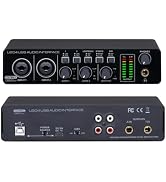
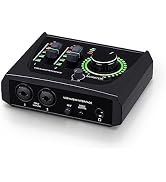
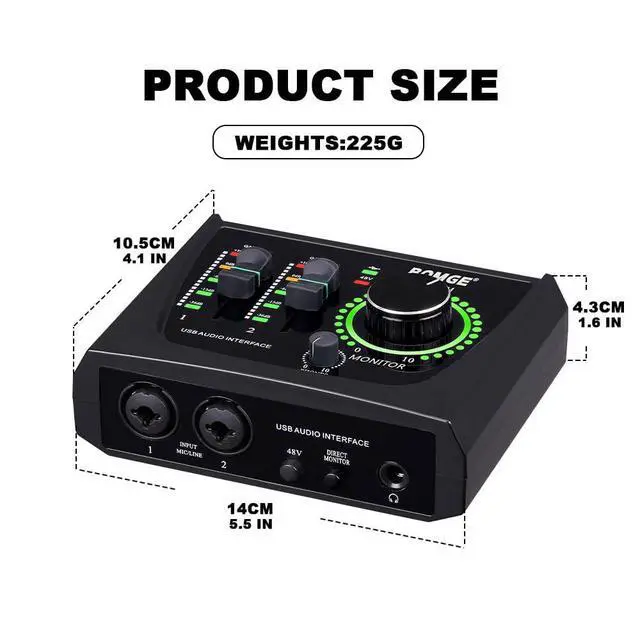
BOMGE is a brand established by a team with 20 years of experience in the development of professional recording equipment, dedicated to creating new recording equipment for home studios.
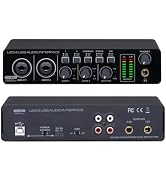
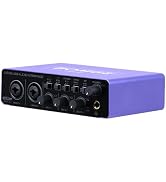

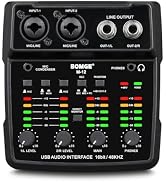
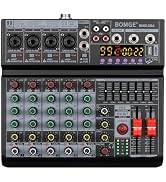
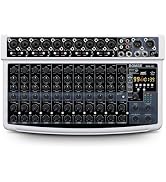
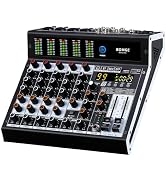
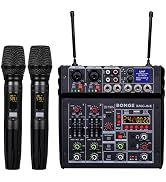
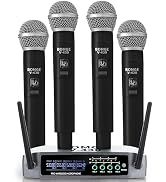
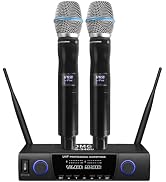
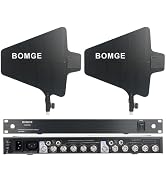
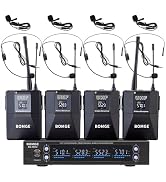
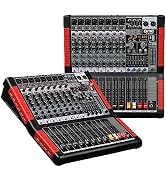
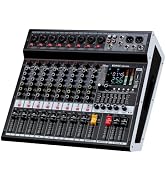
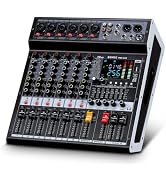
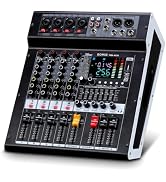
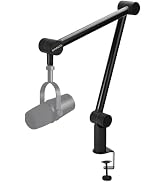

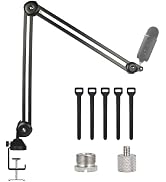
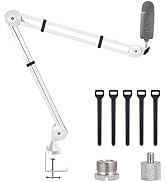
 BOMGE-22M |  BOMGE-BMG22 |  BOMGE-22S |  BOMGE-U202 |  BOMGE-11S |  BMG-U204 | |
|---|---|---|---|---|---|---|
Customer Reviews | — | — | — | — | — | — |
Price | — | — | — | — | — | — |
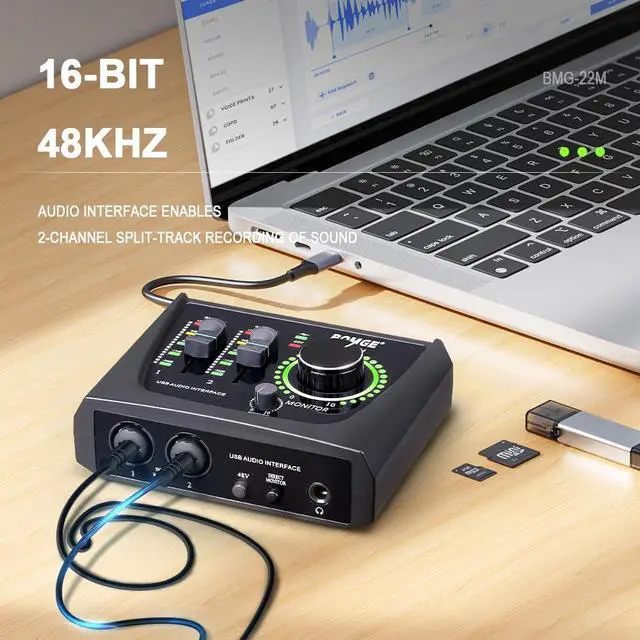
Recording | 16-bit/48 kHz | 24-bit/192kHz | 24-bit/192kHz | 32-bit/192kHz | 24-bit/192kHz | 32-bit/192kHz |
48V Phantom Power, | CH1 & CH2 | CH1 & CH2 | CH1 & CH2 | CH1 & CH2 | CH1 | CH1 & CH2 |
OUT PUT | RCA | 1/4-inch | 1/4-inch | 1/4-inch | 1/4-inch | 1/4-inch & 2 set RCA |
Power supply | 5V/TYPE-C | USB3.0&TYPE-C | 5V/TYPE-C | 5V/TYPE-C | 5V/TYPE-C | 5V/TYPE-C |
INST | ? | ? | ? | ? | ? | ? |
Material | ABS | Metal | Metal | Metal | Metal | Metal |
weight | 235G | 590G | 395G | 600G | 395G | 650G |

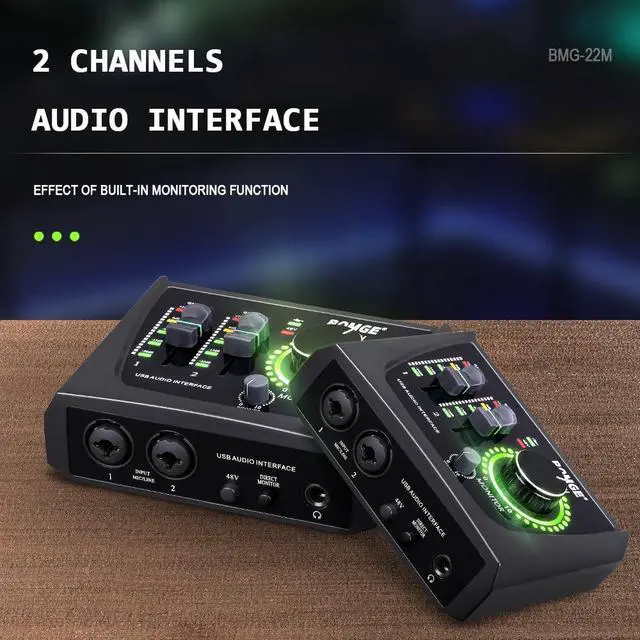
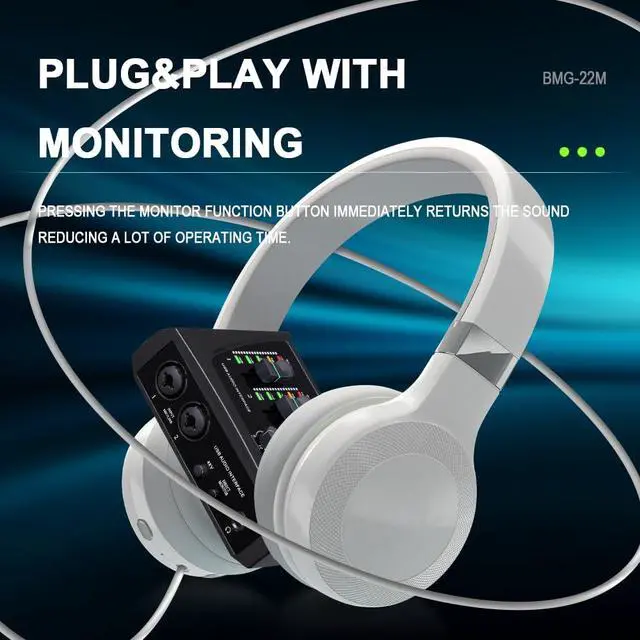
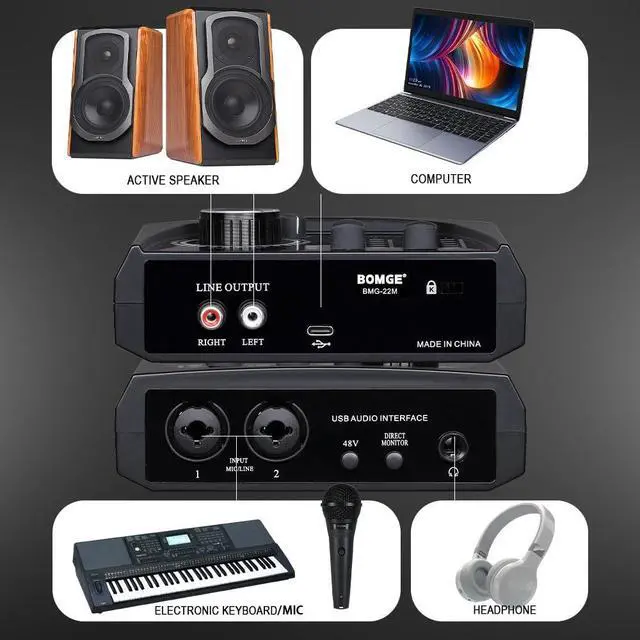
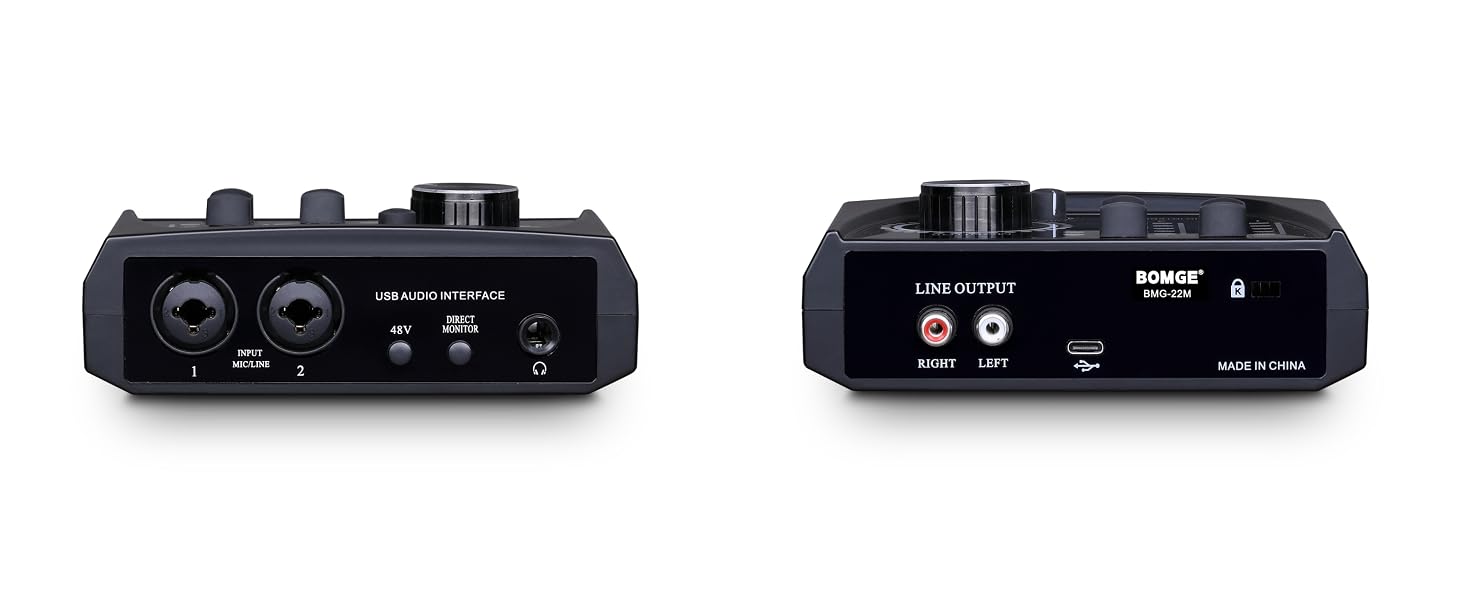
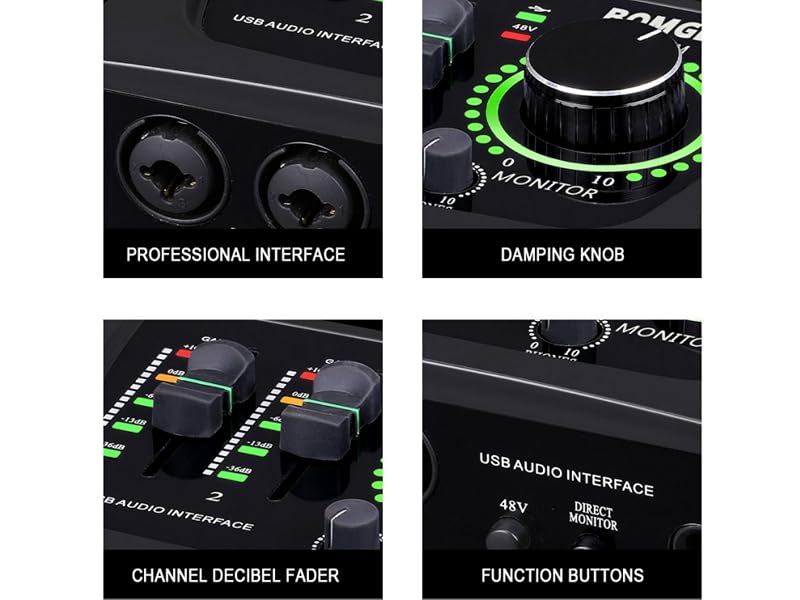
Hear your inputs with zero latency, support 6.35mm headphone audio output

Can support XLR or 6.35mm audio connection.

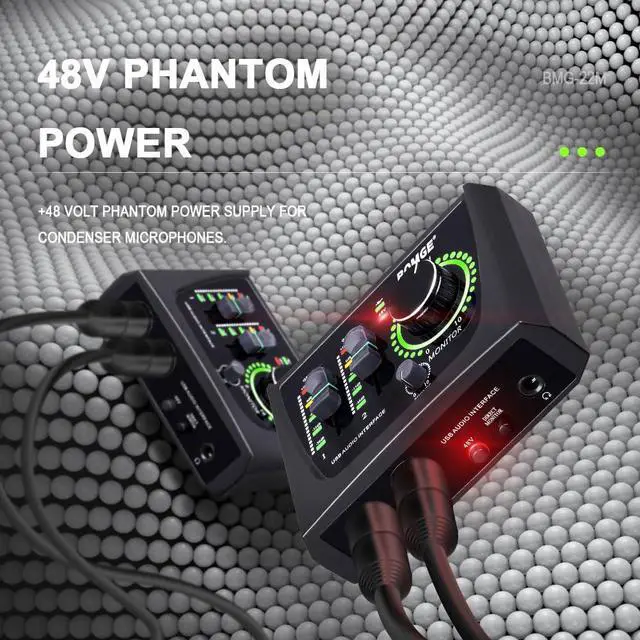
Supports condenser microphones for high-quality sound

stereo RCA outputs for total monitoring flexibility;

TYPE -C TO USB
BOMGE-22M | BOMGE-BMG22 | 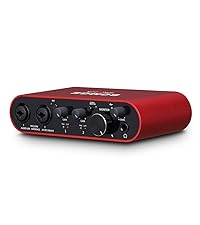 BOMGE-22S |  BOMGE-U202 | BOMGE-11S | BMG-U204 |
|---|---|---|---|---|---|
| Customer Reviews | |||||
| — | — | — | — | — | — |
| Price | |||||
| — | — | — | — | — | — |
| Recording | |||||
| 16-bit/48 kHz | 24-bit/192kHz | 24-bit/192kHz | 32-bit/192kHz | 24-bit/192kHz | 32-bit/192kHz |
| 48V Phantom Power, | |||||
| CH1 & CH2 | CH1 & CH2 | CH1 & CH2 | CH1 & CH2 | CH1 | CH1 & CH2 |
| OUT PUT | |||||
| RCA | 1/4-inch | 1/4-inch | 1/4-inch | 1/4-inch | 1/4-inch & 2 set RCA |
| Power supply | |||||
| 5V/TYPE-C | USB3.0&TYPE-C | 5V/TYPE-C | 5V/TYPE-C | 5V/TYPE-C | 5V/TYPE-C |
| INST | |||||
| ? | ? | ? | ? | ? | ? |
| Material | |||||
| ABS | Metal | Metal | Metal | Metal | Metal |
| weight | |||||
| 235G | 590G | 395G | 600G | 395G | 650G |
born fro music lovers
BOMGE is a brand established by a team with 20 years of experience in the development of professional recording equipment, dedicated to creating new recording equipment for home studios.