

Your Browsing History




Any questions? Our AI beta will help you find out quickly.
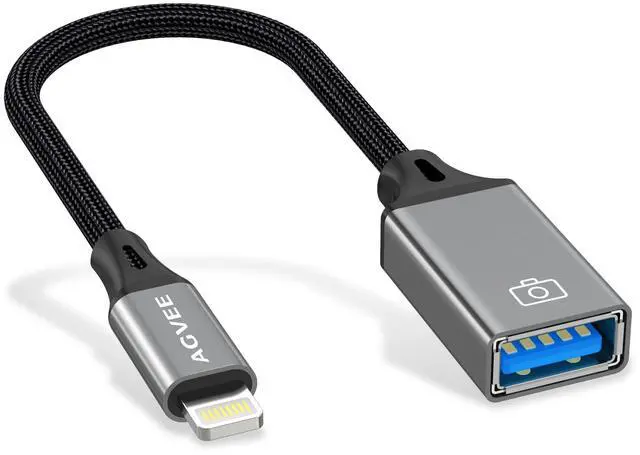
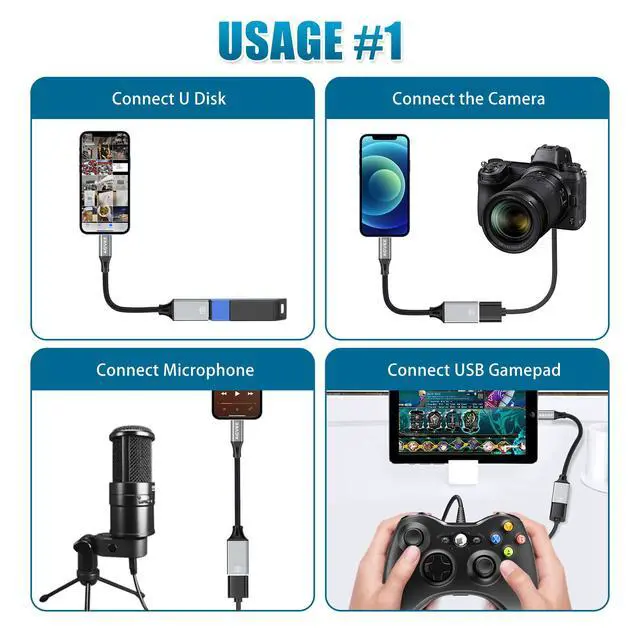
[Upgrade Version] It supports USB Drive with NTFS, Fat32, exfat file formats (Older versions of adapterdo not support NTFS format USB flash drives). This lightning to USB adapter support USB headphones & USB Microphone (The operating current must be less than 500mA).
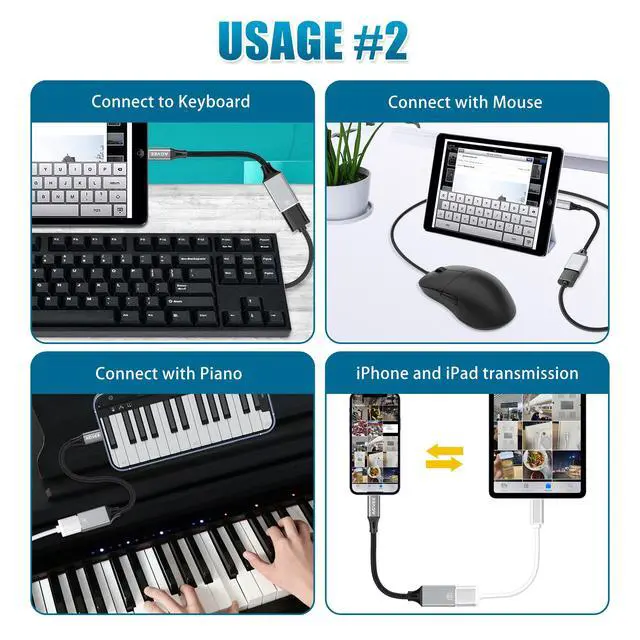
[Function] For iOS devices with version 13 or later, it support WORD, PDF, Mp3, Videos, image file format.
[Possible Problems] 2.5 inch and 3.5 inch SATA hard disk drive and other high-power peripherals are not supported. If the peripheral work current exceeds 500MA, iOS device will pop up a prompt of "Cannot Use Device" (iOS device auto protection enabled).
[iTunes] Due to digital copyright protection, media files downloaded from iTunes or other third-party applications cannot be transferred or viewed.
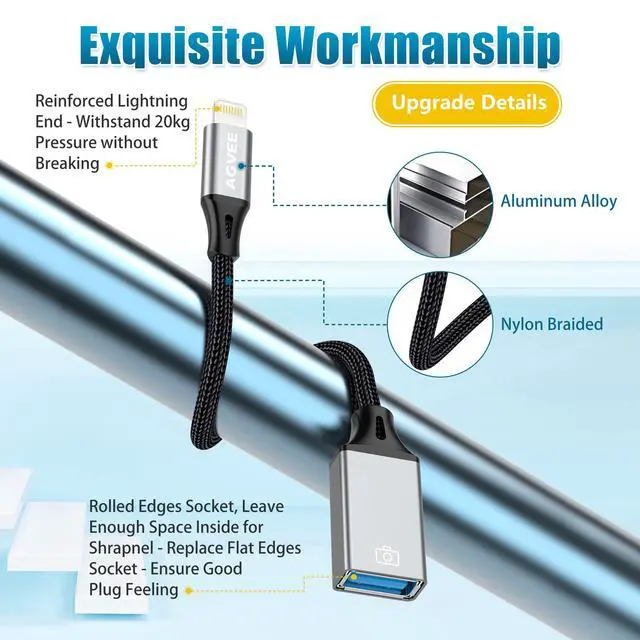
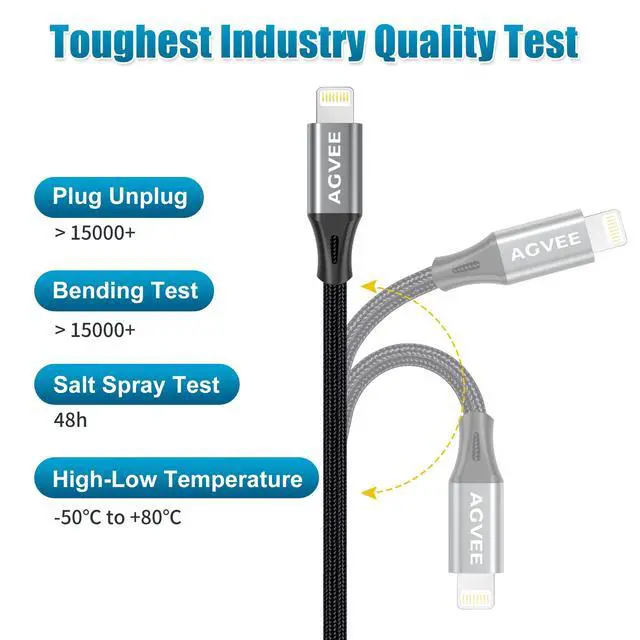
[Confidence] Aluminum alloy shell, which has good heat dissipation performance and there is no need to worry about damaging the adapter or USB devices.
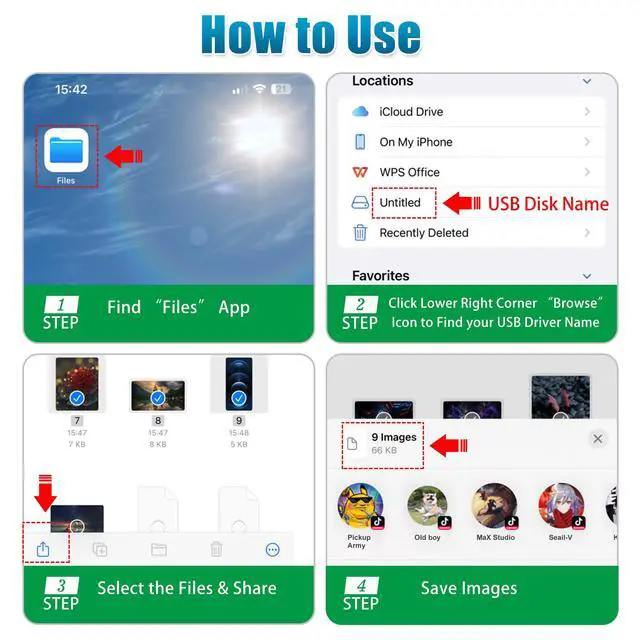
[HOW to Sync Files] Connect USB drive with this adapter to iPhone/iPad, Open the Files app (comes with the system), tap the Browse button in the lower-right corner of the screen, you will find your USB drive name, just open it.