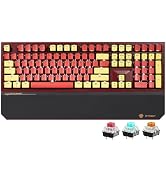
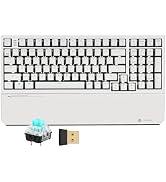
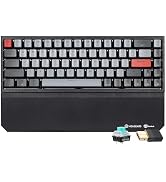
here!
here!
I’m your shopping assistant for PC builds, upgrades, and everything tech.
Got questions? Ask away!
Start a conversation
here!
I’m your shopping assistant for PC builds, upgrades, and everything tech.
Got questions? Ask away!
Start a conversation



Any questions? Ask CelesteSM will help you find out quickly.
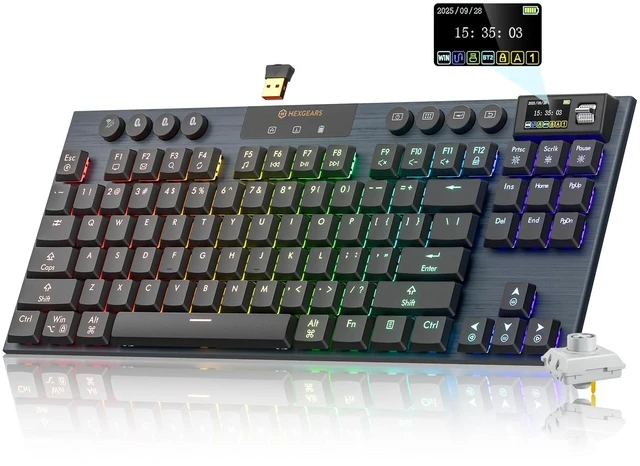
Does the keyboard support Mac and Windows systems?
The keyboard supports both Windows and Mac systems.System Switching Method: Long-press the FN + ? keys until the system icon on the screen changes.
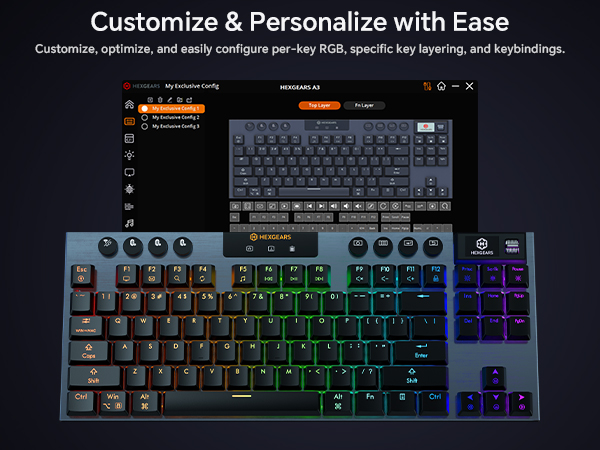
Where can I download A3 software?
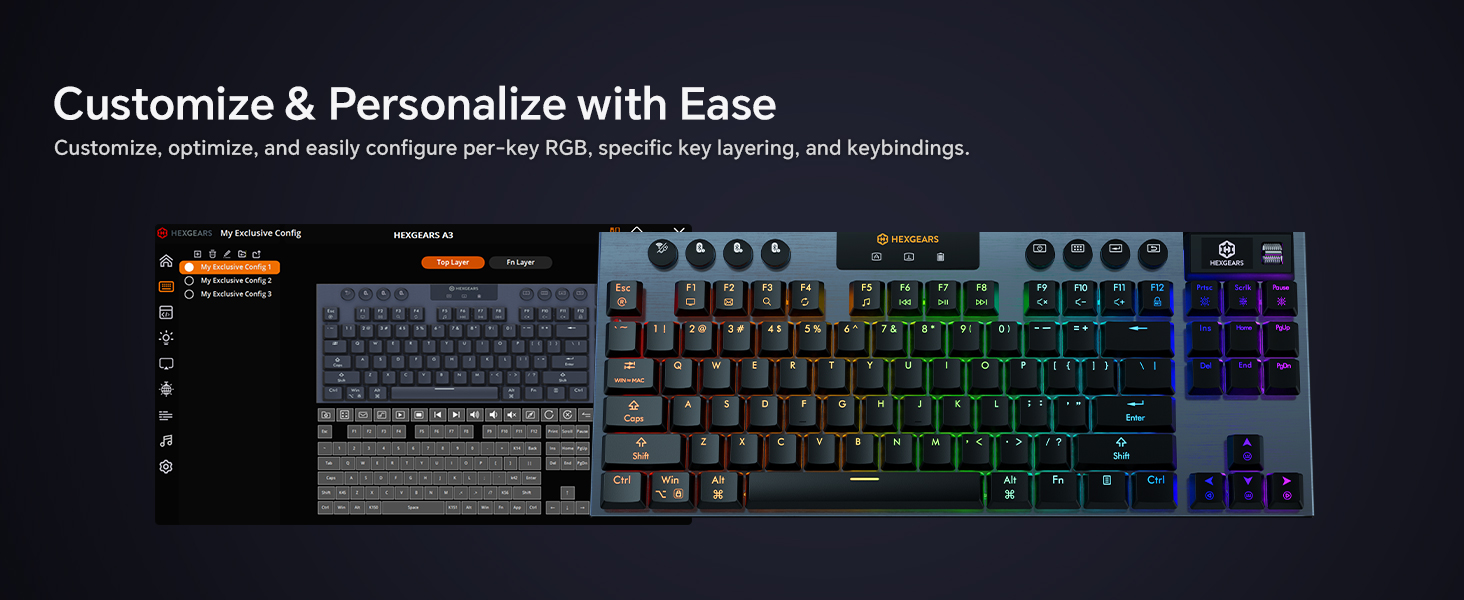
Software link: bit.ly/3Yucmnz. Locate the A3 software to download.Please note that the keyboard supports both Windows and Mac systems, but software debugging is only supported on Windows systems.
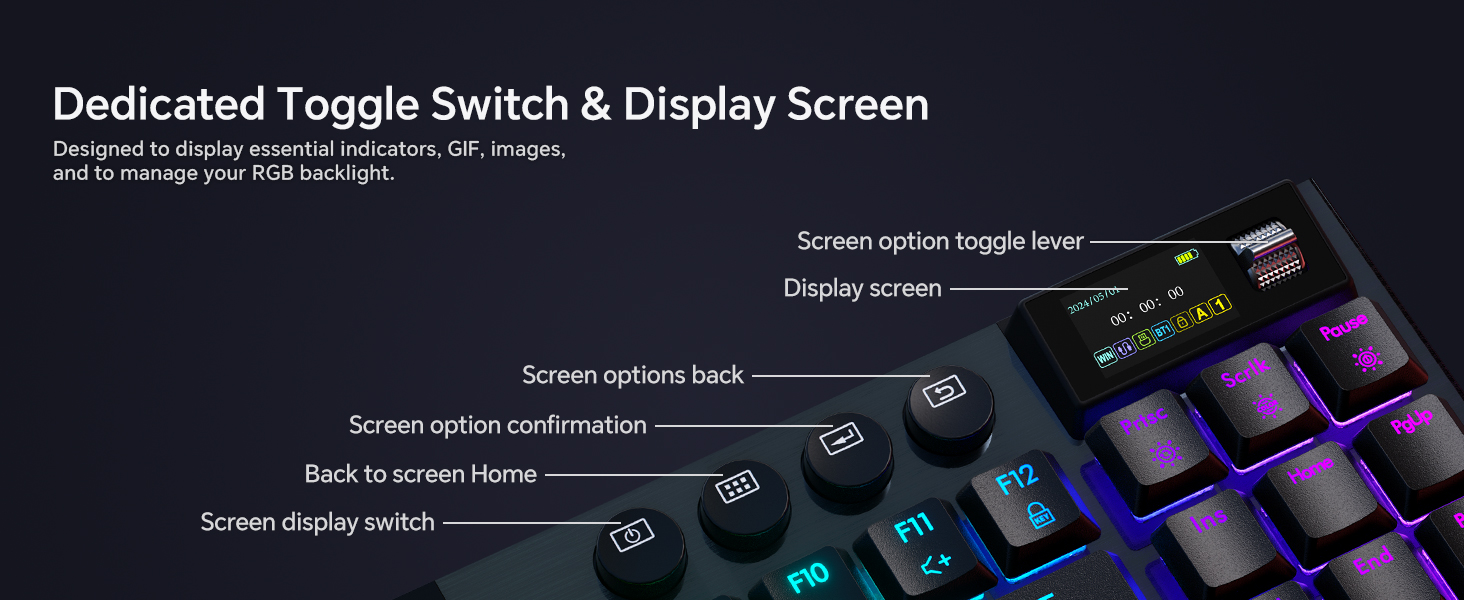
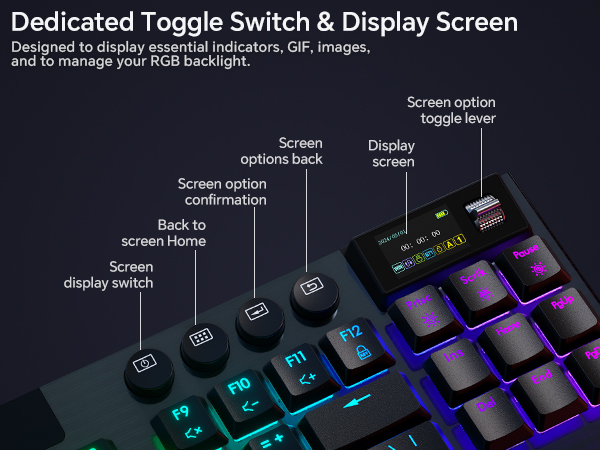
How to display GIF on the keyboard screen?
First, connect the keyboard via a USB-C cable and launch the software. Then follow the tutorial on our website. Tutorial link: bit.ly/49hk4Yy
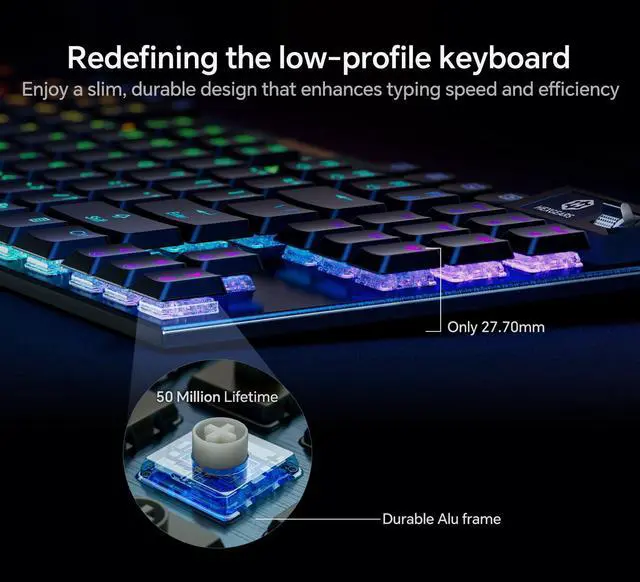
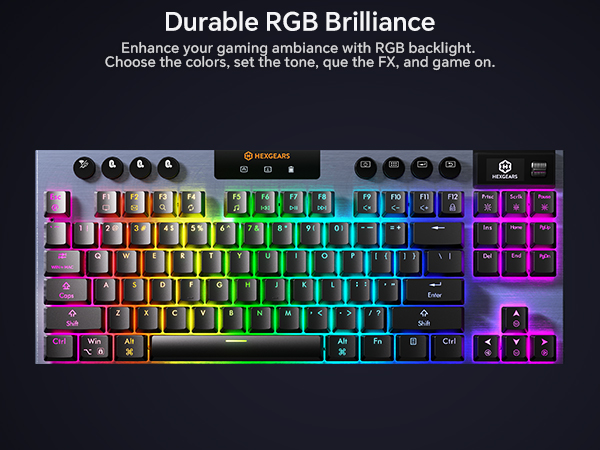
Can the RGB backlight be customized? What effects does it offer?
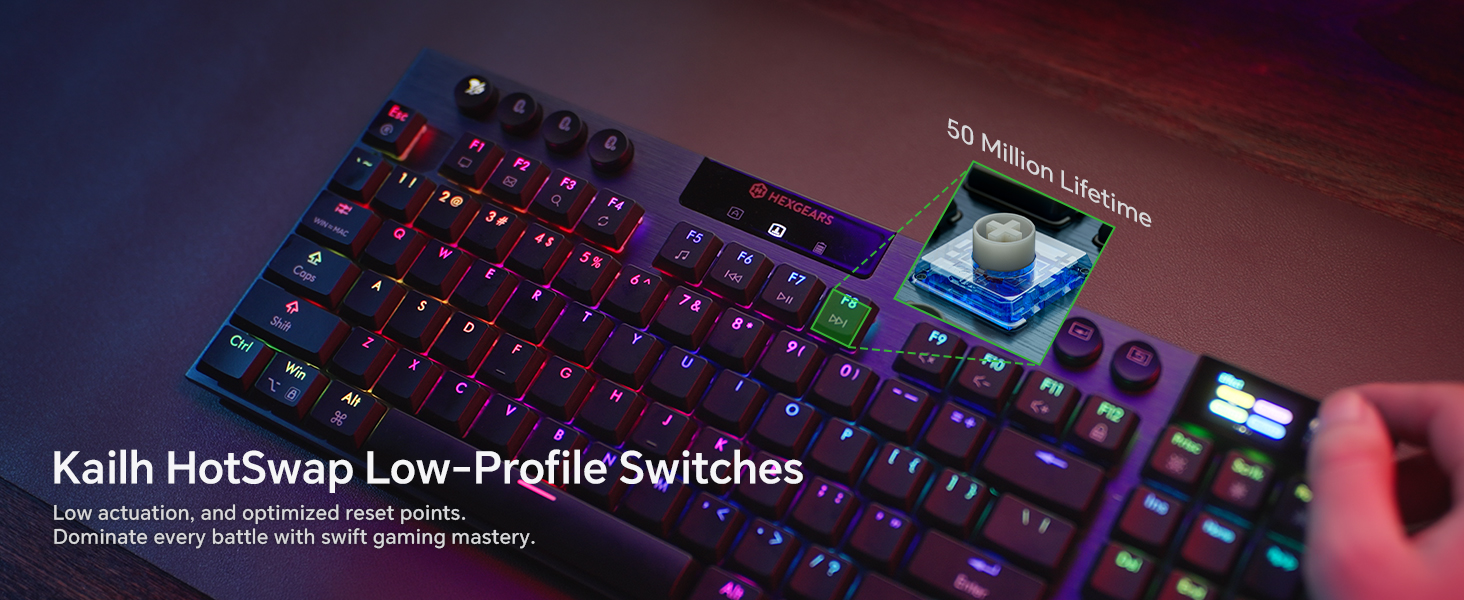
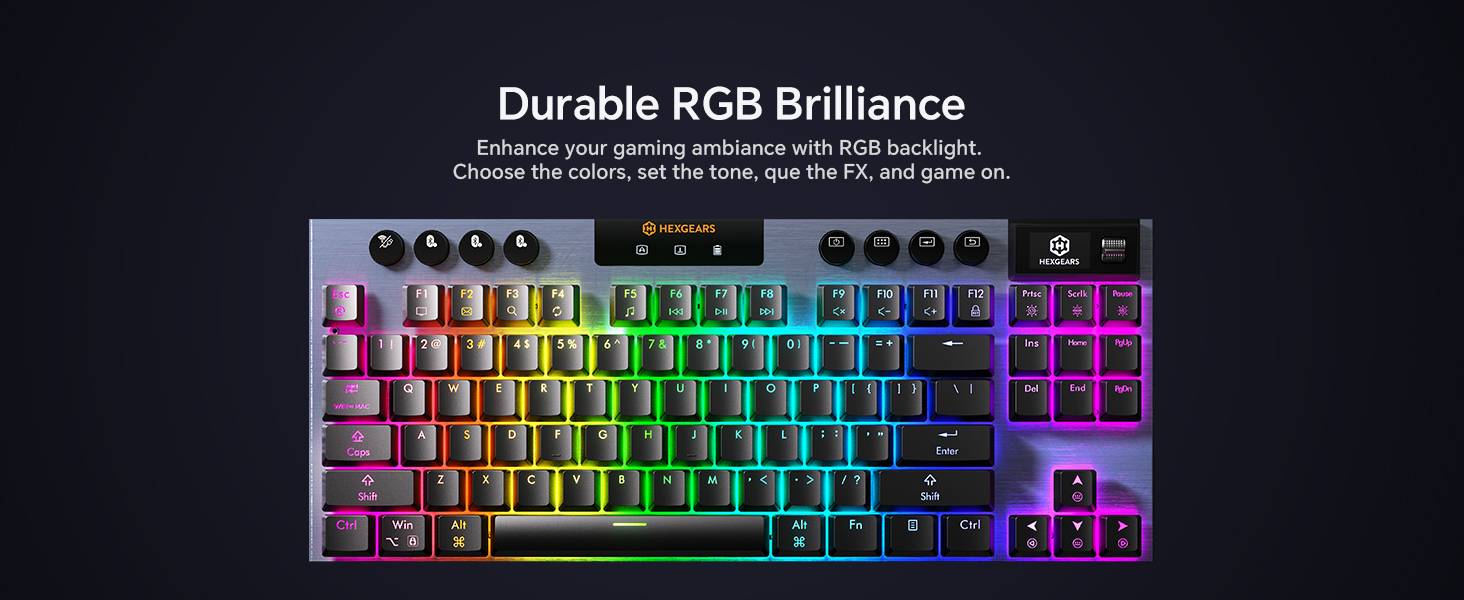
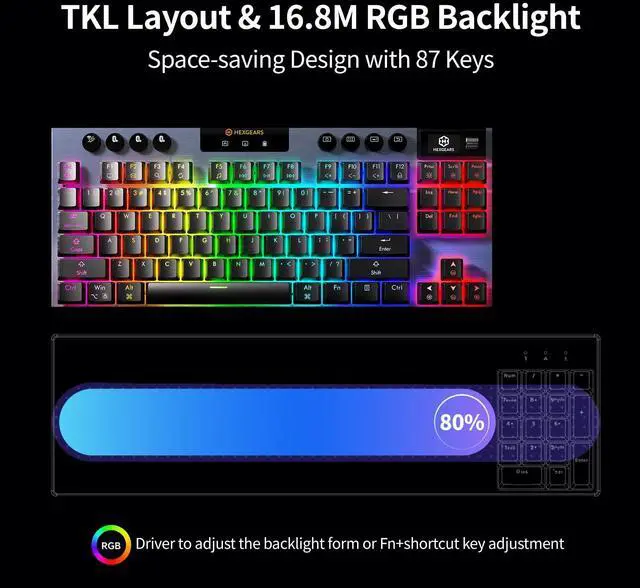
RGB backlighting can be customized via software, which features approximately 20 built-in RGB effects.
How many devices can I connect to at once?
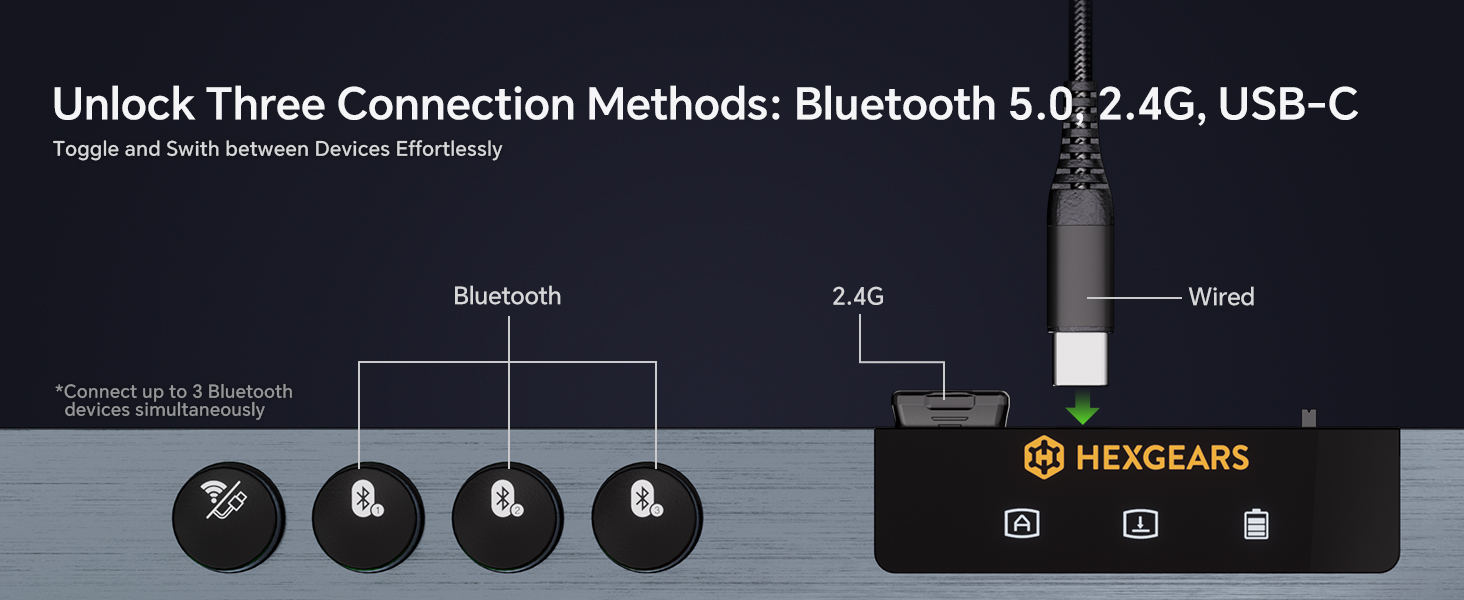
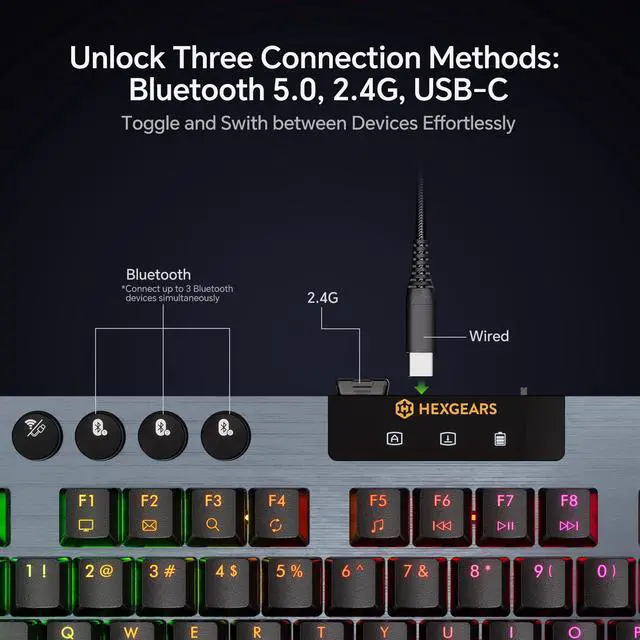
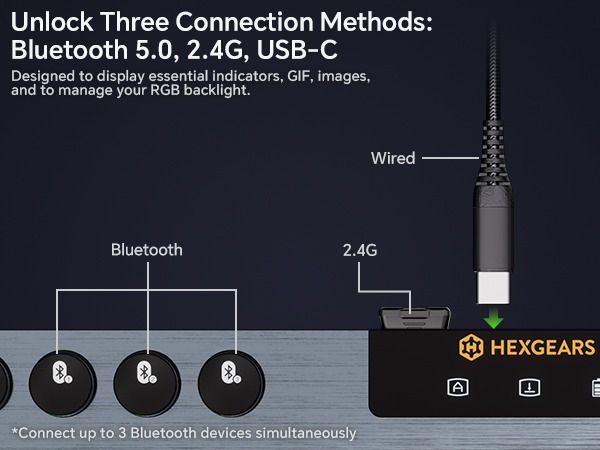
You can toggle seamlessly between up to 5 devices.Bluetooth 5.0 supports connections to three devices, while the ultra-fast 2.4GHz wireless and USB-C wired connections each support one device.
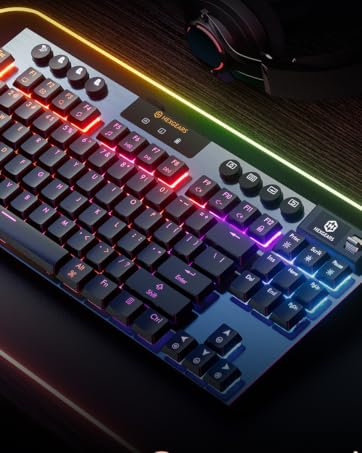
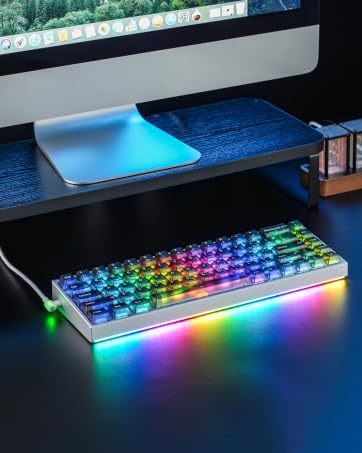
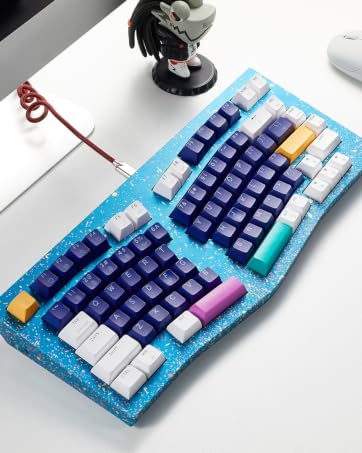
 A3 Low-Profile Keyboard | 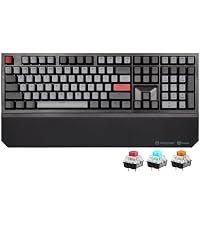 X5 Mechanical Keyboard | 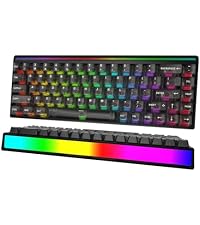 MX68 Gaming Keyboard | 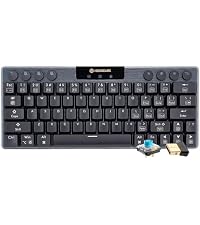 A1 Low Profile Keyboard | 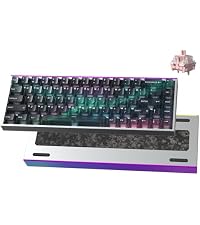 MAG68 Mechanical Keyboard |  F2 Aluminum Keyboard | |
|---|---|---|---|---|---|---|
Customer Reviews | — | — | — | — | — | — |
Price | — | — | — | — | — | — |
Connection Mode | USB-C/2.4GHz/Bluetooth | USB-C/2.4GHz | USB-C | USB-C/2.4GHz/Bluetooth | USB-C | USB-C/2.4GHz/Bluetooth |
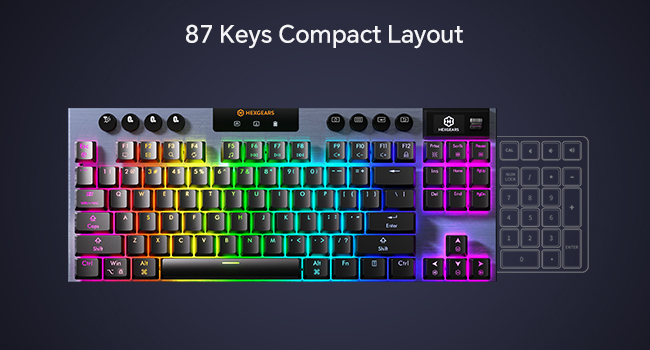
Number of keys | 87+8 | 108 | 68 | 63 | 68 | 83 |
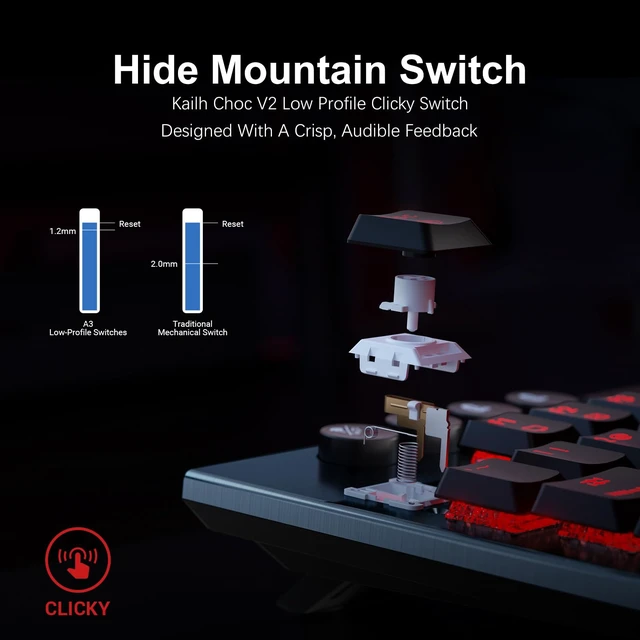
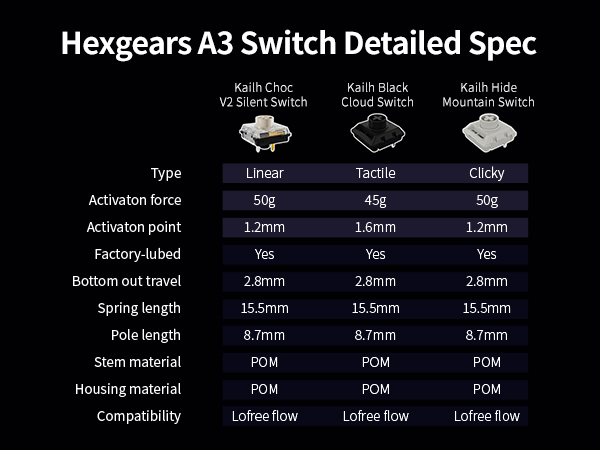
Switch Type | Clicky/Tactile/Linear | Clicky/Tactile/Linear | Magnetic | Clicky/Tactile/Linear | Magnetic | Clicky/Tactile/Linear |
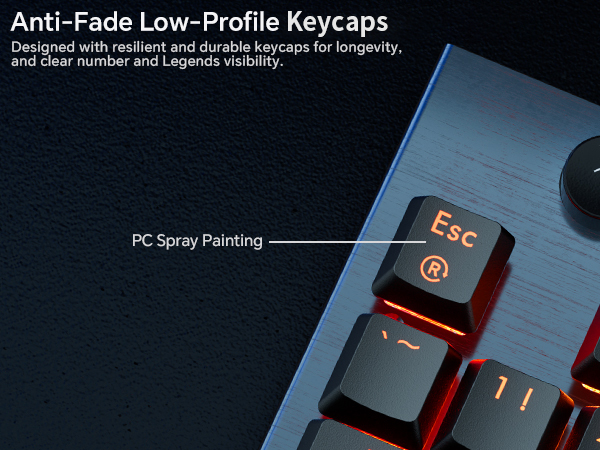
Keycap Type | PC | Double-shot PBT | Transparent PC | PC | PBT/PC | Double-shot PBT |
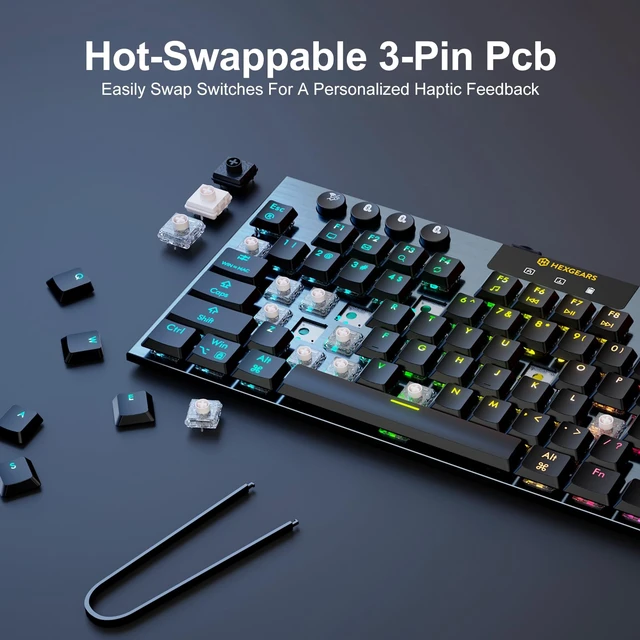
Hot Swappable | ? | ? | ? | ? | ? | ? |
Backlight Effect | RGB | White | RGB | RGB | RGB | RGB |
Driver | Hexgears Drive | / | Hexgears Web Driver | Hexgears Drive | Hexgears Web Driver | Hexgears Drive |
Does the keyboard support Mac and Windows systems?
The keyboard supports both Windows and Mac systems.System Switching Method: Long-press the FN + ? keys until the system icon on the screen changes.
Where can I download A3 software?
Software link: bit.ly/3Yucmnz. Locate the A3 software to download.Please note that the keyboard supports both Windows and Mac systems, but software debugging is only supported on Windows systems.
How to display GIF on the keyboard screen?
First, connect the keyboard via a USB-C cable and launch the software. Then follow the tutorial on our website. Tutorial link: bit.ly/49hk4Yy
Can the RGB backlight be customized? What effects does it offer?
RGB backlighting can be customized via software, which features approximately 20 built-in RGB effects.
How many devices can I connect to at once?
You can toggle seamlessly between up to 5 devices.Bluetooth 5.0 supports connections to three devices, while the ultra-fast 2.4GHz wireless and USB-C wired connections each support one device.
A3 Low-Profile Keyboard | X5 Mechanical Keyboard | MX68 Gaming Keyboard | A1 Low Profile Keyboard | MAG68 Mechanical Keyboard | F2 Aluminum Keyboard |
|---|---|---|---|---|---|
| Customer Reviews | |||||
| — | — | — | — | — | — |
| Price | |||||
| — | — | — | — | — | — |
| Connection Mode | |||||
| USB-C/2.4GHz/Bluetooth | USB-C/2.4GHz | USB-C | USB-C/2.4GHz/Bluetooth | USB-C | USB-C/2.4GHz/Bluetooth |
| Number of keys | |||||
| 87+8 | 108 | 68 | 63 | 68 | 83 |
| Switch Type | |||||
| Clicky/Tactile/Linear | Clicky/Tactile/Linear | Magnetic | Clicky/Tactile/Linear | Magnetic | Clicky/Tactile/Linear |
| Keycap Type | |||||
| PC | Double-shot PBT | Transparent PC | PC | PBT/PC | Double-shot PBT |
| Hot Swappable | |||||
| ? | ? | ? | ? | ? | ? |
| Backlight Effect | |||||
| RGB | White | RGB | RGB | RGB | RGB |
| Driver | |||||
| Hexgears Drive | / | Hexgears Web Driver | Hexgears Drive | Hexgears Web Driver | Hexgears Drive |