here!
here!
I’m your shopping assistant for PC builds, upgrades, and everything tech.
Got questions? Ask away!
Start a conversation
here!
I’m your shopping assistant for PC builds, upgrades, and everything tech.
Got questions? Ask away!
Start a conversation



Any questions? Ask CelesteSM will help you find out quickly.
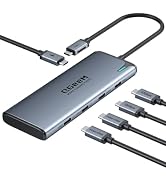
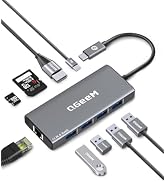
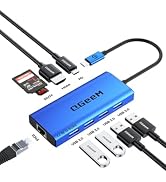
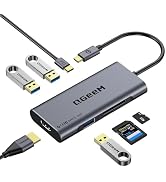
 11 in 1 Docking Station | 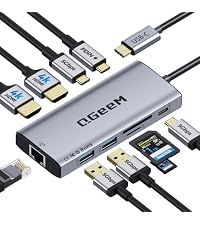 10 in 1 USB C Hub-Gray | 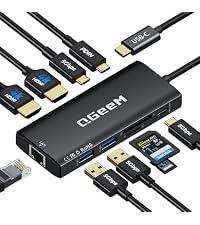 10 in 1 USB C Hub-Black | 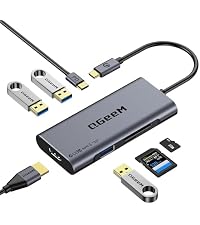 7 in 1 USB C Hub-Gray |  7 in 1 USB C Hub-Black | 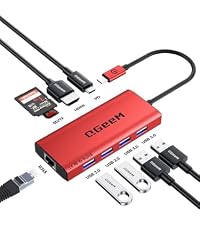 9 in 1 USB C Hub-Red | 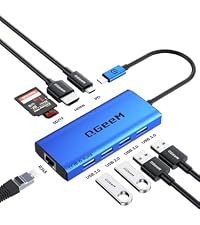 9 in 1 USB C Hub-Blue | |
|---|---|---|---|---|---|---|---|
Customer Reviews | — | — | — | — | — | — | — |
Price | — | — | — | — | — | — | — |
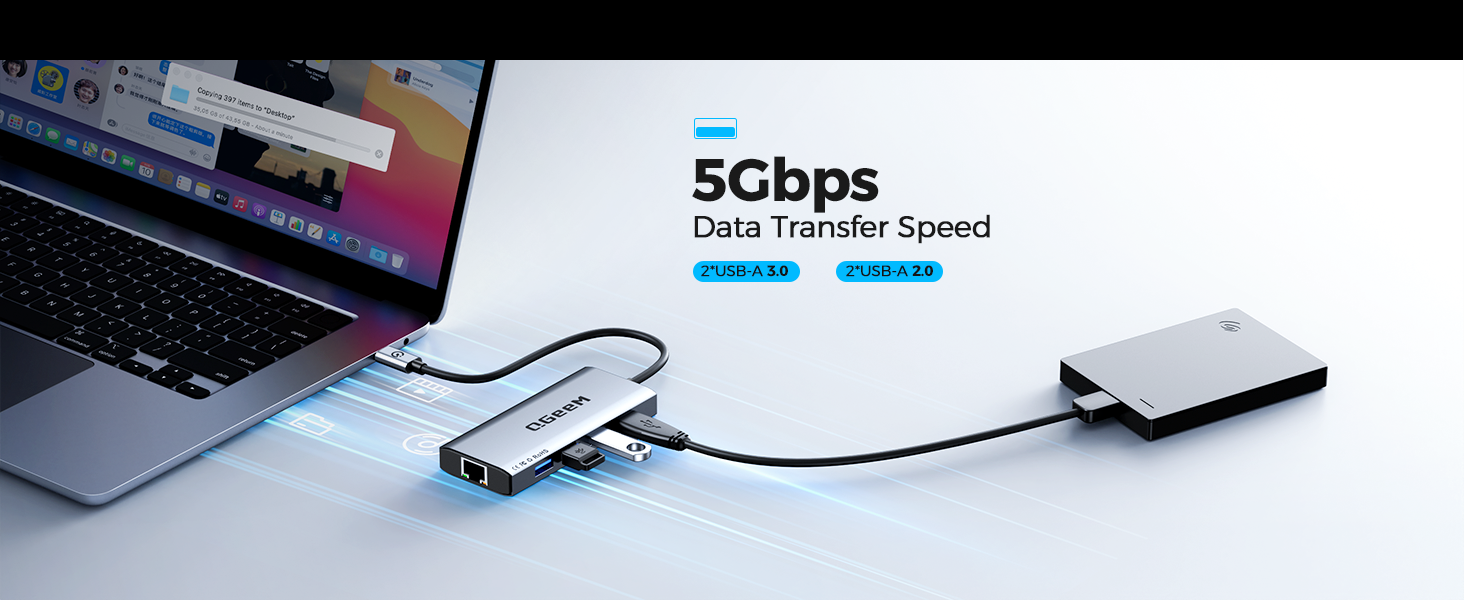
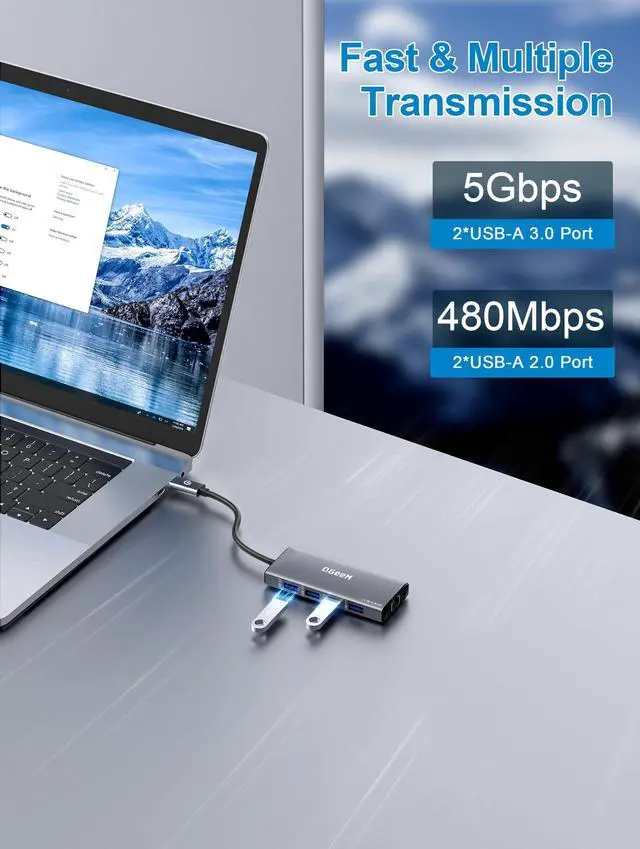
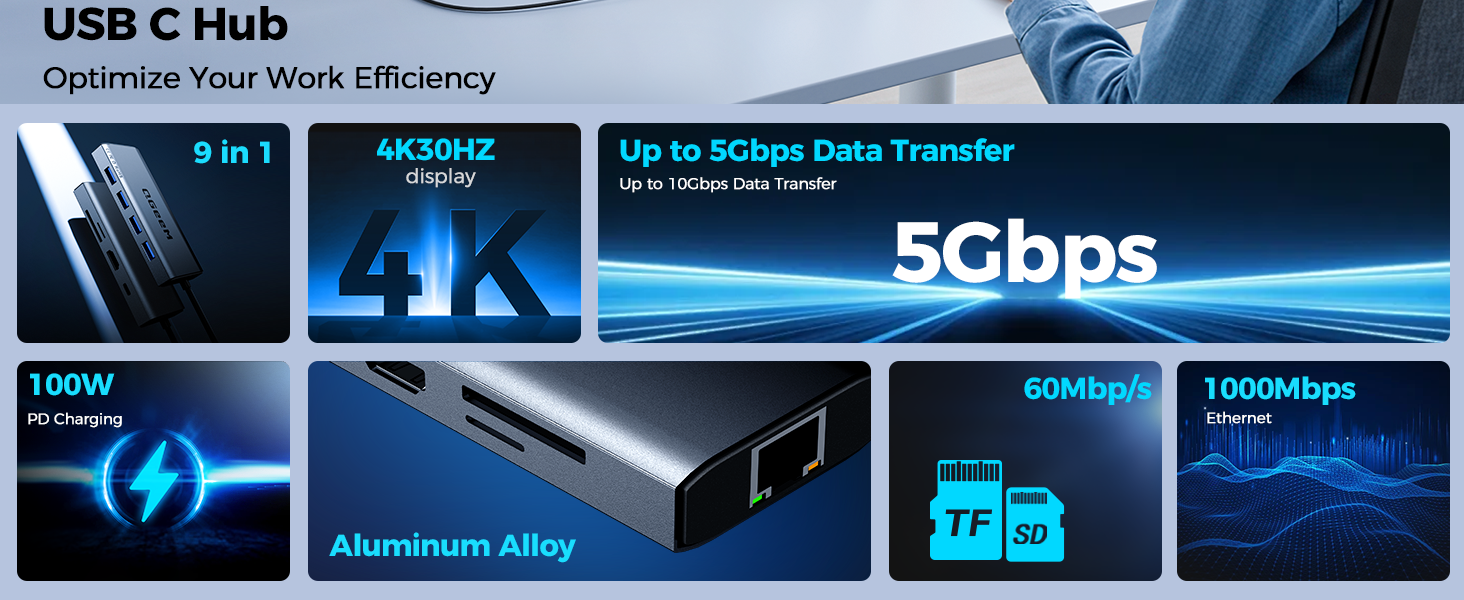
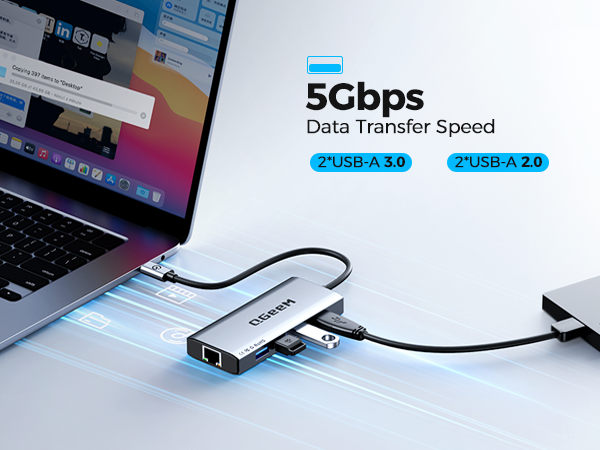
USB Data Ports | 2*USB-A 3.0, 2*USB-A 2.0 | 2*USB-A +2*USB-C | 2*USB-A +2*USB-C | 2*USB-A 3.0 | 2*USB-A 3.0 | 2*USB-A 3.0+2*USB-A 2.0 | 2*USB-A 3.0+2*USB-A 2.0 |
Max Transfer Speed | 5Gbps | 5Gbps | 5Gbps | 5Gbps | 5Gbps | 5Gbps | 5Gbps |
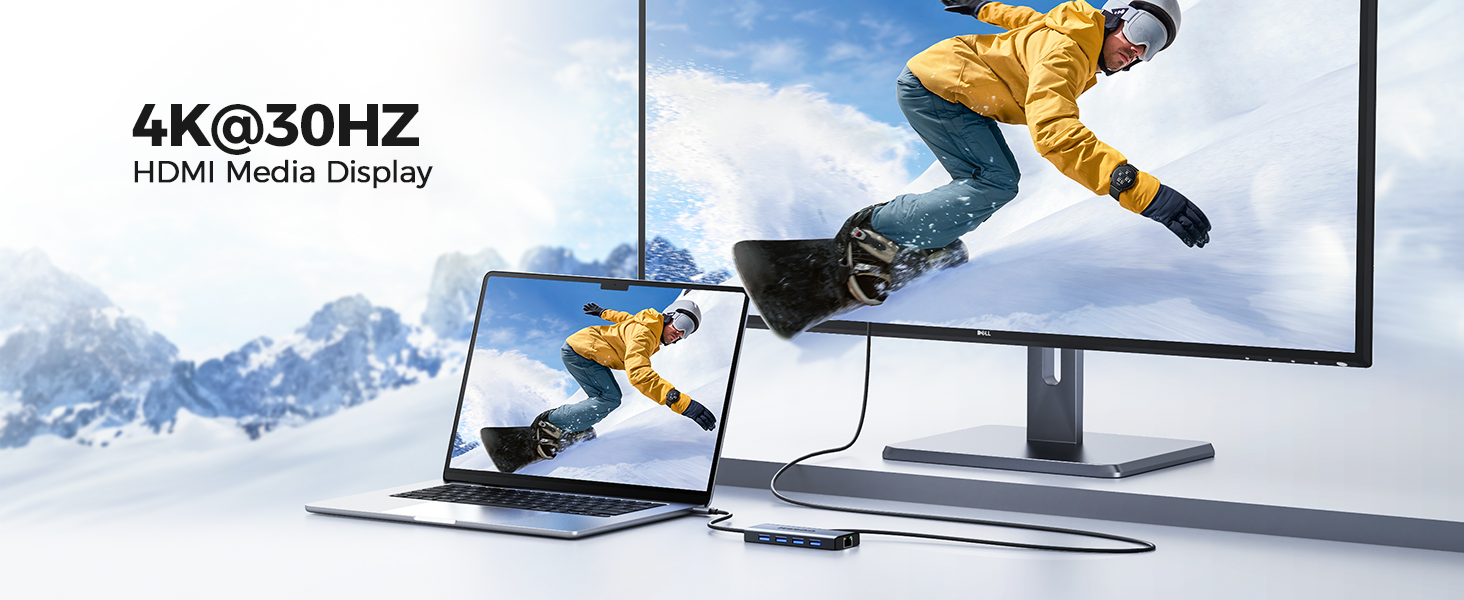
Max Display Resolution | 1080P@60Hz | 4K@60Hz | 4K@60Hz | 4K@60Hz | 4K@60Hz | 4K@30Hz | 4K@30Hz |
Charging Port | 100W | 100W | 100W | 100W | 100W | 100W | 100W |
Compatibility | Almost USB-C devices | Almost USB-C devices | Almost USB-C devices | Almost USB-C devices | Almost USB-C devices | Almost USB-C devices | Almost USB-C devices |
Ethernet Port | ? | ? | ? | ? | ? | ? | ? |
Plug & Play | ? | ? | ? | ? | ? | ? | ? |
SD/TF Card Reader | ? | ? | ? | ? | ? | ? | ? |
Dual HDMI | ? | ? | ? | ? | ? | ? | ? |

In 2012, we founded QGeeM because we want innovate high-quality computer accessories in the world,such as:usb c adapter, usb c hub,docking station,wireless charger, video cable ect
To make your work easier,and create connections for you at anytime,anywhere,Our QGeeM continually updated to be refined and durable. Each product strives for quality
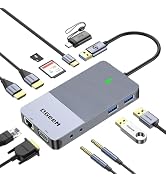
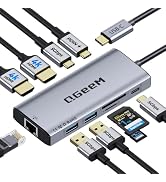
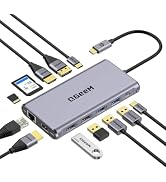
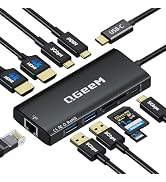
![QGeeM USB C to HDMI Adapter 4K Cable, USB Type-C to HDMI [Thunderbolt 3/4] Adapter for Laptop Mac...](http://c1.neweggimages.com/sellingpilot/modules/product/a-plus/0683497a2f999734ce29e5a4ba66dca795c91baf14c5dd9ae06b87e6a8c86ba0.jpg)
![QGeeM USB C to HDMI Adapter 4K Cable, USB Type-C to HDMI Adapter [Thunderbolt 3/4] HDMI for Lapto...](http://c1.neweggimages.com/sellingpilot/modules/product/a-plus/5a9775cf8ab9fe17d8942b0d7fb69db5b8c34f3468706274e6fb874e0cd86fed.jpg)
![QGeeM USB C to HDMI Adapter 4K Cable, USB Type-C to HDMI Adapter [Thunderbolt 3/4 Compatible] for...](http://c1.neweggimages.com/sellingpilot/modules/product/a-plus/83731e875a45d995bd2daba0a7ee17bed56f2a57fadc29a671e7e11dc11ac445.jpg)
![QGeeM USB C to HDMI Adapter 4K Cable, USB Type-C to HDMI Adapter [Thunderbolt 3/4] HDMI for Lapto...](http://c1.neweggimages.com/sellingpilot/modules/product/a-plus/641a1fbcf913c546398899ed854900ede1fca44040bb0d143f20074a7bac6687.jpg)
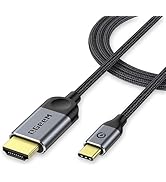
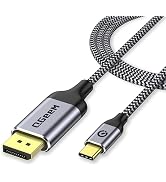
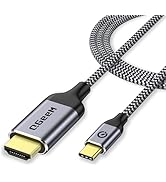
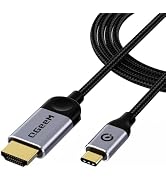
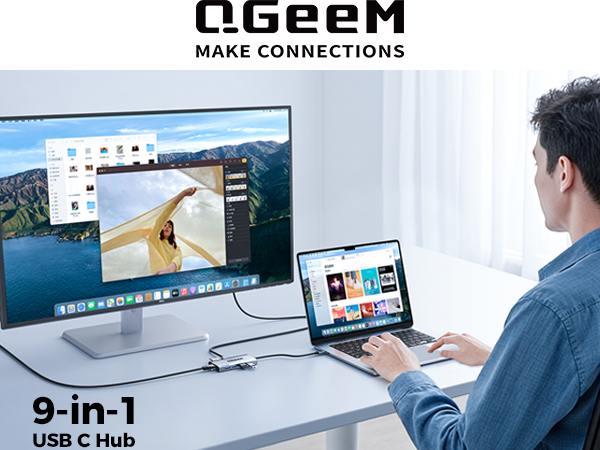
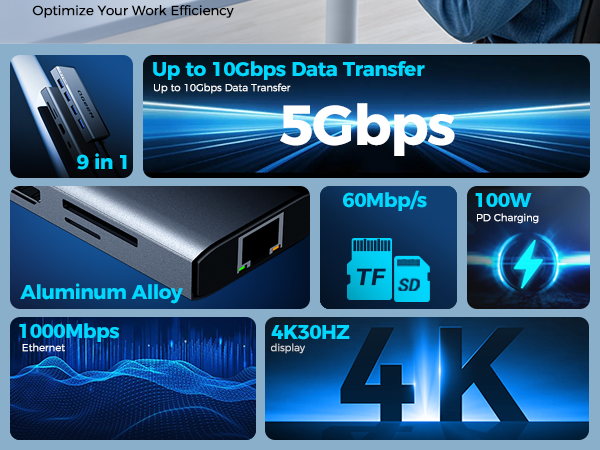
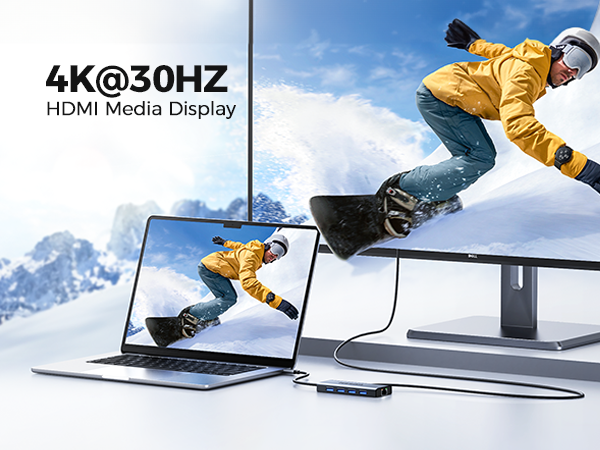
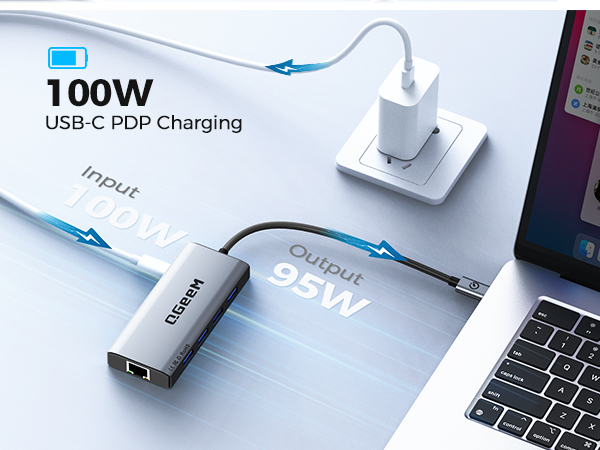

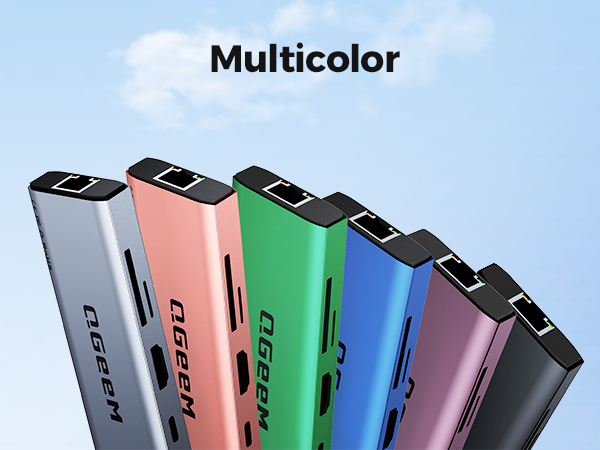

| Q1 | Will this hub cause my laptop or the adapter itself to overheat during heavy use? |
|---|---|
| A1 | Our usb hub is designed with an advanced aluminum alloy casing which provides superior heat dissipation. It is built to stay cool even when you are using multiple ports simultaneously for data transfer or video output. |
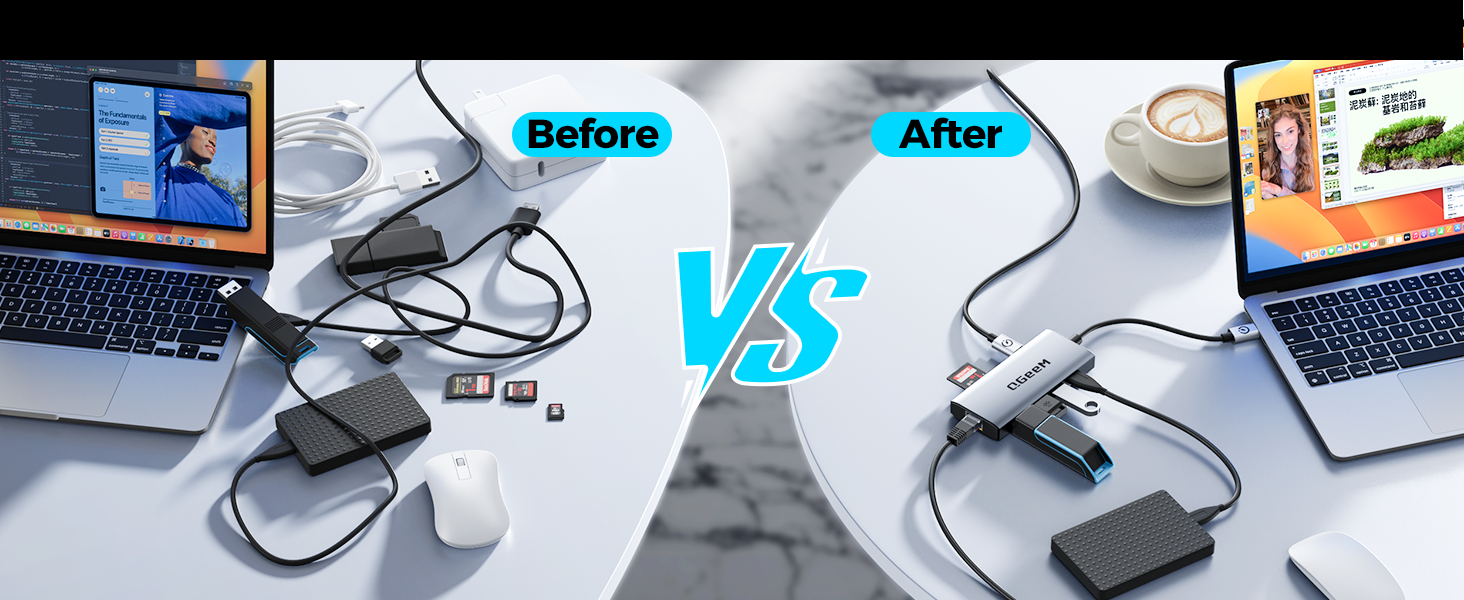
| Q2 | Can I charge my laptop while using the other ports? |
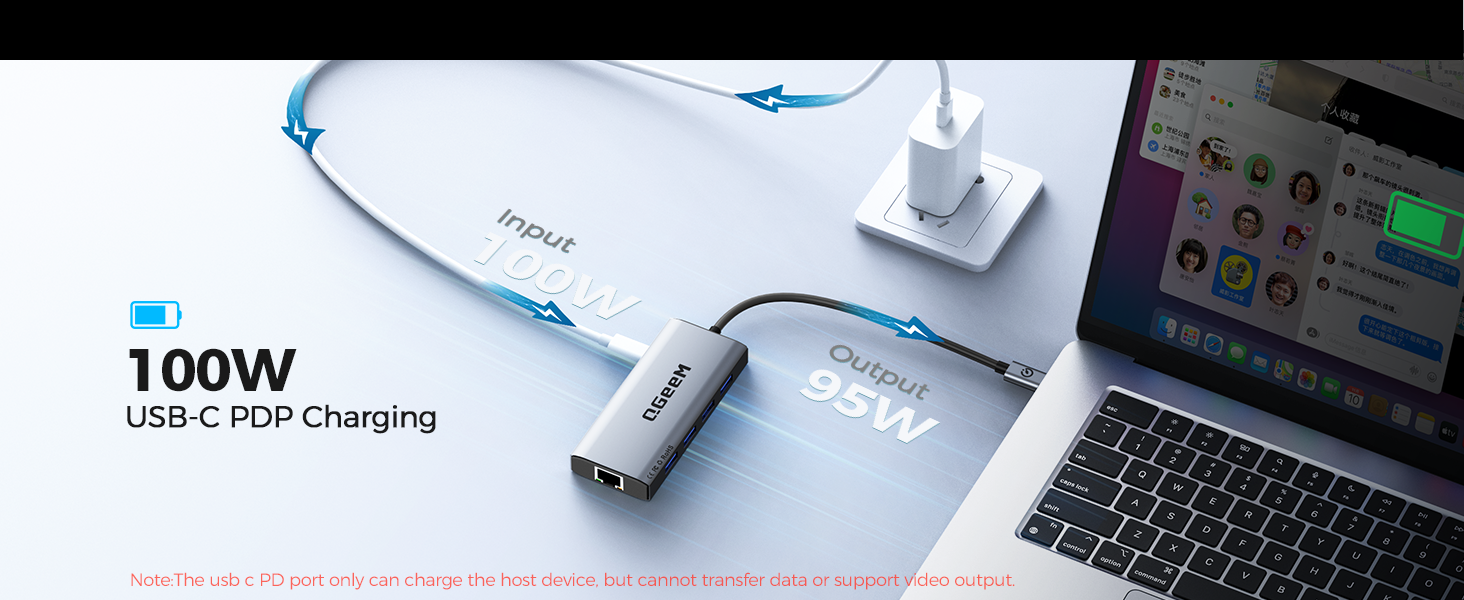
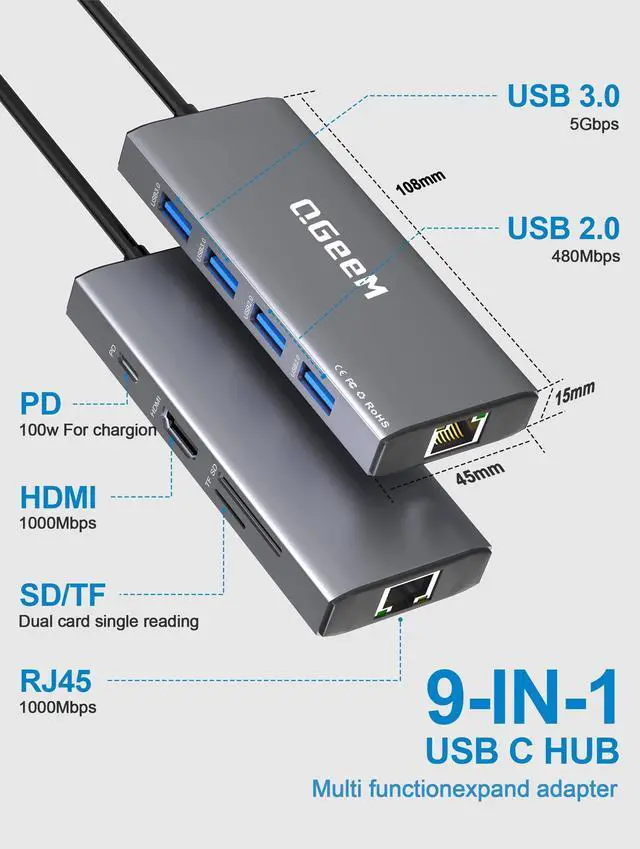
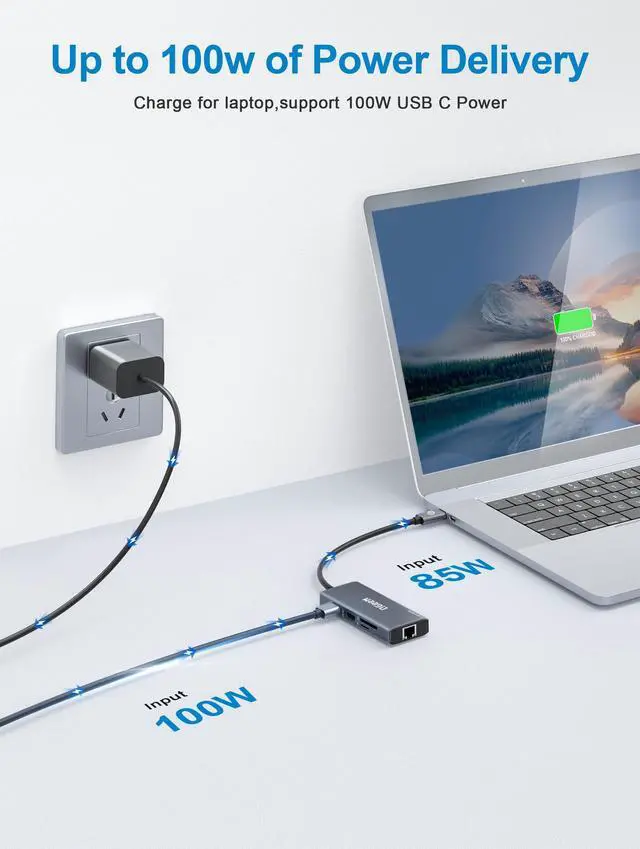
| A2 | Yes, this type c hub supports Power Delivery (PD) pass-through charging. Simply connect your original laptop charger to the hub's PD port, and you can charge your laptop and use all other peripherals simultaneously. |
| Q3 | Is this compatible with both MacBook and Windows laptops? |
| A3 | Absolutely. This usb c ethernet is "Plug and Play" and is compatible with most modern USB-C laptops, including MacBooks, Windows PCs, and even compatible tablets. No extra drivers are required for basic functionality. |
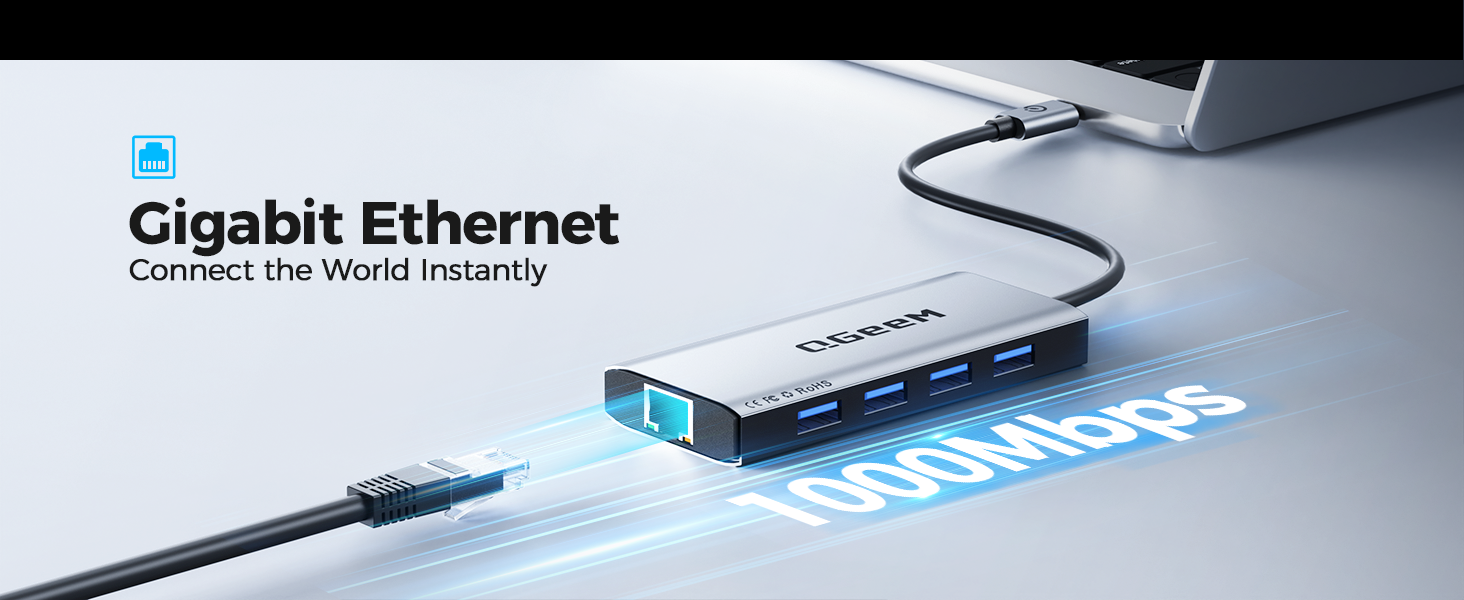
| Q4 | Does this usbc hub provide stable Ethernet connection speeds? |
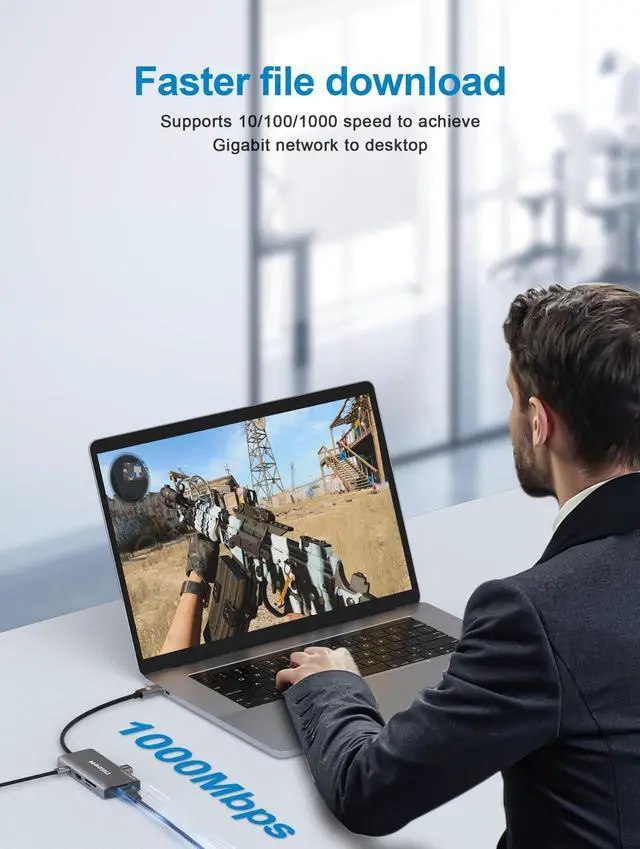
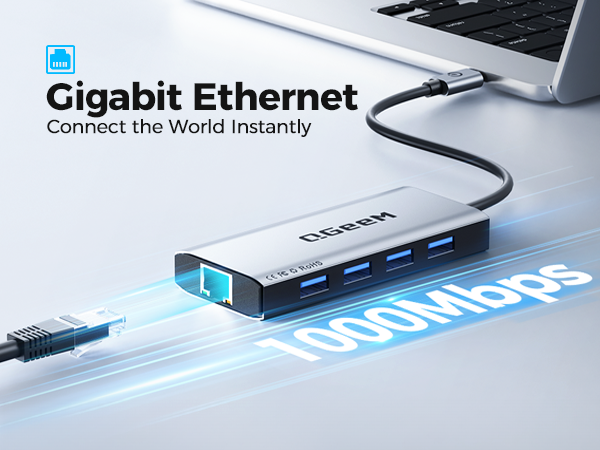
| A4 | Yes, it features a Gigabit Ethernet port that supports up to 1000Mbps, providing a faster and more reliable internet connection compared to standard Wi-Fi, perfect for gaming or large file transfers. |
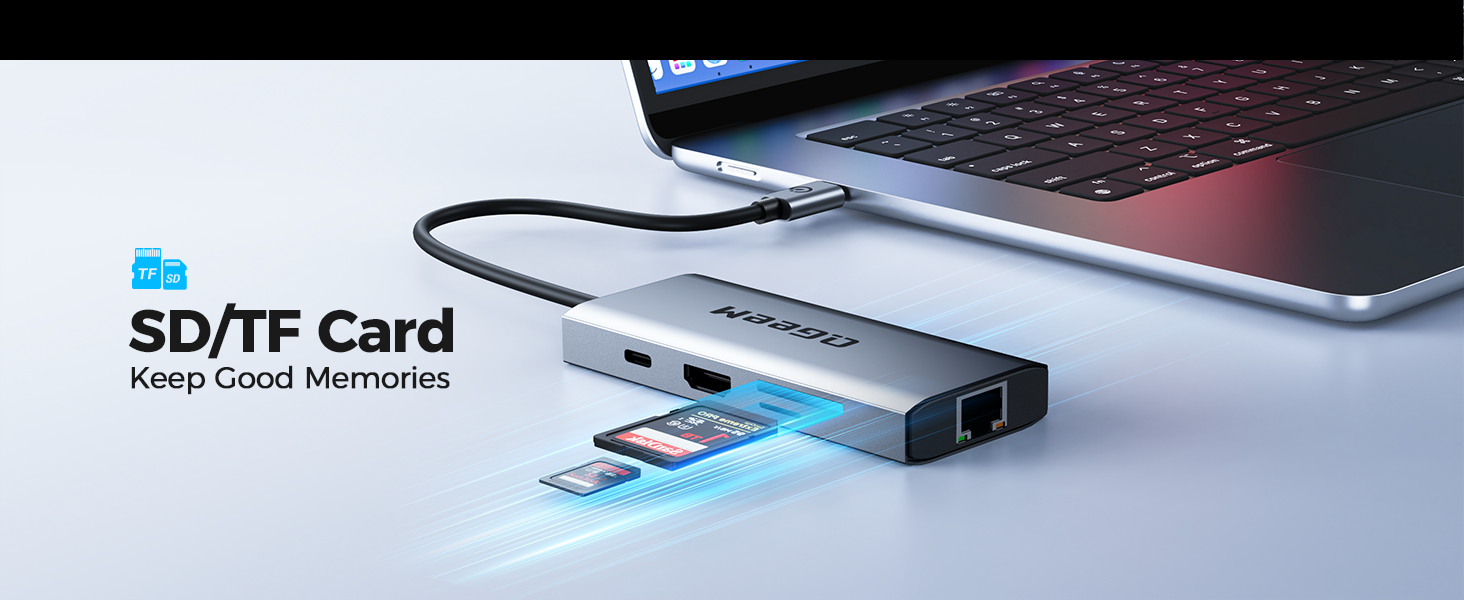
| Q5 | Does this hub support high-speed data transfer for my SD/Micro SD cards? |
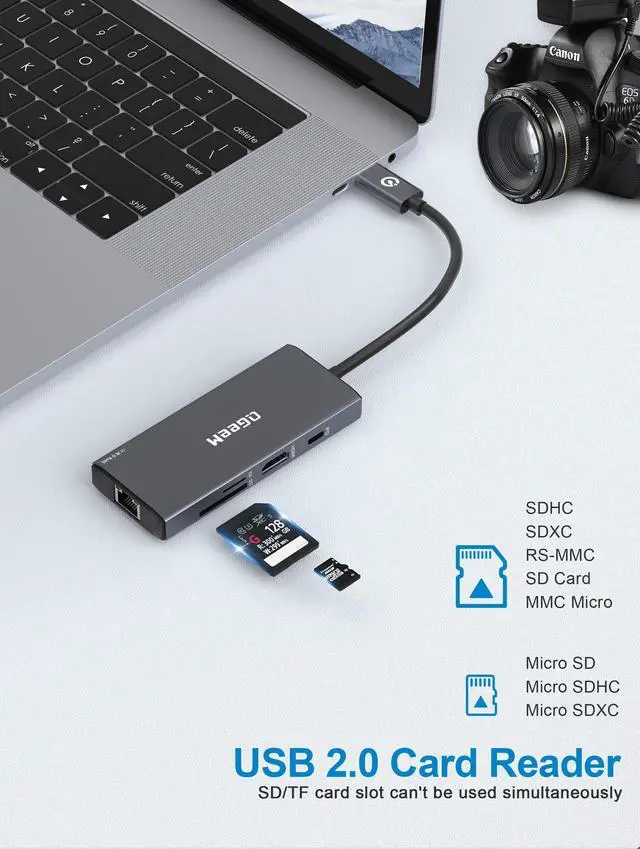
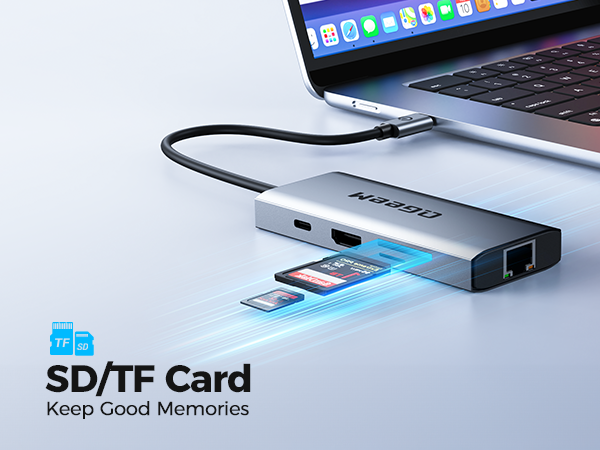
| A5 | Yes, the built-in SD and Micro SD card slots allow for fast data retrieval and storage, making it very convenient for photographers and creators to transfer high-resolution photos and videos. |
| Q6 | How much charging power can the PD pass-through port deliver? Can it charge my MacBook Pro 16 inch? |
| A6 | It supports max 100W PD input from your wall charger. After hub power consumption, it delivers up to 95W pass-through power to your laptop. Please use a certified 100W PD charger and USB-C charging cable. The PD port is for charging only; it cannot transfer data or output video. |
| Q7 | Does the Gigabit Ethernet port reach true 1000Mbps speed? Can I use it for office video conference and large-file downloading? |
| A7 | Yes, the RJ45 port supports 1Gbps Gigabit wired network. It provides stable wired connection to avoid unstable Wi-Fi signal. Actual network speed also depends on your router, Ethernet cable and home internet bandwidth. |
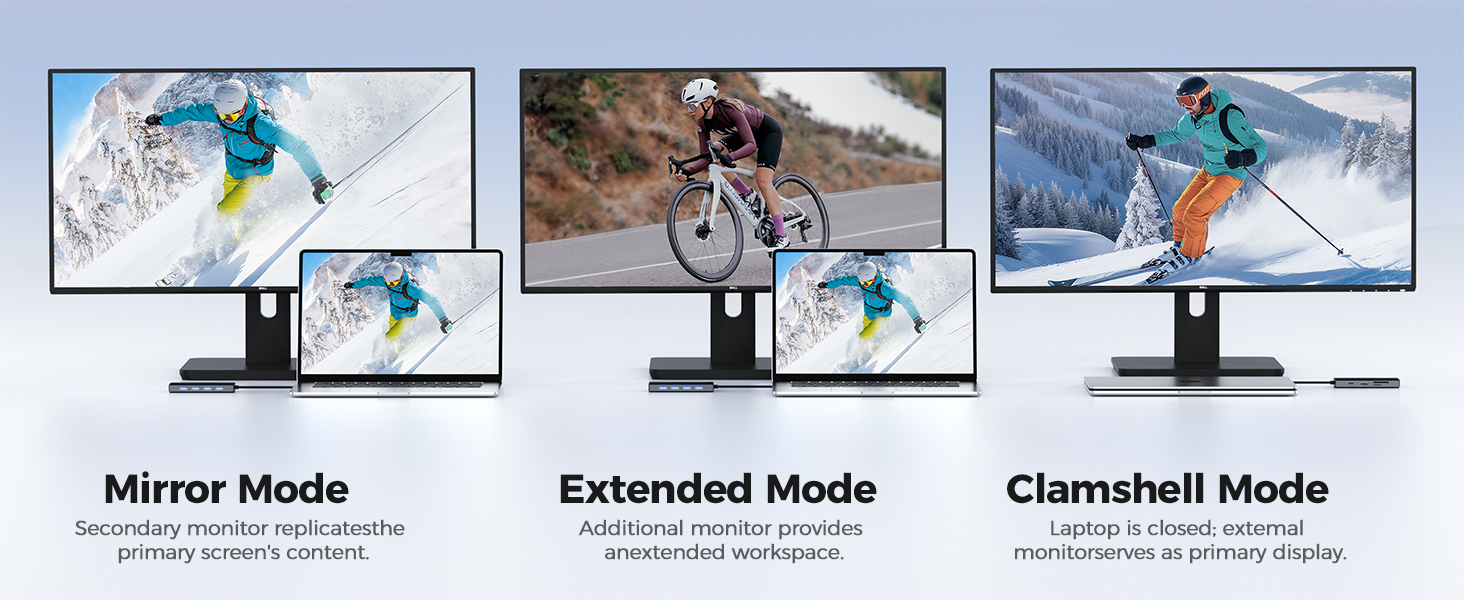
| Q8 | Why is there no HDMI signal occasionally after plug-in? How to troubleshoot? |
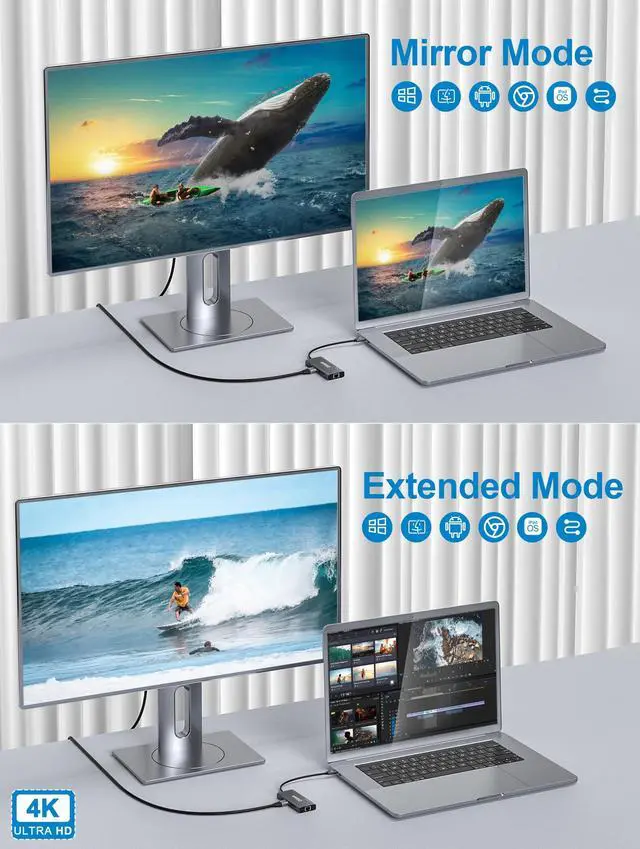
| A8 | 1) Confirm your host USB-C port supports DisplayPort Alt-Mode for video output. 2) Re-seat the hub-to-laptop cable and HDMI cable. 3) Confirm your monitor selects correct HDMI source input. 4) Reboot your laptop if signal blinks or drops. Short black-out seconds when switching devices is normal. |
11 in 1 Docking Station | 10 in 1 USB C Hub-Gray | 10 in 1 USB C Hub-Black | 7 in 1 USB C Hub-Gray | 7 in 1 USB C Hub-Black |  9 in 1 USB C Hub-Red | 9 in 1 USB C Hub-Blue |
|---|---|---|---|---|---|---|
| Customer Reviews | ||||||
| — | — | — | — | — | — | — |
| Price | ||||||
| — | — | — | — | — | — | — |
| USB Data Ports | ||||||
| 2*USB-A 3.0, 2*USB-A 2.0 | 2*USB-A +2*USB-C | 2*USB-A +2*USB-C | 2*USB-A 3.0 | 2*USB-A 3.0 | 2*USB-A 3.0+2*USB-A 2.0 | 2*USB-A 3.0+2*USB-A 2.0 |
| Max Transfer Speed | ||||||
| 5Gbps | 5Gbps | 5Gbps | 5Gbps | 5Gbps | 5Gbps | 5Gbps |
| Max Display Resolution | ||||||
| 1080P@60Hz | 4K@60Hz | 4K@60Hz | 4K@60Hz | 4K@60Hz | 4K@30Hz | 4K@30Hz |
| Charging Port | ||||||
| 100W | 100W | 100W | 100W | 100W | 100W | 100W |
| Compatibility | ||||||
| Almost USB-C devices | Almost USB-C devices | Almost USB-C devices | Almost USB-C devices | Almost USB-C devices | Almost USB-C devices | Almost USB-C devices |
| Ethernet Port | ||||||
| ? | ? | ? | ? | ? | ? | ? |
| Plug & Play | ||||||
| ? | ? | ? | ? | ? | ? | ? |
| SD/TF Card Reader | ||||||
| ? | ? | ? | ? | ? | ? | ? |
| Dual HDMI | ||||||
| ? | ? | ? | ? | ? | ? | ? |
In 2012, we founded QGeeM because we want innovate high-quality computer accessories in the world,such as:usb c adapter, usb c hub,docking station,wireless charger, video cable ect
To make your work easier,and create connections for you at anytime,anywhere,Our QGeeM continually updated to be refined and durable. Each product strives for quality
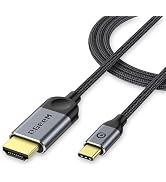
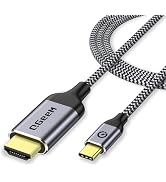
| Brand | QGeeM |
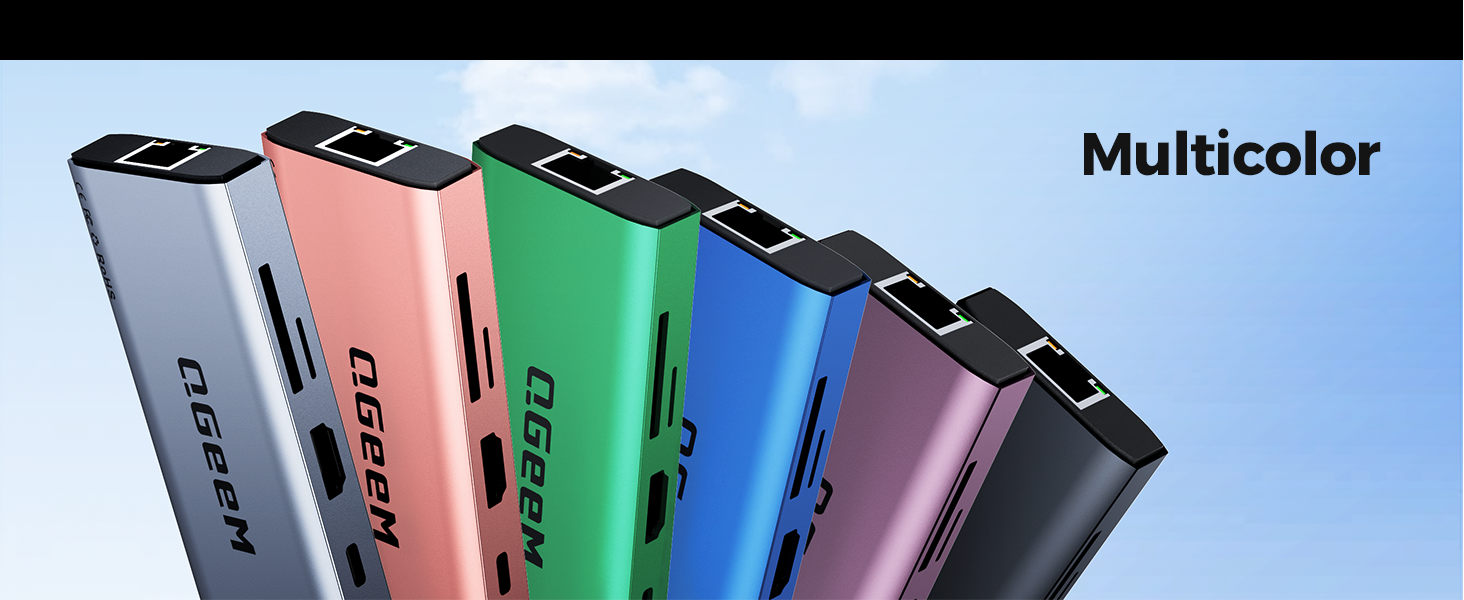
| Color | Gray |
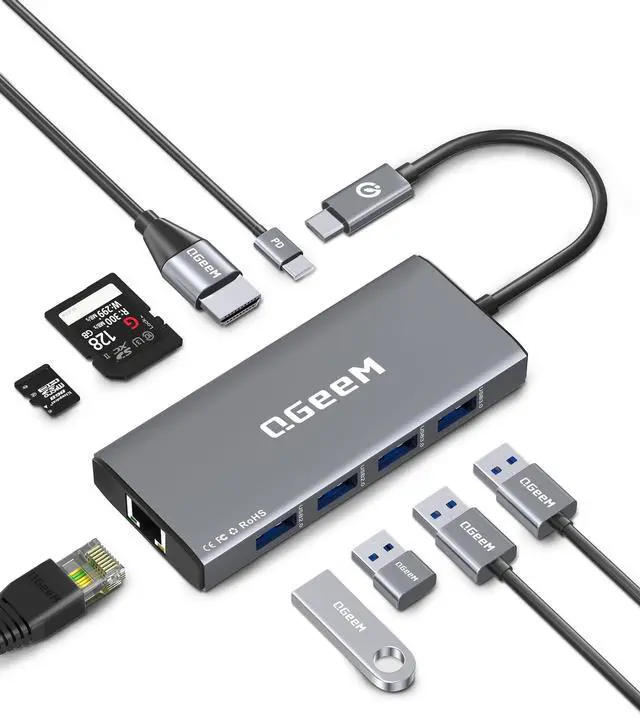
| Hardware Interface | Ethernet, HDMI, USB 2.0, USB 3.0, USB Type C |
| Special Feature | Fast Charging, Fast Data Transfer, Plug and Play, Portable |
| Compatible Devices | Desktops |
| Additional Features | Fast Charging, Fast Data Transfer, Plug and Play, Portable |
| Total Usb Ports | 4 |
| Data Transfer Rate | 5 gigabits_per_second |
| Number of Ports | 9 |
| Operating System | Linux, Windows 10, Windows 7 |
| Enclosure Material | Aluminum |
| Item Dimensions L x W x H | 4.24"L x 1.77"W x 0.27"H |
| Item Weight | 67.76 g |
| Number of Packs | 1 |
| Item Highlight | 4K Type C to HDMI, 100W PD Charging, USB 3.0, Card Reader Compatible for MacBook Neo/Pro/Air, iPhone 15/17, iPad, Dell, HP |
| Manufacturer | QGEEM |
| UPC | 198168748268 |
| Number of Items | 1 |
| Unit Count | 1 Count |
| Model Number | UCH092-1 |
| Mfr Part Number | UCH092-1 |
| Warranty Description | 1 |