here!
here!
I’m your shopping assistant for PC builds, upgrades, and everything tech.
Got questions? Ask away!
Start a conversation
here!
I’m your shopping assistant for PC builds, upgrades, and everything tech.
Got questions? Ask away!
Start a conversation
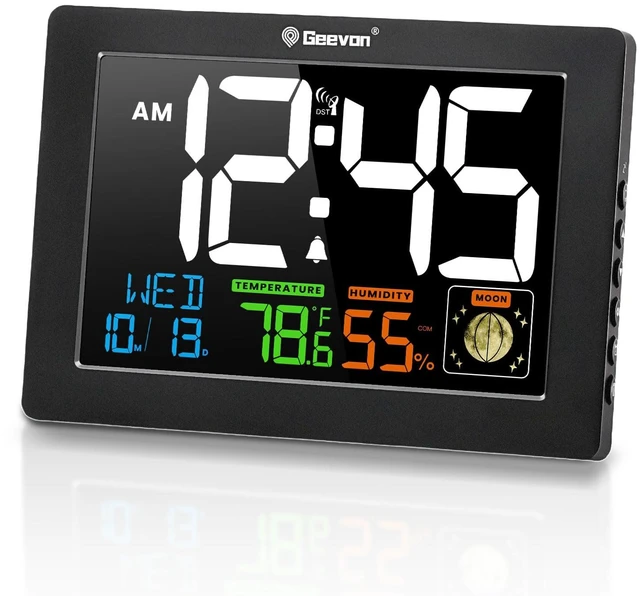
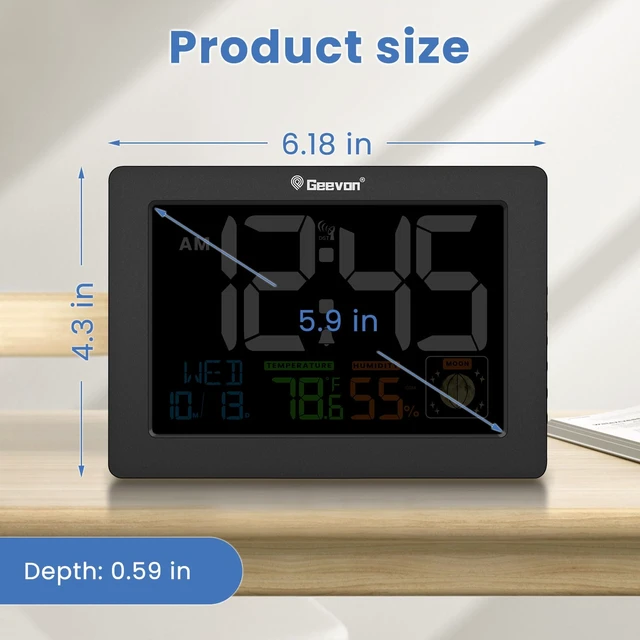
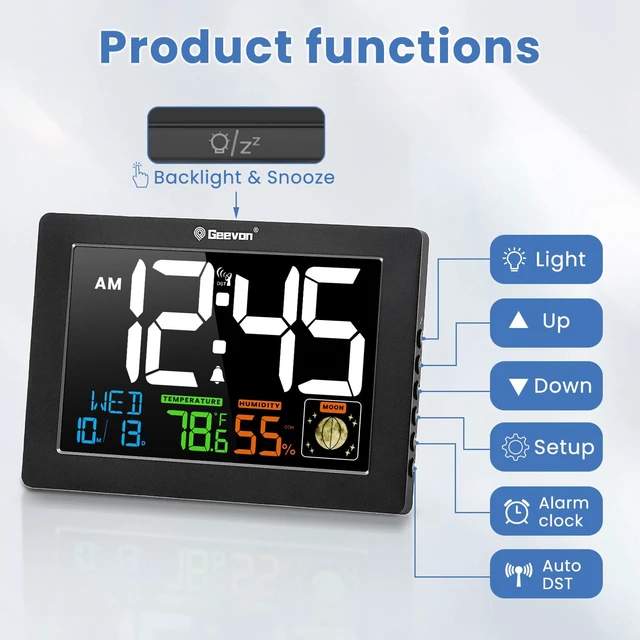
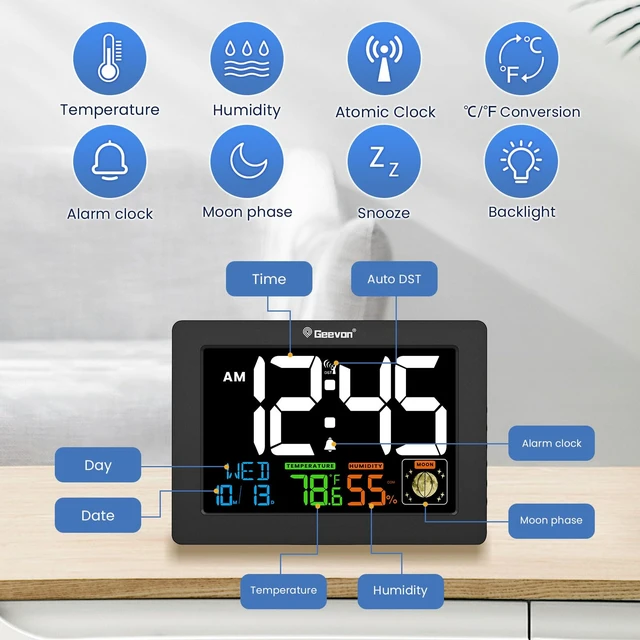



Any questions? Ask CelesteSM will help you find out quickly.

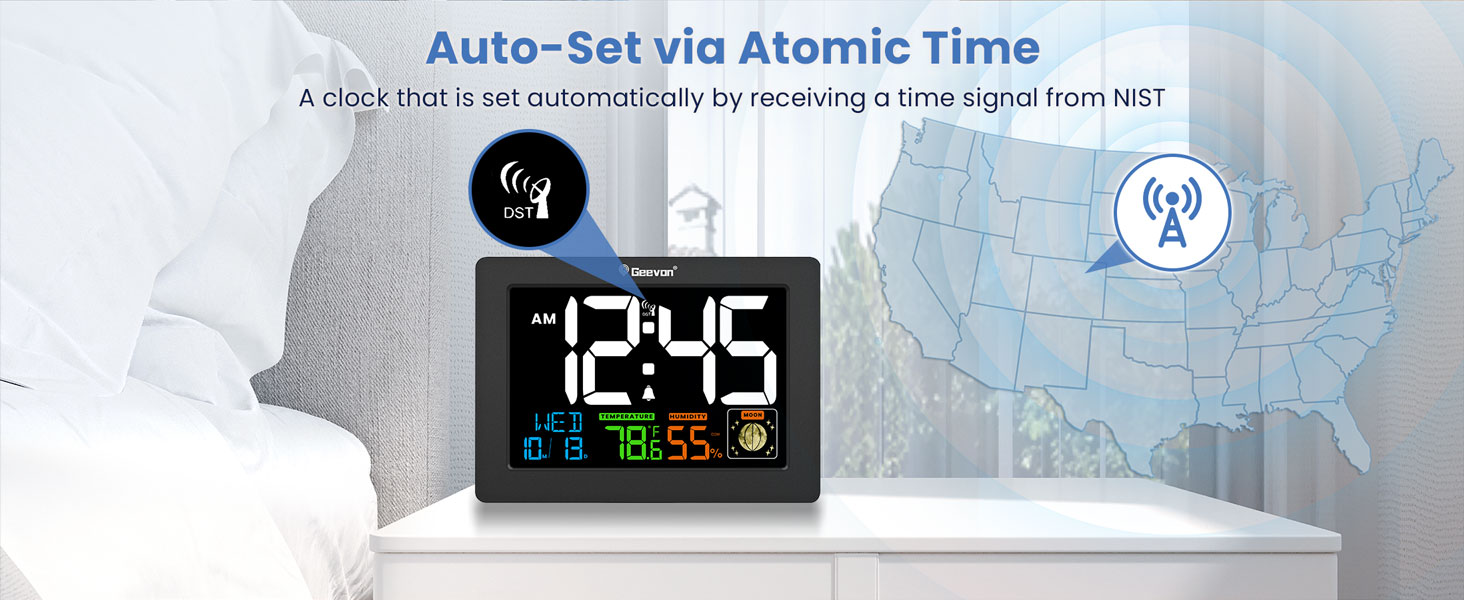
How to Set Up the Alarm Clock's Atomic Function?
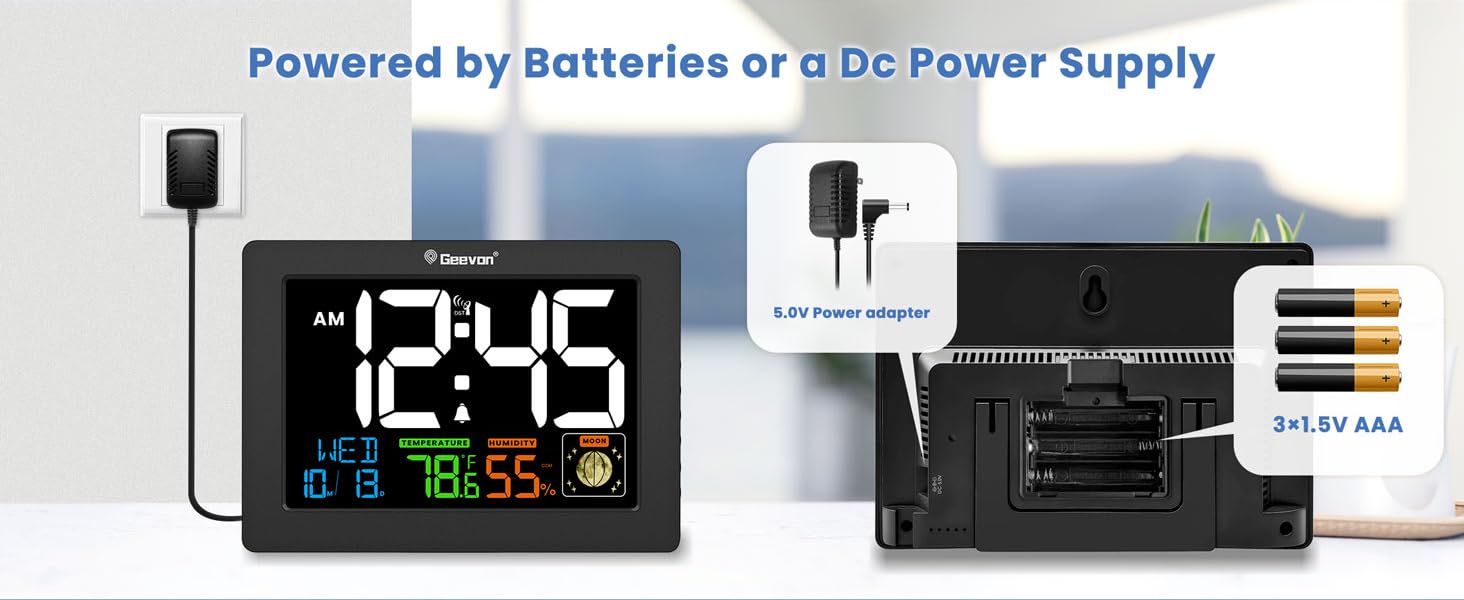
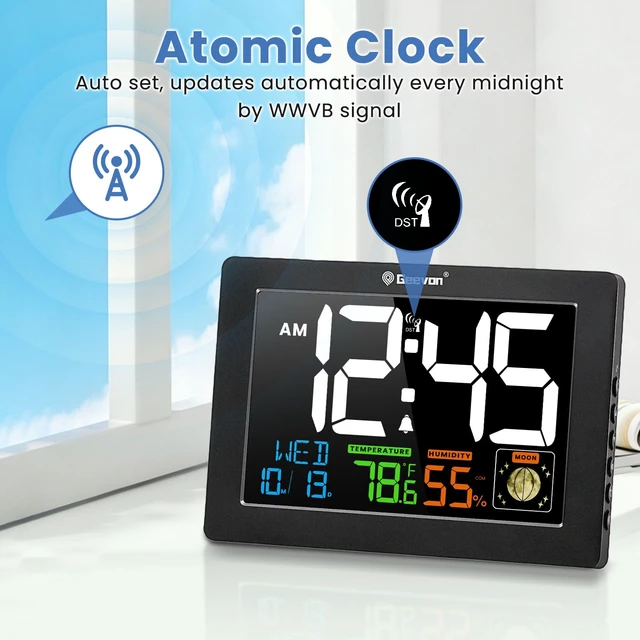
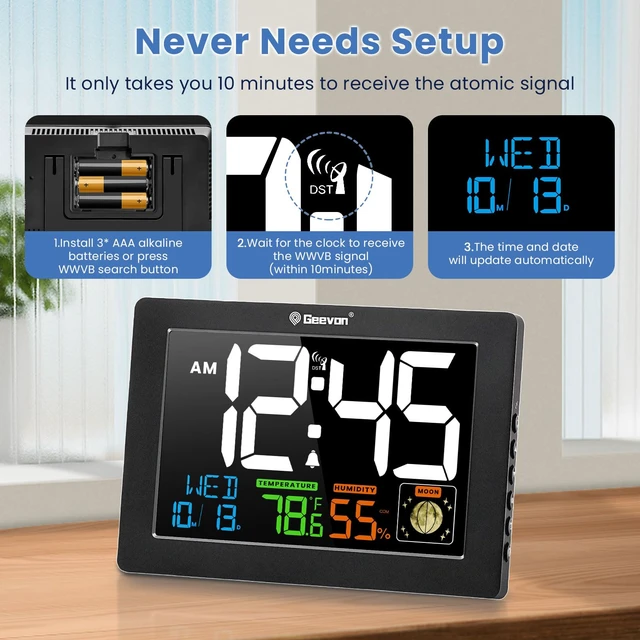
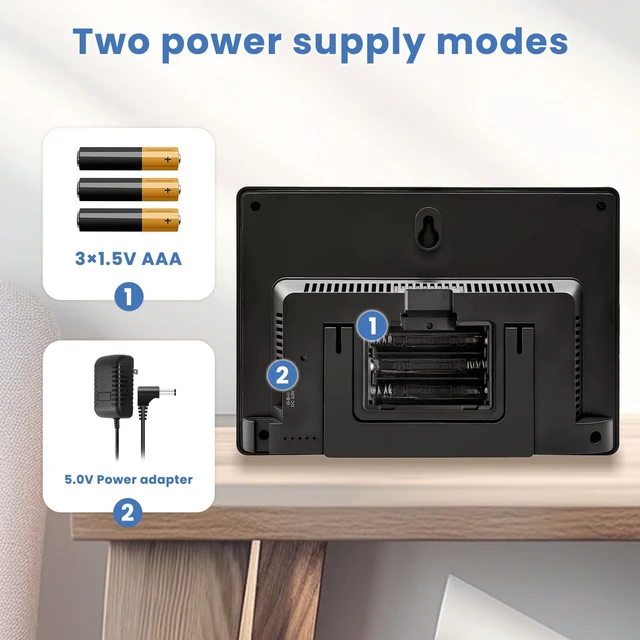
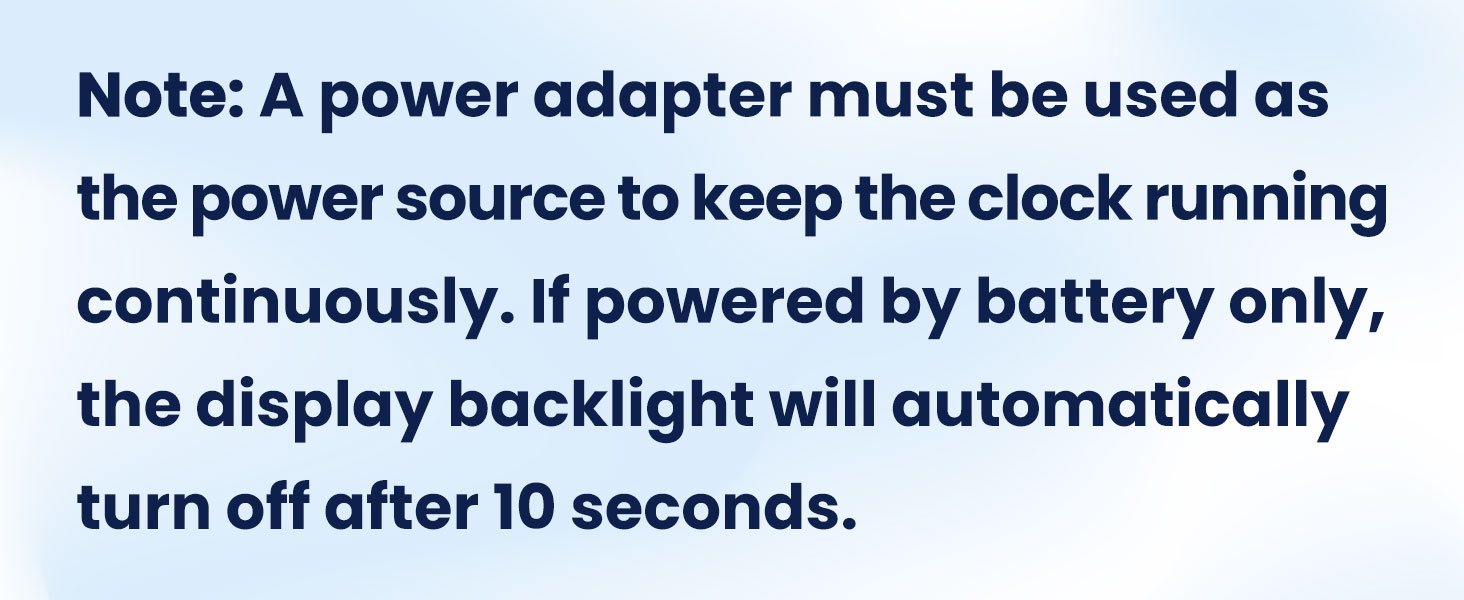
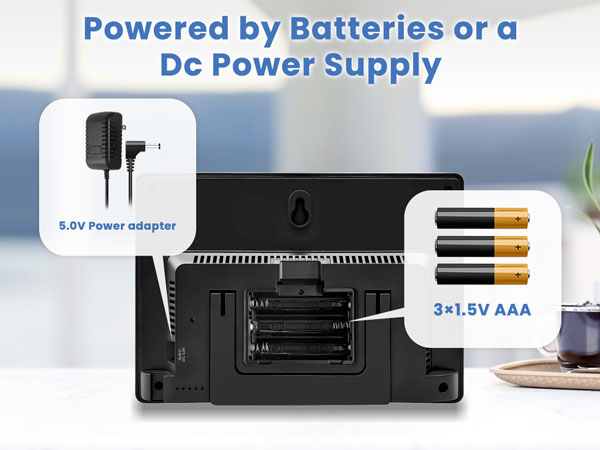
Once the DC power supply is connected, the alarm clock will automatically enter RCC reception mode. This process takes about 10 minutes, during which no action is required on your part.
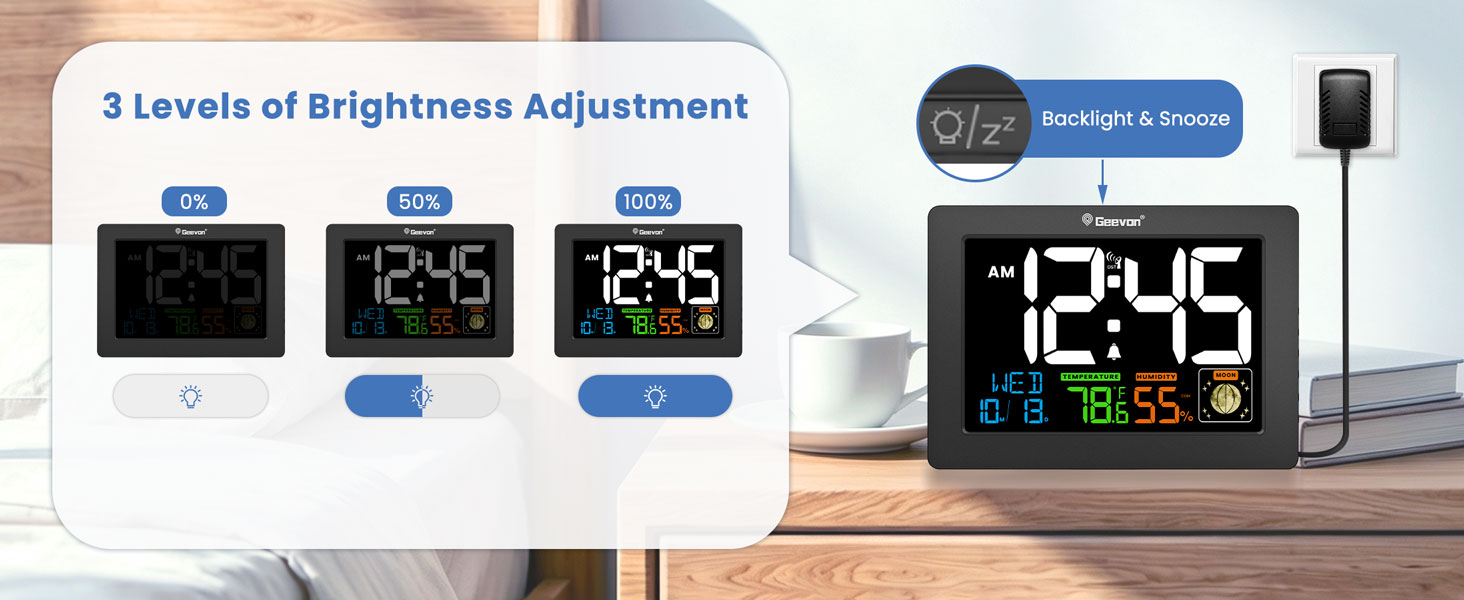
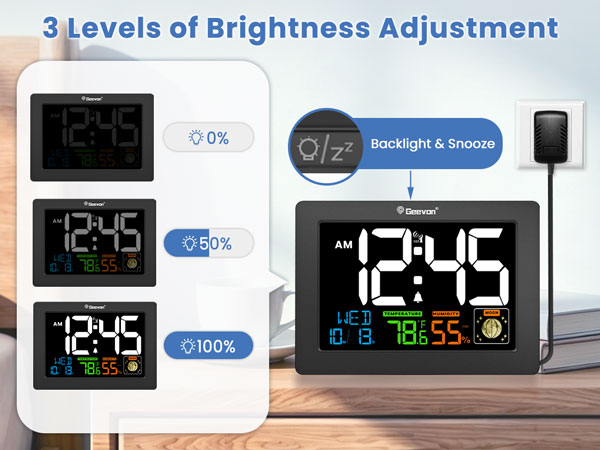
How to Adjust the Brightness of the Alarm Clock?
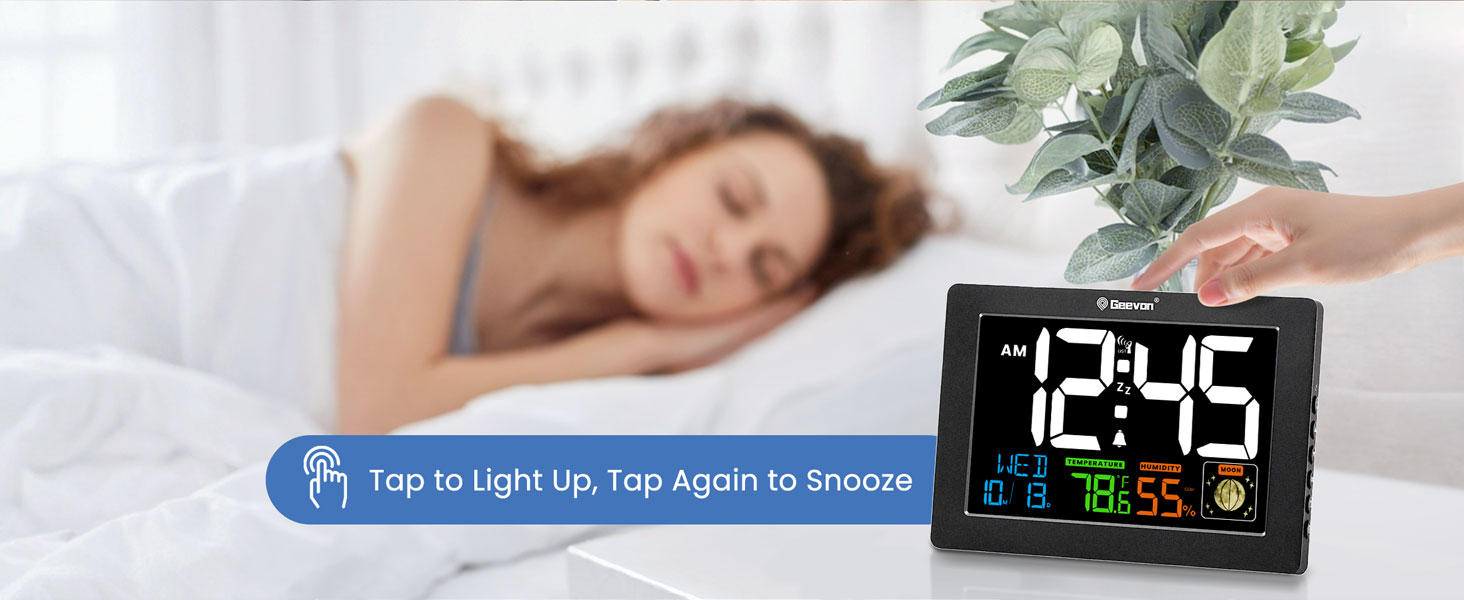
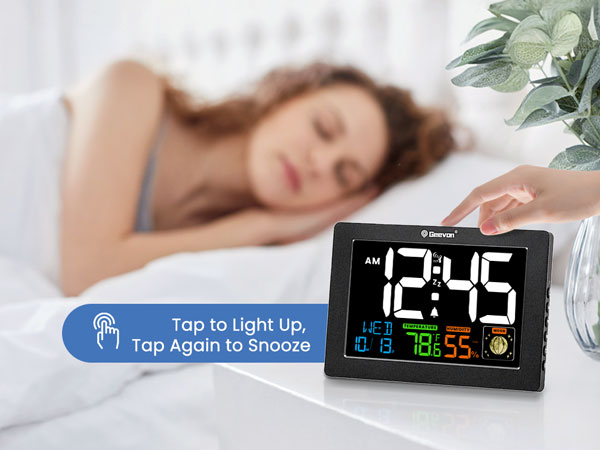
Be sure that your clock is plugged into the power cord, and then press the LIGHT button on the top of the clock to adjust the brightness.
Why the clock cannot update the time automatically?
Please confirm if the time zone was set correctly. Do not put the device around any electric device, such as TV or radio device, as they will affect the receiving of WWVB signal.
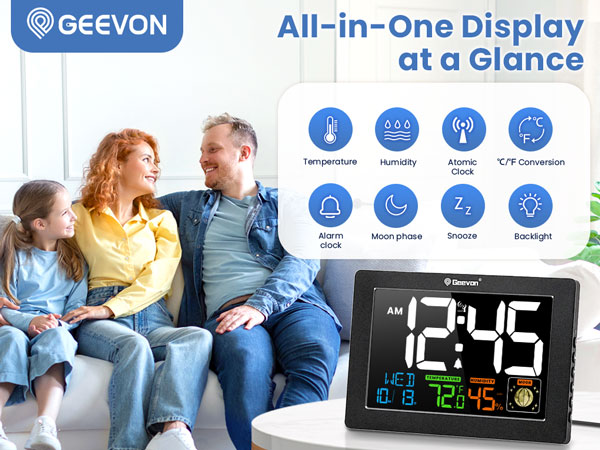
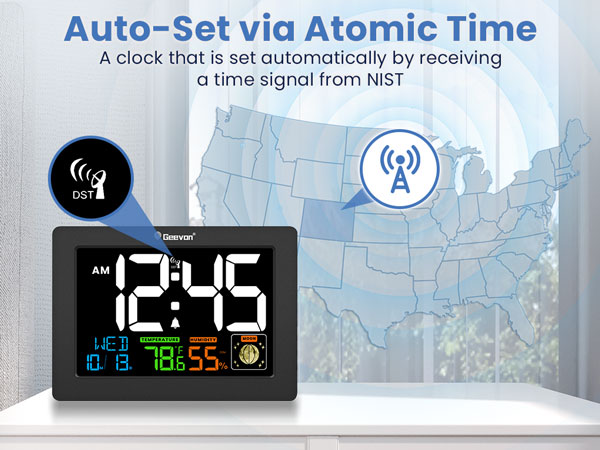
How to Set Up the Alarm Clock's Atomic Function?
Once the DC power supply is connected, the alarm clock will automatically enter RCC reception mode. This process takes about 10 minutes, during which no action is required on your part.
How to Adjust the Brightness of the Alarm Clock?
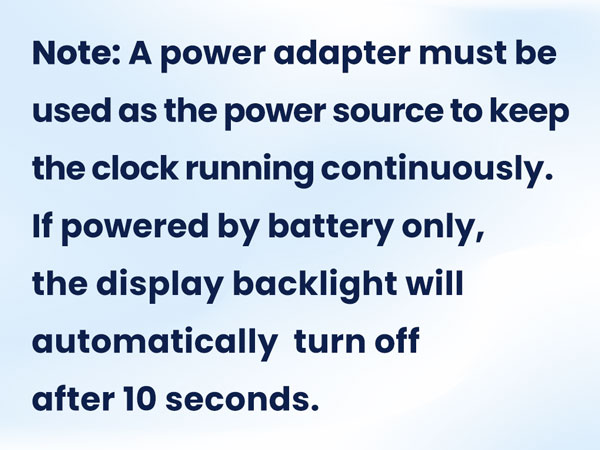
Be sure that your clock is plugged into the power cord, and then press the LIGHT button on the top of the clock to adjust the brightness.
Why the clock cannot update the time automatically?
Please confirm if the time zone was set correctly. Do not put the device around any electric device, such as TV or radio device, as they will affect the receiving of WWVB signal.