

Your Browsing History

Meet Your Seller

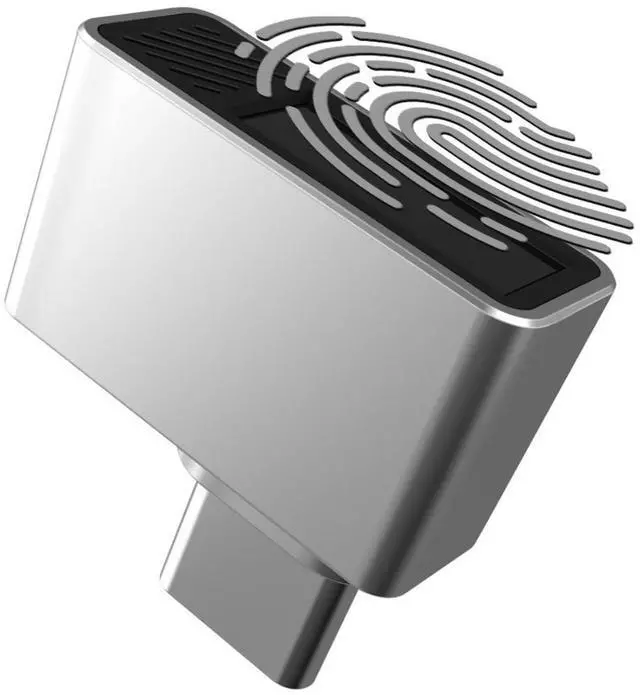



Nano USB C Fingerprint Reader for Windows 10/11 Hello - USB Type C Security Key Biometric Scanner Sensor Dongle Module for Instant Access, Password-Free Login, Sign-in, Lock, Unlock PC & Laptops
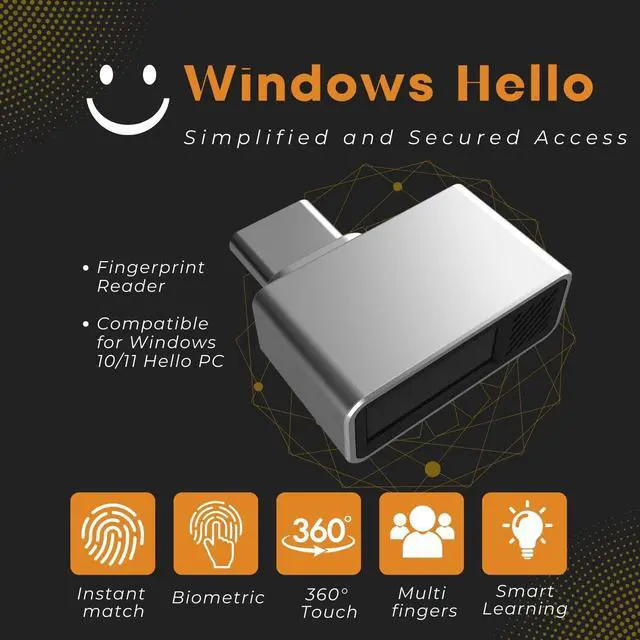
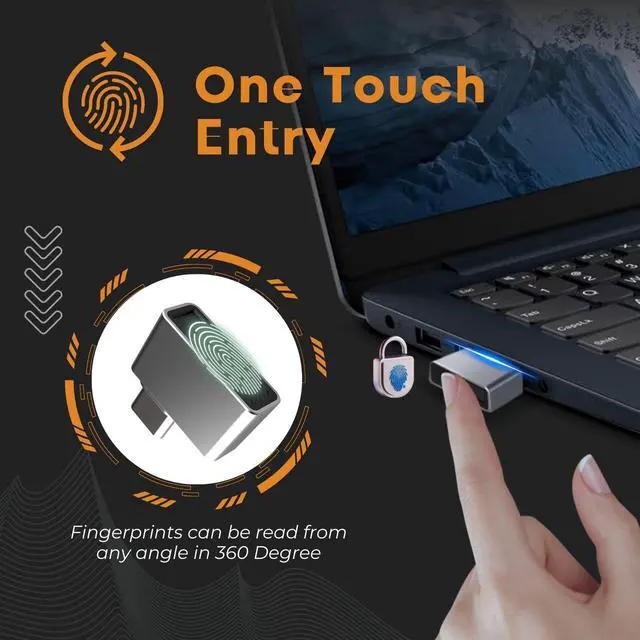
- Support Windows 10 / 11 Hello Biometric Authentication: Plug and play with updated Windows OS. Our USB-C fingerprint reader provides instant access for Windows computers. Logging in, signing in, or unlocking tasks can be accomplished with a finger touch. No need to remember usernames and passwords
- Up to 5 Fingerprint Registration: Allow family members, close friends, or colleagues to gain access to a single computer. 360 degrees all-direction fingerprint registering for better accuracy and faster response
- Paralleled Software Support: With Smart ID Encryption, encrypting your files has never been so easy. You can specify a folder as an encrypted zone, once a file is copied into the folder, it will automatically be encrypted
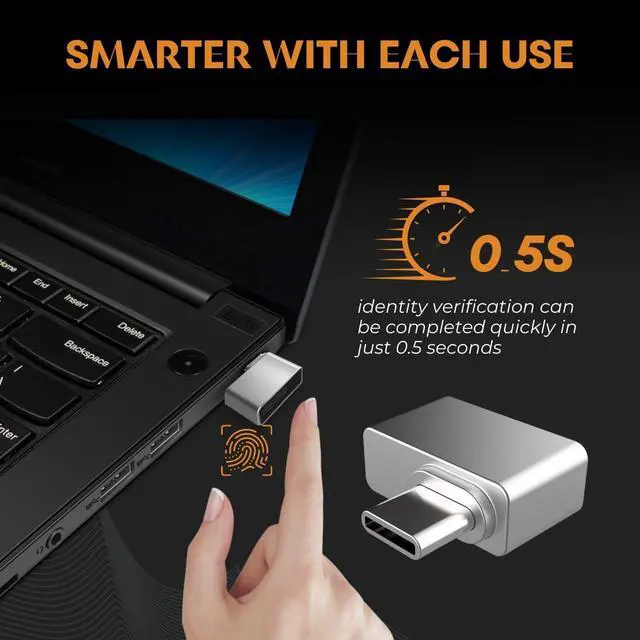
- Gets Smarter Over Time: With each fingerprint registry, the scanned data is added to the profile of the enrolled finger. So, the more you use it, the more accurate it gets. Allowing faster access
- All You Need in a Nano Formfactor: Small and lightweight, takes up no space. Drop it in your pocket and you wouldn't even notice a thing
+
+
Overview
Specs
Reviews

Any questions? Our AI mode will help you find out quickly.
Try me now
Windows OS incorporates multi-factor authentication technology based on standards developed by the FIDO Alliance. The operating system includes improved biometric authentication through the Windows Hello and Passport platforms. This USB C Fingerprint Reader device enables the software to support fingerprint-recognition login. Credentials are stored locally and protected using asymmetric encryption. The Passport platform allows networks, software, and websites to authenticate users using a PIN or biometric login to verify their identity without sending a password.
Specification:
- Dimension:11.51 x 10.01 x 2.01 mm (L*W*H)
- Weight: 0.56 onces
- Store Up to 5 individual fingerprints
- Note:
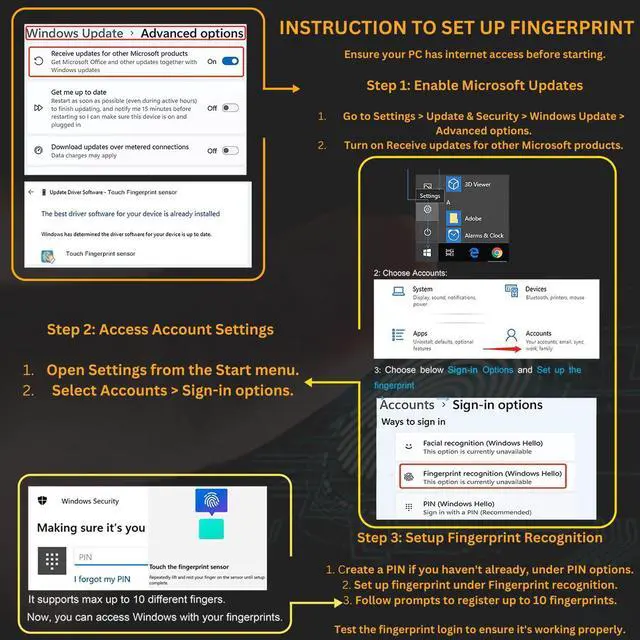
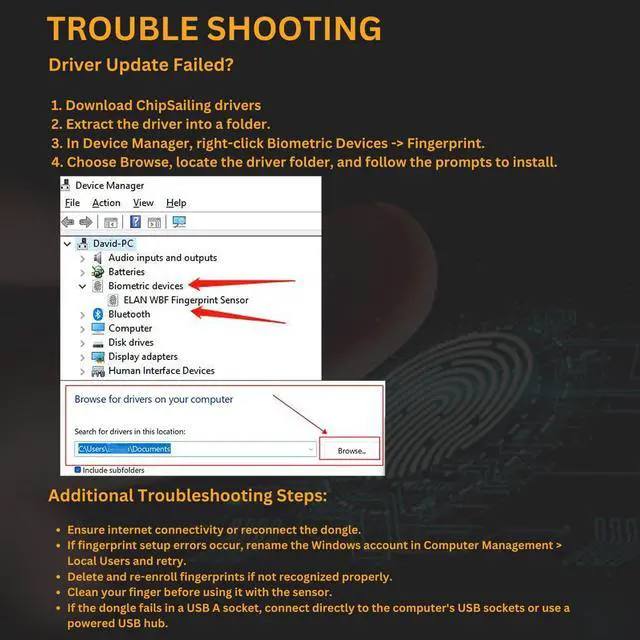
- - If encountering problems identifying fingerprints, make sure Windows is updated (driver will be updated automatically)
- - If unable to install the driver automatically, refer to the user manual for instructions
- - If your version of Windows OS is a nonofficial version (i.e. being installed by yourself or any 3rd party instead of updated from "Windows Update"), you need to create a new standard Administrator user to access Windows Hello features
- - Not compatible with Mac OS or Chrome OS
- Manual Driver update:
- 1. Plug in USB C Fingerprint Reader to USB Type C port
- 2. Open Device Manager/Other Devices/ELAN: Fingerprint, Right click, Update Driver
- 3. Click "Search automatically for drivers", then "Search for updated drivers on Windows Update"
- 4. Click "Check for updates" and ensure Windows is updated, then click "View optional updates"
- 5. Open "Driver Updates" pull down and check the "ELAN Finger Print - Biometric" box and update
- 6. Once updated, the device should show up in Device Manager under Biometric Devices "Elan Smart-id Fingerprint"
Package Content:
- 1x Nano USB C Fingerprint Reader
Warranty & Returns
Warranty, Returns, And Additional Information
Warranty
- Please contact the Seller directly for warranty information. Warranty information may also be found on the Manufacturer's website.
- CONTACT
Return Policies
- Return for refund within: 30 days
- Return for replacement within: 30 days
- This item is covered by CircuMax Return Policy
Manufacturer Contact Info
- For a directory of all our manufacturers, please click below.
- Manufacturers Directory
LOADING...