


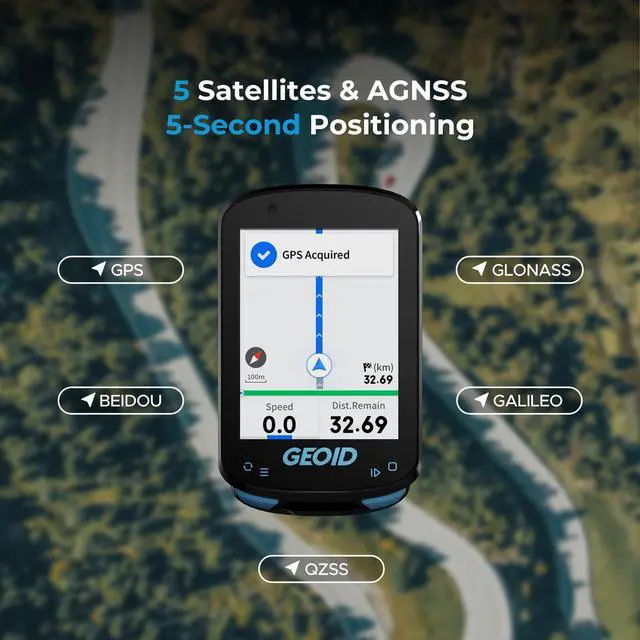
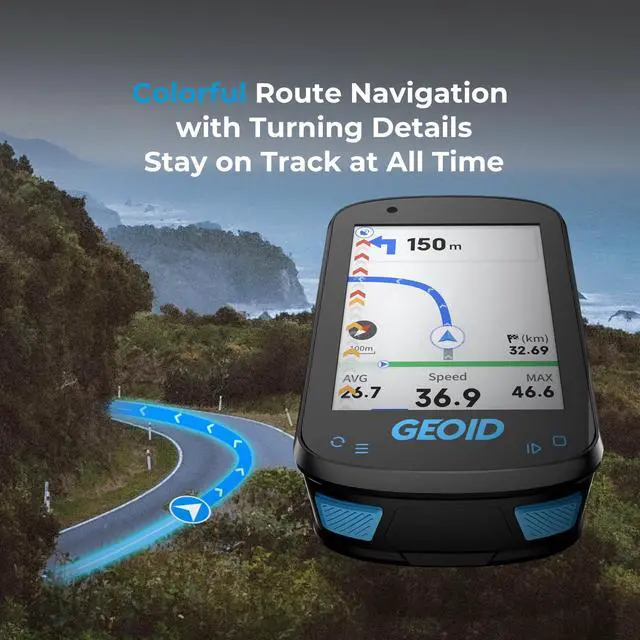


Ride For Fun!
GEOID — for all Joyful cycling explorers.
Empowering everyone to explore the endless possibilities of cycling.

“Geoid”, the truest form of Earth — a shape of endless unknowns and possibilities.
We believe cycling should never be confined—just as the Earth refuses to conform to rigid geometric lines.
We connect more people to riding through playful innovation, turning every journey into a starting point for discovery.
GEOID never defines cycling — our smart hardware serves both as a data-tracking tool and a tech accessory for riders.
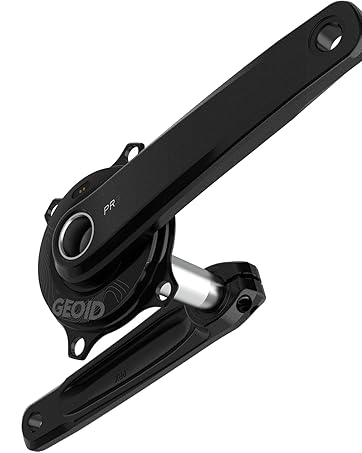
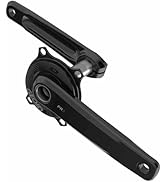
GEOID PM500 Power Meter
Designed for riders seeking accuracy and value, PM500 turns every ride into measurable progress.
Store Popular Products
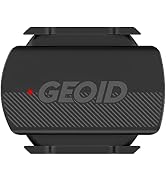
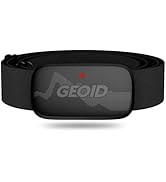
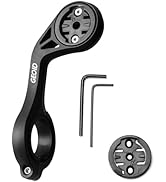
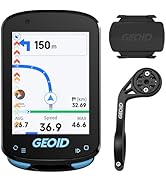
Store Popular Products
What makes our products unique?
Geoidsports is committed to applying cutting-edge technology to products to help athletes and cyclists obtain more professional cycling equipment and build the ability of exploration.
At the same time, Geoidsports helps riders better to understand the movement state and physical changes during cycling, and inspire the courage of internal exploration and self-transcendence.
Why do we love what we do?
Geoid products Integrates the power of science and technology, the passion of cycling & the courage of exploration, making every cycling experience beyond imagination.
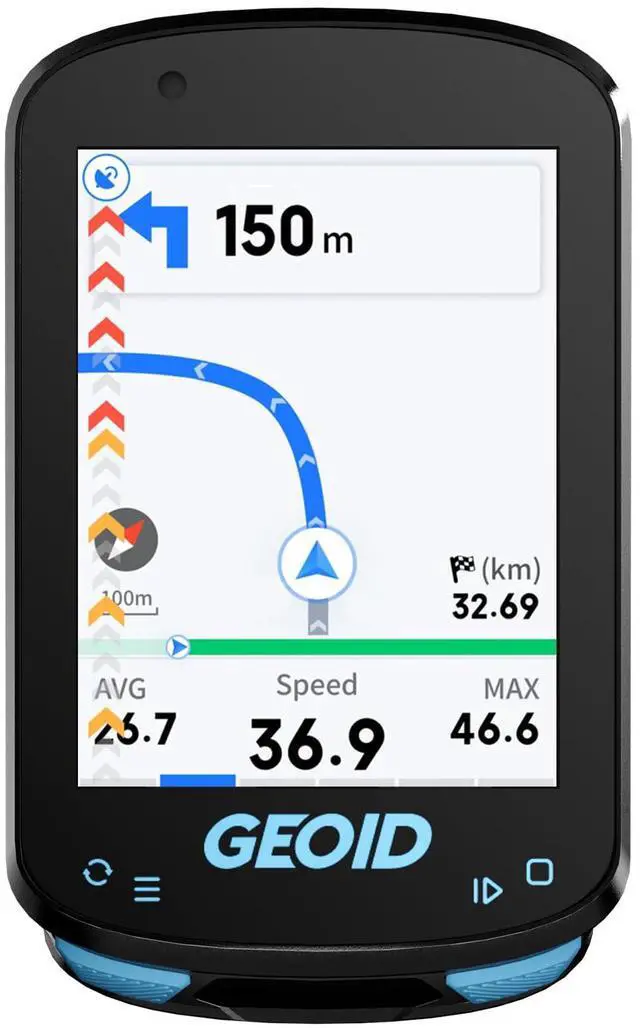
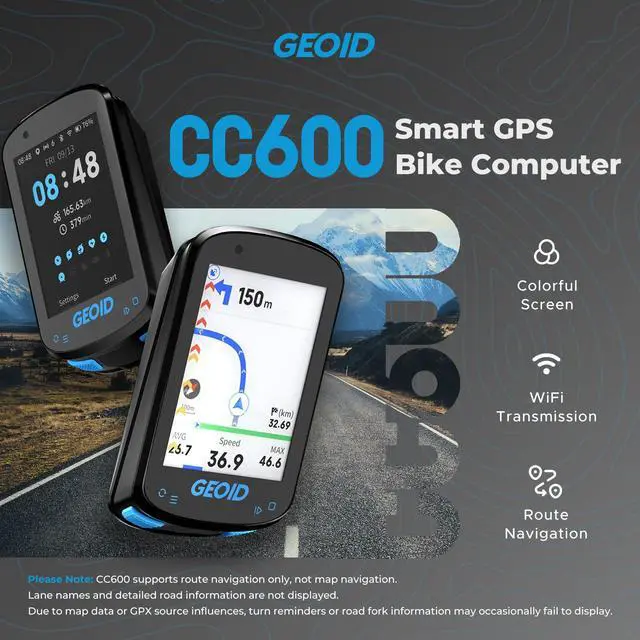
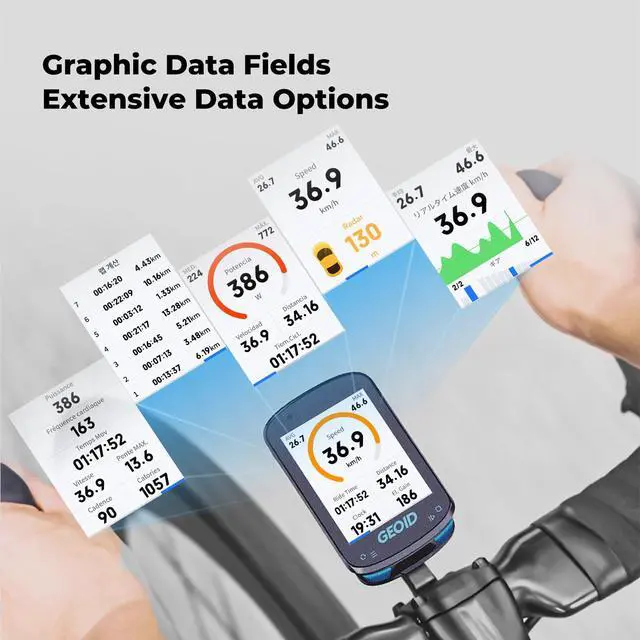
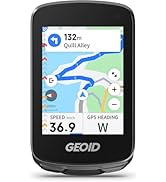
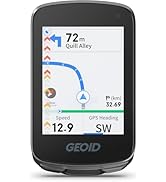
CC600 Color Screen Bike/Cycling Computer Wireless
Merchant Video


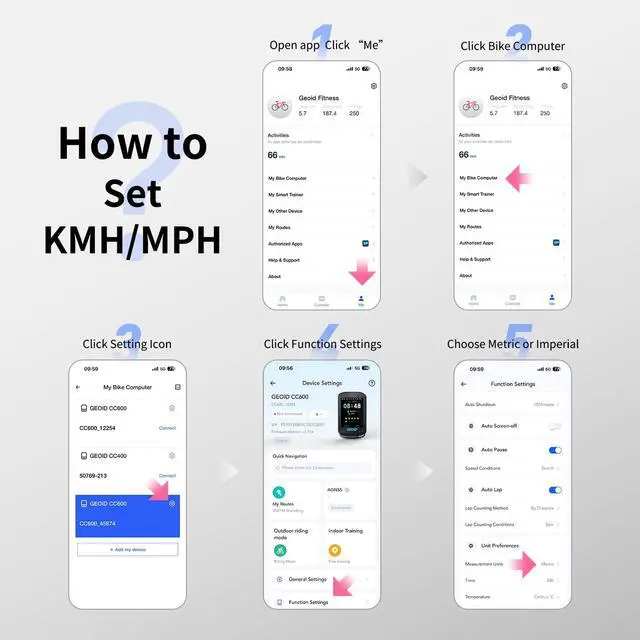
How to Set Units (Metric/Imperial, Temperature, Time, etc.)
Open the OnelapFit app, go to the Device Settings page, tap Function Settings, then tap Measurement Units to switch between Metric and Imperial. You can also change the time or temperature units here.
ls it compatible with Komoot?
Not officially. Plan route on Komoot, export GPX, import to bike computer, ride. After, download FIT file, upload to Komoot.
Why can't road fork information be displayed?
Due to map resource maintenance issues, some roads are missing, causing certain intersections to lack fork information during navigation.
Why does my bike computer show inaccurate data after installing a speed sensor?
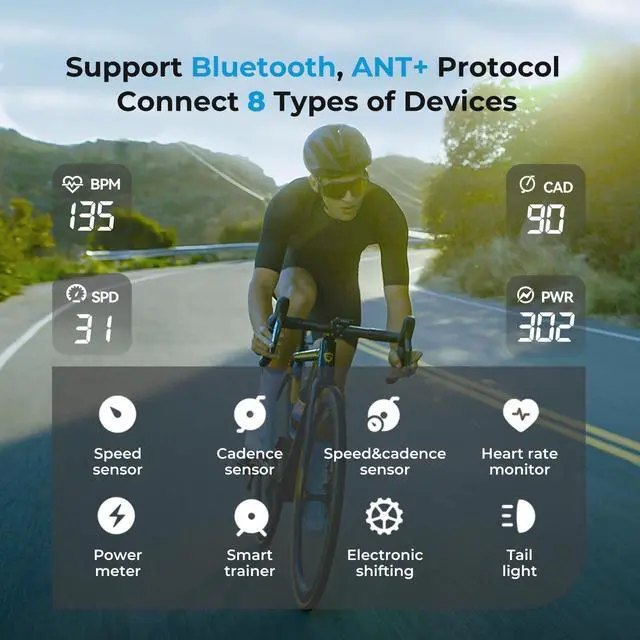
The bike computer prioritizes speed sensor data (wheel circumference x rotations) over GPS. For accurate data, manually set the correct wheel circumference in the app. The CC600 does not auto-calculate wheeldiameter.
Does the bike computer support map navigation, and how many routes can be loaded?
lt does not support map features or display nearby streets; navigation is based on GPX files. Routes up to 300 km in length can be loaded, and up to 4 routes can be stored simultaneously.
GEOID Bike Computer Sensor
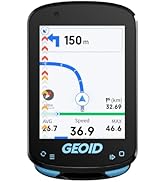
 PM500 Bike Power Meter |  CC600 Bike Computer |  CC700 Pro Bikc Computer |  CC700 Bike Computer |  HS500 Heart Rate Monitor |  CS600 Sensor | |
|---|---|---|---|---|---|---|
Customer Reviews | — | — | — | — | — | — |
Price | — | — | — | — | — | — |
Power Accuracy | ±1.5% | — | — | — | — | — |
Screen(Inch) | — | 2.4" Color Screen | 2.8" Touchscreen | 2.8" Color Screen | — | — |
Battery Life(hr) | 300H | 24H | 25H | 24H | — | — |
Track Navigation | X | Route Navigation | Map Navigation | Route Navigation | — | — |
Link Technology | ANT+, Bluetooth | WiFi ANT+ Bluetooth | WiFi ANT+ Bluetooth | WiFi ANT+ Bluetooth | — | — |
Free Training | — | YES | YES | YES | — | — |
Auto Backlight | — | YES | YES | YES | — | — |
Auto Time Calibration | — | YES | YES | YES | — | — |
CC600 Color Screen Bike/Cycling Computer Wireless
Merchant Video


How to Set Units (Metric/Imperial, Temperature, Time, etc.)
Open the OnelapFit app, go to the Device Settings page, tap Function Settings, then tap Measurement Units to switch between Metric and Imperial. You can also change the time or temperature units here.
ls it compatible with Komoot?
Not officially. Plan route on Komoot, export GPX, import to bike computer, ride. After, download FIT file, upload to Komoot.
Why can't road fork information be displayed?
Due to map resource maintenance issues, some roads are missing, causing certain intersections to lack fork information during navigation.
Why does my bike computer show inaccurate data after installing a speed sensor?
The bike computer prioritizes speed sensor data (wheel circumference x rotations) over GPS. For accurate data, manually set the correct wheel circumference in the app. The CC600 does not auto-calculate wheeldiameter.
Does the bike computer support map navigation, and how many routes can be loaded?
lt does not support map features or display nearby streets; navigation is based on GPX files. Routes up to 300 km in length can be loaded, and up to 4 routes can be stored simultaneously.
GEOID Bike Computer Sensor
PM500 Bike Power Meter | CC600 Bike Computer | CC700 Pro Bikc Computer | CC700 Bike Computer | HS500 Heart Rate Monitor | CS600 Sensor |
|---|---|---|---|---|---|
| Customer Reviews | |||||
| — | — | — | — | — | — |
| Price | |||||
| — | — | — | — | — | — |
| Power Accuracy | |||||
| ±1.5% | — | — | — | — | — |
| Screen(Inch) | |||||
| — | 2.4" Color Screen | 2.8" Touchscreen | 2.8" Color Screen | — | — |
| Battery Life(hr) | |||||
| 300H | 24H | 25H | 24H | — | — |
| Track Navigation | |||||
| X | Route Navigation | Map Navigation | Route Navigation | — | — |
| Link Technology | |||||
| ANT+, Bluetooth | WiFi ANT+ Bluetooth | WiFi ANT+ Bluetooth | WiFi ANT+ Bluetooth | — | — |
| Free Training | |||||
| — | YES | YES | YES | — | — |
| Auto Backlight | |||||
| — | YES | YES | YES | — | — |
| Auto Time Calibration | |||||
| — | YES | YES | YES | — | — |
Ride For Fun!
GEOID — for all Joyful cycling explorers.
Empowering everyone to explore the endless possibilities of cycling.
“Geoid”, the truest form of Earth — a shape of endless unknowns and possibilities.
We believe cycling should never be confined—just as the Earth refuses to conform to rigid geometric lines.
We connect more people to riding through playful innovation, turning every journey into a starting point for discovery.
GEOID never defines cycling — our smart hardware serves both as a data-tracking tool and a tech accessory for riders.
GEOID PM500 Power Meter
Designed for riders seeking accuracy and value, PM500 turns every ride into measurable progress.
Store Popular Products
Store Popular Products
What makes our products unique?
Geoidsports is committed to applying cutting-edge technology to products to help athletes and cyclists obtain more professional cycling equipment and build the ability of exploration.
At the same time, Geoidsports helps riders better to understand the movement state and physical changes during cycling, and inspire the courage of internal exploration and self-transcendence.
Why do we love what we do?
Geoid products Integrates the power of science and technology, the passion of cycling & the courage of exploration, making every cycling experience beyond imagination.