




Precautions

Data Cable with Type-C and USB 3.0 Port
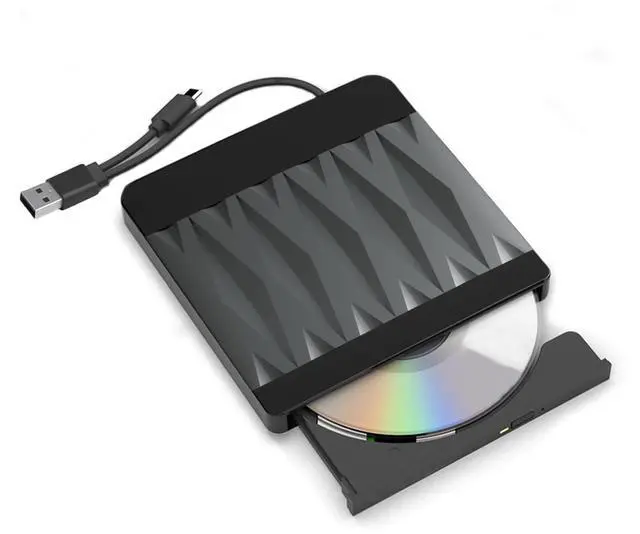
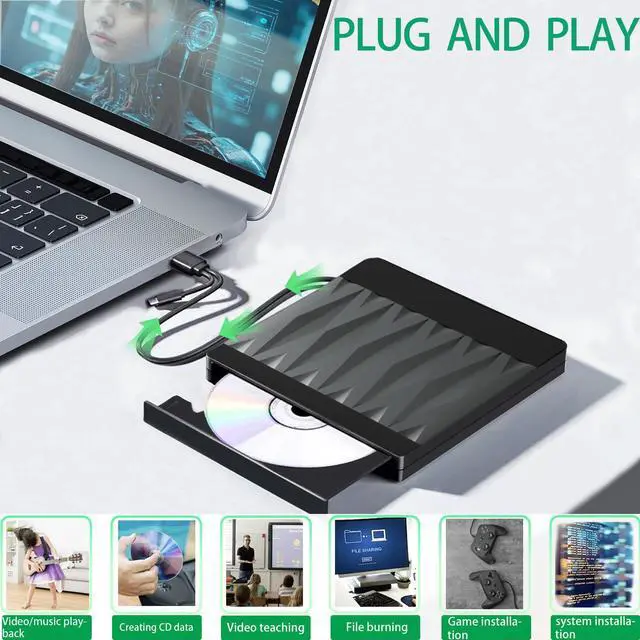
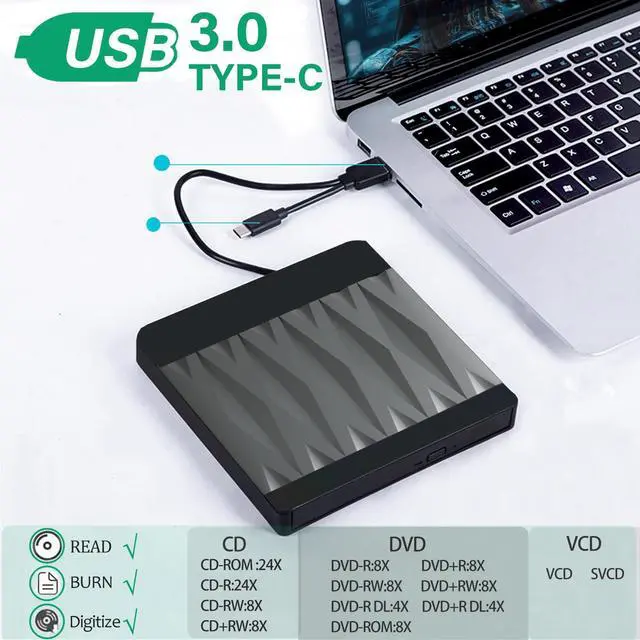
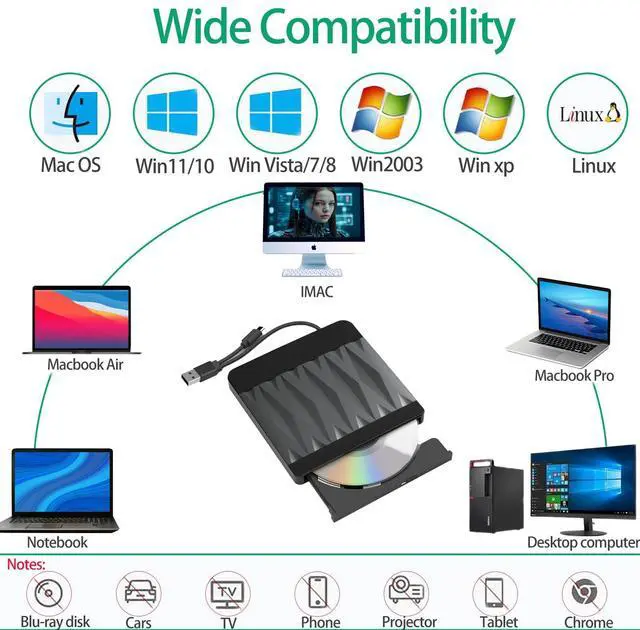
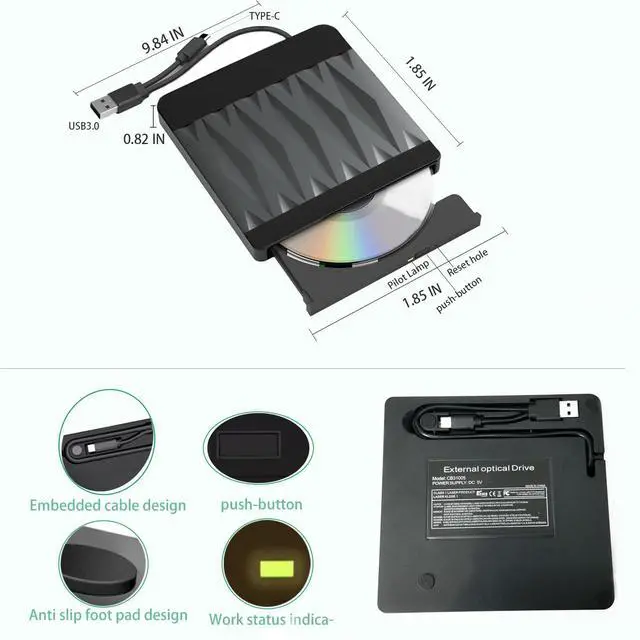
The external CD burner is powered by a Type-C port and a USB3.0 port. Simply plug the Type-C or USB3.0 port directly into the computer without requiring any other adapters.

Powerful Performance
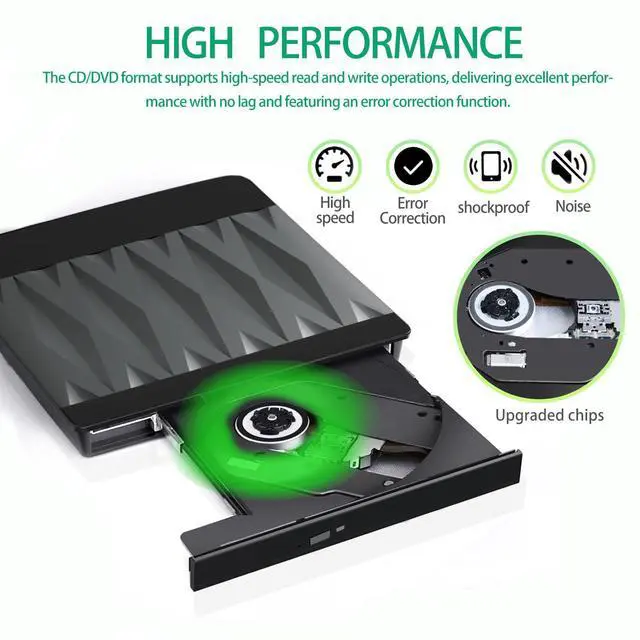
The new and upgraded DVD loader offers faster speeds, low impedance, and anti-jamming capabilities for a faster, smoother experience.

Lightweight DVD Writer
The slim design and lightweight weight allow us to carry and use this portable external CD/DVD drive anytime, anywhere.
How to use it?

Tips
1.Connect either end of the USB C connector or Type-C connector to the computer, the computer monitor should oppear in the lower-right corner of the icon.Click "My Computer" on the desktop should be displayed in the removable storage devices.(To avoid the problem of insufficient power supply to the computer, which may cause the DVD drive to fail to recognize, the computer should be connected to a power cord when using the DVD drive.)
2.Due to DVD region management limitations, the disc can only be played when the region code of this CD/DVD player matches the region code of the disc. Therefore, users should ensure that the two match when using it.
How to change region code : Windows :This PC– dvd drive- Properties – Hardware Tab – Properties button – Choose Region (US is 1) -Apply. Mac:Menu-System Preference-Language & Region - Region - Select Country - Apply
3.This product is not suitable for Blu ray discs. When using a CD/DVD disc, the side with the text on it should face upwards (as shown in Figure 6). After getting stuck in the tray, rotate the disc once and smoothly without any abnormal noise, then close the compartment door.
4.When using CD/DVD discs, make sure your computer has a media player. If not, please install a media player first, otherwise it will not be able to play successfully.(Tip: This product does not support Blu ray discs)


Precautions
Data Cable with Type-C and USB 3.0 Port
The external CD burner is powered by a Type-C port and a USB3.0 port. Simply plug the Type-C or USB3.0 port directly into the computer without requiring any other adapters.
Powerful Performance
The new and upgraded DVD loader offers faster speeds, low impedance, and anti-jamming capabilities for a faster, smoother experience.
Lightweight DVD Writer
The slim design and lightweight weight allow us to carry and use this portable external CD/DVD drive anytime, anywhere.
How to use it?
Tips
1.Connect either end of the USB C connector or Type-C connector to the computer, the computer monitor should oppear in the lower-right corner of the icon.Click "My Computer" on the desktop should be displayed in the removable storage devices.(To avoid the problem of insufficient power supply to the computer, which may cause the DVD drive to fail to recognize, the computer should be connected to a power cord when using the DVD drive.)
2.Due to DVD region management limitations, the disc can only be played when the region code of this CD/DVD player matches the region code of the disc. Therefore, users should ensure that the two match when using it.
How to change region code : Windows :This PC– dvd drive- Properties – Hardware Tab – Properties button – Choose Region (US is 1) -Apply. Mac:Menu-System Preference-Language & Region - Region - Select Country - Apply
3.This product is not suitable for Blu ray discs. When using a CD/DVD disc, the side with the text on it should face upwards (as shown in Figure 6). After getting stuck in the tray, rotate the disc once and smoothly without any abnormal noise, then close the compartment door.
4.When using CD/DVD discs, make sure your computer has a media player. If not, please install a media player first, otherwise it will not be able to play successfully.(Tip: This product does not support Blu ray discs)
Useful Tips for CD/DVD Drive External
1.Please do not place this CD burner near a strong magnetic object. Please securely place this USB CD player on a table surface, and do not place it on unstable objects or in vulnerable locations near this DVD drive USB to ensure proper functioning.
Useful Tips for CD/DVD Drive External
For desktop computers, we recommend connecting the data cable to the back USB port of the motherboard(Pic2) instead of the front USB port(Pic1).
Useful Tips for CD/DVD Drive External
1.This external CD/DVD player for laptop should be connected directly to the Type-C or USB 3.0 port on your laptop(Pic1) and not to a USB hub(Pic2).
2.If your device does not have enough power to support DVD drive USB, it is best to use an external power adapter to increase power.
Useful Tips for CD/DVD Drive External
1.lf it works well and computer can recognize the CD, but cannot read it, then maybe you are using a Blu-ray CD, Please kindly note that our CD does not support Blu-ray CD, Such a situaton comes rarely.
2.lf your computer is newly bought, and you do not have any of the problems above.then you might need a CD driver programme. Just download and install one fornormal use.