




 here!
here!
I’m your shopping assistant for PC builds, upgrades, and everything tech.
Got questions? Ask away!
Start a conversation
here!
I’m your shopping assistant for PC builds, upgrades, and everything tech.
Got questions? Ask away!
Start a conversation





Any questions? Ask CelesteSM will help you find out quickly.


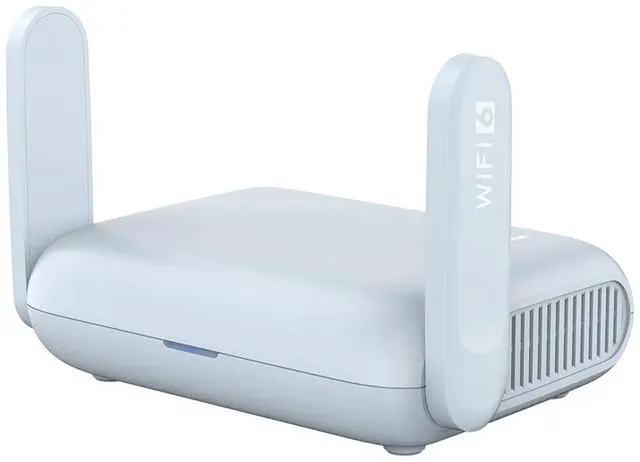
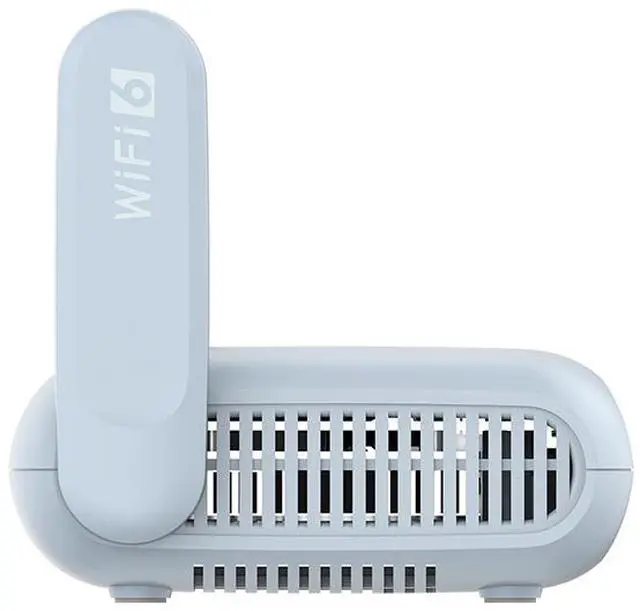
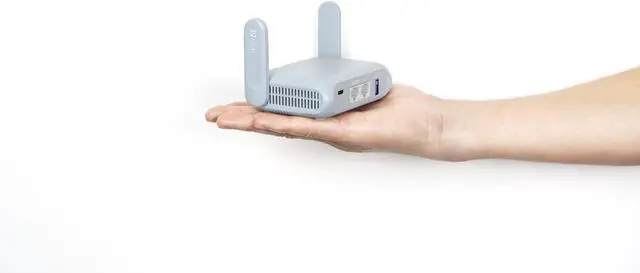
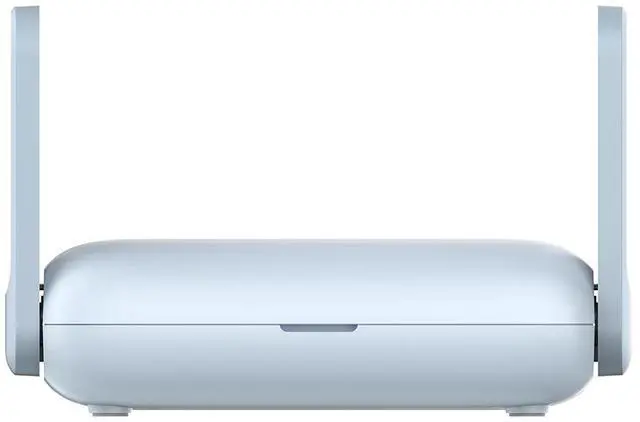
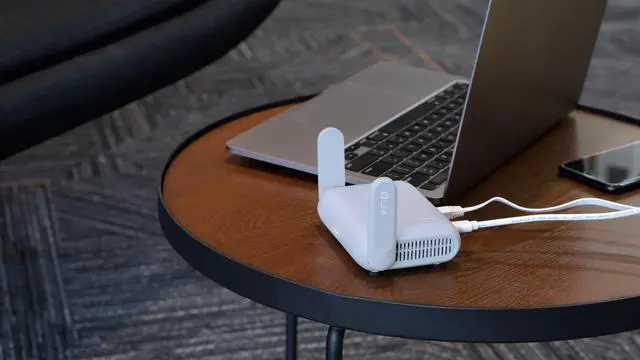
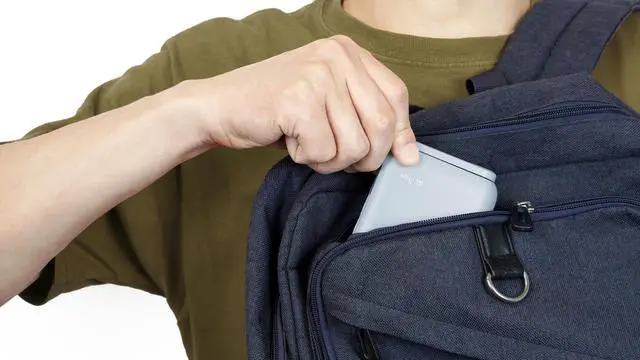
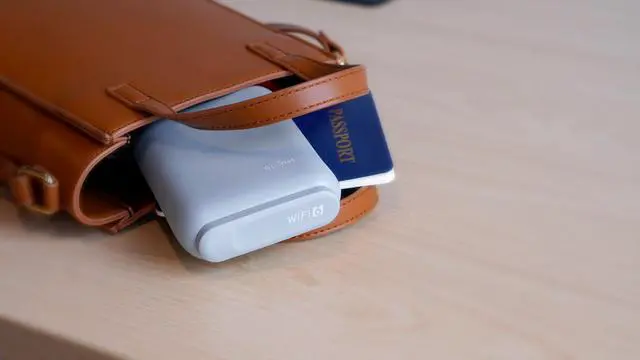
Beryl AX (GL-MT3000) is an AX3000 pocket-sized travel router that uses the Wi-Fi 6 protocol. It is an upgraded version of Beryl (GL-MT1300), it runs on MT7981B 1.3GHz dual-core processor, offering more than double the total Wi-Fi speed compared to previous generations. It is designed to support families with heavy Wi-Fi usage, and it's also compactly designed for travel use.
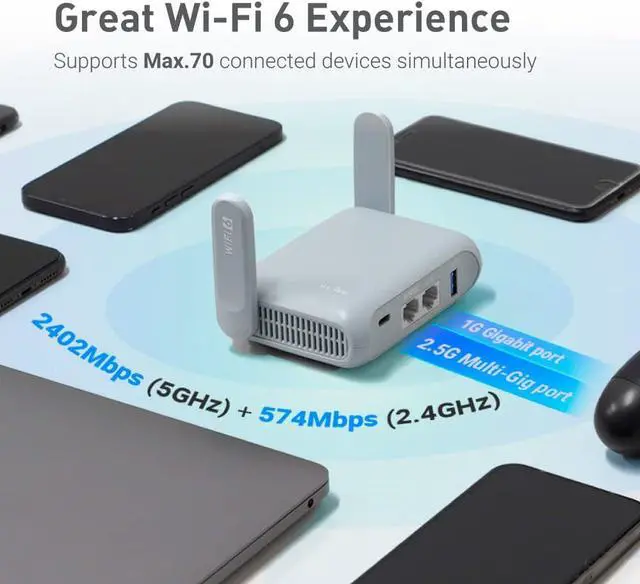
Max. 574 Mbps (2.4GHz) + 2402 Mbps (5GHz) Fast Wi-Fi Speeds
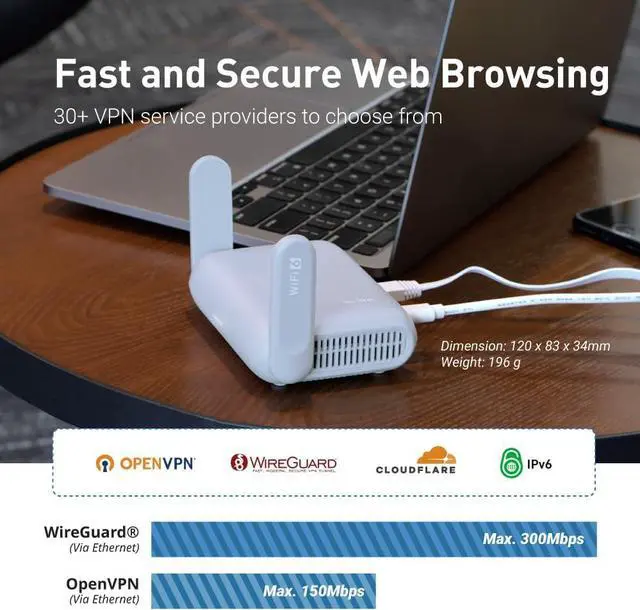
OpenVPN speed up to 150 Mbps; WireGuard® speed up to 300 Mbps
2.5G Multi-gigabit WAN port
Wi-Fi 6's is a powerful upgrade in mass device connectivity and OFDMA data transmission efficiency technologies. On top of this, Wi-Fi 6 comes with a series of internet technology breakthroughs, including Beamforming for enhanced coverage and BSS Coloring for minimal network congestion.
 Video Stream
 Gaming
 Work Trips
 Apartment

Video buffering ruins the media experience. Beryl AX's Wi-Fi 6 speed supports a family usage of multiple devices streaming 4K videos without being interrupted by data buffering.

Every single ping matters. Beryl AX's Wi-Fi 6 protocol processes network data more efficiently than older internet protocols, reducing the latency for game servers to respond.

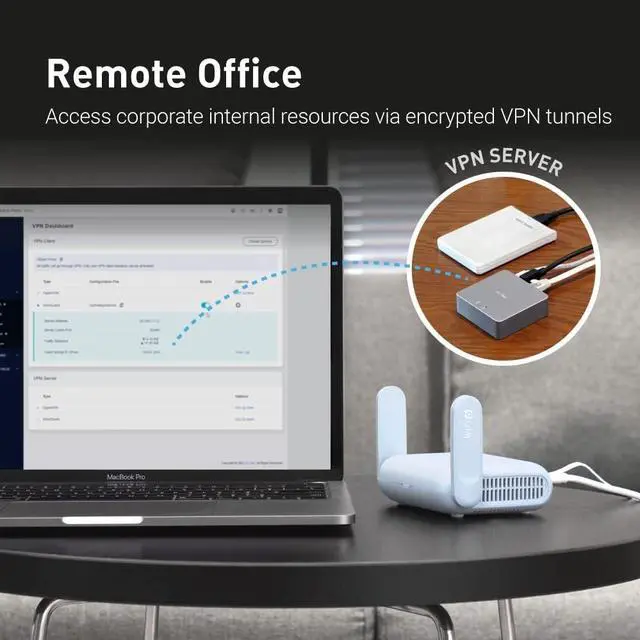
Beryl AX processes VPN efficiently, granting remote workforce or employees on business trips a conveniently secured VPN tunnel for accessing company's sensitive data or the public internet under public Wi-Fi or unknown networks.

Beryl AX dramatically improves Wi-Fi congestion in condense apartment environments. It supports OFDMA technologies on processing network data from multiple devices efficiently and using BSS Coloring technology to avoid congested channels from neighboring Wi-Fi signals.

Beryl AX (GL-MT3000) is pre-installed with OpenVPN and WireGuard® supporting 30+ VPN services. It automatically encrypts all network traffic within the connected network, including guest or client devices that are not capable of running VPN. Beryl AX can also host VPN servers and supports VPN Cascading, automatically forwarding data from its VPN server to the VPN client within the same device.
WireGuard® is a registered trademark of Jason A.Donenfeld.

* Tests conducted on a local network. Real world speeds may differ depending on your network configuration.
* OpenVPN and WireGuard speeds will be slower when running the device as a server. Results above are in client mode.
Support Max. 52 connected wireless devices simultaneously


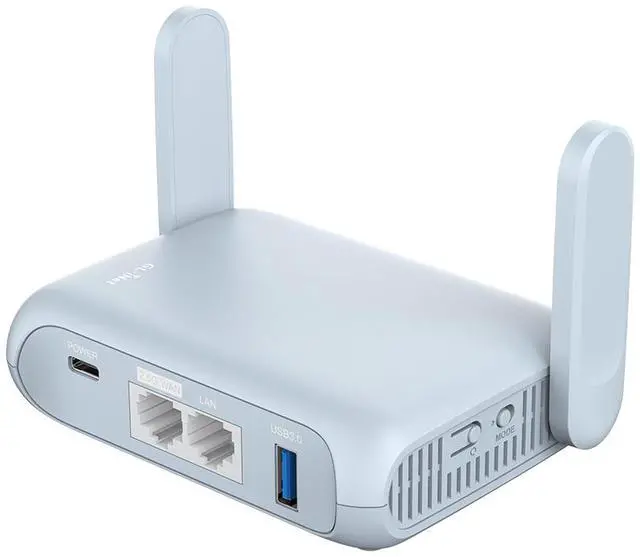
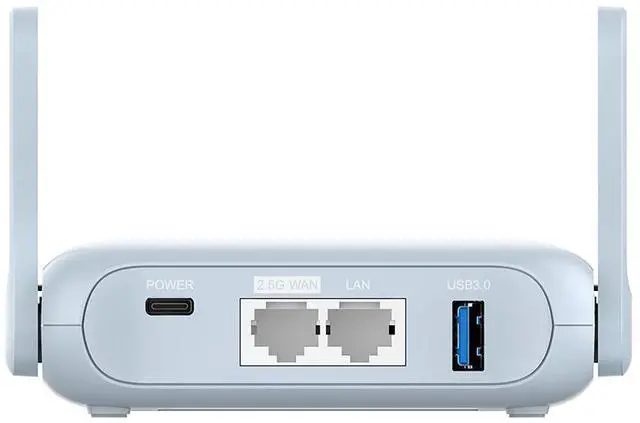
Beryl AX comes with a 2.5G Multi-gigabit WAN port and a 1G gigabit LAN port, it is capable of processing network and VPN packets efficiently using its MediaTek MT7981B 1.3GHz Dual-core processor. The router also comes with a Type-C power supply and a USB 3.0 port for external storage.

Beryl AX's latest SDK4.0+ firmware presents a user-friendly interface for common users to set up the router with minimal inputs, and an extended customization experience for advanced users to install plug-ins and applications. Beryl AX runs on open source OpenWrt 21.02 (Kernel version 5.4) firmware, supporting more than 5,000 ready-made plug-ins for customization. Simply browse, install, and manage packages with our no-code interface within Beryl AX's Admin Panel.

Our local network storage feature supports SAMBA and WebDav protocol. By plugging an external USB hard disc into the router, you can create a private network to store and share your documents. No matter for work or family, you can benefit from easy file access. Save space on your devices by storing photos and videos on the network.

Beryl AX is approved to use DFS (Dynamic Frequency Selection), letting the router's 5GHz network use additional frequencies normally reserved by military, satellite, and weather radar applications. The selection of additional channels can lower network congestion under high density network environments.

The latest Wi-Fi security protocol with extensive improvements including preventive measures against password brute-force attacks, user-to-user snooping, and individualized encryption in public Wi-Fi networks.

Protecting domain name system traffic and preventing data eavesdropping from malicious parties, advertising platforms, and ISPs by encrypting plaintext DNS traffic using HTTPS and TLS protocols.

Using a DNS server for blocking unwanted tracking and includes a user-friendly web interface to filter selected digital advertisements.

The latest internet protocol, featuring built-in authentication for privacy protection, eliminating the need for network address translation, and featuring an improvement in a simplified and efficient routing.

Use Beryl AX together with the GL-M2 Development Board which is designed to connect you to a 5G network and give you the internet you deserve. With a built-in SIM card slot, the GL-M2 Development Board serves as a 5G modem for your router to get your internet up and running, whether you are residing in a remote area with no internet access or traveling on the road. Even better, the GL-M2 Development Board features multi-WAN, supporting failover and load balancing to keep you connected at all times.


Product Initial Setup Guide
Visit the User Guide page https://docs.gl-inet.com/en/4/user_guide/gl-mt3000/first_time_setup/ and choose the product model and specification required for setup from the options on the left-hand side of the page.
How to Set Up OpenVPN Client on GL.iNet Router
Navigate to the OpenVPN Client Configuration section https://docs.gl-inet.com/router/en/4/interface_guide/openvpn_client/, where you can follow the provided guide to effortlessly unlock NordVPN and OpenVPN settings, ensuring seamless VPN functionality.
How to Set Up WireGuard Client on GL.iNet Router
Visit the WireGuard VPN Client page https://docs.gl-inet.com/router/en/4/interface_guide/wireguard_client/ and refer to the guide to effortlessly configure settings for AzireVPN, Mullvad, and other WireGuard client features.
How to Connect to the Internet via an existing Wi-Fi by Repeater
Repeater https://docs.gl-inet.com/router/en/4/interface_guide/internet_repeater/ Mode Basic Setup Guide
How to Build Your Own WireGuard Home Server
Proceed to the Tutorials section https://docs.gl-inet.com/router/en/4/tutorials/build_your_own_wireguard_home_server_with_two_glinet_routers/ and refer to the guide to effortlessly complete the setup of your WireGuard Home Server.
How to do if Can't access web Admin Panel
Visit the FAQ page https://docs.gl-inet.com/router/en/4/faq/cannot_access_web_admin_panel/ and search for the "Can't access the web Admin Panel" section to find the specific reasons and solutions for this issue.
We want to ensure your holiday shopping this year is hassle-free. That’s why we’re automatically extending our return policies on almost every product! For purchases placed between November 1st, 2026 and December 31, 2026 you will have until January 31, 2027 to return your product.
The GL.iNet GL-MT3000 (Beryl AX) is a pocket-sized Wi-Fi 6 travel router with a 2.5G WAN port, built-in OpenVPN and WireGuard, and support for connecting multiple devices through one network—suited to travelers and remote workers using hotel or public internet.
| Attribute | Value |
|---|---|
| Best For | Portable Wi-Fi networking during travel |
| Wireless Standards And Bands | Wi-Fi 6 dual-band networking on 2.4 GHz and 5 GHz, with IEEE 802.11a/b/g/n/ac/ax support |
| Wireless Data Rates | 574 Mbps on 2.4 GHz and 2402 Mbps on 5 GHz |
| Wired And USB Connectivity | One 2.5G WAN port, one 10/100/1000M LAN port, and USB 3.0 |
| Antennas | Two retractable external Wi-Fi antennas |
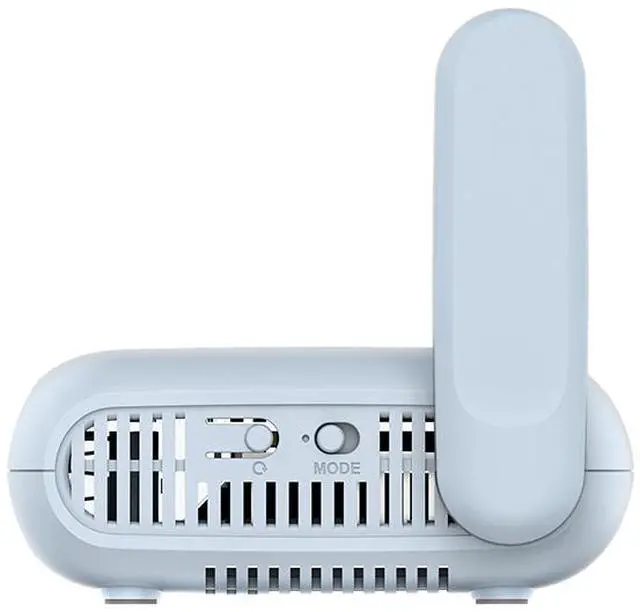
| Memory And Controls | 512 MB DDR4 memory, 256 MB NAND flash, one reset button, and one toggle button |
| Power | USB Type-C power input, 5V/3A |
| Dimensions And Weight | 120 × 83 × 34 mm; 196 g |
| Operating And Storage Temperatures | Operating: 0–40°C (32–104°F); storage: −20–70°C (−4–158°F) |
| Model Identifiers | GL.iNet GL-MT3000 |


