here!
here!
I’m your shopping assistant for PC builds, upgrades, and everything tech.
Got questions? Ask away!
Start a conversation
here!
I’m your shopping assistant for PC builds, upgrades, and everything tech.
Got questions? Ask away!
Start a conversation



Any questions? Ask CelesteSM will help you find out quickly.
Does this controller support OTA upgrades?
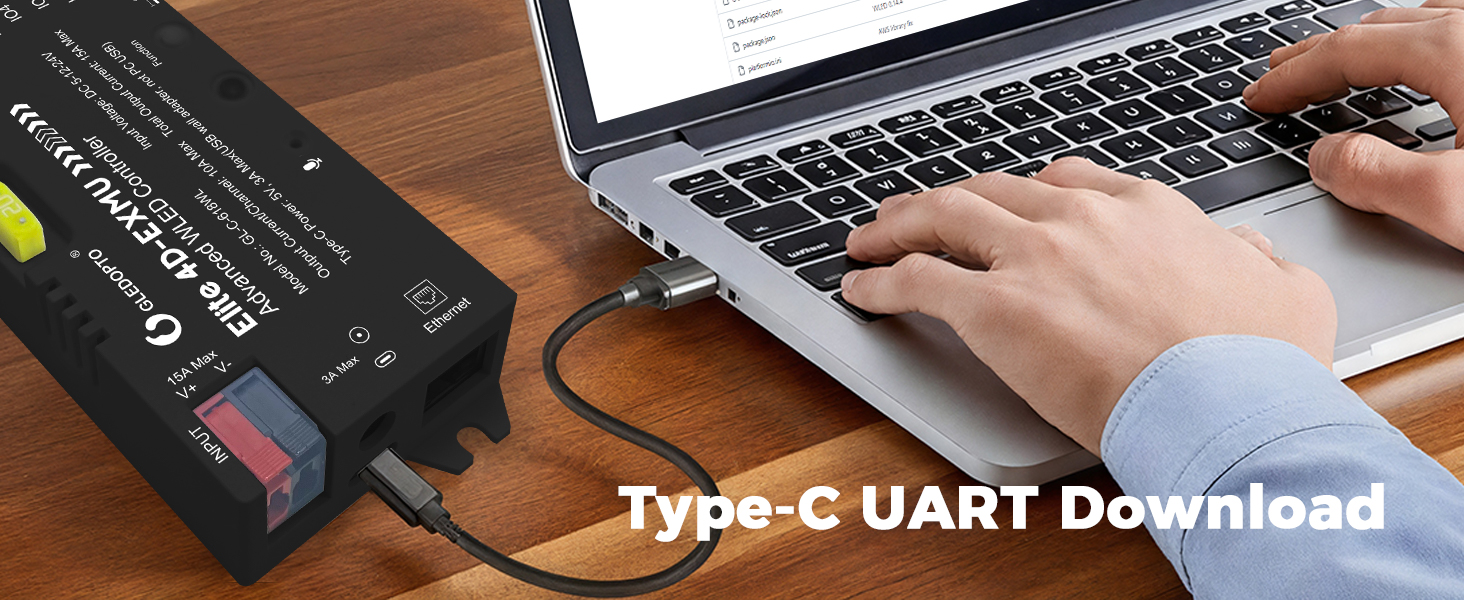
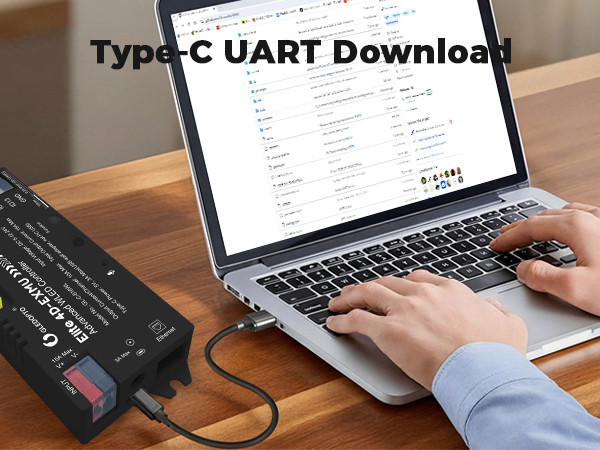
Yes, this controller supports firmware upgrades, but since it uses custom firmware, we recommend downloading the firmware from the Gledopto website.
How should we choose a power supply?
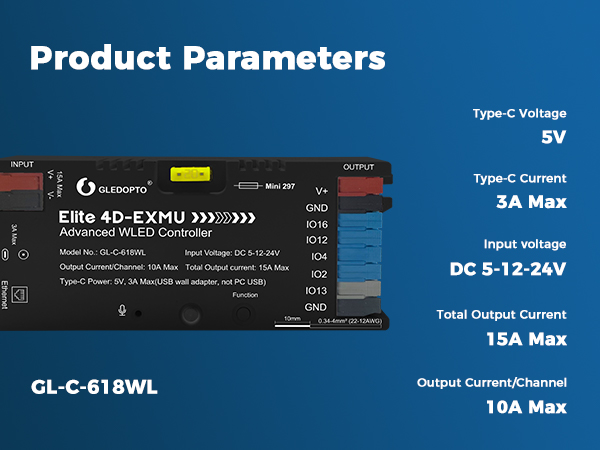
This controller does not change the voltage, and the power supply voltage needs to be the same as the LED strip. For example, a 5V LED strip requires a 5V power supply
What is the power input interface of the controller?
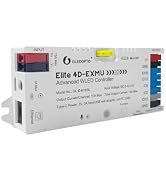
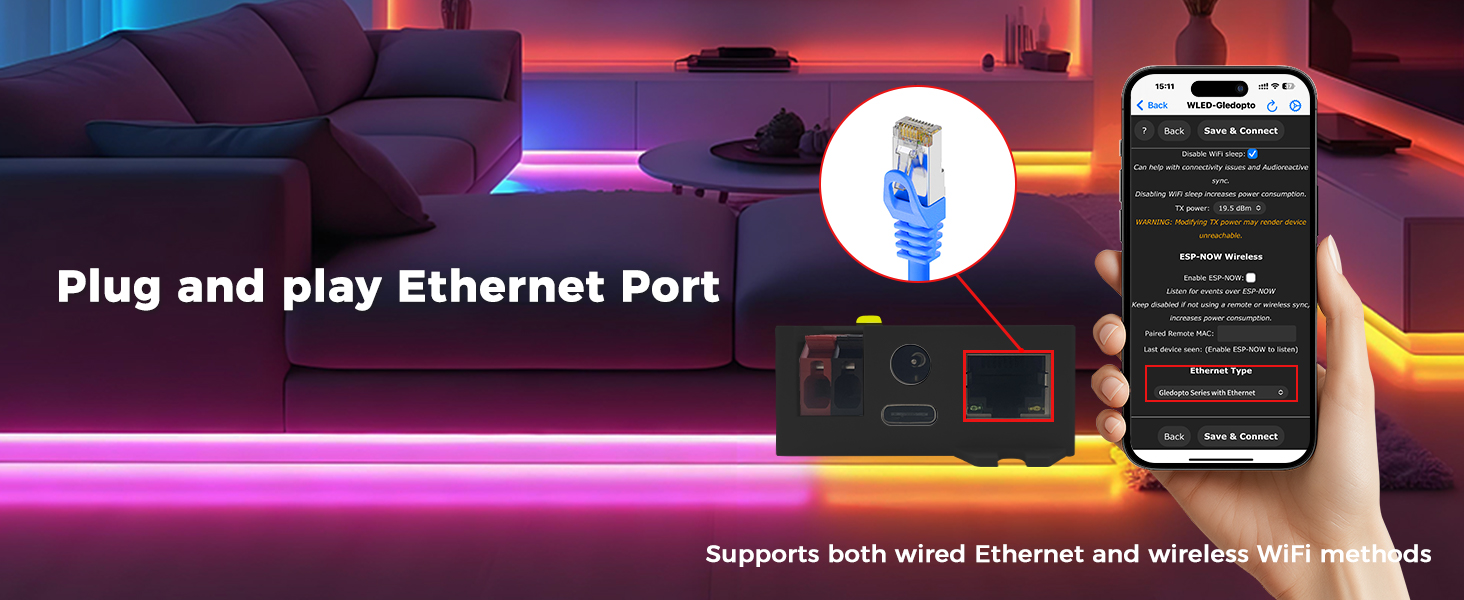
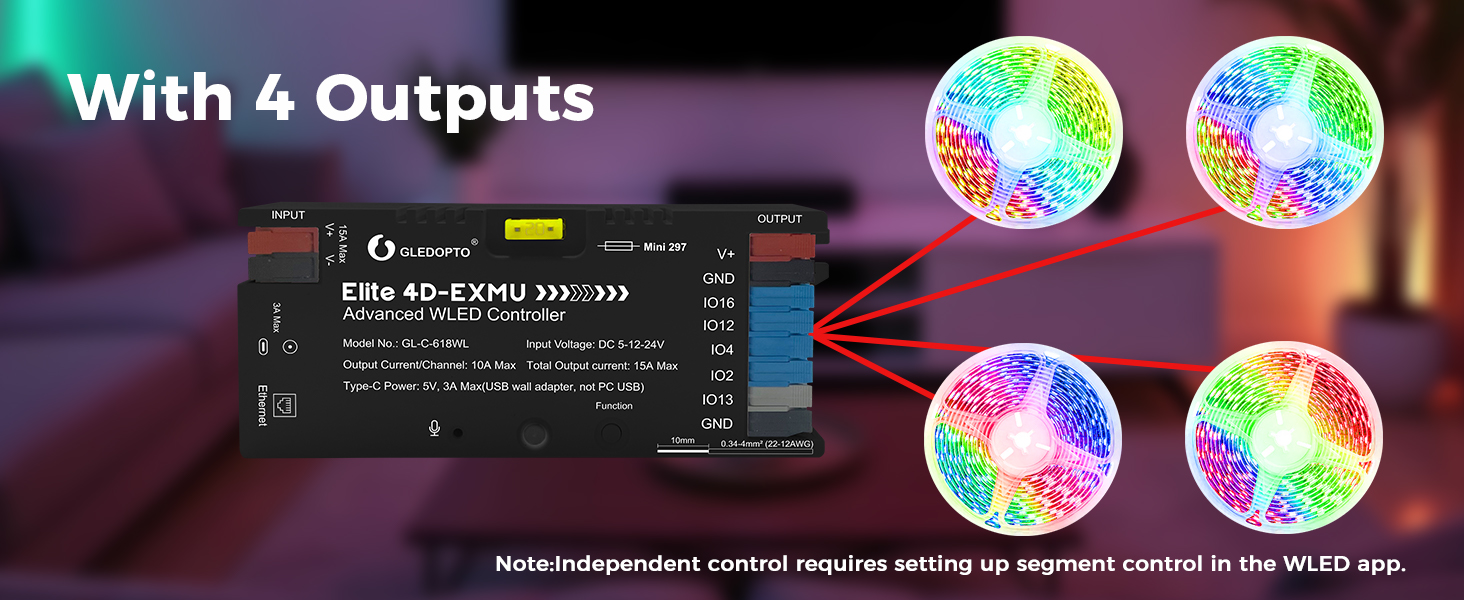
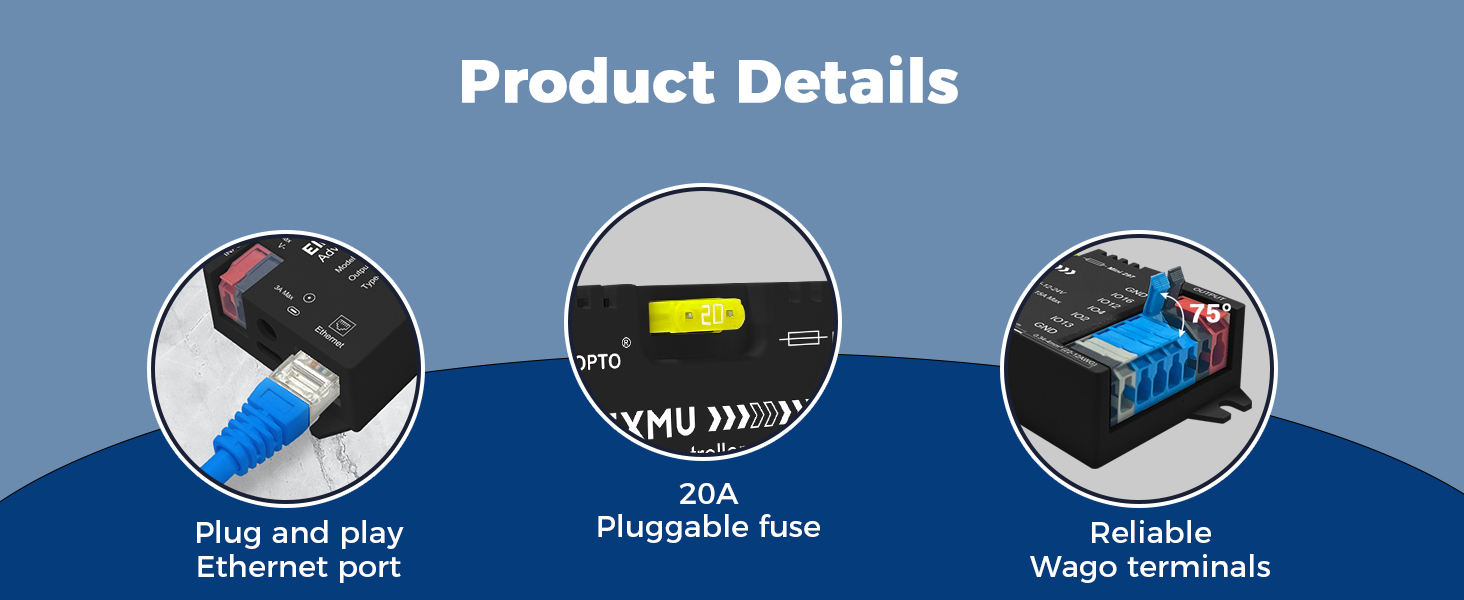
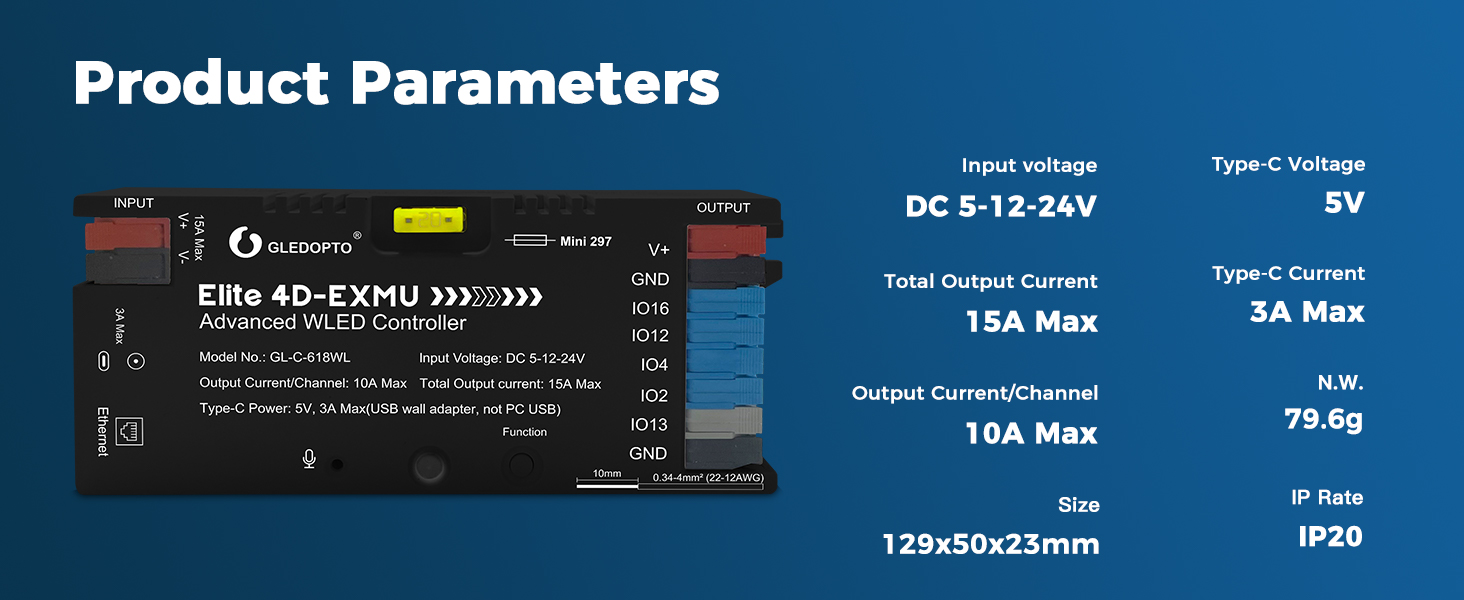
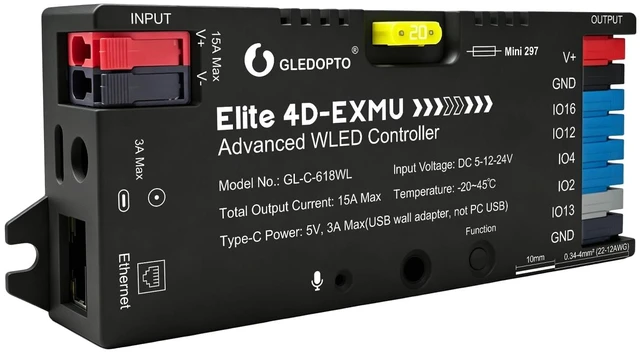
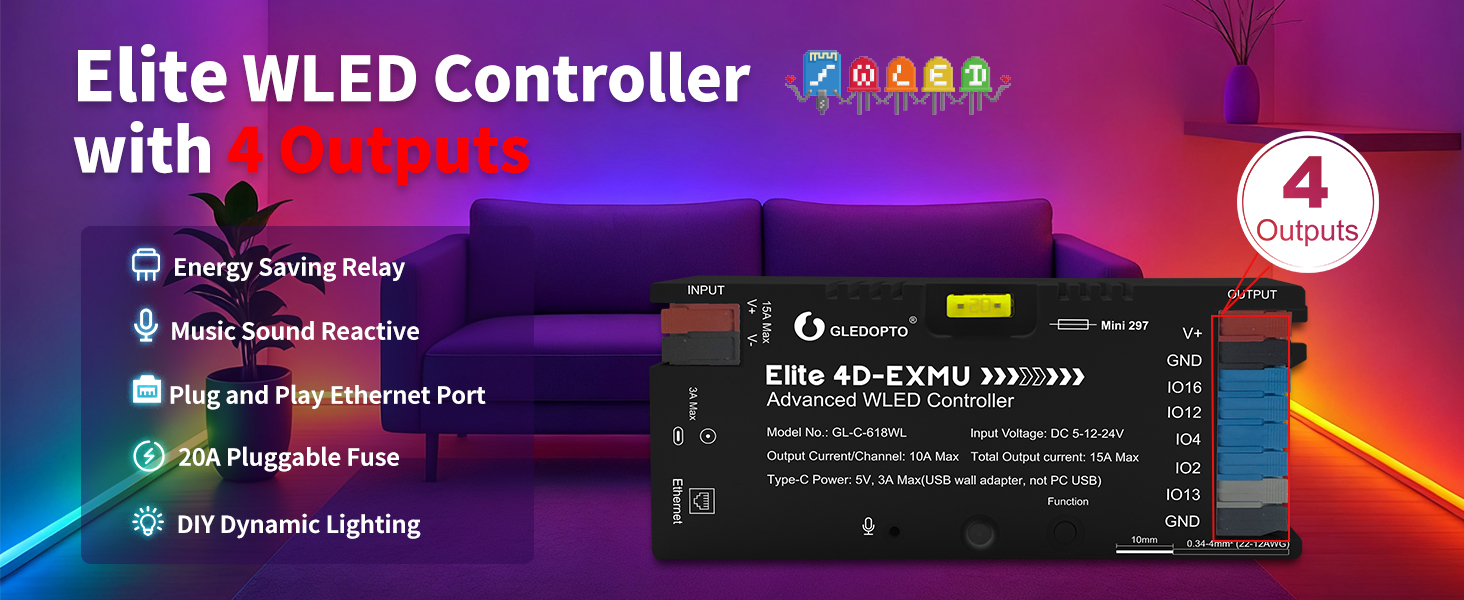
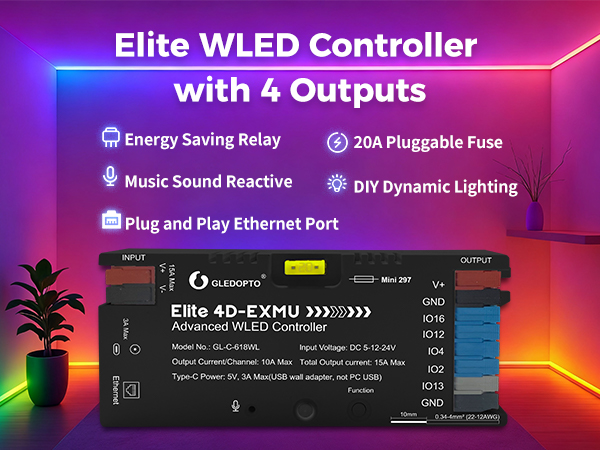
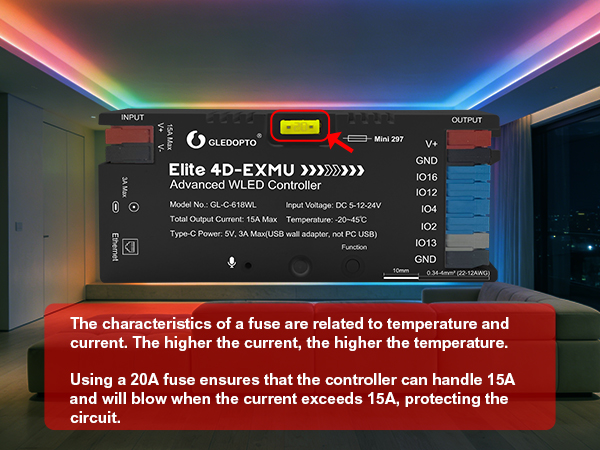
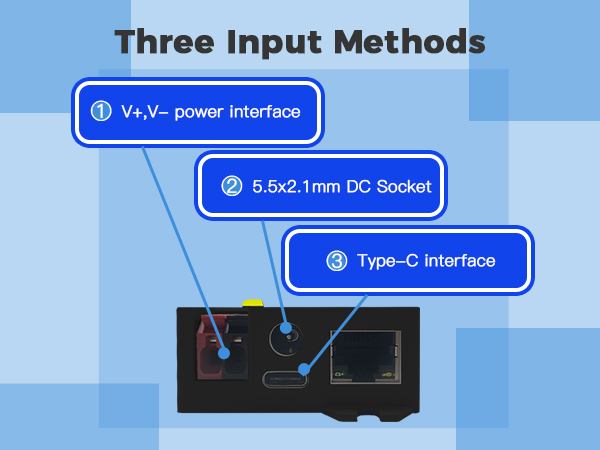
This controller supports three types of inputs, namely DC 5.5 * 2.1mm, V+V -, and Type-C
What should we do if the controller cannot connect to WiFi?
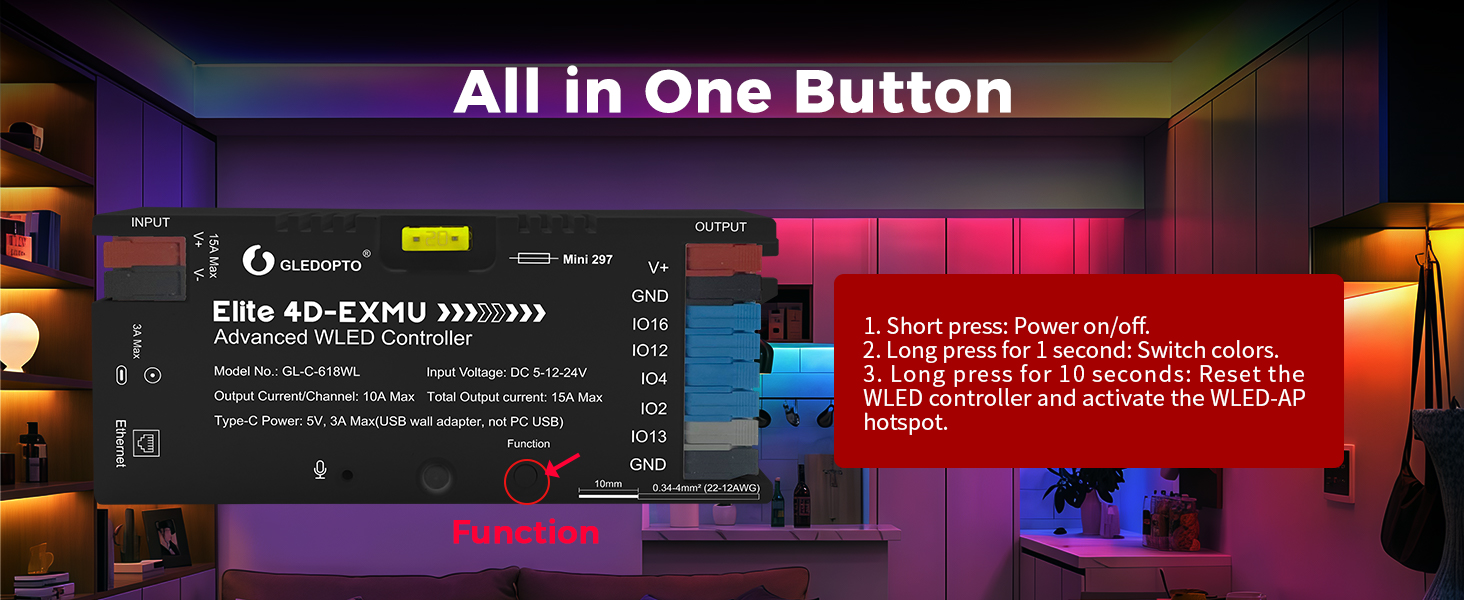
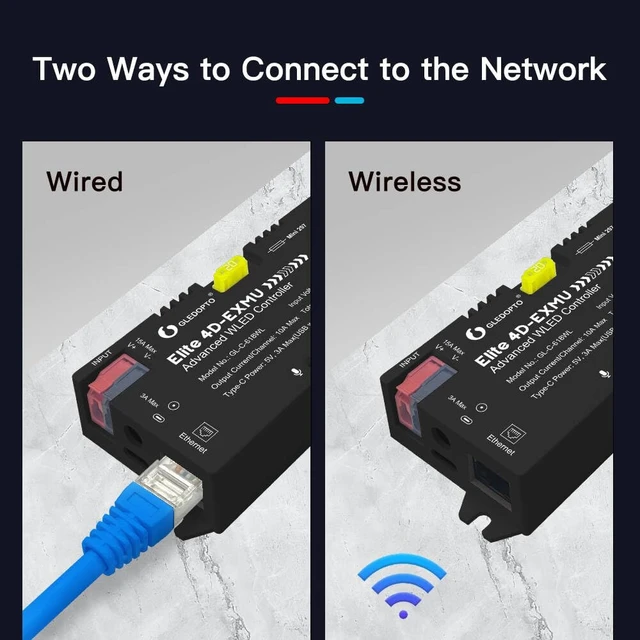
You can try long pressing the function key for more than 10 seconds to enter the mode of AP and activate the WLED-AP hotspot.
How to choose LED strip?
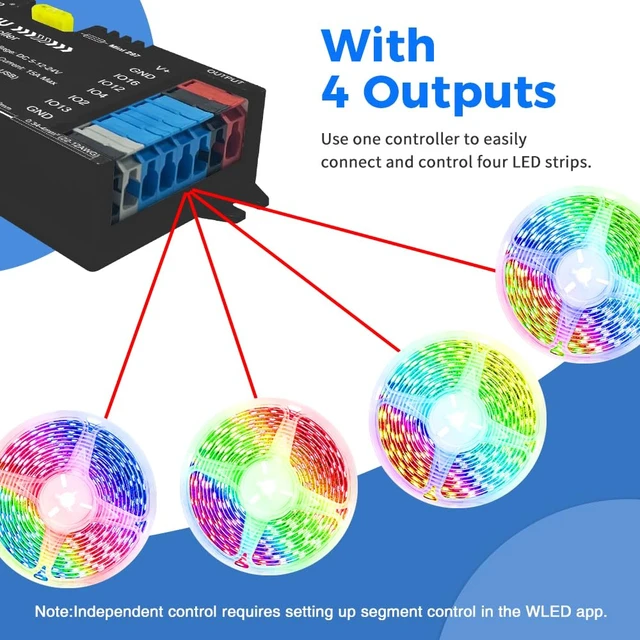
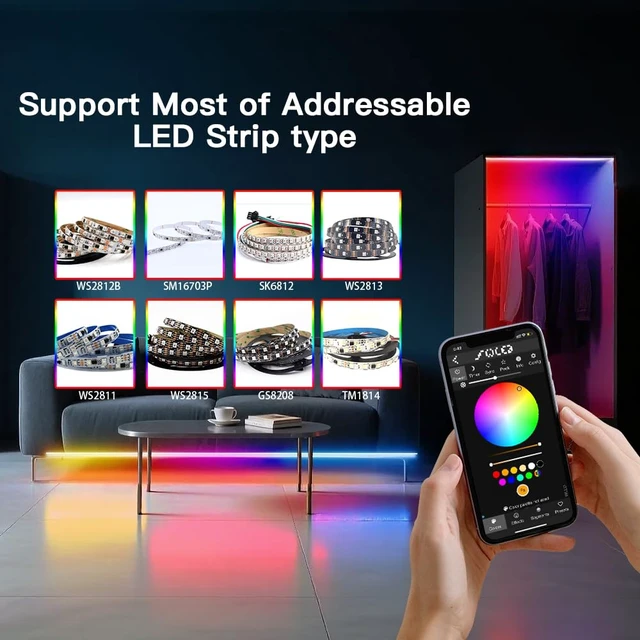
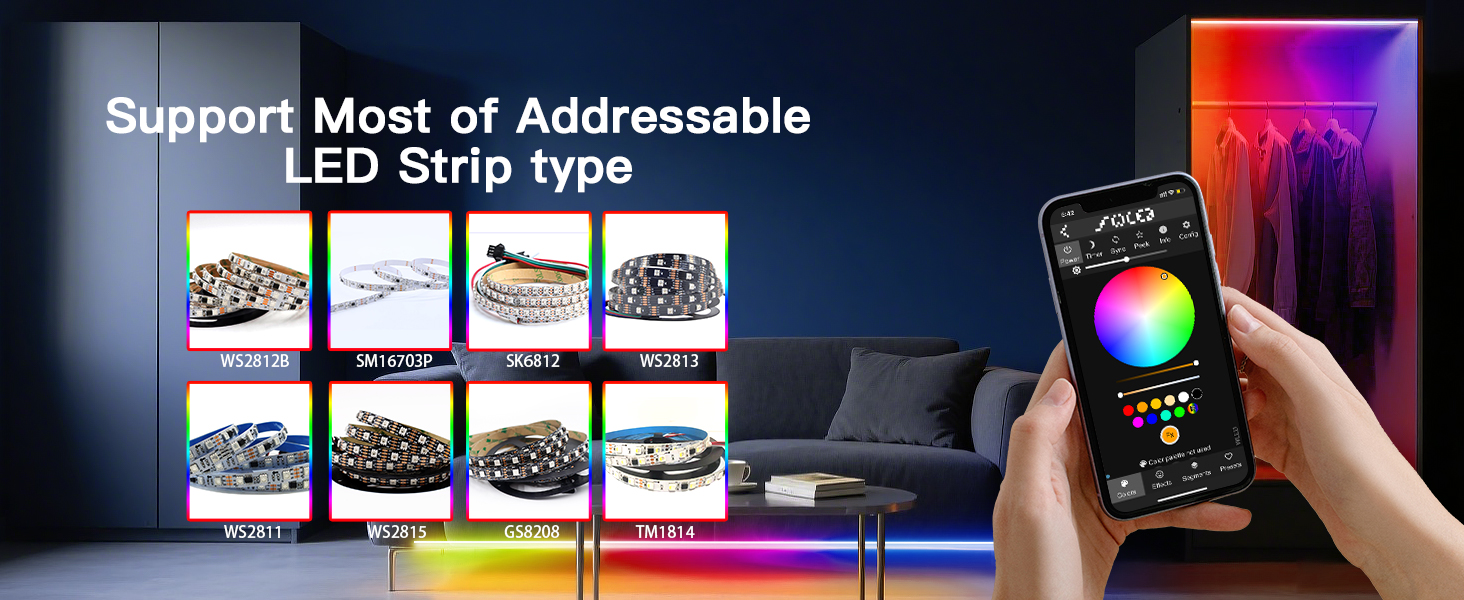
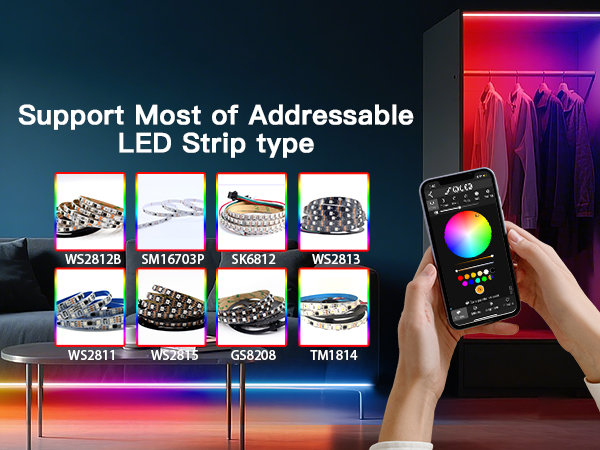
The WLED controller requires the use of RGB IC addressable digital LED strips, such as WS2811, WS2812, WS2812b, WS2813, WS2814, WS2815, SK6812, SM16703P, TM1814, etc


GLEDOPTO is a high-tech enterprise specializing in the R&D and production of smart lighting solutions. Our focus is on creating innovative ZigBee, Matter, and WLED products for modern homes and commercial spaces, delivering intelligent, efficient, and comfortable lighting experiences through advanced technology and superior design. Our products, trusted by a global clientele, have been successfully applied in more than 100 countries



Does this controller support OTA upgrades?
Yes, this controller supports firmware upgrades, but since it uses custom firmware, we recommend downloading the firmware from the Gledopto website.
How should we choose a power supply?
This controller does not change the voltage, and the power supply voltage needs to be the same as the LED strip. For example, a 5V LED strip requires a 5V power supply
What is the power input interface of the controller?
This controller supports three types of inputs, namely DC 5.5 * 2.1mm, V+V -, and Type-C
What should we do if the controller cannot connect to WiFi?
You can try long pressing the function key for more than 10 seconds to enter the mode of AP and activate the WLED-AP hotspot.
How to choose LED strip?
The WLED controller requires the use of RGB IC addressable digital LED strips, such as WS2811, WS2812, WS2812b, WS2813, WS2814, WS2815, SK6812, SM16703P, TM1814, etc
GLEDOPTO is a high-tech enterprise specializing in the R&D and production of smart lighting solutions. Our focus is on creating innovative ZigBee, Matter, and WLED products for modern homes and commercial spaces, delivering intelligent, efficient, and comfortable lighting experiences through advanced technology and superior design. Our products, trusted by a global clientele, have been successfully applied in more than 100 countries