here!
I’m your shopping assistant for PC builds, upgrades, and everything tech.
Got questions? Ask away!
Start a conversation
here!
I’m your shopping assistant for PC builds, upgrades, and everything tech.
Got questions? Ask away!
Start a conversation
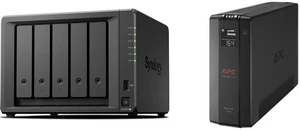
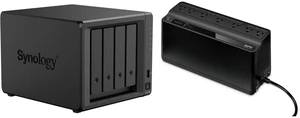



Whether it’s to navigate your keepsake media collection, stream high-resolution videos in your own personal cloud, or to share and access files securely to other employers with ease as a business owner, an NAS (Network Attached Storage) provides a high-capacity storage solution that connects to your home or office network. With 24/7 access through your mobile device or PC, NAS is a cost-effective way to back up essential data without paying a high cloud subscription fee.
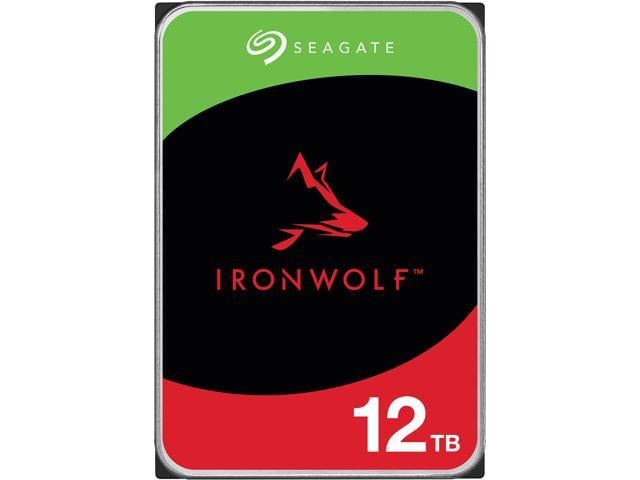
Join Kenan on this fun and detailed breakdown that introduces Seagate's IronWolf and IronWolf Pro hard drives and clarifies which hard drive is better for various scenarios. Kenan also answers the questions: Why buy a hard drive in the first place? What type of hard drive should you buy (HDD vs SSD)? What size should the hard drive be? All of these answers, and more, are here!
Save even more w/ combo purchase, limited offer
+ $20 off w/ promo code BNWF47, limited offer
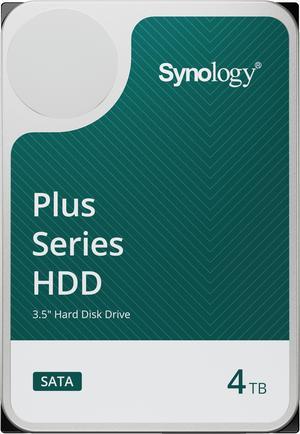
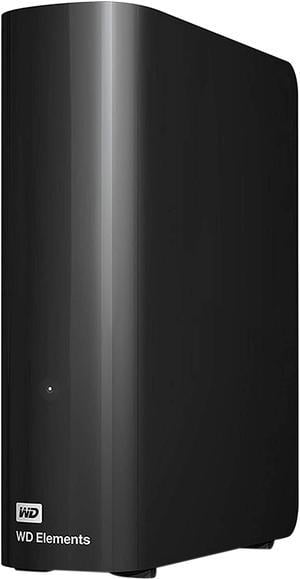
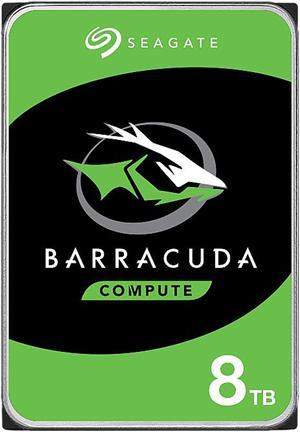
Save even more w/ combo purchase, limited offer
Explore a wide selection of HDDs from trusted brands like Seagate, Western Digital, and Toshiba, ranging from 1TB to 6TB with speeds between 5400 and 7200 RPM. This page is designed for PC builders and upgraders seeking reliable storage solutions, featuring the latest Black November deals and Black Friday deals on hard drives.
Among the specifications visible on hard drive labels, rotational speed is a primary factor shaping overall performance. Measured in revolutions per minute, 5400 RPM drives offer quieter operation and lower energy consumption, making them ideal for laptops and low-power setups. Meanwhile, 7200 RPM models spin faster and access files more quickly, which improves load times, file transfers, and responsiveness for gaming and professional environments. When shopping Newegg’s internal HDD selection like these Desktop/Laptop Internal HDDs, consider which RPM best suits your workload and noise tolerance, especially as you evaluate options during Black November deals and Black Friday deals.
For professionals handling massive datasets or demanding server environments, enterprise HDDs present specialized solutions. These drives often operate at higher RPM speeds above 7200 RPM and use robust SAS interfaces designed for reliability and scalability under continuous heavy load. Newegg offers enterprise-grade solutions to support data centers and commercial applications requiring uptime and performance consistency. Explore options on our Enterprise HDDs page for cutting-edge technology that exceeds regular PC storage demands, perfect for data professionals gearing up during Black November deals.
Newegg shopping tip: When choosing a hard drive, consider both capacity and speed—larger storage suits media-heavy use, while faster RPMs improve load times. Keep an eye out for Black November deals and Black Friday deals to find the best options that fit your needs and budget.
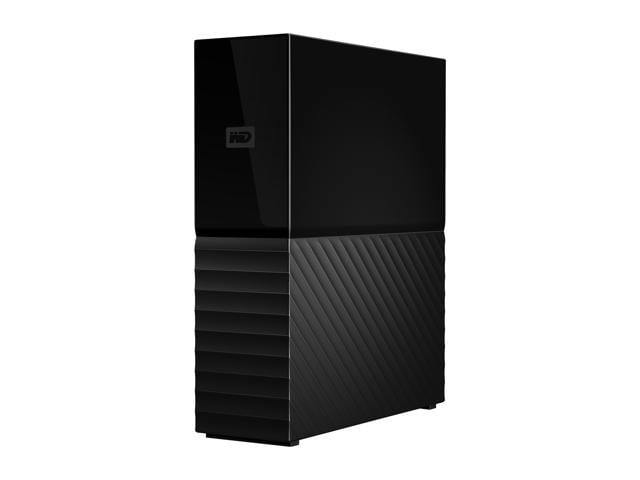
Store massive desktop backups or multimedia libraries with reliable external HDDs featuring USB 3.0 and up to 12TB capacity for steady, budget-friendly storage.
Opt for high-capacity SATA internal HDDs in 7200 RPM for desktops and laptops aiming to balance speed and cost without sacrificing data security.
Keep your desktop running smoothly with 7200 RPM SATA internal hard drives engineered for broad compatibility and solid daily performance.
If you’re new to hard drives, understanding the basics is key to picking the right storage for your PC. Hard Disk Drives (HDDs) store data on magnetic disks and are favored for their large capacities and affordability compared to SSDs. Common capacities range from 1TB to 6TB, perfect for storing documents, photos, videos, and games. Speed typically varies between 5400 RPM and 7200 RPM, with the higher RPM offering quicker data access but possibly more noise and power usage. Whether you need a drive for backups or everyday use, exploring Desktop/Laptop Internal HDDs helps you find options optimized for both desktops and laptops.
When building a desktop or upgrading your current setup, internal hard drives are essential for storing your operating system, applications, and large media files. Desktop Internal Hard Drives, typically running at 7200 RPM, strike the right balance between speed and capacity for gamers, creatives, and daily users who need reliable performance. Larger capacities from 1TB up to 6TB accommodate extensive game libraries and video editing projects, while SATA interfaces ensure broad motherboard compatibility. For added storage or backup, consider pairing your build with Desktop External HDDs to keep your data safe and accessible.
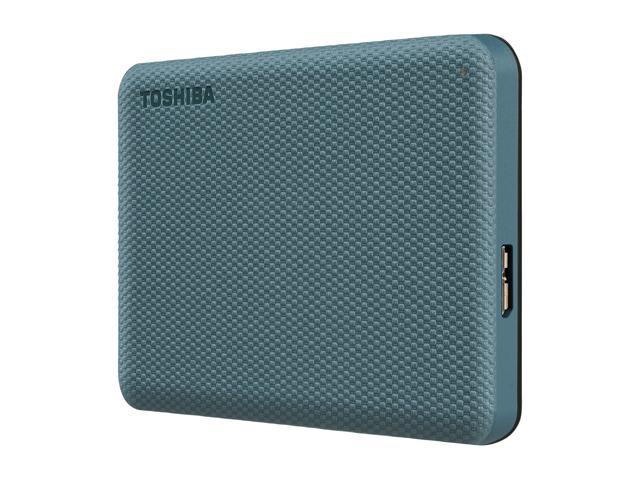
Laptop users often need portable or compact storage solutions that won’t weigh down their workflow or battery life. Internal Laptop Internal Hard Drives typically spin at 5400 RPM to reduce power consumption and extend battery life while still offering ample space for photos, work files, and media. For easy data backups or extra capacity while on the move, consider rugged Portable External HDDs that connect via USB for quick transfers and plug-and-play convenience—perfect companions for laptops on Black November deals and Black Friday deals season.
Research more: If you’re weighing options between different hard drives, Newegg Insider’s detailed buying guides cover everything from RPM speeds to storage capacity and reliability. Dive into those resources to make an informed pick, especially with Black November deals and Black Friday deals enhancing your choices.
Last Updated: November 2026 | Newegg Hard Drive Buying Guide
SSDs are faster and more reliable because they have no moving parts, which means quicker boot times and file access; HDDs offer more storage for less money but run slower and are more prone to mechanical failure.
Both brands produce solid drives, but Western Digital tends to focus more on performance and endurance in their gaming line, while Seagate offers higher capacity options at a lower cost, so it depends if you prioritize speed or storage size.
It mostly depends on your motherboard’s compatibility and what you want speed-wise. SATA drives use a slower interface and are generally cheaper, while NVMe drives connect via PCIe slots and deliver much faster data transfer speeds.
HDDs store data on spinning disks and tend to offer more storage for less money, but they’re slower and more prone to damage. SSDs use flash memory, so they’re faster, quieter, and more reliable, but usually cost more per gigabyte.
If you want faster boot times and quicker file access, go with an SSD. But if you need a lot of storage on a budget, an HDD gives you more space for the price.
Think about what you'll store—photos, videos, games—and how much space you currently use. For general use, 500GB to 1TB is usually enough, but if you handle large files, consider 2TB or more.
After connecting the drive, go to your Disk Management tool, find the new drive, and follow the prompts to initialize it. This process formats the drive so your operating system can recognize and use it.
Yes, as long as the hard drive is formatted with a file system supported by each device, like exFAT for Windows and Mac compatibility, you can safely move it between systems without erasing your files.
“ Great hard drives overall! ”
Seagate IronWolf Pro ST16000NT001 16TB 7200 RPM 256MB Cache 3.5" Internal Hard Drive - OEM“ I rely on these drives for my work PCs, and have trusted WD black going back to the Velociraptor days 20 years back. ”
WD Black 10TB Hard Drive - 3.5" Internal - SATA (SATA/600) - Conventional Magnetic Recording (CMR) Method - WD102FZBX“ I've always been a fan of Western Digital hard drives over the past 30 years because they have have always had great reliability ”
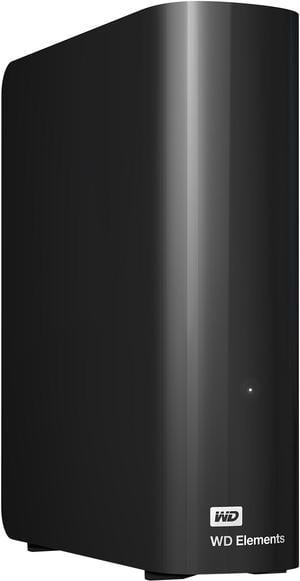
WD Elements 20TB USB 3.0 Desktop External Hard Drive WDBWLG0200HBK-NESN Black“ So far so good. As I only use it as second backup - backing up my backups - it doesn't run very often, and I don't have to listen to it every day. I can hear it two rooms away when it's writing, with the doors open, it's really that loud. It's too early to have any idea of it's longevity, but I have two older Seagate 8TB HDDs and they're both still running fine after 6 years -- just past expected life for HDDs -- and no bad sectors or other issues yet. ”
Seagate Expansion 12TB External Hard Drive HDD - USB 3.0, with Rescue Data Recovery Services (STKP12000400)