


 All CategoriesAll CategoriesAll Categories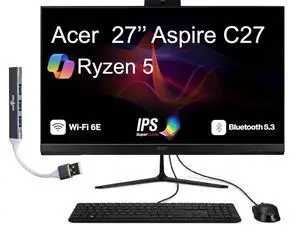

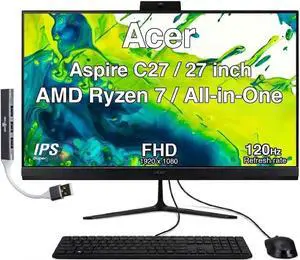
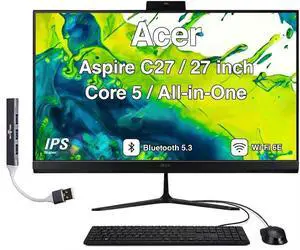
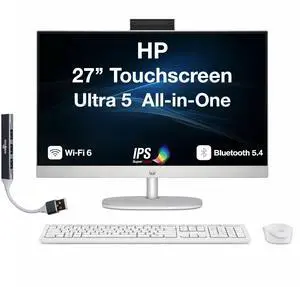

All-in-one computers offer a similar user experience of desktop computers without the same requirements for space. They are good options for both office and home and can look neater and more streamlined than desktops. There is a range of options, including Intel® and AMD processors, different memory capacities, and screen sizes that range from small to large.
Unlike regular desktop computers, the all-in-ones don't have a separate tower. The screen encasement contains all of the components needed to function as a computer. The keyboard and mouse usually are the only external pieces of hardware that come with the machine. Modern designs are slimmer than older versions, making them suitable even for very small offices and apartments. Many options include wireless keyboards and mice, complementing the sleek design and giving these computers a more streamlined appearance and making the space less cluttered.
There are all-in-ones with screens as small as 15 inches, and there are options that exceed 27 inches. If you prefer a bigger screen but don't want to purchase a separate screen to use with a laptop or a more traditional desktop computer, an all-in-one is a good option. As a bonus, big screens are much easier to see, even from a distance. This is helpful when doing presentations at work and at home as well as for side-by-side windows, and the bigger screens also are suitable for streaming movies and shows at home.
Use all-in-one desktop PCs just as you would most business desktop computers thanks to innovative modern designs. Run all the regular office software and compatible specialized business software solutions. Connect all-in-ones with the correct ports and capabilities to computer servers within companies. Keep yourself organized and construct your workspace around your PC by adding external hard drives, projectors, and speakers. While all-in-one computers aren't as portable as laptops, they are still much easier to move than regular desktops. This makes things easier when you need to rearrange a flexible office space or when moving to new premises.
Choosing the right all-in-one for your needs is essential. With 8th gen computers and newer models, you can do jobs that require multiple programs to run at once or programs that take up a lot of memory. There are options with up to 48GB memory capacity and Intel® Core i7 and AMD Ryzen 7 processors. If you want a more basic computer, Intel Core i3, AMD Ryzen 3, and the AMD A-series APUs will be more suitable. For mid-range machines, check out Intel Core i5 and AMD Ryzen 5. Newer generation computers will run faster than older generations, even with less processing power. Faster computers also have more memory. Keep these things in mind when choosing a computer.