All CategoriesAll CategoriesAll Categories



OUT OF STOCK
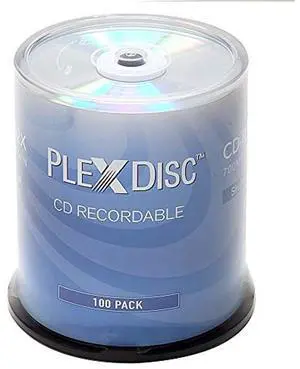
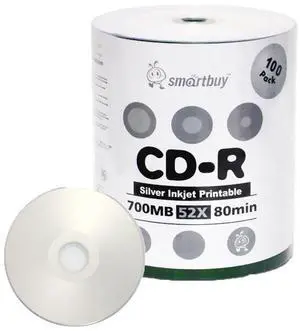
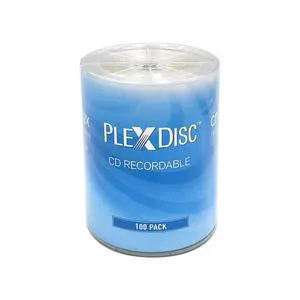
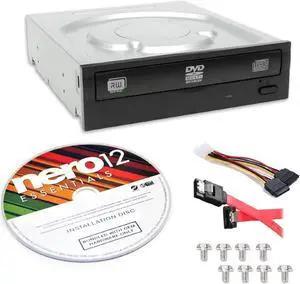
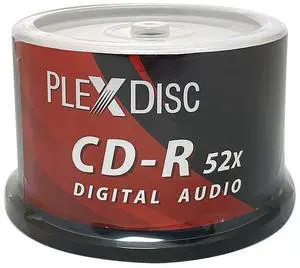
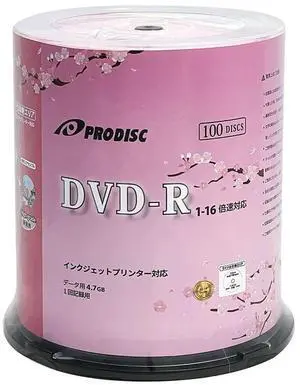
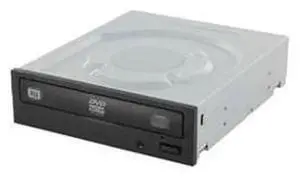
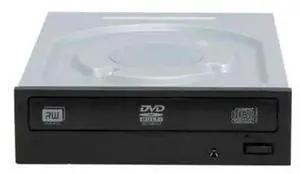
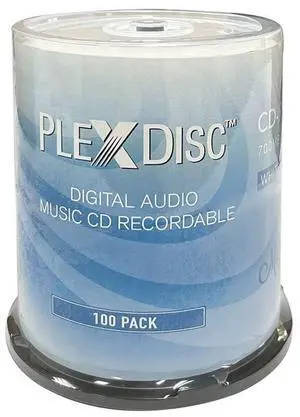
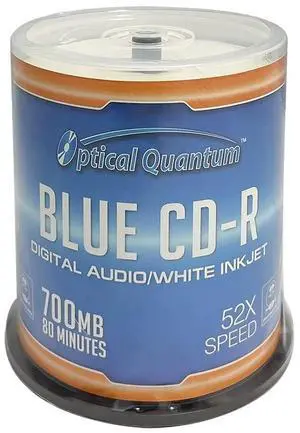
The form of a disk drive or burner you select depends on what kind of work or entertainment you do, and your storage and media-sharing needs. CD, DVD and Blu-ray™ media differ in storage capacity, images and audio. The drives and burners can be internal or external, including compatibility with ReWritable disks whenever you record on a CD, DVD or Blu-ray. For instance, the Blu-ray optical disk allows you to store several hours of high-definition video and store large amounts of data in general. A disk's compatibility with any Windows® operating system guarantees smooth application and a user-friendly interface.
Improving the storage capacity of your computer means finding compatible CD DVD and Blu-ray media . Preferably, if you want to save and share content using a Blu-ray disk, you need an external Blu-ray burner. A disk offerS an enormous storage capacity for images, video and data files. An external Blu-ray burner is more workable by using a USB cable and USB connector, and a Windows system will automatically recognize and install the appropriate drivers for the burner. Using a multimedia disk, you can share photography and home movies with your clients, family and friends. For instance, you give them the Blu-ray optical disc, and they pop into their player and view the high-definition images or video of your recent vacation or special event. Using a Blu-ray burner offers flexible formatting as well, because you can burn CDs and DVDs.
Whether you use an internal or external Blu-ray burner and media, the dual-layer function provides a smart option for backup and storage use, including sharing high-definition images and video playback. You can write to the Blue-ray optical disks, as well as read what is on the discs with the driver. Watching high-definition movies on the computer is another option to consider when viewing images and videos. The burner can read and write data to and from blu-ray discs, which enables you to display 1080p video while dragging and dropping contents.
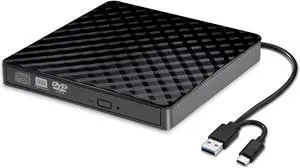
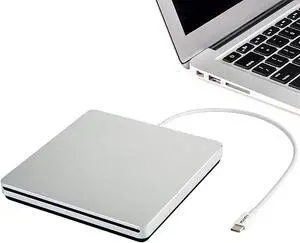
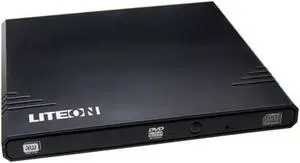
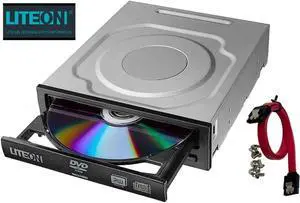
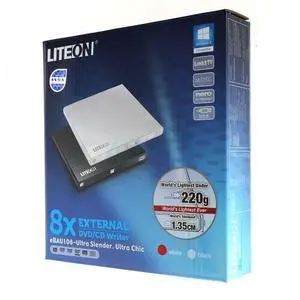
The optical disk media works in cooperation with external CD/DVD Blu-ray drivers. Deciding which one is most suitable for reading, writing data and sharing it begins with your computer’s compatibility. Using an external drive, such as a portable CD/DVD driver, extends flexibility, enabling you to work anywhere with a comfortable carrying case. If you have the device with you during a meeting, you can quickly and efficiently share Blu-ray optical disc copies right away. If you want something more extensive, the standalone external drive works better. You can share DVDs or Blu-ray disks that may contain fiscal reports with executives and shareholders, or you can store photographs and memories on media created with a CD/DVD Blu-ray driver.