


 All CategoriesAll CategoriesAll Categories
Shipped by Newegg

Make informed decisions with expert advice. Learn More



Warranty Notice:
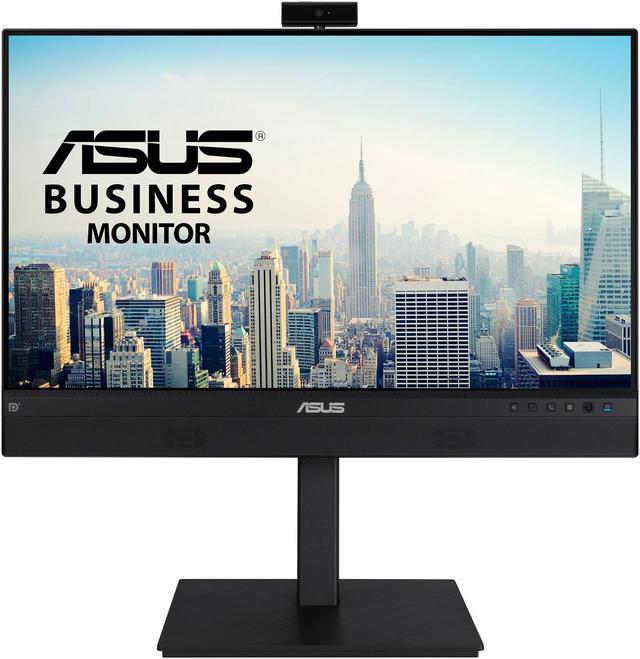
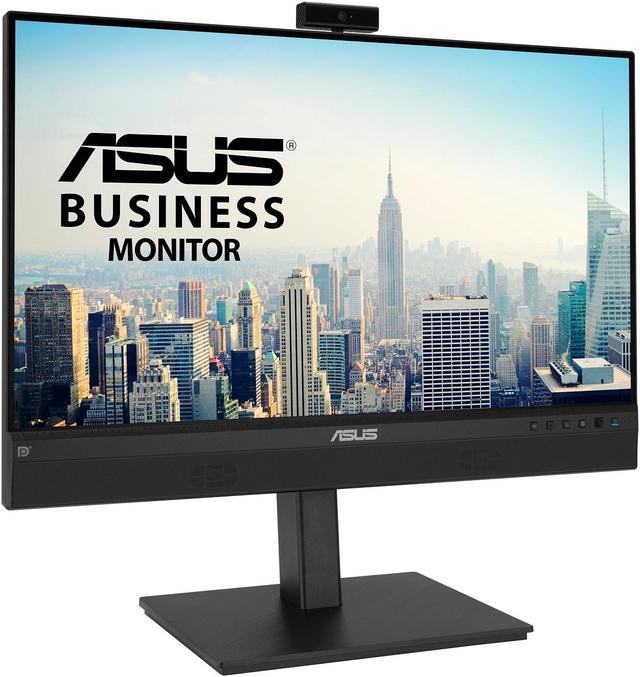
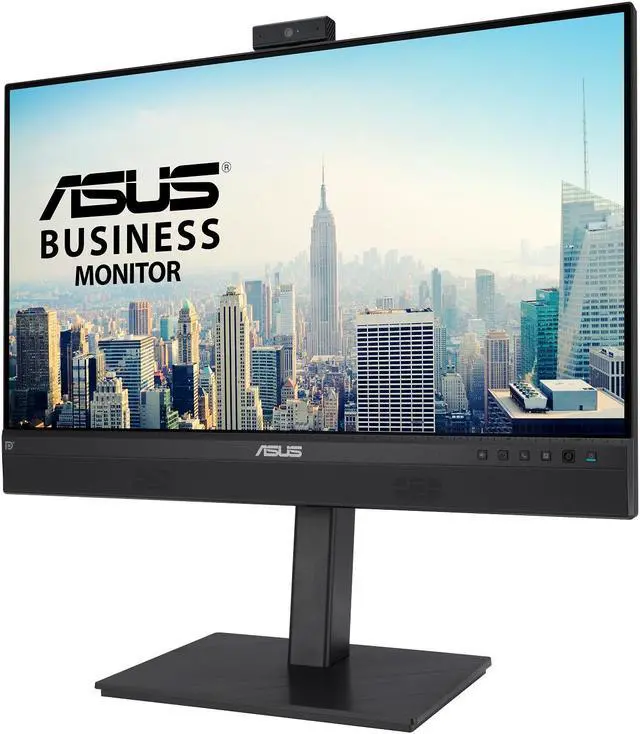
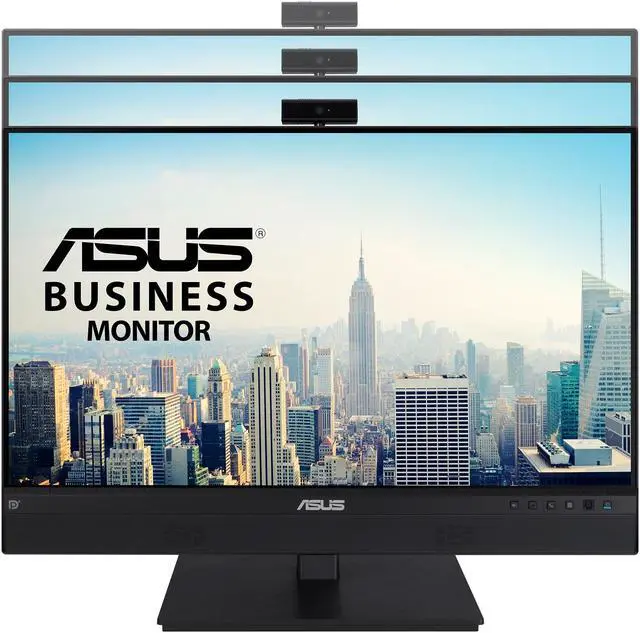
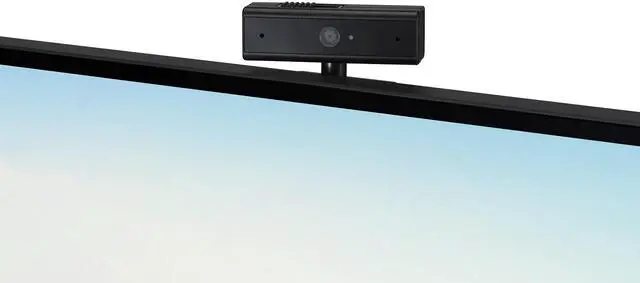
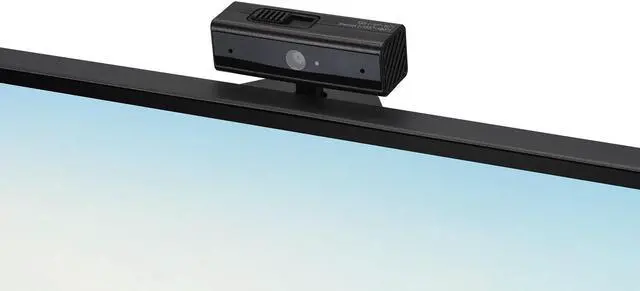
This product does not include manufacturer warranty when purchased or used outside of its designated sales region. By purchasing internationally, you acknowledge that warranty support from the manufacturer will not be available.The ASUS BE24ECSNK is a 23.8-inch Full HD IPS monitor with an adjustable built-in 2MP webcam, noise-canceling microphone and speakers, designed for video calls, remote work and online learning.
| Attribute | Value |
|---|---|
| Best For | Video conferencing, online learning, business use, and photo or video editing with an integrated webcam, microphone, and speakers |
| Panel And Resolution | 23.8-inch flat IPS LCD with 1920 × 1080 resolution, 16:9 aspect ratio, matte finish, and 0.2745 mm pixel pitch |
| Image Quality And Eye Care | 300 cd/m² brightness, 1,000:1 contrast ratio, 178° horizontal and vertical viewing angles, 16.7 million colors, 72% NTSC color gamut, ASUS Eye Care, low blue light, and flicker-free technology |
| Refresh Rate And Response | 60 Hz refresh rate, 5 ms response time, and FreeSync adaptive sync |
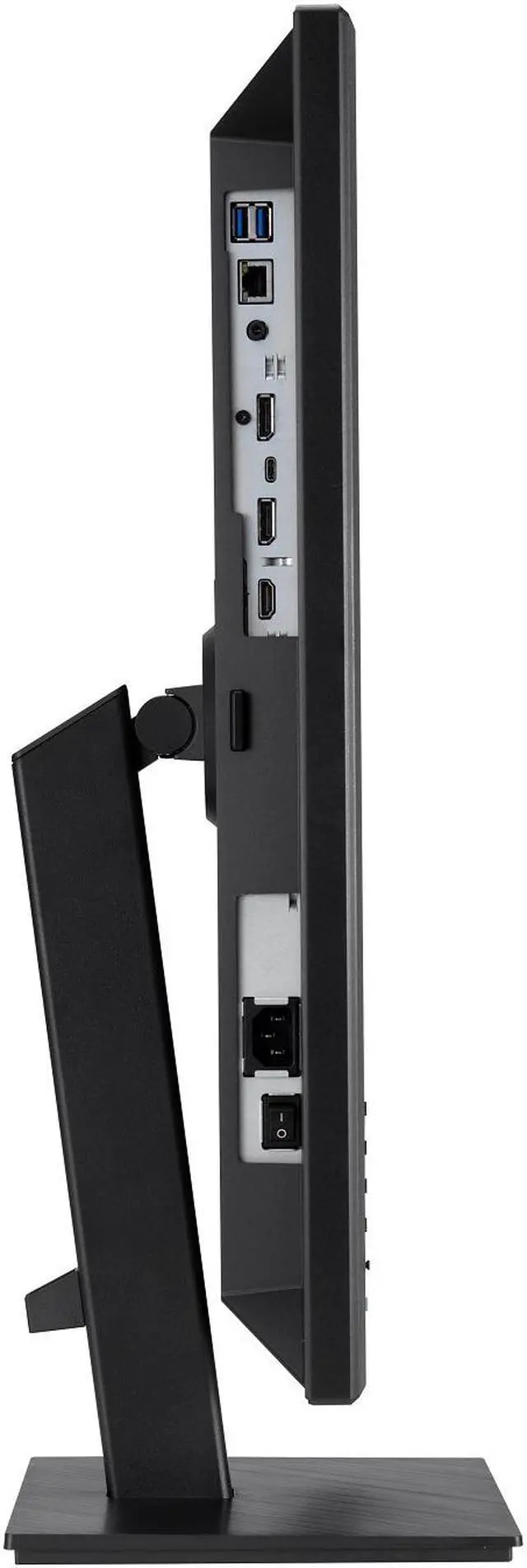
| Ports And Connectivity | HDMI, DisplayPort 1.2, USB-C, and five USB ports, including four USB 3.0 ports; USB-C is listed for charging and data |
| Webcam And Audio | Built-in webcam, noise-canceling microphone, and speakers |
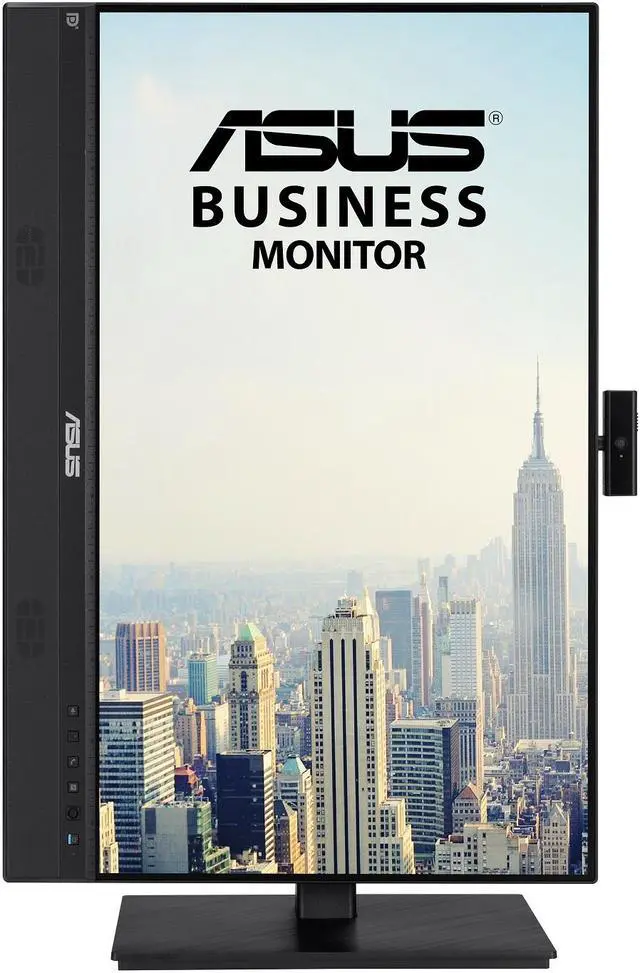
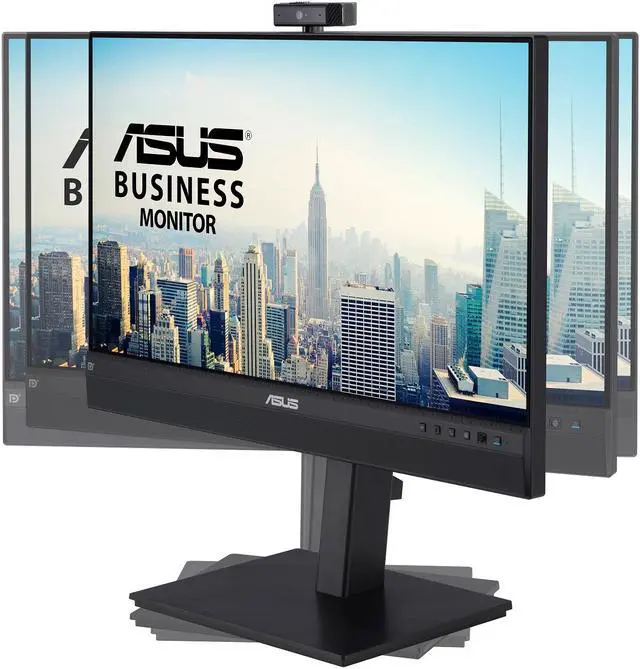
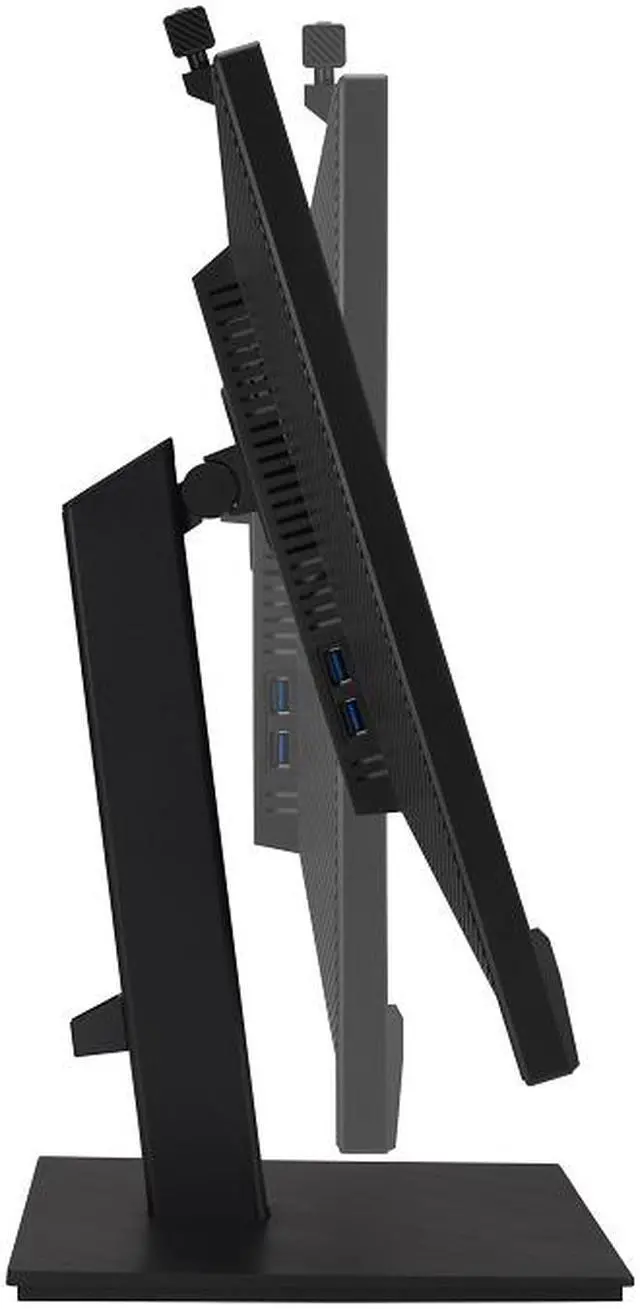
| Stand And Ergonomics | Height, tilt, swivel, and pivot adjustments; supports 100 × 100 mm VESA mounting |
| Physical Design | Black, widescreen monitor |
| Model Identifiers | ASUS BE24ECSNK |
Q: ASUS BE24ECSNK vs BE27ACSBK: which is better for video calls and everyday work?
A: Choose the BE24ECSNK for a compact 23.8-inch Full HD setup with an integrated webcam, AI noise-canceling microphone, speakers, USB-C docking and RJ45. Choose the BE27ACSBK if you prefer a larger 27-inch QHD screen; it also includes a webcam, microphone array, speakers and USB-C docking.
Q: Should I get the ASUS BE24ECSNK or BE24ECSBT for an office desk?
A: Choose the BE24ECSNK for integrated video-conferencing features, including a 2MP webcam, AI noise-canceling microphone and Zoom certification, alongside USB-C docking and RJ45. Choose the BE24ECSBT if 10-point touch interaction is the priority; it pairs a Full HD IPS screen with USB-C power delivery and an ergonomic stand.
Q: ASUS BE24ECSNK vs VA24ECPSN: which is the better USB-C monitor for meetings?
A: Choose the BE24ECSNK when you want conferencing hardware built into the monitor: it combines a webcam, AI noise-canceling microphone and speakers with USB-C docking and RJ45. The VA24ECPSN is a Full HD docking monitor with USB-C, RJ45 and a refresh rate of up to 75Hz, making it a fit for users prioritizing docking and that higher refresh rate.
Q: ASUS BE24ECSNK vs BE24EQK: which is more convenient for laptop docking?
A: Choose the BE24ECSNK for one-cable USB-C laptop docking, up to 80W power delivery, RJ45 Ethernet and a USB hub, while keeping the integrated 2MP webcam, microphone array and speakers for video calls. The BE24EQK is another 23.8-inch Full HD conferencing monitor with an integrated webcam, microphone array and speakers.
Q: Is this monitor suitable for video meetings and everyday office work?
A: Yes. Its 23.8-inch Full HD IPS screen, built-in adjustable 2MP webcam, AI noise-canceling microphone, stereo speakers, and height-adjustable stand make it suited to video calls, online learning, and routine office tasks. Its 1080p resolution and 60Hz refresh rate are aimed at general productivity rather than high-resolution or high-refresh-rate work.
Q: Does it have a built-in webcam and microphone?
A: Yes. It has an adjustable 2MP webcam and an AI noise-canceling microphone array, so you do not need a separate webcam or mic for basic video calls. The monitor also has built-in stereo speakers.
Q: Can I connect my laptop with one USB-C cable and charge it?
A: The product information says its USB-C connection can carry video and data and charge a laptop. Check that your laptop’s USB-C port supports video output, and confirm the monitor’s charging capacity meets your laptop’s needs; the provided specifications do not state a power-delivery wattage.
Q: Can I adjust the monitor’s height for a more comfortable desk setup?
A: Yes. The stand supports height adjustment, pivot, and swivel, allowing you to change the screen position for your workspace. It is designed as a desktop monitor, not a portable travel display.
Q: Is the BE24ECSNK suitable for video calls without a separate webcam?
A: It has an integrated 2MP Full HD webcam, microphone array, and stereo speakers, so it can provide the main audio and video components for video calls. It is a 23.8-inch 1080p, 60Hz monitor designed for conferencing; it is not a higher-resolution or high-refresh-rate display.


