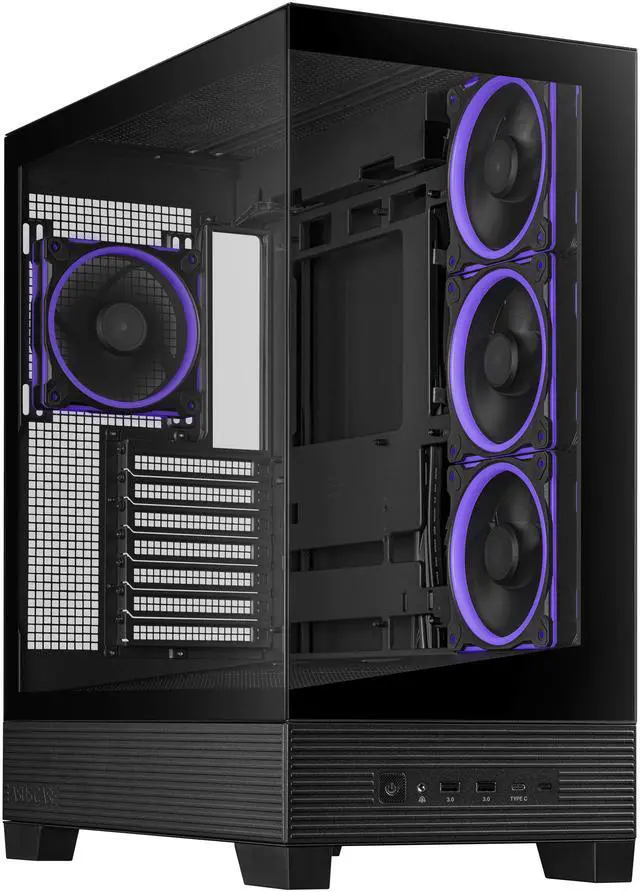
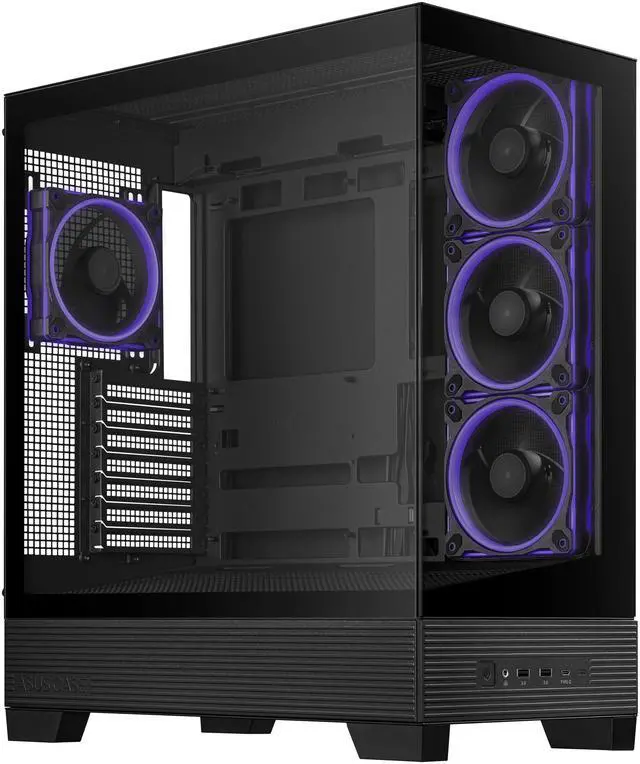
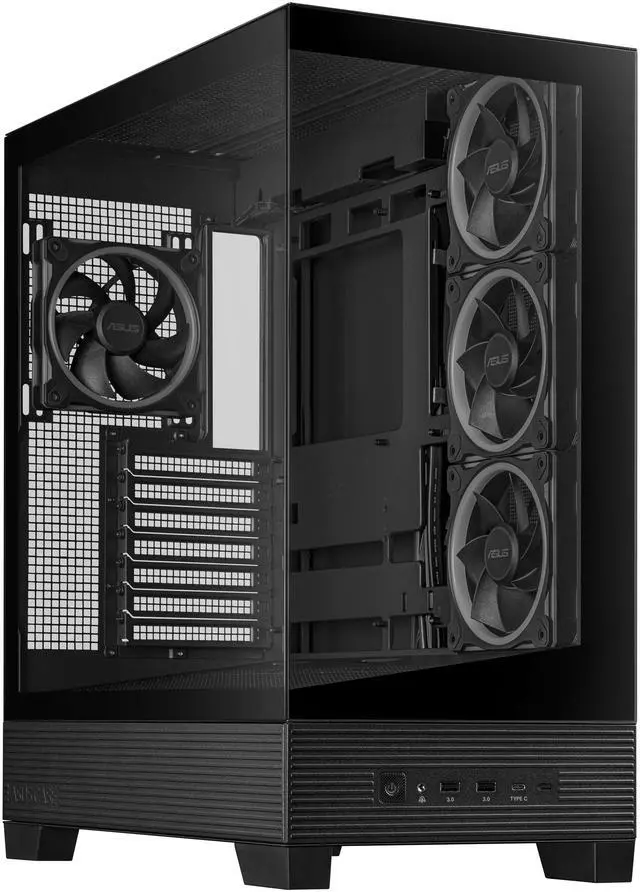
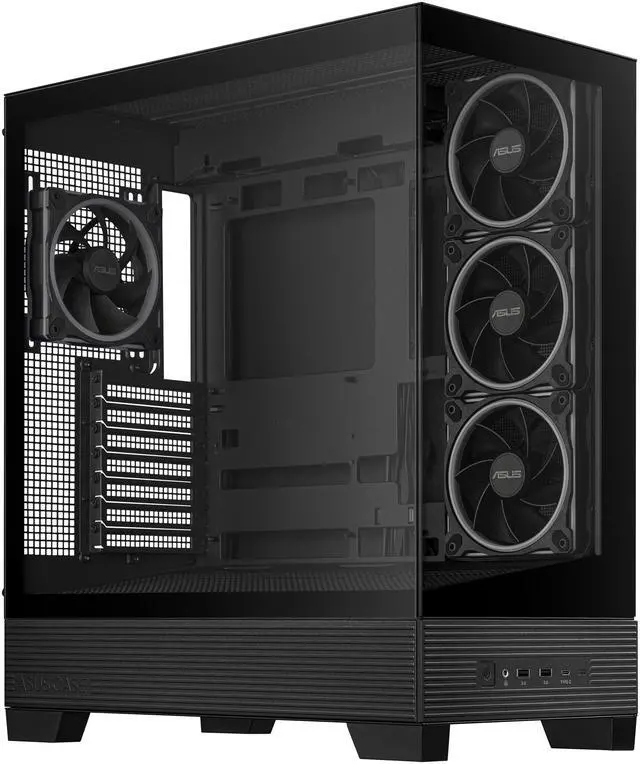
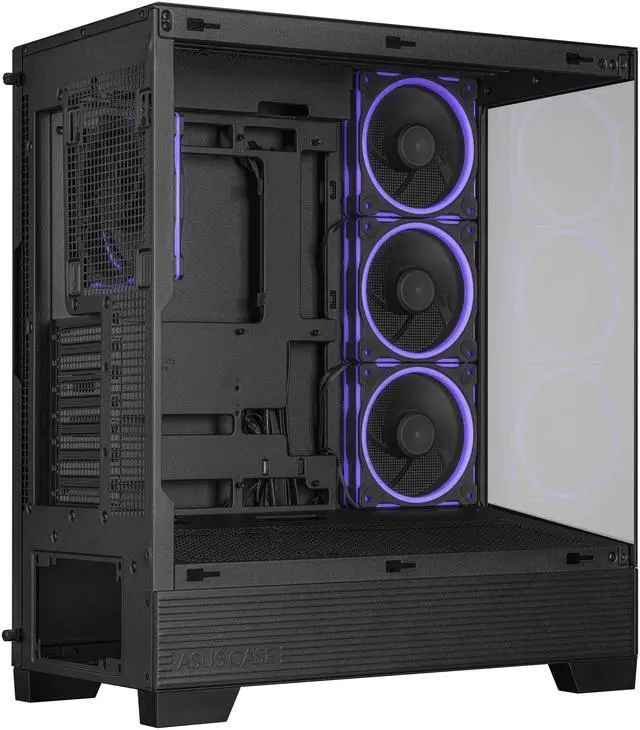
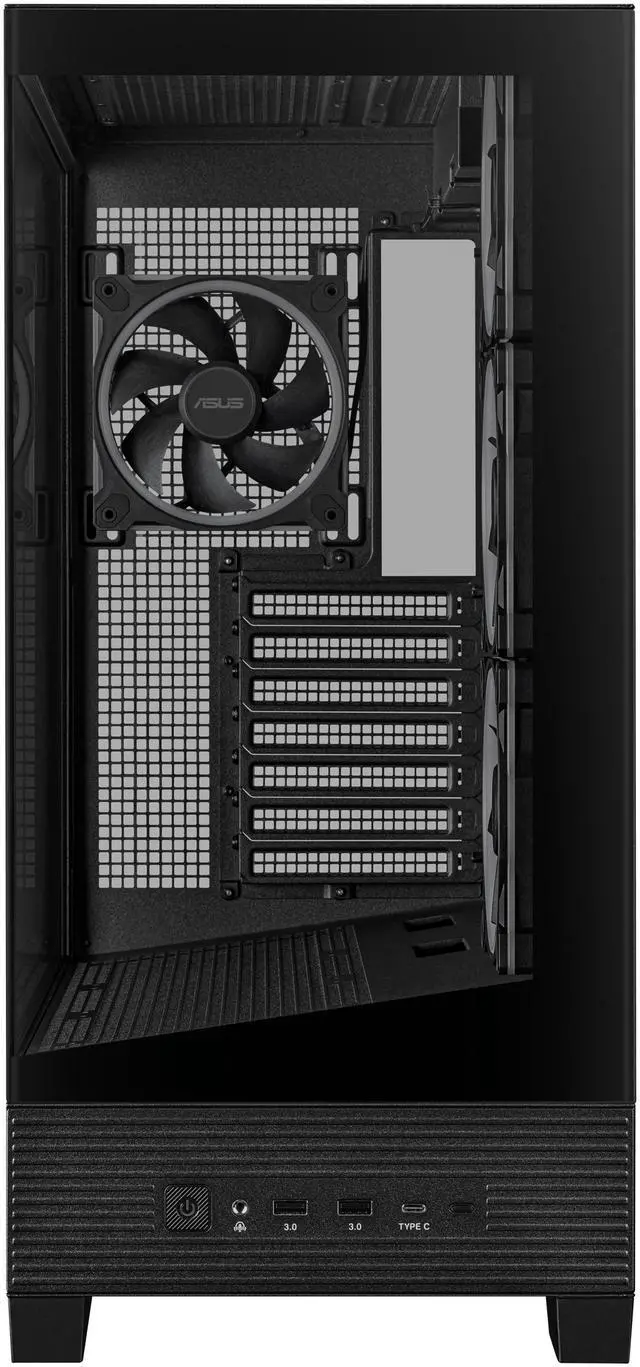
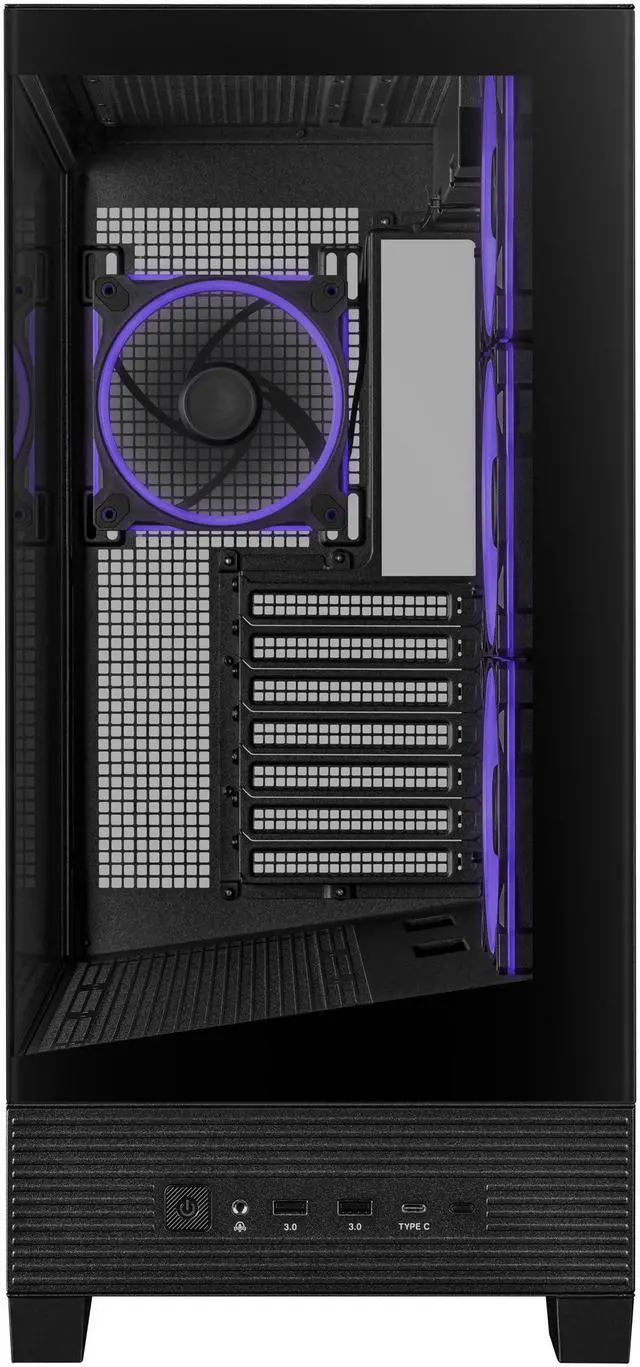
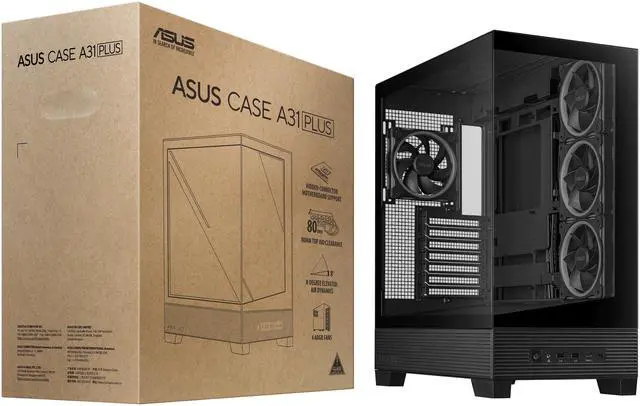
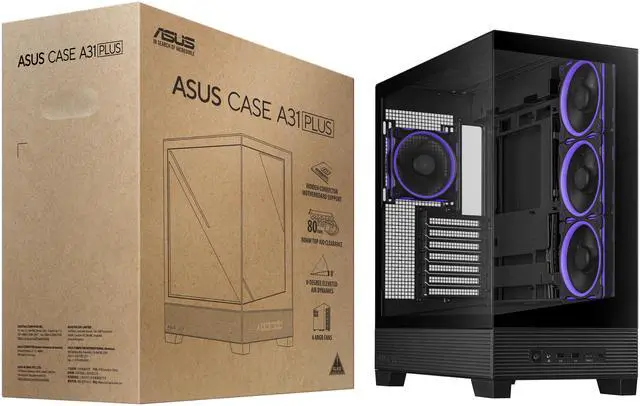
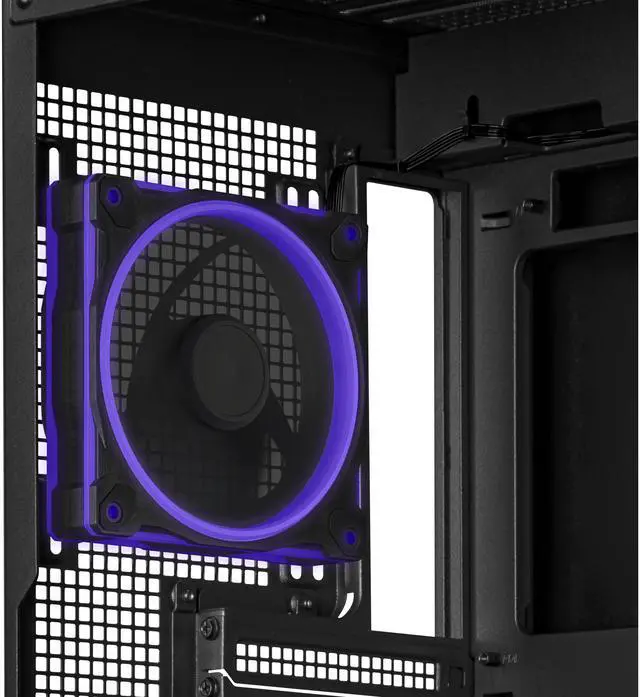
The ASUS A31 PLUS is a black ATX mid-tower PC case for performance-focused builders who want strong cooling and a showcase design. It supports 360mm radiators, graphics cards up to 380mm, CPU coolers up to 165mm, and includes four pre-installed ARGB fans for efficient airflow and customizable lighting.
Recommended For
- RGB-focused gaming PC builders who want a panoramic tempered-glass case that displays the motherboard, graphics card, and coordinated lighting without purchasing a separate set of case fans.
- Builders using an ASUS BTF or other hidden-connector motherboard who want a cleaner-looking main chamber and less visible cabling behind the motherboard tray.
- Users planning a 360 mm top-mounted liquid cooler or a high-performance gaming build that benefits from more cooling flexibility than a basic compact case provides.
- Budget-conscious ATX builders who want four pre-installed ARGB fans, USB-C connectivity, and room for a full-size graphics card without adding many case accessories at the start.
- PC gamers and creators who prioritize visible hardware, cable presentation, and customization more than acoustic isolation or a minimalist solid-panel design.
Real-World Use Scenarios
- A user building a showcase gaming PC can use the panoramic front and side glass with the pre-installed ARGB fans to display coordinated components and lighting; the result is a visually focused setup with minimal fan installation required.
- A user assembling a gaming or productivity PC with a 360mm liquid cooler can mount the radiator at the top and retain room for a long graphics card; this suits performance-oriented builds, although reviewers indicate that liquid cooling can be preferable to relying only on basic airflow for hotter hardware.
- A builder using a compatible hidden-connector motherboard can route motherboard power and related cables behind the board instead of across the visible chamber; the likely outcome is a cleaner-looking interior and less cable clutter around the GPU and cooling hardware.
- A user installing a large modern graphics card in an ATX gaming system can take advantage of the case's long-GPU clearance and seven expansion slots; most standard high-end cards should fit, but the builder should still verify the card's thickness and the exact motherboard-slot alignment before assembly.
- A first-time PC builder can assemble a full ATX or micro-ATX system with the included fans and spacious cable-routing area, but the build may require extra care when fitting the motherboard, GPU, side panels, or dust filters; community reports and reviews suggest checking clearances and hardware alignment during installation.
Spec Summary
| Attribute | Value |
|---|
| Best For | ATX mid-tower desktop builds using ATX, Micro-ATX, Mini-ITX, or BTF motherboards, with clearance for graphics cards up to 380 mm |
|---|
| Chassis Design And Materials | Black chassis made from steel, plastic, and tempered glass, with front and left-side panels for viewing the interior |
|---|
| Motherboard And Expansion | Supports up to 7 expansion slots for compatible desktop component configurations |
|---|
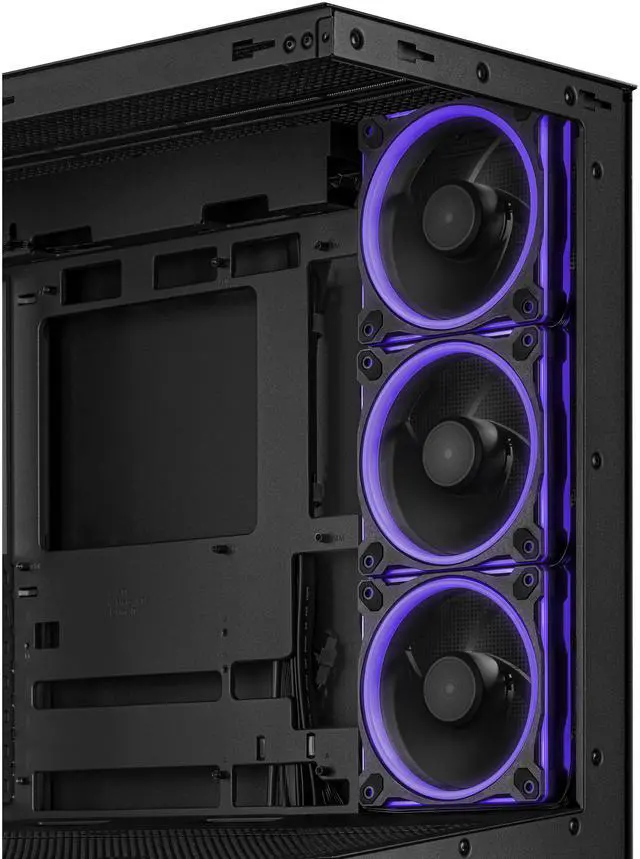
| Cooling And Dust Management | Supports bottom, rear, side, and top fan layouts, including up to three 120 mm or two 140 mm fans on top; the side and rear radiator configurations indicate four pre-installed 120 mm ARGB fans. Dust filters are included on the bottom and top |
|---|
| Radiator And Component Clearance | Supports top radiators using three 120 mm or two 140 mm fans, rear radiators up to 140 mm, graphics cards up to 380 mm, CPU coolers up to 165 mm tall, and power supplies up to 200 mm long |
|---|
| Storage Expansion | Provides two 2.5-inch/3.5-inch combo bays plus two dedicated 2.5-inch bays |
|---|
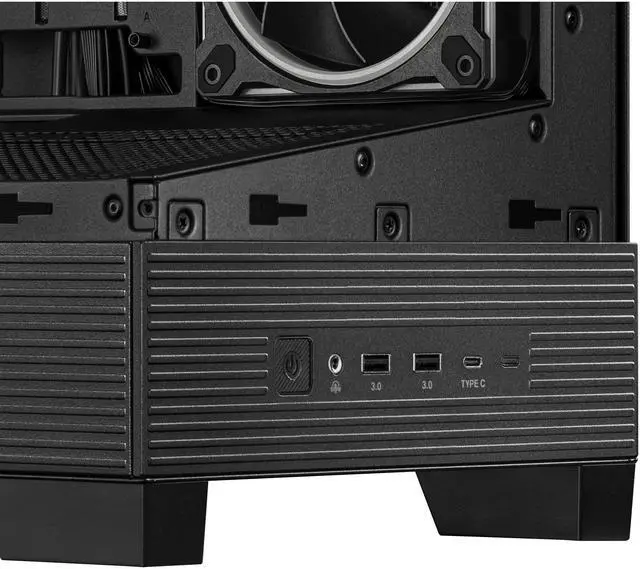
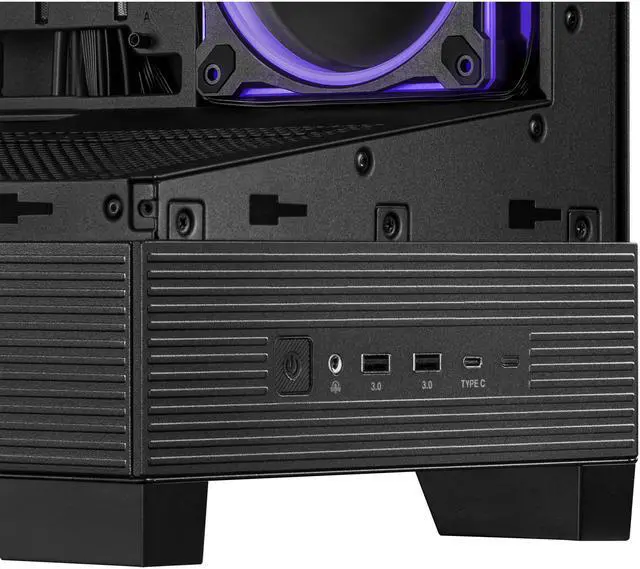
| Front I O | Front connectivity includes two USB 3.2 Gen 1 ports, one USB 3.2 Gen 2x2 Type-C port, and headphone and microphone connections |
|---|
| Power Supply | Power supply is not included and mounts at the bottom of the case |
|---|
| Dimensions And Weight | Measures 511 x 238 x 435 mm and weighs 8.2 kg |
|---|
| Model Identifiers | ASUS A31 PLUS TG ARGB BLACK |
|---|
Reference Q&A
Q: Is the ASUS A31 PLUS better than the ASUS A31?
A: Choose the ASUS A31 PLUS if you want a ready-to-build system with four pre-installed ARGB fans. The standard A31 shares the same 380 mm GPU clearance, 360 mm top-radiator support, BTF motherboard compatibility, and 34 mm cable-management space, but the A31 PLUS adds three side ARGB fans and one rear ARGB fan for more complete out-of-box cooling and lighting.
Q: Should I buy the ASUS A31 PLUS or NZXT H6 Flow?
A: Choose the ASUS A31 PLUS for BTF or other hidden-connector motherboards, a 380 mm GPU limit, 165 mm CPU-cooler clearance, and four included ARGB fans. Choose the NZXT H6 Flow for a smaller dual-chamber design, tool-free panel access, and a more compact footprint; it supports GPUs up to 365 mm, CPU coolers up to 163 mm, and includes three 120 mm fans.
Q: Is the ASUS A31 PLUS a good choice for a high-performance gaming PC?
A: The ASUS A31 PLUS fits performance-oriented builds with support for graphics cards up to 380 mm, CPU air coolers up to 165 mm, top-mounted radiators up to 360 mm, and optional bottom fan mounts aimed at improving GPU airflow. It is a practical choice when you want strong component compatibility and included cooling without moving to a larger full-tower case.
Q: Should I choose the ASUS A31 PLUS or Montech KING 95 PRO for a larger build?
A: Choose the Montech KING 95 PRO if you need more expansion capacity, including up to a 420 mm GPU, a 175 mm CPU cooler, up to five 3.5-inch drives, and six pre-installed ARGB fans. Choose the ASUS A31 PLUS if you prefer a narrower ATX case with BTF motherboard support, a 360 mm top-radiator layout, and a simpler four-fan configuration.
Q: Is the ASUS A31 PLUS suitable if I need a more compact PC case?
A: The ASUS A31 PLUS is suitable for a conventional ATX build but is not the most footprint-focused option. Its 511 x 238 x 435 mm dimensions provide room for large components, while a compact dual-chamber case such as the NZXT H6 Flow is shorter and shallower at 415 x 287 x 435 mm and is designed around a smaller desktop footprint. Choose the A31 PLUS when component clearance and BTF support matter more than minimizing case depth.
Q: Will my motherboard, graphics card, CPU cooler, and power supply fit in this case?
A: The ASUS A31 PLUS supports ATX, Micro-ATX, Mini-ITX, and compatible BTF motherboards. It accepts graphics cards up to 380 mm long, CPU air coolers up to 165 mm tall, and power supplies up to 200 mm long. Check the exact dimensions of each component before building, especially when using a large radiator or unusually thick graphics card.
Q: Can I install a 360 mm liquid-cooling radiator in this case?
A: Yes. The ASUS A31 PLUS supports a 360 mm radiator at the top or side, with support for radiator-and-fan assemblies up to 80 mm thick according to the provided specifications. Actual installation may still depend on motherboard, memory, radiator, and fan clearance, so verify the complete cooler dimensions before purchasing.
Q: Are the four pre-installed ARGB fans enough for a typical gaming PC?
A: The case includes four pre-installed ARGB fans, providing a usable airflow starting point for a typical build. Whether they are sufficient depends on the heat output of the CPU and graphics card, radiator placement, fan orientation, and ambient temperature. Additional fans may be useful for higher-power components or more aggressive cooling targets.
Q: Does this case support hidden-connector or BTF motherboards?
A: Yes. The ASUS A31 PLUS is compatible with BTF motherboards and is designed to route compatible motherboard connections behind the motherboard tray for a cleaner-looking build. Standard ATX, Micro-ATX, and Mini-ITX motherboards are also supported.
Q: Does this product include a complete working computer or just the case?
A: It is a computer case only. The power supply, motherboard, processor, memory, storage, graphics card, operating system, and other components must be purchased separately. Four ARGB case fans are included, but the case does not include a power supply.
Q: Is the ASUS A31 PLUS suitable for a high-performance gaming PC?
A: Yes. It is suitable for large gaming builds because it supports ATX motherboards, graphics cards up to 380 mm, CPU coolers up to 165 mm, and radiators up to 360 mm. Community builds also show it being used with high-end GPUs, 360 mm liquid coolers, and additional bottom intake fans.
Q: Does the ASUS A31 PLUS have good cooling potential?
A: It has strong cooling expansion potential rather than a guaranteed thermal result. The case supports up to three 120 mm bottom fans, three 120 mm side fans, and a top-mounted 360 mm radiator, with four ARGB fans included. Actual temperatures will depend on the CPU, GPU, radiator placement, fan direction, and room airflow.
Q: Are the included ASUS A31 PLUS fans easy to replace or expand?
A: Expansion is possible, but matching the included fans may require extra research. Reddit discussions identify the included fans as ASUS MR120 and MR120-1R reverse-blade models, and users reported difficulty finding replacements or adding matching fans. Check availability and motherboard or fan-hub connections before planning a larger fan setup.
Q: Who should consider buying the ASUS A31 PLUS?
A: It is best suited to buyers who want a panoramic tempered-glass case with built-in ARGB lighting, broad ATX compatibility, and room for large graphics cards or liquid coolers. It is less suitable for buyers who prefer a compact case, need to display the power supply through the main chamber, or want a simple plug-and-play path for adding many matching fans.



 All Categories