
Your Browsing History
Quick View
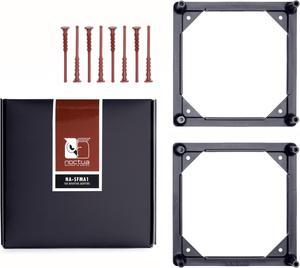
Noctua NA-SFMA1, 140 to 120mm Fan Mounting Adaptors for Watercooling Radiators (2 pieces, Black)
- Types: Case Fan Accessories
- Colors: Black
- Specifications: 2x NA-FMA1 adaptor, 8x NA-AV4 anti-vibration mounts, NO fan included
- Model #: NA-SFMA1
- ¥2,238 –
- More options from ¥2,238 - ¥7,529
- ¥1,500 Shipping
Quick View
Phanteks NV9 Premium DRGB Kit, 4x D/A-RGB LED modules for NV9 outer frame, Black
- Brand: Phanteks
- Types: Lighting & Decor
- Colors: Black
- Specifications: Chassis Support: For Phanteks NV9 Chassis Materials: ABS Plastic, PC Plastic D-RGB Controller Output: 7A Product Dimension: 150.9 x 80 x 16.4mm / 5.94 x 3.14 x 0.64in
- Model #: PH-PLEDKT_NV9_DBK01
- ¥22,144 –
- More options from ¥22,144 - ¥22,465
- Free Shipping
Quick View
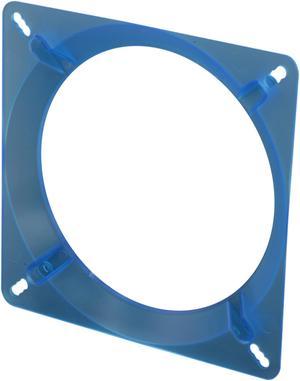
Fan Adapter 140mm-Blue, 140 to 120mm fan adapter UV Blue
- Types: Case Fan Accessories
- Colors: Blue
- Length: 0 ft.
- Model #: Fan Adapter 140mm-BL
- ¥2,117 –
- ¥6,291 Shipping
Quick View
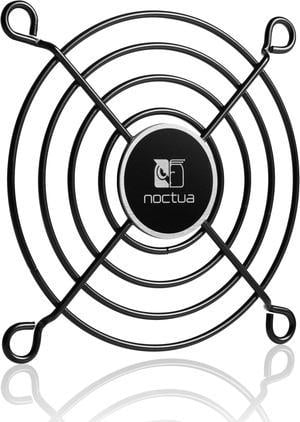
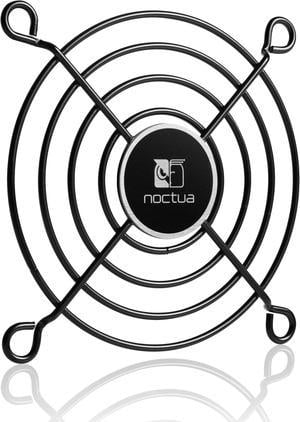
Noctua NA-FG1-7 Sx2, Fan Grills for 70mm Fans (Set of 2, Black)
- Model #: NA-FG1-7 Sx2
- ¥2,213 –
- ¥1,500 Shipping
Quick View
Noctua NA-FG1-7 Sx5, Fan Grills for 70mm Fans (Set of 5, Black)
- Model #: NA-FG1-7 Sx5
- ¥3,140 –
- ¥1,500 Shipping
Quick View
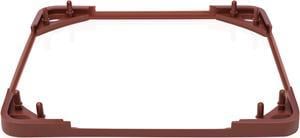
Noctua NA-SAVG1, Anti-Vibration Gasket for 120x25mm Fans (Set of 3, Brown)
- Types: Case Fan Accessories
- Colors: Brown
- Model #: NA-SAVG1
- ¥1,746 –
- ¥1,500 Shipping
Quick View
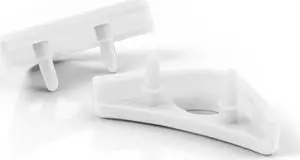
Noctua NA-SAVP1 chromax.white, Anti-Vibration Pads for 120/140mm Noctua Fans (16-pack, White)
- Length: 0 ft.
- Color: White
- Model #: NA-SAVP1 chromax.white
- ¥1,631 –
- ¥1,500 Shipping
Quick View
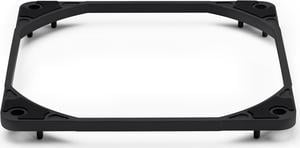
Noctua NA-IS1-12 chromax.black Sx2, Inlet Side Spacers for 120mm Fans (Black)
- Model #: NA-IS1-12 chromax.black Sx2
- ¥2,756 –
- ¥1,500 Shipping

Quick View
StarTech.com PLATEBLANKLP Low Profile PCI Slot Cover
- Types: Drive Accessories
- Colors: Black
- Specifications: Dimensions: 1.02"x 3.14" Weight (Approximate): 0.25 oz
- Parts: 1 year limited
- Model #: PLATEBLANKLP
- ¥2,844 –
- ¥6,817 Shipping
Quick View
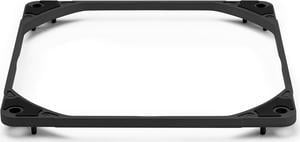
Noctua NA-IS1-14 chromax.black Sx2, Inlet Side Spacers for 140mm Fans (Black)
- Model #: NA-IS1-14 chromax.black Sx2
- ¥2,756 –
- ¥1,500 Shipping
Quick View
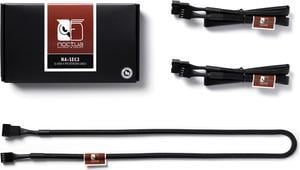
Noctua NA-SEC3, 4-pin Fan Extension Cables (60cm, Black)
- Model #: NA-SEC3
- ¥1,746 –
- ¥1,500 Shipping
Quick View
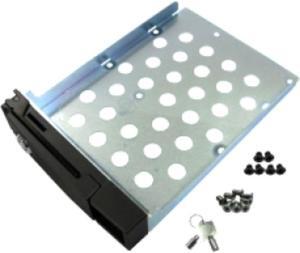
QNAP Hard Drive Tray Black
- Colors: Black
- Model #: SP-TS-TRAY-BLACK
- ¥2,407
- See price in cart
- ¥5,515 Shipping
Quick View
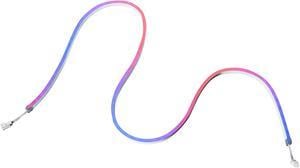
Phanteks NEON Digital-RGB LED Strip M1, white – 1x 1-meter Smooth lighting strip, full-color range, flexible mounting
- Part Number: PH-NELEDKT_M1_WT01
- Types: Lighting & Decor
- Colors: White
- Model #: PH-NELEDKT_M1_WT01
- ¥6,270 –
- More options from ¥6,270 - ¥6,875
- Free Shipping

Quick View

- ¥30,530 –
- ¥12,109 Shipping
Quick View
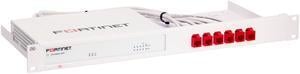
Rackmount.IT | RM-FR-T14 | Rack Mount Kit for FortiGate 40F
- Model #: RM-FR-T14
- ¥23,379
- See price in cart
- ¥8,546 Shipping
Quick View
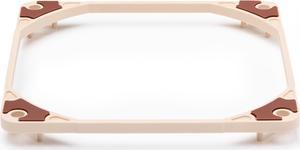
Noctua NA-IS1-12 Sx2, Inlet Side Spacers for 120mm Fans
- Model #: NA-IS1-12 Sx2
- ¥2,756 –
- ¥1,500 Shipping
Quick View
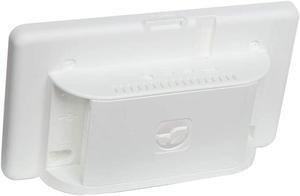
Raspberry Pi 4 07AH2036 Model B Touchscreen Display Case, ABS, White
- Model #: 07AH2036
- ¥5,111 –
- ¥37,253 Shipping
Quick View
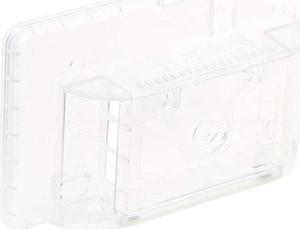
Raspberry Pi 4 07AH2035 Model B Touchscreen Display Case, ABS, Clear
- Model #: 07AH2035
- ¥3,440 –
- ¥37,253 Shipping
Quick View
- ¥2,756 –
- ¥1,500 Shipping

Quick View
StarTech.com Replacement PC Mounting Metal Jack Screw Standoff - 50 Pack (SCREWNUTM)
- Types: Screws & Mount
- Colors: Gold
- Length: 0 ft.
- Specifications: Head Pattern: Hex (barrel) Materials: Brass Thread Type(s): #6-32 x 4mm (outer) M3 (inner) Package Quantity: 50
- Model #: SCREWNUTM
- ¥6,564 –
- ¥6,803 Shipping
Quick View
- ¥2,575 –
- ¥1,500 Shipping
Quick View
- ¥2,575 –
- ¥1,500 Shipping
Quick View
Noctua NA-FG1-12 Sx5, Fan Grills for 120mm Fans (Set of 5, Black)
- Model #: NA-FG1-12 Sx5
- ¥4,304 –
- ¥1,500 Shipping

Quick View

- ¥5,627 –
- More options from ¥5,604 - ¥5,627
- ¥8,024 Shipping
Quick View
Noctua NA-FG1-6 Sx5, Fan Grills for 60mm Fans (Set of 5, Black)
- Model #: NA-FG1-6 Sx5
- ¥3,485 –
- ¥1,500 Shipping

Quick View
Noctua NA-FG1-14 Sx5, Fan Grills for 140mm Fans (Set of 5, Black)
- Model #: NA-FG1-14 Sx5
- ¥4,304 –
- ¥1,500 Shipping
Quick View
Noctua NA-FG1-5 Sx2, Fan Grills for 50mm Fans (Set of 2, Black)
- Model #: NA-FG1-5 Sx2
- ¥2,048 –
- ¥1,500 Shipping
Quick View
Noctua NA-FG1-5 Sx5, Fan Grills for 50mm Fans (Set of 5, Black)
- Model #: NA-FG1-5 Sx5
- ¥3,140 –
- ¥1,500 Shipping

Quick View
Tripp Lite 1U Rackmount Keyboard with KVM Cable Kit for 2-Post or 4-Post Racks (SRSHELFKBD)
- Mouse Interface: Cable
- Tracking Method: TouchPad
- Mouse Color: Black
- Model #: SRSHELFKBD
- ¥83,925 –
- More options from ¥83,925 - ¥95,327
- ¥16,420 Shipping
Quick View
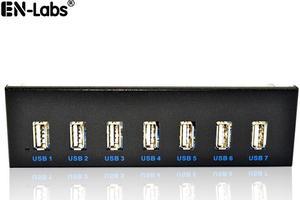
EnLabs FP525U27M PC Case 5.25 inch front panel 7 Ports USB 2.0 USB Hub w/ SATA 15pin Power Connecor(USB 2.0 9pin Connector & 2ft Adapter Cable)
- Type: USB
- Standards: USB 2.0
- Ports: 7 x USB 2.0
- Transfer Rate: 400/480Mbps
- Model #: FP525U27M
- ¥2,609 –
- Free Shipping
Quick View
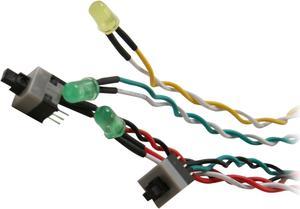
StarTech.com BEZELWRKIT Replacement Power Reset LED Wire Kit for ATX Case Front Bezel
- Types: Lighting & Decor
- Colors: Black
- Length: 0 ft.
- Specifications: Motherboard Connectors: Power LED(3-pin) Sleep LED(2-pin) HDD LED(2-pin) Power Switch(2-pin) Reset Switch(2-pin) Product Length: 20 in [508 mm] Switches: 1 x Power 1 x Reset LED Indicators: 1 - HDD Activity (Green) 1 - Power(Green) 1 - Sleep (Yellow)
- Model #: BEZELWRKIT
- ¥2,666 –
- ¥6,817 Shipping
Quick View
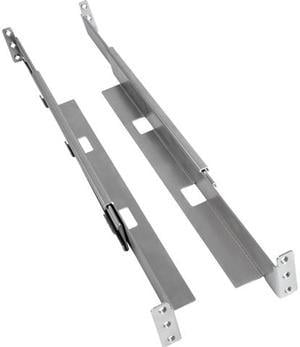
Tripp Lite 4-Post Rack-Mount Shelf Kit Universal For Wallmount Racks 1U
- Length: 15.500
- Model #: 4POSTRAILKITWM
- ¥15,379 –
- More options from ¥15,098 - ¥15,981
- ¥9,685 Shipping
Quick View
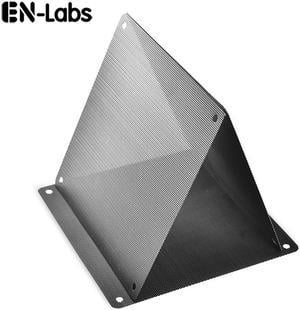
Enlabs PVCFL14CM10PK 140 mm Black PVC Mesh Dust Filter PC Cooler Fan Filter Dustproof Computer Case Cover,10 Pack
- Specifications: Material: PVC Color: Black Dimension:140 x 140mm/5.51 x 5.51"(L x W) Note: Installation screws are not included. Package Included: 10 x Dust Filter Mesh
- Color: Black
- Model #: PVCFL14CM10PK
- ¥1,536 –
- Free Shipping
Quick View
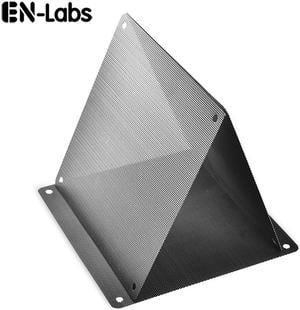
Enlabs PVCFL12CM10PK 120 mm Black PVC Mesh Dust Filter PC Cooler Fan Filter Dustproof Computer Case Cover,10 Pack
- Colors: Black
- Specifications: Material: PVC Color: Black Dimension:120 x 120mm/4.72 x 4.72"(L x W) Note: Installation screws are not included. Package Included: 10 x Dust Filter Mesh
- Color: Black
- Model #: PVCFL12CM10PK
- ¥1,393 –
- Free Shipping
Quick View
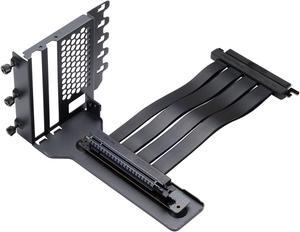
Phanteks Gen4 Vertical GPU Bracket, 220mm Flat Line PCI-E Gen4 x16 Riser Cable Kit, Black
- Part Number: PH-VGPUKT4.0_03R
- Types: GPU Bracket
- Colors: Black
- Specifications: Chassis with open PCI slot design, P300A/P360A/P400A
- Model #: PH-VGPUKT4.0_03R
- ¥16,478 –
- More options from ¥16,373 - ¥16,987
- Free Shipping
Quick View
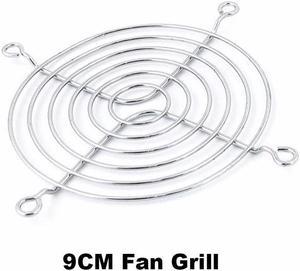
Silver Tone Computer PC Metal Case Fan Guard Protective Grill for 9CM 90mm Case/HDD DVD Fan
- Model #: 11-001-362-9CM
- ¥1,036 –
- Free Shipping
Different computer case accessories allow you to build, repair and upgrade your computer. There are brackets and screws available to install various components, and replacement fan grills, dust filters and wire kits offer upgrades and improvements to systems. LED strips, RGB controllers, colored brackets and transparent side panels are suitable for decorative purposes, while still catering to practical needs. The accessories are available in a variety of styles, sizes and colors to meet everyone's needs. Be sure to check the specifications of each component to be sure it will be suitable for the form factor (size) of your case.
Build Your PC With Computer Case Accessories
Use high and low thread count screws to secure your parts inside the case, such as case fan screws, for example. Keep extra screws on-hand for future upgrades or repairs. The StarTech.com PCSCREWKIT contains an assortment of screws, nuts, and standoffs in a convenient case. Install anti-vibration fan mounts, such as the Noctua NA-SAVP1 Chromax Fan Mount Set, to keep noise to a minimum. Use an HDD slot cover to keep cables from tangling. Find a GPU (Graphics Programming Unit) bracket for a gaming PC, or to fit your HTPC media computer case. Organize and control your fans with a fan controller.
Heavy-duty Protective Cases Protect Computers
Protect your fans with replacement fan grills. Reach the back of your computer and move the device around with a CPU roller. If your replacement HDD (Hard Drive Disk) is a different size, you may need to purchase a drive bay adapter, such as the SIIG SC-SA0H12-S1 3.5"" to Dual 2.5"" Drive Bay Adapter. Fit two SSDs (Solid State Drives) into one HDD cage like the be quiet! HDD Cage, or purchase an SSD rack. Consider installing a new dust filter to keep your components free from dust and other debris. Replace damaged wiring with hookup wire, and set up more SATA (Serial ATA) connections using an HDD/SSD hot-swap back panel, such as the one by Lian Li. Protect your computer case with rubber feet, and replace damaged LED cables with a power reset LED wire kit, like the one from StarTech.com. Close exposed slots using PCI slot covers.
Versatile Gaming Cases Include Cable Sleeves and Other Features
Display your components beautifully with lighting if you've purchased one of the gaming cases with transparent side panels. These tempered glass panels are available separately to install on your existing computer case. Using LED strips, such as the DEEPCOOL RGB 350 Computer Lighting Kit LED Strip, is an easy way to add unique visual features to your system. Neaten up your wires with cable extenders, like the CORSAIR iCUE LS100 Smart Lighting Strip Expansion Kit or cable sleeves. If lighting isn't your thing, purchase cable extenders and sleeves in a color that suits the rest of your components. Use a vertical display VGA holder kit or vertical GPU (Graphics Processing Unit) to display your VGA (Video Graphics Array) card for aesthetics.