
Your Browsing History
SHOP BY Speed
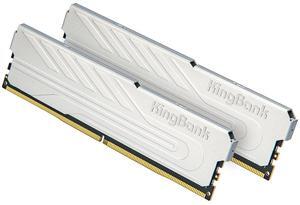
Quick View

- Model #: 647807045898
- ¥43,991 –
- Free Shipping
Quick View

- Model #: 969946306273
- ¥43,974 –
- Free Shipping
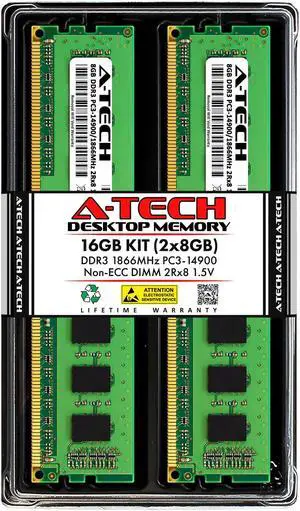
Quick View
A-Tech 16GB Kit (2x8GB) DDR3 1866MHz PC3-14900 CL13 UDIMM 2Rx8 1.5V Non-ECC DIMM 240-Pin Desktop RAM Memory Upgrade Modules
- Model #: 9391048834933
- ¥18,530 –
- Free Shipping
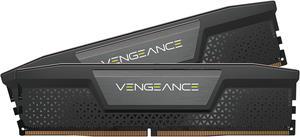
Quick View
CORSAIR Vengeance 32GB (2 x 16GB) 288-Pin PC RAM DDR5 6000 (PC5 48000) Desktop Memory Model CMK32GX5M2B6000C30
OUT OF STOCK
- CAS Latency: 30
- Voltage: 1.40V
- Multi-channel Kit: Dual Channel Kit
- Timing: 30-36-36-76
- Model #: CMK32GX5M2B6000C30
- ¥97,388 –
- ¥4,385 Shipping
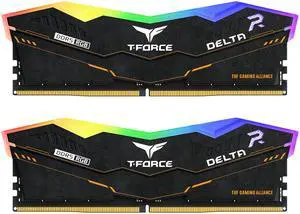
Quick View
Team Group 64GB (2 x 32GB) 288-Pin PC RAM DDR5 6000 (PC5 48000) Memory Model FF5D564G6000HC38ADC01 TUF GAMING

OUT OF STOCK
- CAS Latency: CL38
- Voltage: 1.35V
- Multi-channel Kit: Dual Channel Kit
- Timing: 38-38-38-78
- Model #: FF5D564G6000HC38ADC01
- ¥177,084 –
- ¥4,385 Shipping
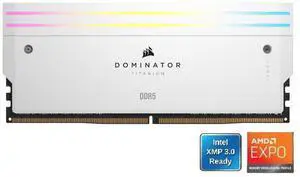
Quick View
CORSAIR Dominator Titanium 64GB (2 x 32GB) DDR5 6000 (PC5 48000) Desktop Memory Model CMP64GX5M2B6000Z30W
OUT OF STOCK
- CAS Latency: CL30
- Voltage: 1.40V
- Multi-channel Kit: Dual Channel Kit
- Timing: 30-36-36-76
- Model #: CMP64GX5M2B6000Z30W
- ¥247,754 –
- ¥6,057 Shipping
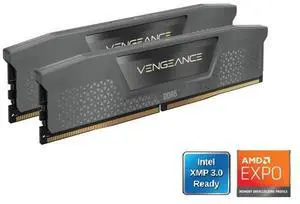
Quick View
CORSAIR Vengeance 32GB (2 x 16GB) DDR5 6000 (PC5 48000) Desktop Memory Model CMK32GX5M2E6000Z36
OUT OF STOCK
- CAS Latency: CL36
- Voltage: 1.40V
- Multi-channel Kit: Dual Channel Kit
- Timing: 36-44-44-96
- Model #: CMK32GX5M2E6000Z36
- ¥104,152 –
- ¥4,369 Shipping
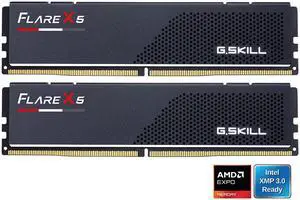
Quick View
G.SKILL Flare X5 96GB (2 x 48GB) 288-Pin PC RAM DDR5 5600 (PC5 44800) Desktop Memory Model F5-5600J4040D48GX2-FX5
OUT OF STOCK
- CAS Latency: CL40
- Voltage: 1.25V
- Multi-channel Kit: Dual Channel Kit
- Timing: 40-40-40
- Model #: F5-5600J4040D48GX2-FX5
- ¥266,442 –
- More options from ¥266,442 - ¥305,900
- ¥4,385 Shipping
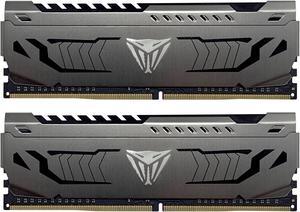
Quick View
Patriot Viper Steel 64GB (2 x 32GB) 288-Pin PC RAM DDR4 3200 (PC4 25600) Desktop Memory Model PVS464G320C6K
OUT OF STOCK
- CAS Latency: CL16
- Voltage: 1.35V
- Timing: 16-20-20-40
- Recommend Use: AMD & Intel Compatible
- Model #: PVS464G320C6K
- ¥91,998 –
- ¥5,136 Shipping
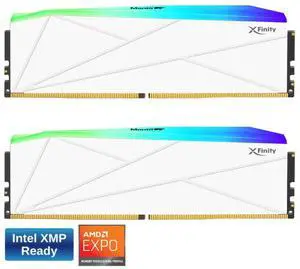
Quick View
V-COLOR Manta XFinity RGB DDR5 64GB (32GBx2) 6000MHz XMP 3.0 & AMD EXPO CL30 1.35V RGB Gaming Desktop Upgrade RAM U-DIMM Memory Module SK Hynix IC - WHITE (TMXFL3260830WWK)

OUT OF STOCK
- CAS Latency: CL30
- Voltage: 1.35V
- Multi-channel Kit: Dual Channel Kit
- Timing: 30-38-38-76
- Model #: TMXFL3260830WWK
- ¥192,941 –
- ¥4,548 Shipping
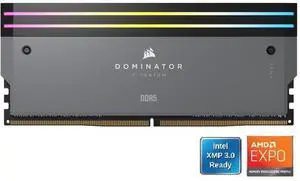
Quick View
CORSAIR Dominator Titanium 64GB (2 x 32GB) DDR5 6000 (PC5 48000) Desktop Memory Model CMP64GX5M2B6000Z30
OUT OF STOCK
- CAS Latency: CL30
- Voltage: 1.40V
- Multi-channel Kit: Dual Channel Kit
- Timing: 30-36-36-76
- Model #: CMP64GX5M2B6000Z30
- ¥246,529 –
- ¥5,210 Shipping
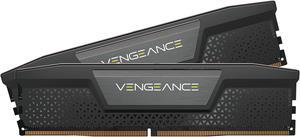
Quick View

OUT OF STOCK
- CAS Latency: CL40
- Voltage: 1.35V
- Multi-channel Kit: Dual Channel Kit
- Timing: 40-50-50-96
- Model #: CMK128GX5M2D6000C40
- ¥497,448 –
- ¥5,073 Shipping
Quick View
CORSAIR Vengeance 64GB (2 x 32GB) 288-Pin PC RAM DDR5 6000 (PC5 48000) Desktop Memory Model CMK64GX5M2B6000C30
OUT OF STOCK
- CAS Latency: CL30
- Voltage: 1.40V
- Multi-channel Kit: Dual Channel Kit
- Timing: 30-36-36-76
- Model #: CMK64GX5M2B6000C30
- ¥227,321 –
- ¥4,385 Shipping
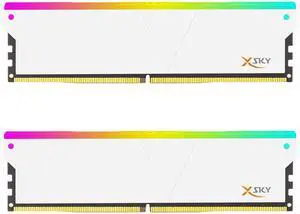
Quick View
V-COLOR Manta XSky DDR5 32GB (2x16GB) 6000MHz CL36 1.35V SK Hynix Original IC RGB Gaming Desktop Memory Module White, for AMD EXPO (TMXSAL1660836WWK)
OUT OF STOCK
- CAS Latency: CL36
- Multi-channel Kit: Dual Channel Kit
- Timing: 36-38-38-96
- Brand: V-Color
- Model #: TMXSAL1660836WWK
- ¥85,956 –
- ¥4,535 Shipping
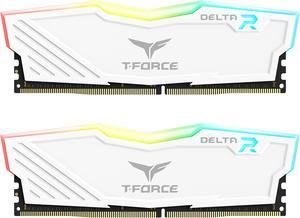
Quick View
Team T-Force Delta RGB 32GB (2 x 16GB) 288-Pin PC RAM DDR4 3600 (PC4 28800) Desktop Memory Model TF4D432G3600HC18JDC01
OUT OF STOCK
- CAS Latency: CL18
- Voltage: 1.35V
- Multi-channel Kit: Dual Channel Kit
- Timing: 18-22-22-42
- Model #: TF4D432G3600HC18JDC01
- ¥51,396 –
- ¥6,049 Shipping
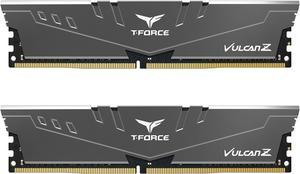
Quick View
Team T-FORCE VULCAN Z 32GB (2 x 16GB) 288-Pin PC RAM DDR4 3600 (PC4 28800) Desktop Memory Model TLZGD432G3600HC18JDC01
OUT OF STOCK
- CAS Latency: CL18
- Voltage: 1.35V
- Multi-channel Kit: Dual Channel Kit
- Timing: 18-22-22-42
- Model #: TLZGD432G3600HC18JDC
- ¥49,352 –
- ¥5,210 Shipping
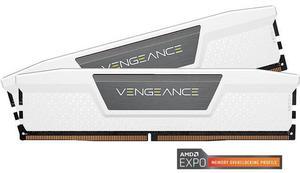
Quick View
CORSAIR Vengeance 32GB (2 x 16GB) 288-Pin PC RAM DDR5 6000 (PC5 48000) Desktop Memory Model CMK32GX5M2E6000Z36W
OUT OF STOCK
- CAS Latency: CL36
- Voltage: 1.40V
- Multi-channel Kit: Dual Channel Kit
- Timing: 36-44-44-96
- Model #: CMK32GX5M2E6000Z36W
- ¥102,217 –
- ¥4,385 Shipping
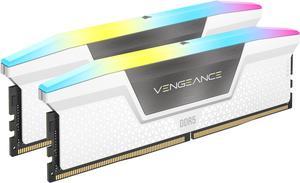
Quick View
CORSAIR Vengeance RGB 64GB (2 x 32GB) 288-Pin PC RAM DDR5 6000 (PC5 48000) Desktop Memory Model CMH64GX5M2B6000C30W
OUT OF STOCK
- CAS Latency: CL30
- Voltage: 1.40V
- Multi-channel Kit: Dual Channel Kit
- Timing: 30-36-36-76
- Model #: CMH64GX5M2B6000C30W
- ¥234,836 –
- ¥4,385 Shipping
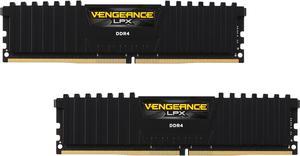
Quick View
CORSAIR Vengeance LPX 32GB (2 x 16GB) 288-Pin PC RAM DDR4 2666 (PC4 21300) Memory Kit Model CMK32GX4M2A2666C16
OUT OF STOCK
- CAS Latency: CL16
- Voltage: 1.20V
- Timing: 16-18-18-35
- Recommend Use: AMD 300 Series / AMD 400 Series / AMD X570 / High Performance or Gaming Memory / Intel 100 Series / Intel 200 Series / Intel 300 Series / Intel 400 Series / Intel X299
- Model #: CMK32GX4M2A2666C16
- ¥53,035 –
- ¥4,385 Shipping
Quick View
CORSAIR Vengeance 96GB (2 x 48GB) 288-Pin PC RAM DDR5 5600 (PC5 44800) Desktop memory Model CMK96GX5M2B5600C40
OUT OF STOCK
- CAS Latency: CL40
- Voltage: 1.25V
- Multi-channel Kit: Dual Channel Kit
- Timing: 40-40-40-77
- Model #: CMK96GX5M2B5600C40
- ¥260,612 –
- ¥4,385 Shipping
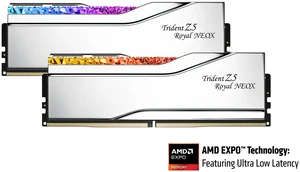
Quick View

OUT OF STOCK
- CAS Latency: CL36
- Voltage: 1.35V
- Multi-channel Kit: Dual Channel Kit
- Timing: 36-36-36-76
- Model #: F5-6000A3636F16GX2-TR5NXS
- ¥104,645 –
- ¥5,101 Shipping
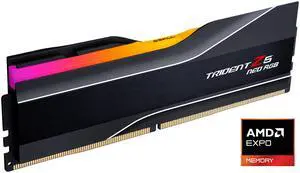
Quick View
OUT OF STOCK
- CAS Latency: CL30
- Voltage: 1.35V
- Timing: 30-38-38-96
- Brand: G.SKILL
- Model #: F5-6000J3038F16GH1-TZ5NR
- ¥50,895 –
- ¥4,385 Shipping
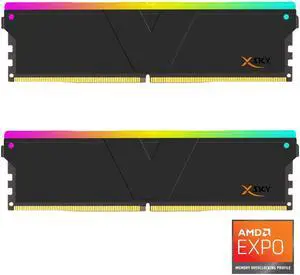
Quick View
V-COLOR Manta XSky DDR5 32GB (2x16GB) 6000MHz CL36 1.35V SK Hynix Original IC RGB Gaming Desktop Memory Module Black, for AMD EXPO (TMXSAL1660836KWK)
OUT OF STOCK
- CAS Latency: CL36
- Voltage: 1.25V
- Multi-channel Kit: Dual Channel Kit
- Timing: 36-38-38-96
- Model #: TMXSAL1660836KWK
- ¥84,731 –
- ¥4,535 Shipping
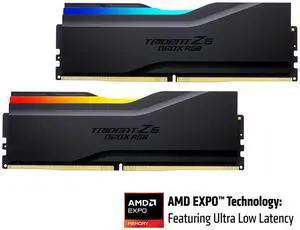
Quick View
G.SKILL Trident Z5 NeoX RGB Series 32GB (2 x 16GB) 288-Pin PC RAM DDR5 6000 (PC5 48000) Desktop Memory Model F5-6000A3636F16GX2-TZ5NXRK
OUT OF STOCK
- CAS Latency: CL36
- Voltage: 1.35V
- Multi-channel Kit: Dual Channel Kit
- Timing: 36-36-36-76
- Model #: F5-6000A3636F16GX2-TZ5NXRK
- ¥104,237 –
- ¥4,385 Shipping
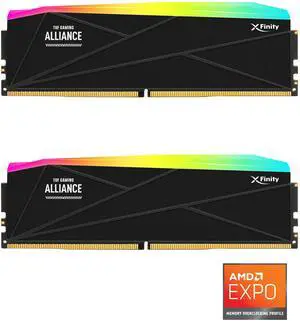
Quick View
V-COLOR DDR5 TUF GAMING ALLIANCE Manta XFinity 64GB (32GBx2) 6400MHz CL32 1.4V AMD EXPO SK Hynix Original IC RGB Gaming Desktop Upgrade RAM Memory Module Black (GTMXFAL3264832KWK)
OUT OF STOCK
- CAS Latency: CL32
- Voltage: 1.40V
- Multi-channel Kit: Dual Channel Kit
- Timing: 32-38-38-80
- Model #: GTMXFAL3264832KWK
- ¥211,927 –
- ¥4,385 Shipping
Quick View
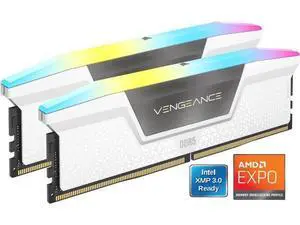
CORSAIR Vengeance RGB 16GB (2 x 8GB) 288-Pin PC RAM DDR5 6000 (PC5 48000) Desktop Memory Model CMH16GX5M2N6000Z36W
OUT OF STOCK
- CAS Latency: CL36
- Voltage: 1.35V
- Multi-channel Kit: Dual Channel Kit
- Timing: 36-44-44
- Model #: CMH16GX5M2N6000Z36W
- ¥55,389 –
- ¥4,488 Shipping
Quick View
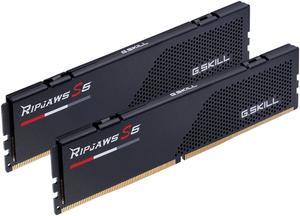
G.SKILL Ripjaws S5 Series 32GB (2 x 16GB) DDR5 5600 Desktop Memory Model F5-5600J3636C16GX2-RS5K
OUT OF STOCK
- CAS Latency: CL36
- Voltage: 1.20V
- Multi-channel Kit: Dual Channel Kit
- Timing: 36-36-36-89
- Model #: F5-5600J3636C16GX2-RS5K
- ¥89,664 –
- More options from ¥89,664 - ¥106,519
- ¥5,210 Shipping
Quick View
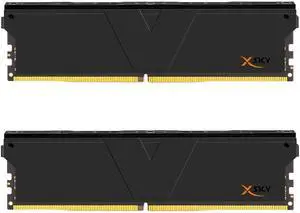
V-COLOR Manta XSky DDR5 32GB (2x16GB) 6000MHz CL28 1.4V SK Hynix IC Gaming Desktop Upgrade Memory Module Black, for AMD EXPO (TMXSO1660828KKK)
OUT OF STOCK
- CAS Latency: CL28
- Voltage: 1.40V
- Multi-channel Kit: Dual Channel Kit
- Timing: 28-36-36-96
- Model #: TMXSAO1660828KKK
- ¥115,470 –
- ¥4,535 Shipping
Quick View
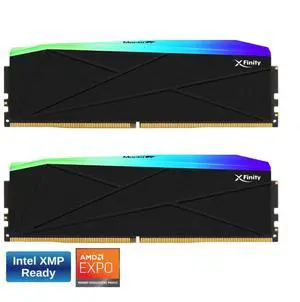
V-COLOR Manta XFinity RGB DDR5 64GB (32GBx2) 6400MHz XMP 3.0 & AMD EXPO CL32 1.4V RGB Gaming Desktop Upgrade RAM U-DIMM Memory Module SK Hynix IC - BLACK (TMXFL3264832KWK)
OUT OF STOCK
- CAS Latency: CL32
- Voltage: 1.40V
- Multi-channel Kit: Dual Channel Kit
- Timing: 32-38-38-80
- Model #: TMXFL3264832KWK
- ¥202,712 –
- ¥4,385 Shipping
Quick View
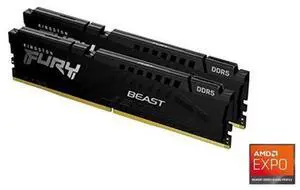
Kingston FURY Beast 128GB (2 x 64GB) 288-Pin PC RAM DDR5 5600 (PC5 44800) Memory (Desktop Memory) Model KF556C40BBK2-128
OUT OF STOCK
- CAS Latency: CL40
- Voltage: 1.25V
- Multi-channel Kit: Dual Channel Kit
- Timing: 40-40-40
- Model #: KF556C40BBK2-128
- ¥441,008 –
- ¥4,454 Shipping
Quick View
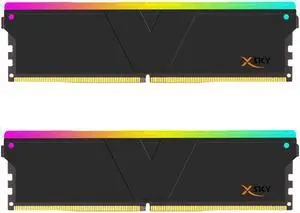
V-COLOR Manta XSky DDR5 32GB (2x16GB) 6000MHz CL26 1.45V SK Hynix IC RGB Gaming Desktop Upgrade Memory Module Black, for AMD EXPO (TMXSAL1660826KWK)
OUT OF STOCK
- CAS Latency: CL26
- Voltage: 1.40V
- Multi-channel Kit: Dual Channel Kit
- Timing: 26-36-36-96
- Model #: TMXSAL1660826KWK
- ¥125,041 –
- ¥4,488 Shipping
Quick View
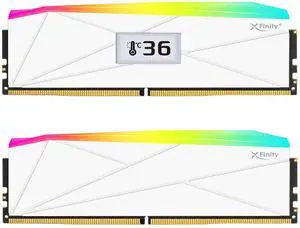
V-COLOR OLED XFinity+ DDR5 32GB (2x16GB) 6000MHz CL30 1.35V SK Hynix IC RGB Gaming Desktop Memory with Built-in Panel, White, for AMD EXPO (OTMXFAL1660830WWK)
OUT OF STOCK
- CAS Latency: CL30
- Multi-channel Kit: Dual Channel Kit
- Timing: 30-38-38-76
- Brand: V-Color
- Model #: OTMXFAL1660830WWK
- ¥92,205 –
- ¥4,385 Shipping
Quick View
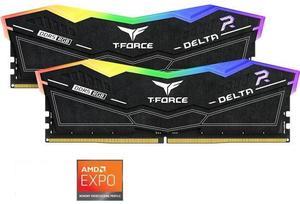
Team Group 16GB (2 x 8GB) 288-Pin PC RAM DDR5 6000 (PC5 48000) Memory Model FF7D516G6000HC38ADC01
OUT OF STOCK
- CAS Latency: CL38
- Voltage: 1.25V
- Multi-channel Kit: Dual Channel Kit
- Timing: 38-38-38-78
- Model #: FF7D516G6000HC38ADC01
- ¥51,404 –
- ¥4,409 Shipping
Quick View
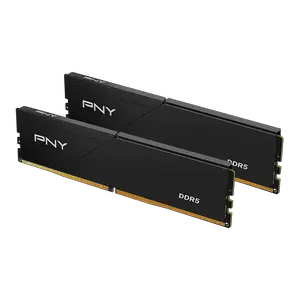
PNY Performance 32GB (2 x 16GB) DDR5 5600 (PC5 44800) Desktop Memory Model MD32GK2D5560046LP
OUT OF STOCK
- CAS Latency: CL46
- Voltage: 1.10V
- Brand: PNY
- Series: Performance
- Model #: MD32GK2D5560046LP
- ¥90,121 –
- ¥5,210 Shipping
Quick View
G.SKILL AEGIS 16GB (2 x 8GB) DDR3 1600 (PC3 12800) Desktop Memory Model F3-1600C11D-16GIS
OUT OF STOCK
- CAS Latency: CL11
- Voltage: 1.50V
- Multi-channel Kit: Dual Channel Kit
- Timing: 11-11-11-28
- Model #: F3-1600C11D-16GIS
- ¥16,359 –
- ¥4,385 Shipping
Quick View
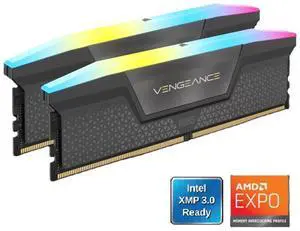
CORSAIR Vengeance RGB 16GB (2 x 8GB) 288-Pin PC RAM DDR5 6000 (PC5 48000) Desktop Memory Model CMH16GX5M2N6000Z36
OUT OF STOCK
- CAS Latency: CL36
- Voltage: 1.35V
- Multi-channel Kit: Dual Channel Kit
- Timing: 36-44-44
- Model #: CMH16GX5M2N6000Z36
- ¥56,185 –
- ¥4,535 Shipping
RAM is the short term memory of your computer. It affects the number of programs you can run at once, and even the number of tabs you can use on your browser. Better RAM, and more of it, also influences the frames per second you can glean from integrated graphics. If you are a video editor or run 3D rendering software on your computer, you will need plenty of high-quality desktop memory. However, not all desktop RAM is compatible with your machine. Your motherboard dictates the number of memory cards, its maximum capacity and even the type of RAM that you can install.
Get the Most From Your Desktop RAM by Matching Speeds
Desktop RAM clock speed is the speed at which the laptop memory can read and write data. Generally speaking, the quicker the clock speed of your new RAM, measured in Megahertz (MHz), the faster the memory processes data. However, if your system only supports 2,666MHz speeds, then there is no point in buying 3,000MHz RAM. Also, if your system supports multiple modules, it will only run at the speed of the slowest RAM, so try to match module speeds when possible. Accessories like card readers can help improve access to data. You will also need to check compatibility. Some systems will only work with DDR4, while others can only run DDR3. Check with the instructions that came with your motherboard to see if it is a home-built PC, or with your computer if it was pre-built.
Improve Integrated Graphics Performance With Better Desktop Memory
Heavy-duty Graphics Processing Units (GPUs) and dedicated graphics cards include RAM, but some systems and laptops have integrated graphics. This means that the main processor is responsible for processing graphics and utilizes system RAM. It places a greater load on desktop or laptop memory, and this type of setup will benefit most from improved RAM. It could prevent you from having to invest in a more expensive computer, while enabling you to eliminate choppy frame rates and improve video quality.
Enjoy Quicker Multitasking With New Laptop RAM
Multitaskers can also enjoy noticeable improvements with new computer memory. Every piece of software, every browser window and every tab requires the use of RAM. When you open new programs, this will create virtual memory on the hard drive when there is no more RAM available. By increasing the amount of RAM, the system doesn't have to use the hard drive, avoiding bottlenecking and improving software as well as web browsing performance.
Do More by Increasing Memory Capacity
At its simplest, RAM allows you to do more, and enables you to do it more quickly. The key is identifying how much you need. When buying memory cards, check the requirements for software that you regularly run. Include operating system specifications and allow some memory for browsing the web. Consider that new and updated applications might have different requirements, so if you install new software regularly, allow extra RAM.