here!
here!
I’m your shopping assistant for PC builds, upgrades, and everything tech.
Got questions? Ask away!
Start a conversation
here!
I’m your shopping assistant for PC builds, upgrades, and everything tech.
Got questions? Ask away!
Start a conversation




Save even more w/ promo code GTWF583, limited offer
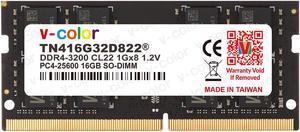
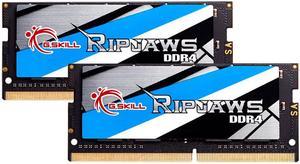
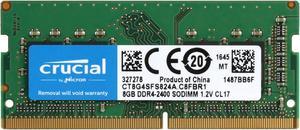
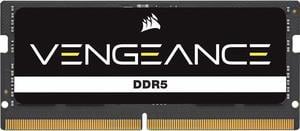
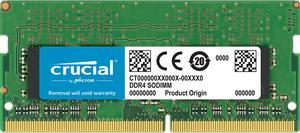

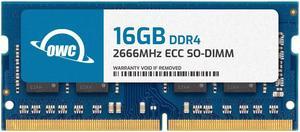
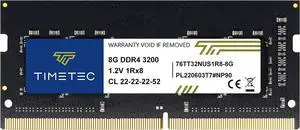
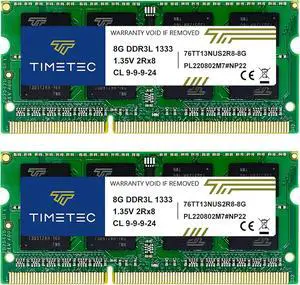
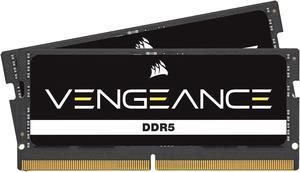
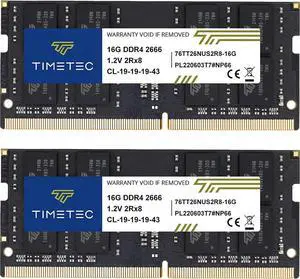
Find DDR4 and DDR3 laptop memory options designed to enhance performance for gaming, multitasking, and everyday computing. This page offers a variety of RAM sticks suitable for upgrading your laptop’s speed and responsiveness.
For laptop upgrades, memory capacity is often the feature that impacts performance the most. Increasing RAM allows your system to run multiple applications smoothly and handle more complex tasks without bottlenecks. For gamers, content creators, and multitaskers, choosing the right capacity ensures your laptop can keep up with demanding workflows. Options range widely, from the popular 16GB per Module to powerful capacities like 128GB (2 x 64GB) kits for expert-level demands. Balancing your budget with your actual use cases will help you find the perfect capacity to elevate your laptop’s performance.
Developers and power users often push the limits of laptop memory to support complex environments like virtual machines, software compilation, and large databases. When upgrading for professional tasks, look beyond standard modules to options like 64GB per Module that optimize server-grade performance and future-proofing. These high-capacity modules can significantly reduce wait times and increase multitasking efficiency in demanding workflows. Dual-channel setups with configurations such as 96GB (2 x 48GB) combine speed and size, delivering powerful workstation-level capabilities in a portable form factor.
Newegg shopping tip: Check the type and speed of your current laptop memory—DDR3 or DDR4 and its frequency (MHz)—to ensure compatibility with your new RAM. Also, confirm the maximum supported capacity and available slots on your laptop to avoid buying memory that won’t fit or work properly.
Max out your system with 128GB (2 x 64GB) DDR4 or DDR5 kits, ideal for heavy multitasking, virtualization, and professional content creation workflows.
Each 64GB module leverages high-density chip technology, suited for server-grade workloads or future-proofing your workhorse laptop.
48GB modules balance capacity and cost, perfect for power users running memory-hungry applications without the need for full 64GB sticks.
Upgrading your laptop’s memory, or RAM, can breathe new life into your device by improving speed, responsiveness, and the ability to multitask without hiccups. If you’re a first-time buyer, start by checking your laptop’s current RAM specifications and the maximum memory it supports. Most modern laptops run DDR4 memory, but older models might use DDR3, so compatibility is key. Choosing the right size depends on your needs—8GB suits casual users, while 16GB or more provides a smoother experience for heavier tasks. Explore 16GB per Module options to get started on a solid upgrade path.
Gaming laptops and creative professionals require robust memory to handle intensive applications and workflows. Equip your laptop with faster and higher capacity RAM to load games quicker, run multiple design programs, and achieve seamless editing. DDR4 is standard, with capacities ranging up to 32GB (2 x 16GB) or even 96GB (2 x 48GB) for serious multitasking and future-proofing your rig. These configurations are optimized to reduce load times and support high frame rates or complex rendering tasks, letting you focus on what you do best without slowdown.
If your day-to-day laptop tasks revolve around web browsing, office apps, video calls, and light content editing, boosting your RAM can keep things running smoothly under heavier multitasking loads. Most business and home laptops benefit from memory upgrades in the 8GB to 16GB range. Consider flexible options like the 32GB modules if you anticipate future needs or want a simple installation process with a single stick upgrade. These memory sizes strike a balance between cost, compatibility, and perceptible performance gains for most workflows.
Research more: When upgrading your laptop memory, make sure to check the type and speed compatible with your device to avoid issues. For deeper insights on choosing the right RAM and installation tips, Newegg Insider’s buying guides are a handy resource to explore.
Last Updated: October 2026 | Newegg Laptop Memory Buying Guide
DDR5 offers faster speeds and better efficiency than DDR4, but it’s newer and often more expensive. Make sure your laptop supports DDR5 before upgrading, as they aren’t interchangeable.
Two 8GB sticks usually run in dual-channel mode, which boosts performance more than a single 16GB stick. However, if you want to leave a slot open for future upgrades, a single stick might be the way to go.
You’ll want to check your laptop’s specifications or user manual to see the maximum RAM capacity and type supported, usually DDR3 or DDR4. Tools like CPU-Z can also identify your current memory specs to match when buying.
DDR4 is newer, faster, and more power-efficient than DDR3, which means better performance and longer battery life for your laptop if it supports DDR4. Just make sure your system is compatible because you can’t mix the two types.
It depends on what you use your laptop for—8GB is usually enough for everyday tasks, but if you do gaming or video editing, 16GB or more is better. Also, check your laptop’s maximum supported memory before buying.
Capacity generally has a bigger impact on performance than speed, especially if you multitask or run heavy programs. Get the highest capacity your laptop supports, then look at speed if you have a choice.
Yes, look for mentions of compatibility problems, frequent crashes, or failure to run at advertised speeds, as these can indicate lower quality or mismatch with your system.
Some smaller brands offer good products, but consistency can vary; check reviews for feedback on durability and customer support before taking a chance.
First, power off your laptop and unplug it, then open the memory compartment carefully—usually found on the bottom. Align the new RAM stick with the slot at a 45-degree angle, press it in gently until it clicks, and replace the cover before powering back on.
Once your laptop is on, you can check the RAM by going into the system settings or BIOS to confirm the total installed memory matches your upgrade. You can also use system information tools or task managers to see if the new memory is active and functional.
“ I bought this G.SKILL Ripjaws 32GB kit to give my laptop a little more breathing room, and Im very happy with it. ”
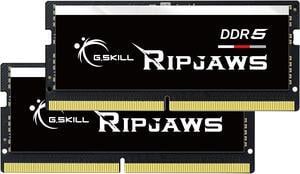
G.SKILL Ripjaws SO-DIMM 32GB (2 x 16GB) 262-Pin DDR5 SO-DIMM DDR5 5600 (PC5 44800) Laptop Memory Model F5-5600S4645A16GX2-RS“ Overall, great ram and a great price. I would highly recommend this ram to anyone looking to upgrade their laptop ”
CORSAIR Vengeance 16GB (2 x 8GB) 260-Pin DDR4 SO-DIMM DDR4 2666 (PC4 21300) Laptop Memory Model CMSX16GX4M2A2666C18“ If you have an older DDR4 Laptop I highly recommend this RAM. ”
Kingston FURY Impact 32GB (2 x 16GB) 260-pin SO-DIMM DDR4 3200 MHz CL20 Black Memory (KF432S20IBK2/32)“ works as stated for my laptop ”
Kingston FURY Impact 32GB (1 x 32GB) 260-pin SO-DIMM DDR4 3200 MHz CL20 Black Memory (KF432S20IB/32)“ I bought this to replace RAM in my laptop that was failing. ”
Crucial 64GB Kit (32GBx2) DDR4 3200 MT/s CL22 SODIMM 260-Pin Memory - CT2K32G4SFD832A“ I would recommend this product to anyone upgrading their laptop. ”
G.SKILL Ripjaws Series 32GB (2 x 16GB) 260-Pin DDR4 SO-DIMM DDR4 3200 (PC4 25600) Laptop Memory Model F4-3200C22D-32GRS“ Purchased ram for laptop motherboard Acer Nitro 5 AN515-45. ”
Kingston Impact 64GB (2 x 32GB) 260-Pin DDR4 SO-DIMM DDR4 3200 (PC4 25600) Memory (Notebook Memory) Model KF432S20IBK2/64“ - Installed this kit (CT2KIT102464BF160B) in my old Sony VAIO laptop to upgrade from 8GB to 16GB. ”
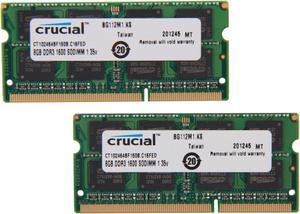
Crucial 16GB (2 x 8GB) 204-Pin DDR3 SO-DIMM DDR3L 1600 (PC3L 12800) Laptop Memory Model CT2KIT102464BF160B