
Your Browsing History
SHOP BY External Interface
![Yottamaster 5 Bay External Hard Drive Enclosure, Aluminum USB3.0 3.5" HDD Enclosure for 3.5 & 2.5 Inch SATA HDD/SSD, Support 90TB(5x18TB) Direct Attached Storage DAS, Non-RAID [PS500U3]](https://c1.neweggimages.com/productimage/nb300/C07DD2512230GMWKA3C.jpg "Yottamaster 5 Bay External Hard Drive Enclosure, Aluminum USB3.0 3.5\" HDD Enclosure for 3.5 & 2.5 Inch SATA HDD/SSD, Support 90TB(5x18TB) Direct Attached Storage DAS, Non-RAID [PS500U3]")
Quick View
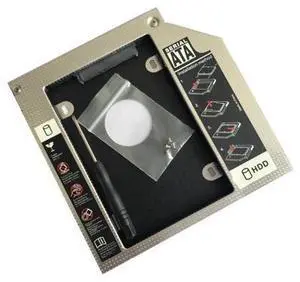
12.7mm HDD Caddy Aluminum Universa SATA 3.0 2.5" SSD CD DVD To HDD Case Optibay Enclosure CD-ROM ODD (12.7)
- Model #: C7FW0626-JIA-881
- ¥4,282 –
- Free Shipping
Quick View
(9.5)mm HDD Caddy Aluminum Universa SATA 3.0 2.5" SSD CD DVD To HDD Case Optibay Enclosure CD-ROM ODD (9.5)
- Model #: C7FW0626-JIA-882
- ¥4,282 –
- Free Shipping
Quick View
(9.0)mm HDD Caddy Aluminum Universa SATA 3.0 2.5" SSD CD DVD To HDD Case Optibay Enclosure CD-ROM ODD(9.0)
- Model #: C7FW0626-JIA-883
- ¥4,282 –
- Free Shipping
Quick View
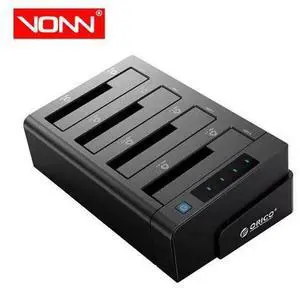
External Hard 4-Bay Docking Station USB 3.0 to SATA Supports 2.5/3.5in HDD/SSD Data 5Gbps High Speed
- Model #: G3F1C783-XM6150252
- ¥35,646 –
- Free Shipping
![Yottamaster 4 Bay RAID Hard Drive Enclosure, 150W Aluminum USB3.0 RAID Enclosure for 3.5 & 2.5 Inch SATA HDD/SSD, Support 72TB(4x18TB) Direct Attached Storage DAS RAID1/5/10/JBOD/CLONE [FS4RU3]](https://c1.neweggimages.com/productimage/nb300/BBRKS2407180FBV1C31.jpg "Yottamaster 4 Bay RAID Hard Drive Enclosure, 150W Aluminum USB3.0 RAID Enclosure for 3.5 & 2.5 Inch SATA HDD/SSD, Support 72TB(4x18TB) Direct Attached Storage DAS RAID1/5/10/JBOD/CLONE [FS4RU3]")
Quick View
Yottamaster 4 Bay RAID Hard Drive Enclosure, 150W Aluminum USB3.0 RAID Enclosure for 3.5 & 2.5 Inch SATA HDD/SSD, Support 72TB(4x18TB) Direct Attached Storage DAS RAID1/5/10/JBOD/CLONE [FS4RU3]
- AC Adapter: Yes
- Material: Aluminum
- Dimensions: ?10.43 x 5.39 x 6.57 inches
- Fan: Yes
- Model #: Yottamaster-FS4RU3-US-GY
- ¥123,680 –
- Free Shipping
Quick View
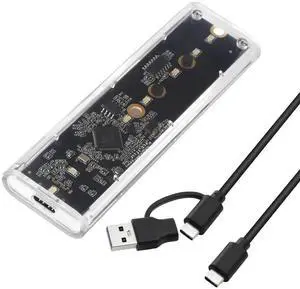
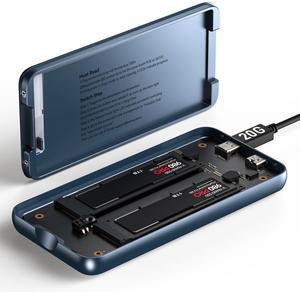
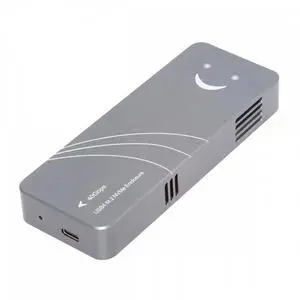
ENFAIN Type-C USB4 40Gbps to PCI-E 4.0 X4 SSD NVME NGFF M-Key Enclosure USB-C 20Gbps ASM2464 Chipset
- Model #: BZ59-0128-Z110
- ¥19,583 –
- Free Shipping
Quick View
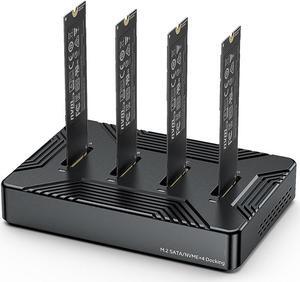
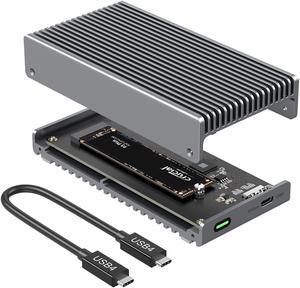
Qwiizlab Fanless 40Gbps USB4 Thunderbolt External SSD Enclosure with Aluminum Heat Sink Chasiss, Supports M.2 NVMe PCIe SSD up to 8TB (SSD Not Included)
- Model #: 694782950914
- ¥22,817 –
- Free Shipping
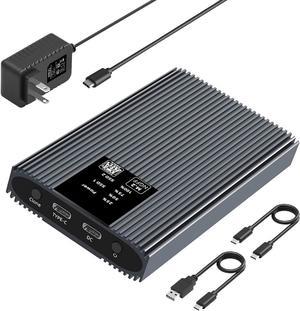
Quick View
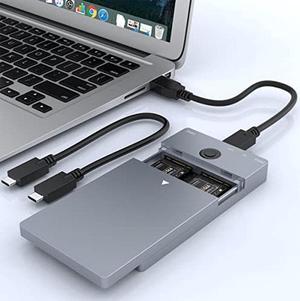
SATA M.2 SSD Duplicator Enclosure, USB-C 5Gbps Docking Station for B/B+M Key 2230/2242/2260/2280 SSD with One-Key Offline Clone and System Disk Copy Function
- Model #: SJB0BR5884WL
- ¥98,035 –
- Free Shipping
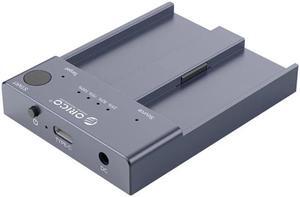
Quick View
Bay M.2 Ngff Nvme Ssd Docking Station Enclosure Offline Clone M2p2-c3-c 10gbps Usb 3. 1 Type-c External Hard Drive Dock
- Type: Enclosure
- Model #: HT-HDD-Case000562
- ¥41,660 –
- Free Shipping
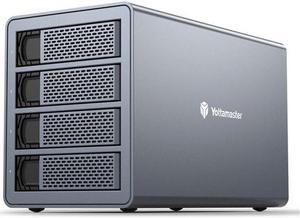
Quick View
FS4RU3 4 Bay 2.5" 3.5" USB3.0 External Hard Drive Enclosure 64TB with RAID Function for NAS Expansion HDD SSD Case
- Type: Enclosure
- Model #: HT-HDD-Case000575
- ¥123,680 –
- Free Shipping
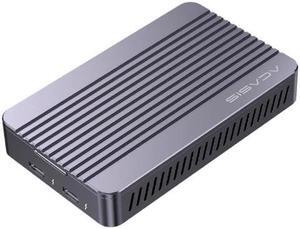
Quick View
Thunderbolt 3 USB 3.0 External HDD M.2 NVME Enclosure Box HDD Hard Drive Case with Docking Station for Laptop PC
- Type: Enclosure
- Model #: HT-HDD-Case000117
- ¥56,425 –
- Free Shipping
Quick View
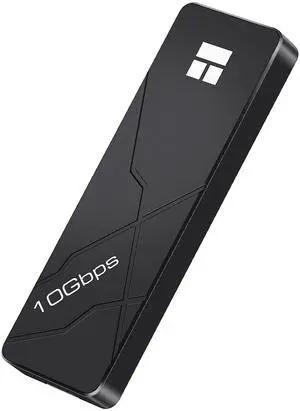
Thermalright M.2 NVMe SSD Enclosure HR-EB110 AC Black, USB3.2 Gen2 10Gbps USB-C External SSD Case, Aluminum CNC, Supports 2230/2242/2260/2280, M Key & B+M Key, Up to 8TB
OUT OF STOCK
- Size: Supports All Size
- Color: Black
- External Interface: 1:1
- AC Adapter: Yes
- Model #: HR-EB110 AC Black
- ¥3,446 –
Quick View
Hannord NVMe & SATA M.2 Reader/Writer, M.2 SSD to USB-A/C Reader Adapter Compatible with (M Key, B+M Key) NVMe and SATA NGFF SSD Dock, Size for 2280 2260 2242 2230 Portable Plastic Enclosure
OUT OF STOCK
- Brand: HANNORD
- Color: Black
- External Interface: USB 3.1 Type-C
- Thunderbolt: Yes
- Model #: P02017-S&N
- ¥3,636 –
Quick View
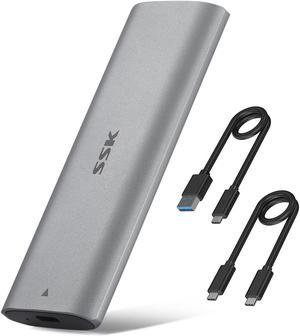
SSK Aluminum Tool-free M.2 NVME SSD Enclosure Adapter,USB C 3.1/3.2 Gen 2 10Gbps to NVME PCIe M-Key Thunderbolt 3 Solid State Drive External Enclosure Support UASP TRIM for SSD Size 2242/2260/2280
OUT OF STOCK
- Brand: SSK
- Size: 2242/2260/2280
- Color: Gray
- External Interface: USB Type C
- Model #: HE-C327
- ¥3,111 –

Quick View
MAIWO External USB C Hard Drive Enclosure Adapter for M.2 NVME & SATA SSD, M.2 SSD Adapter for Solid State Drive Size 2230/2242/2260/2280, Tool-free, Support UASP Trim
OUT OF STOCK
- Material: Aluminum
- Type: Enclosure
- HDD Count Supported: Single SSD
- Number of Bay: 1 Bay
- Model #: K1689
- ¥3,461 –
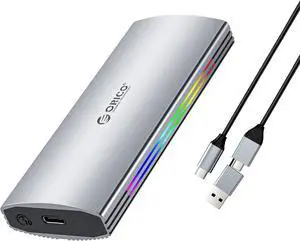
Quick View

OUT OF STOCK
- Material: Aluminum
- Dimensions: 106.5mm(L)*29mm(W)*11.5mm(H)
- Type: Enclosure
- HDD Count Supported: Single SSD
- Model #: M2R2-G2-SV-BP
- ¥6,960 –
Quick View
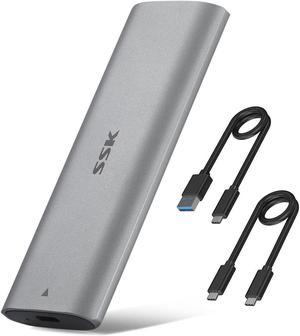
SSK M.2 NVME SATA Tool-Free SSD Enclosure Adapter Reader,RTL9210B Chips USB C 3.1/3.2 Gen 2 10Gbps PCIe,6Gbps SATA MKey/(B+M) Key,External Solid State Drive Case Support UASP Trim for 2242/2260/2280
OUT OF STOCK
- Type: Enclosure
- Material: Aluminum
- HDD Count Supported: Single HDD
- Number of Bay: 1 Bay
- Model #: HE-C370
- ¥4,515 –
![[Tool-less Design with 3 USB3.0 Ports] ORICO 2.5 inch USB3.0 SATA External Hard Drive Disk Enclosure Case for 9.5mm 7mm SATA/HDD/SSD with 3 Ports USB 3.0 HUB UASP Supported 5V2A Power Adapter](https://c1.neweggimages.com/productimage/nb300/A1DS_131743656130376299YQw9ncxv7V.jpg "[Tool-less Design with 3 USB3.0 Ports] ORICO 2.5 inch USB3.0 SATA External Hard Drive Disk Enclosure Case for 9.5mm 7mm SATA/HDD/SSD with 3 Ports USB 3.0 HUB UASP Supported 5V2A Power Adapter")
Quick View
[Tool-less Design with 3 USB3.0 Ports] ORICO 2.5 inch USB3.0 SATA External Hard Drive Disk Enclosure Case for 9.5mm 7mm SATA/HDD/SSD with 3 Ports USB 3.0 HUB UASP Supported 5V2A Power Adapter
OUT OF STOCK
- AC Adapter: Yes
- Material: Plastic
- Specifications: 2.5 HDD Enclosure USB 3.0 Hard Drive Case with 3 Ports USB3.0 HUB
- Type: Enclosure
- Model #: 2588H3-US-BK
- ¥4,242 –
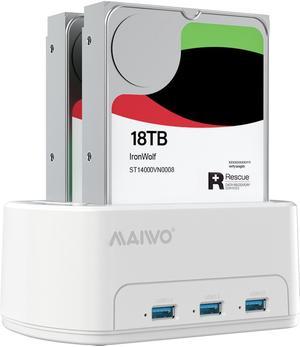
Quick View

OUT OF STOCK
- Type: Dock
- Material: abs plastic
- HDD Count Supported: Dual HDD / SDD
- Number of Bay: 2
- Model #: K3062H
- ¥6,261 –
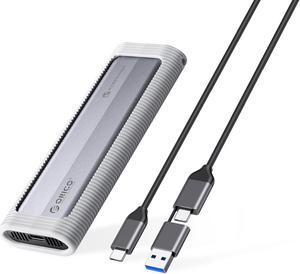
Quick View
OUT OF STOCK
- Type: Enclosure
- Features: Comes with a silicone protective case and lanyard for enhanced SSD protection and portability. Features an aluminum alloy shell with a multi-stacked heat dissipation design for effective cooling. Supports a 10Gbps transmission rate for fast and reliable data transfer. Dual protocol support for NVME+NGFF, catering to various storage requirements. Fully compatible with Windows, Mac
- Dimensions: 137*45.8*17.8MM
- Model #: AXM2S-G2-V1-GY-BP
- ¥4,511 –
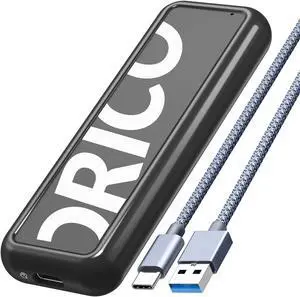
Quick View
OUT OF STOCK
- Material: Classic Plastic
- Type: Enclosure
- HDD Count Supported: Single SSD
- Number of Bay: 1 Bay
- Model #: CPM2C3-BK-BP
- ¥3,811 –
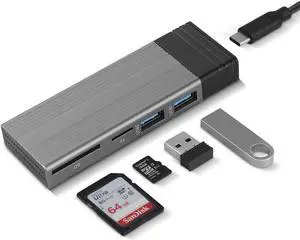
Quick View
M.2 NVME SATA SSD Enclosure Adapter Tool-Free, RTL9210B Chips, USB C 3.1 Gen 2 10Gbps NVME, 6Gbps SATA PCIe M-Key(B+M Key) with 2 USB Ports, SD/TF Card Reader
OUT OF STOCK
- Material: Aluminum
- Type: SSD Enclosure
- HDD Count Supported: Single SSD
- Number of Bay: 1
- Model #: HDE001
- ¥7,835 –
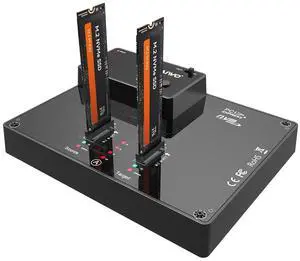
Quick View
OUT OF STOCK
- Brand: MAIWO
- Series: Dual Bay NVME SSD Duplicator
- Model: M.2 SSD Enclosure
- Size: M.2
- Model #: K3015P
- ¥24,281 –
Quick View
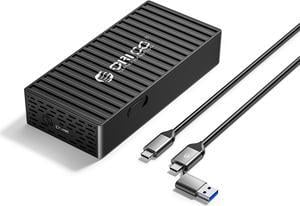
ORICO M.2 NVMe SSD Enclosure to 20Gbps USB3.2 Gen2x2 USB-C PCIe Adapter for NVMe M-Key/M+B Key SSD 2230/2242/2260/2280, M2 External SSD Case(Cooling Vest, UASP, Trim) SSD Max 4TB
OUT OF STOCK
- Material: Classic Plastic
- Type: Enclosure
- HDD Count Supported: Single HDD
- Number of Bay: 1 Bay
- Model #: 9620-C3-BK-BP
- ¥6,960 –
Quick View
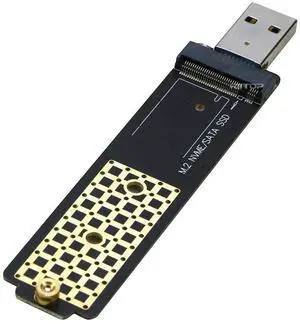
M.2 to USB Adapter, RIITOP M.2 NVME SATA SSD to USB3.1 Gen2 10Gbps, USB to NVME PCIe SSD Reader M Key & B+M Key Max 4TB Support UASP for 2280 2260 2242 2230 SSD Enclosure
OUT OF STOCK
- Specifications: Material: PCB Board. Protocol: M-Key and B+M Key. Input: M.2 SSD Slot, both M-Key and B+M Key M.2 SSD (NVMe, SATA Based). Output: USB 3.1 Type A. Dimension: 115*25*6 mm. Transfer Speed: 10Gbps/ 5Gbps (NOTE: If connect with usb 3.0 type a port, speed will be 5Gbps).
- Type: Enclosure
- HDD Count Supported: Single SSD
- Number of Bay: 1 Bay
- Model #: M2BM-A
- ¥3,461 –
Quick View
OUT OF STOCK
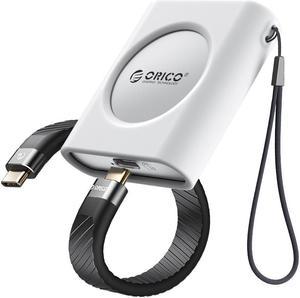
- Brand: ORICO
- Series: IP30
- Size: 58*53*16mm
- Color: White
- Model #: IP30-G2-WH-BP
- ¥3,811 –
Quick View
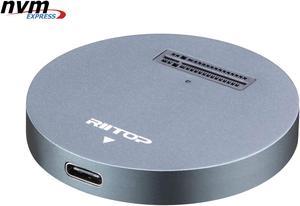
NVMe to USB Docking Station, RIITOP External M.2 PCI-e NVMe SSD to USB-C Reader Adapter for M.2 (M Key) NVMe SSD
OUT OF STOCK
- Material: Aluminum
- Dimensions: 2.16x2.16x0.31 in
- Specifications: Type: NVMe USB C Converter Adapter Docking Base. Input: M Key M.2 NMVe slot. Output: USB 3.1 Type C. (Come with USB Type C to C Cable, USB Type C to Type A Adapter Connector) Transfer Speed: Connect with USB 3.1 Port: 10Gbps; Connect with USB 3.0 Port: 5Gbps; Cable length: About 30cm / 12 in.
- Type: Dock
- Model #: NVMETC-DKGY
- ¥5,911 –
Quick View
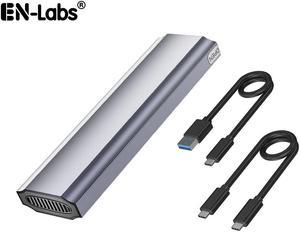
M.2 NVME / NGFF SSD Enclosure Adapter, USB 3.2 Gen 2 (10 Gbps) to PCI-E NVME & NGFF M-Key/(B+M) Key Solid State Drive External Enclosure Support UASP Trim for NVME/SATA SSDs 2242/2260/2280
OUT OF STOCK
- Type: Enclosure
- Maximum Capacity (per Bay): Up to 4TB
- Model #: ENU325SSDAL
- ¥4,056 –
Quick View
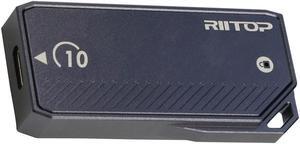
RIITOP 2230 SSD Enclosure 10Gbps USB C 3.2 Gen2, Aluminum M.2 NVMe SSD Enclosure Adapter, Support M-Key B+M Key UASP(UP to 2TB)
OUT OF STOCK
- Material: Aluminum
- Type: Enclosure
- HDD Count Supported: Single HDD
- Number of Bay: 1
- Model #: M2BMC-UT-10
- ¥5,036 –
A hard drive enclosure enables you to turn an internal drive into an external or portable one. You can use it to access data from a laptop drive on a desktop computer, to run regular backups or to extend storage beyond the capabilities of a motherboard and its internal bays. Hard drive enclosures offer flexibility. Some require a power adapter, but some can draw power from the connected PC via USB. Choose between 2.5"" enclosures, typically used to access laptop drives, and 3.5"", which is the standard size for a desktop hard disk. External interfaces include SATA, SAS and Ethernet connectivity, which ensure optimal use. With built-in eject buttons in dual-bay docks, it's easy to dock drives seamlessly while multitasking at work.
Expand Your Storage Using Existing Hardware
Convert old drives into functional data storage devices by using an external drive enclosure. Choose an enclosure that matches the size of your hard drive. As noted, standard laptop drives and desktop drives are usually different sizes, but there are exceptions, so check the specifications before buying an enclosure. When you convert an old hard disk, it saves you from having to invest in new storage, and allows easy access to the data. Even if an old drive is incompatible with a new PC, you won't have to transfer data from one PC to another to save valuable time.
Protect Your Data With an External Hard Drive Case
Protecting your data is important, whether it is personal or professional. A hard drive enclosure with a power pack can run independently to your computer, and allows for regular backups and prevents data loss. Using an external hard drive case also enables you to keep the internal temperature of your computer down, which can be difficult if you install multiple drives inside the device. You can also attach the new drive device to some routers, enabling you to backup data from multiple PCs and other hardware to create a central repository for all of your files and software. In this case, check the ports on your router. You may find ethernet as well as USB ports that give you the option of deciding how you want to connect your hard drive docking station. High-end businesses can use external hard drive cases, computer cases and other accessories to safeguard sensitive information, such as billing details.
Access Data on Multiple Disks With a Hard Drive Docking Station
A hard drive docking station enables the connection of two or more storage devices. You can expand existing storage with terabytes of space, depending on the size of the drives. Ensure that the docking station has the appropriate interfaces. Some hard drive models include SATA and IDE connections, which enable connecting multiple drive types. The external interface determines how you connect from a computer to the new dock. USB and Thunderbolt are a common choice, but some models have SATA and eSATA connections.