All CategoriesAll CategoriesAll Categories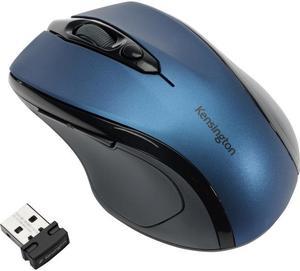
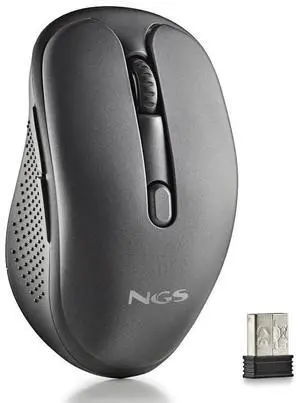
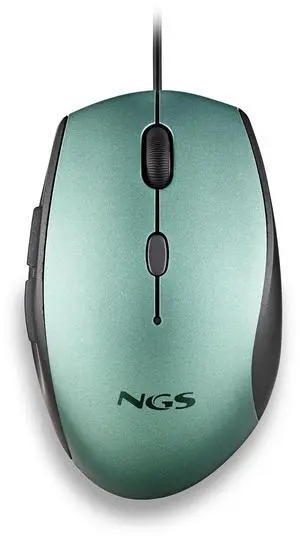
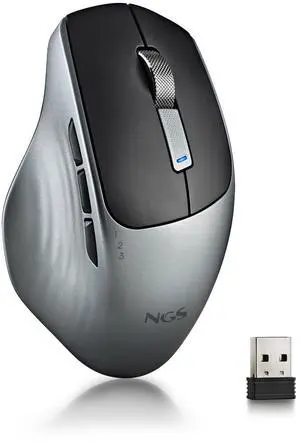
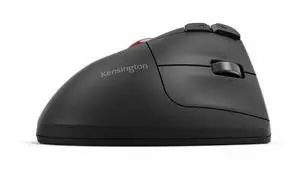
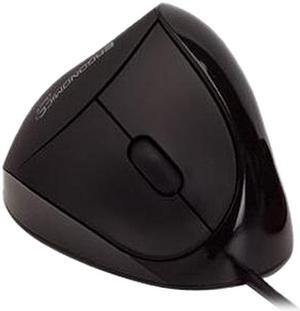
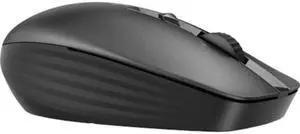


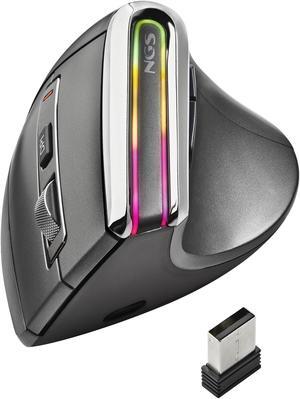
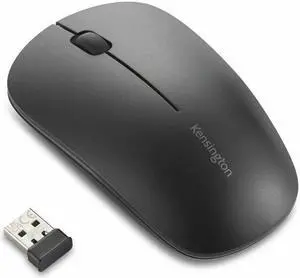
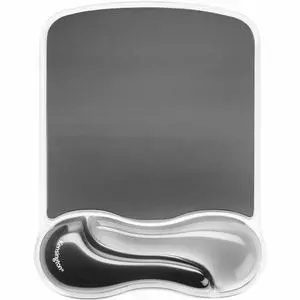
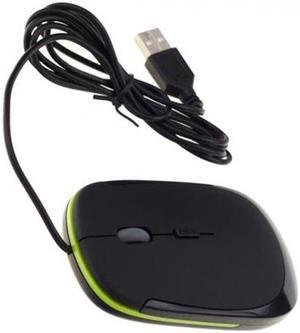
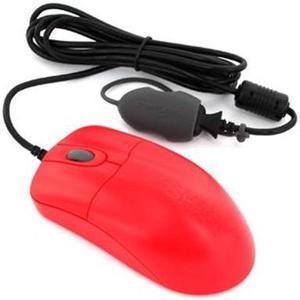
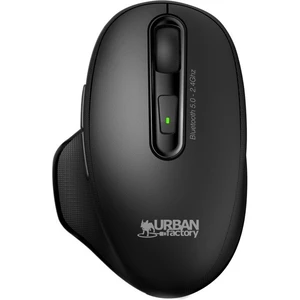
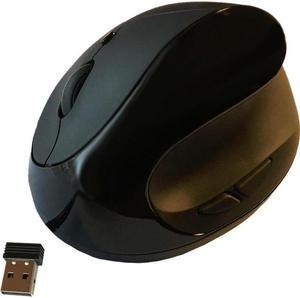
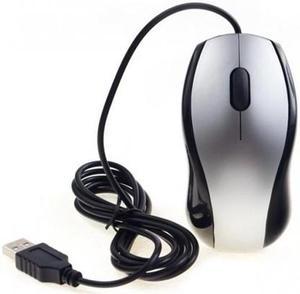
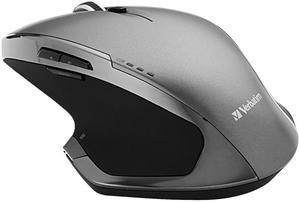
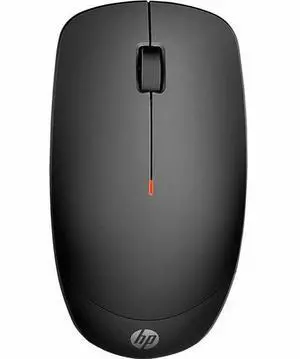
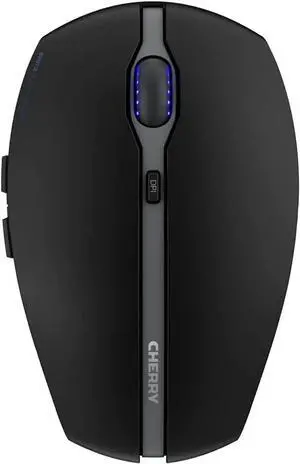
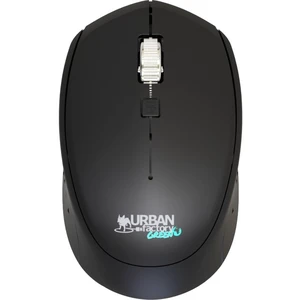
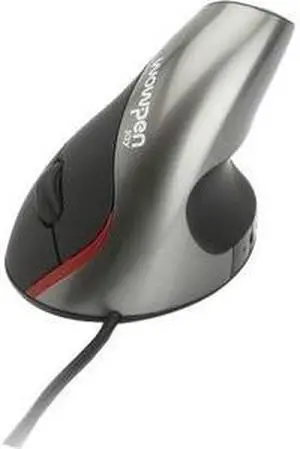
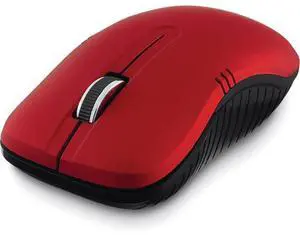
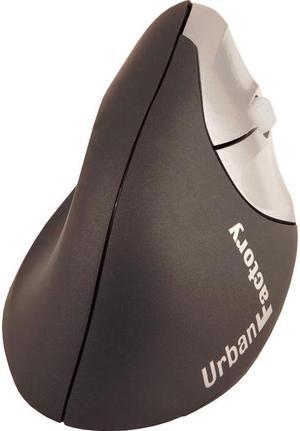
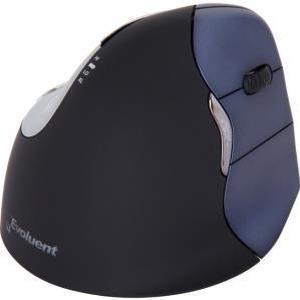
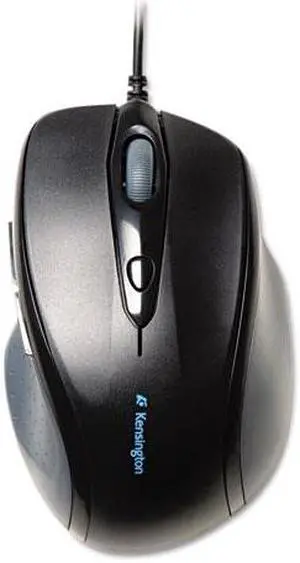
Computer mice often are the unsung heroes of the home and office computing world. While your PC probably shipped with a standard mouse, if you haven't upgraded it, it is unlikely that you're getting the most from your time online or gaming. Modern Bluetooth mice can offer a seamless, virtually lag-free experience, while models with multiple buttons make it easier to keep pace with some of the best gamers in the world while enhancing your word processing and graphic design work. Shape and size determine how the mouse feels in your hand, with some people preferring lightweight models and others preferring something with extra heft. Button layout and configuration can greatly influence your mouse experience.
Computer mice use laser or optical sensors to track movement. Laser models track up to 2,000 dots per inch (dpi) while optical mice only track approximately 600. Most home users don't need the precision of a laser, and optical versions are less expensive. Graphic designers, videographers and serious gamers benefit from laser tracking because the movements on screen more precisely mirror the movement of the mouse.
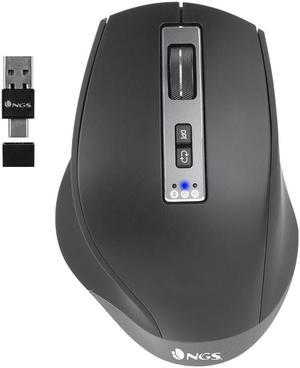
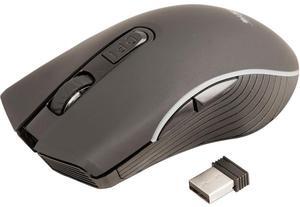
Most computer mice include left and right buttons, as well as a tracker wheel in the middle. Advanced versions can include two or four side buttons, and allow the user to configure these buttons to their own settings. A simple use may be to perform the function of the back button on your browser. Gamers might map a series of commands to one of these buttons, allowing them to pull off a complex move in one press.
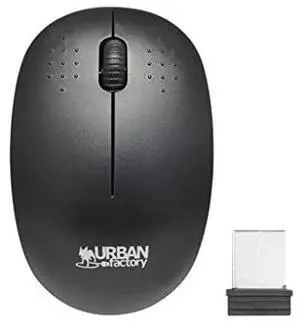
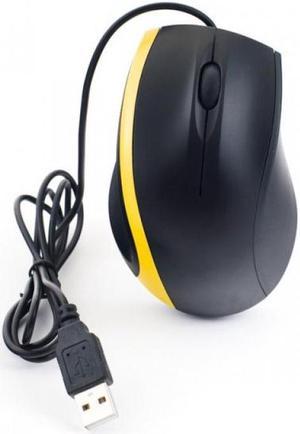
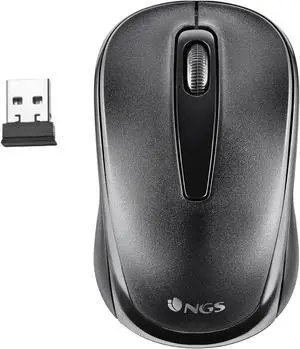
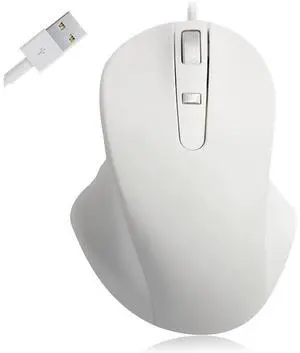
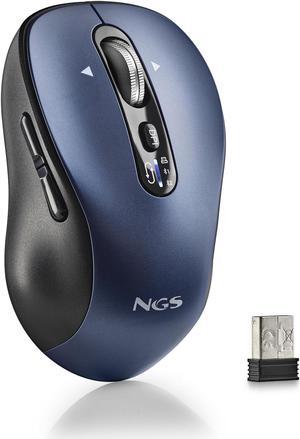
Wired mice connect to a PC using USB or the PS/2 port. You will use the PS/2 port to connect other input devices such as keyboards so consider your configuration and whether you have a spare port available. If not, opt for a USB connection. PCs typically come with an array of ports so that you can connect mice and other USB gadgets. You can buy additional hubs that expand a single port to give four or more connections and allow the addition of all your computer accessories. Even wireless mice, which eliminate wire snags and make it easier to move your input device around, still require a USB port to connect the wireless receiver. They also take batteries or include a charging dock or wire.
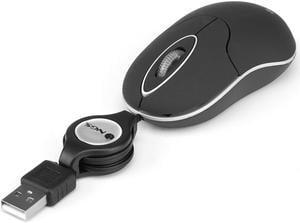
Most portable and Bluetooth mice are smaller than their full-bodied counterparts. This is so that they will more easily fit into the pockets of a laptop bag and take up less space. However, they also offer benefits to users with smaller hands. It is important that you can comfortably fit your hand around a mouse, ensuring that your fingers rest easily over the buttons, and the diminutive form of travel mice makes this possible, even for children's hands.