SHOP BY External Interface

Quick View
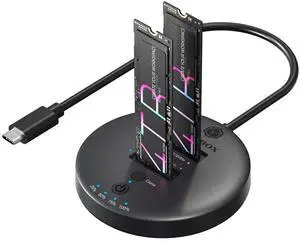
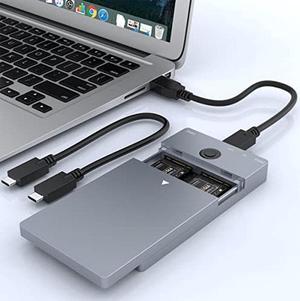
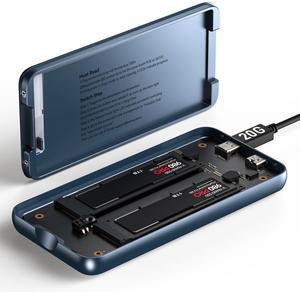
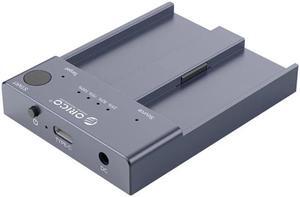
Dual Bay Raid SSD Enclosure: 2280 M2 Hard Drive Enclosure with Clone Mode & Raid 0/1 & JBOD Mode, 20Gbps Compatible to PCIe NVMe Harddrive Cloning HDD, Offline Duplicator
- Model #: 652966936703
- ₩296,272 –
- Free Shipping

Quick View
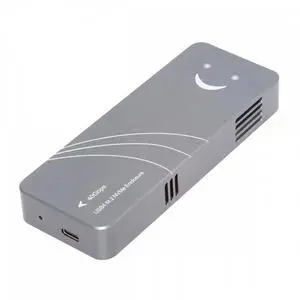
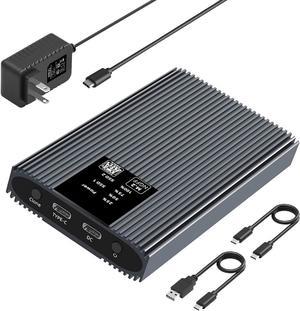
ENFAIN Type-C USB4 40Gbps to PCI-E 4.0 X4 SSD NVME NGFF M-Key Enclosure USB-C 20Gbps ASM2464 Chipset
- Model #: BZ59-0128-Z110
- ₩170,060 –
- Free Shipping

Quick View
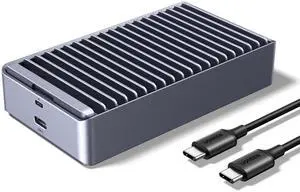
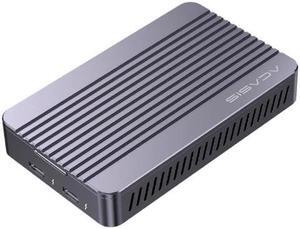
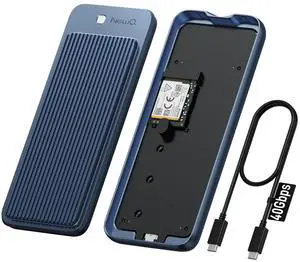
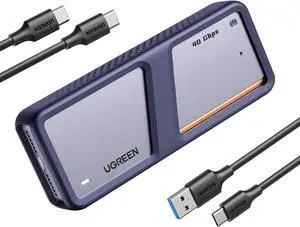
Qwiizlab Fanless 40Gbps USB4 Thunderbolt External SSD Enclosure with Aluminum Heat Sink Chasiss, Supports M.2 NVMe PCIe SSD up to 8TB (SSD Not Included)
- Model #: 694782950914
- ₩193,100 –
- Free Shipping

Quick View
SATA M.2 SSD Duplicator Enclosure, USB-C 5Gbps Docking Station for B/B+M Key 2230/2242/2260/2280 SSD with One-Key Offline Clone and System Disk Copy Function
- Model #: SJB0BR5884WL
- ₩851,339 –
- Free Shipping

Quick View
Bay M.2 Ngff Nvme Ssd Docking Station Enclosure Offline Clone M2p2-c3-c 10gbps Usb 3. 1 Type-c External Hard Drive Dock
- Type: Enclosure
- Model #: HT-HDD-Case000562
- ₩361,784 –
- Free Shipping

Quick View
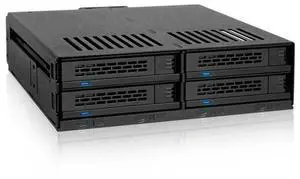
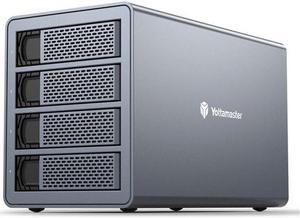
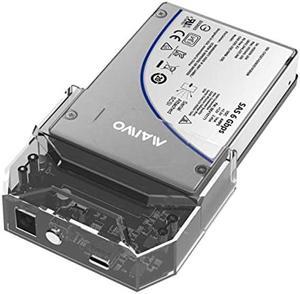
FS4RU3 4 Bay 2.5" 3.5" USB3.0 External Hard Drive Enclosure 64TB with RAID Function for NAS Expansion HDD SSD Case
- Type: Enclosure
- Model #: HT-HDD-Case000575
- ₩1,074,040 –
- Free Shipping

Quick View
Thunderbolt 3 USB 3.0 External HDD M.2 NVME Enclosure Box HDD Hard Drive Case with Docking Station for Laptop PC
- Type: Enclosure
- Model #: HT-HDD-Case000117
- ₩489,998 –
- Free Shipping

Quick View
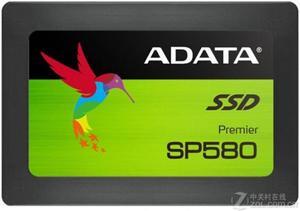
Refurbished Intemational Version SP580 SATA III (240GB) Desktop Solid State Drive (SSD)
- Type: HDD/SSD
- Model #: 1163380
- ₩83,673 –
- Free Shipping

Quick View
Refurbished Intemational Version SP580 SATA III (120GB) Desktop Solid State Drive (SSD)
- Type: HDD/SSD
- Model #: 1173499
- ₩68,281 –
- Free Shipping

Quick View
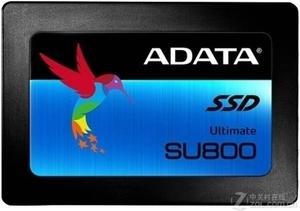
Refurbished Intemational Version SU800 SATA III (128GB) Desktop Solid State Drive (SSD)
- Type: HDD/SSD
- Model #: 1168512
- ₩70,205 –
- Free Shipping

Quick View
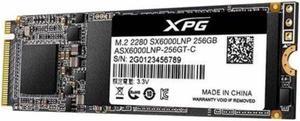
Refurbished Intemational Version XPG SX6000 M.2 2280 (256GB) Desktop Internal Solid State Drive (SSD)
- Type: HDD/SSD
- Model #: 1186584
- ₩114,457 –
- Free Shipping

Quick View
Refurbished Intemational Version SU800 SATA III (256GB) Desktop Solid State Drive (SSD)
- Type: HDD/SSD
- Model #: 1154891
- ₩104,836 –
- Free Shipping

Quick View
Refurbished Intemational Version SU800 SATA III (512GB) Desktop Solid State Drive (SSD)
- Type: HDD/SSD
- Model #: 1179463
- ₩124,076 –
- Free Shipping

Quick View
Refurbished Intemational Version XPG SU600 SATA III (240GB) Desktop Solid State Drive (SSD)
- Type: HDD/SSD
- Model #: 1179455
- ₩83,673 –
- Free Shipping

Quick View
Refurbished Intemational Version SP580 SATA III (480GB) Desktop Solid State Drive (SSD)
- Type: HDD/SSD
- Model #: 1260075
- ₩118,305 –
- Free Shipping

Quick View
Refurbished Intemational Version XPG SX8200 Pro M.2 (2TB) Desktop Internal Solid State Drive (SSD)
- Type: HDD/SSD
- Model #: 1376792
- ₩376,117 –
- Free Shipping

Quick View
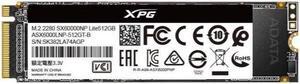
Refurbished Intemational Version XPG SX6000 LiTBe M.2 PCIe (512GB) Desktop Internal Solid State Drive (SSD)
- Type: HDD/SSD
- Model #: 1348991
- ₩133,696 –
- Free Shipping

Quick View
Refurbished Intemational Version XPG S11 LiTBe M.2 PCIe (256GB) Desktop Internal Solid State Drive (SSD)
- Type: HDD/SSD
- Model #: 1272595
- ₩99,064 –
- Free Shipping

Quick View
Refurbished Intemational Version XPG S11 LiTBe M.2 PCIe (512GB) Desktop Internal Solid State Drive (SSD)
- Type: HDD/SSD
- Model #: 1272592
- ₩137,544 –
- Free Shipping

Quick View
Refurbished Intemational Version SP580 SATA III (960GB) Desktop Solid State Drive (SSD)
- Type: HDD/SSD
- Model #: 1265033
- ₩210,655 –
- Free Shipping

Quick View
Refurbished Intemational Version XPG SX6000 M.2 2280 (512GB) Desktop Solid State Drive (SSD)
- Type: HDD/SSD
- Model #: 1186585
- ₩145,240 –
- Free Shipping

Quick View
Refurbished Intemational Version XPG SX6000 M.2 2280 (1TB) Desktop Solid State Drive (SSD)
- Type: HDD/SSD
- Model #: 1186586
- ₩214,503 –
- Free Shipping

Quick View
Refurbished Intemational Version XPG S20 M.2 PCIe (256GB) Desktop Internal Solid State Drive (SSD)
- Type: HDD/SSD
- Model #: ADS20
- ₩93,293 –
- Free Shipping

Quick View
Refurbished Intemational Version XPG S50 PRO M.2 PCIe (500GB) Desktop Internal Solid State Drive (SSD)
- Type: HDD/SSD
- Model #: 1433378
- ₩154,860 –
- Free Shipping

Quick View
Refurbished Intemational Version XPG S20 M.2 PCIe (512GB) Desktop Internal Solid State Drive (SSD)
- Type: HDD/SSD
- Model #: 1977651
- ₩172,861 –
- Free Shipping

Quick View
Refurbished Intemational Version XPG S20 M.2 PCIe (1TB) Desktop Internal Solid State Drive (SSD)
- Type: HDD/SSD
- Model #: 1977652
- ₩199,112 –
- Free Shipping

Quick View
Refurbished Intemational Version XPG S50 PRO M.2 PCIe (1TB) Desktop Internal Solid State Drive (SSD)
- Type: HDD/SSD
- Model #: 1433379
- ₩214,503 –
- Free Shipping

Quick View
Refurbished Intemational Version XPG S50 PRO M.2 PCIe (2TB) Desktop Internal Solid State Drive (SSD)
- Type: HDD/SSD
- Model #: 1433380
- ₩348,618 –
- Free Shipping

Quick View
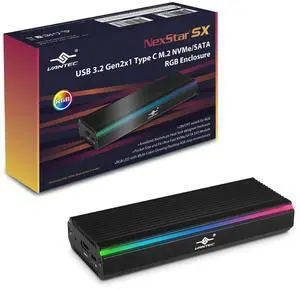
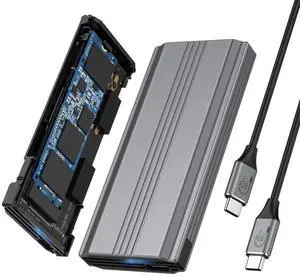
Thermalright M.2 NVMe SSD Enclosure HR-EB110 AC Black, USB3.2 Gen2 10Gbps USB-C External SSD Case, Aluminum CNC, Supports 2230/2242/2260/2280, M Key & B+M Key, Up to 8TB
OUT OF STOCK
- Size: Supports All Size
- Color: Black
- External Interface: 1:1
- AC Adapter: Yes
- Model #: HR-EB110 AC Black
- ₩32,671 –

Quick View
Hannord NVMe & SATA M.2 Reader/Writer, M.2 SSD to USB-A/C Reader Adapter Compatible with (M Key, B+M Key) NVMe and SATA NGFF SSD Dock, Size for 2280 2260 2242 2230 Portable Plastic Enclosure
OUT OF STOCK
- Brand: HANNORD
- Color: Black
- External Interface: USB 3.1 Type-C
- Thunderbolt: Yes
- Model #: P02017-S&N
- ₩34,478 –
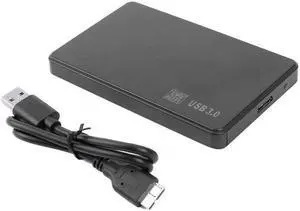
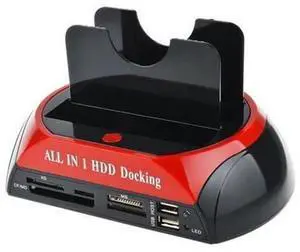
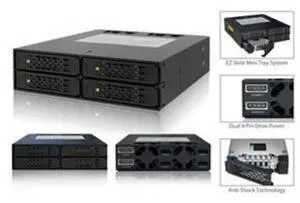
A hard drive enclosure enables you to turn an internal drive into an external or portable one. You can use it to access data from a laptop drive on a desktop computer, to run regular backups or to extend storage beyond the capabilities of a motherboard and its internal bays. Hard drive enclosures offer flexibility. Some require a power adapter, but some can draw power from the connected PC via USB. Choose between 2.5"" enclosures, typically used to access laptop drives, and 3.5"", which is the standard size for a desktop hard disk. External interfaces include SATA, SAS and Ethernet connectivity, which ensure optimal use. With built-in eject buttons in dual-bay docks, it's easy to dock drives seamlessly while multitasking at work.
Expand Your Storage Using Existing Hardware
Convert old drives into functional data storage devices by using an external drive enclosure. Choose an enclosure that matches the size of your hard drive. As noted, standard laptop drives and desktop drives are usually different sizes, but there are exceptions, so check the specifications before buying an enclosure. When you convert an old hard disk, it saves you from having to invest in new storage, and allows easy access to the data. Even if an old drive is incompatible with a new PC, you won't have to transfer data from one PC to another to save valuable time.
Protect Your Data With an External Hard Drive Case
Protecting your data is important, whether it is personal or professional. A hard drive enclosure with a power pack can run independently to your computer, and allows for regular backups and prevents data loss. Using an external hard drive case also enables you to keep the internal temperature of your computer down, which can be difficult if you install multiple drives inside the device. You can also attach the new drive device to some routers, enabling you to backup data from multiple PCs and other hardware to create a central repository for all of your files and software. In this case, check the ports on your router. You may find ethernet as well as USB ports that give you the option of deciding how you want to connect your hard drive docking station. High-end businesses can use external hard drive cases, computer cases and other accessories to safeguard sensitive information, such as billing details.
Access Data on Multiple Disks With a Hard Drive Docking Station
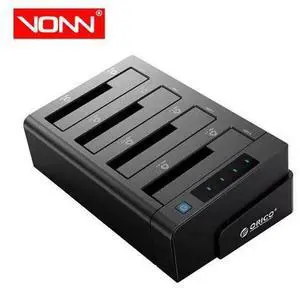
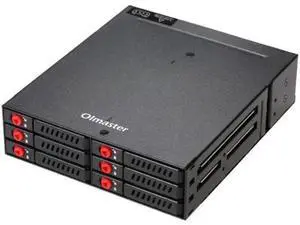
A hard drive docking station enables the connection of two or more storage devices. You can expand existing storage with terabytes of space, depending on the size of the drives. Ensure that the docking station has the appropriate interfaces. Some hard drive models include SATA and IDE connections, which enable connecting multiple drive types. The external interface determines how you connect from a computer to the new dock. USB and Thunderbolt are a common choice, but some models have SATA and eSATA connections.