• In Stock
  • Sold by Newegg
Brands
Show More
Interface
Image Sensor
Max. Image Resolution
Effective Pixels
Video Capture Resolution
Frame Rate
Sold by
All Top Brands
Availability
Current Promotion
Useful Links
Customer Ratings
Sort By:
View:
ACCIDENTAL VIDEO OR AUDIO EXPOSURE IS A COMMON RISK IN TODAY S ALWAYS-ON WORK EN
Quick View
  •  
  • ₩99,885 
  • ₩43,621 Shipping
Lenovo ThinkVision MC60 (S) Monitor Webcam
Quick View
Lenovo
Lenovo ThinkVision MC60 (S) Monitor Webcam
  • Part Number: 4XC1K97399
  • Color: Black
  • Dimension: 6.9 in x 4.0 in x 2.3 in
  • Weight: 0.50 lb
  • Model #: 4XC1K97399
Poly Studio V12 USB Video Bar No Power Supply
Quick View
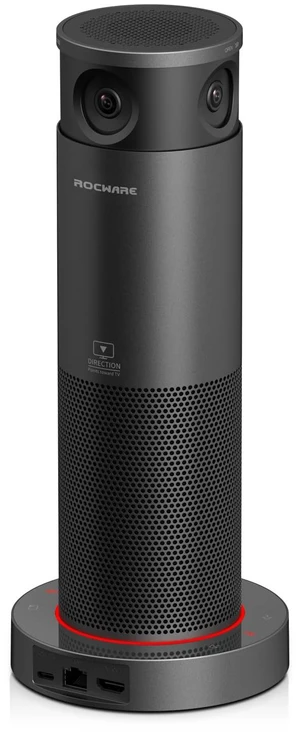
ROCWARE RC18 Webcam 8.3 Megapixel 30 fps USB 3.0 Type B 684514110747
Quick View
  •  
  • ₩286,557 
  • ₩57,541 Shipping
OTM Essentials Universal Ring Light Black (OB-A1A)
Quick View
  •  
  • ₩47,821 
  • ₩82,629 Shipping
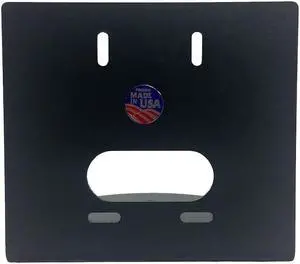
Small Camera Wall Mount, 3x, 10x
Quick View
  •  
  • ₩165,257 
  • ₩59,641 Shipping
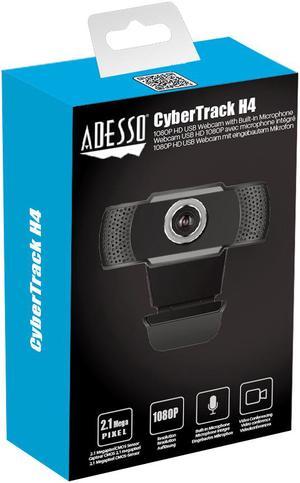
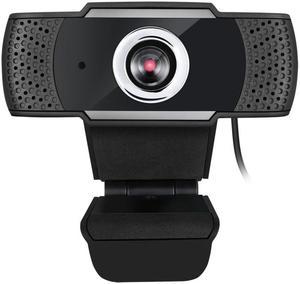
ADESSO CYBERTRACKH4 1080P HD USB Webcam Micphone
Quick View
ADESSO CYBERTRACKH4 1080P HD USB Webcam Micphone
  • Part Number: CYBERTRACKH4
  • Color: Black
  • Model #: ADES#CYBERTRACKH4
  •  
  • ₩85,581 
  • ₩83,250 Shipping
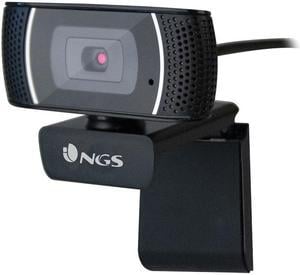
NGS Full HD 1920 x 1080 USB Webcam with built in Microphone
Quick View
  •  
  • ₩76,832 
  • ₩67,187 Shipping
Adesso CyberTrack H4 HD USB Webcam
Quick View
Adesso CyberTrack H4 HD USB Webcam
  • Color: Black
  • Model #: CYBERTRACKH4
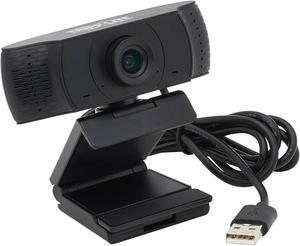
TRIPP LITE AWC-001 USB 2.0 WebCam
Quick View
TRIPP LITE AWC-001 USB 2.0 WebCam
  • Video Capture Resolution: 1920 x 1080
  • Frame Rate: 30 fps
  • Power Source: Voltage Compatibility (VDC): 5V Input Current: 200mA (0.2A)
  • Operating Systems Supported: Laptop or PC with USB 2.0 port or later Windows (7, 8, 10 or later), Mac (10.10 or later), Android (5.0 or later) or Chrome operating system Video-calling web app, such as Skype, Zoom, Microsoft Teams or GoToMeeting
  • Model #: AWC-001
  •  
  • ₩120,276 
  • ₩65,283 Shipping
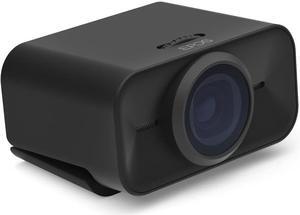
EPOS EXPAND Vision 1M Video Conferencing Camera - Black - USB Type A
Quick View
  •  
  • ₩1,045,939 
  • ₩55,799 Shipping
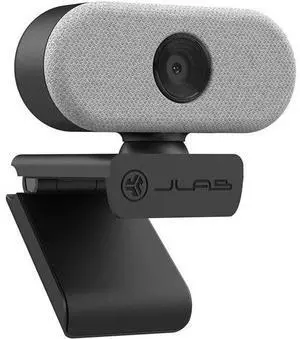
JLAB Go HD Webcam White WGOCAMRWHT124
Quick View
JLAB Go HD Webcam White WGOCAMRWHT124
  • Brand: JLAB
  • Part Number: WGOCAMRWHT124
  • Model #: WGOCAMRWHT124
  •  
  • ₩71,237 
  • ₩43,297 Shipping
JLAB Go HD Webcam Black WGOCAMRBLK124
Quick View
JLAB Go HD Webcam Black WGOCAMRBLK124
  • Brand: JLAB
  • Model #: WGOCAMRBLK124
  •  
  • ₩71,017 
  • ₩43,297 Shipping
JLab Pop USB Webcam with Privacy Cover WPOPCAMRBLK124
Quick View
  •  
  • ₩51,557 
1080P USB Computer Webcam HD Online Teaching Video Teaching Remote Conference Camera Computer Camera Webcam
Quick View
  •  
  • ₩58,282 
  • ₩17,000 Shipping
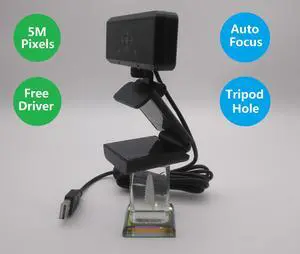
Deyowo HD Webcam M5-H187 with Microphone,1080p/30FPS Web Camera 5M Pixels, Auotofocus,Video Calling,Conferencing, Streaming, Recording,Free Driver, Desktop,Laptop,Triptop
Quick View
Deyowo HD Webcam M5-H187 with Microphone,1080p/30FPS Web Camera 5M Pixels, Auotofocus,Video Calling,Conferencing, Streaming, Recording,Free Driver, Desktop,Laptop,Triptop
  • Image Sensor: CMOS
  • Max. Image Resolution: 2592*1944
  • Video Capture Resolution: 1920 x 1080
  • Frame Rate: 30 fps
  • Model #: M5-H187
  •  
  • ₩110,832 
  • Free Shipping
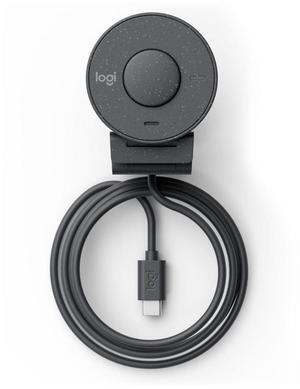
Brio 300 Webcam 2 Mp 1920 X
Quick View
Logitech
Brio 300 Webcam 2 Mp 1920 X
  • Model #: 960-001436
Brio 305 Webcam 2 Mp 1920 X
Quick View
Logitech
Brio 305 Webcam 2 Mp 1920 X
  • Model #: 960-001469
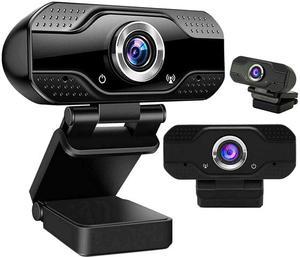
Webcam with Microphone for Desktop, 1080P HD USB Computer Cameras with Privacy Shutter & Webcam Tripod, Streaming Webcam with Flexible Rotable Wide Angle Webcam for PC Zoom Video/Gaming/Laptop
Quick View
  •  
  • ₩20,927 
  • Free Shipping

When choosing a webcam, you need to take several facts into consideration. Streaming, USB, desktop or laptop, and HD webcams are some of the options available, all of which vary in quality and features. Frame rate and resolution are two essential features that affect the quality of your picture. Other webcam attributes to consider include auto-focus, a microphone, visual effects, lens, and with which OS the webcam is made for. Consider the purpose your webcam will serve to choose the right product for your filming needs.

HD Webcams Have High Frame Rate and Resolution for Great Video Quality

With rapid technological advances, most webcams offered today capture high definition video. 720p is the lowest resolution that HD screens support. Today, 1080p is the most common; 4K is the highest resolution. Full HD, or FHD, is 1080p, and 4K is Ultra HD (UHD). Frame rate is another vital webcam attribute. Fifteen frames per second (fps) is the lowest number that can stream video. The most common rate is 30 fps, and 60 fps is also available. The highest frame rate is 120 fps and produces the smoothest video.

Additional Webcam Features Can Improve Your Recording Experience

Streaming webcams that bundle lighting and a microphone into one package makes shopping for a webcam much easier. An external microphone can provide even higher quality audio and capture delicate sounds and noises from a distance. Additional lighting and accessories can create the ideal light for optimal filming conditions. Conversely, some webcams can film well in dim light. A glass camera lens can also improve your picture quality for professional or important videos. Some webcams have visual effects like video filters or different backgrounds, which allows you to be more creative with your filmmaking. Autofocus is another important webcam feature that keeps the camera focused on the subject as it moves. A flexible camera mount is essential for anyone who wants to record at different angles.

Correct System Requirements Ensure Your New Webcam Will Work

Your computer operating system (OS) needs to support the webcam you choose in order for it to work. A newer operating system or updated version is more likely to support more modern, higher-quality streaming webcams. A high-resolution computer monitor or TV that is compatible with your webcam recording resolution will stream the best possible picture. A monitor that supports 4K resolution will display the incredible UHD picture. A lower resolution monitor supports lower resolution pictures. Resolution support is one of the few differences between webcams for laptops and desktop computers; a desktop computer may support higher resolution videos. Laptop or desktop aside, most webcams are USB compatible and support USB webcams, and most laptops and desktop computers have multiple USB ports. The more ports a computer has, the more webcams and accessories you can use at the same time and allows for the possibility of a high-quality video.