All CategoriesAll CategoriesAll Categories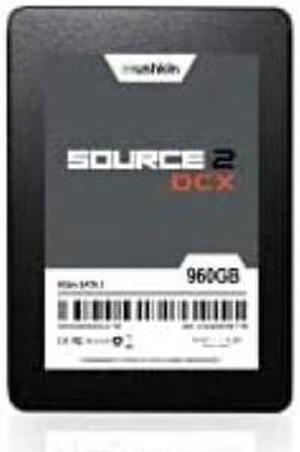
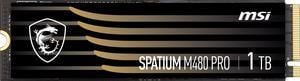

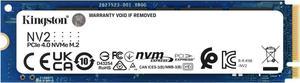

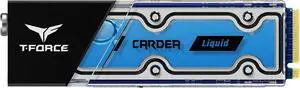
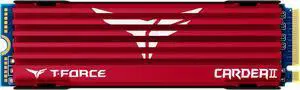


Internal Solid State Drives (SSDs), are quickly becoming a dominant standard in PC storage. If you want faster storage inside your PC, laptop, or even gaming console, then an internal SSD may be exactly what you're looking for.
Hard Disk Drives, or HDDs, are the traditional storage solution. HDDs manage data by storing it on disks inside their enclosures. SSDs are different and manage data via electrical impulses. There are no moving parts inside of a solid state drive, and that is where it gets the name "solid state" from.
This lack of moving parts manifests benefits in favor of solid state drives, such as being
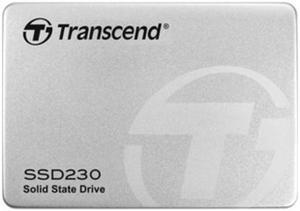
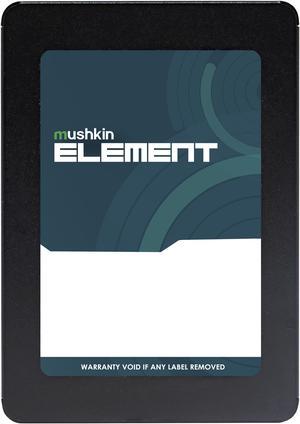
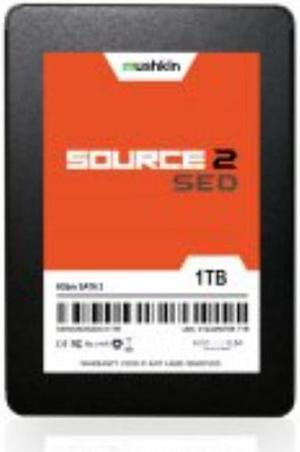
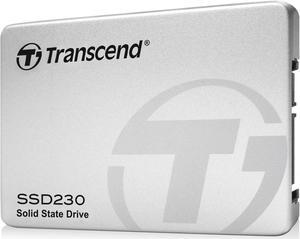
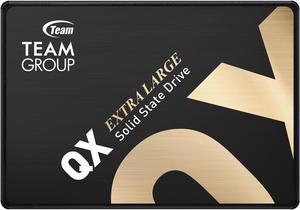
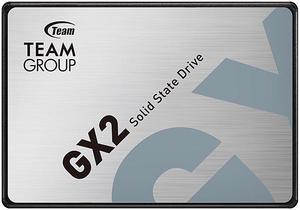
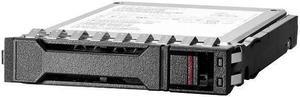
SATA SSDs are what most people think about when someone says SSD. These drives use the same SATA standard and connector used by traditional HDDs and come in the 2.5-inch form factor like those HDDs. Desktop HDDs also come in 3.5-inch enclosures, and generally have more storage and speed than their 2.5-inch HDD counterparts. They still are not as fast as any SSD, though.
If you want to upgrade your desktop PC, laptop, or gaming console with an SSD, chances are a 2.5-inch SATA SSD will do the job for you. SATA SSDs also offer the best value in price-per-gigabyte of any other form of SSD technology.
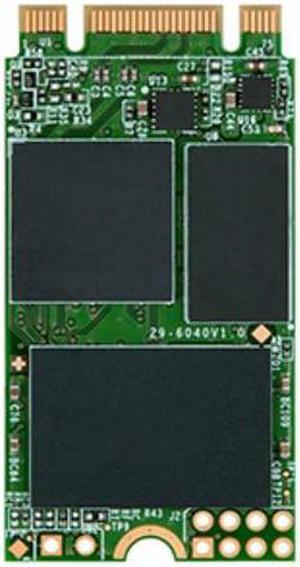
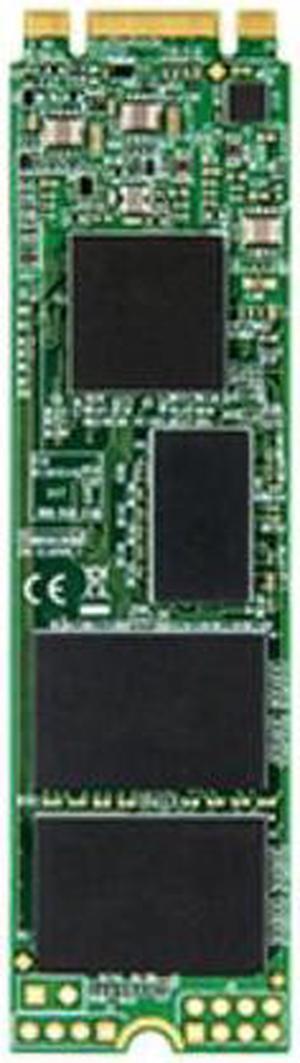
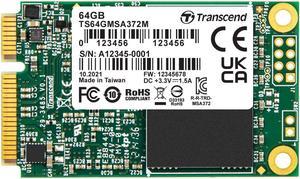
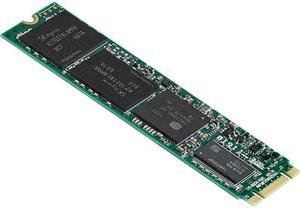
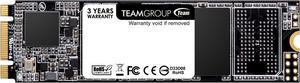
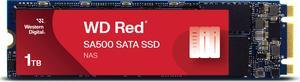
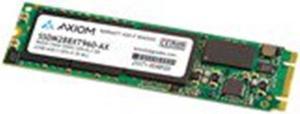
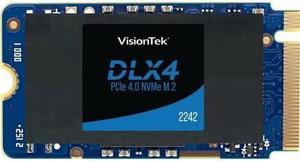
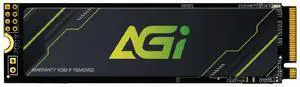
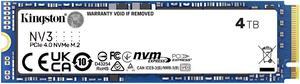
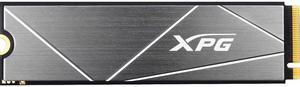
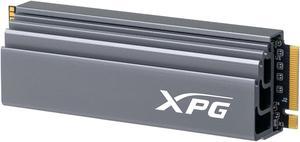
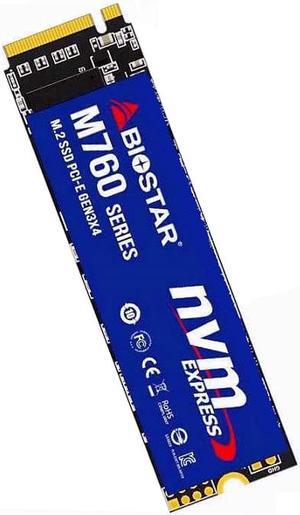
M.2 SSDs come in a unique form factor. They are wafer thin and about the length of your thumb. This is a newer standard compared to SATA and may not be present in PCs manufactured prior to 2016. Be sure to double-check compatibility with your system before opting for an M.2 SSD.
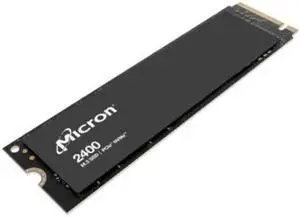
M.2 SSDs are also unique in the sense that they can plug into the same slots but operate at vastly different speeds. Some M.2 SSDs use SATA bandwidth and are therefore limited to the speed of a SATA SSD. These M.2 SATA SSDs will usually fall in line with the value proposition of their 2.5-Inch counterparts, which makes them ideal for those who want the same value in a smaller package. Other M.2 SSDS, meanwhile, use PCI Express bandwidth, which makes them NVMe SSDs.
To achieve the fastest possible speeds, SSDs need to be able to access PCI Express bandwidth. You can do this in two ways:
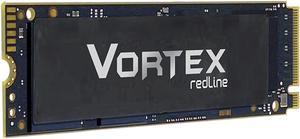
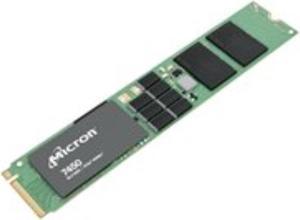
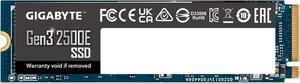
NVMe SSDs look just like other M.2 SSDs but use PCI Express bandwidth. Make sure that both the M.2 slot and the SSD itself supports NVMe speeds before buying if you want this feature.
These high-speed SSDs are most ideal for professional workloads, and won't show as huge gains for lighter consumer workloads.
You can use Intel Optane SSDs as either superfast SSDs in their own right, or memory that accelerates the speed of other storage in the system.