• In Stock
  • Sold by Newegg
Brands
Show More
Type
Show More
Computer Connections
Show More
Monitor Connections
Video Resolution
Show More
PC Selection
Show More
Sold by
All Top Brands
Availability
Current Promotion
Useful Links
Customer Ratings
Sort By:
View:
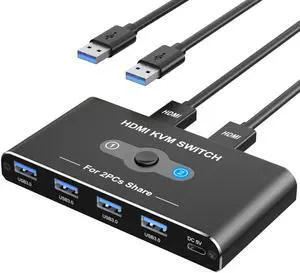
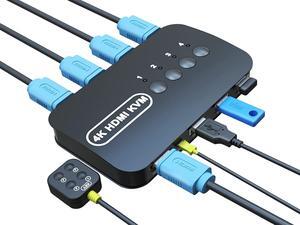
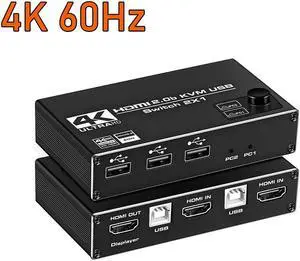
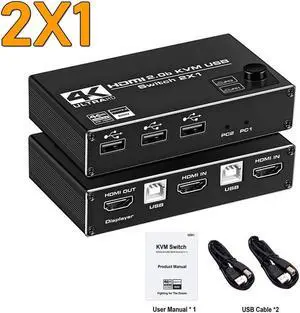
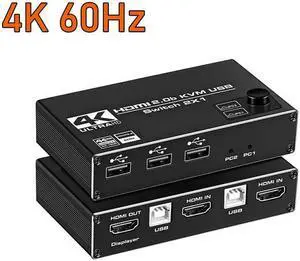
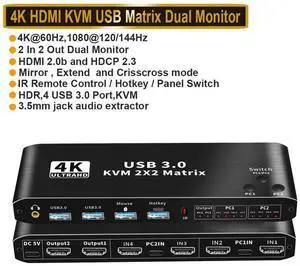
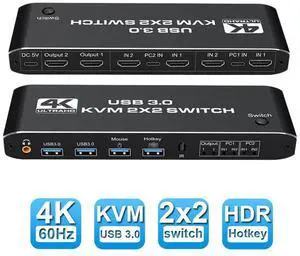
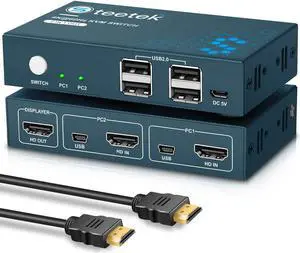
KVM Switch, KVM Switch 1 Monitors 2 Computers, HDMI Switch, 4K@60Hz KVM Switches for 2 Computers Sharing 1 Monitor, 4 USB 3.0 Devices Such as Keyboard, Mouse, Printer, Scanner
Quick View
  •  
  • MXN$1,087.58 –
  • Free Shipping
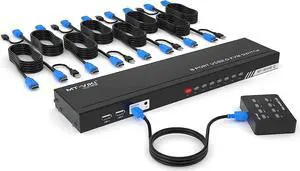
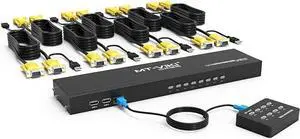
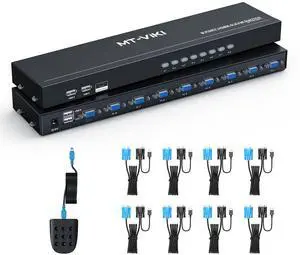
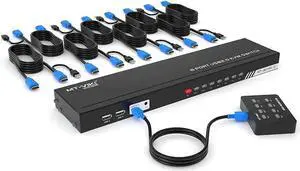
8 Port KVM Switch HDMI, MT-VIKI 4K@30Hz Rack Mount KVM HDMI Switch w/IR Remote & Wire-Desktop Controller & 8 HDMI KVM Cables
Quick View
8 Port KVM Switch HDMI, MT-VIKI 4K@30Hz Rack Mount KVM HDMI Switch w/IR Remote & Wire-Desktop Controller & 8 HDMI KVM Cables
  • Type: Serial
  • Features: MT-VIKI 801HK-C,this 8 port kvm switch hdmi allows you to manage up to 8 computers by 1 monitor, keyboard and mouse at 4k 30hz HD quality. Come with 4 USB 2.0 hub. 【Includes 8 packs Professional USB HDMI KVM Cables】With 8pcs 2-in-1 HDMI & USB KVM Cables.Pls plug the hdmi head
  • Model #: HU-EYTO200
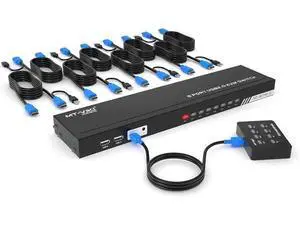
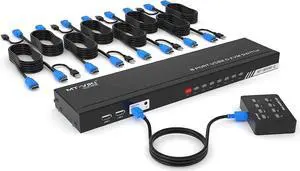
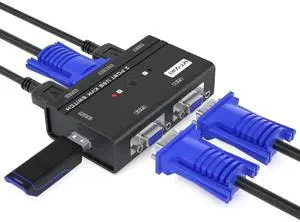
KVM Switch 8 Port, MT-VIKI 8X1 Rackmount KVM Switch VGA, Included 8 2-in-1 KVM Cables & Wire-Desktop Selector
Quick View
KVM Switch 8 Port, MT-VIKI 8X1 Rackmount KVM Switch VGA, Included 8 2-in-1 KVM Cables & Wire-Desktop Selector
  • Type: Serial
  • Features: MT-VIKI 801UK-L, this 8 port KVM switch allows 1 set of USB 2.0 Keyboard & Mouse & monitor to control 8 computers. 2 switching options: 1: desktop switch: with 2M wire-extended selector, 2: button switching: press the button to select the PC 【Wide Support】This rack mount kvm switch vga supports WIN DOWS9X,
  • Model #: HU-MT82001
  •  
  • MXN$4,444.95 –
  • Free Shipping
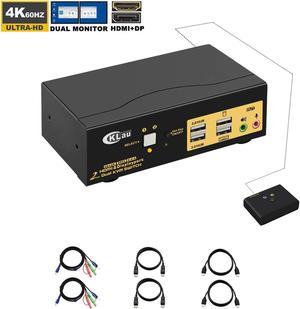
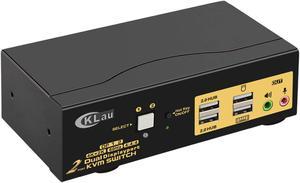
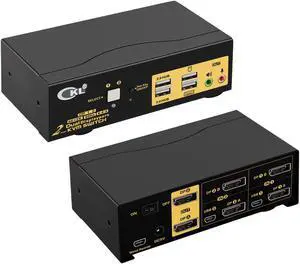
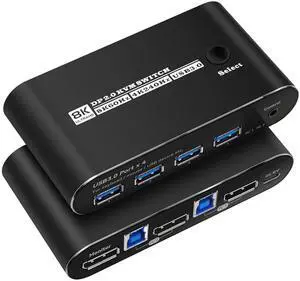
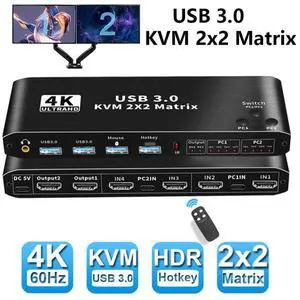
KVM Switch Dual Monitor DisplayPort 2 Port 4K @60Hz 4:4:4, 2x2 DP KVM Switch with Audio and USB 2.0 HUBs
Quick View
KVM Switch Dual Monitor DisplayPort 2 Port 4K @60Hz 4:4:4, 2x2 DP KVM Switch with Audio and USB 2.0 HUBs
  • Type: DisplayPort, USB
  • Computer Connections: 2 Port DisplayPort - Dual Monitor
  • Video Resolution: 4096x2160
  • Model #: Z#Q1609_B
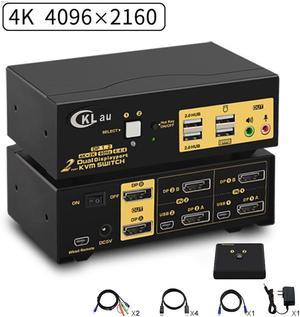
2 Ports KVM Switch Dual Monitor DisplayPort 2 In 2 Out, 2x2 DP KVM Switch with Audio and USB 2.0 HUBs, Support Hotkey Switching Resolution Up to 4096x2160 @60Hz 4:4:4
Quick View
2 Ports KVM Switch Dual Monitor DisplayPort 2 In 2 Out, 2x2 DP KVM Switch with Audio and USB 2.0 HUBs, Support Hotkey Switching Resolution Up to 4096x2160 @60Hz 4:4:4
  • Type: DisplayPort, USB
  • Computer Connections: 2 Port DisplayPort
  • Monitor Connections: 2 Ports
  • Video Resolution: 3840x2160
  • Model #: Z2#Q1609_B
  •  
  • MXN$7,283.58 –
  • Free Shipping
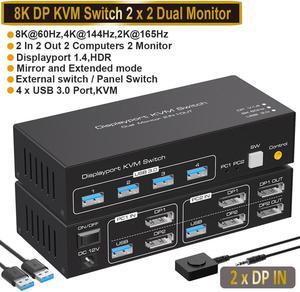
2 Port Dual Monitor Displayport KVM Switch, DP KVM Switch with Audio, with USB 2.0 Hub and Cables Support Hotkey Switching Resolution Up to 4096x2160 @60Hz 4:4:4
Quick View
2 Port Dual Monitor Displayport KVM Switch, DP KVM Switch with Audio, with USB 2.0 Hub and Cables Support Hotkey Switching Resolution Up to 4096x2160 @60Hz 4:4:4
  • Type: DisplayPort, USB
  • Computer Connections: 2 Port DisplayPort
  • Video Resolution: 3840x2160
  • Monitors Supported: 2 Port Dual Monitor Displayport KVM Switch
  • Model #: 5#Q1609_B
  •  
  • MXN$6,724.23 –
  • Free Shipping
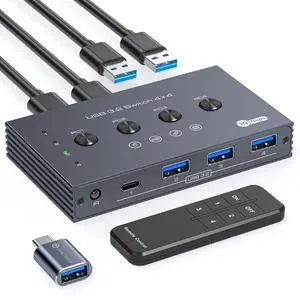
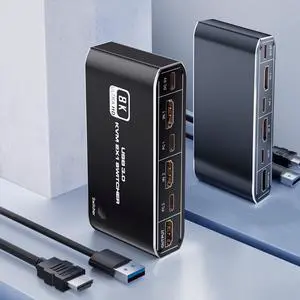
USB 3.2 Switch Selector 4 Computers Share 1 USBC & 3 USBA Devices 10Gbps 4 Port USB Switcher Sharing Keyboard Mouse Printer Scanner with Cable and Remote Control and a dapter
Quick View
USB 3.2 Switch Selector 4 Computers Share 1 USBC & 3 USBA Devices 10Gbps 4 Port USB Switcher Sharing Keyboard Mouse Printer Scanner with Cable and Remote Control and a dapter
  • Series: TJUS-03USB Switch 202E
  • Type: USB
  • Computer Connections: 4 Ports
  • Monitor Connections: 4 Ports
  • Model #: 204225827303
  •  
  • MXN$1,696.08 –
  • Free Shipping
  • KVM Switches

KVM Switches

Suppose you have more than one computer in the same room but you do not have enough room for a second monitor. Or you have a laptop and want to use it with your home computer's keyboard, mouse and monitor, without changing your current setup. The answer lies in a handy device called a KVM switch.

KVM stands for keyboard, video, mouse. The keyboard, video, and mouse set collectively is called a "console." KVM switches allow you to connect a console to more than one computer. You simply connect your console cables to the output jacks of the switch and connect the switch to the connections on your computer that the keyboard mouse and monitor would normally be plugged into. It's that simple.

KVM Switches Let You Switch between Consoles

To switch consoles, you just push a button on the switch and it allows you to use the other console. KVM switches save you money because you won't have to purchase separate keyboards, mice, and monitors for each computer you use. It makes it very easy when one person uses more than one computer at work, for example. They are also useful for server farms with one staff person accessing each computer periodically, one at a time.

When buying KVM switches, it is important to fully understand your needs before you buy anything. Make sure the switch you choose will support your monitor refresh rates and resolution so that the signals are not degraded.