Quick View
Intel cpu CORE I9 13900KS 1700 24 Core FCLGA1700 CM8071504820503S-RMBX tray
- Model #: INTEL CORE I9 13900KS
- NZ$1,498.45 –
- NZ$106.58 Shipping

Quick View
- NZ$29.90
- NZ$26.45 –
- Save: 11%
- NZ$47.58 Shipping

Quick View
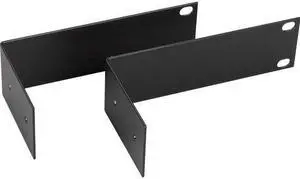
Black Box Rack Mount for KVM Switch, Transmitter, Receiver - TAA Compliant
- Model #: 822088122784
- NZ$197.80 –
- NZ$88.54 Shipping

Quick View
- NZ$422.05 –
- NZ$62.88 Shipping

Quick View
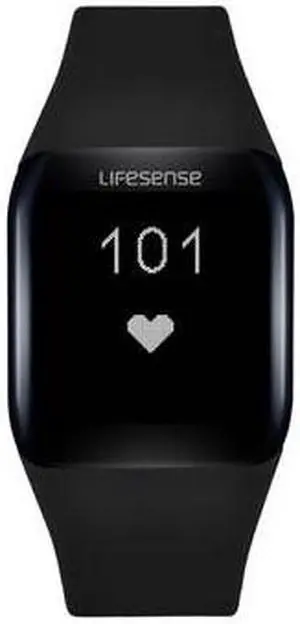
Lifesense WB-LSBAND2 Band 2 Heart Rate Fitness Tracker (Black)
- Model #: LS417-F
- NZ$115.00 –
- NZ$85.91 Shipping

Quick View
Tripp Lite P568F-15M-8K6 HDMI Fiber Active Optical Cable, M-M, Black, 15 m (49 ft.)
- Model #: 037332260949
- NZ$456.55 –
- NZ$159.02 Shipping

Quick View
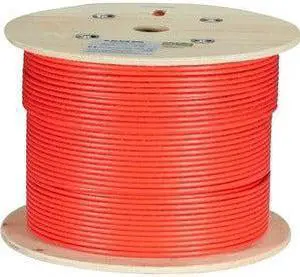
Black Box CAT6A Bulk Cable Stranded UTP 650 MHz CM PVC PoE 1000 ft
- Model #: 822088150541
- NZ$1,075.25 –
- More options from NZ$1,074.10 - NZ$1,075.25
- NZ$883.39 Shipping

Quick View
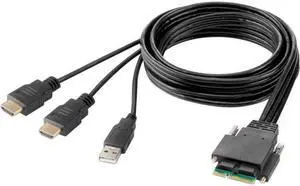
Belkin Modular HDMI Dual Head Host Cable 6 Feet
- Model #: 745883789726
- NZ$223.10 –
- NZ$106.01 Shipping

Quick View
Tripp Lite P568F-10M-8K6 HDMI Fiber Active Optical Cable, M-M, Black, 10 m (33 ft.)
- Model #: 037332260932
- NZ$428.95 –
- NZ$85.72 Shipping

Quick View
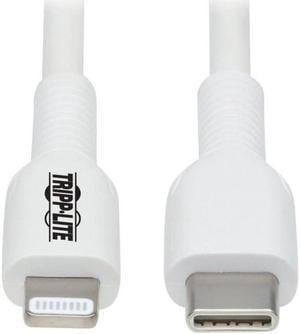
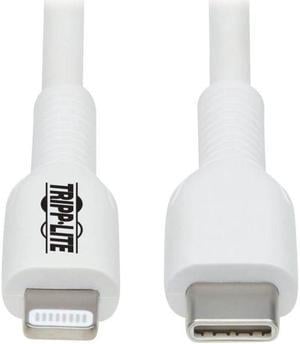
Tripp Lite USB-C to Lightning Sync-Charge Cable (M-M), MFi Certified, White, 1 m (3.3 ft.)
- Model #: 037332260864
- NZ$56.35 –
- NZ$84.77 Shipping

Quick View
Ergotron Mounting Enclosure for CPU Computer White 98543251
- Model #: 98543251
- NZ$403.65 –
- NZ$193.55 Shipping

Quick View
- NZ$11,846.15 –
- NZ$84.77 Shipping

Quick View
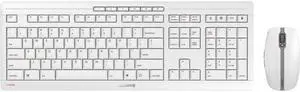
CHERRY STREAM DESKTOP Recharge Keyboard & Mouse
- Model #: 840183605926
- NZ$167.90 –
- NZ$233.40 Shipping

Quick View
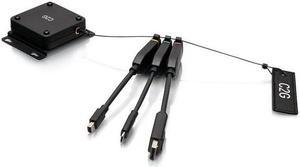
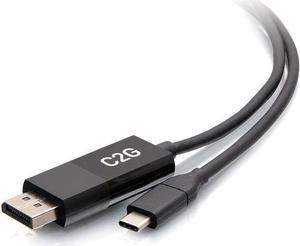
C2G 3ft 4K USB C to DisplayPort Adapter Cable - 60Hz
- Model #: 757120544746
- NZ$80.50 –
- NZ$101.90 Shipping

Quick View
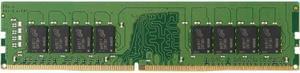
Kingston 8GB DDR4 SDRAM Memory Module
- Model #: 740617324815
- NZ$279.45 –
- More options from NZ$267.95 - NZ$279.45
- NZ$57.03 Shipping

Quick View
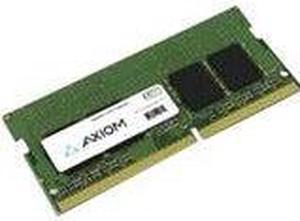
Axiom 16GB DDR4-3200 SODIMM for Dell - AB371022
- Model #: 840177842665
- NZ$916.55 –
- More options from NZ$598.00 - NZ$916.55
- NZ$115.18 Shipping

Quick View
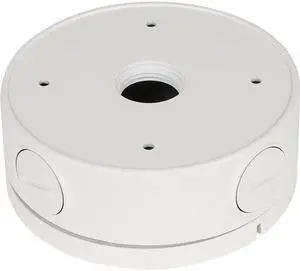
D-Link Mounting Box for Network Camera
- Model #: 790069461521
- NZ$173.65 –
- More options from NZ$171.35 - NZ$173.65
- NZ$78.48 Shipping

Quick View
Black Box USB to RS422-485 Converter with Opto-Isolation
- Model #: 822088142300
- NZ$514.05 –
- More options from NZ$514.05 - NZ$519.80
- NZ$142.31 Shipping

Quick View
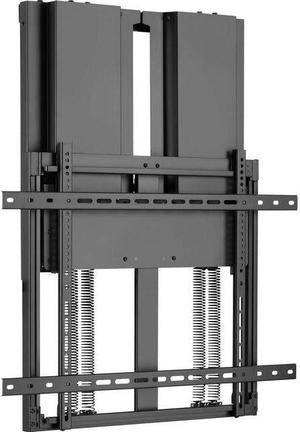
Tripp Lite DWM7090HD Wall Mount for TV, Flat Panel Display, Interactive Display, Whiteboard, Monitor, HDTV - Black
- Model #: 037332268839
- NZ$2,442.60 –
- NZ$1,742.28 Shipping

Quick View
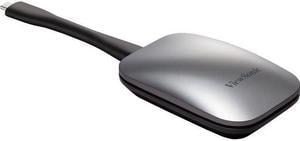
Viewsonic ViewBoard Cast Button for Wireless Presentation - USB-C
- Model #: VB-WPS-001
- NZ$602.60 –
- More options from NZ$602.60 - NZ$1,266.15
- NZ$114.39 Shipping

Quick View
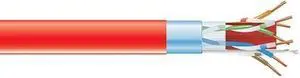
Black Box GigaTrue Cat.6a (F-UTP) Network Cable
- Model #: 822088129844
- NZ$3,077.40 –
- NZ$1,562.22 Shipping

Quick View
- NZ$451.95 –
- NZ$133.83 Shipping

Quick View
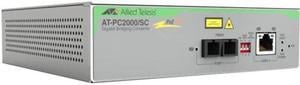
Allied Telesis PC2000-SC Transceiver-Media Converter
- Model #: 767035224398
- NZ$838.35 –
- NZ$141.77 Shipping

Quick View
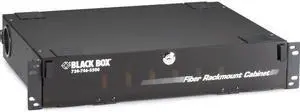
Black Box Rackmount Fiber Enclosure - 2U, 6-Panel
- Model #: 822088101727
- NZ$1,144.25 –
- More options from NZ$1,144.25 - NZ$1,175.30
- NZ$523.70 Shipping

Quick View
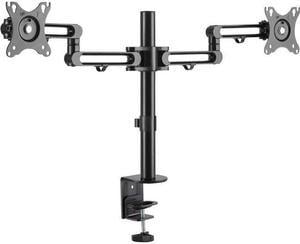
Tripp Lite DDR1327SDFC-1 Clamp Mount for Monitor, Flat Panel Display, HDTV - Black
- Model #: 037332266118
- NZ$293.25 –
- Free Shipping

Quick View
- NZ$279.45 –
- Free Shipping

Quick View
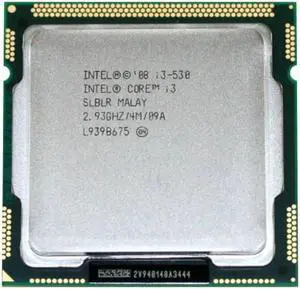
Refurbished Intel Core Processor i3-530 2.93GHz 4MB Cache Socket LGA1156 desktop CPU
- Model #: Intel i3-530-RE-A
- NZ$40.25 –
- Free Shipping

Quick View
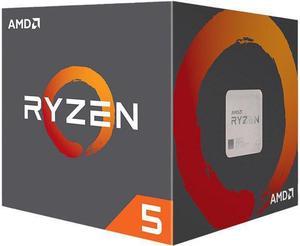
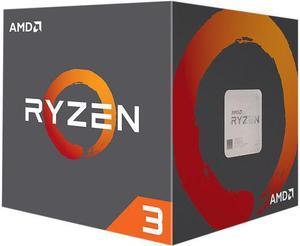
Refurbished AMD Ryzen 3 1st Gen - RYZEN 3 1200 Summit Ridge (Zen) 4-Core 3.1 GHz (3.4 GHz Turbo) Socket AM4 65W YD1200BBAEBOX Desktop Processor
- Model #: AMDAM193
- NZ$90.85 –
- Free Shipping
CPU accessories are products that you purchase to build and help computers and laptops to perform at optimal levels. The computer chassis houses several critical internal components and provides access points for connecting to external peripherals. Accessories can help increase system performance, introduce new components, keep the system cool and ensure easy installation.
Upgrade CPU Accessories for Enhanced Performance
The motherboard occupies most of the visible space in a computer chassis. Power for the processor, RAM, hard drive and other hardware components comes from the motherboard. The board features different functionalities and it is critical to ensure that it is compatible with your processor.
Upgrading the processor provides you with faster processing, which helps get work done faster without worrying about lags. A power supply unit keeps your computer energized while built-in short-circuit and voltage protections safeguard sensitive PC components. Before installing a power supply, you need to consider the power requirements of other accessories like the CPU, motherboard, graphics processing unit and similar componenets.
Add Expansion Capabilities to Your Computer
Your desktop computer’s motherboard has one or more expansion card slots for adding new functions. The expansion cards increase the capabilities of your current system. For instance, adding a video graphics card helps you run sophisticated image-editing software, high-definition movies, or advanced PC games. Adding a graphics card holder reduces stress on your motherboard due to the weight of your GPU. A SCSI controller expansion card allows you to add a port for computer accessories such as hard drives and high-speed scanners.
Keep Computer and Laptop Cool for Faster Processing Speeds
A tower CPU cooler helps keep components from getting too hot when you are running heavy workloads. Achieve optimal heat dissipation by integrating with CPU fans heatsinks with long, thin fins. Multiple heat pipes across the flat surface of a heatsink provide faster and even cooling for the processor and prevent CPU hot spots.
Using high-airflow fans as intake to allow them to draw air into the case while mounting a high-static pressure fan to a CPU cooler or radiator helps move air at a greater force in a small space. DIY cooling solutions like GPU coolers are critical for drawing heat away from the GPU using fins and heat pipes. This heat is then dispelled through rear vents, directing it away from other CPU accessories.
Easy Installation
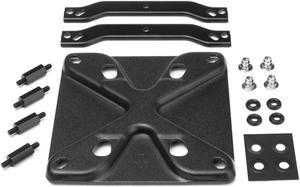
Materials used for securing a CPU fan against the motherboard are critical. The better it is, the better the contact will be. All-in-one CPU fan mounting kits have spaces, threaded mounts, screws, brackets, and backplates to balance the heatsink properly. The backplate should have some form of protection like spacing or foam to ensure points do not touch the metal backplate. Maintenance of CPU coolers is crucial, which includes cleaning and changing the thermal paste periodically to prevent the accumulation of dust.
Investing in a CPU cooling fan is like any other upgrade; you want a quality product that is future-ready and complete with accessories. These accessories include cables like a Y adapter for four-pin fan extension cables. Some fans come with extra mounting clips in case you decide to purchase a second in the future.