
Your Browsing History
Quick View
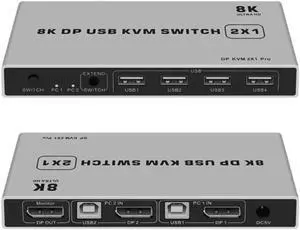
Dual Port Displayport KVM Switch 8K @ 60Hz USB Displayport KVM DP Switcher 4KX2K / 60Hz Displayport 2 in 1 Out KVM USB (8K)
- Model #: TOLJB09NNB4786
- NZ$279.45 –
- Free Shipping
Quick View
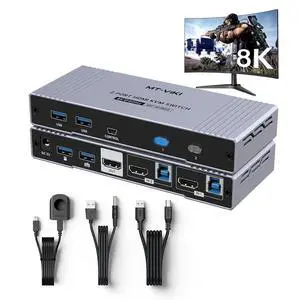
MT-VIKI 4K@144Hz USB 3.0 HDMI KVM Switch 2 Port 8K@60Hz, MT-VIKI Aluminum KVM Switch HDMI 2.1, 4K@120Hz HDR for Games
- Model #: TOLJB0CHJNNW7X
- NZ$198.95 –
- Free Shipping
Quick View
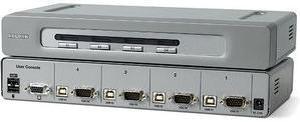
BELKIN F1DN104U OmniView Secure 4 Port KVM Switch
- Type: D-Sub, USB
- Computer Connections: 4 Ports
- Monitor Connections: 1 Port
- Video Resolution: 1920 x 1440
- Model #: F1DN104U
- NZ$548.55 –
- Free Shipping
Quick View
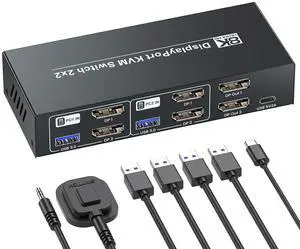
8K@60Hz 4K@120Hz Displayport KVM Switch 2 Monitors 2 Computers, USB 3.0 Dual Monitor DP KVM Switch for 2 PCs Share 2 Monitors and 4 Port USB 3.0
- Model #: TOLJB0GGH49Q8X
- NZ$182.85 –
- Free Shipping
Quick View
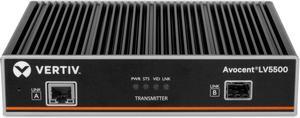
Vertiv Avocent LV5500T-400 High-Performance KVM Extender Transmitter (LV5500T-400)
- Brand: Vertiv
- Series: LV5500
- Type: Single head KVM (keyboard, video, mouse) extender
- Video Resolution: 4096x2160 @ 60Hz
- Model #: LV5500T-400
- NZ$2,400.05 –
- More options from NZ$2,400.05 - NZ$2,549.55
- Free Shipping
Quick View
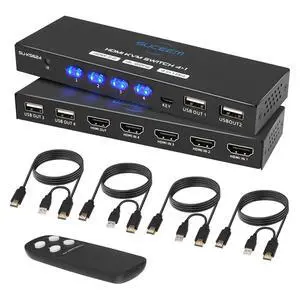
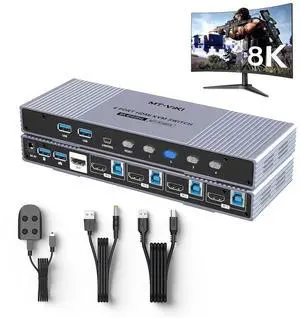
MT-VIKI 4K@120Hz/144Hz USB 3.0 HDMI KVM Switch 4 Port 8K@60Hz, Aluminum KVM Switch HDMI 2.1, HDR for Games (4 USB 3.0 Cable Included)
- Model #: TOLJB0CHJQ2SXH
- NZ$279.45 –
- Free Shipping
Quick View
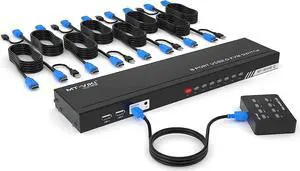
8 Port KVM Switch HDMI, MT-VIKI 4K@30Hz Rack Mount KVM HDMI Switch w/IR Remote & Wire-Desktop Controller & 8 HDMI KVM Cables
- Type: Serial
- Features: MT-VIKI 801HK-C,this 8 port kvm switch hdmi allows you to manage up to 8 computers by 1 monitor, keyboard and mouse at 4k 30hz HD quality. Come with 4 USB 2.0 hub. 【Includes 8 packs Professional USB HDMI KVM Cables】With 8pcs 2-in-1 HDMI & USB KVM Cables.Pls plug the hdmi head
- Model #: HU-EYTO200
- NZ$369.15 –
- More options from NZ$309.35 - NZ$369.15
- Free Shipping
Quick View
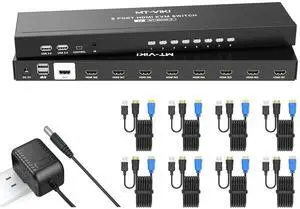
KVM Switch HDMI 8 Port, MT-VIKI 4K@30Hz USB HDMI KVM Switch 8 in 1 Out w/KVM Cables, 4 USB 2.0 Hubs Desktop Selector IR Remote & Rack Ears
- Model #: TOLJB0F482QJ3X
- NZ$483.00 –
- Free Shipping

Quick View
SATO R29219000 Sato S8408-Ex (203Dpi) 203 Dpi Printhead
- Model #: R29219000
- NZ$821.10 –
- Free Shipping
Quick View
Vertiv Cybex SC900 Secure Desktop KVM| 8 Port Dual-Head| DP in/DP out| DPP
- Type: Accessories
- Model #: SC985DP-001
- NZ$3,822.60 –
- More options from NZ$3,822.60 - NZ$4,464.30
- Free Shipping
Quick View
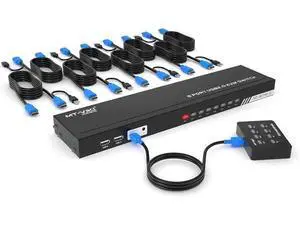
MT-VIKI 8 Port KVM Switch HDMI, 4K@30Hz 1U Rack Mount KVM HDMI Switch w/IR Remote & Wire-Desktop Controller & 8 HDMI KVM Cables & Rack Ears
- Model #: G3F1C783-XM6150852
- NZ$340.40 –
- More options from NZ$335.80 - NZ$340.40
- Free Shipping
Quick View
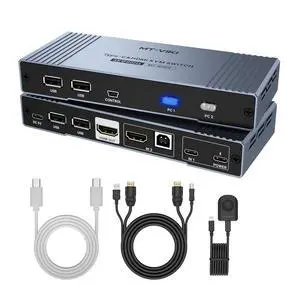
MT-VIKI 4K Hybrid Type USB C HDMI KVM Switch 2 Port, 4K@60Hz for Apple MacBook & Desktop PC + 65W PD+ Cables
- Model #: TOLJB0CB8C67C9
- NZ$187.45 –
- Free Shipping
Quick View
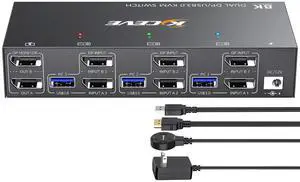
KCEVE KVM Switch 2 Monitors 3 Computers Displayport, USB 3.0 KVM Switch 3 Computer Sharing 2 Monitor and 4 USB 3.0 Devices, 4K@144Hz, Wired Remote(4K DP 3 in 2 Out KVM)
- Model #: TOLJB0GH7D4XNY
- NZ$349.60 –
- Free Shipping
Quick View
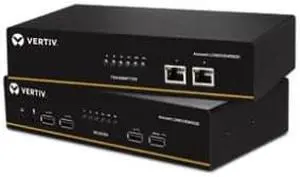
Vertiv LV5020P-001 LV5000 Longview Dual Display Port KVM Extender Kit
- Type: Accessories
- Model #: LV5020P-001 .
- NZ$4,671.30 –
- Free Shipping
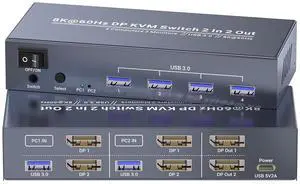
Quick View
Dual Monitor Displayport KVM Switch 2 Monitors 2 Computers, 8K60Hz 4K120Hz USB 3.0 2 Port DP KVM Switch for Controlling 2 Computers with 1 Set of Keyboard, Mouse and 2 Monitors
- Model #: TOLJB0DNQPN14J
- NZ$162.15 –
- Free Shipping
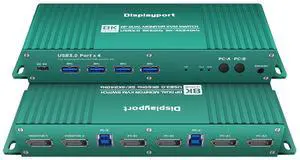
Quick View
Displayport kvm Switch 2 Monitors 2 Computers 4K 165Hz PC Switch 2 Monitors 2 Computers dp 1440P 120Hz 144Hz 165Hz 175Hz 240hz KVM Switches displayport Dual Monitor FreeSync G-SYNC
- Model #: TOLJB0CBCRVCLZ
- NZ$185.15 –
- Free Shipping
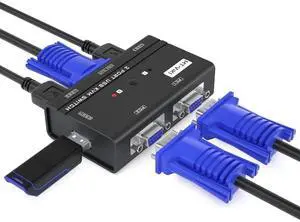
Quick View
MT-VIKI 2 Port VGA USB KVM Switch, 2 Computers Share 1 Monitor, Keyboard, Mouse & Printer, 2 Matching KVM Cables Included
- Model #: C24W-X2997
- NZ$71.30 –
- Free Shipping
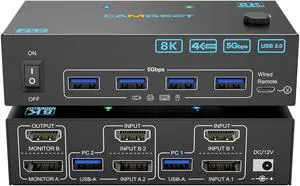
Quick View
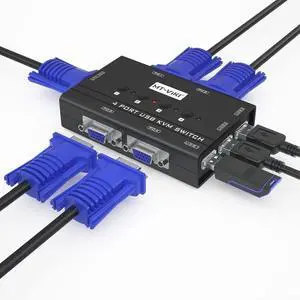
MT-VIKI 4 Port VGA KVM Switch, 4 PCs Share 1 Monitor, Keyboard, Mouse & Printer, Built-in 3 USB 2.0 Hub, 4 VGA KVM Cables Included
- Model #: C24W-X2996
- NZ$78.20 –
- Free Shipping

Quick View
2 Port Dual Monitor Displayport KVM Switch, DP KVM Switch with Audio, with USB 2.0 Hub and Cables Support Hotkey Switching Resolution Up to 4096x2160 @60Hz 4:4:4
- Type: DisplayPort, USB
- Computer Connections: 2 Port DisplayPort
- Video Resolution: 3840x2160
- Monitors Supported: 2 Port Dual Monitor Displayport KVM Switch
- Model #: 5#Q1609_B
- NZ$678.50 –
- Free Shipping
Quick View
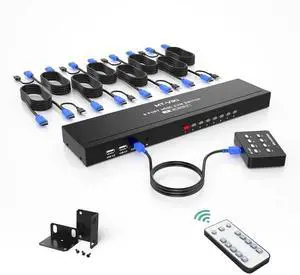
MT-VIKI 8-Port 1U Rack Mount HDMI KVM Switch, 4K@30Hz, IR Remote + Wired Controller, Full Kit with 8 KVM Cables, Rack Ears & Power Adapter
- Model #: C24W-X3237
- NZ$432.40 –
- Free Shipping
Quick View
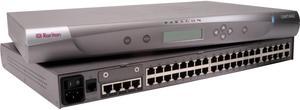
Raritan P2-UMT442 Paragon II UMT442 Digital & Analog KVM Switch
- Type: RJ-45
- Computer Connections: 42 Ports
- Monitor Connections: 4 Ports
- Video Resolution: 1600 x 1200
- Model #: P2-UMT442
- NZ$2,512.75 –
- Free Shipping
Quick View
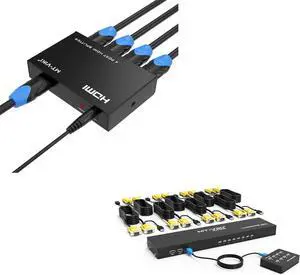
1 pcs HDMI Splitter 1 in 4 Out + 1 pcs VGA KVM Switch 8 Port
- Model #: TOLJB0B3XF5MPL
- NZ$391.00 –
- Free Shipping
Quick View
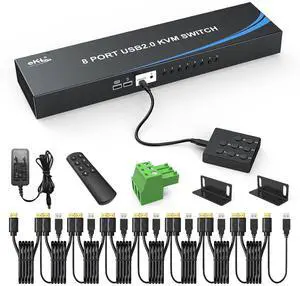
eKL 8 Port HDMI KVM Switch, Supports 4K@30Hz, 1U Rack Mount, 4 USB 2.0 Hubs, RS232, Remote, Wired Desktop Controller with 8 HDMI KVM Cables, Rack Ears
- Model #: TOLJB0FLCBK1FG
- NZ$401.35 –
- Free Shipping
Quick View
Vertiv Avocent HMX5000/6000 | IP KVM Transmitter | DVI-D (HMX5150T-DVID)
- Type: DVI, USB
- Computer Connections: 1 x DVI-D 2 x USB type A
- Video Resolution: 1920 x 1200
- Console Connectors: Ethernet: 1 x 8p8c (RJ45)
- Model #: HMX5150T-DVID
- NZ$1,792.85 –
- More options from NZ$1,792.85 - NZ$4,635.65
- Free Shipping
Quick View
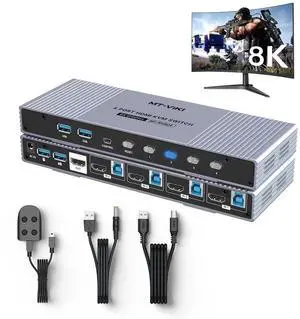
MT-VIKI 4-Port HDMI2.1 USB3.0 KVM Switch, Aluminum Shell, 8K@60Hz/4K@120Hz/144Hz HDR Gaming KVM, 4 USB3.0 Cables Included
- Model #: C24W-X3248
- NZ$412.85 –
- Free Shipping
Quick View
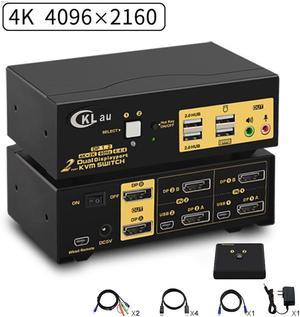
2 Ports KVM Switch Dual Monitor DisplayPort 2 In 2 Out, 2x2 DP KVM Switch with Audio and USB 2.0 HUBs, Support Hotkey Switching Resolution Up to 4096x2160 @60Hz 4:4:4
- Type: DisplayPort, USB
- Computer Connections: 2 Port DisplayPort
- Monitor Connections: 2 Ports
- Video Resolution: 3840x2160
- Model #: Z2#Q1609_B
- NZ$732.55 –
- Free Shipping
Quick View
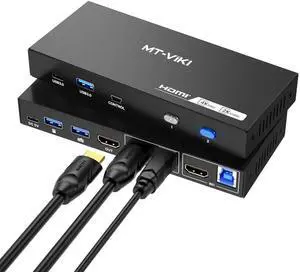
MT-VIKI 2 Port HDMI USB 3.0 KVM Switch, 4K@60Hz 2K@144Hz, 4 USB Ports (3 USB-A + 1 USB-C) for 2 Computers Share 1 Monitor
- Model #: C24W-X3144
- NZ$162.15 –
- Free Shipping
Quick View
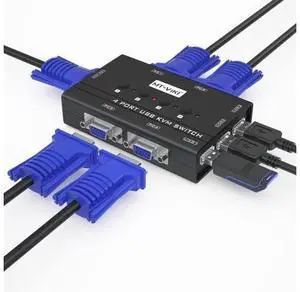
MT-VIKI KVM Switch VGA, 4 Port KVM Switch for 4 Computers Share One Monitor Keyboard Mouse Printer, 3 USB 2.0 Hub, Included 4 VGA KVM Cables
- Model #: C745-Lsy715-404
- NZ$112.70 –
- Free Shipping
Quick View
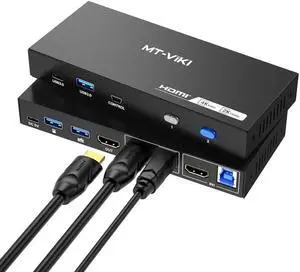
MT-VIKI 2 Port HDMI USB 3.0 KVM Switch, 4K@60Hz 2K@144Hz, 4 USB 3.0 Ports (3 USB-A + 1 USB-C) for 2 Computers Share 1 Monitor
- Model #: C24W-X3146
- NZ$163.30 –
- Free Shipping
Quick View
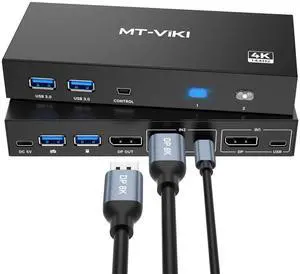
MT-VIKI 2 Port DP 1.4 KVM Switch 8K@60Hz 4K@144Hz, 4 USB 3.0 Ports for 2 PCs Share 1 Monitor Keyboard Mouse, 2 USB A to C Cables Included
- Model #: C24W-X3175
- NZ$188.60 –
- Free Shipping
Quick View
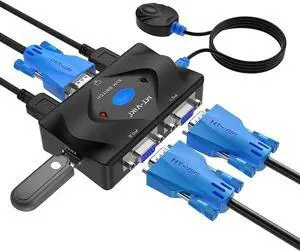
MT-VIKI 2 Port VGA KVM Switch, VGA KVM Console with 3 USB Hub, 2 Pack 2-in-1 VGA USB Cables & Desktop Wired Selector, Share Monitor Keyboard Mouse for 2 Computers
- Model #: C24W-X3005
- NZ$67.85 –
- Free Shipping
- KVM Switches
KVM Switches
Suppose you have more than one computer in the same room but you do not have enough room for a second monitor. Or you have a laptop and want to use it with your home computer's keyboard, mouse and monitor, without changing your current setup. The answer lies in a handy device called a KVM switch.
KVM stands for keyboard, video, mouse. The keyboard, video, and mouse set collectively is called a "console." KVM switches allow you to connect a console to more than one computer. You simply connect your console cables to the output jacks of the switch and connect the switch to the connections on your computer that the keyboard mouse and monitor would normally be plugged into. It's that simple.
KVM Switches Let You Switch between Consoles
To switch consoles, you just push a button on the switch and it allows you to use the other console. KVM switches save you money because you won't have to purchase separate keyboards, mice, and monitors for each computer you use. It makes it very easy when one person uses more than one computer at work, for example. They are also useful for server farms with one staff person accessing each computer periodically, one at a time.
When buying KVM switches, it is important to fully understand your needs before you buy anything. Make sure the switch you choose will support your monitor refresh rates and resolution so that the signals are not degraded.