• In Stock
  • Sold by Newegg
  • New
Brands
Show More
Fan Size
Show More
Fan Thickness
Show More
Fan Counts
Show More
Type
Bearing Type
Show More
RPM
Show More
Air Flow
Show More
Noise Level
Show More
Sold by
Power Connector
Color
LED
All Top Brands
Availability
Condition
Current Promotion
Useful Links
Customer Ratings
Sort By:
View:
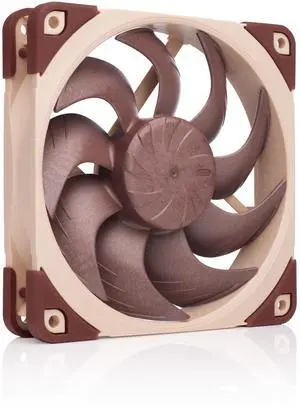
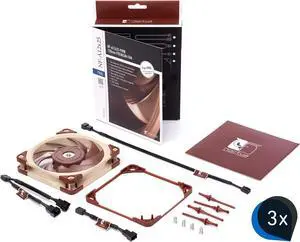
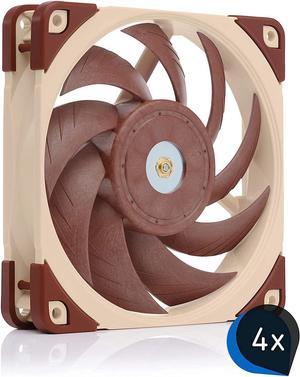
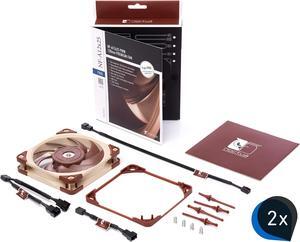
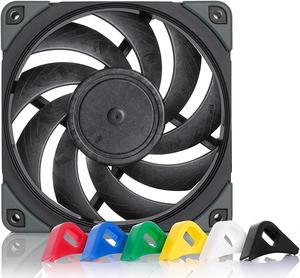
Noctua 480mm AIO Upgrade Bundle (4X NF-A12x25 PWM 120mm Fans Plus 1x NT-H2 Thermal Paste)
Quick View
Noctua 480mm AIO Upgrade Bundle (4X NF-A12x25 PWM 120mm Fans Plus 1x NT-H2 Thermal Paste)
  • Type: Case Fan
  • Fan Counts: 4 Fans
  • Fan Controller: No Controller
  • Fan Thickness: 25mm
  • Model #: 6900801047
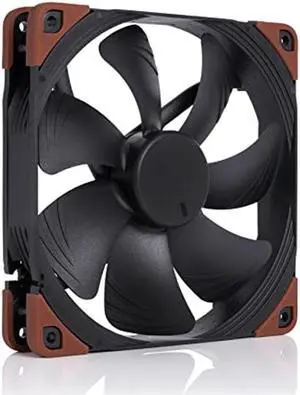
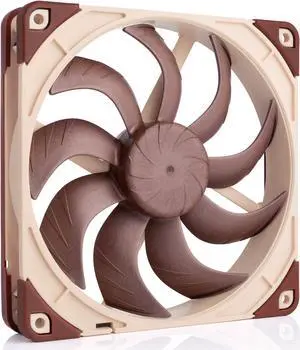
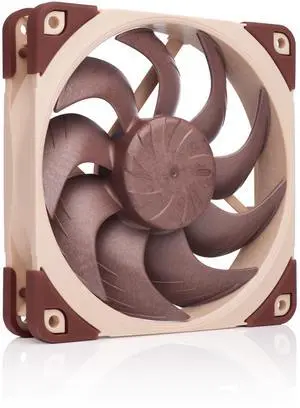
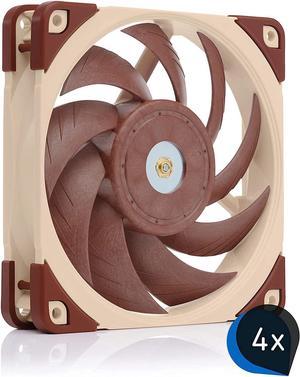
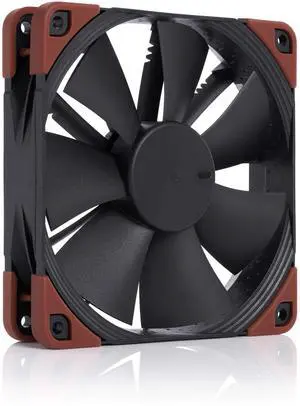
Noctua NF-A12x25-PWM-CH-BK-S 120mm Case Fan
Quick View
Noctua NF-A12x25-PWM-CH-BK-S 120mm Case Fan
  • Type: Case Fan
  • Bearing Type: SSO2
  • RPM: 2000 +/- 10% RPM
  • Air Flow: 60 CFM
  • Model #: NF-A12x25PWM-CH-BK-S
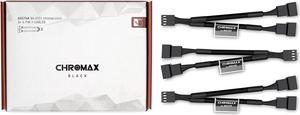
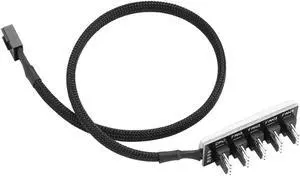
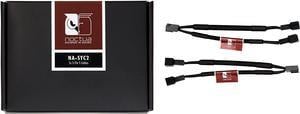
Noctua NA-SYC2, 3 Pin Y-Cables for PC Fans (Black)
Quick View
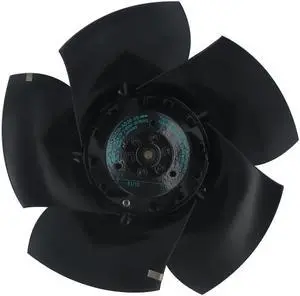
Germany original authentic ebmpapst 9656 ebm fan fan cooling fan 230V
Quick View
  •  
  • 3,001.77 
  • Free Shipping
ebmpapst PAPST 60*60*25 24V 6850r/min Axial fan 614NGHH 614N/2HH 614NGN Cooling fan DC Fan
Quick View
  •  
  • 2,310.29 
  • Free Shipping
Germany original authentic ebmpapst 9656 ebm fan fan cooling fan 230V
Quick View
  •  
  • 3,001.77 
  • Free Shipping
Scythe Slip Stream 120 mm Slim Case Fan SY1212SL12H-P PWM 12CM 2000 PWM
Quick View
  •  
  • 2,913.46 
  • Free Shipping
Noctua NA-SYC1 chromax.Green, 4-Pin Y-Cables (Green)
Quick View
New ebmpapst 3312U 92X92X32MM DC 12V 0.2A IP68 Waterproof Axial Fan
Quick View
  •  
  • 2,029.25 
  • Free Shipping
100mm, 10cm fan, Single fan, Ultra-Thin, Washable, super mute, for power supply, for computer Case cooler
Quick View
  •  
  • 1,162.43 
  • Free Shipping
Noctua NA-SYC1 chromax.red, 4-Pin Y-Cables (Red)
Quick View
Noctua NA-SYC1 chromax.red, 4-Pin Y-Cables (Red)
  • Type: Case Fan
  • Model #: 6908990134
Noctua NA-SYC1 chromax.Yellow, 4-Pin Y-Cables (Yellow)
Quick View
NEW For SERVO PUDC24H4C-049 DC 24V 0.16A 2-wire 80X80X25mm Server Cooling Fan
Quick View
  •  
  • 1,249.00 
  • Free Shipping
Original German ebmpapst fan 4374S 24V 250mA 5W large air volume cooling fan
Quick View
  •  
  • 2,505.06 
  • Free Shipping
Germany ebmpapst 4650N-465 compact Fan 12038 230V 18W Axial Fan 160m3/h 2680rpm Metal DC Cooling fan
Quick View
  •  
  • 3,563.16 
  • Free Shipping
Original 6025 ebmpapst 614NHH 24V 125mA 2 Wires Inverter Axial Fan
Quick View
Original 6025 ebmpapst 614NHH 24V 125mA 2 Wires Inverter Axial Fan
  • Type: Case Fan
  • Bearing Type: Ball
  • RPM: 2500-2999 RPM
  • Power Connector: 2 Wires
  • Model #: 614 NHH
  •  
  • 2,061.61 
  • Free Shipping
ARCTIC BioniX P120 A-RGB (Bundle 3 pc, incl. A-RGB Controller) - 120 mm Pressure-Optimised Fan with A-RGB, PWM, Cooler, Fluid Dynamic Bearing, 400-2300 RPM - Black
Quick View
ARCTIC BioniX P120 A-RGB (Bundle 3 pc, incl. A-RGB Controller) - 120 mm Pressure-Optimised Fan with A-RGB, PWM, Cooler, Fluid Dynamic Bearing, 400-2300 RPM - Black
  • Type: Case Fan
  • Noise Level: 0.45 Sones
  • Power Connector: 2x A-RGB Fan 8-pin Connector
  • Dimensions: 4.72 x 4.72 x 1.18 inches
  • Model #: ACFAN00156A
  •  
  • 8,312.88 
  • Free Shipping
Supply Japan Seiko Servo Cooling Fan KLDC24Z4PL-929 9032 24V Axial Fan
Quick View
  •  
  • 2,484.60 
  • Free Shipping

A significant part of effective operation, PC case fans help keep the interior workings of gaming towers or workstation computers at optimal temperatures for high-performance tasks. Most cases ship with a few fans built-in, but powerful system builds require extra cooling power that protects the components. Each case fan works differently, but they all give your PC long-lasting durability as they move the heat that internal components generate when under load. From standard computer case cooling fans to elaborate units with ultra-quiet operation and RGB LEDs, there is a unit for the designer, gamer, or even the performance enthusiast.

Protect Interior Components From Overheating

PC case fans come with set maximum revolutions per minute (RPM), and faster models tend to move more air. Another telling specification for cooling performance is the CFM (cubic feet minute). The higher the CFM, the more air it pushes or draws from CPU fans and heatsinks. Fans come in different sizes and the larger the size the more air it pushes, but 80mm, 120mm and 140mm fans are compatible with most cases. Many people use smaller fans for motherboard and memory chipset cooling. Some case fans have a fourth pin that allows for Pulse Width Modulation (PWM) control, so you can adjust fan speed via a compatible motherboard or fan control software. A few models have smart sensors that detect unwanted jamming of other components.

PC Case Fans Offer Quiet Operation for Work or Play

Another way to compare fans is to look at their noise level, usually in dBA ranges between 10dB and 36dB. Most quiet computer fans have hydrodynamic bearings, which feature a self-lubrication design without intervention that make them most durable. Other fans have ultrathin blades with minimal vibration that stay quiet during use. The fan RPM affects the noise level, so running at constant high RPM leads to more noise. PC case fans with sound-absorbing rubber pads further help eliminate noise.

Addressable RGB LEDs Create Lighting Effects

Many PC case fans come with different designs and lighting options for customizing the look of your system. Modern LED lighting does not add heat to the system, and does not interfere with airflow. Some have interchangeable colored rings, so you can color-coordinate with the system’s graphics card, motherboard and fans and PC cooling components. Depending on the model, case fans have an addressable RGB lighting system for full-color customization with ASUS® Aura, MSI® Mystic Light and ASRock® RGB software. Other LED case fans simply offer lighting in one color for a radiating light show.

Advanced Features for Enhanced Performance

Airflow PC case fans help move air efficiently when nothing is blocking the unit. Static pressure fans are a better option when pushing air through objects like a CPU heat sink, a water-cooling radiator or other obstructions. Invest in a fan controller if you want to install more case fans than your motherboard can support, or when installing an RGB fan not supported by the motherboard.