SHOP BY External Interface

- Dimensions: 5.08" x 3.15" x 0.51" (H x W x D)
- Type: Enclosure
- Number of Bay: 1
- Power: Operating Voltage: USB DC 5V
- Model #: TS0GSJ25S3
- ₱1,773.88 –
- ₱4,752.71 Shipping

- Material: Metal
- Type: Enclosure
- Model #: ENM22SATA3
- ₱734.72 –
- ₱120.00 Shipping

- Material: Aluminum
- Number of Bay: 1
- Package Contents: 1 x M.2 NGFF(Socket 2 SATA Channel)SSD to USB-C enclosure 1x Screw Driver. 1ft USB-A to USB-C male-male cable
- Size: M.2 SATA
- Model #: ENNGFF2U35GC
- ₱1,434.72 –
- ₱120.00 Shipping

- AC Adapter: Yes
- Material: Aluminum / Steel
- Dimensions: 11.00" x 5.60" x 3.20"
- Fan: 1 x 92mm Sleeve Bearing Fan
- Model #: BNDTB4M2E1
- ₱27,465.37 –
- ₱11,018.07 Shipping

- Type: See Description
- Model #: MB521SP-B
- ₱3,138.45 –
- ₱1,989.77 Shipping

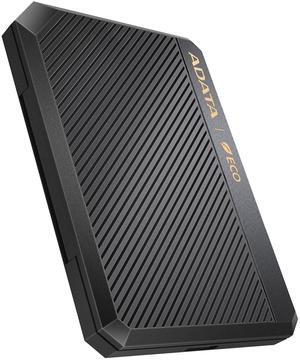
- Brand: ADATA
- Series: EX500
- Size: 2.5"
- Color: Red
- Model #: AEX500U3-CRD
- ₱1,567.70 –
- ₱2,946.74 Shipping

- Type: buffer_94781
- Model #: HAS5310-20T
- ₱88,218.47 –
- More options from ₱88,218.47 - ₱89,748.99
- ₱2,683.99 Shipping

- Model #: M2E1BRU31C
- ₱6,882.49 –
- ₱4,248.29 Shipping

- Type: Accessories
- Model #: FS303B-12G
- ₱8,600.33 –
- ₱5,417.30 Shipping

- Type: Consumer Electronics
- Parts: 3 Year
- Model #: PE254278
- ₱3,168.09 –
- ₱2,944.71 Shipping

- ₱7,974.09 –
- ₱5,409.57 Shipping

- Material: Aluminum alloy
- Maximum Capacity (per Bay): Up to 500GB
- Model #: 3FME2500GW-R
- ₱760.13 –
- ₱3,635.26 Shipping

- Model #: ZTC-EN007
- ₱701.11 –
- ₱3,980.44 Shipping

- Model #: LPWF6B0N-NANGL
- ₱4,322.64 –
- ₱5,476.91 Shipping

- Model #: ZTC-EN004-BK
- ₱702.86 –
- ₱2,939.70 Shipping

- Brand: ICY DOCK
- Type: Enclosure
- Model #: 884826508786
- ₱14,273.32 –
- ₱3,036.83 Shipping

- Model #: ZTC-EN002-S
- ₱701.11 –
- ₱3,980.44 Shipping

- Dimensions: 112 x 45 x 12.24mm / 4.4 x 1.77 x 0.48inch
- Part Number: AEC700GU32G2-CGY
- Type: Enclosure
- Weight: 90g / 3.2oz
- Model #: AEC700GU32G2-CGY
- ₱2,505.84 –
- ₱2,946.74 Shipping

- Type: LTE Adapter
- Model #: ZTC-EN004
- ₱702.86 –
- ₱2,957.34 Shipping

- Model #: ZTC-EN002-BK
- ₱702.86 –
- ₱2,957.34 Shipping

- Type: Consumer Electronics
- Model #: PE254230
- ₱2,886.42 –
- ₱2,951.48 Shipping

- AC Adapter: Yes
- Material: Aluminum / Steel
- Dimensions: 11.00" x 5.60" x 3.20"
- Fan: 1 x 92mm Sleeve Bearing Fan
- Model #: BNDTB210GSFP
- ₱55,862.02 –
- ₱11,051.09 Shipping

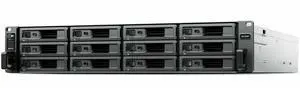
- Brand: Synology
- Model #:
- ₱190,385.73 –
- ₱17,904.89 Shipping

- Material: Anodized Aluminum with Heat Sink
- Dimensions: 104 x 40 x 15 mm / 4.1 x 1.6 x 0.6 inches
- Specifications: M.2 size: Length support 2230, 2242, 2260, 2280 M.2 Support: M.2 NVMe with "M" Key Only USB cable connector: USB-C to USB-C USB cable length: 300mm / 11.8 inches
- Type: Enclosure
- Model #: NST-205C3-SG
- ₱4,711.83 –
- ₱4,073.52 Shipping

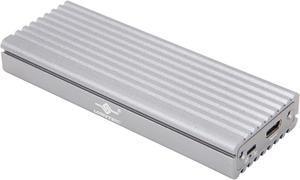
- Brand: VANTEC
- Size: 2.5"
- Color: Black
- External Interface: SATA
- Model #: NST-DM12C31
- ₱6,292.15 –
- ₱4,073.52 Shipping

- Dimensions: 4.30" x 1.60" x 0.40"
- Specifications: M.2 SSD Support: M.2 (NGFF), B Key or B+M Key Internal Interface: 1 x M.2 (NGFF, B-Key) External Interface: Standard USB 3.0 Micro-B Computer Interface: USB Type A required USB cable connector: USB 3.0 Micro-B and USB 3.0 Type-A USB cable length: 475mm / 18 inches
- Type: Enclosure
- Number of Bay: 1
- Model #: NST-M2STS3-BK
- ₱3,251.35 –
- ₱4,073.52 Shipping

- Brand: VANTEC
- Series: NST-210C3-RGB
- Size: 2.5"
- Color: Black
- Model #: NST-210C3-RGB
- ₱5,321.11 –
- ₱4,073.52 Shipping

- AC Adapter: Yes
- Material: Plastic
- Dimensions: 5.35" x 3.27" x 3.43"
- Specifications: HD Capacity: Up to 2.0TB
- Model #: NST-D300S3
- ₱3,090.07 –
- ₱5,819.59 Shipping

- Type: Dock
- Thunderbolt 3: Yes
- Number of Bay: 1
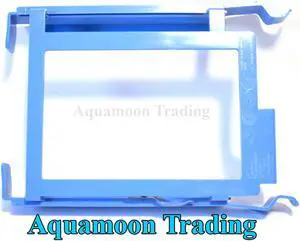
- Model #: Hard Disk Holder 875
- ₱2,491.99 –
- ₱261.70 Shipping

- AC Adapter: Yes
- Material: heavy duty ABS
- Dimensions: 144 x 115 x 59 mm
- Maximum Capacity (per Bay): Up to 20TB per bay
- Model #: NST-D258S3-BK
- ₱5,319.99 –
- ₱4,073.52 Shipping

- Material: Anodized Aluminum, Unibody
- Dimensions: 4.10" x 1.30" x 0.40"
- Type: Enclosure
- Number of Bay: 1
- Model #: NST-203C3-SV
- ₱3,667.99 –
- ₱4,073.52 Shipping

- Type: Office Products
- Model #: NWTU3S3HD
- ₱4,077.91 –
- ₱5,819.59 Shipping

- Brand: VANTEC
- Size: 2.5"
- Color: Black
- External Interface: SATA
- Model #: NST-242C3
- ₱6,147.67 –
- ₱4,073.52 Shipping

- Brand: Bailink
- Series: 3.5 Hard Drive Enclosure
- Model: BL-35HDD2026
- Size: 2.5" & 3.5"
- Model #: BL-35HDD2026
- ₱1,921.28 –
- Free Shipping
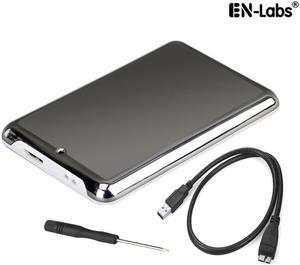
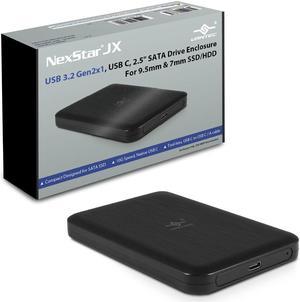
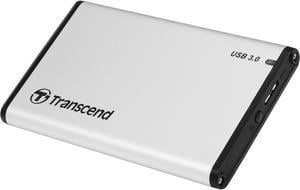
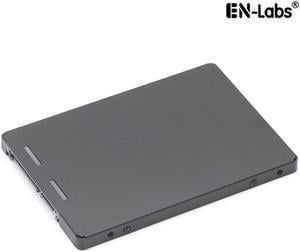
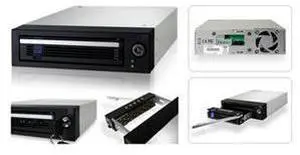
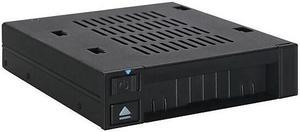
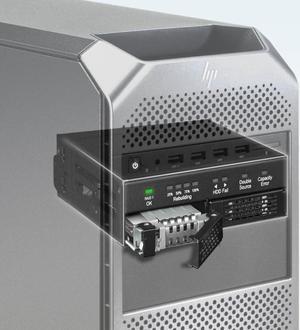
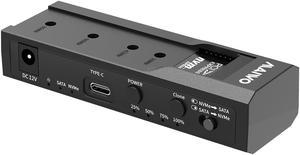
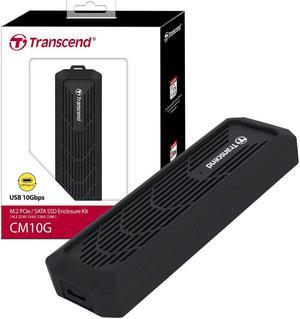
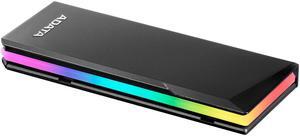
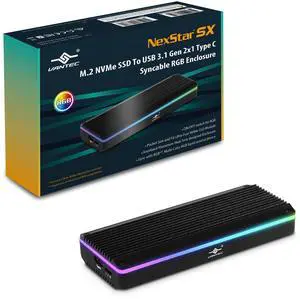
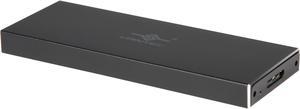
A hard drive enclosure enables you to turn an internal drive into an external or portable one. You can use it to access data from a laptop drive on a desktop computer, to run regular backups or to extend storage beyond the capabilities of a motherboard and its internal bays. Hard drive enclosures offer flexibility. Some require a power adapter, but some can draw power from the connected PC via USB. Choose between 2.5"" enclosures, typically used to access laptop drives, and 3.5"", which is the standard size for a desktop hard disk. External interfaces include SATA, SAS and Ethernet connectivity, which ensure optimal use. With built-in eject buttons in dual-bay docks, it's easy to dock drives seamlessly while multitasking at work.
Expand Your Storage Using Existing Hardware
Convert old drives into functional data storage devices by using an external drive enclosure. Choose an enclosure that matches the size of your hard drive. As noted, standard laptop drives and desktop drives are usually different sizes, but there are exceptions, so check the specifications before buying an enclosure. When you convert an old hard disk, it saves you from having to invest in new storage, and allows easy access to the data. Even if an old drive is incompatible with a new PC, you won't have to transfer data from one PC to another to save valuable time.
Protect Your Data With an External Hard Drive Case
Protecting your data is important, whether it is personal or professional. A hard drive enclosure with a power pack can run independently to your computer, and allows for regular backups and prevents data loss. Using an external hard drive case also enables you to keep the internal temperature of your computer down, which can be difficult if you install multiple drives inside the device. You can also attach the new drive device to some routers, enabling you to backup data from multiple PCs and other hardware to create a central repository for all of your files and software. In this case, check the ports on your router. You may find ethernet as well as USB ports that give you the option of deciding how you want to connect your hard drive docking station. High-end businesses can use external hard drive cases, computer cases and other accessories to safeguard sensitive information, such as billing details.
Access Data on Multiple Disks With a Hard Drive Docking Station
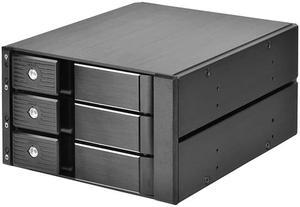
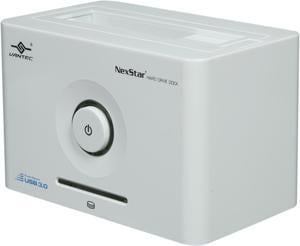
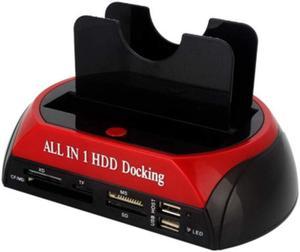
A hard drive docking station enables the connection of two or more storage devices. You can expand existing storage with terabytes of space, depending on the size of the drives. Ensure that the docking station has the appropriate interfaces. Some hard drive models include SATA and IDE connections, which enable connecting multiple drive types. The external interface determines how you connect from a computer to the new dock. USB and Thunderbolt are a common choice, but some models have SATA and eSATA connections.