
Your Browsing History
Quick View
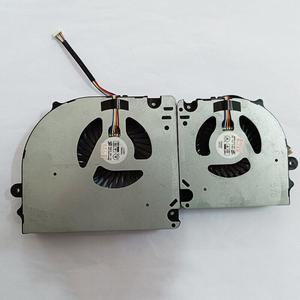
Gpu and Cpu cooling fan for CLEVO X17SN X170 X170SM-G X7200 BS6812MS-U4N
- Accessory Type: Cooler
- Color: Black
- Maximum support size: N/A
- Fan Numbers: N/A
- Model #: Fan-RU85
- ₱7,417.47 –
- Free Shipping

Quick View
New original heatsink radiator cooler for Hasee G8 CR7P1 G9-CT7PK PB70ED-G 6-31-PB70N-102
- Model #: 98023-13-d_AVSA-dKXW
- ₱6,983.08 –
- Free Shipping
Quick View
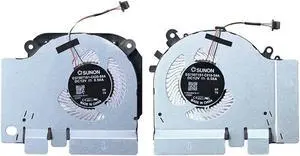
Gpu and Cpu cooling fan for Xiaomi 15.6 171501 171502 XMG1902 GTX1050 1060 RTX2060
- Accessory Type: Cooler
- Color: Black
- Maximum support size: N/A
- Fan Numbers: N/A
- Model #: Fan-RW79
- ₱6,961.18 –
- Free Shipping
Quick View
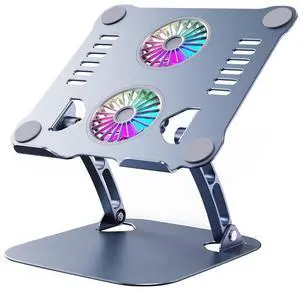
Laptop Cooling Stand with Fan, Height Adjustable Desktop Laptop Stand for 10-17'' Laptops
- Model #: C1JG-L-325057
- ₱5,962.67 –
- Free Shipping
Quick View
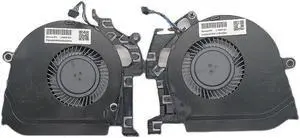
Gpu and Cpu cooling fan for HP ZBook 15 G5 G6L30894-001 L30895-001 L28713-001
- Accessory Type: Cooler
- Color: Black
- Maximum support size: N/A
- Fan Numbers: N/A
- Model #: Fan-JU17
- ₱7,691.24 –
- Free Shipping
Quick View
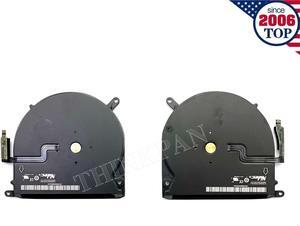
Gpu and Cpu cooling fan for Pro 15 inches A1398 Late 2013 to Mid 2015
- Accessory Type: Cooler
- Color: Black
- Maximum support size: N/A
- Fan Numbers: N/A
- Model #: Fan-ZW35
- ₱6,778.67 –
- Free Shipping
Quick View
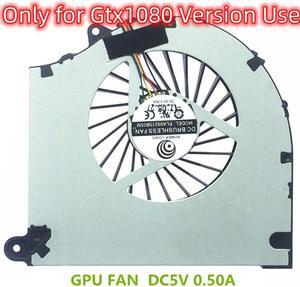
Gpu and Cpu cooling fan for SC17 left right DC5V 0.5A for GTX1080 fan thinckness 14mm
- Accessory Type: Cooler
- Color: Black
- Maximum support size: N/A
- Fan Numbers: N/A
- Model #: Fan-HV62
- ₱7,234.95 –
- Free Shipping
Quick View
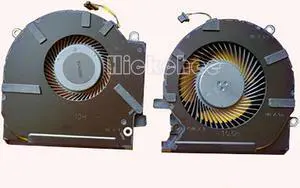
Gpu and Cpu cooling fan for HP OMEN 15-EK TPN-Q236 ND85C26-19J24 ND85C27-19J25
- Accessory Type: Cooler
- Color: Black
- Maximum support size: N/A
- Fan Numbers: N/A
- Model #: Fan-GR83
- ₱7,217.62 –
- Free Shipping
Quick View
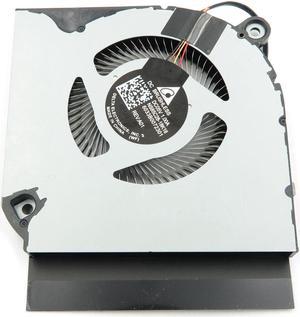
GPU cooling fan for ACER Predator Helios 300 PH317-53 PH317-54 left side
- Accessory Type: Cooler
- Color: Black
- Maximum support size: N/A
- Fan Numbers: N/A
- Model #: Fan-PA78
- ₱6,961.18 –
- Free Shipping
Quick View
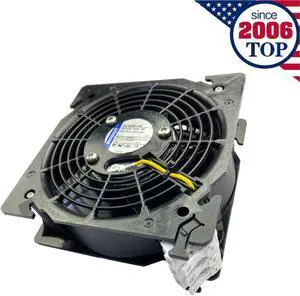
Cpu cooling fan for DV4650-470 Axial 230VAC 120/110mA 120*120*38MM Cabinet
- Accessory Type: Cooler
- Color: Black
- Maximum support size: N/A
- Fan Numbers: N/A
- Model #: Fan-MX08
- ₱7,792.55 –
- Free Shipping
Quick View
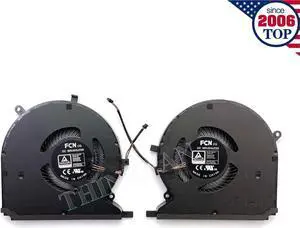
Gpu and Cpu cooling fan for Blade 14 inches (2021) | RZ09-0370 DFS5K123043635
- Accessory Type: Cooler
- Color: Black
- Maximum support size: N/A
- Fan Numbers: N/A
- Model #: Fan-RB67
- ₱7,153.73 –
- Free Shipping
Quick View
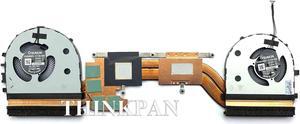
Gpu and Cpu cooling fan for Heatsink Thinkpad X1 Extreme (P1) 3rd 5H40Y67588
- Accessory Type: Cooler
- Color: Black
- Maximum support size: N/A
- Fan Numbers: N/A
- Model #: Fan-XZ76
- ₱8,238.80 –
- Free Shipping
Quick View
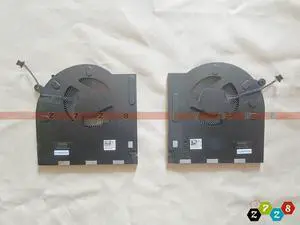
Gpu and Cpu cooling fan for DELL Alienware M17 R3 R4 P87F P45E DC12V voltage 0H5TYJ 0CNV63
- Accessory Type: Cooler
- Color: Black
- Maximum support size: N/A
- Fan Numbers: N/A
- Model #: Fan-LR25
- ₱8,968.86 –
- Free Shipping
Quick View
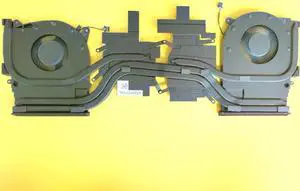
Gpu and Cpu cooling fan for Heatsink Dell Alienware M15 R2 0X9FRW AT2KH001FAL
- Accessory Type: Cooler
- Color: Black
- Maximum support size: N/A
- Fan Numbers: N/A
- Model #: Fan-LJ01
- ₱8,968.86 –
- Free Shipping
Quick View
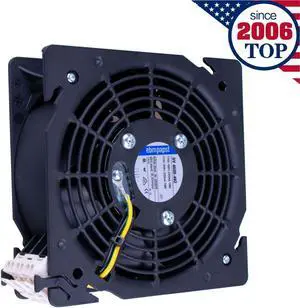
Cpu cooling fan for Cabinet DV4600-492 AC 115V 18/19W 240/220mA
- Accessory Type: Cooler
- Color: Black
- Maximum support size: N/A
- Fan Numbers: N/A
- Model #: Fan-LB36
- ₱7,792.55 –
- Free Shipping
Quick View
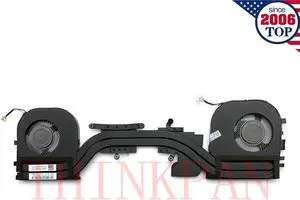
Gpu and Cpu cooling fan for Heatsink Thinkpad X1 Extreme (P1) 2nd Gen 02XR044
- Accessory Type: Cooler
- Color: Black
- Maximum support size: N/A
- Fan Numbers: N/A
- Model #: Fan-LN82
- ₱8,238.80 –
- Free Shipping
Quick View
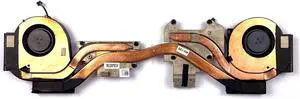
Gpu and Cpu cooling fan for Heatsink DELL Precision 7530 M7530 NV-128 0YHP4Y
- Accessory Type: Cooler
- Color: Black
- Maximum support size: N/A
- Fan Numbers: N/A
- Model #: Fan-HV24
- ₱8,968.86 –
- Free Shipping

Quick View
7-Gear Adjustable Double Fans Laptop Cooler Pad | Heavy-Duty Cooling for 17" Gaming Laptops & Tablets Stock Available
- Model #: C1JG-L-319089
- ₱6,308.57 –
- Free Shipping

Quick View
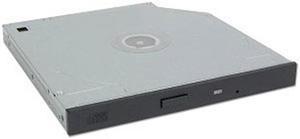
Panasonic Notebook IDE CD-RW/DVD-ROM Combo Drive CF-VDR291U
- Accessory Type: Optical Drive
- Specifications: Buffer Size: 2 MB Buffer Underrun Protection: Yes Compliant Standards: Video CD Media Load Type: Tray Read Speed: 24x (CD) / 8x (DVD) Rewrite Speed: 24x Speeds: 24x24x24x/8x Type: CD-RW / DVD-ROM combo Write Speed: 24x
- Model #: CF-VDR291U
- ₱9,713.63 –
- Free Shipping
Quick View
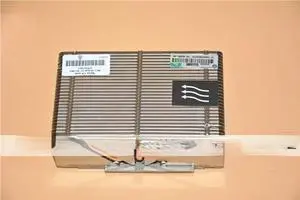
For HP DL380p DL388p G8 Cooler 723353-001 654592-001 662522-001
- Model #: YMD9-S5E1D415
- ₱14,281.92 –
- Free Shipping
Quick View
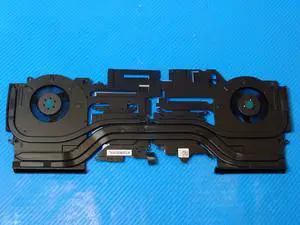
Cpu cooling fan for Dell Alienware M15 R3 15.6 inches s with Heatsink H0YNP D1X38 TG9V0
- Accessory Type: Cooler
- Color: Black
- Maximum support size: N/A
- Fan Numbers: N/A
- Model #: Fan-XH81
- ₱10,166.17 –
- Free Shipping

Quick View
Laptop Desk Stand for Bed Portable Desk Overbed Bedside Mobile Laptop Table Rolling Foldable Table Adjustable Height with Locked Wheels & Mouse Pad for Office Sofa (Natural Color)
- Accessory Type: Laptop Stands
- Model #: B0D86TSPN2C3FG
- ₱9,873.23 –
- Free Shipping
Quick View
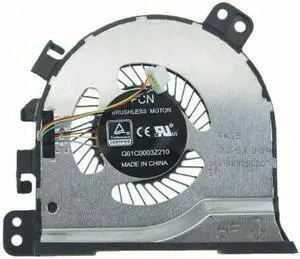
Cpu cooling fan for Toshiba Tecra X40 X40-E X40-D DFS150305CDOT radiation
- Accessory Type: Cooler
- Color: Black
- Maximum support size: N/A
- Fan Numbers: N/A
- Model #: Fan-QV46
- ₱10,986.58 –
- Free Shipping
Laptop cooling pads are a simple and inexpensive solution to reduce overheating. They come in countless shapes and sizes to fit the different needs of travelers, professionals and gamers. Some models have an ergonomic design to reduce strain on your back, neck and eyes. There are also vacuum coolers that rest on the side of your PC and suck the hot air away from fragile internal components.
Using a Laptop Cooler Improves Longevity
Modern laptops are increasingly compact and portable. However, the smaller size of the case means that laptop internal hard drives have less room for proper airflow. That's why many laptops tend to overheat, which can damage crucial internal components like the CPU or GPU. Computers already have built-in fans but, over the years they can clog up because of dust. In many cases, the solution is as simple as resting your laptop on a cooling pad. You can even utilize the pad with a docking station.
Passive Laptop Cooling Pads Keep Your Device Cool Without Additional Fans
A passive laptop cooling pad consists of a flat, raised surface to place your computer on. This accessory is usually made from metal mesh to promote optimal airflow. It raises your laptop to improve air circulation so the internal fans can push the hot air away from internal components. Computer stands can also improve the comfort of your workstation since they raise your screen to eye level, reducing strain on your neck and shoulders. Adjustable models let you choose the position to minimize screen glare, reducing eye strain. For users who travel and require laptop bags, most passive cooling pads are compact and portable enough to fit.
Active Cooling Pads Use USB-powered Fans to Draw Heat Away From the Laptop
Active laptop cooling mats look similar to the passive ones, but they have one or more built-in fans. Some models work by directing hot air away from the device, while others blow cool air toward the computer case. Most cooling pads draw power from one of the laptop's USB ports. However, some models come with a power adapter or a built-in USB hub to avoid using up one of the ports. The most advanced cooling pads regulate the fan speed automatically, targeting the hottest areas of your laptop. However, there are also models that let you adjust the fan speed manually. The notebook cooling pads targeted for gamers feature beautiful LED lights.
Vacuum Coolers Suck the Heat Away From Your Laptop
Vacuum coolers work by sucking excessive heat away from the internal parts of your laptop computer. Their peculiar design lets you attach them to the side of your laptop, next to the air outlet. Thanks to the power of the fans, most models can dissipate heat faster than your laptop's internal cooling system. Some models have temperature sensors, so they can adjust the fan speed automatically. Many vacuum coolers are USB-powered, have a compact, portable design, and some also feature attractive LED lights.